Asigra is an enterprise-level, agentless, cloud-based recovery software to provide data backup and recovery of servers, virtual machines, endpoint devices, database, and SaaS/IaaS-based applications. Asigra charges customers by the amount of data they recover rather than the amount they back up.
N/A
Axcient x360Recover
Score 9.0 out of 10
N/A
Axcient x360Recover (formerly BRC) can not only recover a single server or desktop, but can automate the recovery of an entire customer site through its Virtual Office and automated Runbook features. In a disaster event, authorized users can log into the web application or Remote Management Console and create a virtual private cloud called a Virtual Office. The Virtual Office ensures security, privacy and reliability for every organization needing to run one or more failover virtual machines in…
N/A
CrashPlan
Score 6.9 out of 10
N/A
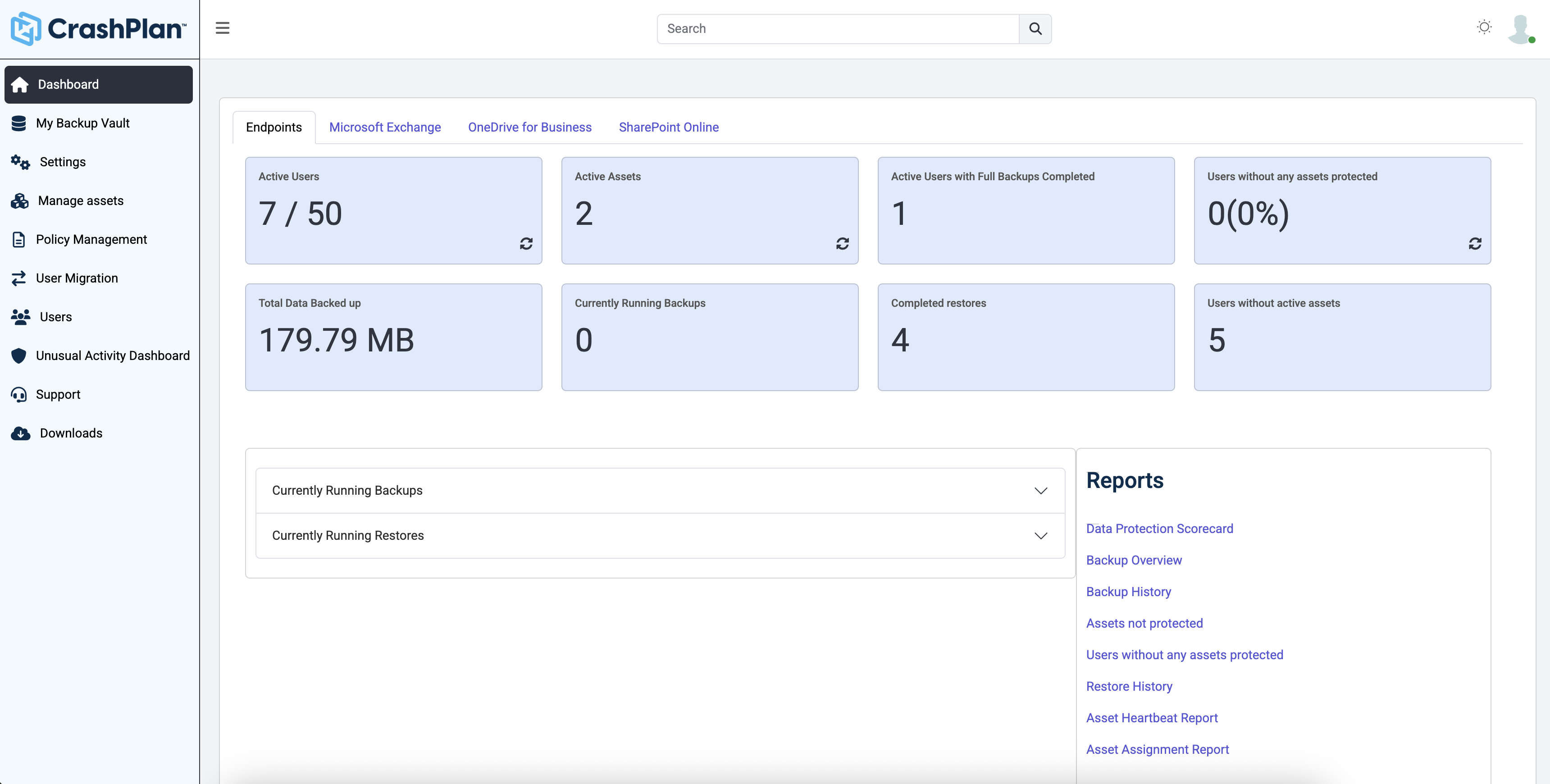
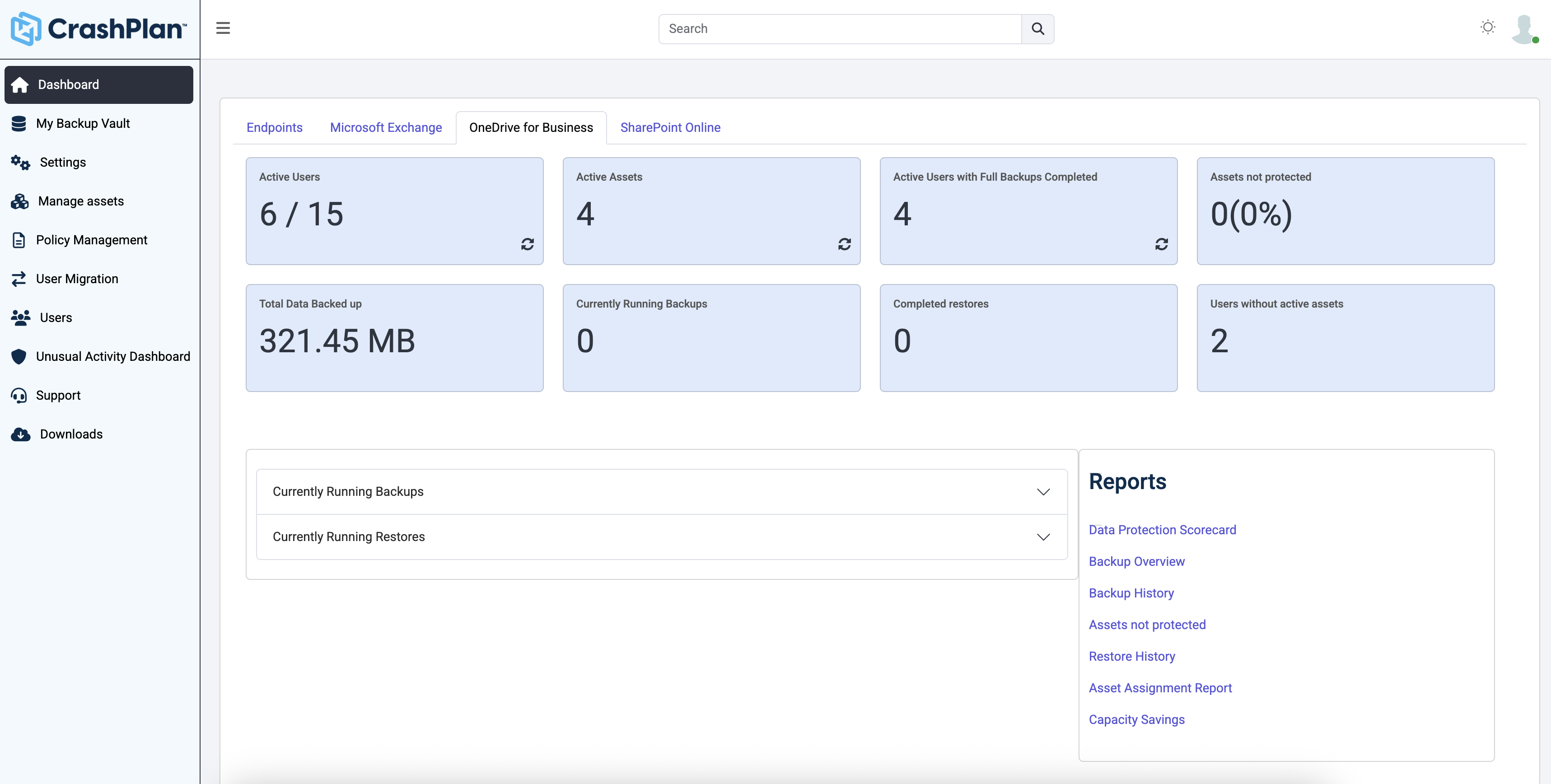
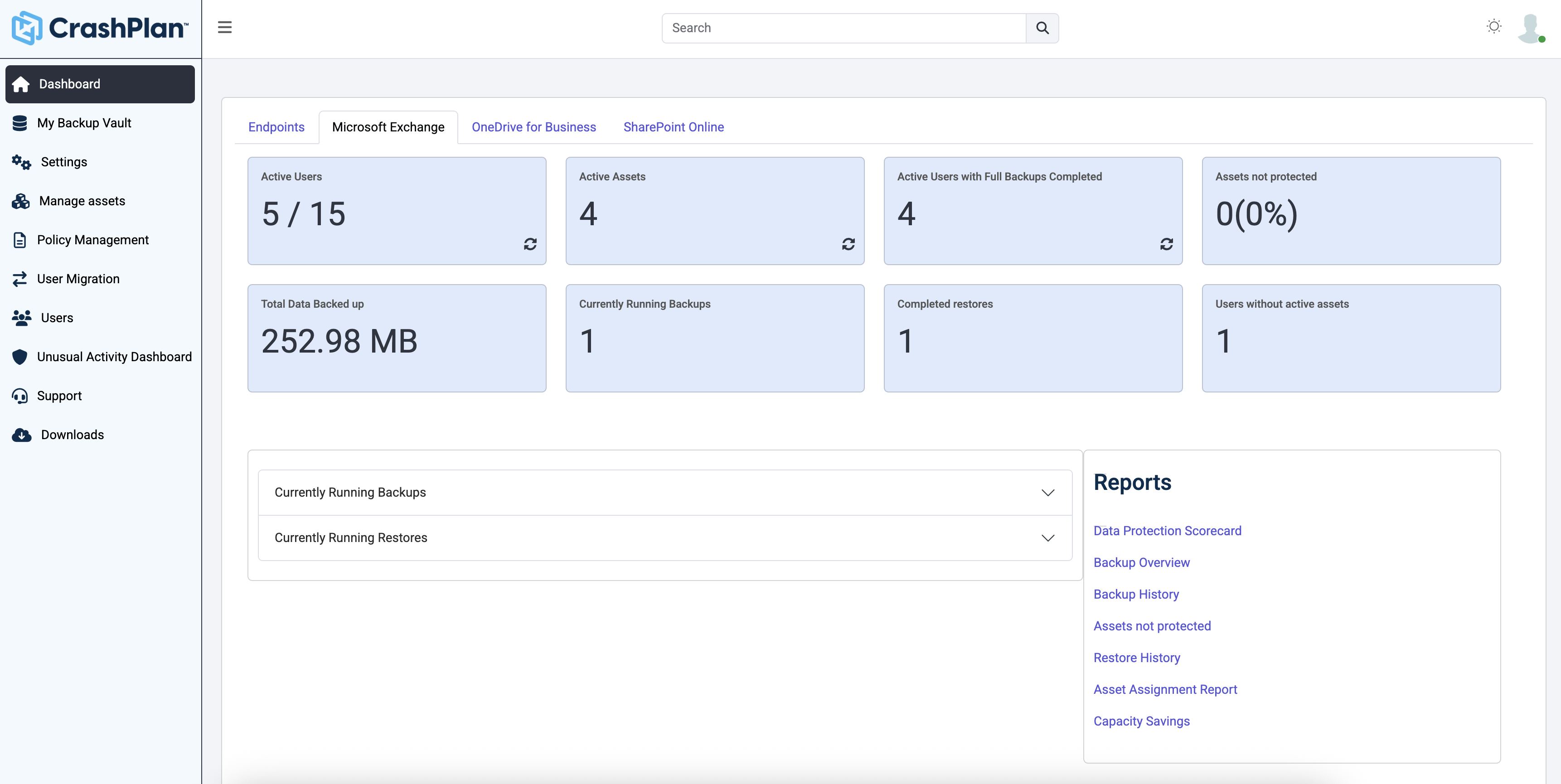
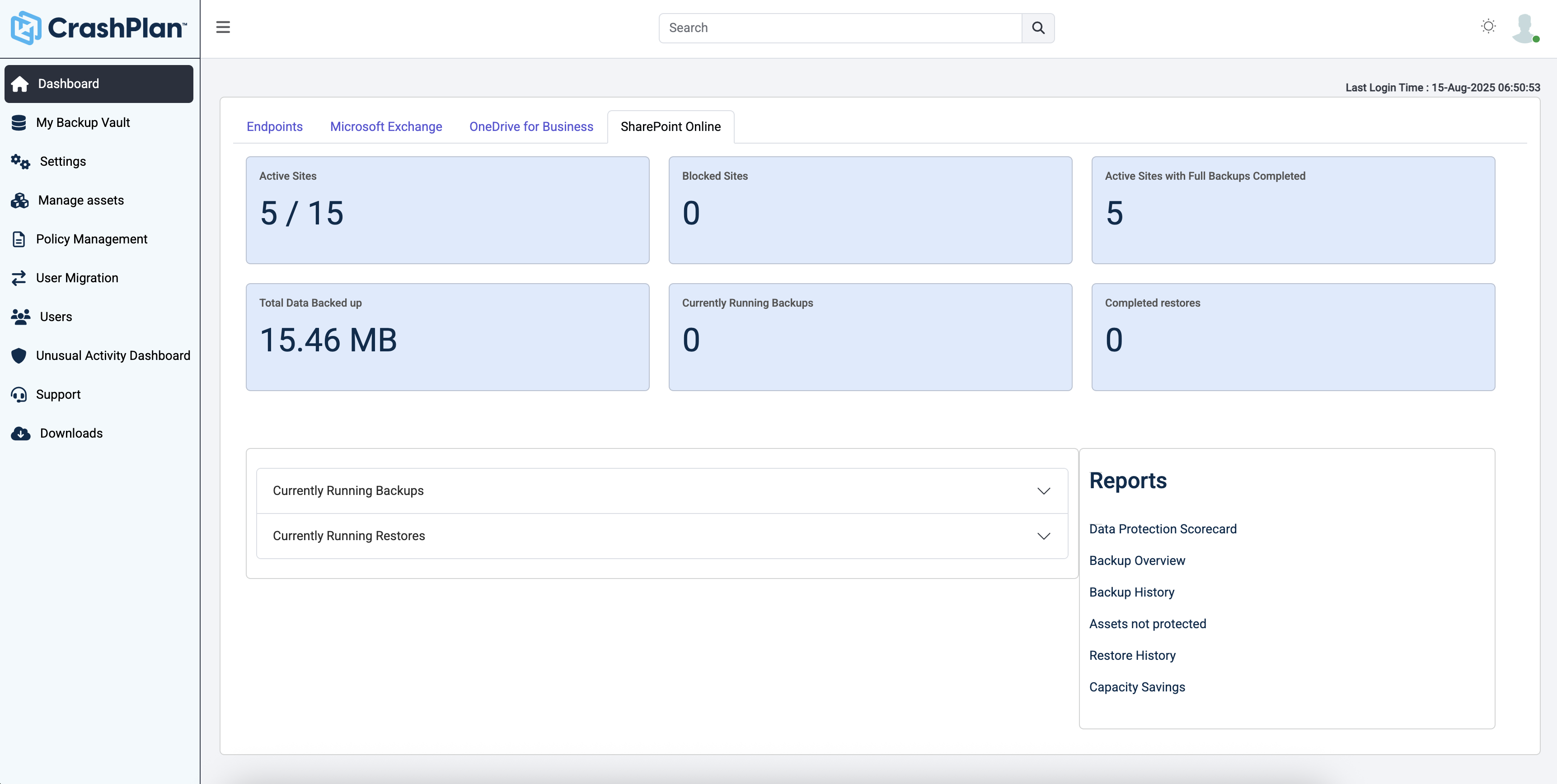
CrashPlan® provides secure, scalable, and straightforward endpoint data backup, to help organizations recover from any worst-case scenario, whether it is a disaster, simple human error, a stolen laptop, ransomware, or an as-of-yet-undiscovered calamity.
Best of all options, covers most if not all scenarios, granular backup, scheduling, and retention options. Provides self-service restores, centralized web management interface, and granular reporting.
Axcient x360Recover
No answer on this topic
CrashPlan
No answer on this topic
Features
Asigra
Axcient x360Recover
CrashPlan
Data Center Backup
Comparison of Data Center Backup features of Product A and Product B
Asigra
8.8
1 Ratings
2% above category average
Axcient x360Recover
8.4
37 Ratings
4% above category average
CrashPlan
8.3
1 Ratings
4% below category average
Backup to the cloud
10.01 Ratings
9.436 Ratings
8.01 Ratings
Flexible deployment
8.01 Ratings
8.536 Ratings
8.01 Ratings
Management dashboard
9.01 Ratings
8.737 Ratings
9.01 Ratings
Platform support
8.01 Ratings
7.837 Ratings
8.01 Ratings
Encryption
9.01 Ratings
9.734 Ratings
00 Ratings
Universal recovery
00 Ratings
9.033 Ratings
9.01 Ratings
Instant recovery
00 Ratings
5.636 Ratings
9.01 Ratings
Recovery verification
00 Ratings
9.535 Ratings
9.01 Ratings
Business application protection
00 Ratings
8.334 Ratings
7.01 Ratings
Multiple backup destinations
00 Ratings
9.231 Ratings
8.01 Ratings
Incremental backup identification
00 Ratings
9.536 Ratings
7.01 Ratings
Deduplication and file compression
00 Ratings
7.632 Ratings
00 Ratings
Snapshots
00 Ratings
7.737 Ratings
00 Ratings
Retention options
00 Ratings
7.836 Ratings
9.01 Ratings
Enterprise Backup
Comparison of Enterprise Backup features of Product A and Product B
Asigra
8.3
1 Ratings
2% below category average
Axcient x360Recover
8.7
34 Ratings
3% above category average
CrashPlan
8.0
1 Ratings
6% below category average
Continuous data protection
8.01 Ratings
9.727 Ratings
10.01 Ratings
Replication
8.01 Ratings
8.232 Ratings
8.01 Ratings
Operational reporting and analytics
8.01 Ratings
7.132 Ratings
00 Ratings
Malware protection
9.01 Ratings
8.323 Ratings
00 Ratings
Multi-location capabilities
00 Ratings
9.531 Ratings
00 Ratings
Ransomware Recovery
00 Ratings
9.75 Ratings
6.01 Ratings
Disaster Recovery
Comparison of Disaster Recovery features of Product A and Product B
I feel that Axcient x360Recover is well suited for any environment, both large and small. Weather you build your own device, BYOD or purchase one of theirs, it all works great. I even use it at home via the direct to cloud option. Well work the investment. I am unable to find a downside at this time.
Individuals (SOHO), families and SMBs, who have a tight budget for offsite critical company data backup are well suited to this product. Especially if you want your data to be hosted locally (Australia in our case). Larger companies, with higher requirements and budgets would be better served elsewhere. Especially when you consider the poor technical support. Although, to be fair, their poor support may just be issues with their Pro/SMB products, as opposed to their enterprise products. However, if that is the case it's a pretty poor show/indicator still.
Provides capability of local backups while maintaining remote copies on cloud to ensure faster recoveries of recent data and remote protection of all data.
Helps reduce cost of long term retention by leveraging the BLM functionality.
It does not need specialized hardware for it to work. Customers and Service Providers can choose their own infrastructure and do not need to rely on any OS or storage based replication even for deploying replication of backups.
Supports wide range of environments including virtual environments with remarkable features like remote VDR with incremental restores.
The business continuity component for spinning up the desired recovery point as a virtual machine on the appliance in order to keep the business operational is rock solid.
Recovering the desired backup point back to the physical hardware or virtual environment and syncing the most recent changes to finalize the recovery is awesome.
The system documentation is concise and easy to use.
Code42 is the most affordable backup system offering unlimited storage that I could find. I came from SOS Online Backup, which I ultimately decided to drop after my monthly rate for their unlimited plan increased by 20x.
With Code42's unlimited storage option, I don't have to worry about the fact that my backups are significant in space. As a photographer with thousands of images at stake, I need to run large backups often.
Code42 runs continuously and silently in the background of my desktop computer. It is truly "set and go", so I don't have to think about it when I'm away. It runs until the designated drive has been fully backed up to my cloud storage. It will then automatically email me once the backup is complete (or, it will email me if it encounters any errors).
Customer service is above par. Anytime I need help, a chat agent is available (chat is my communication preference), they are always friendly, and go above and beyond to resolve my needs.
We would like to see Asigra come out with a Replication Model for quick Recovery of systems upon Disaster. We can have quicker recovery, DR, with Virtual Machines but we would like to have Physical Machine recovery in less than 2 hours. Replication can accomplish this...
We would like to see Geolocation and remote wipe for endpoint devices
We would like to see the solution provide easy "roll back" after a disaster.
The only thing missing is the ability to cancel a backup as they appear to just continue to try to run even after rebooting the BDR and endpoint until a failure finally occurs.
The only other ask would be to expand support to Linux operating systems.
The CrashPlan program installed on your computer is Java-based vs. a native application. While this makes development for CrashPlan easier, there are a lot of drawbacks to Java programs including more resources usage, less stability, and overall more clunky interface.
While this was also in the Pros category - CrashPlan is an extremely powerful and flexible program, which adds a great deal of complexity. Setting up CrashPlan isn't always a simple procedure, and depending on the complexity of your backup set, can take a while to tinker around with the settings to get everything to work properly.
The CrashPlan desktop program consists of a Java program front end, as well as a backend service - there are times when the backend service will crash, and the front end Java program will refuse to load. Typically, restarting the service or restarting the computer will resolve the issue, but sometimes more in-depth troubleshooting is required.
Perhaps one of the biggest downsides to CrashPlan is its price - at $10/month/computer CrashPlan is more than double the price of some existing backup services such as Backblaze (priced at $50/year/computer). To add salt to the wound, about a year and a half ago, CrashPlan discontinued their consumer options - which were very reasonably priced at $60/year for a single computer or a family plan priced at $150/year for up to 10 computers. When these options were discontinued, the cost of backing up with CrashPlan was effectively doubled for the same feature set.
Along with the previous example, CrashPlan had the option to back up to a remote machine on a different network with a free Crashplan account. This option was eliminated when the consumer line of services were discontinued.
While the backup service provided by CrashPlan are still first in class, the above two controversial changes have broken some trust between CrashPlan and its clients.
Compliance is a tricky thing. Jumping backup software means having to deal with previous copies somehow. Asigra is built for the long haul.
Asigra is continuing to increase their feature stack. They have made huge steps in the VM backup in the last 3 years and continue to implement features there.
As far as cloud backup software goes, there are many that can do it, but none that do it as well as Asigra.
We've been using Axcient over the years and have worked with their development team to suggest new features, something that you would not normally be able to do with other companies. They listen to what we have to say and understand that we are a business, just like them. It's great to know that someone will always be there for you when you need them.
It is a bit rough around the edges and the GUI feels like a wrap around of a CLI but it is simple to use. The problem comes in when there is an error code you are usually chasing down the error code in the specific vendor's forums rather than Asigra's
It is overall very easy to install and get working. Install the application, select the drives you want to backup or leave blank and backup all drives. It starts to run immediately. You configure all the backup retention and how often to run in the portal so once you deploy the agent it is very easy to get started. After the backup completes. The portal will perform a test boot and auto verification of the image.
Over 6 consecutive years our Asigra Backend had 99.99% uptime and provided 7x24 data restore availability. Software is robust in operations, provides N+1 node architecture to protect against failure of half of the nodes (majority of the nodes still up) and software based replication to protect against data loss across two geographically independent datacenter locations. Why not 10 points? Some major upgrades still require short downtime within a planned maintenance windows.
They respond quickly on your request. They ask for details at the time of logging the support request itself ensuring the first response is not for collecting the basic details only. They refund you the support request if they find it as a functionality issue. They follow up on you to ensure you are satisfied and happy with the response and resolution that they have provided.
Support is pretty good. The issue is that they don't have any SLA so they get to you whenever. Though, if you hound them, they usually bump you up in the chain and get back to you. Their techs are fairly knowledgeable. Occasionally the first level support isn't the best, but once it bumps up to the next level, they are good.
Friendly and knowledgeable support team available to assist with this product. Code 42 (formerly CrashPlan) offers unlimited storage options for reasonable costs, so you really can't go wrong with this product. They have been a reliable resource for our company, and I would recommend to others looking for an easy setup with unlimited storage.
Anything training past level 1 and level 2 is a waste of time. They do not offer training, just an exam and require you to read 2500 pages of their documentation as their training. They are selling you something which you already have. Training exams are far fetched and cover topics hidden within the documentation. A lot of their documentation does not match across itself. They don't even follow the standard versions Major.Minor.ServicePack.Hotfix. They use the MAJOR.MAJOR.MAJOR.Hotfix method, which doesn't match their documentation. They require you to take training in order to keep your engaged hybrid partnership. If you ask me personally, their training is a scam to make more money.
Quick to install, easy to create jobs, schedules and retention policies. No large cycles of setting up backup volumes or trash volumes. Retention job itself configures the BLM functionality so you don't need an expertise to handle the BLM module separately.
I had the miss fortune to go back to this device. Alot has changed since the first time I had used it. Now instead a full deployable network appliance, you have to download a preconfigured virtual machine that will only run on an ESXi server. What about Hyper-V? I have many clients that are Hyper-V only. I setup a test lab to get this thing up and running and it has been a nightmare to say the least. Will be looking at other options.
I would say that it has the same functionality as the three mentioned above in their respective fields (might have a bit less than some of them) but Asigra offers all of this and more so if you are looking for a single backup solution across the entire firm then Asigra is the much better choice
Security and encryption of Axcient is a top priority . Axcient have all the tools to provide solutions to different kind of businesses Best part is it has an MSP friendly console to manage multiples devices and clients at the same Dashboard. Deployment process is very easy in Windows an VMWare Devices.
Unitrends is our primary backup solution here at my place of employment, and I have no complaints. It does on-prem backups to a storage pool and with that, we chose not to also use Unitrends could storage as the cost was pretty high. Crashplan has a low cost and we were familiar with it. We found a great fit for Crashplan at a remote office with a web server, file share server, and a Domain Controller in addition to the Unitrends solution there. I also set up CrashPlan for a nonprofit org, as well as a Health foods store. I felt like I could stand behind the CrashPlan solution with my experience with it, in places like these where every dollar mattered.
Tremendous cost savings as the amount of data you backup doesn't impact cost. One flat rate!
Implementation time was minimal and requires little to no maintenance. Since installation, I've not had to correct or fix any issues. It just works.
We opted to supplement Code42 with another solution that allowed us to backup data to a local repository due to the amount for data that changes in our firm.