Atera is presented as an Agentic AI platform for IT management, that offers a digital workforce of AI agents that proactively and autonomously support entire IT operations. Atera’s all-in-one IT management platform consolidates RMM, helpdesk, ticketing, and automation, so IT teams and MSPs can manage and protect infrastructure, automate tasks, and boost service quality by reducing downtime and improving SLAs. Atera has shifted focus from automation to AI-powered autonomy in IT. With…
$139
per month per user
Certinia PS Cloud
Score 8.8 out of 10
N/A
Certinia PS Cloud software is a cloud-based services solution that is built on the Force.com platform. It allows companies to manage professional resources, customers, projects and financials in one integrated services management application. Because the solution works natively with Force.com, it utilizes the same data for sales, services and finance on one system.
N/A
Syncro
Score 7.4 out of 10
N/A
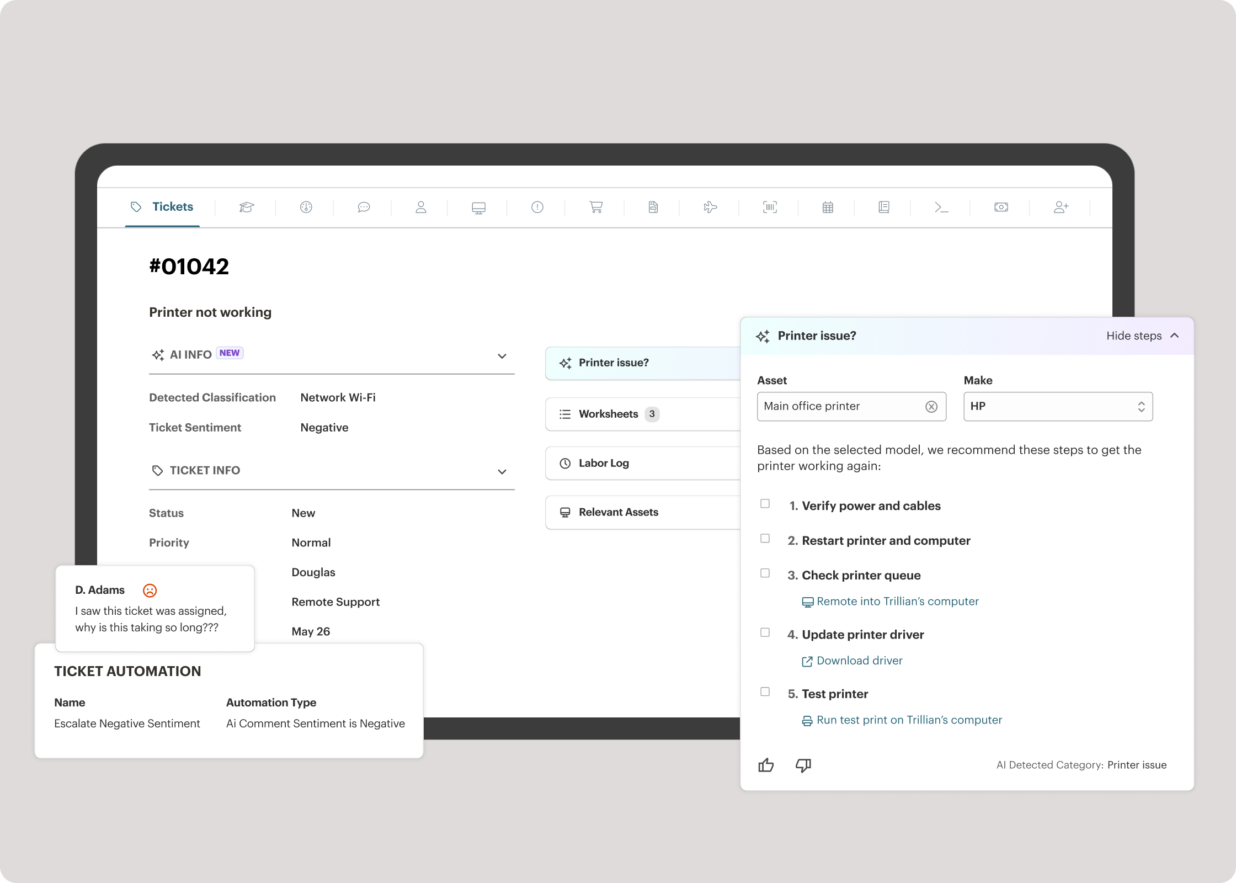
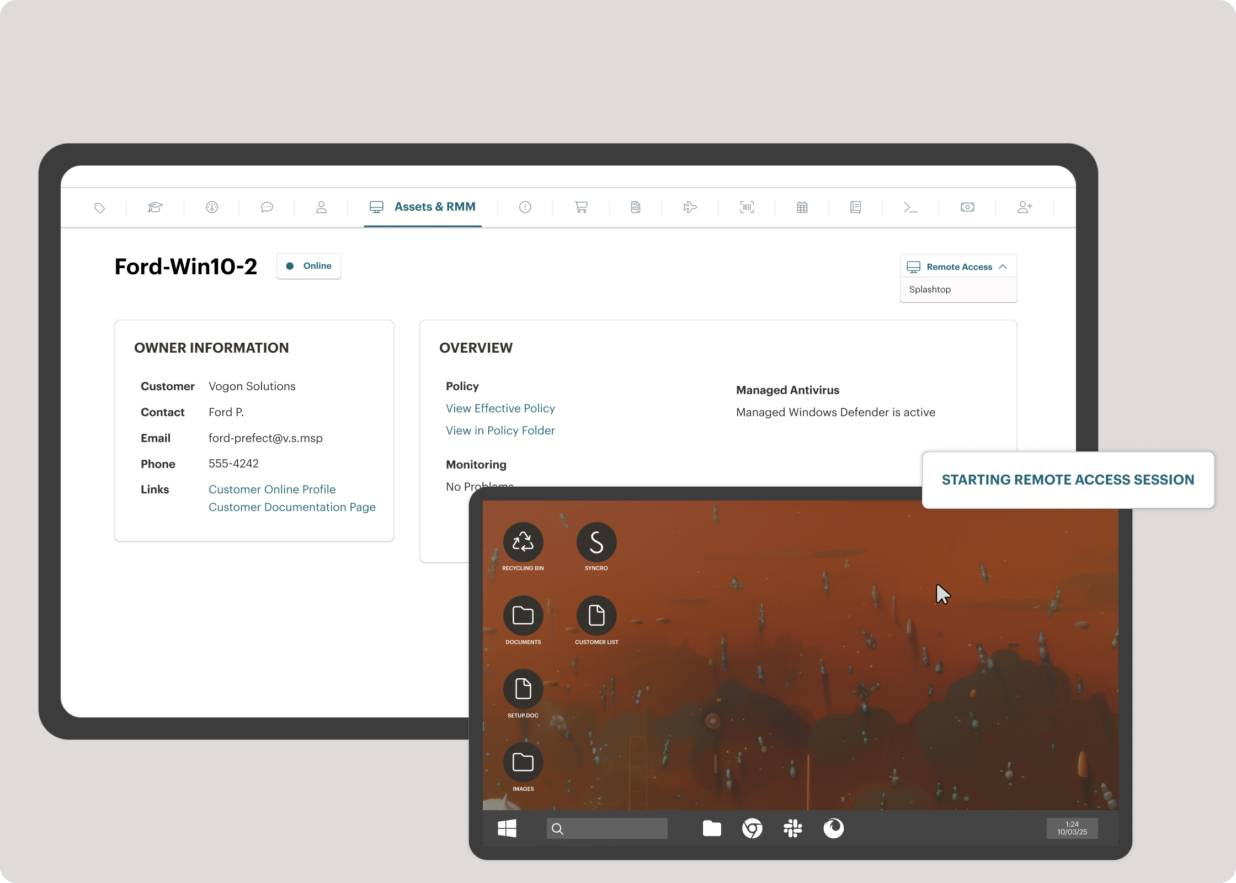
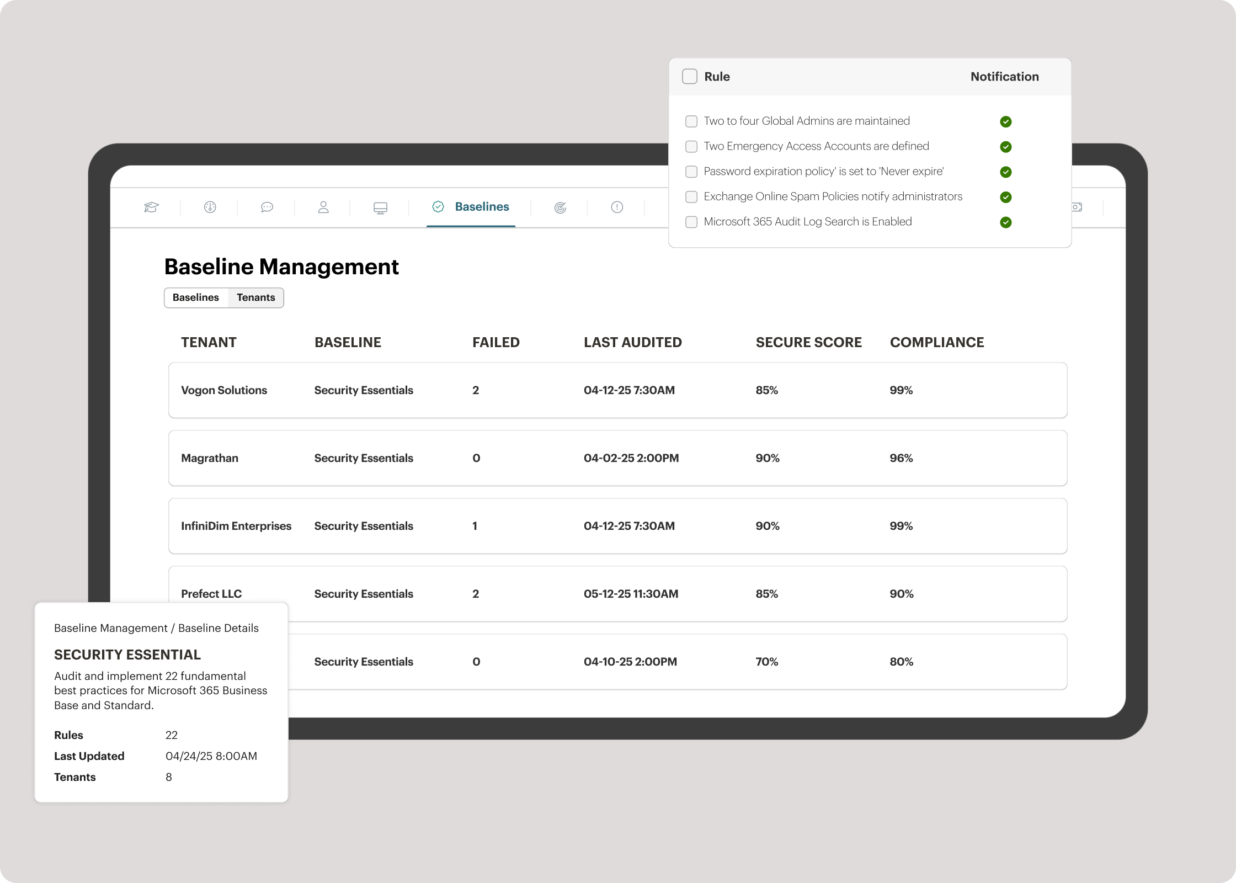
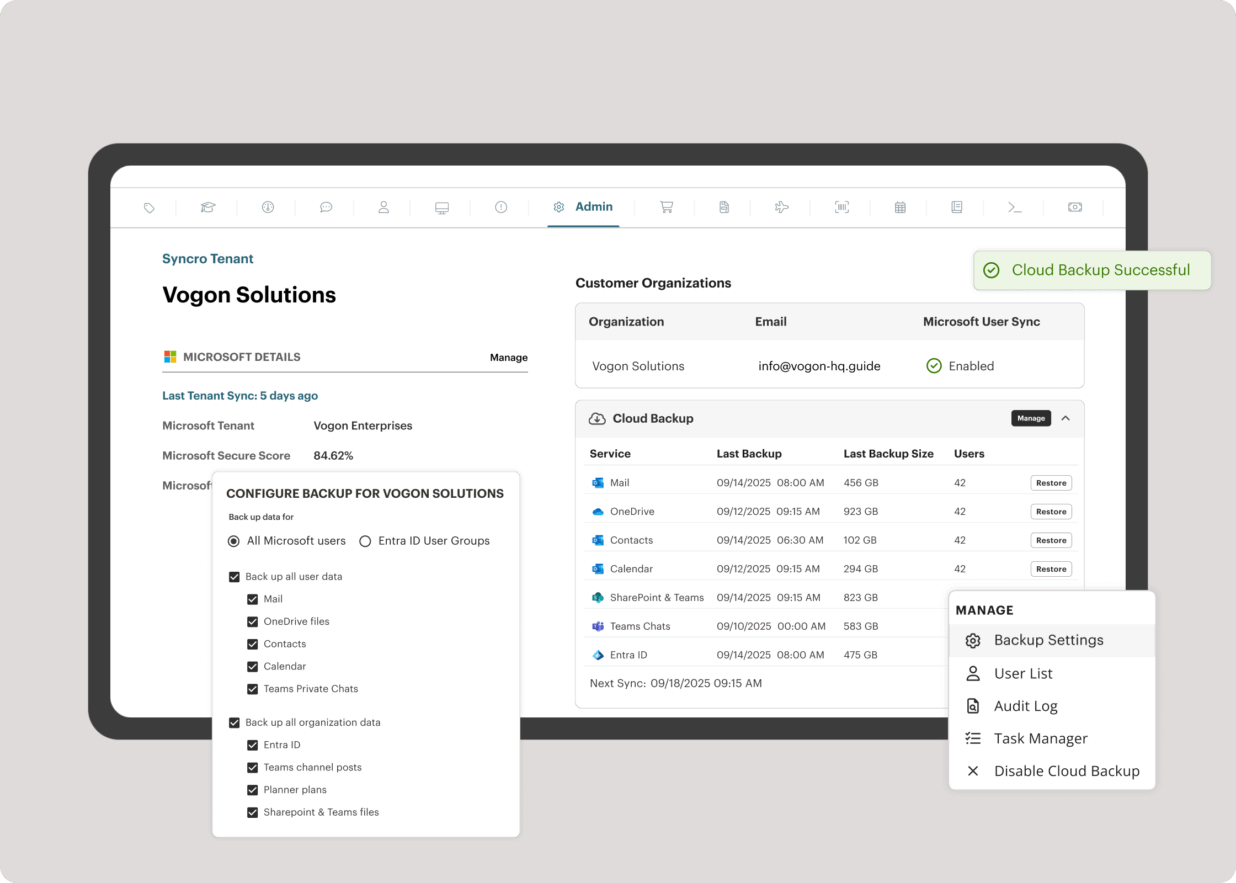
Syncro offers an Extended Monitoring and Management (XMM) platform for midsized MSPs and internal IT teams. The platform integrates RMM (endpoint management), professional services automation (PSA), and Microsoft 365 multi-tenant management to help organizations simplify operations, strengthen security, and scale.
$159
per month per user
Pricing
Atera
Certinia PS Cloud
Syncro
Editions & Modules
MSP - Pro
$129
per month (billed annually) per user
IT Department - Professional
$149
per month (billed annually) per user
MSP - Growth
$179
per month (billed annually) per user
IT Department - Expert
$189
per month (billed annually) per user
MSP - Power
$209
per month (billed annually) per user
IT Department - Master
$219
per month (billed annually) per user
No answers on this topic
Core
$159
per month per user
Team
$209
per month per user
Offerings
Pricing Offerings
Atera
Certinia PS Cloud
Syncro
Free Trial
Yes
No
Yes
Free/Freemium Version
No
No
No
Premium Consulting/Integration Services
Yes
Yes
No
Entry-level Setup Fee
No setup fee
Required
No setup fee
Additional Details
Unlimited devices.
Certinia Professional Services Cloud software follows a subscription-based pricing model that is typically structured according to the number of users and the level of features required. The software’s pricing may vary depending on the organization’s size and needs, with options to select modules or add-ons for additional functionality. Specific pricing details may require a consultation or quote from Certinia for tailored solutions.
This Year I started an IT company and was in need of monitoring and PSA software. In the past I've worked with Datto, Datto RMM and Ncentral so one of these would be a logical choice for me to choose. However their pricing is from a different world. For a starting company, …
Atera was very similar with Syncro but a bit more user friendly. There were a few features with Syncro I really liked that Atera does not have yet like custom reporting.
Atera is very similar to Syncro in feature set and pricing, but we liked Atera just a bit better. (We switched from Atera to Syncro and then back to Atera, and have stuck with Atera for several years now.) Kaseya gave us bad vibes from their sales department and we ultimately …
Any RMM that supports licensing around agents / technicians rather than devices is always a win in my mind. Primarily Atera was chosen due to the specific features it provides (we didn't need a lot of bells and whistles) and did what it needed to do, well. Remote access, patch …
Syncro does not have every bell or whistle (especially when compared with Kaseya VSA). However from a cost versus feature perspective, Syncro wins hands down.
Syncro versus Atera - they are very similar products and also use the per agent pricing. This was a big driver for us …
Atera is doing well in the monitoring part as it is informing the real time ping of running devices and if any device goes down, it is informing us on the real time. It is helping us to monitor the last reboot status, current logged in users, time zone, IP addresses and other things so that we can track our end devices status. In the patching part Atera is pathing our all devices with the notification stating user to restart device at their convenient time. It is also patching our third party applications. It is good in installing and uninstalling of the third party application but limited to availability in the Atera inventory. Atera is not good in some parts such as in the patching part of applications, sometime it fails to update all 3rd party applications that were not installed via Atera. It is not good if you have to transfer a file to multiple systems at the same time.
PSA is great at capturing all the data you would need to accurately track and report on consulting projects. It captures project financials, calculates projected GM%, and (among others) allows for hourly tracking of employees, which breaks it up between billable and non-billable for utilization tracking to accurately understand costs. However, the user interface is tough to learn, and the stability of the data reporting functions is questionable. This tool would be great for smaller consulting shops that fit the standard contracting mold. If your business is fairly straightforward without a lot of shades of gray, you shouldn't have much trouble with the tool. However, if your business practices have a lot of exceptions based on clients, then you'll have a tall administrative task on your hands.
SyncroMSP is great for MSPs starting out or wanting to keep their costs low. Some RMM software will charge per install - and price breaks only available as your base grows to a significant number. As Syncro is a "per agent" cost, the costs for an MSP are (a) known and (b) easily to manage as the team grows. The third-party integration element is very useful for MSPs looking to be able to not only onsell additional services, but the management of these services is simple for anybody to use
Atera is very helpful in monitoring the servers and end-user devices for high CPU, memory, hard disk uses, and temperature monitoring.
Atera is good at installing third-party applications and also helps to remove it from the end systems.
Atera is perfect for patching as you can select the patches as per your need and reject those that are not required for you or going to disturb any of your internal applications.
Atera is good for managing software inventory as it provides you with the complete software list that is used in your infrastructure.
The biggest strength of FinancialForce PSA is that it's built upon the force.com platform, which means it is very easily customizable to our business needs.
Projects are easily created, as well as milestones and assignments.
"Actuals" (dollars and hours) are calculated automatically, and are easily reported on.
Resources are easily managed by using the Resource Planner
Atera does not yet have a MDM system, but I have been told that it is in the works!
Sometimes getting around the admin section of the IT side of Atera can be tricky, but the webinars and chat support help.
Many of the demo and onboarding agents are based in Israel, so it can be a challenge to find available times during the day while living in the United States.
As of right now, we have found nothing that can offer as many features as Atera does along with the affordability. They are doing monthly releases each month and not just making small changes (shared scripting library, chocolatey support, Install packages, Splashtop SOS support, Scheduled tickets to name a few). The uptimes are great and accessibility to the dashboard has yet to be limited. We are a happy customer and bordering on fanboy status now
There is another PSA software program that we have been looking into (DreamFactory) that could potentially replace FinancialForce PSA in our organization. Like FinancialForce PSA, it is cloud based on the force.com platform. Licensing is slightly less than FinancialForce PSA, and the Resource Management tool is far superior to FinancialForce PSA. With that said, our renewal falls in Q4 2014 and I don't foresee us implementing a new system this fiscal year.
Atera's remote monitoring feature is one of it's best features. The laptops and servers we used it on responded quickly to our administrative task requests and made our work light. We were able to increase the resources, manage patches, windows updates and quite a few other tasks remotely and that too 24×7.
It is maturing and does what it does well although it is not fully complete.
Integration to SF is great.
Gives great visibility to incoming services projects and allows the staffing process to start on pipeline deals.
There are certain processes that take more click-throughs then needed so there are refinement opportunities around the UI.
The resource management screen and project status views have really matured since our original purchase, and while not perfect, allow business leaders to do their jobs.
Configurations vs. customizations. We seem to have to bring in an Apex developer to do a customization for changes I would think could be configuration settings
Most of the time it is fine. There are peak periods of usage where performance noticably slows down (i.e., Monday mornings when time is due and many reports are being run)
Atera support provides answers to my questions lightning fast. They have never left me feeling like I'm out there on my own. I can ask questions by email, or by chat, or by opening a ticket with them and they are always on it quickly. They also have a forum where other Atera users can help you if you need it, and you can also add feature requests via the forum.
Every time I submit a new help request, whether it's an actual help request or just a question about FinancialForce PSA, I always feel that I'm receiving world class support. The support we receive from FinancialForce PSA is always very detailed and professional. There are some requests that take longer than other for the initial response, which is why I did not give a full 10.
Appirio did a good job, however, the user team didn’t know enough to make all the right configuration/customization choices. The team focused too much on replicating existing processes vs. reengineering them. In hindsight we should have had deep dive reviews at key milestones and enforced more focus on how the software would operate. We didn’t have access to true best practices expertise. In hindsight, a consultant from the outside would have been helpful to drive this.
Because Atera is a much more effective and efficient solution to manage all our IT operations, it automates each of our business processes. It offers us the best support to respond to any problem that may arise. I think Atera is much more cost-effective and reliable; its value is justified with each function and satisfies all our business needs and requirements.
FF PSA is a robust Project Management solution that can be configured to fits any size business. We have tried several other applications and PSA so far has met and exceeded our needs. We run our day to day operations on Salesforce so having a solution that is native was a must have. PSA met that requirement and much more.
The intuitive user interface has enabled both users and support technicians to familiarize themselves quickly with the functionality, and the learning curve is less.
Some features need to be accessed through documentation; they're not available directly on the dashboard.
Sometimes, internet access plays a significant role, whereas low connectivity is a hindrance.
FinancialForce PSA has helped us improve our data tracking and allows us to get more granular about our financial information and performance.
PSA has given more tools and reports to individual contributors to take greater ownership over their own data, and has increased accountability across the organization.
PSA has added a fairly hefty administrative burden to individuals, project managers, and our financial team.
The integrated AV solution with Bitdefender is very cheap - yet very a very high quality NGAV solution. It allows us to ensure our clients have access to an NGAV solution at an affordable price
Syncro has allowed us to expend our business into new areas which were not able to be accessed previously. This means that we can now service our clients in different ways than previously.
The fixed cost pricing allows our teams to understand what their costs are - but also allow us to grow the business and customer base with no increase in costs until we increase our technical team.