Chose Atera
Atera is more affordable than Jira service management. Atera is more easier to use and implement.

| Product | Rating | Most Used By | Product Summary | Starting Price |
|---|---|---|---|---|
 Atera | N/A | Atera is presented as an Agentic AI platform for IT management, that offers a digital workforce of AI agents that proactively and autonomously support entire IT operations. Atera’s all-in-one IT management platform consolidates RMM, helpdesk, ticketing, and automation, so IT teams and MSPs can manage and protect infrastructure, automate tasks, and boost service quality by reducing downtime and improving SLAs. Atera has shifted focus from automation to AI-powered autonomy in IT. With… | $129 per month (billed annually) per user | |
 KronoDesk | Mid-Size Companies (51-1,000 employees) | KronoDesk is an integrated customer support system that includes help desk ticketing, support forums and a self-service knowledge base. | $63.66 per month per concurrent user |
| Atera | KronoDesk | |||||||||||||||
|---|---|---|---|---|---|---|---|---|---|---|---|---|---|---|---|---|
| Editions & Modules |
|
| ||||||||||||||
| Offerings |
| |||||||||||||||
| Entry-level Setup Fee | No setup fee | No setup fee | ||||||||||||||
| Additional Details | Unlimited devices. | Discount available for annual billing on cloud plans. Discount available for volume of concurrent users. 3 concurrent user minimum. | ||||||||||||||
| More Pricing Information | ||||||||||||||||
| Atera | KronoDesk | |
|---|---|---|
| Considered Both Products |  Atera  Isaac Groenendyk Technology Coordinator Chose Atera I think Atera is the leader here. The aggressive pricing along with feature set is unparalleled in my opinion. They seem to be headed in the right direction and keep pushing the envelope in what the tool can do. The one thing lacking for me is the Apple integration into …  Randy Bell Managed IT Services / Owner Chose Atera Overall, the basic agent cost is better for a partially functional product.  Brady Phenicie Ownr Chose Atera In my opinion, Datto is not a great company to partner with. In my experience, billing is crazy and when you call in for support you get sales.  Josiah Parrish IT Manager Chose Atera NinjaOne is a great tool for Remote management and patch management. However, Atera is more polished and gives better functionality for the end user side through things like work from home, and the support portal knowledge base. Also, when using NinjaOne, I don't remember there …  Amy Brown Business Development Manager Chose Atera Atera has so many features that are fully functional. Atera is easy to use.  Simon Bane IT and Software Development Chose Atera Atera is way more user friendly , it has a smooth learning curve and the pricing is favorable. Atera also has a lot of features that make it superior. They even have additional features like the ticketing system that was a pleasant surprise to have. Overall Atera stands out at … |  KronoDesk |
| Atera | KronoDesk | |||||||||||||||||||||
|---|---|---|---|---|---|---|---|---|---|---|---|---|---|---|---|---|---|---|---|---|---|---|
| Application Performance Management |
| |||||||||||||||||||||
| Monitoring Tasks |
| |||||||||||||||||||||
| Management Tasks |
| |||||||||||||||||||||
| Remote Access |
| |||||||||||||||||||||
| Incident and problem management |
| |||||||||||||||||||||
| Self Help Community |
| |||||||||||||||||||||
| Multi-Channel Help |
|
| Atera | KronoDesk | |
|---|---|---|
| Small Businesses |  Action1 Score 9.5 out of 10 |  Agiloft Service Desk (discontinued) Score 9.0 out of 10 |
| Medium-sized Companies | Action1 Score 9.5 out of 10 | Agiloft Service Desk (discontinued) Score 9.0 out of 10 |
| Enterprises |  TeamViewer Score 8.6 out of 10 |  SysAid Score 8.9 out of 10 |
| All Alternatives | View all alternatives | View all alternatives |
| Atera | KronoDesk | |
|---|---|---|
| Likelihood to Recommend | 8.4 (0 ratings) | 9.1 (0 ratings) |
| Likelihood to Renew | 7.3 (0 ratings) | - (0 ratings) |
| Usability | 8.7 (0 ratings) | - (0 ratings) |
| Support Rating | 9.1 (0 ratings) | - (0 ratings) |
| Implementation Rating | 6.4 (0 ratings) | - (0 ratings) |
| Atera | KronoDesk | |
|---|---|---|
| Likelihood to Recommend |
|
|
| Pros |
|
|
| Cons |
|
|
| Likelihood to Renew |
 Chris Miller Solutions architect | No answers on this topic |
| Usability |
| No answers on this topic |
| Support Rating |
| No answers on this topic |
| Implementation Rating |
| No answers on this topic |
| Alternatives Considered |
|
|
| Return on Investment |
 Aditya Singh OCI Architect |
|
| ScreenShots | Atera Screenshots    | KronoDesk Screenshots  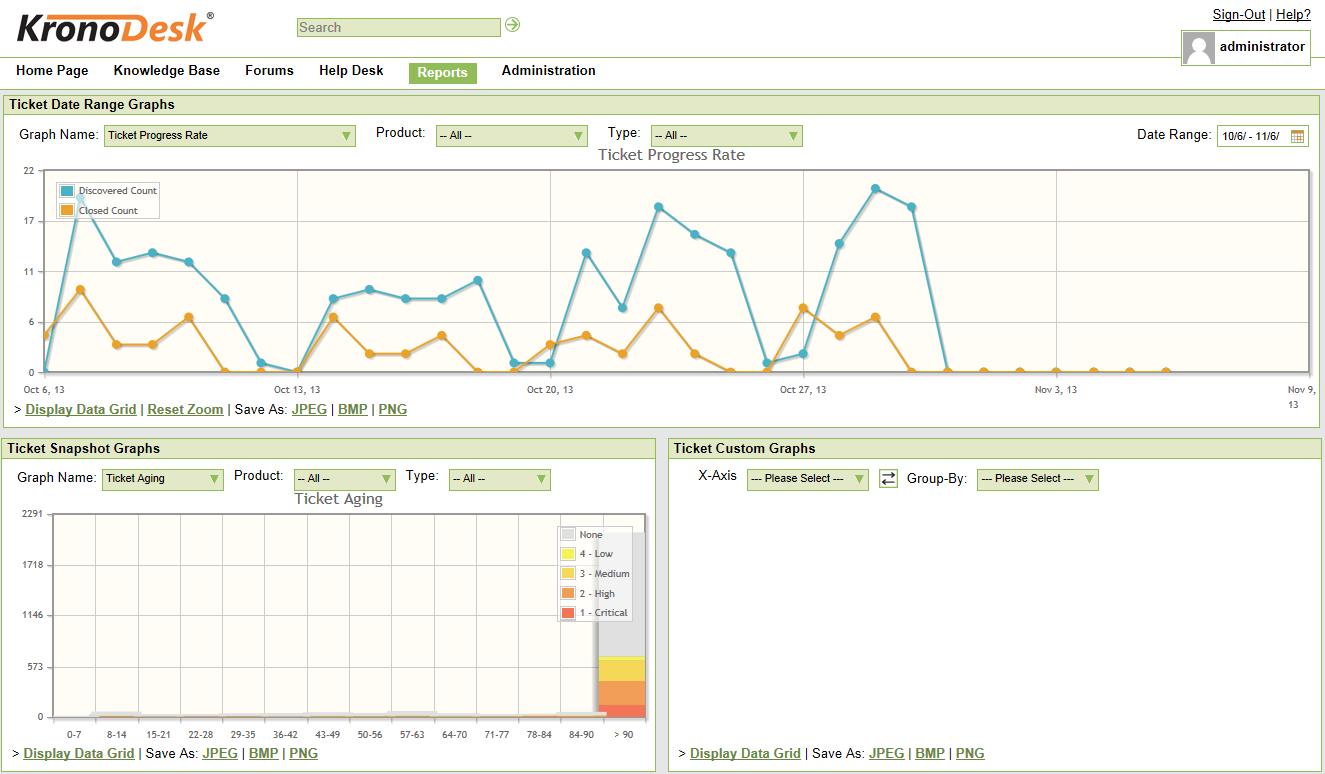 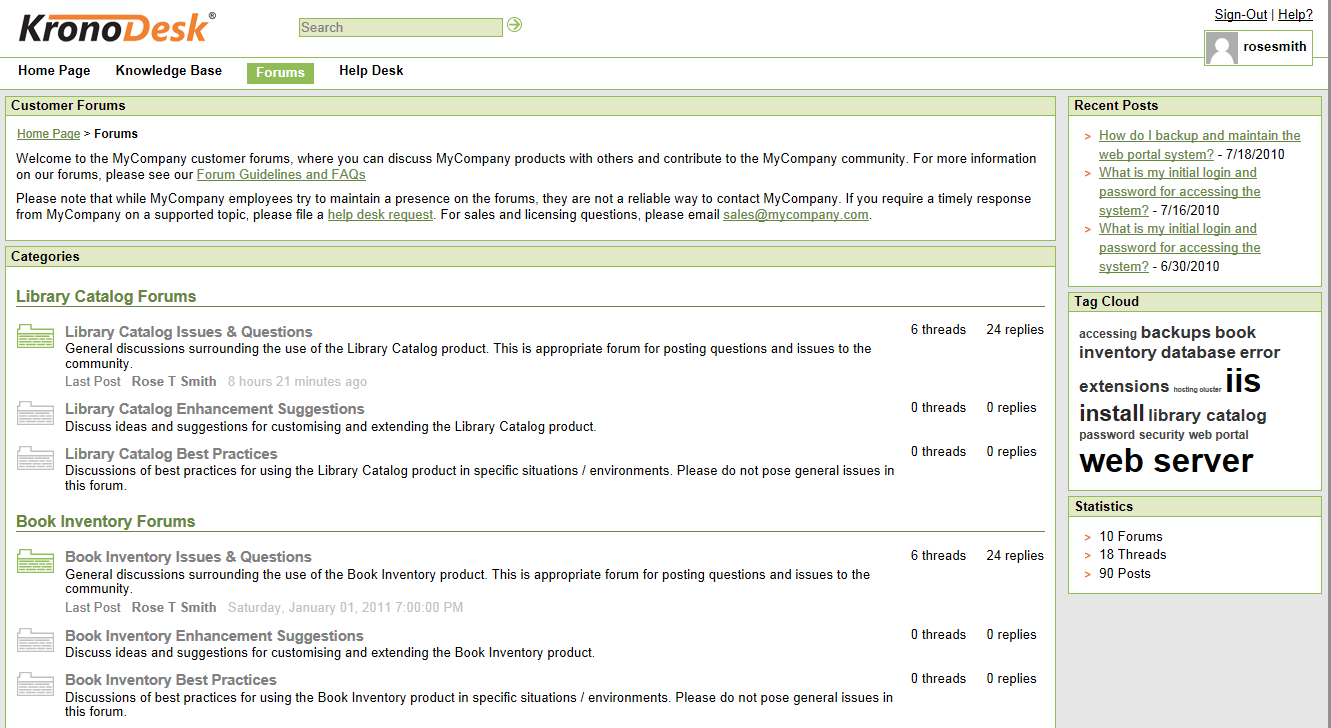 |