Confluence is a collaboration and content sharing platform used primarily by customers who are already using Atlassian's Jira project tracking product. The product appeals particularly to IT users.
$6.40
per month per user
Dokit
Score 0.0 out of 10
N/A
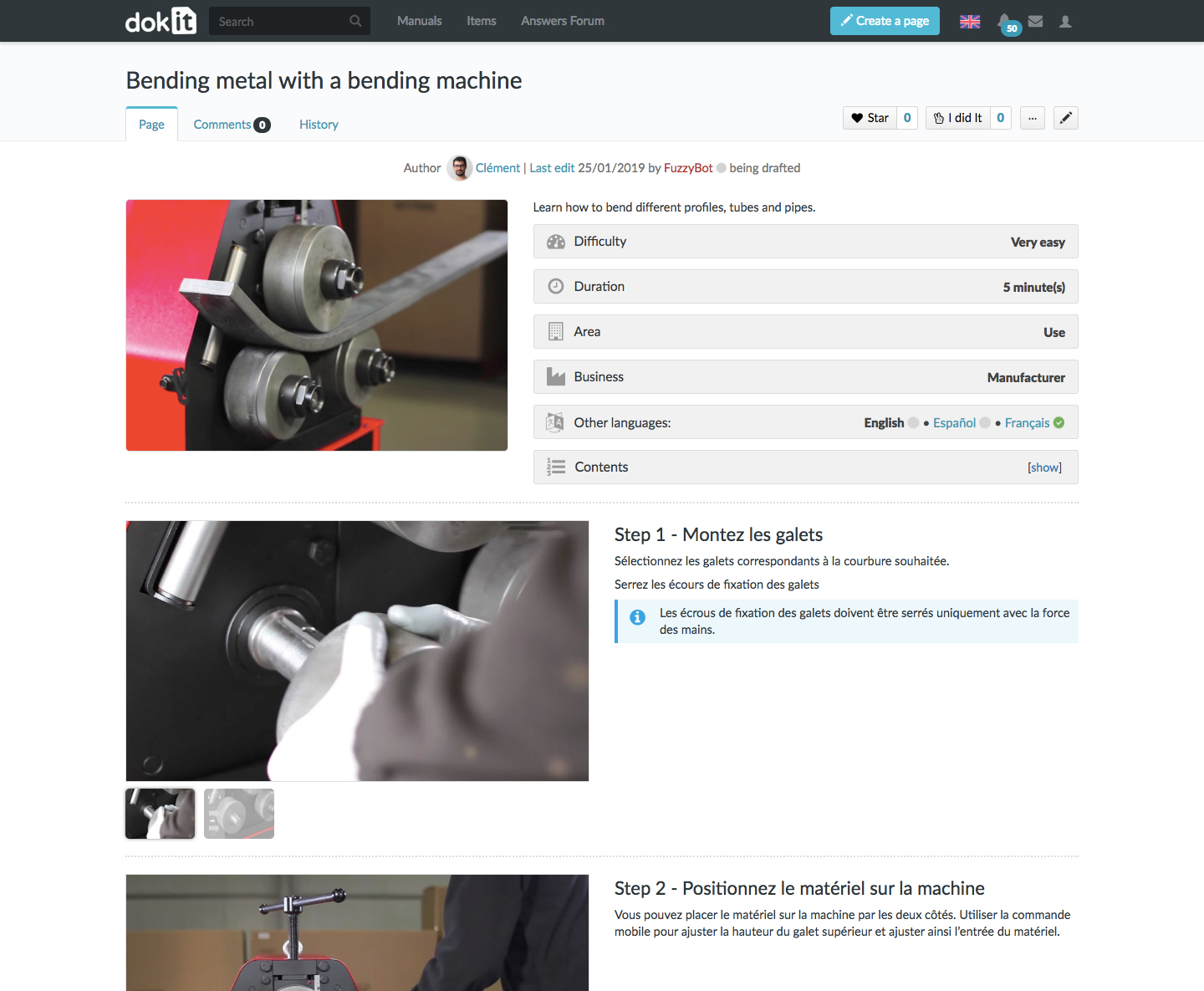
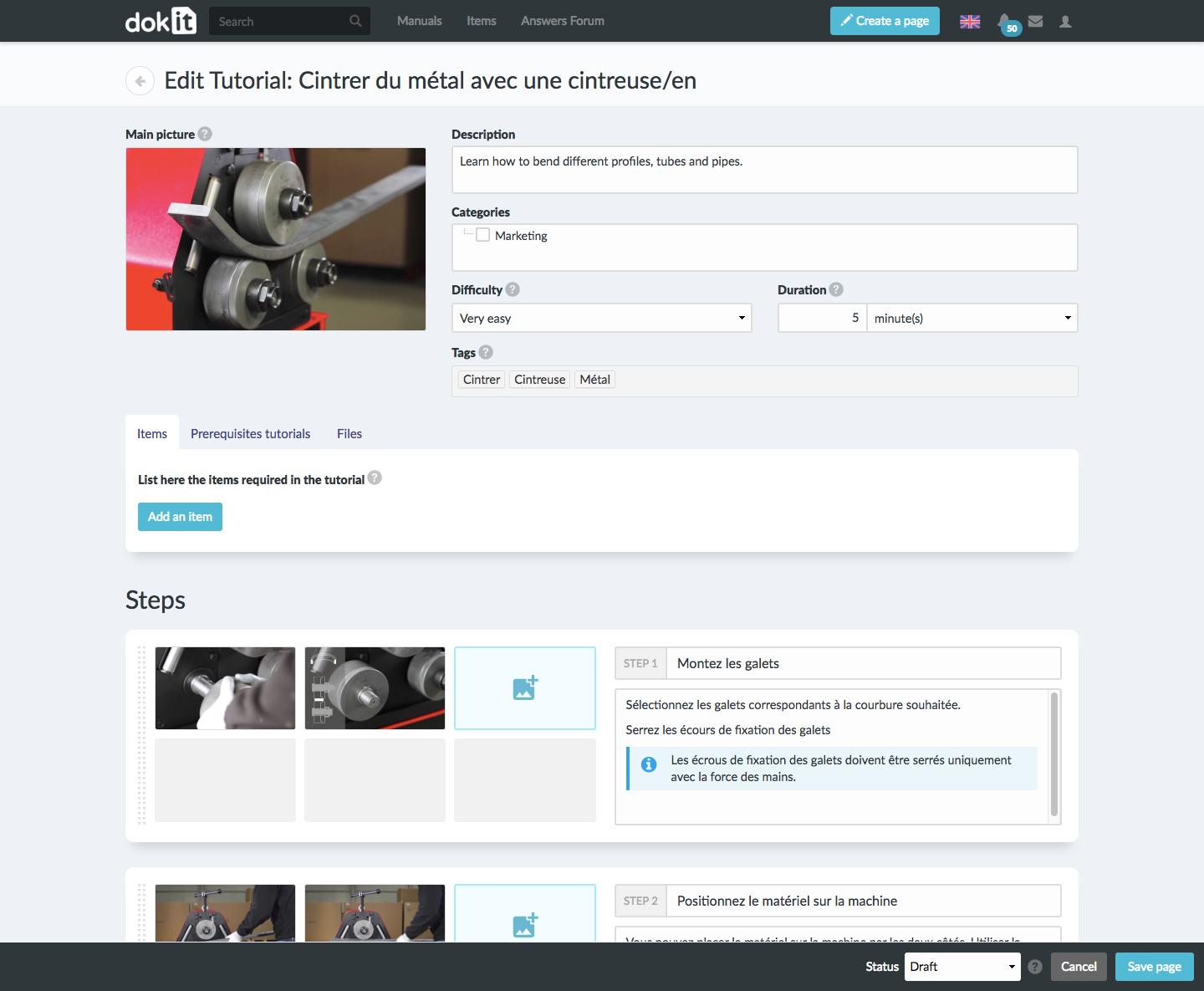
The Dokit SaaS platform enables users to create, share and improve step-by-step instructions, user guides and product manuals that fit any screen and device. According to the vendor, it only takes a few clicks to create guides and instructions with their intuitive editing features and predefined templates : Dokit makes it easy to organise and control content: categorisation, tagging, metadata, and workflow validation. Once your guide is…
$68
per month
Foxit PDF Editor
Score 8.6 out of 10
N/A
Foxit PDF Editor is a solution for creating, editing, organizing, and securing PDF documents. Designed for professionals and businesses of all sizes, features include editing capabilities, OCR, collaboration tools, and security options like redaction and document encryption.
$10.99
per month per user
Pricing
Atlassian Confluence
Dokit
Foxit PDF Editor
Editions & Modules
Free
$0
Free for 10 Users
Standard
$6.40
per month per user
Premium
$12.30
per month per user
Data Center
220,000.00
40,001+ Users - Annually
Enterprise
Contact Sales
Starter
$68.00
per month
Enterprise
$340.00
per month
Foxit PDF Editor
$10.99
per month per user
Foxit PDF Editor +
$13.99
per month per user
Foxit PDF Editor
$129.99
per year per user
Foxit PDF Editor+
$159.99
per year per user
Offerings
Pricing Offerings
Confluence
Dokit
Foxit PDF Editor
Free Trial
Yes
Yes
Yes
Free/Freemium Version
No
Yes
No
Premium Consulting/Integration Services
No
Yes
No
Entry-level Setup Fee
No setup fee
No setup fee
No setup fee
Additional Details
Prices shown here reflect prices for deployments with 100 users or less. The prices decrease wien the user base surpasses 100.
—
—
More Pricing Information
Community Pulse
Atlassian Confluence
Dokit
Foxit PDF Editor
Features
Atlassian Confluence
Dokit
Foxit PDF Editor
Project Management
Comparison of Project Management features of Product A and Product B
Atlassian Confluence
7.1
158 Ratings
9% below category average
Dokit
-
Ratings
Foxit PDF Editor
-
Ratings
Task Management
7.2126 Ratings
00 Ratings
00 Ratings
Gantt Charts
7.912 Ratings
00 Ratings
00 Ratings
Scheduling
7.221 Ratings
00 Ratings
00 Ratings
Workflow Automation
6.490 Ratings
00 Ratings
00 Ratings
Mobile Access
6.8117 Ratings
00 Ratings
00 Ratings
Search
6.9156 Ratings
00 Ratings
00 Ratings
Visual planning tools
7.2126 Ratings
00 Ratings
00 Ratings
Communication
Comparison of Communication features of Product A and Product B
Atlassian Confluence
7.9
158 Ratings
1% below category average
Dokit
-
Ratings
Foxit PDF Editor
-
Ratings
Chat
6.415 Ratings
00 Ratings
00 Ratings
Notifications
8.2155 Ratings
00 Ratings
00 Ratings
Discussions
7.8148 Ratings
00 Ratings
00 Ratings
Surveys
7.015 Ratings
00 Ratings
00 Ratings
Internal knowledgebase
9.0149 Ratings
00 Ratings
00 Ratings
Integrates with GoToMeeting
6.03 Ratings
00 Ratings
00 Ratings
Integrates with Gmail and Google Hangouts
9.37 Ratings
00 Ratings
00 Ratings
Integrates with Outlook
9.610 Ratings
00 Ratings
00 Ratings
File Sharing & Management
Comparison of File Sharing & Management features of Product A and Product B
Atlassian Confluence
7.7
157 Ratings
4% below category average
Dokit
-
Ratings
Foxit PDF Editor
-
Ratings
Versioning
8.2136 Ratings
00 Ratings
00 Ratings
Video files
6.8104 Ratings
00 Ratings
00 Ratings
Audio files
6.896 Ratings
00 Ratings
00 Ratings
Document collaboration
8.4152 Ratings
00 Ratings
00 Ratings
Access control
8.7147 Ratings
00 Ratings
00 Ratings
Advanced security features
8.3114 Ratings
00 Ratings
00 Ratings
Integrates with Google Drive
5.947 Ratings
00 Ratings
00 Ratings
Device sync
8.485 Ratings
00 Ratings
00 Ratings
PDF Editors
Comparison of PDF Editors features of Product A and Product B
It is well suited due to the below reasons 1. Easy collaboration between teams 2. Strong integration with other applications 3. Centralized documentation among teams and within the organisation 4. Project planning and report sharing 5. Employee onboarding is easier and maintain HR policies very well. Less appropriate in below scenarios When this is being used as a main tool for communication rather than its purpose of collaboration.
Great for marking up depositions or pleadings with highlights, comments, and notes during case review. Supports Bates stamping, password protection, and other features often required for electronic filing.
Built-in tools allow for quick and secure redaction of privileged or confidential information before sharing or filing. Less appropriate if you needed to work on real time collaboration or building complex form templates from scratch.
Cross product linking - If you use other Atlassian products then Atlassian Confluence is a no-brainer for your source of documentation, knowledge management etc. You can show previews of the linked asset natively E.g. showing a preview of a JIRA ticket in a Atlassian Confluence page.
Simple editing - Though the features available may not be super complex right now, this does come with the benefit of making it easy to edit and create documents. Some documentation editors can be overwhelming, Atlassian Confluence is simple and intuitive.
Native marketplace - If you want to install add-ons to your Atlassian Confluence space it's really easy. Admins can explore the Atlassian marketplace natively and install them to your instance in a few clicks. You can customise your Atlassian Confluence instance in many different ways using add-ons.
FoxitPhantom carries superior editing tools over Adobe Acrobat and similar products. It allows you to modify text, images, & objects in a more robust fashion
Integrates well with Microsoft Office products such as Word, PPT, & Excel
Allows you to work in a nearly paperless environment
UI Design is very simplistic and basic could make use of more visually interesting colour choices, layout choices, etc.
Under the 'Content' menu, it defaults to having a landing page for all L1 and L2 category pages. Meaning as long as the broader content category has a sub-category, it still creates a separate landing page. In my team's case, this often creates blank pages, as we only fill out the page at the lowest sub-category (L3).
Hyperlinks are traditionally shown as blue, however, this results into very monotonously blue pages in cases where a lot of information is being linked.
I have a dual monitor setup at work and there are times when I wish that I could view pdf documents on both monitors at the same time. I have not yet figured out how to do that with FoxitPhantom as it appears to limit the user to displaying multiple pdf documents as separate tabs on the same screen. If dual screen is an option in the software, it needs to be more apparent.
I can't think of any other desired improvements. This software really does everything that I need it to do.
I am confident that Atlassian can come with additional and innovative macros and functions to add value to Confluence. In 6 months, Atlassian transformed a good collaborative tools into a more comprehensive system that can help manage projects and processes, as well as "talk" with other Atlassian products like Jira. We are in fact learning more about Jira to evaluate a possible fit to complement our tool box.
Because very few editors are so easy to use and deploy backed by speed and performance. Foxit PDF is known for its speed and performance, allowing users to open and work with PDF files quickly and efficiently
Foxit's user-friendly interface is easy to navigate and use, making it a popular choice for users who are new to PDF software.
Atlassian Confluence is a great tool for project management, especially for internal documentation. It has a minimum governance requirement to use its full power. Also, it is a little pricy to unlock its full power as well, so it is not recommended for companies with a low budget in my opinion.
Foxit PDF Editor works the way my brain works, so everything is where I expect it intuitively and that makes me hugely efficient. I love how all of the various features are laid out logically in tabs such as Fill & Sign, Organize, Form, etc. with the tools I expect to find where I expect to find them.
We never worked against the tide while using Confluence. Everything loads considerably fast, even media components like videos (hosted on the platform or embed external videos from Youtube, for example). We are not using heavy media components a lot, but in the rare occasion we happen to use one we have no problems whatsoever.
FoxitPhantom PDF integrates very well with the Microsoft Office products, which is where I found I use this the most. It performs about as well as can be expected, without any out of place latency. Whether it be merging, deleting, editing or rearranging pages, its performance holds up even with larger documents.
This rating is specifically for Atlassian's self-help documentation on their website. Often times, it is not robust enough to cover a complex usage of one of their features. Frequently, you can find an answer on the web, but not from Atlassian. Instead, it is usually at a power user group elsewhere on the net.
I haven't personally had interaction with the customer support from FoxitPhantom, however based on conversations I have had with members in the organization, I was given positive feedback. Their website has a lot of information and tutorials. If you need to contact them, they are quick to respond. User manuals are readily available.
We chose Atlassian Confluence over SharePoint because it's much more user-friendly and intuitive. Atlassian Confluence makes collaboration and knowledge sharing easier with its simpler interface and better search. While SharePoint can be powerful, it often feels clunky and complex, making it harder for our team to actually use it.
I would say that when you want to get a bigger share of the market and take business from long time consolidated applications like Acrobat, you really need to try harder and give something more to the user to be able to change their mind and switch to Foxit. In our case licensing was an important factor and at the beginning we had a small learning curve with users asking how to open PDF files and what was that orange icon. The truth is that we as users accepted the new software happily because simply said: it does the job. After using Foxit I would not go back to Acrobat, I like better the connectivity, the simplicity and the way it manages the tabs.
We totally rely on this tool since a decade now and despite being so much transition in our company it has served us well in those transitions
Many times, during security audits we are asked to showcase our readiness for various compliance points and confluence helps us a lot in maintaining that
Talking about Confluence in front of clients and customers gives us an upper hand that we are up to date with latest trend and technologies and tools for our RnD planning and management