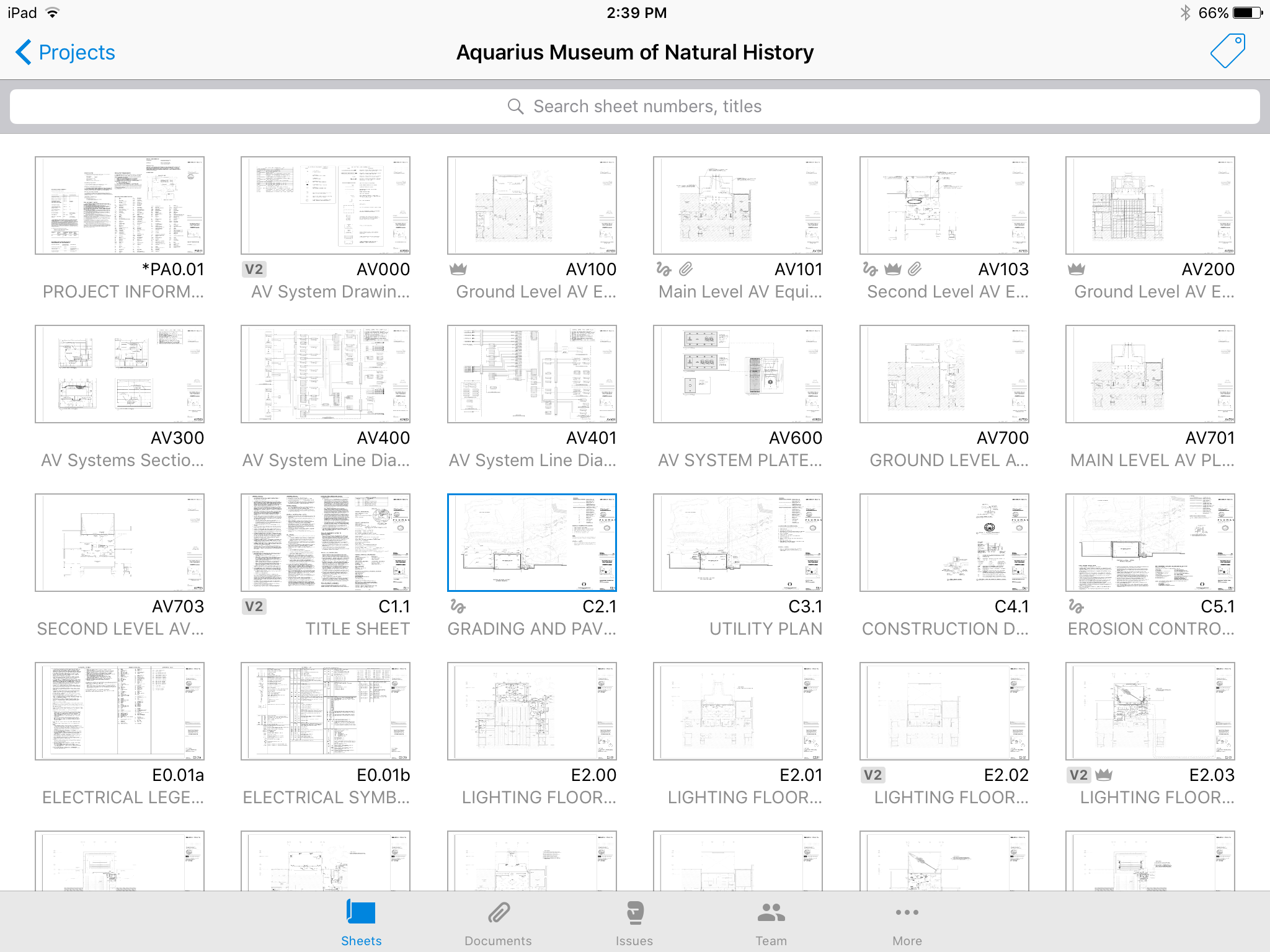
Autodesk Build, based on the former PlanGrid, is construction productivity software. It includes tools to collaborate, collect, and manage project information throughout the project’s construction and operations lifespan. It enables document centralization and tracking.
$39
user per month
e-Builder
Score 7.3 out of 10
N/A
e-Builder is a cloud-based construction program management solution that manages capital program cost, schedule, and documents. It allows owners to measure and manage the capital project delivery process from planning, design, procurement, construction and operations.
N/A
Fieldlens by RedTeam
Score 7.0 out of 10
N/A
Fieldlens is a mobile construction field management application, designed to give decision makers a bird’s-eye view of every project without stepping on-site, enabling them to spot trends and see who the best performers are.
N/A
Pricing
Autodesk Build
e-Builder
Fieldlens by RedTeam
Editions & Modules
Nailgun
$39
user per month
Dozer
$59
user per month
Crane
$139
user per month
No answers on this topic
No answers on this topic
Offerings
Pricing Offerings
Autodesk Build
e-Builder
Fieldlens by RedTeam
Free Trial
Yes
No
No
Free/Freemium Version
No
No
No
Premium Consulting/Integration Services
Yes
No
No
Entry-level Setup Fee
No setup fee
Required
No setup fee
Additional Details
—
—
—
More Pricing Information
Community Pulse
Autodesk Build
e-Builder
Fieldlens by RedTeam
Considered Multiple Products
Autodesk Build
Verified User
Project Manager
Chose Autodesk Build
PlanGrid provides the perfect balance of simplicity and accuracy. As I've noted, Procore is more robust but the learning curve is steep, and, for my company, the majority of features would go unused (and thus would be a waste of money). PlanGrid offers a few solid features and …
PlanGrid performs really well in all aspects of construction from the general to the sub/trade. The platform distributes and communicates project documentation in an extremely user-friendly manner. As with most software, it is cheaper the larger the scale of the project. In situations where the project is relatively small, and the trade contracts are also of relatively low dollar value, the product can be cost-prohibitive.
Well suited for the owner's side of managing multiple projects as it allows for all aspects of a project from development to closeout to be managed on one platform. Not as appropriate for a general contractor as there is better software out there. e-Builder's app is not as effective as others.
Best for tracking projects, both big and small. Knowing what was budgeted and the actual expenses for a project is extremely useful. Also, it's helpful that you can review the amounts at all stages of the project to allow for corrections if the budget is being exceeded. It is extremely useful as a central depository for information.
Plangrid is the best SaaS I have seen for ease of uploading construction plans and automated organization of those plans.
For companies that are not using other products for mobile access, the Plangrid mobile apps are perfect to allow people on and off site to share and collaborate in many phases of construction project documentation.
Plangrid has a very responsive technical support team (although it is pretty much email only).
Plangrid's website layout is easy to use and understand and allows new users to jump right in and do basic to moderate tasks without little training.
Provide a document structure that is easy to navigate. All documents, even within a process, are stored in the document structure and easily accessed by those with the correct permissions.
Scheduling, especially with the new module is easy. It is helpful with a large organization where many hands touch projects to be able to forecast workloads (we have an in house engineering team who reviews all projects during their design phase)
Allows for easy interface with contractors and makes the submittal process more straightforward.
The photo attachment process is a bit complicated. In ProCore (another similar software I've used), you can upload photos directly into RFIs for your reference, or into e-mails. For PlanGrid, you have to first upload the photo into the documents tab, then link them into the RFI. It's not intuitive and can add confusion to the documents tab.
Photos can't be directly uploaded. Between different devices and colleagues, it's possible you'll get an important photo outside of the PlanGrid photo capture feature within its app. Again, it's complicated for users to use.
In their new drawings viewer, the icons for actions do not have icons available. I had to use them all in order to understand what they meant, and I'm fairly tech savvy. I'm not sure if a new person to PlanGrid will pick up on each icon's abilities very easily.
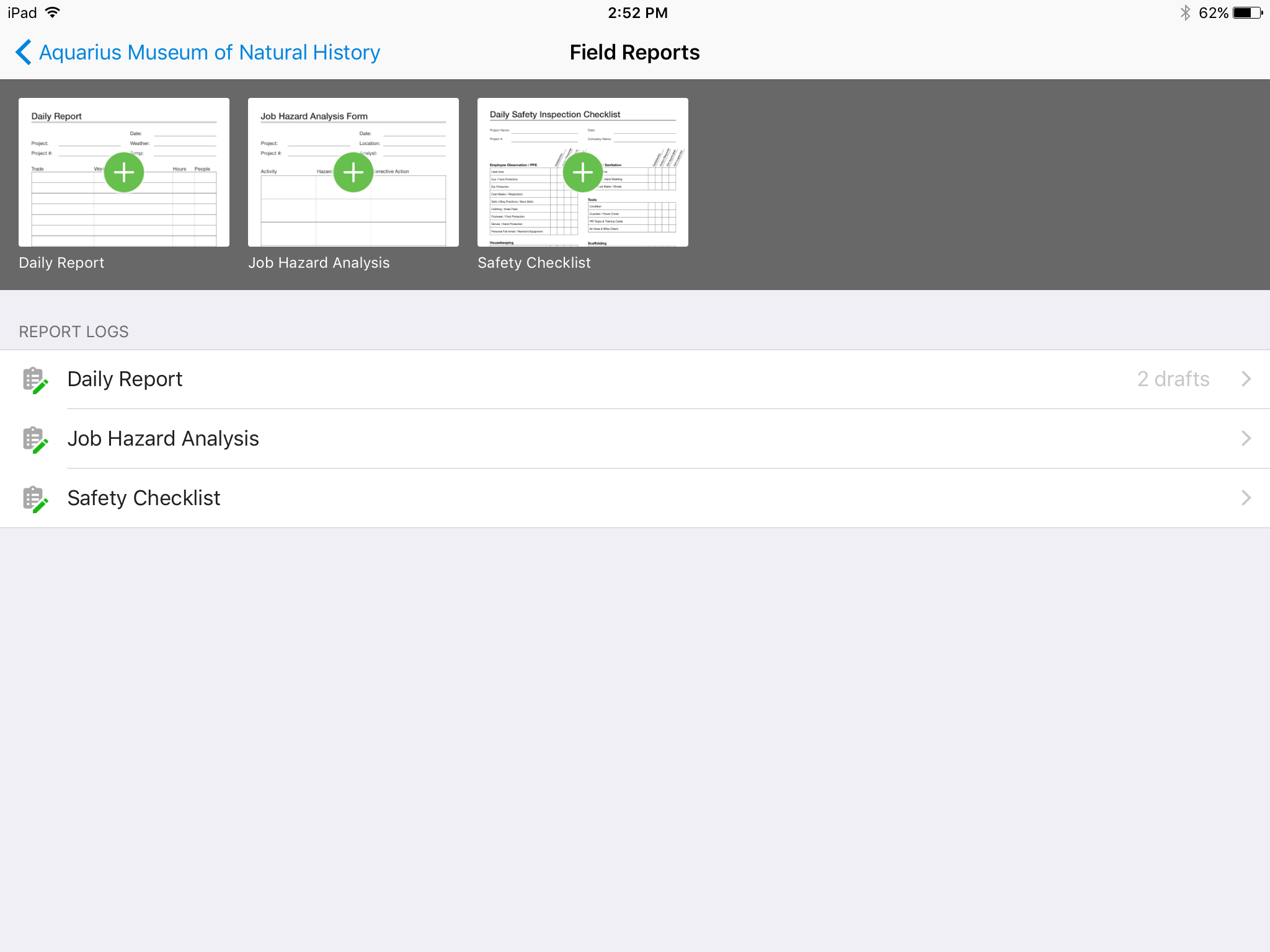
There's no all-in-one solution in CM, but PlanGrid is fairly barebones, and I don't believe it has any ability to connect to other software. There's no ability to take meeting munites; you can hack the field reports feature to accomplish this, but it's clear that was not the intent of the designers.
The restrictions in formatting, and sorting of information rendered, in a way, affects the reporting output.
At certain times of day, e-Builder traffic causes the loading of filtered searches to take a while. This is probably common regardless of the site or software used.
More complicated reporting has some limitation, though the program is highly efficient in assisting with simple format reports.
We are at the point where we have shown our teams what is possible with this software. We cannot take it away and go back to the way we used to do things. I think that they would push back on us to give them access to something electronic. It is a good program that we will continue to use
Extremely like to renew our use of Fieldlens by RedTeam. Program is very intuitive and easy to use. It helps keep focus on the project. Anyone can look and see the actual vs budgeted costs to determine if project is on track. Easy to train others on RedTeam with minimal oversight.
Hard to get the hang of this software, but with time it become very repetitive and easier to navigate. I have used this software for over a year now and the constant updates by Autodesk have made the software better and better to use at work. This allows me to use this tool more effectively
Simple, because have a used it for the past two years, so i'm very familiar with the particular aspects of its program that I need to accomplish my tasks.
Extremely easy to use. Very user-friendly. Help is always available, but the program is very intuitive. Does not require extensive training to get someone up and running. We have a lot of people in the field that use Red Team. It is easy to explain over the phone how to use the system or to help them navigate the program if they have an issue
Online chat during business hours is extremely helpful. The Plangrid staff has gone above and beyond many times to help us. One time they even offered to completely rebuild our 900+ sheet project so I could slip sheet a few old drawing revisions! This undoubtedly would have taken hours on Plangrid's end. They are always responsive and are continually improving, listening to user feedback.
Again, because our technical support is great. He doesn't always answer the phone but he definitely responds to emails fairly quickly. In addition, I like that he actually resolves an issue and I have yet to encounter the same issue twice. Actually, I haven't encountered many issues at all in the two years I have used the software.
1. Set up the time to get training on the sytem before you go all in.
2. Listen, ask questions and actually practice using the tools and features while in class. It helps tremendously with becoming comfortable and remembering how things work.
3. Don't be afraid to mess up. They are helpful and will help resolve your issue in a timely manner
Plangrid, while not serving the external document distribution function, is unrivaled for internal document distribution and sharing in the construction industry. The speed at which documents are navigatable, the ability to download your projects for viewing without an internet connection, and the document mark-up and photo tools place it head and shoulders above the competition.
We have not compared other plans since the boss prefers this program from personal experience. But from using this program for 2 years I can see why we don't need to compare. Why fix something that isn't broken? It gets the job done, yes we might run into some issues but I feel like with all companies that can happen
Procore is a different beast and solves different company issues. We use Procore to manage the external part of our construction business. Field superintendents upload progress notes and pictures into Procore. However, RedTeam is our main project resource as it can also handle our budgeting concerns. Both are easier to use but RedTeam definitely has the advantage.
It helped us "wow" a joint commission survey in 2016 and have a successful survey because he loved how we could access plans on an iPad, check suite sizes, and didn't have to carry around huge, heavy sets of life safety plans.