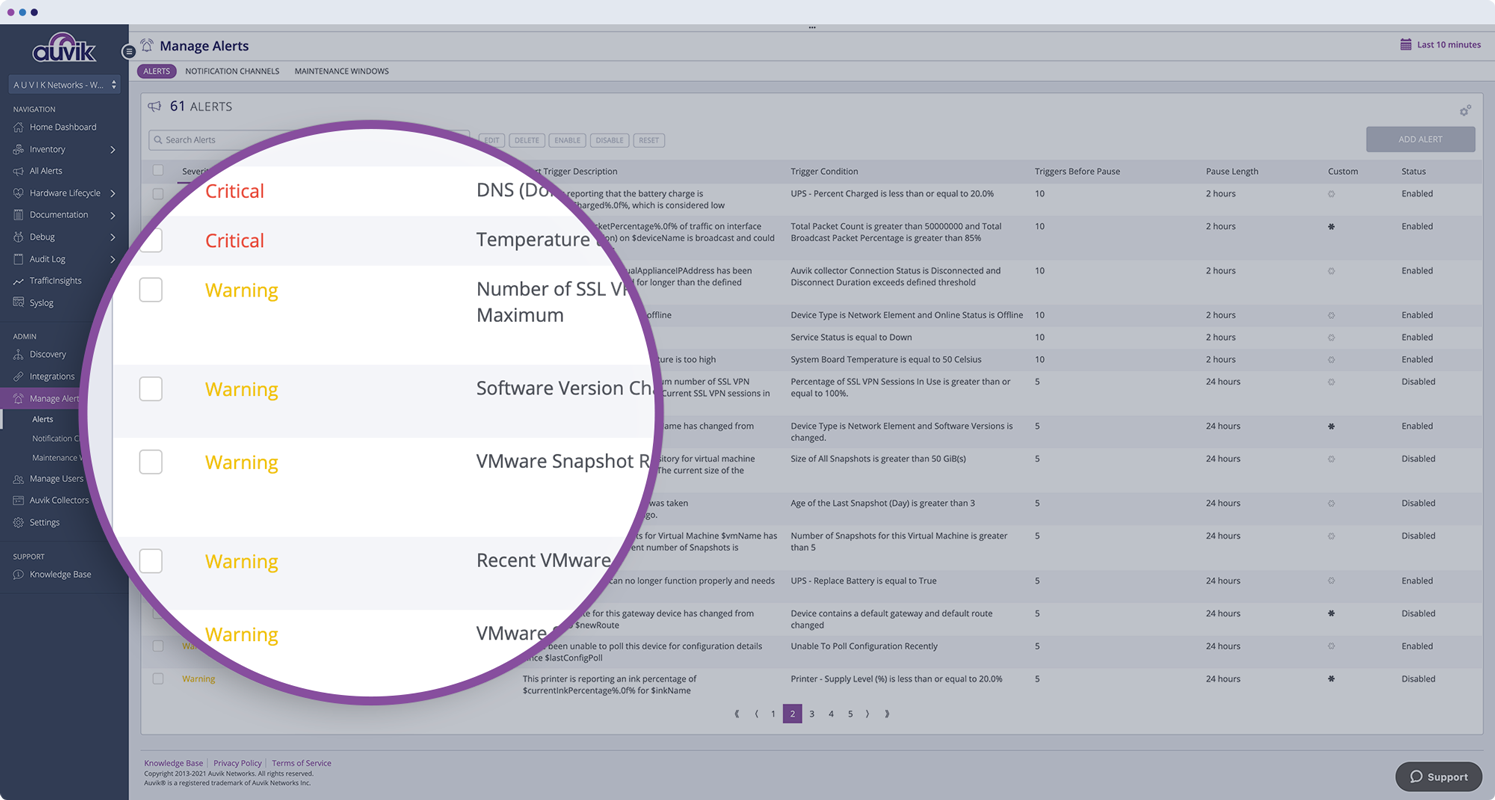
Auvik Network Management is a vendor-agnostic cloud-based network monitoring and management solution providing automated network discovery. Auvik requires no service hardware or disruptive maintenance cycles and provides onboarding and training for new and existing users. Auvik delivers visibility and automation to reduce friction for IT teams and allow them to give end users the freedom to work wherever and however they…
N/A
Progress WhatsUp Gold
Score 8.1 out of 10
Mid-Size Companies (51-1,000 employees)
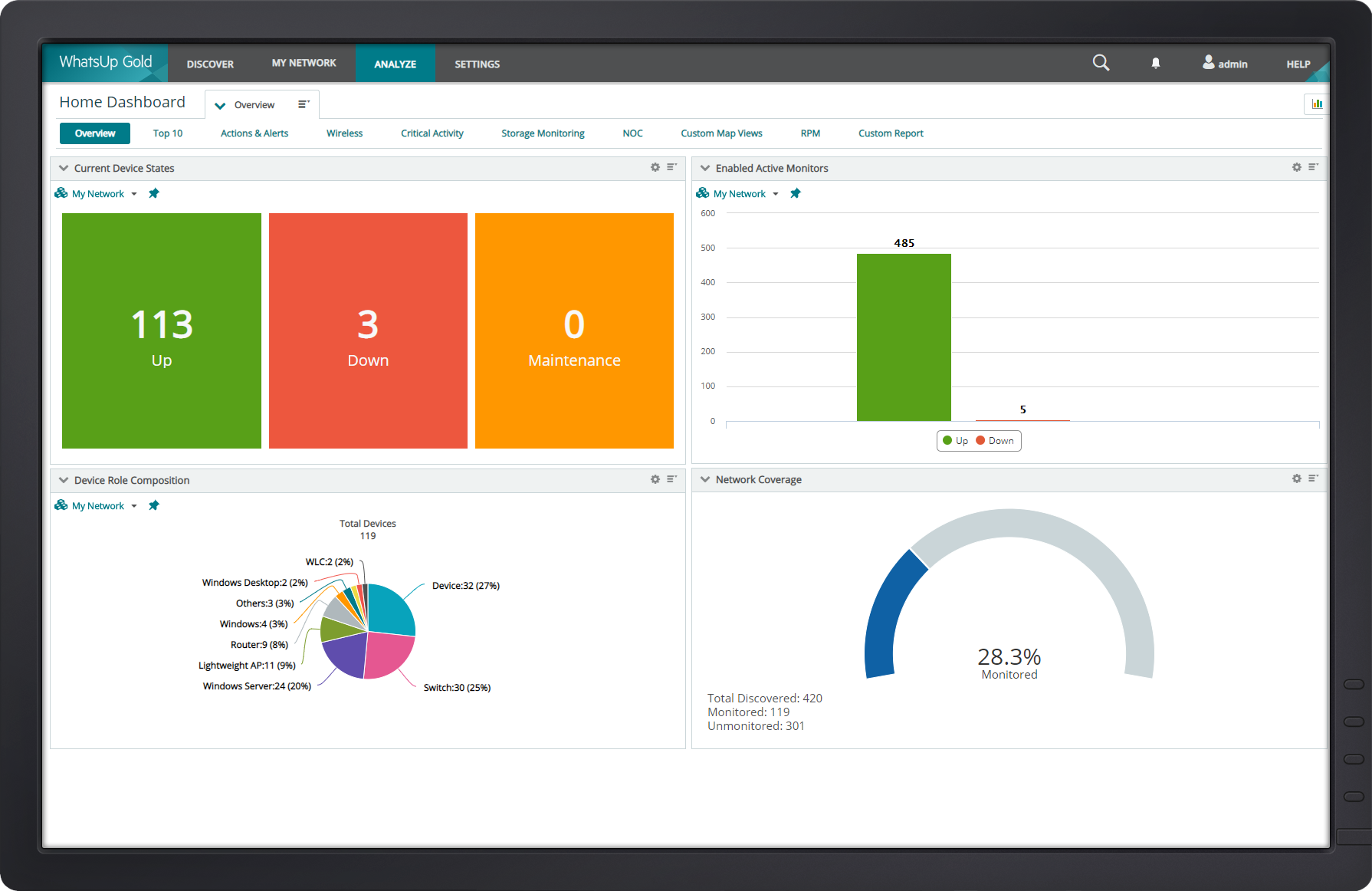
WhatsUp Gold developed by Ipswitch (acquired by Progress Software May 2019) offers network performance monitoring and mapping. It supports core monitoring features, including automated workflows and network capacity planning, and monitors across hybrid environments.
N/A
Pricing
Auvik
Progress WhatsUp Gold
Editions & Modules
No answers on this topic
No answers on this topic
Offerings
Pricing Offerings
Auvik
Progress WhatsUp Gold
Free Trial
Yes
Yes
Free/Freemium Version
No
No
Premium Consulting/Integration Services
No
Yes
Entry-level Setup Fee
No setup fee
Optional
Additional Details
Pricing is calculated per number of switches, routers, firewalls, and controllers. Everything else is monitored for free.
—
More Pricing Information
Community Pulse
Auvik
Progress WhatsUp Gold
Considered Both Products
Auvik
Verified User
Administrator
Chose Auvik
Auvik is straightforward and easy to configure. Using Auvik is easier to use, easier to look at, and easier to train others on. Although Auvik is slightly more expensive than a few others, the cost is negligible when considering usage and capabilities. With Auvik being an …
We felt like Auvik provided much more detailed connectivity information than Traverse. In our specific environment, Auvik was less expensive than Traverse. I really meant IT Glue's product, Network Glue. My techs were already in love with Auvik as this product was being …
Auvik is well suited for managed service customers and small-scale SMB customers who do not have enough technical resource to manage and monitor their network. Also for customer who has distributed networks spreaded across worldwide or nation wide, Auvik is well suited since it does not need any on-premise setup at each site except for a collector. For customer who has already adopted and used cloud network and hosting services, Auvik is better as Auvik is also fully cloud based offering
[Progress WhatsUp Gold (formerly Ipswitch WhatsUp Gold)] is good for what it is. An inexpensive but accurate monitor for alerting on systems and services. However, it is time consuming to configure, The GUI leaves a lot to be desired and the formatting for txt alerts stinks (I just use it now as an alert to check my email to view the actual alert.)
Auvik is the big pic tool of choice for network diagramming, helps layout of our network infrastructure, and we'll know immediately the status of the devices that are successfully communicating, and those that may have, for example, credentials issues.
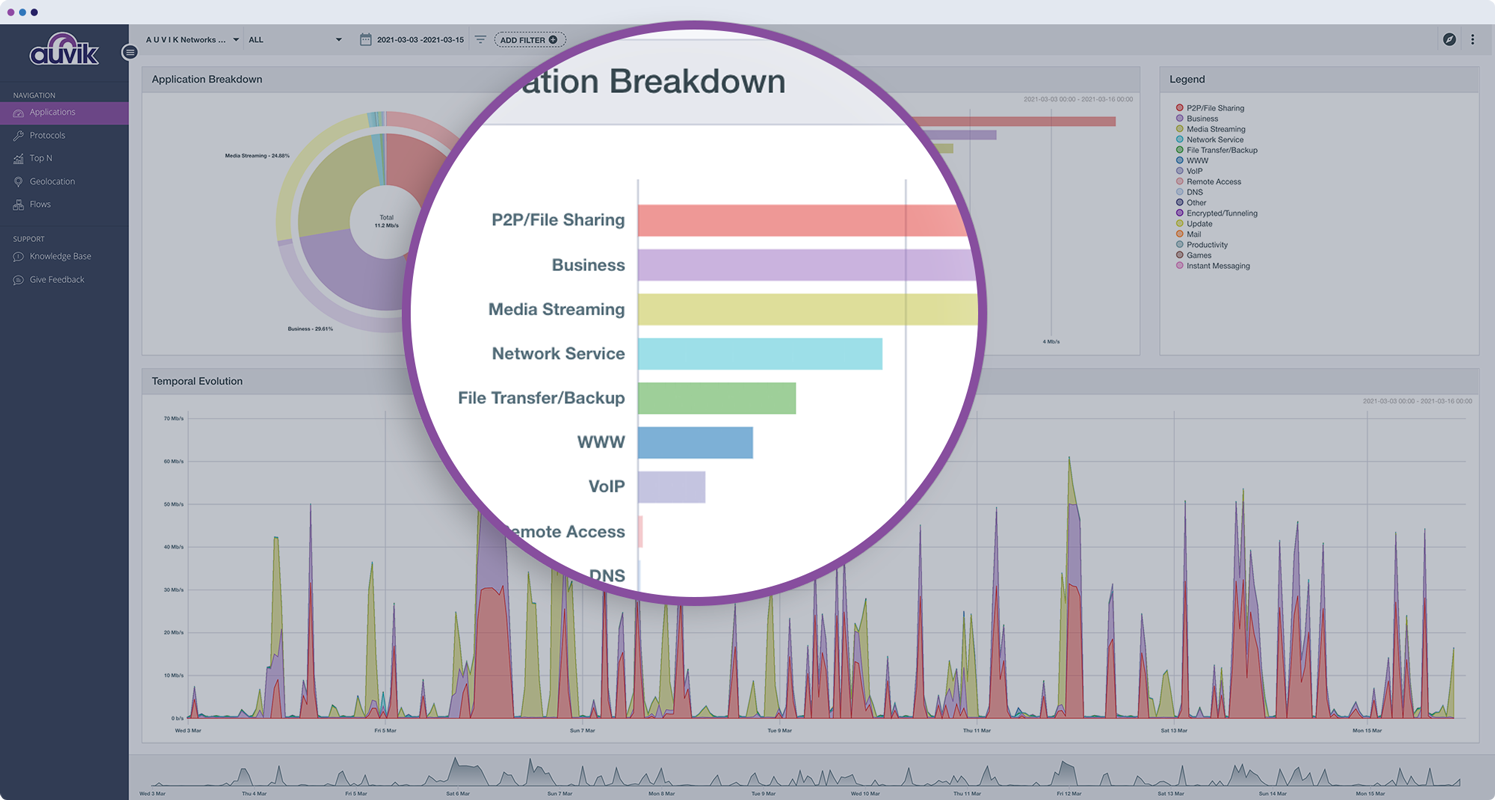
Auvik's "Traffic Insights" are key accelerators for intuitively isolating and resolving traffic-related issues quickly and easily, and the historical information makes it simpler to deduce what aspects may need replacement, capacity improvement, or possibly even re-architecture.
Auvik integration tools are excellent solution enhancers - that are of particular interest to our company, as we make use of MS Teams and Connectwise products; we would like to see some features to integrate to ServiceNow as well.
Monitoring the connection; performance, switching, and issues. We use a broadband connection for our primary and a cellular backup for the secondary. While we use routing protocols to make this switch and WhatsUp isn't used for Syslog monitoring. it alerts us within seconds.
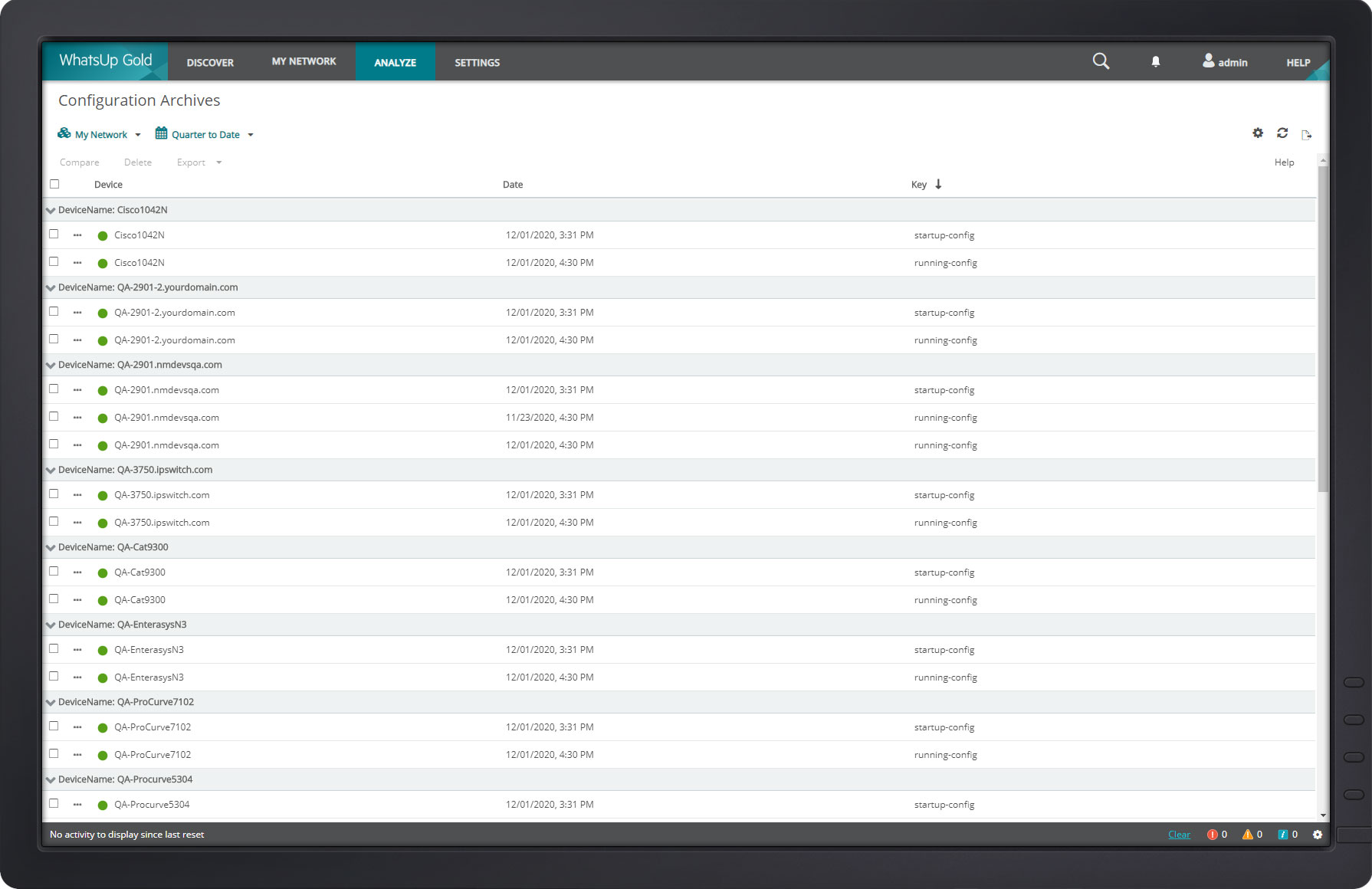
Backup configurations and archiving. WhatsUp does this particularly well. I use it for both Cisco routers and switches.
The diagram feature is nice. Though I don't use it as much because of the size of our structure, it does come in handy for mapping routes of all traffic.
Navigating the new WhatsUp Gold 2018 is a bit complicated and not user-friendly. The best part about using a software is the user's ability to use it with ease.
You cannot click sites being monitored from Map Dashboard View. This feature was previously possible in the older version.
The program can be a bit unwieldy at times, however the majority of information is displayed in a readable and friendly way. The maps and popup information box from the bottom can be harder to use on a smaller screen but on a 1080p+ display tends to work fine.
The web interface is really good, there are a few areas that could use a bit of polish but overall it is well designed and easy to navigate and use, even for a new user.
Auvik can stand up against any of the big network management and monitoring solutions on the market. I've implemented and used SolarWinds at many organizations for over 15 years. The paradigm that SolarWinds, PRTG, Prime, etc., work under is completely different than Auvik. It's apparent that Auvik was aiming to solve a different problem and built that solution from the ground up. For any organization responsible for multiple other organizations' infrastructure, Auvik is invaluable in comparison to the other products listed.
Progress WhatsUp Gold (formerly Ipswitch WhatsUp Gold) is more network focused than some of the other products we looked at, which had basic capabilities but were not as strong on the reporting or programmatic resolution of issues. Progress WhatsUp Gold (formerly Ipswitch WhatsUp Gold) is cost effective compared to some of the other upmarket solutions.
Auvik has worked on sites with 15+ offices connected with VPN's and we have not encountered any issues with the monitoring. On larger sites the map can be a bit cumbersome to read however it can be cleaned up easily with device filters.
the ROI for Auvik comes from the time it saves in updating documentation and onboarding, new clients. We no longer have to spend a day investigating a network and documenting it, this is life and up to date so you always have true information for reporting and troubleshooting.