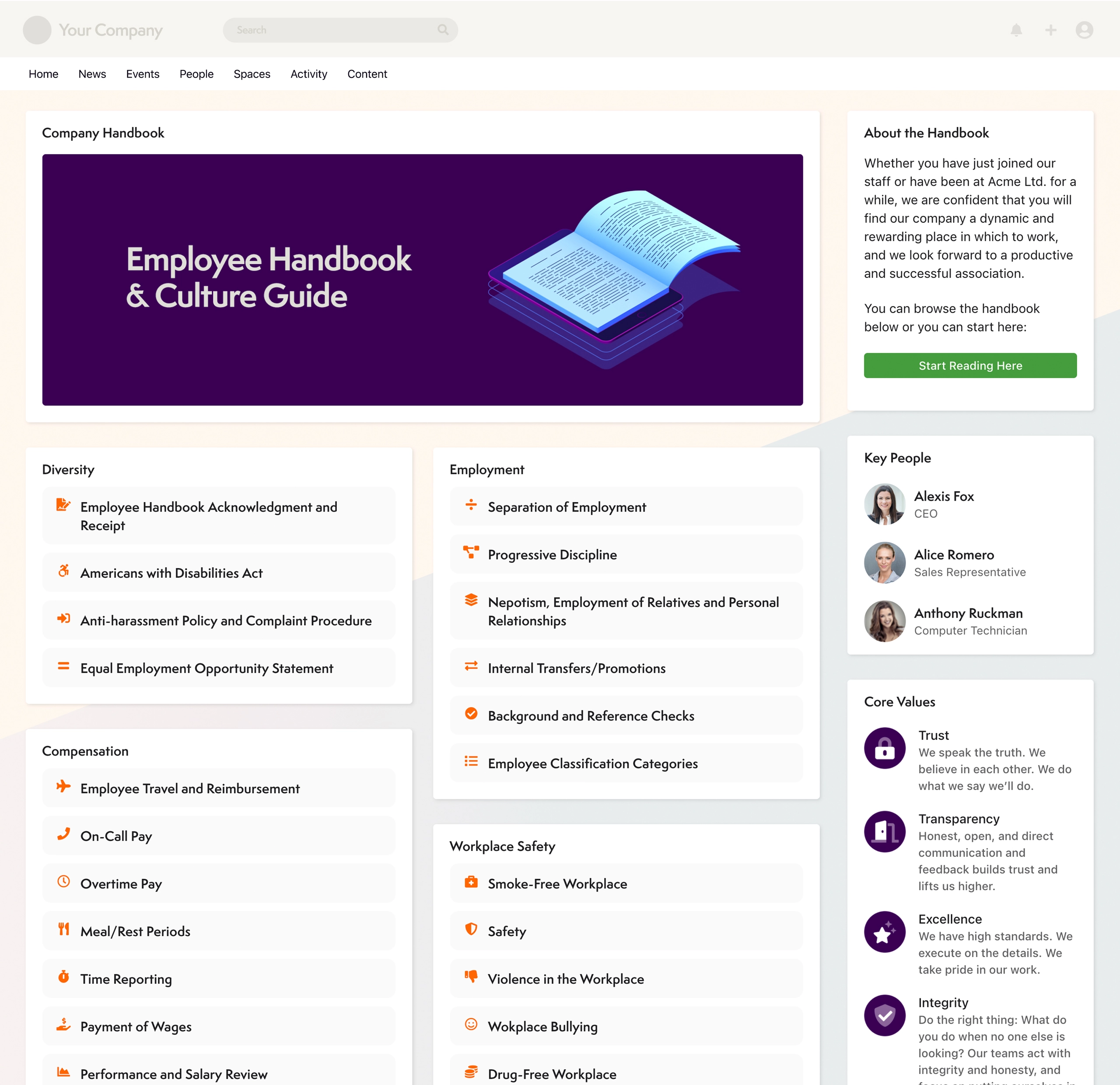
Axero's Communifire is an Enterprise Social and Collaboration platform. Used internally, it connects employees, key customers and partners to pursue shared goals. Used to build an online community, it puts the emphasis on working together, not just meeting socially. The platform, designed to encourage the spread and expansion of ideas is suited for organizations that want their community to not only get connected but also feel they are getting things done.
$49
per month
monday.com
Score 8.3 out of 10
Mid-Size Companies (51-1,000 employees)
monday.com Work OS is an open platform designed so that anyone can create the tools they need to run all aspects of their work. It includes ready-made templates or the ability to customize any work solution ranging from sales pipelines to marketing campaigns, CRMs, and project tracking.
$36
per month (3 seats)
Pricing
Axero
monday.com
Editions & Modules
No answers on this topic
Basic
$12
per month per user
Standard
$14
per month per user
Pro
$24
per month per user
Enterprise
Contact Sales
Contact us
Offerings
Pricing Offerings
Axero
monday.com
Free Trial
Yes
Yes
Free/Freemium Version
No
Yes
Premium Consulting/Integration Services
Yes
Yes
Entry-level Setup Fee
No setup fee
No setup fee
Additional Details
Axero tailors your investment to meet your unique needs. Custom pricing and volume discounting available. Contact Axero for details.
Specific scenarios where Communifire would be well suited to an organisation, would be companies that are people focused and committed to frequent and open communication channels from both the top-down and bottom-up. It also would suit organizations that are committed to providing the staff opportunities to collaborate, share and actively contribute to company initiatives and planning. If these aren't elements of your organization's culture, the system would still work for you or those companies who just want to push information out and have an effective intranet. Communifire would cater to these scenarios just as well and is more than capable of providing that type of simple solution.
The platform is very well suited for our nonprofit programs that serve low-income clients who need diapers, wipes, and period products. It has helped us run our programs, capturing information and allowing us to view the data for reporting purposes. The ability to filter data is very helpful by allowing us to categorize information to get a better picture of the progress of our programs.
Communifire allows people to connect easily through instant chat and messaging. It works similarly to other social media platforms like Facebook so its not hard to learn.
Communifire makes it easy to share news and events with our community and the presentation of this information looks very professional.
I found Communifire quite easy to configure to our individual needs. There were a lot of options to turn things on or off. This was important to us because in some areas of our community we wanted to allow our contractors many features and in other areas we wanted to really limit what was on offer.
We had a big list of things we needed a platform to do. Communifire ticked all the boxes.
I like summary of subitems, especially with subitasks as subitems and add item tracking for each subtask it can show total tracked in parent item. Similar with other columns, like numbers, status, date.
Dashboard features, Many kinds of dashboard view available, we can utilize on the basis of requirements.
monday.com workform is very powerful, easily share form link when submitted it will create line item in board with provided data.
monday.com automation is very helpful in order to automate steps with specific rules and easy setup.
monday.com also provides integrations in order to automate processes if need to integrate multiple app together. or need to transfer data between multiple apps.
The desktop app for Mac seems to have a few issues with visual glitches appearing on screen, it only seems to go away when I close the tool and reopen it
Subtasks don't show on the individual users to-do list, only main level tasks
Our business depends upon this software to provide information on all aspects of our business. The future of business is a marriage between web site and customer interaction. This software will allow us to move in that direction.
Teams involved in content creation, such as marketing or editorial teams, could use monday.com to manage the entire content lifecycle. Boards might track content ideas, assignments, drafts, reviews, approvals, and publication schedules, helping teams collaborate and keep content production on track.
This rating has a caveat - there is always room for improvement, and this team gets it. You always learn from customers how to do things better and easier, so it is a constant learning of how people use the site. Although the search engine is exceptional, most people do not use it as their first line of research. Much of the usability has to do with layout - and is not just a software usability item, so the rating is severely dependent up on the layout/options you choose for your usage. And their team will do anything in their power to get the results and layout you want. The areas that need improvement - and acknowledged by the team - are the administrative tools. There are a ton of options, and it takes a little to learn some of those. For most people, however, this won't be an issue, because the support team will always help you. This is always the case with more power. If there were fewer options it would no doubt be easier, but they give you the keys to all of the cars in the lot; so a little more to learn.
I give monday.com a 10/10 because I almost never encounter any lag or connectivity issues despite all of the many templates, boards, and automations we have. As a matter of fact, I feel like the last issue I encountered was over a year ago... and I'm in monday.com every single work day. Not only is monday trustworthy, it is easy to find what I'm looking for... making the overall usability extremely hard to beat.
Everything performs fairly well. Every now and then there are user errors where an employee will not click "ok" on a note they've created and simply exit out (I do wish that something was in place to prevent this, such as a pop "are you finished?")
monday.com only really care about accounts that have 20 seats or more. While this is great for monday.com, it pushes smaller organisations to evaluate alternatives. We rate monday.com highly in our organisation because key staff have already got good experience with the application and we know we will get to 20+ seats one day. But, till then the billing model and lack of permanent enterprise features is a dread.
To have someone walk you thru the features and capabilities of Monday.com is priceless. Someone also coming along later in the contract to see if you are maximizing the program to suit your company needs is beyond helpful. The staff that have provided this training are fun, creative and very patient.
We signed up for the accounts. Created the accounts. Ran the trial version and tested it live while we were running multiple projects and found that it was fitting our needs perfectly. When the trial ended and we were asked to purchase the full version, we did. We have found other ways to use it and it's a breeze.
We selected Communifire for the excellent sales support, strong feature set and quick set up time. We were able to get started immediately and build out features as need required which led to faster execution and higher adoption rates among our team.
monday.com is simpler and easier to grasp, apply and navigate than ClickUp, but the ClickUp free version has so much more functionality available than the monday.com free / low-cost options (sorry, but it's true!). Google Tasks is really simple and I shouldn't really compare them - it's just really nice to be able to see my tasks right next to my Google Calendar or Gmail (widget) - the "all on one" view on the screen is really nice ease of access, but the power of monday.com outweighs the nice-to-have of an all-in-one screen layout - it feels clumsy to bring in all my Calendar items from Google to monday.com, so an integration app to the Google screen where you can see monday.com tasks would be amazing.
For it to work across multiple departments and sites, I would like to see improvements made with integrations and automation. For this question, I am acknowledging not only the addition of internal triggers/automation, but also an expansion on external ones.
We are still building out features of the platform but with implemention of paid features by members, we will be able to cover our operating cost of the platform.