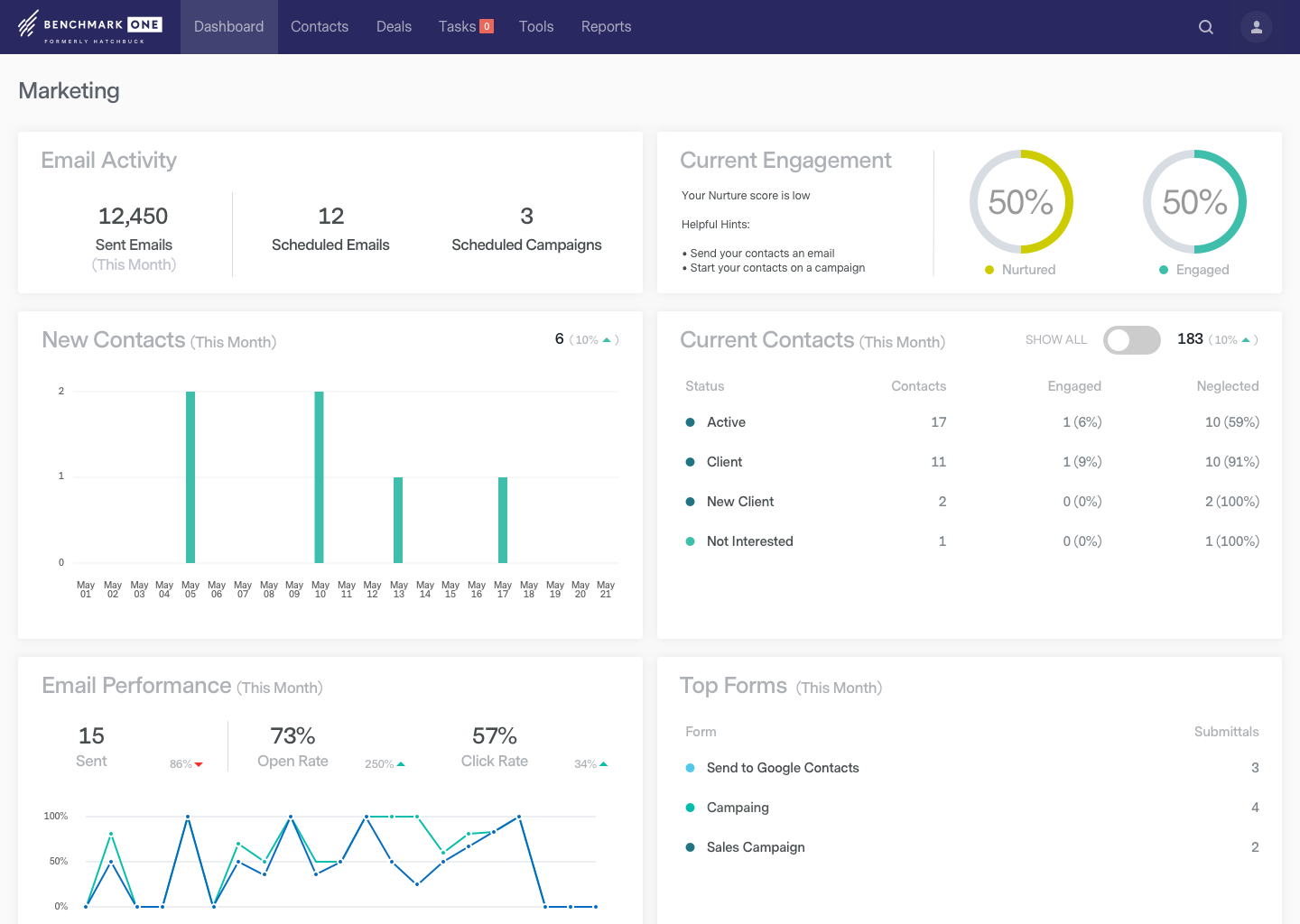
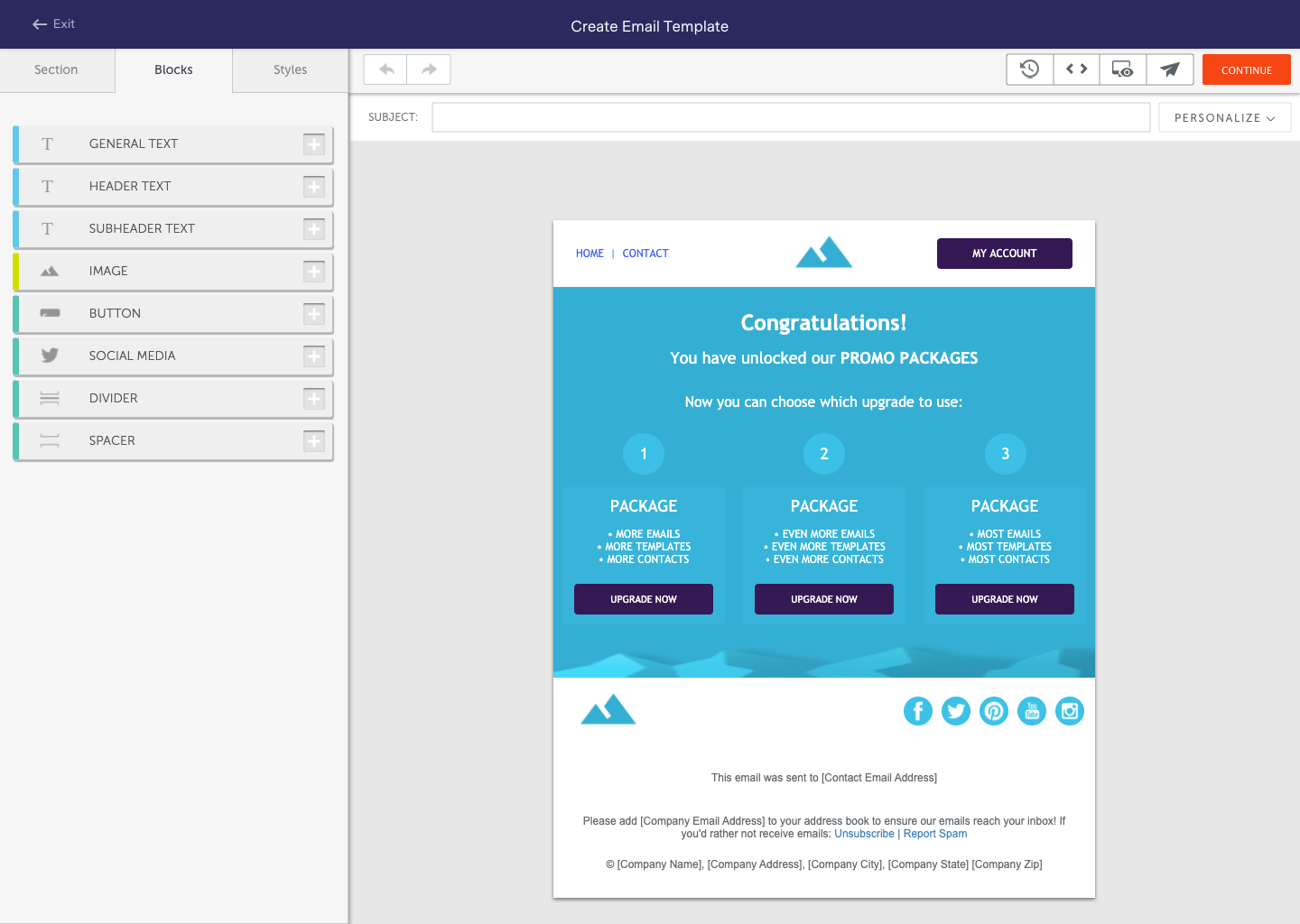
BenchmarkONE (formerly Hatchbuck) is an all-in-one sales and marketing software that includes CRM, marketing automation, and email marketing tools. Users can build online forms, manage and segment contacts, engage prospects with relevant follow-up, manage tasks, and track their pipeline.
$0
per month
Trello
Score 8.4 out of 10
N/A
Trello from Atlassian is a project management tool based on a Kanban framework. Trello is ideal for task-management in a to-do list format. It supports sharing boards and cards across users or teams. The product offers a free version, and paid versions add greater automation, collaboration, and administrative control.
$6
per month per user
Pricing
BenchmarkONE
Trello
Editions & Modules
Lite
$0
per month
Pro
$0
Agencies
Special Pricing for Qualifying Agencies
Standard
$6
per month per user
Premium
$12.50
per month per user
Enterprise
$17.50
per month per user
Free
Forever Free
Offerings
Pricing Offerings
BenchmarkONE
Trello
Free Trial
Yes
No
Free/Freemium Version
Yes
Yes
Premium Consulting/Integration Services
Yes
No
Entry-level Setup Fee
No setup fee
No setup fee
Additional Details
—
A discount is offered for annual billing and for larger numbers of users.
More Pricing Information
Community Pulse
BenchmarkONE
Trello
Features
BenchmarkONE
Trello
Email & Online Marketing
Comparison of Email & Online Marketing features of Product A and Product B
BenchmarkONE
5.2
29 Ratings
31% below category average
Trello
-
Ratings
WYSIWYG email editor
5.126 Ratings
00 Ratings
Dynamic content
4.221 Ratings
00 Ratings
Ability to test dynamic content
4.121 Ratings
00 Ratings
Landing pages
4.016 Ratings
00 Ratings
A/B testing
8.910 Ratings
00 Ratings
Mobile optimization
8.912 Ratings
00 Ratings
Email deliverability reporting
3.328 Ratings
00 Ratings
List management
4.329 Ratings
00 Ratings
Triggered drip sequences
4.310 Ratings
00 Ratings
Lead Management
Comparison of Lead Management features of Product A and Product B
BenchmarkONE
4.0
29 Ratings
47% below category average
Trello
-
Ratings
Lead nurturing automation
3.229 Ratings
00 Ratings
Lead scoring and grading
4.329 Ratings
00 Ratings
Data quality management
4.327 Ratings
00 Ratings
Automated sales alerts and tasks
4.327 Ratings
00 Ratings
Campaign Management
Comparison of Campaign Management features of Product A and Product B
BenchmarkONE
7.5
13 Ratings
1% above category average
Trello
-
Ratings
Calendaring
7.99 Ratings
00 Ratings
Event/webinar marketing
7.110 Ratings
00 Ratings
Social Media Marketing
Comparison of Social Media Marketing features of Product A and Product B
BenchmarkONE
3.9
22 Ratings
50% below category average
Trello
-
Ratings
Social sharing and campaigns
6.49 Ratings
00 Ratings
Social profile integration
1.422 Ratings
00 Ratings
Reporting & Analytics
Comparison of Reporting & Analytics features of Product A and Product B
BenchmarkONE
3.7
28 Ratings
56% below category average
Trello
-
Ratings
Dashboards
3.327 Ratings
00 Ratings
Standard reports
1.019 Ratings
00 Ratings
Custom reports
6.814 Ratings
00 Ratings
Platform & Infrastructure
Comparison of Platform & Infrastructure features of Product A and Product B
BenchmarkONE
5.5
22 Ratings
2% above category average
Trello
-
Ratings
API
2.015 Ratings
00 Ratings
Role-based workflow & approvals
8.013 Ratings
00 Ratings
Customizability
2.621 Ratings
00 Ratings
Integration with Salesforce.com
6.74 Ratings
00 Ratings
Integration with Microsoft Dynamics CRM
6.95 Ratings
00 Ratings
Integration with SugarCRM
6.95 Ratings
00 Ratings
Project Management
Comparison of Project Management features of Product A and Product B
BenchmarkONE
-
Ratings
Trello
8.5
222 Ratings
9% above category average
Task Management
00 Ratings
9.5222 Ratings
Resource Management
00 Ratings
9.3185 Ratings
Gantt Charts
00 Ratings
7.173 Ratings
Scheduling
00 Ratings
9.1168 Ratings
Workflow Automation
00 Ratings
8.2142 Ratings
Team Collaboration
00 Ratings
9.0218 Ratings
Support for Agile Methodology
00 Ratings
8.9147 Ratings
Support for Waterfall Methodology
00 Ratings
7.6115 Ratings
Document Management
00 Ratings
8.2159 Ratings
Email integration
00 Ratings
7.7146 Ratings
Mobile Access
00 Ratings
9.1192 Ratings
Timesheet Tracking
00 Ratings
9.388 Ratings
Change request and Case Management
00 Ratings
8.8102 Ratings
Budget and Expense Management
00 Ratings
7.773 Ratings
Professional Services Automation
Comparison of Professional Services Automation features of Product A and Product B
Hatchbuck is great for small to mid size businesses that are really looking to keep track of their progress with their sales leads as well as their existing customers, as well as tracking the activity their customers are taking from their communications, and automate their sales and marketing funnel as much as possible. We are a SaaS company (software as a service), with sales that range from teeny tiny to very big fish so it's been an easy tool to work with to make sure we are communicating with clients based on their size and needs.
For teams or individuals with lots of individual tasks/details to track, Trello is perfect! It basically removes the need for a paper checklist. For those that need an overall project management tool that requires less tasks and more overarching goals, collaboration amongst various teams, and gantt charts I would suggest monday.com
They may be a little behind the curve when it comes to some of the advanced features, such as integrating various calendars and e-mail clients.
I would like to see them more integrated with social media platforms, such as keeping track of social media activity and adding more platforms that they track within a record.
The onboarding process was a bit bumpy and took much longer than expected.
In case you can't tell, we are in love with Hatchbuck software. Could it be improved? Of course it could, but, based on our current needs, and the needs of our existing and targeted clients so far, Hatchbuck presents the best fit option available. As a partner we are looking to grow with Hacthbuck into the future.
I am very likely to renew Trello, because it doesn't cost anything to do so. I am also very likely to use Trello's upgraded features in the future because a lot of my team's data is stored on there and they have already gotten used to the platform. Trello is very easy for new team members to pick up, making the onboarding and usability very streamlined.
Hatchbuck offers on-boarding, training, and has a suite of videos, which makes it super easy to get started. As with any software that is the key. Have a plan, stay focused, and get started. Once, you begin to play with Hatchbuck you will see that it is very user friendly.
Trello is incredibly intuitive, both on desktop and mobile right away. It is also full of helpful features that make it even easier to use, and is flexible enough to suit almost any organizational need. Onboarding for the software is thorough, but concise, and the service is frequently updated with even more QOL improvements.
There has never been any downtime for Hatchbuck, which is very reassuring for me as I market and recruit strenuously for the University at Albany's executive Weekend MBA Program. Hatchbuck team members have also been available when I have reached out to them with questions or issues. With one exception, where one of my e-mails became lost in the Internet "black hole," they have gotten back to me in very timely fashion!
I always get a response within 24 hours, unless I ask on a weekend. The team seems to work together to resolve my issues, answer my questions, and update me on changes. In fact, they have even connected [with] me to ask how they can improve the Hatchbuck software and their service. This is why I love them so much.
I haven't reached out to their support very often and their support is very limited anyway for the free users. They do have tons of great articles and videos in their Help Center and constantly send emails with updates and add-ons to the product. The fact that I've barely ever had to contact their support team means that they've developed a great product.
For our small business, getting a few of us started well on Trello was the key, I think. As long as a couple of us were really comfortable with the interface, we could lead others and help them with any questions. From now on, anyone who works with us just naturally uses Trello for information sharing - it's just part of what we do.
I have had more experience with Hatchbuck, and was introduced to it through someone who is quite familiar. My perspective is that for the money, Hatchbuck does all it needs to, and does it well. I'm sure there are comparable products, but this is the first one that I found user friendly enough to be able to use it consistently
Trello is more simple and not as "robust" as the other tools, but it's easier to use and manage and understand and ACTUALLY get stuff done with. It's simplicity is part of the beauty of using it. You don't need a million options that nobody uses, you just need to get stuff done.
Trello keeps me organized, focused, and on track. I could filter the Trello board to only see my issues and understand what I needed to work on and when.
Trello helped our team implement an agile structure. It's a very simple kanban method of viewing all of your team's tasks and statuses. You can completely customize the columns to your team's specific workflow and create tags relevant to your work.
Trello helps reduce unnecessary communications between teams. When I want to request translations, I simply create a card on the localization Trello board -- no need to directly message anyone on the team, and I can watch the status of the card change from "in progress" to "in review" to "translated," all without having to directly ask for updates.