Bloomfire vs. ClickHelp

Overview
ProductRatingMost Used ByProduct SummaryStarting Price
Bloomfire
Score 8.5 out of 10
Enterprise companies (1,001+ employees)
Bloomfire provides knowledge engagement, aiming to deliver an experience that connects teams and individuals with the information they need to excel at their jobs. Their cloud-based knowledge engagement platform aims to give people one centralized, searchable place to engage with shared knowledge and grow their organization's collective intelligence.
$25
per month
ClickHelp
Score 9.0 out of 10
N/A
ClickHelp is an online documentation tool from the company of the same name headquartered in Yerevan, Armenia, used by software companies to create user manuals, knowledge bases, FAQs, tutorials, etc., and publish them instantly in their portal.
$185
per month
Pricing
BloomfireClickHelp
Editions & Modules
Basic
$25.00
per month
Starter
185 USD
per month
Growth
310 USD
per month
Professional
610 USD
per month
Offerings
Pricing Offerings
BloomfireClickHelp
Free Trial
NoYes
Free/Freemium Version
NoNo
Premium Consulting/Integration Services
YesYes
Entry-level Setup Fee$25 No setup fee
Additional Details
More Pricing Information
Community Pulse
BloomfireClickHelp
Best Alternatives
BloomfireClickHelp
Small Businesses
Front
Front
Score 9.0 out of 10
MindTouch
MindTouch
Score 7.0 out of 10
Medium-sized Companies
RWS Tridion Sites
RWS Tridion Sites
Score 9.0 out of 10
RWS Tridion Sites
RWS Tridion Sites
Score 9.0 out of 10
Enterprises
RWS Tridion Sites
RWS Tridion Sites
Score 9.0 out of 10
RWS Tridion Sites
RWS Tridion Sites
Score 9.0 out of 10
All AlternativesView all alternativesView all alternatives
User Ratings
BloomfireClickHelp
Likelihood to Recommend
9.2
(174 ratings)
9.0
(1 ratings)
Likelihood to Renew
8.0
(5 ratings)
-
(0 ratings)
Usability
9.0
(14 ratings)
-
(0 ratings)
Support Rating
9.0
(15 ratings)
-
(0 ratings)
User Testimonials
BloomfireClickHelp
Likelihood to Recommend
Bloomfire
Ad testing:
  • PTS: needed to bring a new senior marketing team member up to speed on how we got to our current TV campaign
  • Solution: Series featuring consumer insights, why specific spokesperson, agency brief, the entire creative process - scrips, animatics, rough cuts, feedback, and testing at each step. Including the actual creative from each step.
  • Total time to build: 1 hour
Concept testing:
  • PTS: things get lost, findable but version control
  • Solution: everything in one placeConcepts, testing, IHUTs, verbatims, videos with transcripts. Reduces the possibility of missing something, helps with any builds (reuse), but gives us a the chance to dig deeper. Example: search on terms like "indulgent", or "crispy" or "share" much faster
  • Total time to build: 1 hour
Read full review
ClickHelp
ClickHelp is great for both big and small documentation teams. The platform is not too complex to overwhelm a small team, and neither is it too simple for a well-advanced documentation team. Scale ClickHep depending on your documentation needs, and the features are simple to understand. I also appreciate the extensive documentation that is available for new users to ClickHelp. The ClickHelp knowledgebase provides answers to every scenario, use case, feature, and functionality. The ClickHelp support team is also very responsive.
Read full review
Pros
Bloomfire
  • Quickly reach out to whatever employee segment you want to reach by posting a topic and it will send a notification to everyone in that group with a link to the posting.
  • Bloomfire saves all of the previous posts so in your free time you can go to the site, and explore the various range of topics others have posted. The information on there will only be as good as the person posting it, but it will be people within your company and industry posting it. So it will always be helpful.
  • Bloomfire is a place to be noticed by your peers. Have a great topic you want to express, my company allows all to post there as long as we keep it professional. So you can share your ideas or experiences in a safe and productive manner. But we do have some fun on there too!
Read full review
ClickHelp
  • Seamless publishing process for documentation.
  • Easy to use WYSIWYG editor for creating content.
  • Easy customization of HTML and CSS elements.
Read full review
Cons
Bloomfire
  • I would recommend adding a feature to combine different posts/series by job title (so in addition to the Revenue Ops category, there could be a structured walkthrough for Revenue Manager).
  • Live Q+A sessions for group onboarding initiatives.
  • Ability to label bookmarks by priority/job type.
Read full review
ClickHelp
  • The See Also element should be able to automatically update when a new topic is added. Currently, we have to manually remove and re-add the element to do that.
  • Ability to host image files externally (eg. S3, Dropbox), like it is done for videos. This will help save storage.
  • Image files from imported projects are always duplicated, perhaps a bug, but it needs to be looked into.
Read full review
Likelihood to Renew
Bloomfire
Most likely we will renew, our team needs a refresher on possible opportunities to advance our usage and learning of opportunities to move this answer to a 10, can't live without it.
Read full review
ClickHelp
No answers on this topic
Usability
Bloomfire
Bloomfire is an easy-to-use platform for posting information and asking questions of my peers. It also has a user-friendly search capability. Yet like any other CMS, the secret to success rests in such items as the ability to use metadata to tag content or posts, and Bloomfire provides a wide range of options to make posting content and subsequently searching for it.
Read full review
ClickHelp
No answers on this topic
Support Rating
Bloomfire
I have not needed to pose questions to the support team yet, as it is a very simple piece of software to use, however, its help documents and the bot ready to answer questions let me know I am in good hands. The help center could load a little quicker, but that's my only complaint.
Read full review
ClickHelp
No answers on this topic
Alternatives Considered
Bloomfire
I like Bloomfire because it is more concise with the work I do whereas Google search engine would provide broader information. It has just been so user-friendly, and easier to use [than] I could have imagined. I would use this program over any other that I have tried in the past.
Read full review
ClickHelp
ClickHelp provides an extensive array of features compared to what we used previously. The WYSIWYG editor is so simple, yet brings with it really cool content editing elements. Publishing content is straightforward with ClickHelp. I can publish a part of a document for partial updates, or create a new publication. I get to host multiple versions of one product documentation based on the software versions we support. The analytics provided is also very insightful.
Read full review
Return on Investment
Bloomfire
  • Feedback from users in being able to perform transactions for members has greatly improved.
  • There has been an increase in engagement of material presented in posts by learners in training classes.
  • Reps and agents say they feel confident they can easily locate information if ever there is a need on the front line.
Read full review
ClickHelp
  • We are able to cater to all our end-users regardless of the software version they are using, simply because we are able to provide multiple product documentation versions.
  • Our documentation publishing time was reduced significantly due to the smooth process on ClickHelp.
  • With one platform where all our product documentation can be housed, we are expanding technical documentation to other products.
Read full review
ScreenShots

Bloomfire Screenshots

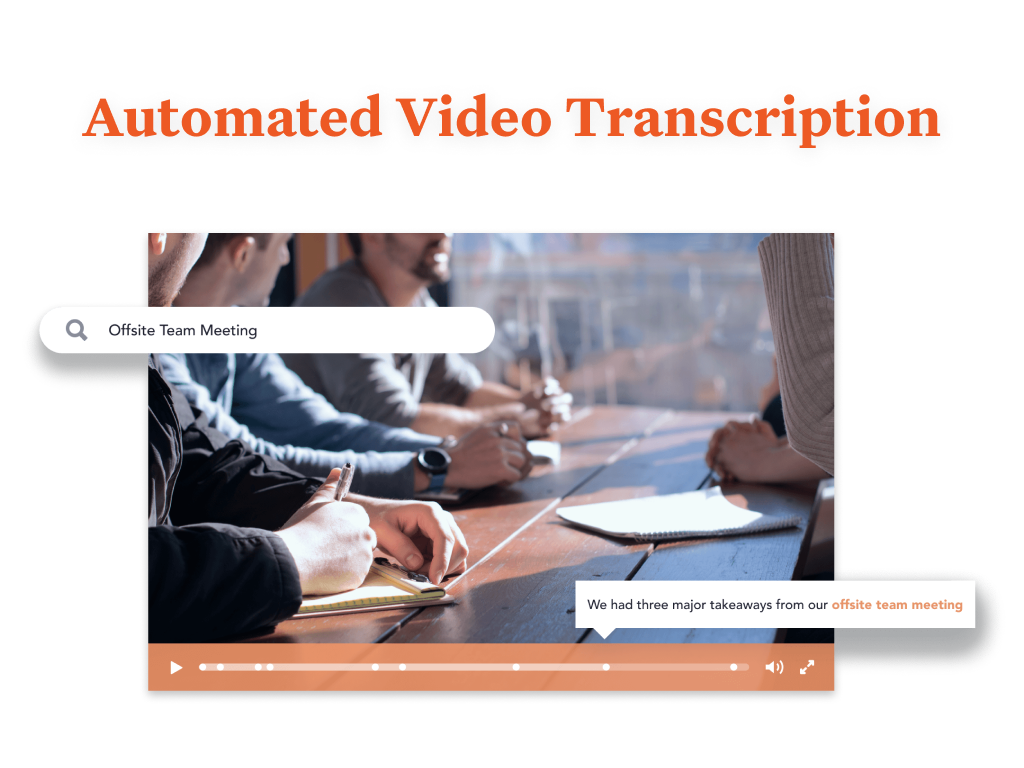
Screenshot of You are provided with a variety of options to brand your Bloomfire community, such as customizing its colors, displaying your organization’s logo, and building a custom Promo Bar. This creates an aesthetic that truly reflects your company’s culture.Screenshot of Bloomfire features an AI-powered search that makes sharing and searching for information a lot easier. It deep indexes every word in each piece of content, regardless of whether it’s a PDF, slide deck, video, or any other file type. The platform also creates tags for your content automatically. And if a video is uploaded, Bloomfire automatically transcribes it, making the spoken words searchable and allowing users to jump to the exact part of a video where certain keywords appear.

All of those features result in an easy and smart searching experience. There’s no need to navigate through folders or guess file names. All you need to do is perform a search like you would with Google. When searching, you can further narrow down your results based on categories such as author and content type.Screenshot of Bloomfire's AI enables you to search and find the video you are looking for based on its audio contents.Screenshot of Use Bloomfire while you work seamlessly across your favorite apps.

ClickHelp Screenshots

Screenshot of how the Projects page looks. Projects, publications, portal settings, reports and the like are within reach.Screenshot of how the design mode looks when writing documentation. ClickHelp is designed to be easy for those with MS Word experience.Screenshot of an example of Funancial's portal branding. Their homepage features all of the main entry points of their documentation, split into several groups. Moreover, they hid TOC to make their user guide more minimalistic.Screenshot of the iiko portal, which is a good example of how to manage different types of documentation from a single place. They have various documentation types, ranging from product manuals (with different versions of software supported) to GDPR support guides and license agreements. But all these documents can be reached from one place.Screenshot of the reporting interface.Screenshot of settings