Bright Pattern provides an AI-powered omnichannel contact center software. With the purpose of making customer service, sales, and marketing brighter and faster, Bright Pattern offers an advanced omnichannel cloud platform with embedded AI. Bright Pattern’s platform can be…
N/A
Cisco Webex Support
Score 7.9 out of 10
N/A
Cisco Webex Support was a remote access and support tool that has been discontinued and is no longer available.
N/A
Genesys PureConnect (discontinued)
Score 9.0 out of 10
N/A
Genesys PureConnect was an omnichannel contact center platform that offered cloud-based or on-premise deployments. It featured a SIP-based architecture with VoIP capabilities, allowing companies to connect legacy voice systems and use existing phones. A legacy product, new users are encouraged to investigate Genesys Cloud.
N/A
Pricing
Bright Pattern Contact Center
Cisco Webex Support (discontinued)
Genesys PureConnect (discontinued)
Editions & Modules
Omnichannel CX
-
per month per seat
Call Center Standard
-
per month per seat
Digital CX
-
per month per seat
No answers on this topic
No answers on this topic
Offerings
Pricing Offerings
Bright Pattern Contact Center
Cisco Webex Support
Genesys PureConnect (discontinued)
Free Trial
Yes
No
No
Free/Freemium Version
No
No
No
Premium Consulting/Integration Services
Yes
No
No
Entry-level Setup Fee
No setup fee
No setup fee
No setup fee
Additional Details
One-time set-up fee includes 45 hours of services for workflow implementation and training: Discovery and Design Workshop; Configuration and Customization to customer requirements; Testing and Evaluation; Agent and Supervisor Training; Administration Mentoring & Knowledge Transfer
Obviously, customer experience is key but contact center staff enablement is one of the most important factors. What good is a multi-million dollar implementation on a platform if your hands are tied from admin or developer turnover? I have seen with many platforms where the …
Bright Pattern has been fantastic in allowing us to automate voice and chat contacts, and we're currently building out scenarios that will allow us to automate even more. It's super simple to collect data from customers, and using some API calls provides the answers they're looking for without a human needing to get involved. There is less functionality currently for emails. Emails can be routed to queues based on keywords, and auto-replies can be sent, but it's pretty basic functionality. We'd love to see some of the enhanced capabilities offered in voice and chat scenarios for email.
We use WebEx Support Center in the IT department to support users as well as work with vendors remotely. This applies to physical desktops, laptops, and Virtual Desktops. We have around 200 employees. Most employees work in one of our offices, but we do have at least 5-10 users who are more frequently remote than they are in the office. It helps us remotely access machines we wouldn't otherwise have access to, due to lack of physical access. It's excellent for troubleshooting access problems from users' personal machines, as well.
CIC is best suited for business models that rely on heavily leverage Data Integration especially one like ours that require real-time and high-speed data access for billing and customer integration. CIC is not well suited for small organizations < 50 where they are only answering phones in the course of doing business VS. the business is the phone.
Simple Remote Access - WebEx Support Center works with either a permanent install or temporary executable, so you don't have to worry about users being particularly comfortable or knowledgeable about software installation. It also doesn't matter if the user is on an account without admin rights, you can still connect and see what's going on using the temporary executable.
Robust Access Options - You can take see the user's screen, take control of their screen, send files, and retrieve files. It's a great tool for troubleshooting issues that users might be experiencing and doesn't depend on them being able to find the files that you need to properly troubleshoot their issues.
Great performance - Even when users don't have a particularly great internet connection, you can still typically get good results and help them quickly. You're not going to do it over dial-up (if that even still exists for anyone), but it works acceptably well even over very modest DSL or satellite internet connections.
That they had a text and voice analysis module Que tuvieran un modulo de analisis de texto y voz
Customized agent interface with company logos. Interfaz de agente personalizada con logos de la empresa
The softphone, when entering multiple interactions, causes the advisors to become confused when they have several. It should be less complex and more adaptable.
El softphone al momento de ingresar varias interacciones, los asesores se pierden cuando tienen varios. que sea menos complejo y mas adaptable
During initial setups it can be a little confusing.
The look and feel is a little rigid. It feels like it is in need of a smoother UI update.
When a new user is introduced to webex and they are asked to share their desktop, it maybe a little difficult for the user to navigate to the correct buttons.
Es una plataforma confiable, en la que ya tengo bastante tiempo utilizando y conociendola. Entonces me siento confiada en volver a utilizarla dentro de la empresa e igual que al ofrecer a mis clientes internos y externos, además con el roadmap que nos brindan estoy segura que seguirá innovando cada vez
The Enterprise package we purchased (Event Center, Remote Support, Meeting Center, and Training Center) for 100 users is the same annual price as GoToMeeting for 25 users. We will renew as it is a package deal. If it were just WebEx Remote Support, we would not renew at all.
We are so embedded on Pure Connect that we like to progress with it. For instance, we are looking into ways to provide different solutions to our customers, help our business to succeed, and work in a better CX.
One of the biggest advantages is that all is in one platform.
It's pretty simple for agents to pick up quickly, it takes a bit longer for supervisors to get familiar with. QA tools are pretty barebones but functional enough. It can be as simple or complex as you need it to be, if you spend some time configuring the settings or working with Bright Pattern's support team to build out what you need.
Honestly, there are people available. But none of them will help you with your issues. They just keep assigning new service engineers who are often clueless.
The interface is only semi user-friendly on almost every front. Agent experience is lacking and we have found many limitations within the system. Workforce forecasting is not as robust as expected. Quality continues to be a struggle. Interaction searches are not robust.
It is always on. The only outage to date that I have experienced was with an upstream telco provider a few years ago. The inbound leg telco was hit by a DDOS attack which led to delays in routing calls to the platform. This was not the fault of the Bright Pattern platform but the telco provider. We have had a few minor carrier issues with call quality, or a handful of brief drops, but Bright Pattern is quick to identify these and change carriers when it starts to happen.
The application itself uses a hub and spoke model that can help isolate errors in one section of the application from the rest, creating a much more stable overall program. Of all of the outages that we've had with our contact center platform, I can count on one hand how often it was truly a Genesys issue rather than a network issue, server issue or issue with a platform relied upon for an integration (web services, db calls).
All pages load when expected, and reports render either in the web browser or as a download. I never really have issues with accessing the admin or agent desktop sites. It just works.
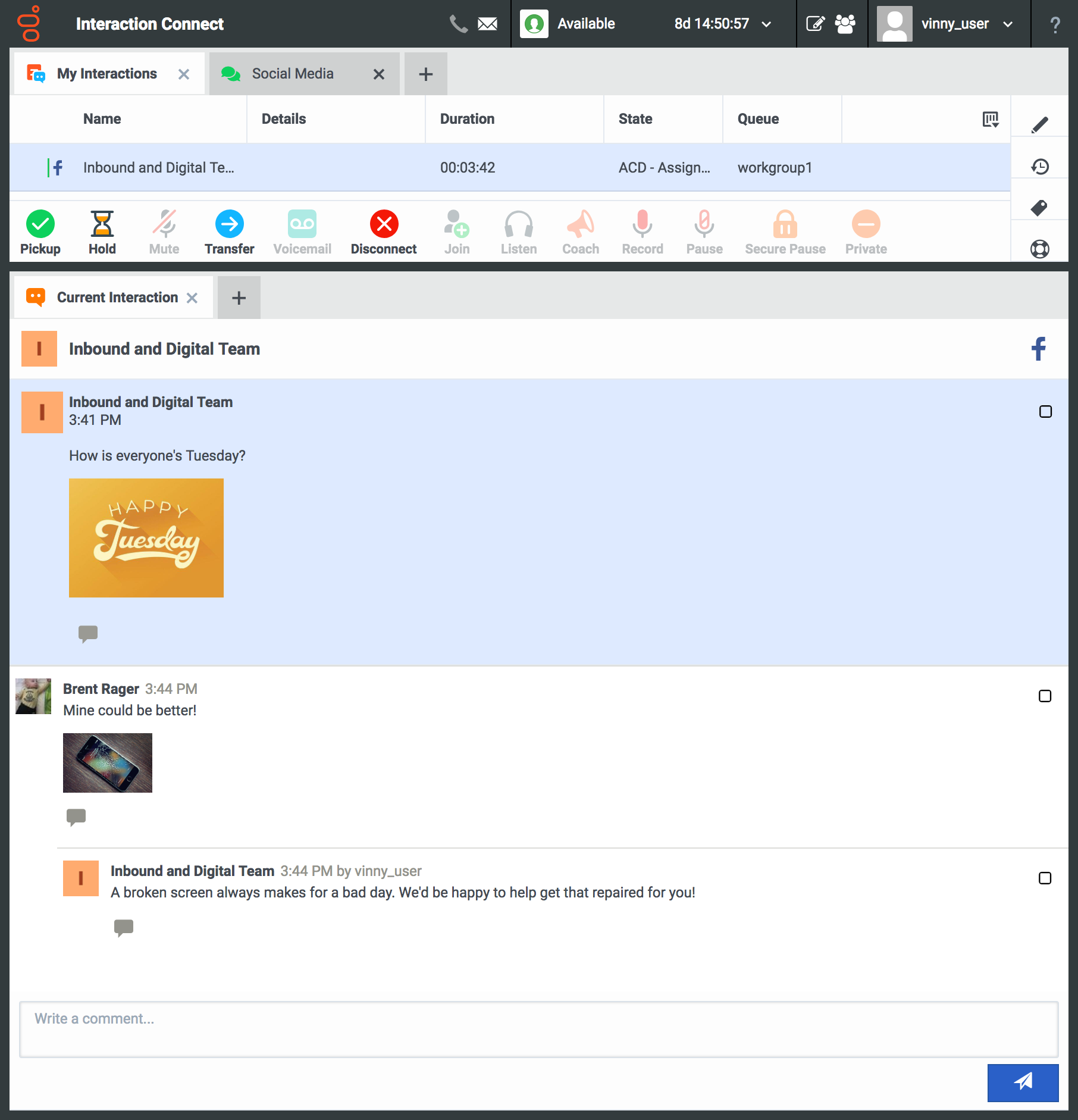
Some of the client applications take a bit of time on initial load, but with the move towards web based applications that issue is alleviated. You can tell that effort really isn't putting into the desktop apps any longer and that the client development effort is being put into bringing Interaction Connect closer to feature parity with the desktop (and bringing wholly new features to Connect). As far as IVR operations, web service calls, database operations: they all operate reasonably.
Although we have only had 1 very short outage in our 4 years of service. Bright Pattern support was easy to contact and solved our sisue very quickly as well as provided more than adequate information on an RCA (Root Cause Analysis) for our clients
Some cases are resolved quickly others are taking longer and the reseller sometimes has to chase support several times and explain the issue seen several times. While being a direct customer before, I recognise this and it seems that when a case moves to another engineer they don’t read the previous case notes or don’t understand what has been done. This, from a customers perspective, slows down resolution times.
In-person and virtual training was great, but Bright Pattern could use some online training videos similar to other platforms. I would welcome online training videos to keep the steady flow of new agents up to date. Admin training is one of the largest areas that need video. The static documentation is great. It is pretty easy to follow and configure your contact center as you progress through each step. The documentation is available online on an easy to use knowledgebase or wiki style site. You do not need a user account to access the help docs, meaning that users at any level can freely access the materials to learn about the platform.
I liked the setup of the whole class. The instructor knew the topic well enough to answer questions from entry level to a more advanced one.
Instructor encouraged participation of the whole class and was able to engage every one. Also provided "real live" examples so everyone can relate to it.
Online training is documentation based only. It is thorough and step by step, but no videos. It would also be helpful to have more information within the help docs on custom reporting. I find that many of the Bright Pattern specific configurations for the Jasper Reporting Server have to be "stumbled" across through existing report templates and they are not clearly listed out somewhere. In person training will not generally go into great depth on report customizations.
The online training itself is good. You are provided resources and can self study to a certain point, but the pacing always felt off. Either snails pace or like trying to drink from a fire hose. I think this easily could have had to do with course material and my personal preparations, though. I would say my main gripe is that since the acquisition the team responsible for actually booking training is very unresponsive and often not knowledgeable about the courses they offer. Booking my last training was a real chore.
As an implementor, I have found the Bright Pattern Contact Center very easy to work with. The platform operates in the manner which I think. Therefore, everything I do seems logical and works exactly as expected. Many solutions are much more difficult to work with and make implementations difficult
Don't try to go the perfect solution as a first target. Work on answer the more needs with a simple solution. Then analyse and try again to answer the most needs with adding a bit if complexity only if require. No needs to customise straight from the beginning or deployment takes too long.
As a contact centre technology vendor we have experience of many different contact centre platforms. We chose Bright Pattern Contact Center because its the best omni-channel contact centre we've ever seen, it's incredibly reliable, its hosted in-country, it has the Microsoft integrations many of our customers want, we can integrate with virtually any CRM or ITSM system and the platform offers a vast feature set.
I would say that Cisco Webex Support stacks up pretty evenly in capability, but in some regards (video clarity, toll-free access, etc.) they were even better. Where they did provide a better solution for toll-free access on audio bridges, their audio quality was worse for those that wanted to use VoIP for the audio conference bridge.
Call Manager, you had to buy all the components that are out of the box for PureConnect. The licensing model is more expensive on the Cisco side vs the Genesys PureConnect side. Lastly was on the Cisco side since you have to connect/integrate all the components on the cisco side you have to have so many vendors to install those parts. This drives the cost up even more so it was not worth going that route for our organization.
Very flexible and will scale without any intervention from my team. Scaling at the carrier/telco layer is handled by Bright Pattern, if you use their offered telecom
Genesys PureConnect's core and adjunct model allows for fairly easy growth in satellite locations via off site session managers, remote located media servers, remote content servers, etc to allow you to spread the infrastructure out while not pushing as much network traffic to your core data centers.
We saved customers between 30% - 40% of the cost of their current omnichannel contact center solutions when we implemented Bright Pattern Contact Center
Very quick to implement so we are able to service more customers with same number of staff
WebEx Support Center works pretty excellently for us as we are a small shop. We are experienced and have pretty good skill sets. WebEx Support Center is an excellent product for our use cases with our users and client to troubleshoot issues.
WebEx Support Center is more expensive than our previous product MXIE or Logmein. It has a more user-friendly UI, and overall performance is better and reliable.
We're improving our CX by optimizing our call centers, using additional attributes and keys to identify the best rep for the job.
We are also streamlining the journey of each individual customer by using PureConnect as the central interface for omnichannel interactions, allowing us to pick up the conversation where we left off.
Using additional attributes that start with the contact center interaction, we're able to track a student journey and proactively step in - increasing our individualized support to focus on the student outcome.