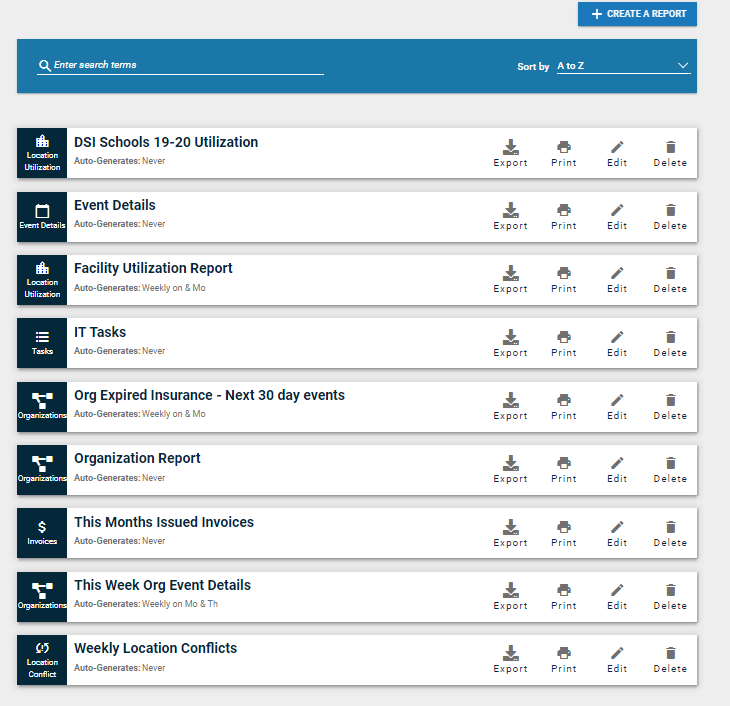
Brightly Event Manager is designed for enterprises in various industries to use for online calendar sharing and promotion, booking facilities, and managing / promoting events. The application is available as a standalone event management solution for offering space for tenants or guests or as part of Brightly's IWMS suite.
N/A
CrowdCompass
Score 6.8 out of 10
N/A
CrowdCompass is an event management software system offered by Cvent.
This is an ideal program for any school or district looking for a way to monitor room and maintenance requests. The digital routing availability will help ease the burden of paper copies and make it quicker for everyone to use and submit their needs. Schools with a variety of staff members are best suited, especially since when submitting a request you can designate those that need to be involved and what specific needs you have from facility to technology.
CrowdCompass was the best part of Cvent each time I used it, from the ease of use to the customer service and handholding. I would recommend it for anyone using Cvent Event Management for an in-person event. I know Cvent just rolled out their virtual event hub though, so for virtual and hybrid events that are employing the Cvent family of tools, I would probably say CrowdCompass is unnecessary.
Provides attendees with their personalized schedules at their fingertips.
Facilitates networking through the ability to set appointments and send messages with other attendees, and inspires competition with The Game and Click challenges.
Gives attendees the ability to view handouts, take notes and download the information to their personal computers when they get back to their offices.
The filter and ability to sort through your request history is a little difficult to navigate and can be glitchy if you are not sorting in the correct way.
There should be a quicker and simpler way to verify whether a room is booked prior to scheduling.
A cleaner, more simplistic look and navigation would go a long way.
Last year, the gamification did not allow much customization, which was a shame. I hope that by the time I am ready to build my 2020 app, this function has been expanded
The app to upload/edit push notifications was only available on iPhone so I had to have another team member handle that seems I have an android phone.
We have been using CrowdCompass for 3 years and it has all of the capabilities and functionality that we need, it's easy to use, and Cvent is always implementing new features and enhancements to keep up with the latest trends and technology.
It is very easy to use as everything is very intuitive. Configurating an app does not take too much time at the end, especially as soon as you already have done one as you can dupplicate the entire content. This is very practical when you use the app for annual events. Also few elements are not updatable once the app is published. Of course you can't change the entire design and the security settings which is a good thing anyway, but the entire content can be updated which allows you to publish your app quite early in advance to boost the engagement without having to wait to have everything in your hands (for instance the speakers bios or abstracts). Plus by adding more content regularly it encourage your audience to come back also regularly to check what is going on before the event.
Once we paid for our apps, I felt like I was left to learn on my own. There are plenty of Help articles available, but no training sessions. I'm a visual learner and having to poke around and use trial and error to build the apps took way too much valuable time away from other parts of my job. It was frustrating and I brought it up with my CrowdCompass contact, but was told that they don't provide any training sessions and if I had questions I should refer to the Help articles or call support.
Our training team walked us through the first set up which really helped me to learn where everything is located as well as all of the features available
This is the only program I have used for the facility, maintenance, technology, and room requests. However, there are programs that include similar features. Frontline Professional Growth is a platform that includes digital forms and routing similar to SchoolDude. But it is a vastly more in-depth program with features that go beyond what SchoolDude is often used for.
Easier to use interface that directly links with our Cvent registration system. We switched due to this integration, the gamification improvements, the benefits for on-site check-in and session selections, and ease of design/use for our builder team. We have especially enjoyed the New Attendee experience over the look/interface of our previous apps