TrustRadius: an HG Insights company

Save this comparison

Save this comparison

Add Product

Recommended Comparisons

    Overview
    ProductRatingMost Used ByProduct SummaryStarting Price

    Chrome Remote Desktop

    Score8.5 out of 10
    N/AChrome Remote Desktop from Google is a cross-platform remote administration and remote desktop tool that requires the Chrome browser and an extension. It is free to use.

    $0

    Factorial

    Score7.1 out of 10
    Small Businesses (1-50 employees)
    Factorial is a business management software designed to streamline HR processes, including time and attendance tracking, talent development, payroll, and finance management.

    $80

    per month

    Pricing
    Chrome Remote DesktopFactorial
    Editions & Modules
    No answers on this topic
    No answers on this topic
    Offerings
    Pricing Offerings
    Chrome Remote DesktopFactorial
    Free Trial
    NoYes
    Free/Freemium Version
    YesYes
    Premium Consulting/Integration Services
    NoYes
    Entry-level Setup FeeNo setup feeOptional
    Additional Details——
    More Pricing Information
    Community Pulse
    Chrome Remote DesktopFactorial
    Considered Both Products
    Google
    No answer on this topic
    Factorial
    No answer on this topic
    Key User Insights
    Would buy again
    100%
    Would buy again
    12 Answers
    No answers on this topic
    Delivers good value for the price
    100%
    Delivers good value for the price
    12 Answers
    No answers on this topic
    Happy with the feature set
    92%
    Happy with the feature set
    11 Answers
    No answers on this topic
    Lived up to sales and marketing promises
    100%
    Lived up to sales and marketing promises
    5 Answers
    No answers on this topic
    Implementation went as expected
    100%
    Implementation went as expected
    9 Answers
    No answers on this topic
    Features
    Chrome Remote DesktopFactorial
    Remote Administration
    Comparison of Remote Administration features of Chrome Remote Desktop and Factorial
    Feature
    Chrome Remote Desktop
    8.3
    21 Ratings
    5% above category average
    Factorial
    -
    Ratings
    Screen sharing6.720 Ratings00 Ratings
    File transfer7.611 Ratings00 Ratings
    Instant message7.06 Ratings00 Ratings
    Secure remote access with Smart Card authentication9.03 Ratings00 Ratings
    Access to sleeping/powered-off computers9.610 Ratings00 Ratings
    Over-the-Internet remote session9.221 Ratings00 Ratings
    Initiate remote control from mobile8.017 Ratings00 Ratings
    Remote management of servers & workstations9.319 Ratings00 Ratings
    Remote Active Directory® management7.05 Ratings00 Ratings
    Centralized management dashboard9.08 Ratings00 Ratings
    Session record9.05 Ratings00 Ratings
    Annotations9.04 Ratings00 Ratings
    Monitoring and Alerts9.04 Ratings00 Ratings
    Multi-platform remote control7.015 Ratings00 Ratings
    Human Resource Management
    Comparison of Human Resource Management features of Chrome Remote Desktop and Factorial
    Feature
    Chrome Remote Desktop
    -
    Ratings
    Factorial
    7.8
    1 Ratings
    5% below category average
    Employee demographic data00 Ratings9.01 Ratings
    Employment history00 Ratings9.01 Ratings
    Job profiles and administration00 Ratings8.01 Ratings
    Workflow for transfers, promotions, pay raises, etc.00 Ratings7.01 Ratings
    Organizational charting00 Ratings7.01 Ratings
    Organization and location management00 Ratings7.01 Ratings
    Leave and Attendance Management
    Comparison of Leave and Attendance Management features of Chrome Remote Desktop and Factorial
    Feature
    Chrome Remote Desktop
    -
    Ratings
    Factorial
    7.7
    1 Ratings
    7% below category average
    Approval workflow00 Ratings9.01 Ratings
    Balance details00 Ratings7.01 Ratings
    Annual carry-forward and encashment00 Ratings7.01 Ratings
    Employee Self Service
    Comparison of Employee Self Service features of Chrome Remote Desktop and Factorial
    Feature
    Chrome Remote Desktop
    -
    Ratings
    Factorial
    5.0
    1 Ratings
    49% below category average
    View and generate pay and benefit information00 Ratings7.01 Ratings
    Update personal information00 Ratings5.01 Ratings
    View company policy documentation00 Ratings3.01 Ratings
    Employee recognition00 Ratings2.01 Ratings
    View job history00 Ratings8.01 Ratings
    Asset Management
    Comparison of Asset Management features of Chrome Remote Desktop and Factorial
    Feature
    Chrome Remote Desktop
    -
    Ratings
    Factorial
    6.0
    1 Ratings
    29% below category average
    Tracking of all physical assets00 Ratings6.01 Ratings
    HR Reporting
    Comparison of HR Reporting features of Chrome Remote Desktop and Factorial
    Feature
    Chrome Remote Desktop
    -
    Ratings
    Factorial
    5.3
    1 Ratings
    36% below category average
    Report builder00 Ratings6.01 Ratings
    Pre-built reports00 Ratings4.01 Ratings
    Ability to combine HR data with external data00 Ratings6.01 Ratings
    Onboarding
    Comparison of Onboarding features of Chrome Remote Desktop and Factorial
    Feature
    Chrome Remote Desktop
    -
    Ratings
    Factorial
    3.5
    1 Ratings
    79% below category average
    New hire portal00 Ratings4.01 Ratings
    Manager tracking tools00 Ratings3.01 Ratings
    Performance and Goals
    Comparison of Performance and Goals features of Chrome Remote Desktop and Factorial
    Feature
    Chrome Remote Desktop
    -
    Ratings
    Factorial
    2.8
    1 Ratings
    97% below category average
    Corporate goal setting00 Ratings1.01 Ratings
    Individual goal setting00 Ratings4.01 Ratings
    Line-of sight-visibility00 Ratings4.01 Ratings
    Performance tracking00 Ratings2.01 Ratings
    Performance Management
    Comparison of Performance Management features of Chrome Remote Desktop and Factorial
    Feature
    Chrome Remote Desktop
    -
    Ratings
    Factorial
    5.8
    1 Ratings
    32% below category average
    Performance plans00 Ratings6.01 Ratings
    Performance improvement plans00 Ratings5.01 Ratings
    Review status tracking00 Ratings7.01 Ratings
    Review reminders00 Ratings6.01 Ratings
    Multiple review frequency00 Ratings5.01 Ratings
    Recruiting / ATS
    Comparison of Recruiting / ATS features of Chrome Remote Desktop and Factorial
    Feature
    Chrome Remote Desktop
    -
    Ratings
    Factorial
    5.7
    1 Ratings
    33% below category average
    Job Requisition Management00 Ratings4.01 Ratings
    Company Website Posting00 Ratings6.01 Ratings
    Publish to Social Media00 Ratings6.01 Ratings
    Job Search Site Posting00 Ratings4.01 Ratings
    Duplicate Candidate Prevention00 Ratings7.01 Ratings
    Applicant Tracking00 Ratings5.01 Ratings
    Notifications and Alerts00 Ratings8.01 Ratings
    Best Alternatives
    Chrome Remote DesktopFactorial
    Small Businesses
    N-able Take Control
    Score7.2 out of 10
    UZIO
    Score9.4 out of 10
    Medium-sized Companies
    Remote Desktop Manager
    Score9.6 out of 10
    Zoho People
    Score8.6 out of 10
    Enterprises
    BeyondTrust Privileged Remote Access
    Score9.1 out of 10
    PeopleStrong
    Score10 out of 10
    All AlternativesView all alternativesView all alternatives
    User Ratings
    Chrome Remote DesktopFactorial
    Likelihood to Recommend
    9.5
    (21 ratings)
    6.0
    (1 ratings)
    Likelihood to Renew
    7.0
    (2 ratings)
    -
    (0 ratings)
    Usability
    8.9
    (7 ratings)
    -
    (0 ratings)
    Support Rating
    3.8
    (7 ratings)
    -
    (0 ratings)
    Implementation Rating
    10.0
    (1 ratings)
    -
    (0 ratings)
    User Testimonials
    Chrome Remote DesktopFactorial
    Likelihood to Recommend
    Google
    It is well suited in cases where your company/organization is looking for a low/no cost remote desktop solution, or is looking for something that can be used by most anyone right away. Most organizations don't want things to be too complex, especially with a remote desktop solution, which is generally not very complex software to begin with. It would be less appropriate in cases where the company/organization has already purchased licensing for a commercial product, and/or has been heavily using a commercial product for some time.
    Incentivized
    Read full review
    Factorial
    I am not fully convinced about factorial HR yet. We are about to transition to a new tool after using Recruitee for a long time. The bar was high when it came to recruitment ATS. and Factorial HR is multifaceted but not as well structured or functional. Support in other languages should also be improved, as those are the most common reviews I have seen online.
    Incentivized
    Read full review
    Pros
    Google
    • Unlike Microsoft's Remote Desktop, this program is the same across platforms, which is helpful for users.
    • This program also allows direct control over the desktop (like TeamViewer) and doesn't give you a simulated log on (like Remote Desktop). This is advantageous for seeing exactly what's on the screen but can make it a little laggy.
    • The interface is very nice and clear once it's set up. It's obvious which computer is which and it's just a couple of clicks from opening the program to a connection.
    • The mobile app is also really really well done.
    Incentivized
    Read full review
    Factorial
    • Recruitment ATS.
    • Keeping documents and employee records.
    • Talent performance management.
    Incentivized
    Read full review
    Cons
    Google
    • More fluid video rendering. Does a good job, but could use a more consistent framerate at times.
    • A way to easier switch between multiple monitors.
    • Adding an ability to zoom for multi-monitor display. Sometimes on a single screen it can get difficult to read if trying to view them all.
    Incentivized
    Read full review
    Factorial
    • i think the main area is time off requests.
    • also, customer service is not as responsive.
    • interface could be more user friendly.
    Incentivized
    Read full review
    Likelihood to Renew
    Google
    A very easy lightweight tool that is completely scalable and deployed via google admin platform. The tool is free to use and works extremely well with the chrome devices we currently have deployed. Any organization using chrome or google suites should look into this tool as it's much easier to use then other remote software in the market
    Incentivized
    Read full review
    Factorial
    No answers on this topic
    Usability
    Google
    Just a great product that has saved countless hours of commute to work and given the flexibility to be able to work from anywhere, whether at home or when away on holiday overseas. I love that it is a free product and is just as great as its competitors' products. It has also allowed me to prepare for work for the following day.
    Incentivized
    Read full review
    Factorial
    No answers on this topic
    Support Rating
    Google
    The only support I ever accessed were help files and web tutorials. I never tried to access personal support, mostly because I don't believe much of it is available. As a free service, my expectations for support are pretty low; that said, Chrome Remote Desktop is easy enough to configure and troubleshoot even with limited technical knowledge.
    Incentivized
    Read full review
    Factorial
    No answers on this topic
    Implementation Rating
    Google
    None, its quick and easy
    Incentivized
    Read full review
    Factorial
    No answers on this topic
    Alternatives Considered
    Google
    Chrome Remote Desktop seems to be a an easy to use and efficient program. Such as TeamViewer, however TeamViewer offers more program features such as able to control a device's function (shutting down, restarting, audio input, cmd etc). With those added program features I believe Chrome Remote Desktop can almost be up to par with TeamViewer.
    Incentivized
    Read full review
    Factorial
    I does not stack up very well. It's best feature is that it is a 360 HR platform, but it needs to evolve and improve. Recruitee and Teamtailor seem way better options, in my opinion, for the Applicant tracking system. Time off tends to get confusing at times, and employees prefer tools like bamboo or Roots, which integrate well with other tools.
    Incentivized
    Read full review
    Return on Investment
    Google
    • Using Chrome Remote Desktop, we've saved money on remote desktop software.
    • Using Chrome Remote Desktop, we've saved money by not needing to purchase additional hardware (monitors).
    • Using Chrome Remote Desktop has improved the productivity of my organization by allowing employees to work from anywhere.
    Incentivized
    Read full review
    Factorial
    • It has not had any impact. we are testing the tool for a while now, but we do not think it will make it to the end of the process.
    • It seems good for ATS but all other functionalities seemed to have been left behind.
    • I like that it allows managing posts and other things like internal social media and communities.
    Incentivized
    Read full review
    ScreenShots

    Chrome Remote Desktop Screenshots

    Screenshot of the option to share a screen or access another computer in Chrome Remote Desktop.Screenshot of the screen to setup a remote connection.

    Factorial Screenshots

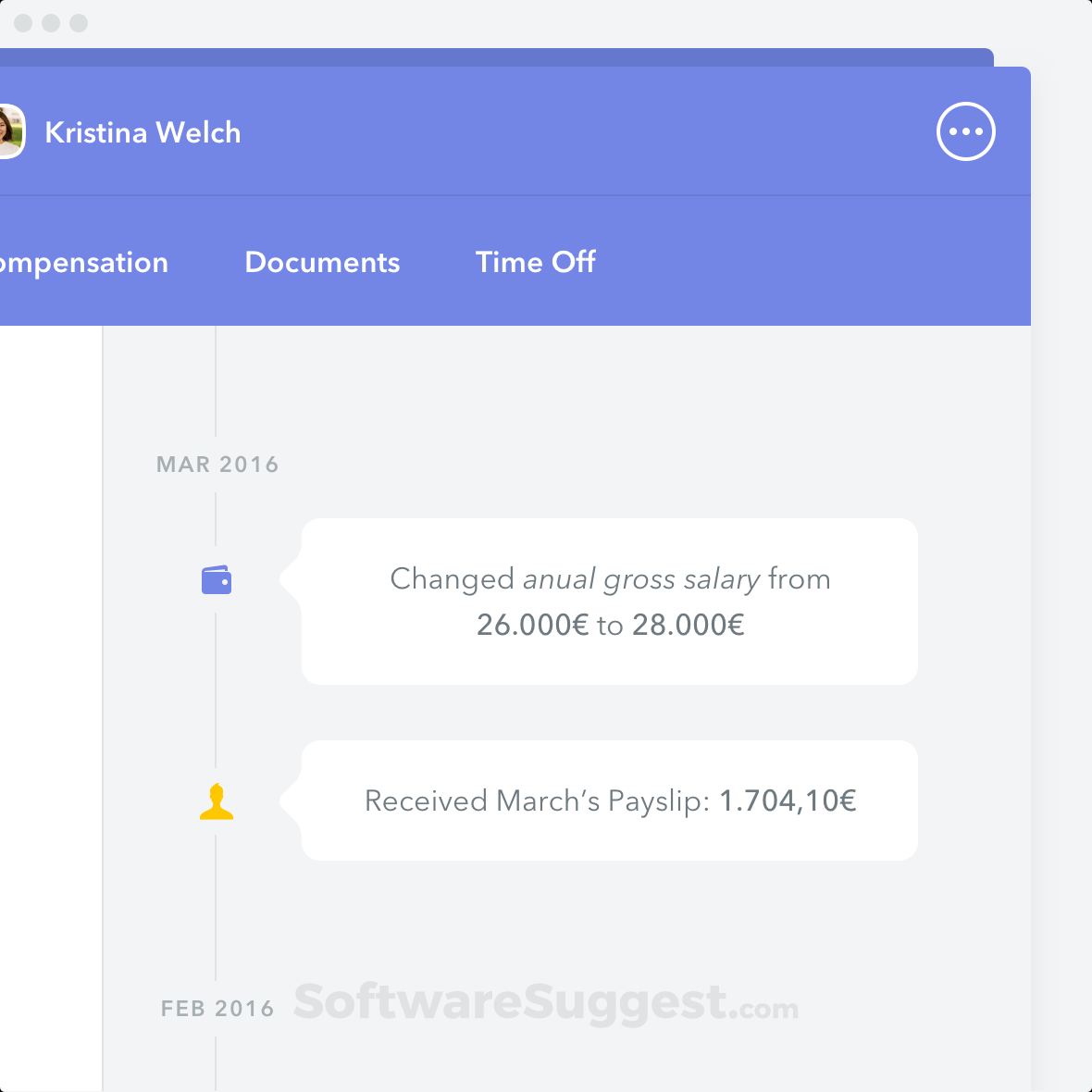
    Product screenshotProduct screenshotProduct screenshotProduct screenshotProduct screenshot