Chrome Remote Desktop from Google is a cross-platform remote administration and remote desktop tool that requires the Chrome browser and an extension. It is free to use.
$0
ServiceMax
Score7.9 out of 10
N/A
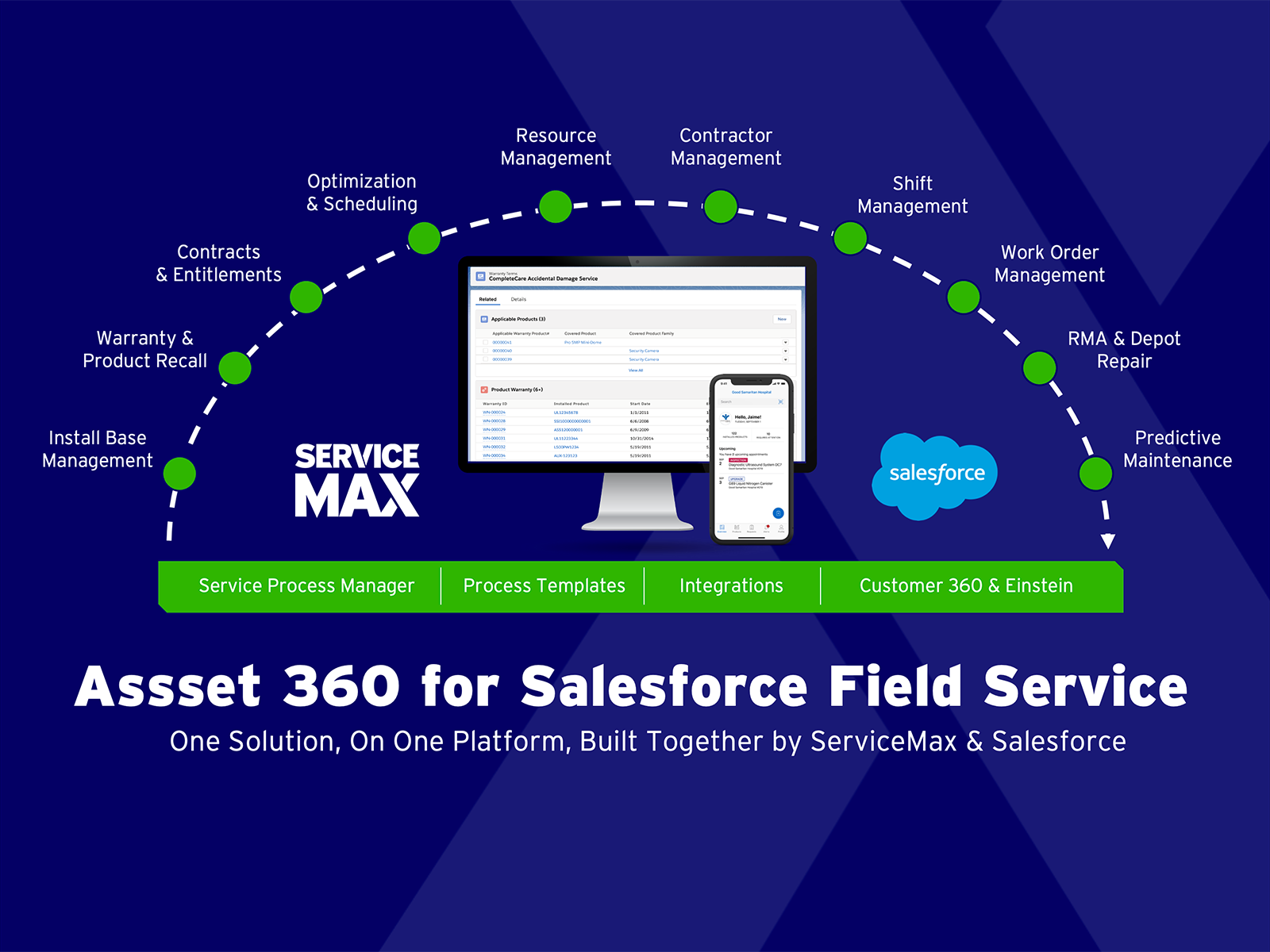
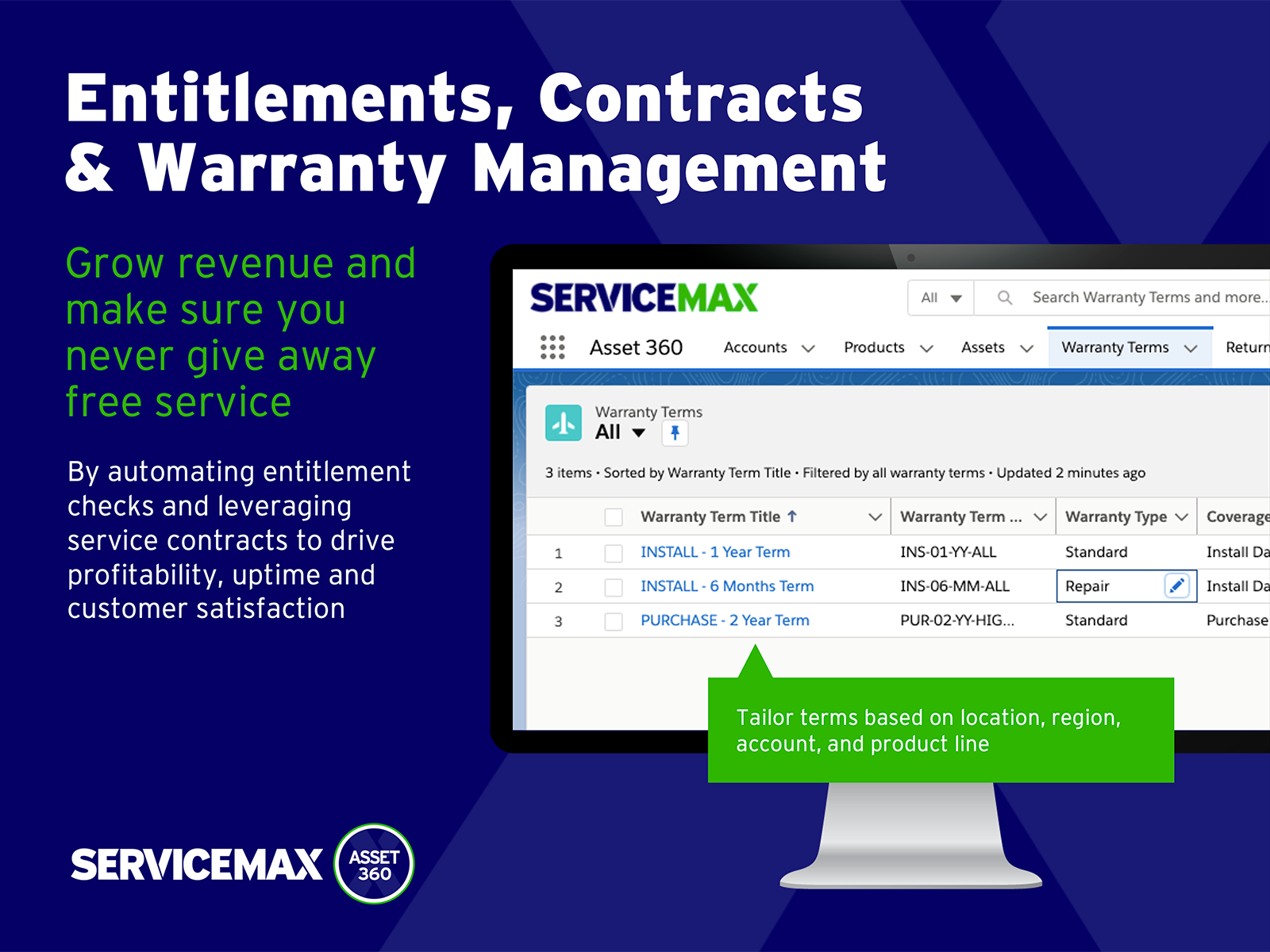
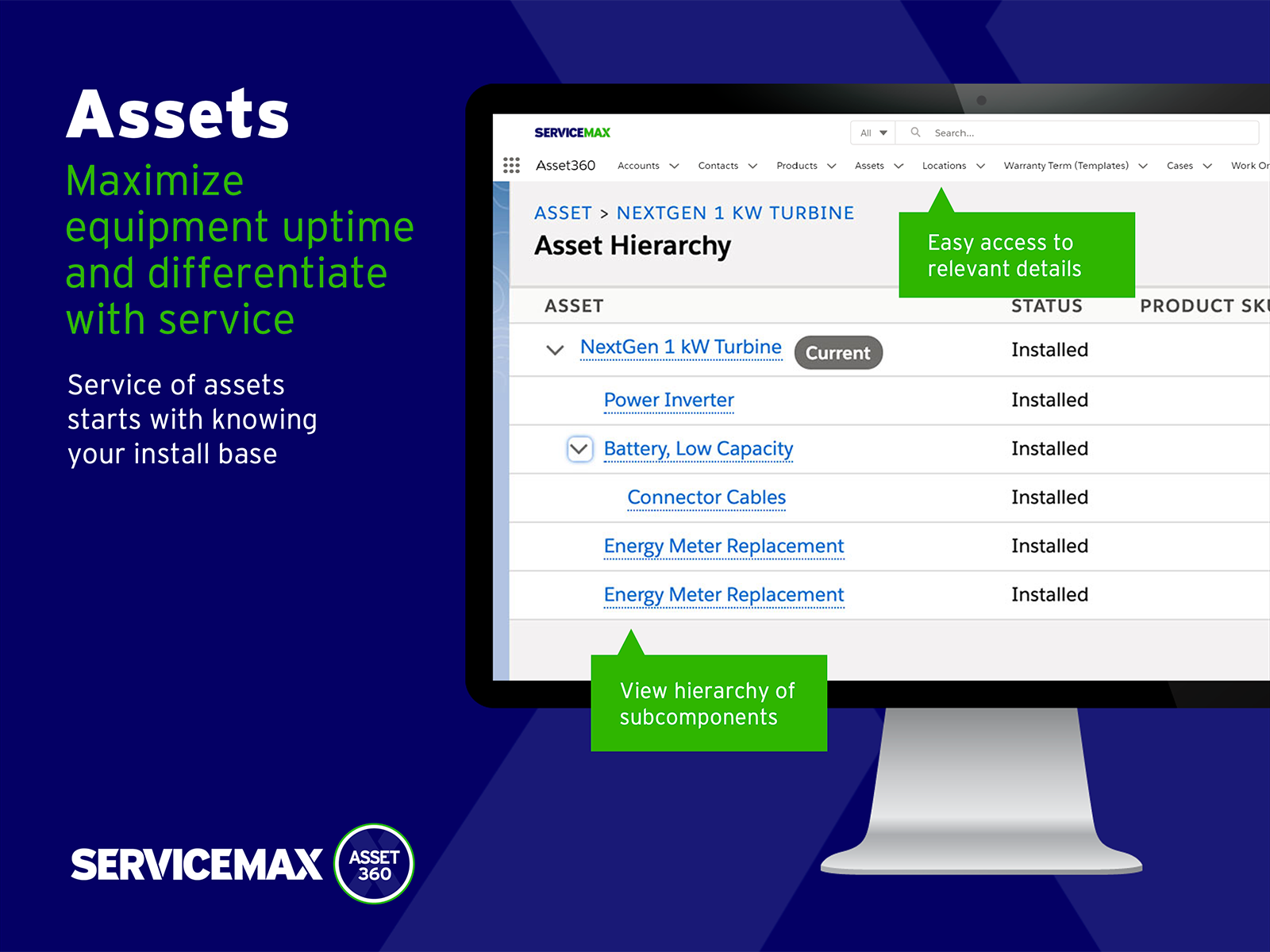
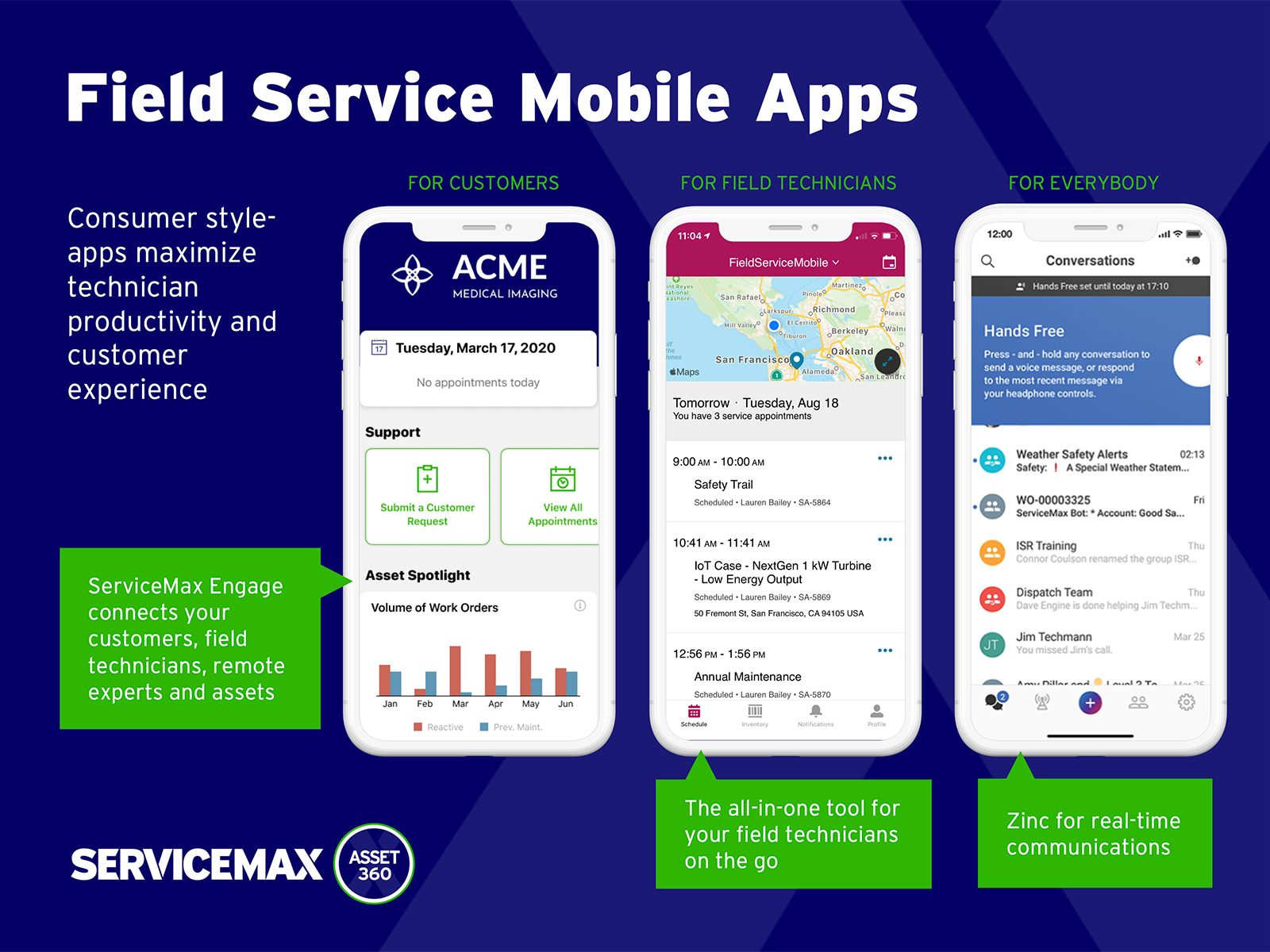
ServiceMax’s mission is to help customers with asset-centric field service management software. ServiceMax’s mobile apps and cloud-based software provide an overview of assets to field service teams. By optimizing field service operations, customers across all industries can better manage the complexities of service, support faster growth and run more profitable, outcome-centric businesses.
It is well suited in cases where your company/organization is looking for a low/no cost remote desktop solution, or is looking for something that can be used by most anyone right away. Most organizations don't want things to be too complex, especially with a remote desktop solution, which is generally not very complex software to begin with. It would be less appropriate in cases where the company/organization has already purchased licensing for a commercial product, and/or has been heavily using a commercial product for some time.
A de minimis incentive was given to thank the reviewer for their time. The incentive was not used to bias or drive a particular response, nor was the incentive contingent on a positive endorsement. More Info
Small deployments, where you have some specific need for ServiceMax and absolutely need offline capabilities, and are willing to deal with the problems. Otherwise, you may be better off looking at the built-in Work Orders and field service module that Salesforce is now providing. Their app is direct competition for ServiceMax and integrates much better with cases and knowledge articles.
A de minimis incentive was given to thank the reviewer for their time. The incentive was not used to bias or drive a particular response, nor was the incentive contingent on a positive endorsement. More Info
Unlike Microsoft's Remote Desktop, this program is the same across platforms, which is helpful for users.
This program also allows direct control over the desktop (like TeamViewer) and doesn't give you a simulated log on (like Remote Desktop). This is advantageous for seeing exactly what's on the screen but can make it a little laggy.
The interface is very nice and clear once it's set up. It's obvious which computer is which and it's just a couple of clicks from opening the program to a connection.
A de minimis incentive was given to thank the reviewer for their time. The incentive was not used to bias or drive a particular response, nor was the incentive contingent on a positive endorsement. More Info
A de minimis incentive was given to thank the reviewer for their time. The incentive was not used to bias or drive a particular response, nor was the incentive contingent on a positive endorsement. More Info
A de minimis incentive was given to thank the reviewer for their time. The incentive was not used to bias or drive a particular response, nor was the incentive contingent on a positive endorsement. More Info
A de minimis incentive was given to thank the reviewer for their time. The incentive was not used to bias or drive a particular response, nor was the incentive contingent on a positive endorsement. More Info
A very easy lightweight tool that is completely scalable and deployed via google admin platform. The tool is free to use and works extremely well with the chrome devices we currently have deployed. Any organization using chrome or google suites should look into this tool as it's much easier to use then other remote software in the market
A de minimis incentive was given to thank the reviewer for their time. The incentive was not used to bias or drive a particular response, nor was the incentive contingent on a positive endorsement. More Info
Just a great product that has saved countless hours of commute to work and given the flexibility to be able to work from anywhere, whether at home or when away on holiday overseas. I love that it is a free product and is just as great as its competitors' products. It has also allowed me to prepare for work for the following day.
A de minimis incentive was given to thank the reviewer for their time. The incentive was not used to bias or drive a particular response, nor was the incentive contingent on a positive endorsement. More Info
The only support I ever accessed were help files and web tutorials. I never tried to access personal support, mostly because I don't believe much of it is available. As a free service, my expectations for support are pretty low; that said, Chrome Remote Desktop is easy enough to configure and troubleshoot even with limited technical knowledge.
A de minimis incentive was given to thank the reviewer for their time. The incentive was not used to bias or drive a particular response, nor was the incentive contingent on a positive endorsement. More Info
A de minimis incentive was given to thank the reviewer for their time. The incentive was not used to bias or drive a particular response, nor was the incentive contingent on a positive endorsement. More Info
A de minimis incentive was given to thank the reviewer for their time. The incentive was not used to bias or drive a particular response, nor was the incentive contingent on a positive endorsement. More Info
Chrome Remote Desktop seems to be a an easy to use and efficient program. Such as TeamViewer, however TeamViewer offers more program features such as able to control a device's function (shutting down, restarting, audio input, cmd etc). With those added program features I believe Chrome Remote Desktop can almost be up to par with TeamViewer.
A de minimis incentive was given to thank the reviewer for their time. The incentive was not used to bias or drive a particular response, nor was the incentive contingent on a positive endorsement. TR verified that a representative sample of customers was invited. More Info
ServiceMax has an offline capability, and also integrates with our Salesforce side of business. At the time, Salesforce did not have a field service application so we could not consider it, but if we could now, we would probably go with that instead. ServiceMax is also expensive. But at the time, ServiceMax was the only offering out there that integrated with Salesforce, had mobile offline capability, and could operate at the scale we needed.
A de minimis incentive was given to thank the reviewer for their time. The incentive was not used to bias or drive a particular response, nor was the incentive contingent on a positive endorsement. More Info
A de minimis incentive was given to thank the reviewer for their time. The incentive was not used to bias or drive a particular response, nor was the incentive contingent on a positive endorsement. More Info
ROI for ServiceMax is mostly dependent on how in depth the organization wants the software. Our ROI is expected within the second year of operation due to the complexity of integration and the initial training requirements for in-house programmers.
Inventory control ROI is expected within year three or four due to the number of technicians and creating the foundation of information to import into ServiceMax. Expectations are the front end programming will be complete and our programmers will be better acquainted with the modules and architecture to make the inventory integration smoother than the initial integration.
Our organization has been working with ServiceMax for ten months and beginning to incorporate the financials to the work orders. This process has not been as seamless as once projected and the root causes are under investigation. It appears the original fields available to track time between employees were not in depth nor segregated sufficiently for granularity.
A de minimis incentive was given to thank the reviewer for their time. The incentive was not used to bias or drive a particular response, nor was the incentive contingent on a positive endorsement. More Info