Cisco offers Meraki Systems Manager (SM), an enterprise mobility management platform supporting the monitoring, provisioning and securing of mobile devices across an enterprise network.
N/A
Ivanti Neurons for MDM
Score 7.5 out of 10
N/A
Ivanti Neurons for MDM is a cloud‑Based Mobile Device Management. Ivanti Neurons for MDM enables secure access to data and apps on any device across the Everywhere Workplace.
N/A
Jamf Now
Score 8.5 out of 10
N/A
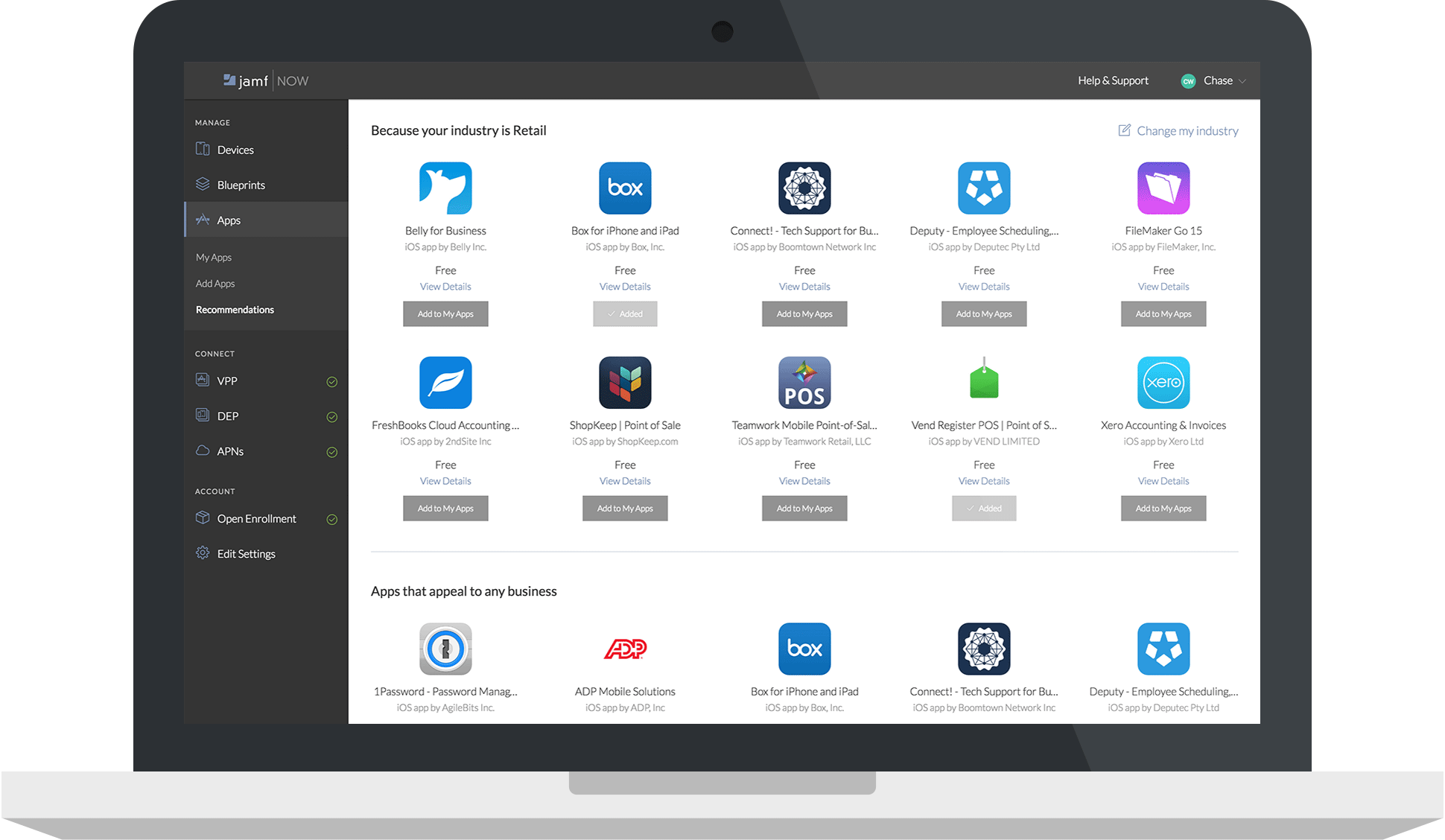
Jamf Now, formerly Bushel, is a cloud-based Mobile Device Management (MDM) solution for iPads, iPhones, and Macs in the workplace. According to the vendor, Jamf Now makes device management accessible and affordable for everyone, so businesses can support their users without help from IT. Jamf Now helps configure settings on all Apple devices quickly and consistently over the air and allows users to manage their devices by centrally deploying apps anytime from anywhere. Jamf Now can be…
N/A
Pricing
Cisco Meraki SM
Ivanti Neurons for MDM
Jamf Now
Editions & Modules
No answers on this topic
No answers on this topic
No answers on this topic
Offerings
Pricing Offerings
Cisco Meraki SM
Ivanti Neurons for MDM
Jamf Now
Free Trial
No
No
Yes
Free/Freemium Version
No
No
Yes
Premium Consulting/Integration Services
No
Yes
No
Entry-level Setup Fee
No setup fee
Required
No setup fee
Additional Details
—
—
$2 per month per Mac or iOS device.
First 3 devices are free.
Price per month per device, billed monthly. No minimum.
Cancel at any time; no questions asked.
As your needs change, add or remove devices. We bill you based on current number of managed devices.
We were already Cisco Meraki customers so it was a logical step to use their SM product. That said, we did compare to other vendors and we are happy with our choice. Integration and ease of deployment was a big factor. While some competitors could offer lower costs, the …
We have used Cisco Meraki, it shows location, we can push security policies, unlock/lock the device remotely, but can not push email or do a selective wipe, need to buy licenses for the paid version. Miradore Online used for BYOD smartphones, we can push email, security …
It is very helpful if you need to restrict the apps a student or employee can have on their device. I had teachers using Netflix on the iPads before I brought them under management. Restricting them will make you unpopular with some of your employees, however, I advise them the device is being provided for business use and, therefore we have the right and responsibility to manage it.
For devices that require single-app mode (iOS) deployments are easy to manage. We are also able to control which OS features are available at a very granular level. What is often lacking are good guides illustrating how to implement certain features - for example, setting up single-app mode for the first time is not intuitive and should not require opening service requests with the helpdesk.
The tools for remote support require a lot of effort and have made implementation of this capability a financial decision instead of a technical one. By this I mean that it's better to request budget for professional services than to invest mine or my team's time, which makes it far less likely to get implemented. Things that cost money and require justifications to the finance team are disadvantaged from the word go.
Anywhere with under 100 Apple devices, I would recommend this service. It was always so simple to add a device you recently purchased to your inventory and be able to check in on it anytime. If they had more than 100, I would recommend Jamf Pro, the enterprise version of this software.
MobileIron has a very easy to deploy architecture. We reviewed other products before making our business decision to deploy MobileIron, and one of the reasons we selected MobileIron was due to the ease of deployment, the low footprint, and the ease of configuration.
MobileIron has a broad range of customizations and add-on products that make it an ideal product for a number of additional use cases. None of these use cases got business backing at BH Media, but Docs@Work and Apps@Work are two features that would make MobileIron an ideal tool for a customer who needs to allow BYOD or company devices the ability to access documents or applications without VPN.
MobileIron is supported by a large number of devices and their operating systems. In a company which allows BYOD devices, you can't always control what device a user is going to bring in. MobileIron has support for older devices and OS versions and is also quick to adopt newer devices, so a new device isn't shut out in the cold waiting for a vendor to update their software.
Limited ability for "command line" functions. For example, we had a laptop that was stolen and showed to be online, but we could not wipe it. We were able to access a command prompt, but it would not accept DISKPART or FORMAT commands to try and make the PC unusable.
The GPS location is not terribly accurate and frequently it "guesses" location based off of an IP address rather than actually activating the GPS on the device. This makes tracking lost/stolen devices very difficult.
Difficulty getting devices to correctly show their status in the dashboard. For example, I can have a PC that is online and connected to the Internet, but shows to be offline in the dashboard. Only after refreshing many times would it indicate that the PC was actually online, thus allowing me to administer it.
Documentation is hard to find. Most of MobileIron's (MI) documentation can only be accessed through an MI account. This, in itself, is not a problem. The problem is locating specific information. Typically with other MDMs, a quick google search will point you to the location of the documentation within the official website. The way MI has their documentation locked down, I cannot find anything I'm looking for through a google search. Also, there were times documentation is locked by permissions and links provided by support are inaccessible to me due to these restrictions.
Sales - The sales team can sometimes come off as not genuine. I understand the purpose of sales is to sell and make money for the company, but the approach sometimes feels artificial; they say they have to company's best interest in mind, but the push for a sell like a car salesman.
Many of the automation options are not explicitly available into MobileIron Core. I have to use a special scripting language to make MI do the things I need it to do, such as automatically retire devices that have been inactive for 60 days.
I would like to see some more advanced functions for the iOS supervised mode. Maybe pushing iOS updates? Right now we can only see if it requires an update, but can't schedule an update time, etc.
I would like to see Jamf Now work with Apple to allow apps with in-app purchases that can be used with Jamf Now. Right now some apps don't have two versions available in the app store (a full version, and a free version with in-app purchases), so the single version free app with in-app purchases can't be used across our enterprise environment. :(
They could do with a better lost device activation lock. Currently, you can only lock a device from being erased and re-setup if you associate an icloud account with it and turn it on to find the lost device.
So far we have been very pleased with MobileIron and it has accomplished many of our goals. We are looking forward to continued improvements on Windows 8 platforms and Android PIM solutions. The only way that we would leave is if a solution came out that was better suited to work with Lotus Notes
It has is easy to use overall and is very powerful. The learning curve for the system is very small and I have found it easy to train members of our team to use it. It can fit any size organization and the support is excellent. The ROI is well worth it. If you have a multiplatform ecosystem, this tool is near perfect.
Working in an environment with just macOS devices, Jamf Now is a great option. With Jamf Now, you get details with configurations that get down to the fine details of each device. Without Jamf Now, it would be a much bigger headache managing our Apple devices. Overall, this application makes our jobs much easier.
We have found that Cisco Meraki has always had very good customer support. In the rare case, when we have needed assistance they have always been quick to respond and solve the issue.
I have been using MobileIron for years. As with any company, they suffered the constraints of growth. I don't normally deal with call-in support, but in the few instances that I have the level of support has gotten inherently better. My usual support experience is from a dedicated individual(s) from professional services. This is mainly because of the size of the deployment. This offers a resource that is thoroughly familiar with your environment. Another benefit is that you can contact them directly, which eliminates the handing off and starting over with multiple individuals. As a company they are extremely committed in their support structure and making it better. They send out audits and welcome any interaction and if there is a complaint they follow up with efficacy
No body is perfect and occasionally, but rare, it take a little bit to get a reply on the chat, but overall as compared to other chat sessions it is pretty responsive and fairly quick. They allow you to upload a screen shot if that helps and to reply with solutions via email so I have it as a reference in writing for future problems.
It is online based, after learning content you can take a test and if you don't pass you get two other chances to pass. Once you pass the test you can print out your certification or save it
The only product I have used that is similar is Apple Configurator. While a powerful solution, it requires physical access to the devices which is not always possible, especially on a large site. Meraki is able to achieve many of the same functions as the Apple configurator but without ever needing to physically access the device, other than initial setup and registration.
We've evaluated a number of other MDM solutions before finally deciding on MobileIron as our choice. These included AirWatch, Good, Citrix and IBM. None came close to the cost price point offered by MobileIron providing the same solutions. The initial setup/configuration was provided for free and training classes were exceptional. Other vendors did not offer the same level of support provided by MobileIron.
It’s scalable up to a point and will scale well from small to a medium business, however, as a business grows and policies get more mature or detailed, you might have to later upgrade to a more appropriate enterprise solution such as MaaS360 or AirWatch. This solution however, will last quite a long tome for a growing business.
Our immediate take away has been a savings of thousands a year in MDM fees. We were paying around $3.00 a device with our previous MDM and our average with Meraki is about $1.88 per device. That while providing far more functionality than our previous provider.
MobileIron initially was a positive part of our mobile stack. However after two years, we are exploring in-house solutions as Mobile Iron has not been stable enough for our needs. We had a MobileIron-related outage last year that took a week to resolve and cost our business substantially.
I believe MobileIron is more effective with Android devices than iOS.
MobileIron seems better suited to devices that need to be updated/managed infrequently (~ 1/week or less often). For tablets that need daily MDM interactions, MobileIron was not sufficiently reliable.