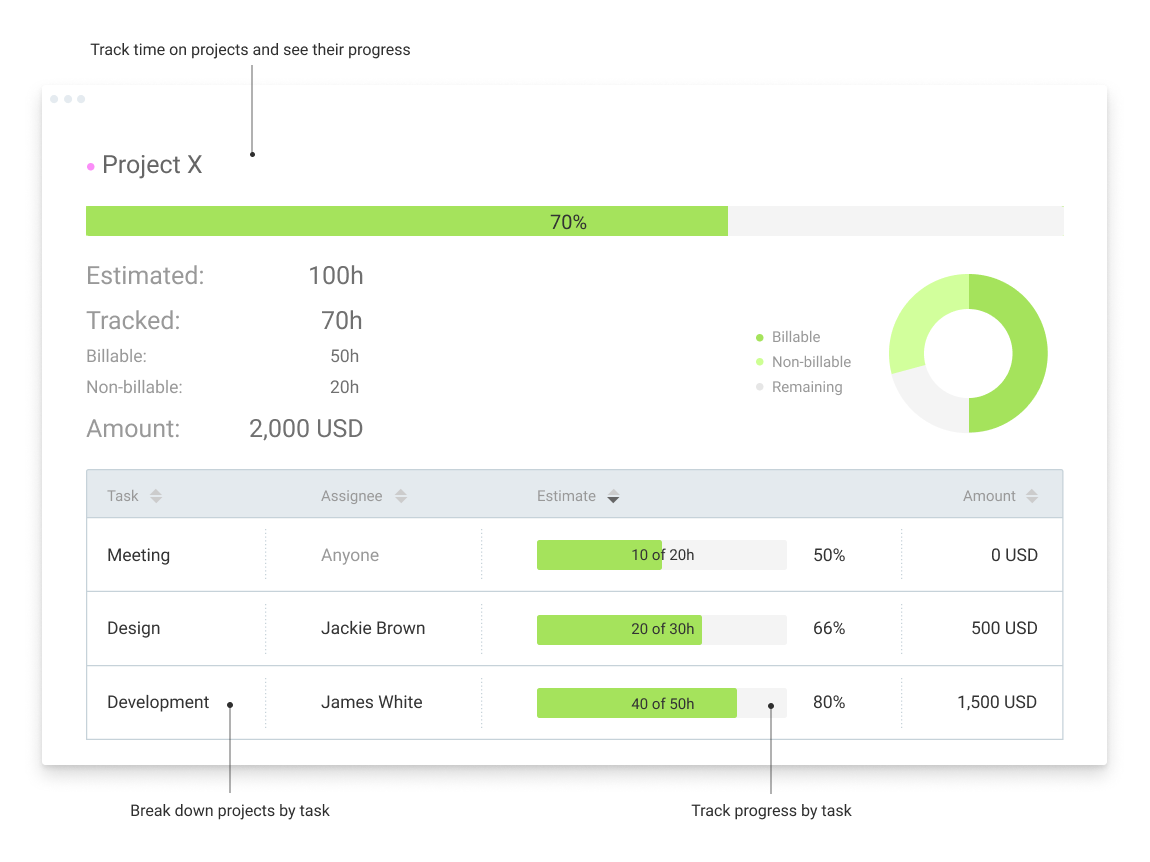
Clockify, from COING in Palo Alto, is a time tracker and employee timesheet software for teams of all sizes. Clockify lets users track how much time is spent working on tasks, as well as keep track of employee timesheets and billable hours, project completion, reports, and schedules.
$0
forever, unlimited everything
FreshBooks
Score 9.1 out of 10
Small Businesses (1-50 employees)
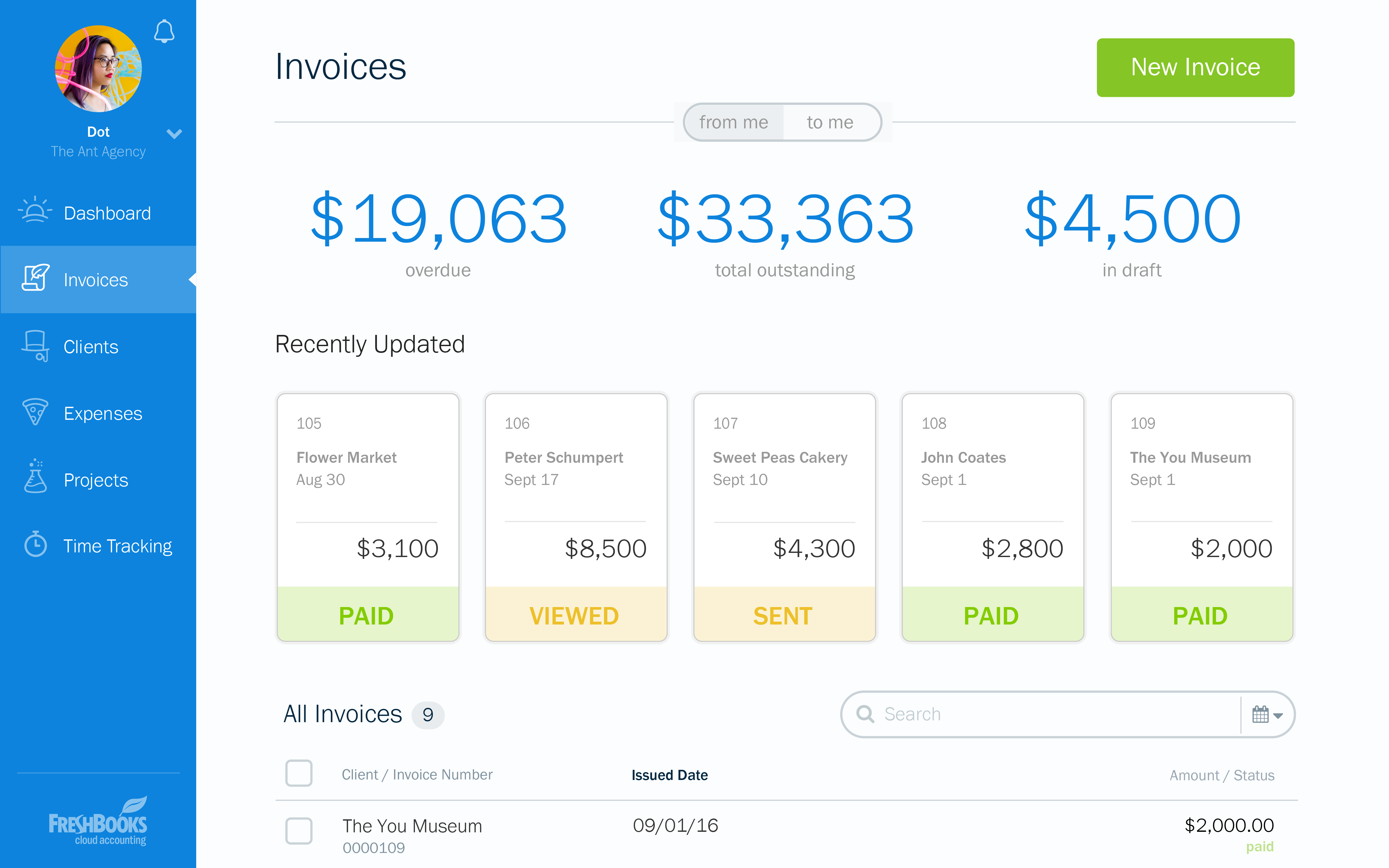
FreshBooks is an accounting service for small businesses. The solution enables users to send and manage invoices, track billable time and collect online payments. The vendor’s value proposition this that their solution provides a straightforward service that simplifies the billing process.
$21
per month
Harvest
Score 9.0 out of 10
N/A
Harvest is used to track time, gain insights from past projects, and get paid for work. Dedicated apps and integrations with popular tools like Asana and Slack allow Harvest to fit into a team’s workflow.
A selection of visual reports are offered to keep projects running smoothly and an organization's team supported. Harvest also helps to turn a team’s tracked time and expenses into professional nvoices and collect payment quickly with integrated online payments.
$13.75
per month per seat
Pricing
Clockify
FreshBooks
Harvest
Editions & Modules
Clockify Free
$0
forever, unlimited everything
Clockify Plus
$9.99
per month, per workspace
Clockify Enterprise
$9.99
per month, per user, per workspace
Clockify Premium
$29.99
per month, per workspace
Clockify Server
Starts at 450
Lite
$21
per month
Plus
$38
per month
Premium
$65
per month
Select
Custom Pricing
Harvest Pro
$13.75
per month per seat
Harvest Premium
$17.50
per month per seat
Offerings
Pricing Offerings
Clockify
FreshBooks
Harvest
Free Trial
Yes
Yes
Yes
Free/Freemium Version
Yes
Yes
Yes
Premium Consulting/Integration Services
Yes
No
No
Entry-level Setup Fee
Optional
No setup fee
No setup fee
Additional Details
Unlimited usage and number of users for free. Paid plans are solely for access to additional features. Self-hosting software on own servers available.
10% discount for annual pricing.
20% discount for annual billing on Pro and Premium plans.
I actually switched from a FreshBooks and QuickBooks Online combination to using Harvest and Xero at the request of my bookkeeper. It seems like FreshBooks and QuickBooks Online are both market leaders in their space. Harvest is more focused on time tracking than being an …
I had looked at Harvest as a competitor due to their integration with Asana, but ultimately settled on FreshBooks due to how easy the mobile app made it to make time entries, take photos of receipts & assign as expenses to various clients, projects, etc since I'm mobile most of …
We use QuickBooks for all of our reporting, payroll, taxes, and expenses. But Freshbooks makes invoicing way more user friendly for our clients since it is web based rather than a downloaded program.
FreshBooks is a great program and I used to use it before my needs changed and I needed different features. When I switched, Harvest had made the most progress versus other platforms of making time tracking easy. This is important for accuracy versus having team members forget …
Harvest is a bit more robust and offers additional related options such as invoicing (which Clockify does not have) though most people invoice through another system anyway.
Clockify is an easy 10 over 10 recommendation for me. I would recommend this anyone especially if they're required to track their time and productivity while on the job. Office workers, tellers, bankers - any desk jobs really can very well use the awesome features of Clockify to the fullest extent. It is easy to use, very simple to set up, and doesn't require that much resource from your computer for up-keep
I recommend FreshBooks to anyone running a service-based business that needs invoicing, time reporting, and accounting tools. FB is adept in all three of these scenarios and isn't overly complicated like similar accounting packages I have used. I love how I can write estimates and proposals, manage the business development process from the software, and quickly convert prospects to invoiced clients.
Harvest is ideally suited for a variety of scenarios, particularly in the realms of freelance or consulting work, where accurate hour tracking for billing is crucial. It excels in small to medium businesses managing team projects, allowing for effective resource allocation and time management across multiple concurrent projects. For budgeting and forecasting, Harvest provides valuable data, aiding in accurately estimating the duration and cost of future projects based on past data. It's also highly beneficial for remote or distributed teams, thanks to its cloud-based platform that facilitates seamless coordination. Additionally, its detailed reporting features enhance client transparency, fostering trust through clear communication of time spent on projects. However, Harvest may be less suitable for larger enterprises with complex integration needs or specialized industries requiring more niche features. Small startups or individuals on tight budgets might find the cost challenging, especially if they don't fully utilize all its features. Lastly, for those needing only basic time tracking, simpler or free tools might be more appropriate, making Harvest an unnecessary expenditure for basic needs.
Clockify records exact times on a per project basis when you click Start/Stop.
User interface is very easy. It is easy to add a project on the fly, change the times I just recorded if I forgot to click Stop for example. The interface is intuitive and gives me the flexibility I need.
Reporting gives me everything I need from times, hours per project, billable or not, per client and any tags I've created. This provides enough flexibility for many different use cases.
Invoicing - FreshBooks basically ensures our accountants spend less time on invoices via its automated invoicing system, which sends invoices to our customers and clients alike and also send them regular reminders for them to pay up their bills.
Collecting business insights - FreshBooks enable our company analysts measure our business performances via data reports provided by FreshBooks' intuitive dashboard. Allowing us do a comparative analysis of key business metrics of a current month against past months and determine if the business is growing.
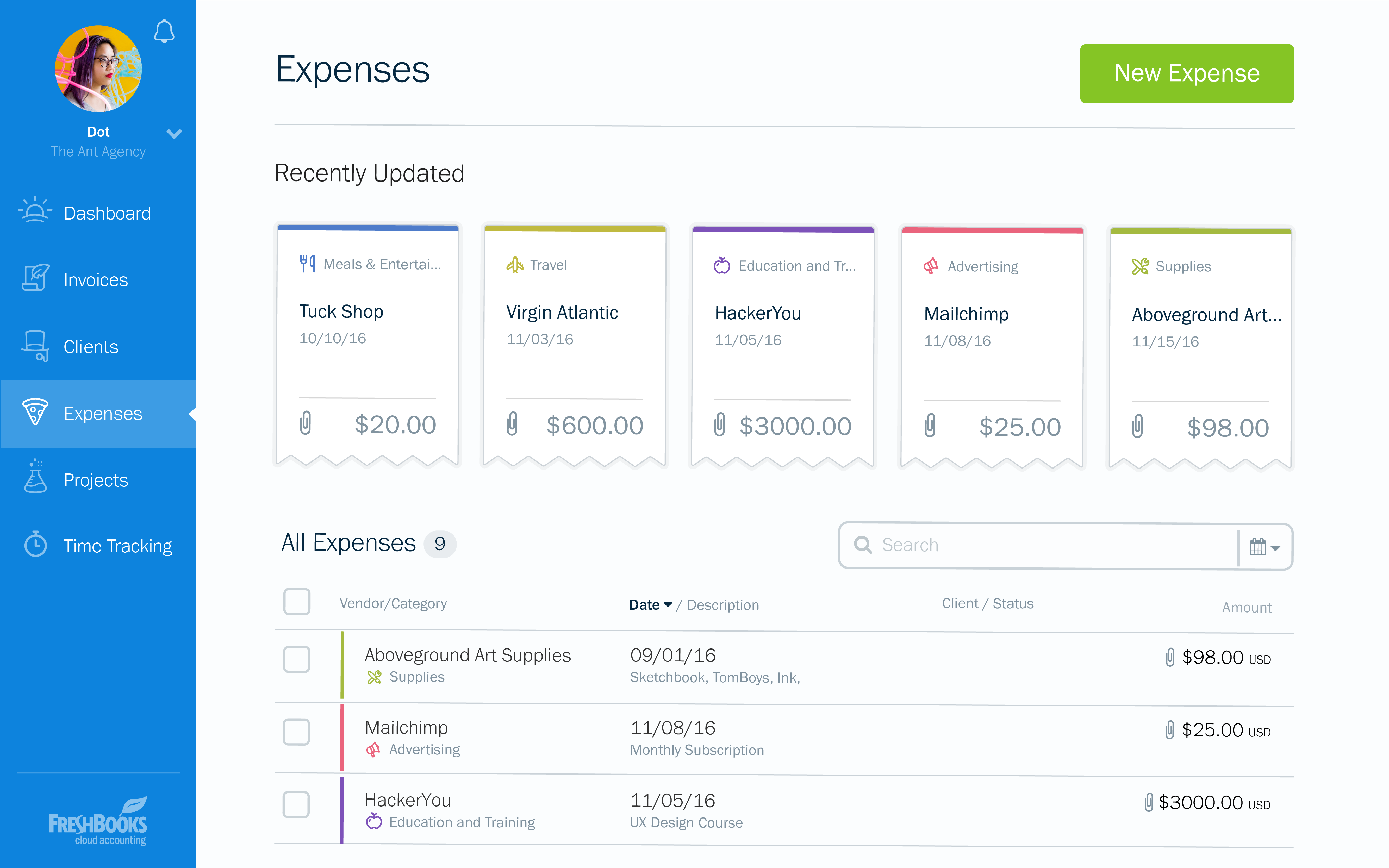
Expense tracker - We have recently embraced FreshBooks as an expense tracker for teams at our company branch. Thusfar, FreshBooks has performed very well, making our expense management a perfect operation; ensuring teams do not exceed their planned budget and also eliminating the need for tracking expenses on excel spreadsheets.
Offers several options on using the tool, for example, you can use the app on your phone, the app for desktop, or simply have the website open.
The timer integrates with other platforms. For example, our team uses Asana as our project management tool. Now, in real-time, I can know which projects my team is working on and whether we're implementing good time management strategies to meet our goals.
The summary break downs are wonderful! You can view an individual's hours as well as project hours. There are even notifications you could receive when your team is getting close to reaching the allotted time for a client's project.
In general, manuals or how to use instructional videos are always welcome - just covering the very basic are very good to get everyone up and running.
Maybe work on your scalability - the main reason why we switched to a different provider is because the company was ramping up and the competitors have more features that come with not just time and productivity tracking.
I always like the classic blue and white pallets on the app but sometimes I just wish there's more option to customize how it looks just to give it a little more flavor.
I can brand invoices with my business logo, but I might like to change colours of the invoices themselves to match the rest of my business documents. That isn't a major point at all, but it's something that I'd like to see.
Freshbooks doesn't remember the categories that similar expenses were previously assigned to. It would be nice if Freshbooks would suggest a category for an already saved vendor, to ensure the consistency of expense reporting.
The home page of a Freshbooks account has a great graph display of expenses and income, but it only shows the last 6 months. This is still very useful, but I'd like to be able to see this kind of graph for different periods of time.
I’m still trying to figure out how tasks best associate to a specific project. There’s a couple different places to edit that and I’m a little confused as to best practice.
Does not integrate into basecamp which is our project management system
I'm using the free version at the moment and loving it. What a great product, easy, responsive and has better up time than Yahoo Mail. :) What isn't there to like?
At the current needs of our business, FreshBooks suits us perfectly - it allows online access by our accountant to the system for GST purposes, easy input of expenses and tracking of Profit and Loss statements. FreshBooks customer service is great as well - very understanding and accommodating.
Very affordable, accessible and simple. For this very reason I would say, it culminates to Clockify being very beginner and start-up friendly. It is its strongest suit after all, and this is the main reason why I would recommend this to anyone. I am very thankful for me ex colleague who recommended this to me, we're no longer working together but I still hear that he's still using Clockify to this very day on his own business
FreshBooks is very easy to use even for novices. If you're looking for an online accounting software that is full of features, has great aesthetics and is user-friendly, then this is definitely the software for you. I've been using it for several years now and despite being tempted to switch by other vendors, I like the feel of FreshBooks and it's mobile features.
Again, just a minor compatibility issues using with other platforms such as Basecamp, but it does do everything promised. The only downfall we have found is having to create a job in both platforms and then connecting them later vs being able to create a project once and having them automatically connect.
I have never had an issue logging in or it not being available. I use Clockify every work day during the week, frequently starting/stopping projects. I've had past experience with other systems that suddenly aren't usable for an hour and that is something I have never experienced with Clockify. They are doing something right on their backend. Nice job, Clockify folks
I already mentioned how it feels light across the wire. Pages load fast in the web browser. I have not tried the browser plug-in nor the mobile app. I give it a 9 instead of 10 as the desktop app seemed to hesitate when I clicked the start/stop of a project/task
I dealt very little with customer support because Clockify is so easy to use. That being said, the few times I did, I got fast responses and any issues that I did have were solved in a very fast manner.
I think the support level for FreshBooks is on par with a 6 because the folks behind this application do a fairly good job at providing support for their customer base. I still don't think they are at an elite level when it comes to supporting but are getting there although too slow in my opinion.
They're very responsive and do their best to answer whatever questions we've had. Sometimes, the question or request we've made is for a feature that doesn't yet exist, however in most cases those features have been built later and did eventually address our need.
Harvest is very similar to Clockify. The only difference is that Harvest also has an invoicing and billing system built into it. So if you're billing your clients based off of time directly, Harvest may be a better option as far as that goes. Of course, Harvest only has minimum billing increments of 6 or 10 minutes, there is no 10-minute option so that's something where Clockify has them beat. They are both very easy to use.
FreshBooks does very well in comparison, especially since it is free software for Barclays bank users. Sage software is much worse than FreshBooks. However, Xero and QuickBooks, the market leaders, are still ahead with usability, additional features, reporting, and connection with third-party software providers. We chose FreshBooks as it does everything we require from this type of software.
Harvest is significantly better than Jira. I think Jira's is not originally intended to be used as a time logging/management system, but we had been previously using it as that. It was much clunkier, and many employees had a difficult time using it as a user interface goes. Harvest is much more user friendly and has simplified the daily time-logging process for everyone in our office
Because it feels light on the wire and runs so smoothly with great up-time. I have to assume that the same is true as it scales. I'm a single user so maybe I don't see if there are any scalability issues. With the way it seems architected to run so quickly across many platforms (desktop, mobile, web, browser plug-in), I have to think that it is using recent technology that provides scalability options
The free plan really did everything we needed for the 6 months or so we used it. Without Clockify, we would have had to pay roughly $40+/month for a software tool.
When we upgraded to the paid version, it was still only $10/month and helped us be able to have minimum billing increments which is a huge monetary increase.
In reality, we do not implement all of its use at the moment in order to determine an adequate ROI.
In our approach to the use of the system, it seems to us a considerable time saving by achieving the integration of the Mexican subsidiary with its parent located in the US.
Financial reports meet the necessary USGAAP requirements.