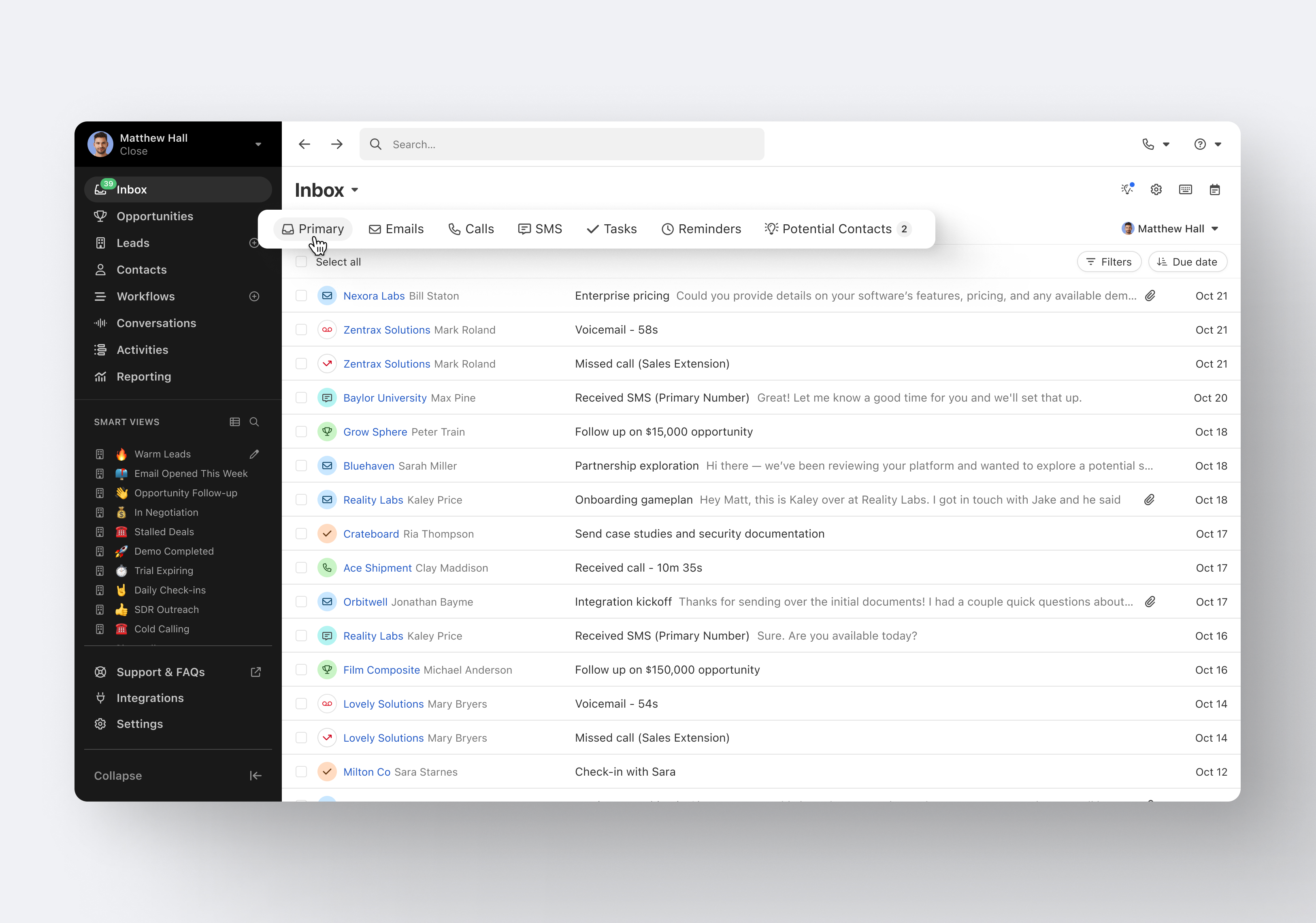
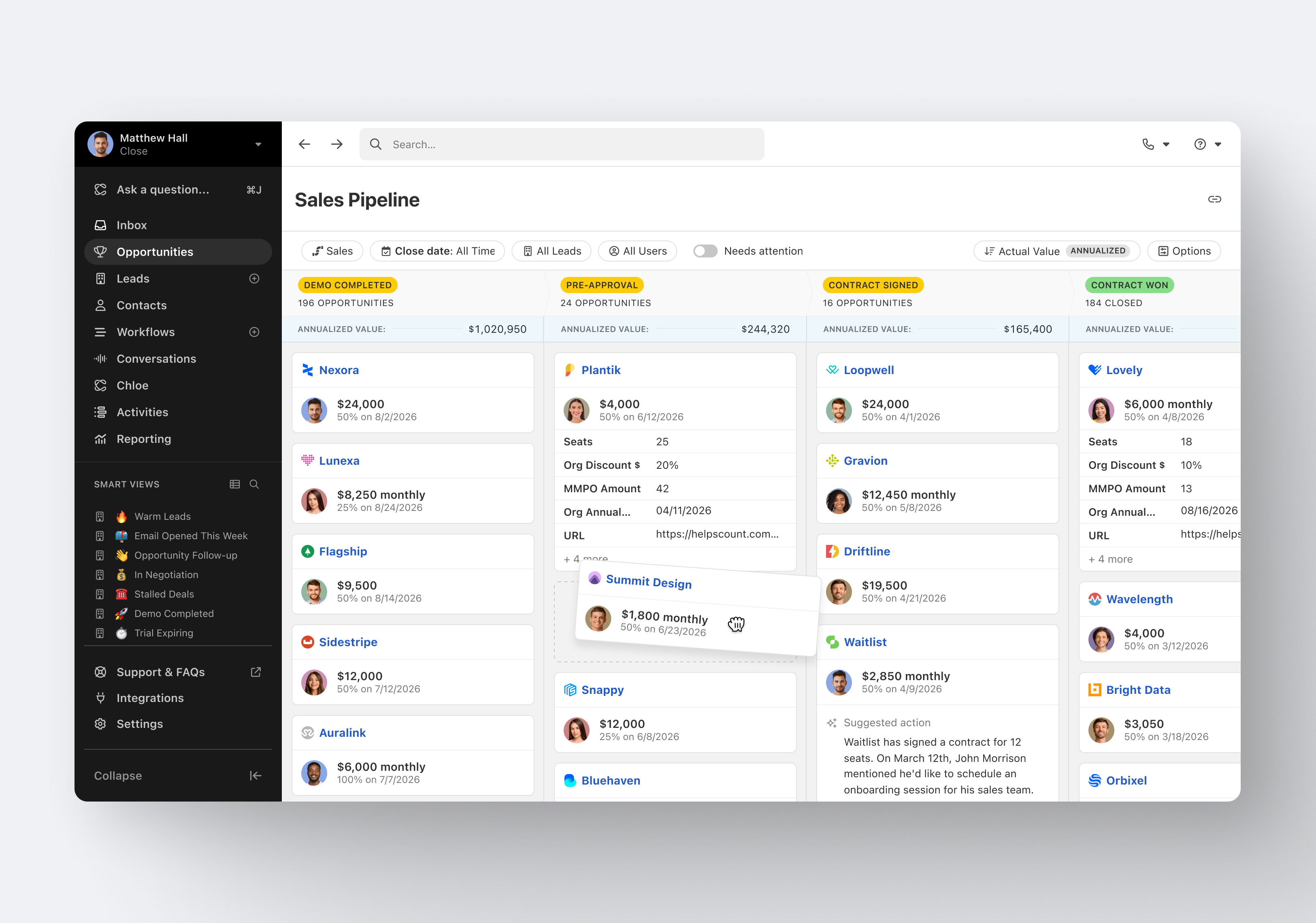
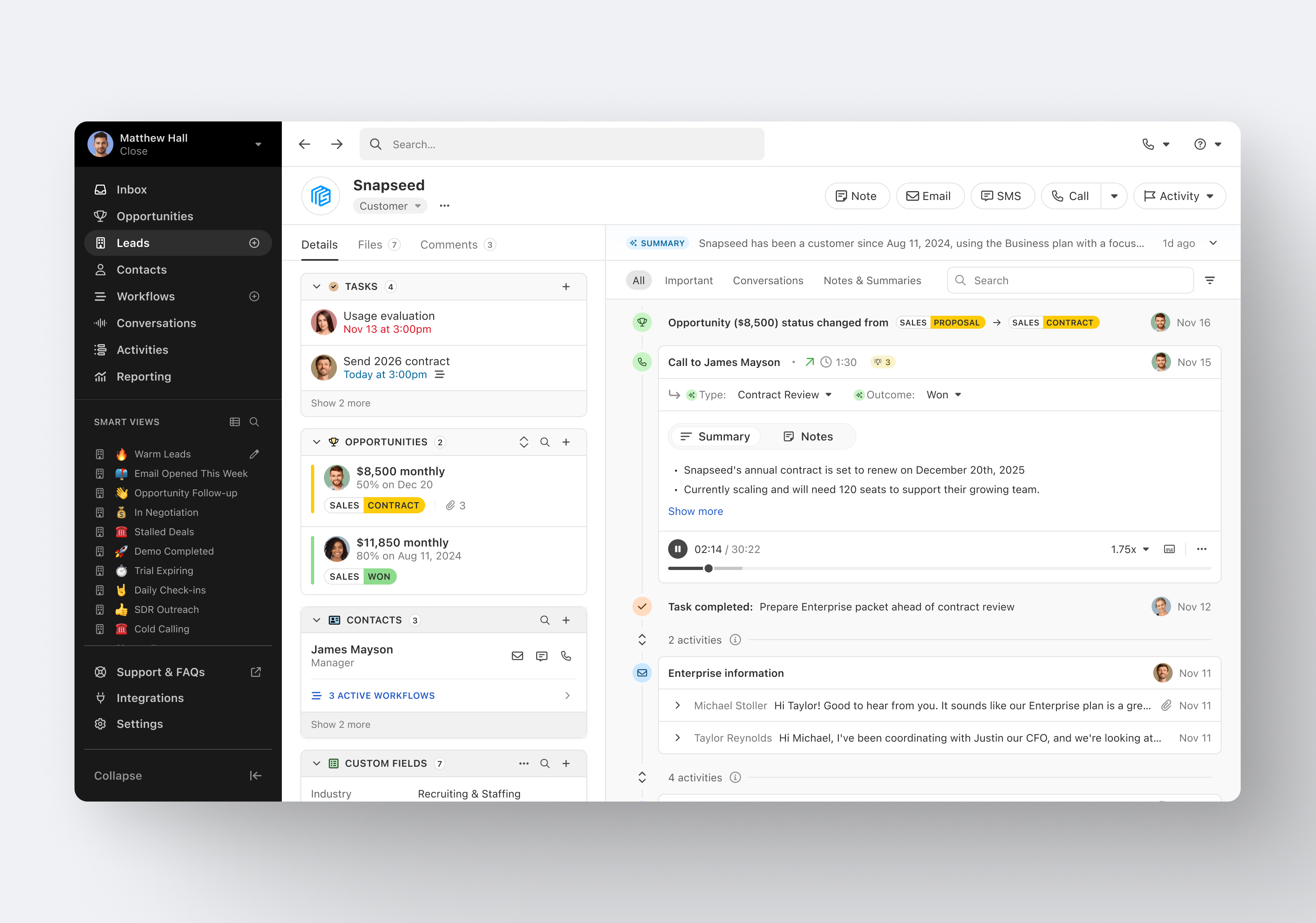
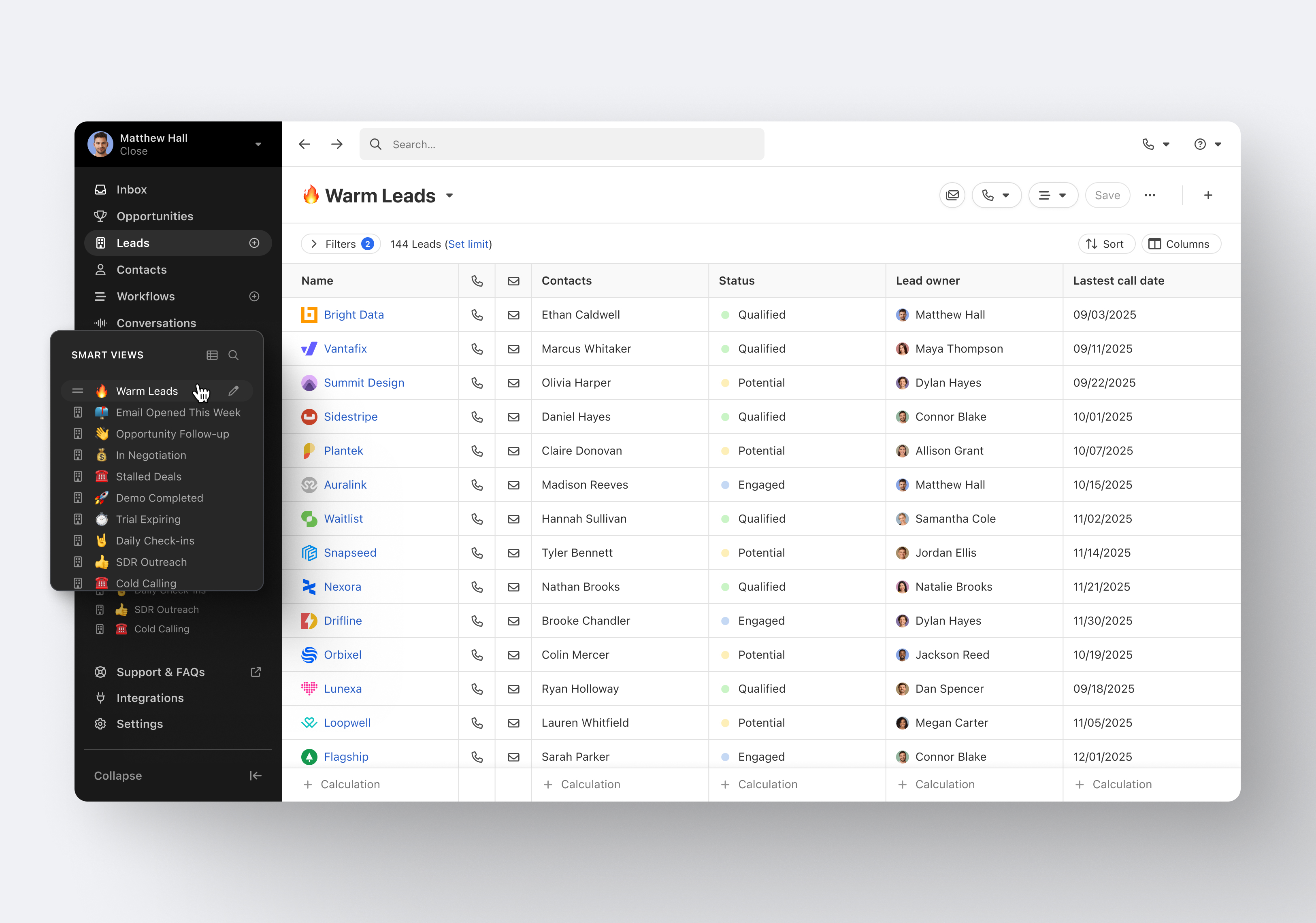
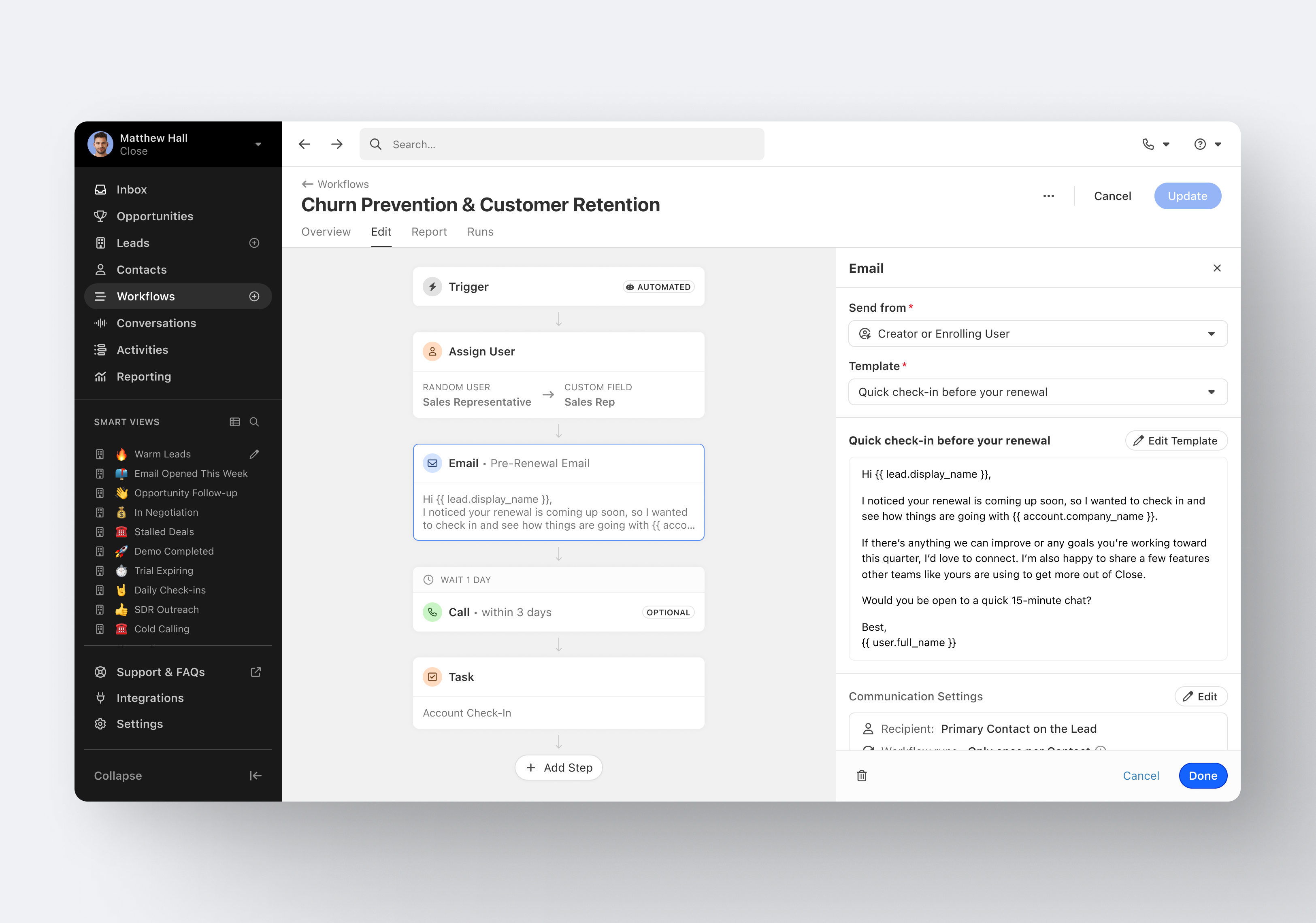
Close.io is a customer relationship management (CRM) software with call management and sales workflow automation capabilities.
$19
per month includes 1 user
Google Ads
Score8.4 out of 10
N/A
Google Ads (formerly AdWords) is Google's pay-per-click online advertising program. With Google Ads users set their budget and choose where their ads appear in search listings, and on partner websites. Google Ads uses cost-per-click (CPC) bidding.
$500
in Ads credit in the first 60 days
Pricing
Close CRM
Google Ads
Editions & Modules
Solo
$9
per month (paid annually) per user
Essentials
$35
per month (paid annually) per user
Growth
$99
per month (paid annually) per user
Scale
$139
per month (paid annually) per user
Offer A
$500
in Ads credit in the first 60 days
Offer B
$1500
in Ads credit in the first 60 days
Offer C
$3000
in Ads credit in the first 60 days
Offerings
Pricing Offerings
Close CRM
Google Ads
Free Trial
Yes
No
Free/Freemium Version
No
No
Premium Consulting/Integration Services
Yes
No
Entry-level Setup Fee
Optional
No setup fee
Additional Details
The pricing listed here reflects up to a 35% discount for paying annually. Monthly billing is available at of $19 per user for the Solo plan (only 1 user allowed), $49 per user for the Essentials plan, $109 per user for the Growth plan, and $149 per user for the Scale plan.
Excellent software to increase sales and follow up with existing and new customers. Email and SMS handling are really easy for the sales team, managing leads is really great, and Close merges duplicate leads to help our Data Leads avoid repetitive and unnecessary calls. As mentioned in some comments before, must improve in reports, Close is not appropriate to handle or track agents' hours making it necessary to implement additional software to cover this area.
A de minimis incentive was given to thank the reviewer for their time. The incentive was not used to bias or drive a particular response, nor was the incentive contingent on a positive endorsement. More Info
Google Ads is a useful advertising tool to build brand exposure and generate lead volumes for your chosen product. Whilst it can be costly at times due to competitor bidding strategies and requires constant monitoring to ensure campaigns perform as expected, it typically provides the desired quality and quantity of leads for custom budgets.
A de minimis incentive was given to thank the reviewer for their time. The incentive was not used to bias or drive a particular response, nor was the incentive contingent on a positive endorsement. More Info
Email sequences. Create and send a sequence of emails until the sequence finishes or the contact replies to your email. You can also pause the sequence manually.
Email sync. Syncs in real time with your email account, which is huge.
Zapier integration. We've automated a lot of our pipeline management through the Zapier integration. This saves us soooo much time.
A de minimis incentive was given to thank the reviewer for their time. The incentive was not used to bias or drive a particular response, nor was the incentive contingent on a positive endorsement. More Info
Automated targeting via Smart Shopping campaign. It's one of the best campaign types in Google Ads. In the beginning, you may see lower revenue and ROAS, but once you give some meaningful time to your campaign, it is most likely to perform well.
Smart bidding strategies: Google Ads has developed some really great bidding strategies such as maximizing conversion and maximizing conversion with ROAS settings. Based on one's requirement and their goal with revenue and target ROAS, they can choose the appropriate bidding strategy.
Reporting: A business owner and advertising must know about their audiences, how their campaigns have been performing, what's working and what's not, and for that reason, powerful, effective reporting is needed, and Google Ads provides rich details reporting that covers almost every aspect of a business.
A de minimis incentive was given to thank the reviewer for their time. The incentive was not used to bias or drive a particular response, nor was the incentive contingent on a positive endorsement. More Info
A de minimis incentive was given to thank the reviewer for their time. The incentive was not used to bias or drive a particular response, nor was the incentive contingent on a positive endorsement. More Info
A de minimis incentive was given to thank the reviewer for their time. The incentive was not used to bias or drive a particular response, nor was the incentive contingent on a positive endorsement. More Info
I think Google Ads is good for getting your company out there and becoming more visible to potential customers in general. However, for specific product launches, social media advertising might be a better fit. Also, our user base is younger so social media is a better channel for our target audience.
A de minimis incentive was given to thank the reviewer for their time. The incentive was not used to bias or drive a particular response, nor was the incentive contingent on a positive endorsement. TR verified that a representative sample of customers was invited. More Info
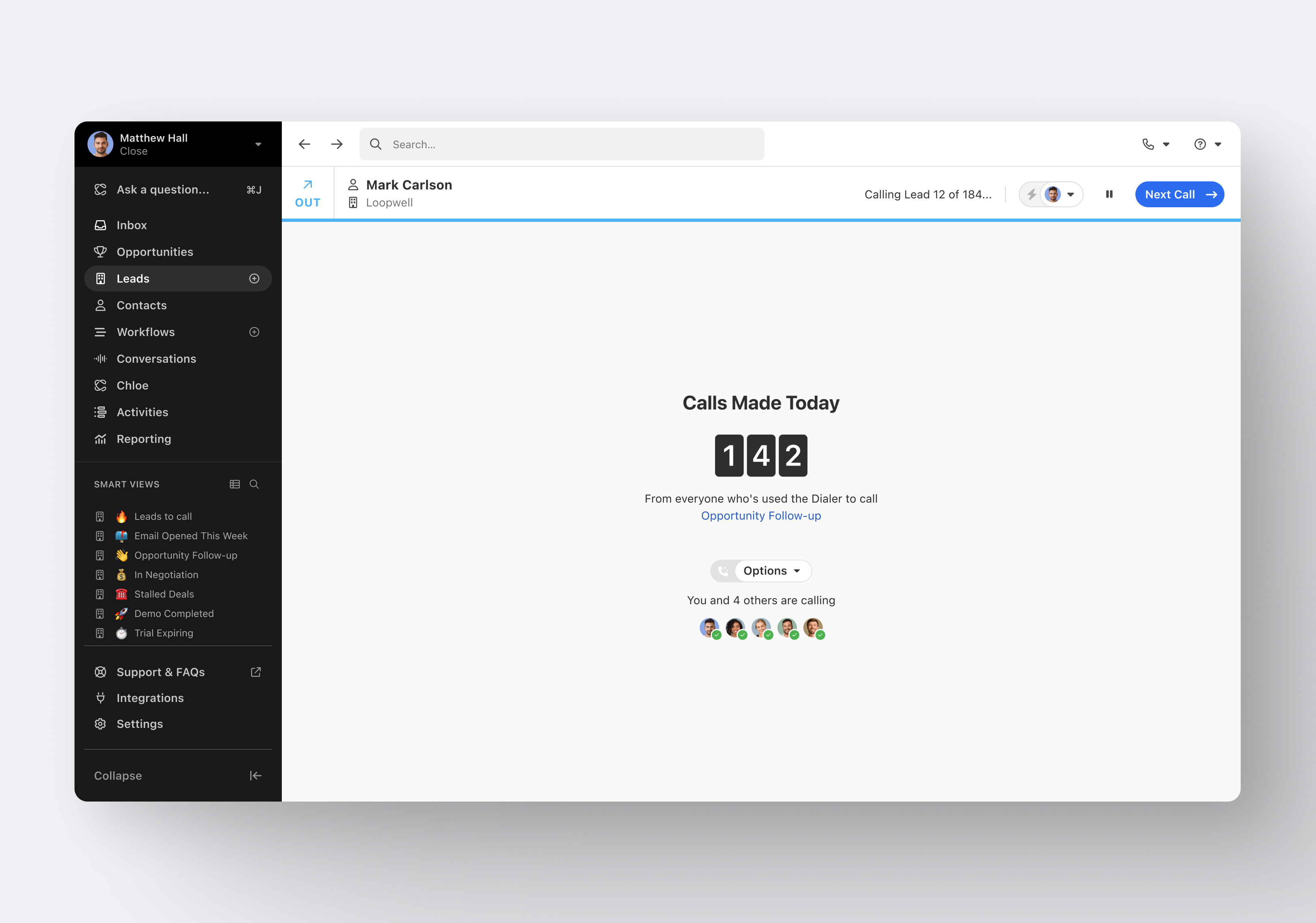
It's my favorite CRM to recommend to sales organizations. Robust Telephony options including a Power Dialer, SMS, and Voice Drop, are completely integrated into the CRM. The kicker is you can have "Unlimited" contacts where many platforms charge based on the number of users. This can make a huge difference in monthly billing.
A de minimis incentive was given to thank the reviewer for their time. The incentive was not used to bias or drive a particular response, nor was the incentive contingent on a positive endorsement. More Info
This is more of a subjective rating, because I think it can be increased with how much our ad spend is. The more of an ad spend, the more visibility we can get, and therefore all features can climb. With an overall larger presence the usability is that where we can get messages out quick, and that's the main thing we try to do with our campaigns.
A de minimis incentive was given to thank the reviewer for their time. The incentive was not used to bias or drive a particular response, nor was the incentive contingent on a positive endorsement. More Info
I haven't really had the need to use their support, but the only time I had an issue with the platform, the Close team was very attentive and responded in a short span of time. Also they take minimal time to solve issues. The only con here is there is no way to reach out to them apart from email.
A de minimis incentive was given to thank the reviewer for their time. The incentive was not used to bias or drive a particular response, nor was the incentive contingent on a positive endorsement. More Info
We have not yet had an account rep who hasn't tried to bully me or other employees to raise our budgets. At the same time, several years ago, one attempted to help refine our ads and ended up changing the ads to be something we were not affiliated with
A de minimis incentive was given to thank the reviewer for their time. The incentive was not used to bias or drive a particular response, nor was the incentive contingent on a positive endorsement. More Info
Pipedrive was great for us for a long time. We used it for over 4 years. Our product and process was simple. When things got more complex, we needed something that could handle our growing needs and Pipedrive kept falling short. We built our own custom solution in Airtable and though it worked, we spend a lot of time managing it. Close was able to solve all our issues and save us hours per week in admin work.
A de minimis incentive was given to thank the reviewer for their time. The incentive was not used to bias or drive a particular response, nor was the incentive contingent on a positive endorsement. More Info
Our agency invests heavily in Google Ads (particularly paid search advertising) on behalf of our clients relative to competitors like Microsoft and Yahoo because Google is the top search engine in the world. Google collects the most search data which enables the company to improve its AI to drive better performance for agencies and brands. As such, our paid search and app install campaigns always start with Google. If a client has a large budget, we will allocate media dollars to other search engines, but in some cases, the entire search budget goes to Google because we see the best returns.
A de minimis incentive was given to thank the reviewer for their time. The incentive was not used to bias or drive a particular response, nor was the incentive contingent on a positive endorsement. More Info
A de minimis incentive was given to thank the reviewer for their time. The incentive was not used to bias or drive a particular response, nor was the incentive contingent on a positive endorsement. More Info
Google Ads is often one of our highest ROI channels, especially when you factor in branded ads.
Depending on the stage your business is in, search ads can be really powerful from an ROI perspective, providing an investment with a very high spend cap.
If you do not manage the campaigns well though, you can quickly spend a lot of money on nothing. So make sure someone is keeping an eye on your account.
A de minimis incentive was given to thank the reviewer for their time. The incentive was not used to bias or drive a particular response, nor was the incentive contingent on a positive endorsement. More Info