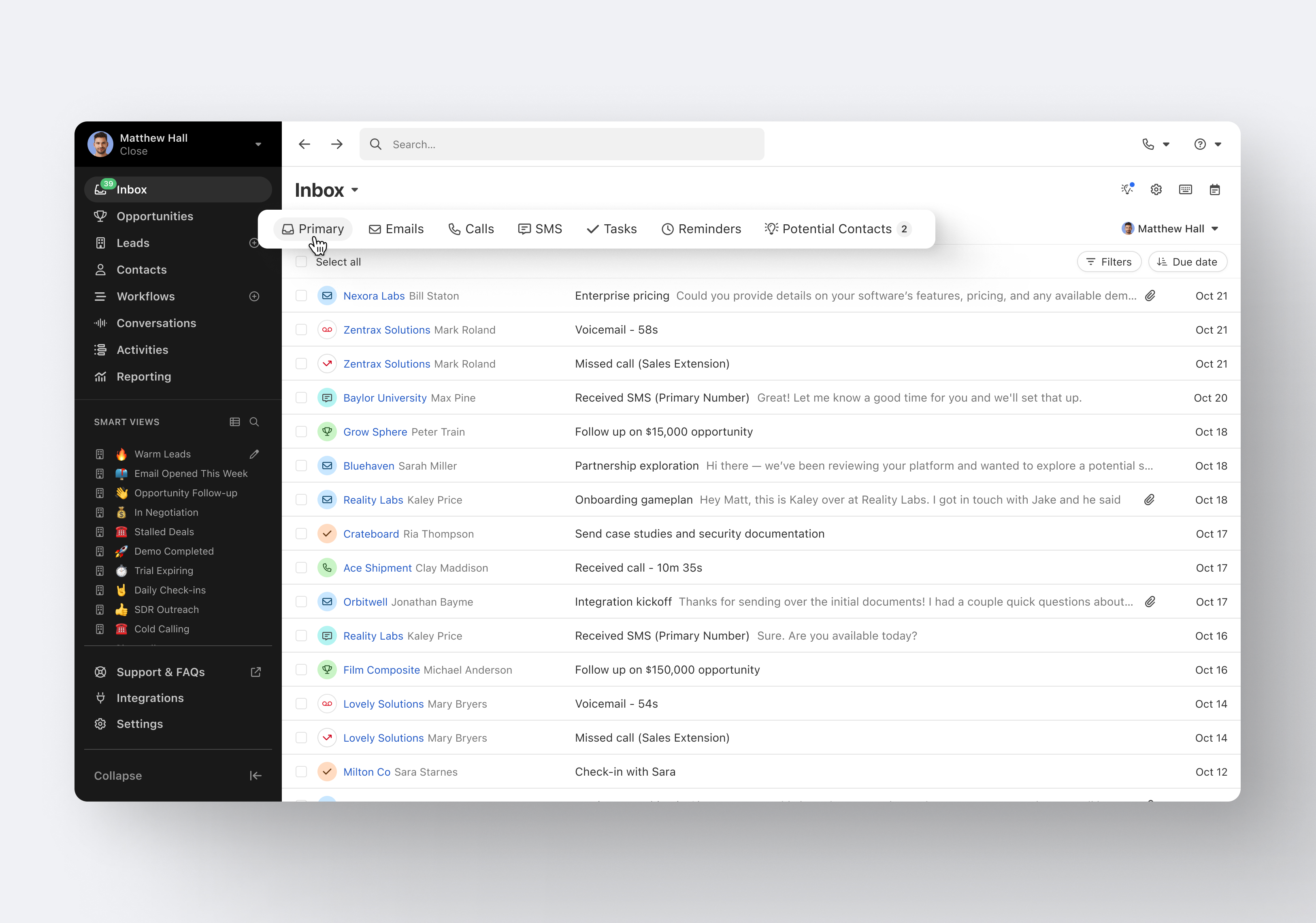
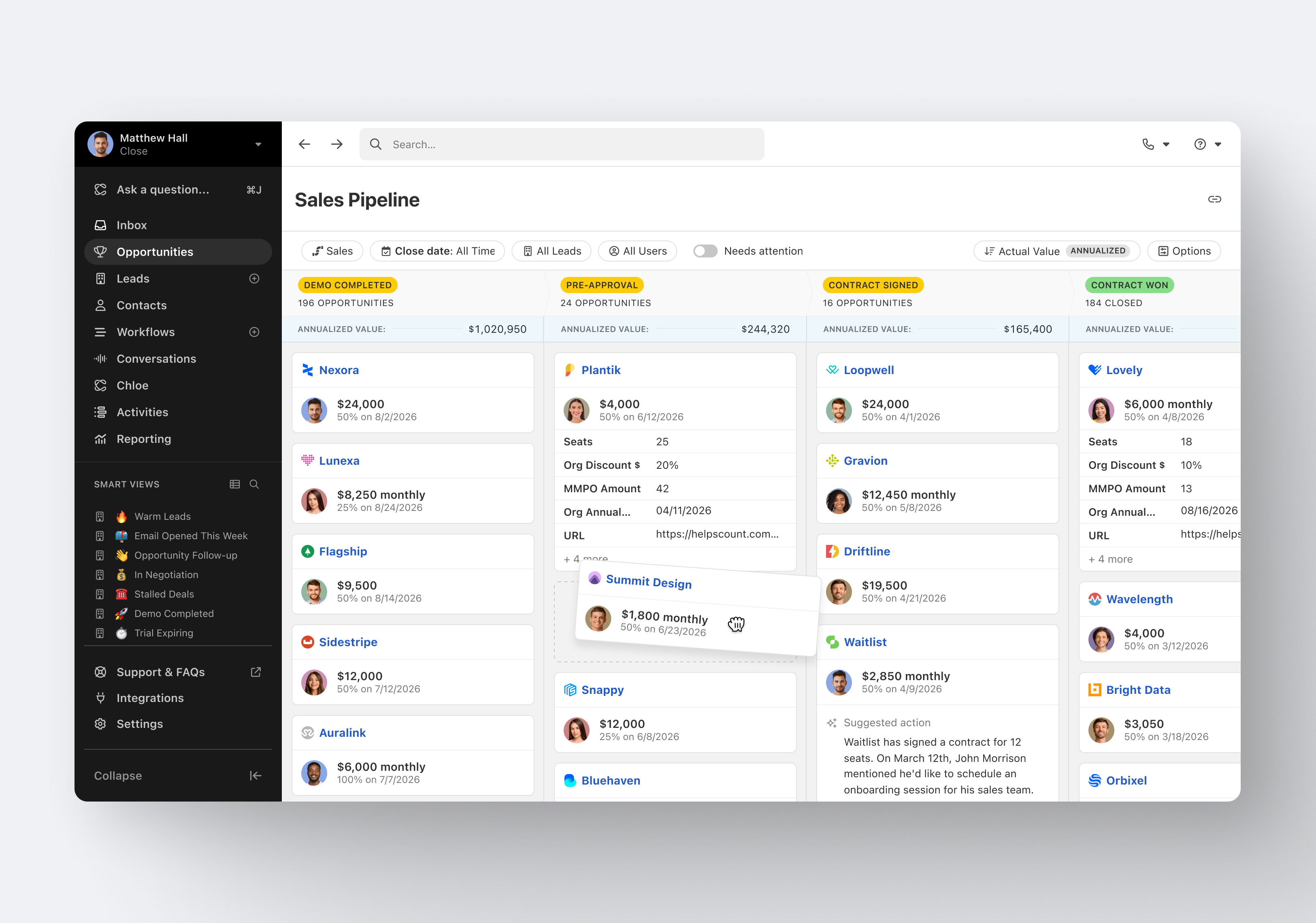
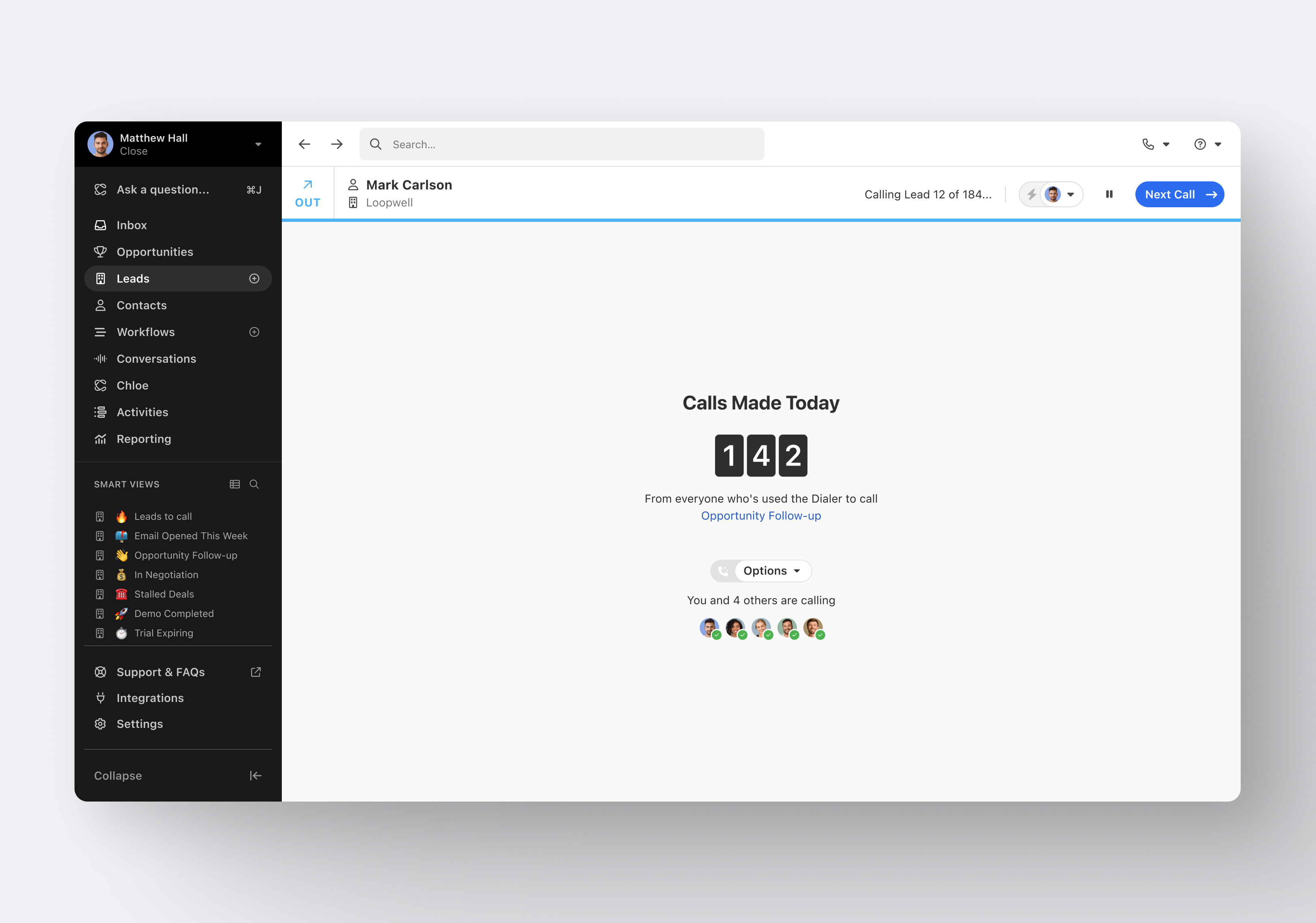
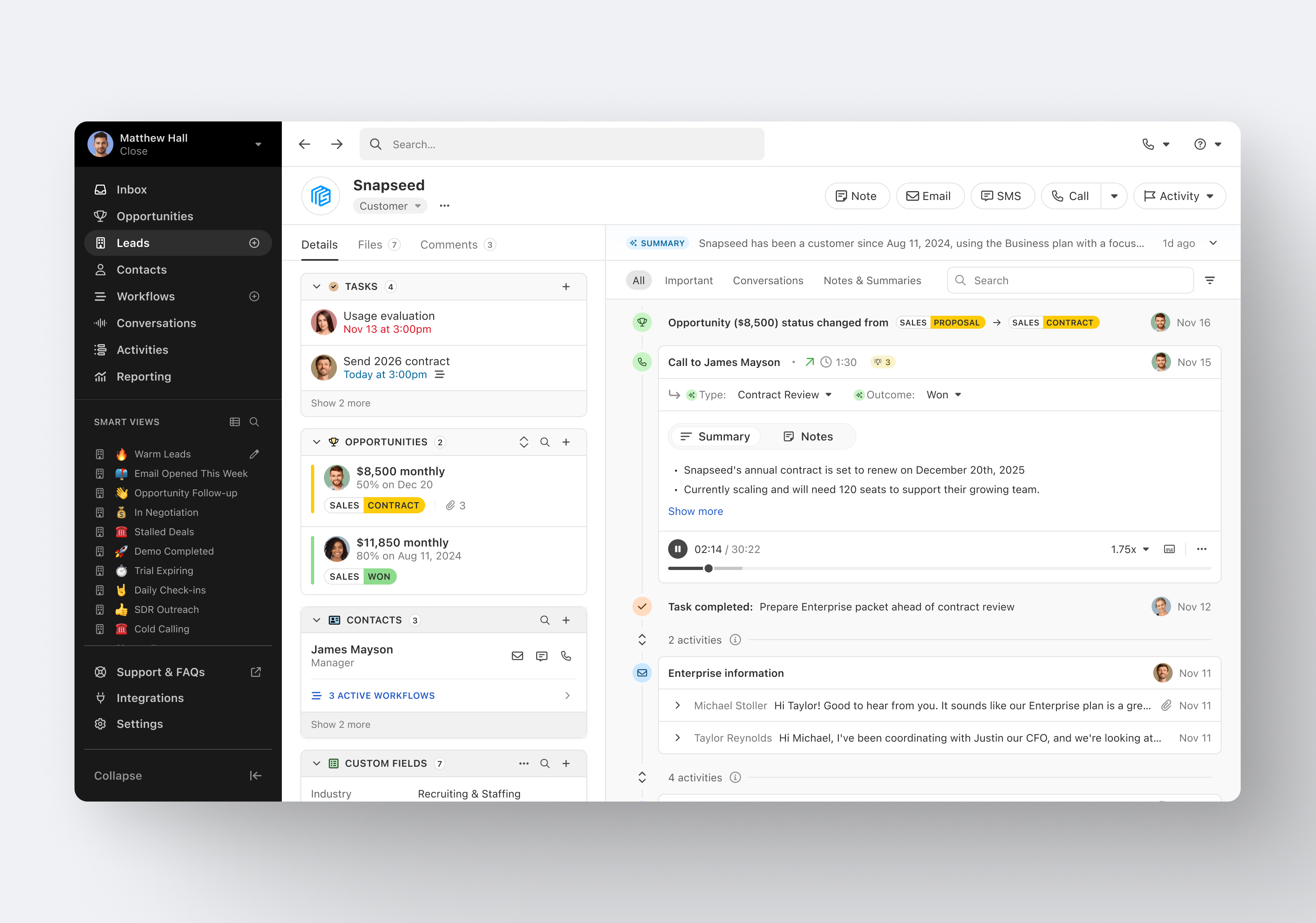
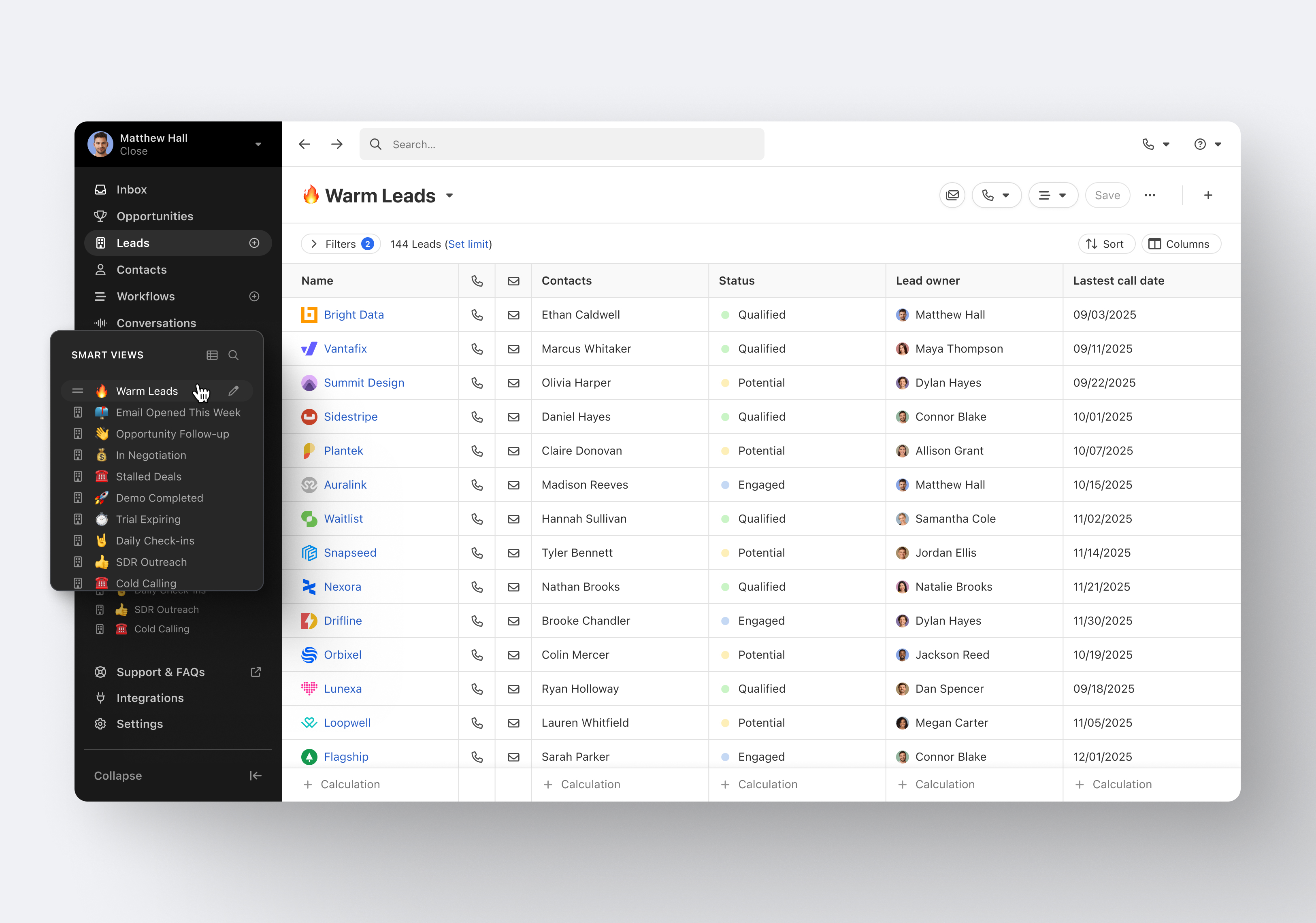
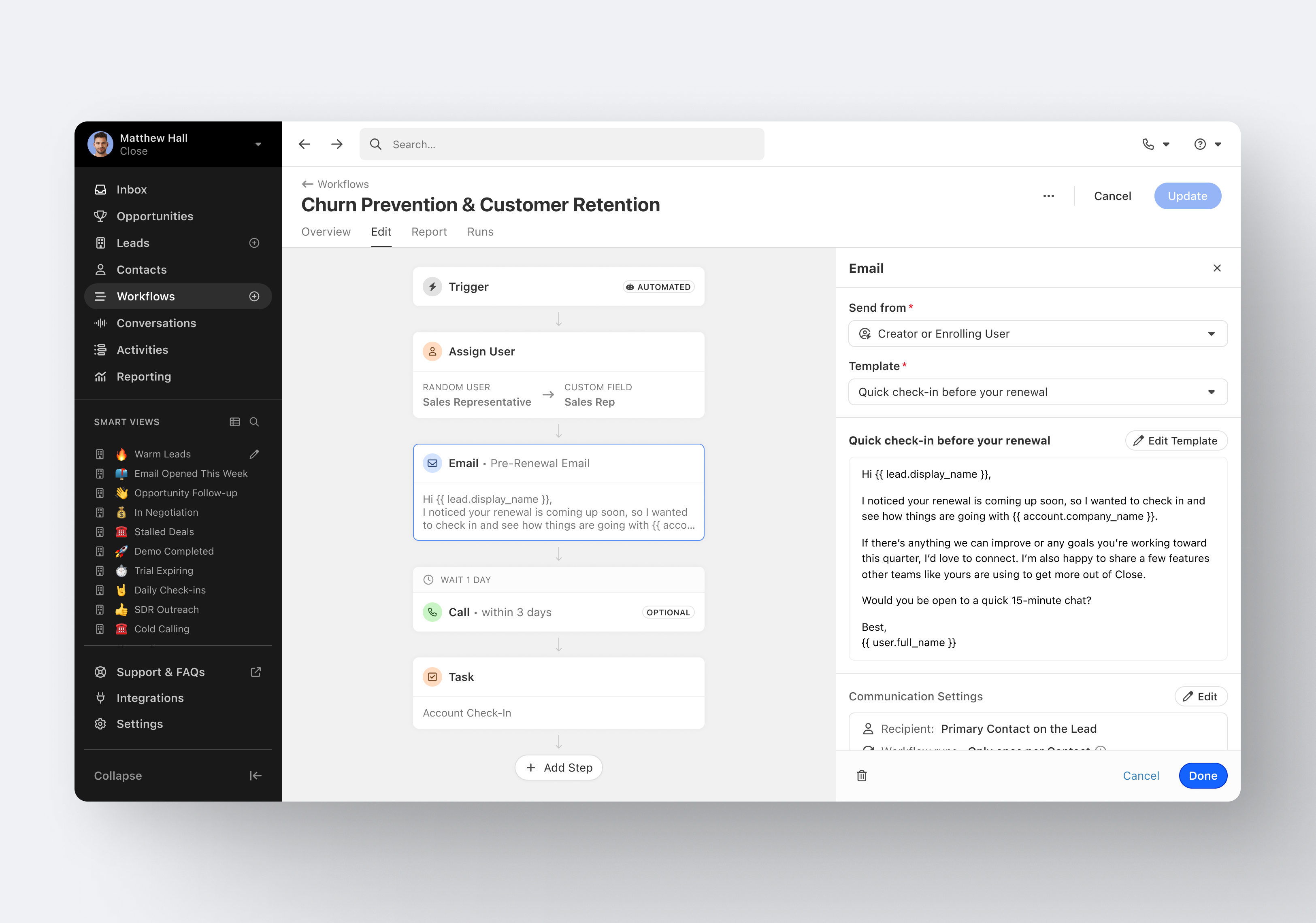
Close.io is a customer relationship management (CRM) software with call management and sales workflow automation capabilities.
$19
per month includes 1 user
Pipedrive
Score 8.4 out of 10
N/A
Pipedrive is a customer relationship management (CRM) software built to help small teams to drive sales.
$24
per month per seat
PMAPS
Score 5.2 out of 10
N/A
PMAPS is a proposal management platform and is available as installed software or in a cloud-based version.
N/A
Pricing
Close CRM
Pipedrive
Proposal Management and Production System (PMAPS)
Editions & Modules
Solo
$9
per month (paid annually) per user
Essentials
$35
per month (paid annually) per user
Growth
$99
per month (paid annually) per user
Scale
$139
per month (paid annually) per user
Essential
$24
per month per seat
Advanced
$49
per month per seat
Professional
$69
per month per seat
Power
$79
per month per seat
Enterprise
$129
per month per seat
No answers on this topic
Offerings
Pricing Offerings
Close CRM
Pipedrive
PMAPS
Free Trial
Yes
Yes
No
Free/Freemium Version
No
No
No
Premium Consulting/Integration Services
Yes
No
No
Entry-level Setup Fee
Optional
No setup fee
No setup fee
Additional Details
The pricing listed here reflects up to a 35% discount for paying annually. Monthly billing is available at of $19 per user for the Solo plan (only 1 user allowed), $49 per user for the Essentials plan, $109 per user for the Growth plan, and $149 per user for the Scale plan.
Monthly plans are available. The Essentials monthly plan at $24 per month.
All the same features and more in a much better user experience. Lots of integrations of Salesforce require a dedicated employee just to manage Salesforce and make changes. Close just works out of the box and is easy to change and customize.
Excellent software to increase sales and follow up with existing and new customers. Email and SMS handling are really easy for the sales team, managing leads is really great, and Close merges duplicate leads to help our Data Leads avoid repetitive and unnecessary calls. As mentioned in some comments before, must improve in reports, Close is not appropriate to handle or track agents' hours making it necessary to implement additional software to cover this area.
Pipedrive is a fantastic tool to help monitor and track lead generation and referral sources. It helps maintain accountability with the sales team and helps ensure that we are doing appropriate marketing to maintain a steady influx of cases. The weekly and quarterly sales reports that it can generate are incredibly helpful and insightful. They help inform us of what we need to focus on each quarter/year.
Do you need consistency of messaging across multiple countries/products/divisions/languages? Do you want to be able to tailor content access per team/division/country? Do you want to be able to report on/track use by user, document, searches, compliance, etc.? If so, PMAPS is the most versatile proposal management tool I've come across so far.
Email sequences. Create and send a sequence of emails until the sequence finishes or the contact replies to your email. You can also pause the sequence manually.
Email sync. Syncs in real time with your email account, which is huge.
Zapier integration. We've automated a lot of our pipeline management through the Zapier integration. This saves us soooo much time.
Great visual visibility of the funnel plus easy to drag the deals across the stages
The email integration that collects all relevant communication (also through the possibility of adding a deal-specific Pipedrive address on BCC)
The integration with Pandadoc, which we use a lot, so that Pipedrive keeps a really handy overview of the documents we have sent out / which have been signed
Searching for boilerplate material--PMAPS allows you to search by keywords, as well as filter by categories (e.g., implementation, training, company information, etc.) I set up all the categories, subcategories, audience types, etc. We used to spend a significant amount of time searching for previously written information, but now we can find it within seconds. I only use it to search for information stored within PMAPS, but you can also set it up to point at other places to search for information as well.
Manage proposals--PMAPS has a dashboard that lists all of the proposals I'm working on as well as key information that I want to have available for each of them. You can decide what information you want to show on your dashboard (I use mine to show due date, production date, review date, salesperson for proposal, etc.) It is very convenient to have all of that information available at a glance. PMAPS also has a built-in calendar that will show you key dates for all of your proposals.
Generate custom documents--PMAPS allows you to set up templates that you can use to generate documents. You can set up forms that allow yourself or other users to specify what information should be included in that document, and then PMAPS will generate the document based on how users respond to the questions (e.g., what references to include, what products to list, etc.).
Word Replacement--PMAPS allows you to set up codes that will automatically be replaced with the correct term when you generate the proposal. For example, in our boilerplate information, any place where I would want the final proposal to say the prospect's name, I use the code <>. Those codes are automatically replaced with the prospect's name for that proposal when either I generate a document or when I simply select the icon that searches for and replaces codes.
Easily edit boilerplate documents--PMAPS allows you to easily edit boilerplate information. You can select a document one at a time, or you can select a whole bunch of documents at once (simply by doing a search and/or filter to limit the results to the documents you want to edit) and download them onto your computer, edit, and then re-upload.
Store material--PMAPS allows you to store Word, Excel, PowerPoint, and PDF documents.
Showing the customers name on the pipeline page. Right now I can only get it to show the brand name twice. I wish it would replace the second brand name with the main point of contact.
Better reporting tools. Their reporting tools are not easy to pick up. I've spent time trying to figure it out and it isn't something I can pick up on quickly.
Better training options. I wish I had a personal trainer to walk me through the best way to use Pipedrive so I can get the most out of it.
There are times when I'm having a problem and I call the general line and have to leave a message and then wait for someone to call me back. I'd like to be able to speak with a live person every time.
I'd like to see the program handle Excel documents with the ease that it handles a Word document.
I have been a PMAPS user for over 5 years. I started on their client/server version and renewed/upgraded this past year to their cloud version, WebPro. When you have a good product that delivers all the bells and whistles you need, there is no need to go searching anywhere else. We have a great partnership with the PMAPS staff and find them very resourceful and appreciative of our business
It's my favorite CRM to recommend to sales organizations. Robust Telephony options including a Power Dialer, SMS, and Voice Drop, are completely integrated into the CRM. The kicker is you can have "Unlimited" contacts where many platforms charge based on the number of users. This can make a huge difference in monthly billing.
Pipedrive is easy to use and has a clean interface so we can follow up accurately. Its custom features help manage leads and evaluate team performance. It saves time and improves efficiency. Pipedrive is stable and supports integrations and automation.
I haven't really had the need to use their support, but the only time I had an issue with the platform, the Close team was very attentive and responded in a short span of time. Also they take minimal time to solve issues. The only con here is there is no way to reach out to them apart from email.
Between quick video tutorials and having very quick feedback from their support teams, it is one of the main reasons I would recommend Pipedrive. It is critical, especially when setting up the platform to meet your companies needs, that a solid support team like Pipedrive has is there to make the transition easier.
Pipedrive was great for us for a long time. We used it for over 4 years. Our product and process was simple. When things got more complex, we needed something that could handle our growing needs and Pipedrive kept falling short. We built our own custom solution in Airtable and though it worked, we spend a lot of time managing it. Close was able to solve all our issues and save us hours per week in admin work.
I much prefer the interface of Pipedive when compared to Zoho. Much more user friendly and the team is always readily available when we need them. Pipedrive allowed for many custom integrations to be added, as Zoho was a tad more complicated to manipulate. We would not go back to Zoho in any case.
I did the vendor analysis and narrowed my selection to Qvidian (which I had used before) and PMAPS (which I had not). I've never regretted my choice. In ease of use alone, PMAPS wins hands down. We're able to use PMAPS when collecting intelligence from our Subject Matter Experts in ways that weren't possible with other tools.
Great on setup which made our work easier and less technically equipped people can manage a lot of things(compared to SalesForce where you need to hire a developer to set it up)
We were able to integrate our calling system easily and get things going on the lead calling aspect.
Great multipipeline option where we were able to manage both organisations under one roof.
I don't have any actual ROI numbers readily available but I will say that compared to our last solution (a home-grown document repository), PMAPS has made every aspect of our business more efficient.
One of our primary goals in procuring a vendor to provide a better solution was our increased need to become more consistent in our messaging, more relevant as things change, and more efficient in getting our user's the answers they need quicker. We accomplished all three.