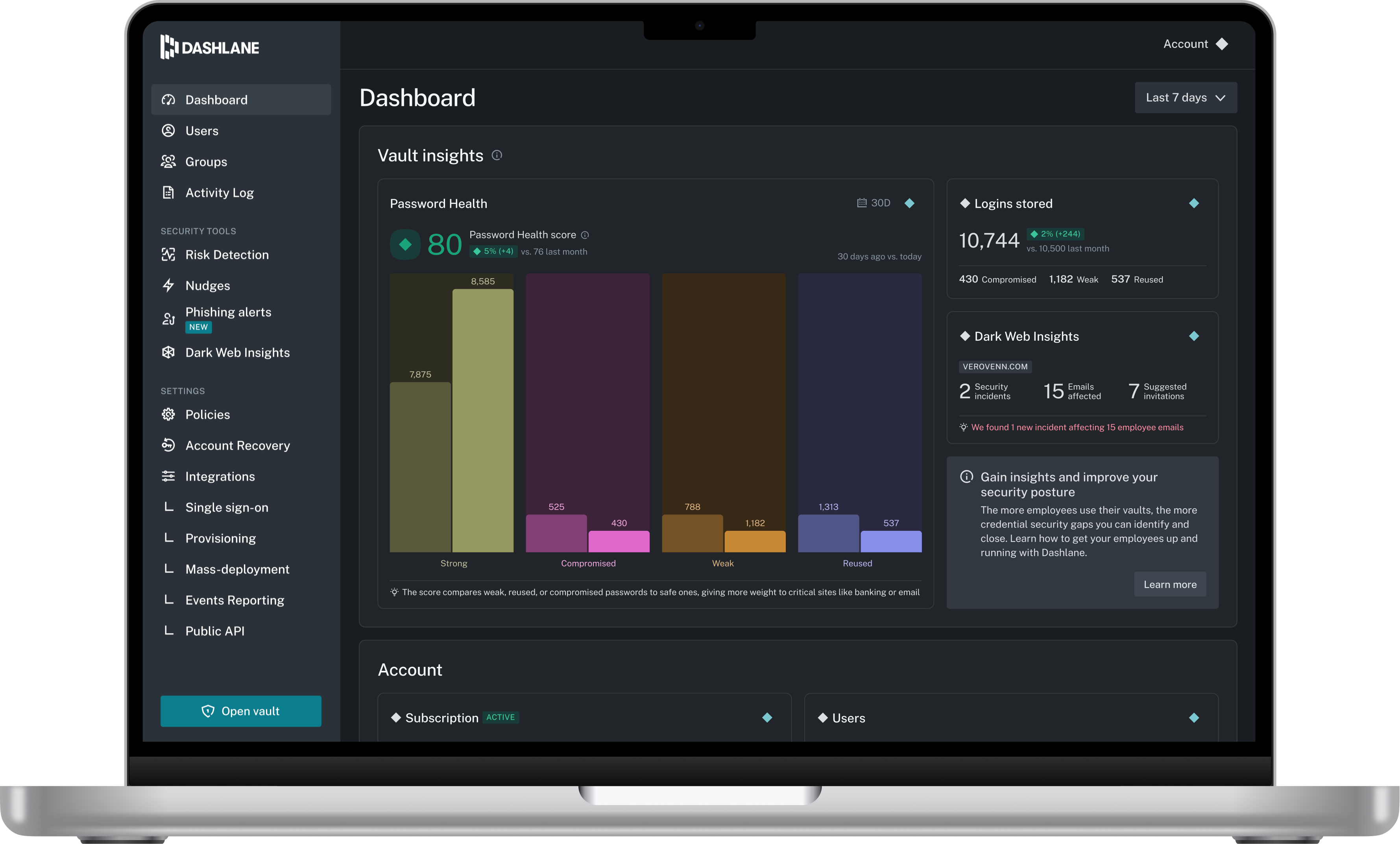
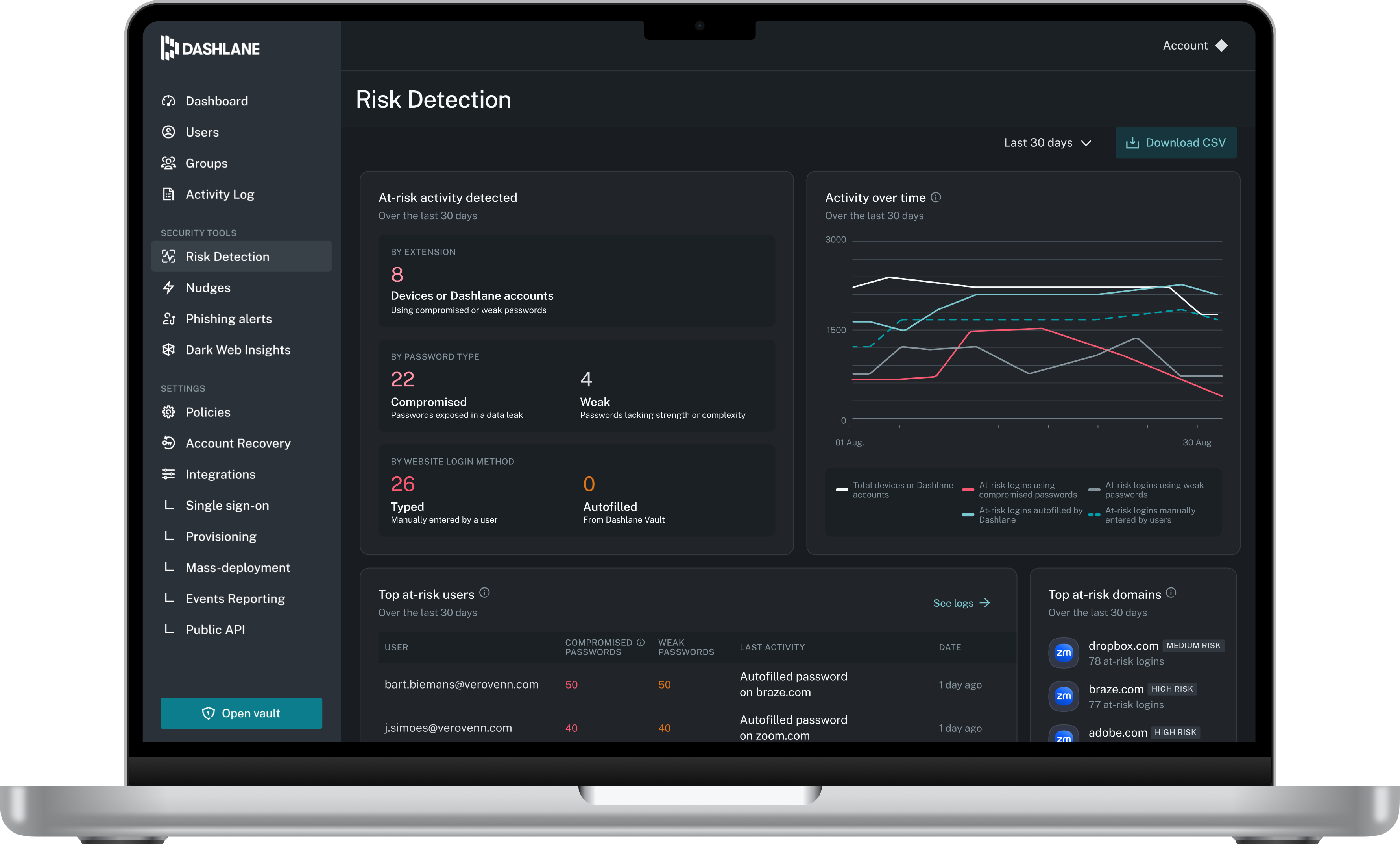
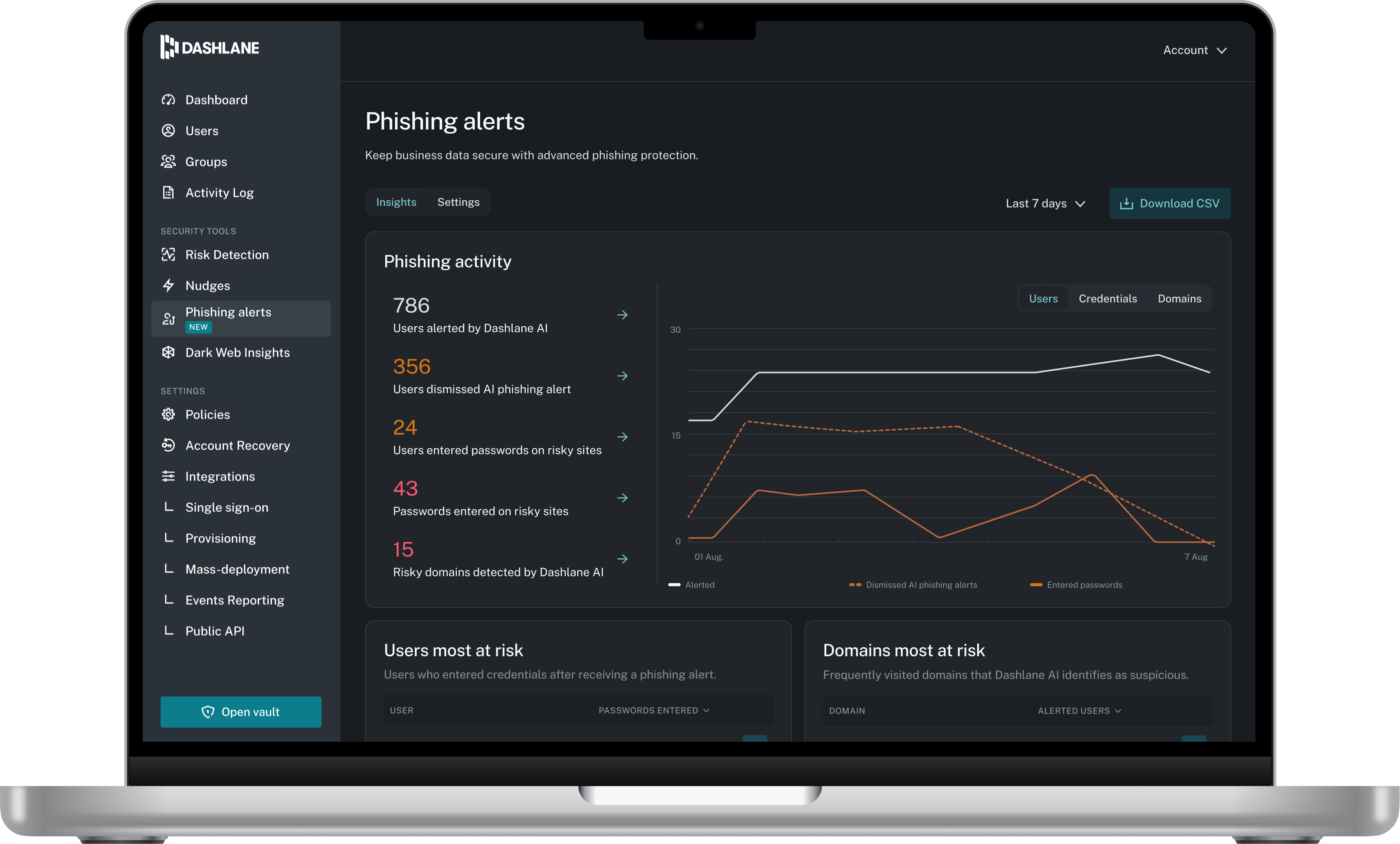
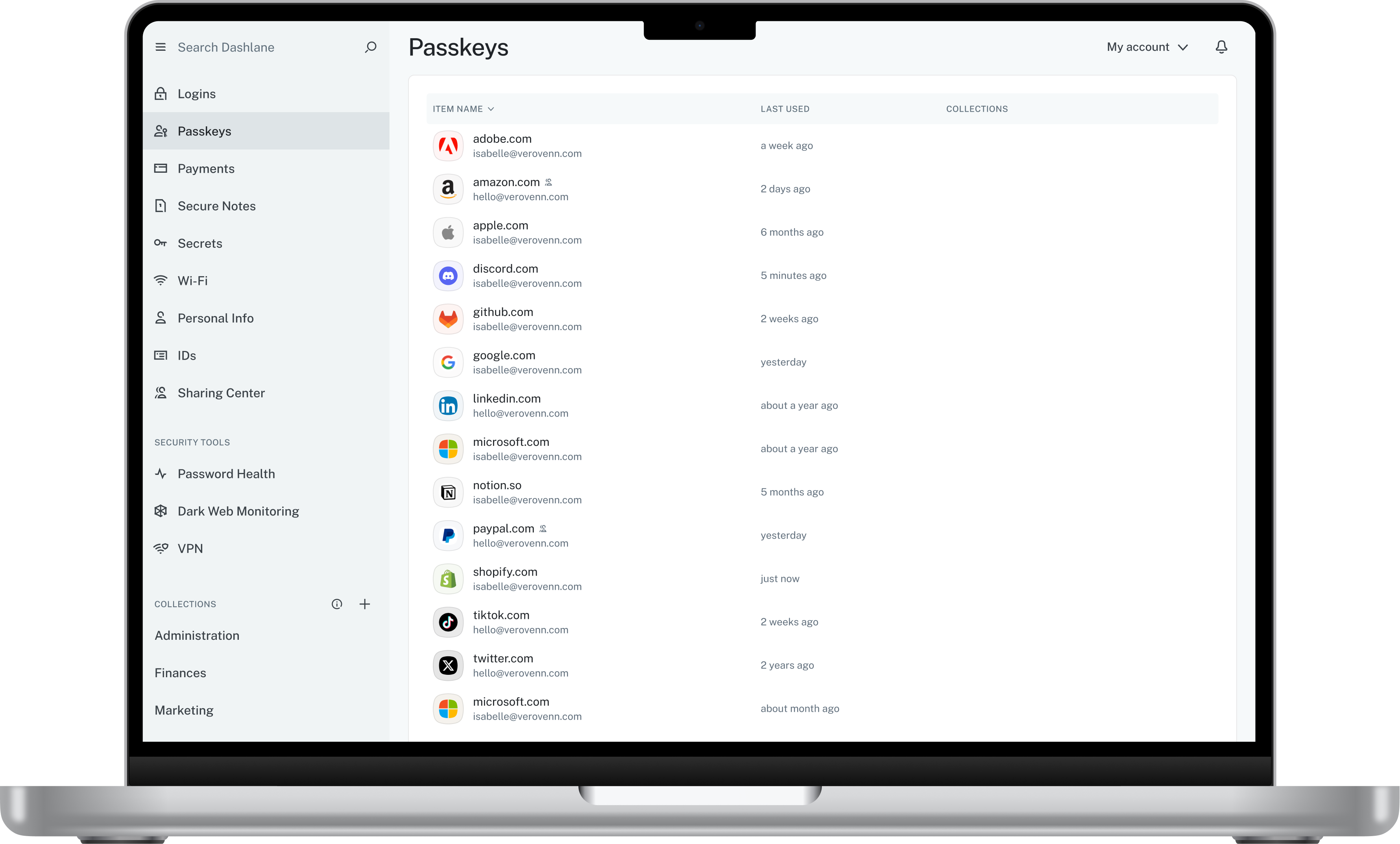
Dashlane is a credential manager that secures every credential, every user, and every employee device to proactively protect against breaches. Brands worldwide can use Dashlane to stay ahead of evolving threats.
$240
per year 10 employees
Google Authenticator
Score8.9 out of 10
N/A
Google Authenticator is a mobile authentication app.
Chief Executive Officer in Corporate at Hoffman Management Group (Marketing & Advertising, 1-10 employees)
Chose Google Authenticator
Google Authenticator is only really competing against SMS two-factor. Instead of getting a text from random phone numbers all the time, you go to one app/ website to get access to any account.
In addition, we can allow our members to share the same Google account (with a master …
A de minimis incentive was given to thank the reviewer for their time. The incentive was not used to bias or drive a particular response, nor was the incentive contingent on a positive endorsement. More Info
Verified User
Chose Google Authenticator
LastPass is the most similar to Authenticator that we're currently using, but I honestly wouldn't say they are all that similar. Authenticator is another step up, security-wise, from password managers as far as internet safety goes.
A de minimis incentive was given to thank the reviewer for their time. The incentive was not used to bias or drive a particular response, nor was the incentive contingent on a positive endorsement. More Info
I think Dashlane is a great service for anyone who uses the internet. We need to create accounts on almost every website, and Dashlane helps generate secure passwords and store them safely, but easily accessible through its seamless browser extension. Any business or personal lifestyle can benefit from Dashlane when you go online
A de minimis incentive was given to thank the reviewer for their time. The incentive was not used to bias or drive a particular response, nor was the incentive contingent on a positive endorsement. More Info
Logging into my work accounts is where Google Authenticator works best. Also, I had a personal account get hacked. I had an account created to book hotels, but someone was constantly resetting my password. To prevent further hacking attempts, I set up Google Authenticator. I do not believe it would be appropriate for banking accounts.
A de minimis incentive was given to thank the reviewer for their time. The incentive was not used to bias or drive a particular response, nor was the incentive contingent on a positive endorsement. More Info
A de minimis incentive was given to thank the reviewer for their time. The incentive was not used to bias or drive a particular response, nor was the incentive contingent on a positive endorsement. More Info
A de minimis incentive was given to thank the reviewer for their time. The incentive was not used to bias or drive a particular response, nor was the incentive contingent on a positive endorsement. More Info
The mobile app works fine for quick access, but autofill across different apps can be inconsistent. Sometimes it doesn’t recognize the login field, which slows people down when they’re on the go.
Occasionally the browser extension logs users out or doesn’t sync immediately with the desktop app, which causes frustration if someone just updated a password.
A de minimis incentive was given to thank the reviewer for their time. The incentive was not used to bias or drive a particular response, nor was the incentive contingent on a positive endorsement. More Info
I once performed a factory reset of my smartphone which had Google Authenticator. I didn't have a backup for the device. When I restored my phone with the same google account, I was not able to restore the authenticator app settings. I had to add all the keys back into the app to use it. This is cumbersome, but I understand it is set up this way for security reasons.
I don't like the ease with which it lets you delete a key. If I accidentally delete a key, I am doomed to get my 2FA key reset, unless I still have the QR code saved somewhere.
A de minimis incentive was given to thank the reviewer for their time. The incentive was not used to bias or drive a particular response, nor was the incentive contingent on a positive endorsement. More Info
A de minimis incentive was given to thank the reviewer for their time. The incentive was not used to bias or drive a particular response, nor was the incentive contingent on a positive endorsement. More Info
A de minimis incentive was given to thank the reviewer for their time. The incentive was not used to bias or drive a particular response, nor was the incentive contingent on a positive endorsement. More Info
Dashlane is usable, but there are 2 key issues that annoy me. 1. The mobile app and the browser extension are not synced and i cannot find passwords in the app that are clearly in the extension. 2. The system doe snot make it easy to assign a password to a specific subdomain. I get hundreds of passwords that i have to go through any time i go to any subdomain on my main site because of the nature of my business. I need the option back to assign a password to only work with a specific subdomain (and all related paged on that subdomain) note: The search features have been annoying in the past. I just went to test them to verify my issues and found that notes inside of a password are finally searchable. This helps
A de minimis incentive was given to thank the reviewer for their time. The incentive was not used to bias or drive a particular response, nor was the incentive contingent on a positive endorsement. More Info
It's as easy as opening the app and what I need it for is there. I don't have to fumble with other accounts or getting something else to open it for me. I have all the access that I need for the use of the app within seconds and I can get access to the info that I need.
A de minimis incentive was given to thank the reviewer for their time. The incentive was not used to bias or drive a particular response, nor was the incentive contingent on a positive endorsement. More Info
A de minimis incentive was given to thank the reviewer for their time. The incentive was not used to bias or drive a particular response, nor was the incentive contingent on a positive endorsement. More Info
We've had no issues with Dashlane. I can't speak to their customer service because I have not personally needed to contact them. I guess that speaks about their product if we've not had any issues to reach out about. Great for supporting data/information on multiple platforms that are shared among team members.
A de minimis incentive was given to thank the reviewer for their time. The incentive was not used to bias or drive a particular response, nor was the incentive contingent on a positive endorsement. More Info
I have found Google’s support to be hit or miss. There are times when they are very responsive, and I get my issue resolved quickly, and there are times where a response from them takes weeks. There is no in-between. But my support experience with this particular product is nonexistent because I have not had a problem with it yet. Hopefully, we do not have any problems with it either.
A de minimis incentive was given to thank the reviewer for their time. The incentive was not used to bias or drive a particular response, nor was the incentive contingent on a positive endorsement. More Info
A de minimis incentive was given to thank the reviewer for their time. The incentive was not used to bias or drive a particular response, nor was the incentive contingent on a positive endorsement. More Info
Dashlane’s customer support is often rated higher, providing more responsive and helpful assistance. LastPass has a slightly steeper learning curve than Dashlane, but it offers more flexibility with user permissions, which can benefit teams. Dashlane includes unlimited passkey support and a clean breach history, while LastPass is more accommodating for smaller teams.
A de minimis incentive was given to thank the reviewer for their time. The incentive was not used to bias or drive a particular response, nor was the incentive contingent on a positive endorsement. More Info
First, Google Authenticator meets the security requirements which should be considered "table stakes". Second, simplicity is critical. Many users don' understand why they are setting up MFA (or they just don't care), and so adding additional complications to their day-to-day is always challenging. When it is simple, it makes life a lot easier. Finally, trust (due to the brand name recognition, primarily) removes any notion of "what is this?" that the user may have from being required to install something on their personal device for work purposes.
A de minimis incentive was given to thank the reviewer for their time. The incentive was not used to bias or drive a particular response, nor was the incentive contingent on a positive endorsement. More Info
A de minimis incentive was given to thank the reviewer for their time. The incentive was not used to bias or drive a particular response, nor was the incentive contingent on a positive endorsement. More Info
A de minimis incentive was given to thank the reviewer for their time. The incentive was not used to bias or drive a particular response, nor was the incentive contingent on a positive endorsement. More Info
More secure data = less worried about a data breach.
Takes longer to log in, and if I don't have my phone then I have to go looking for it, so it really makes it so that you can't be without your phone, which in certain instances is annoying or not possible and can hold up work time.
Everyone is willing to use the same program because everyone likes Google—makes it easier to manage.
A de minimis incentive was given to thank the reviewer for their time. The incentive was not used to bias or drive a particular response, nor was the incentive contingent on a positive endorsement. More Info