Read&Write is a literacy support tool that helps individuals of all abilities read, write, and express themselves with confidence. For education and the workplace, its assistive features include text-to-speech, word prediction, and research tools for users with diverse learning needs.
N/A
Litera Draft
Score 9.3 out of 10
N/A
Litera Desktop is a single toolbar designed to include everything a lawyer needs to draft documents and create an integrated, seamless experience that ensures user adoption and consolidates vendors.
N/A
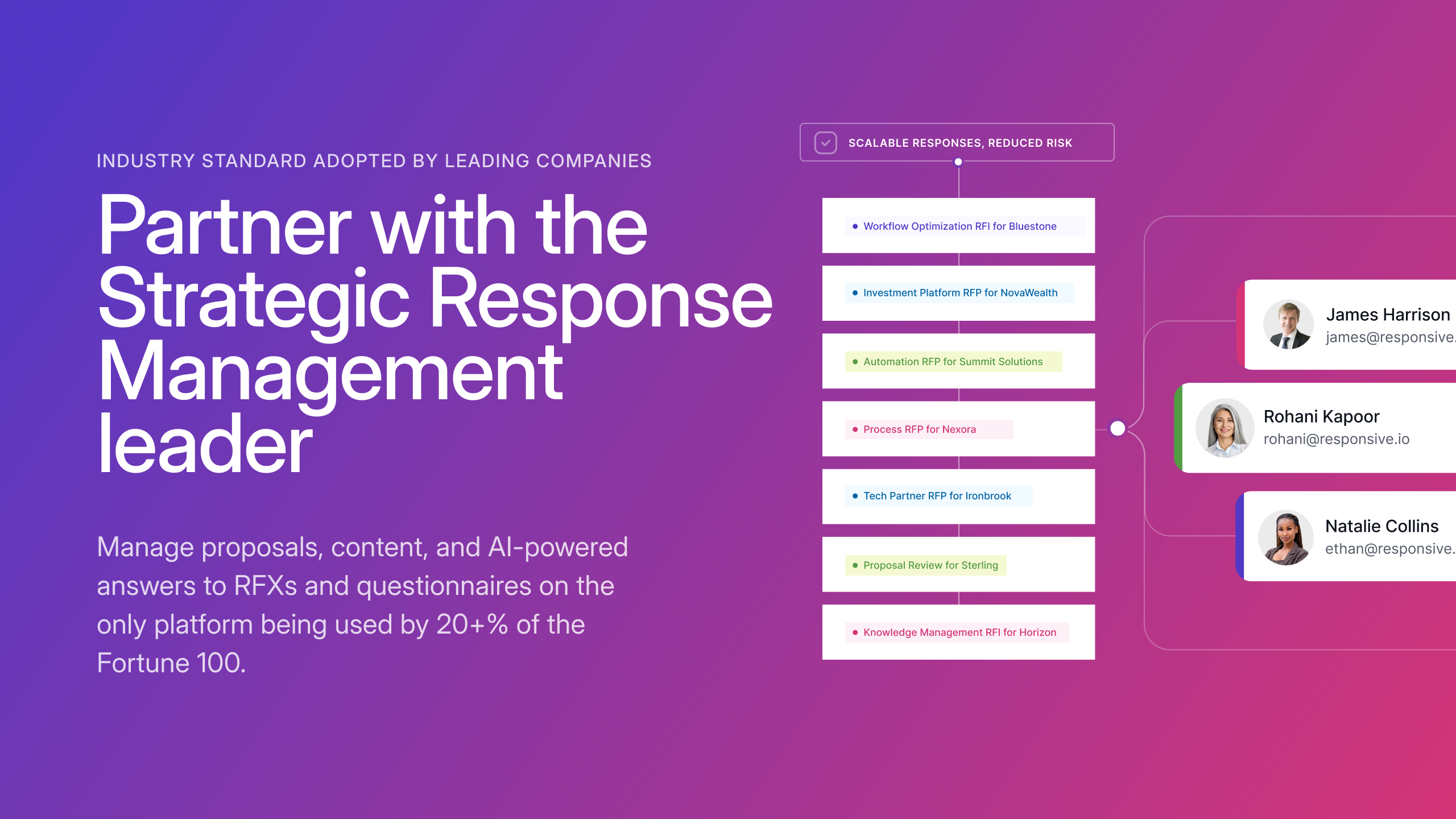
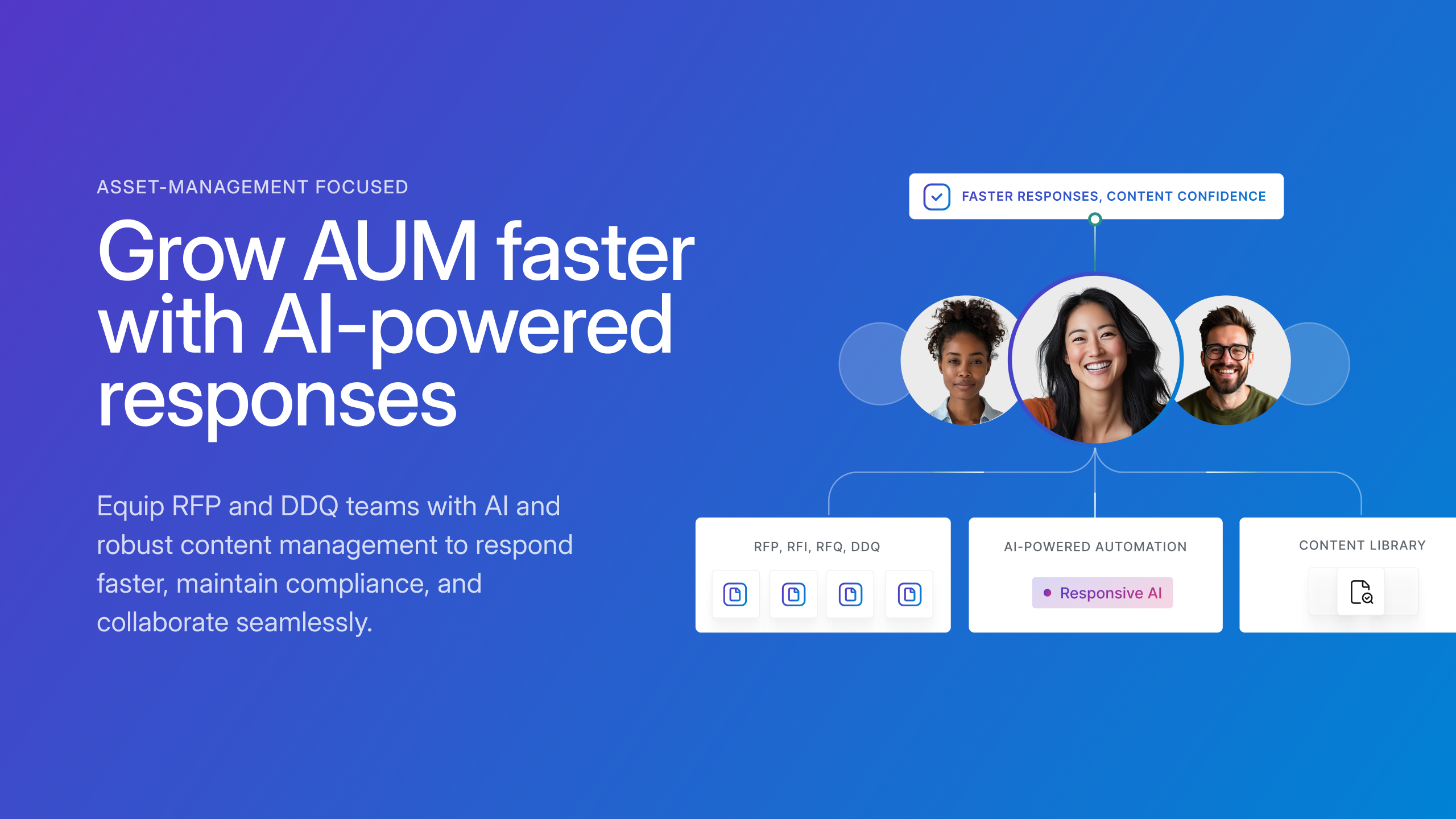
Responsive
Score 8.9 out of 10
N/A
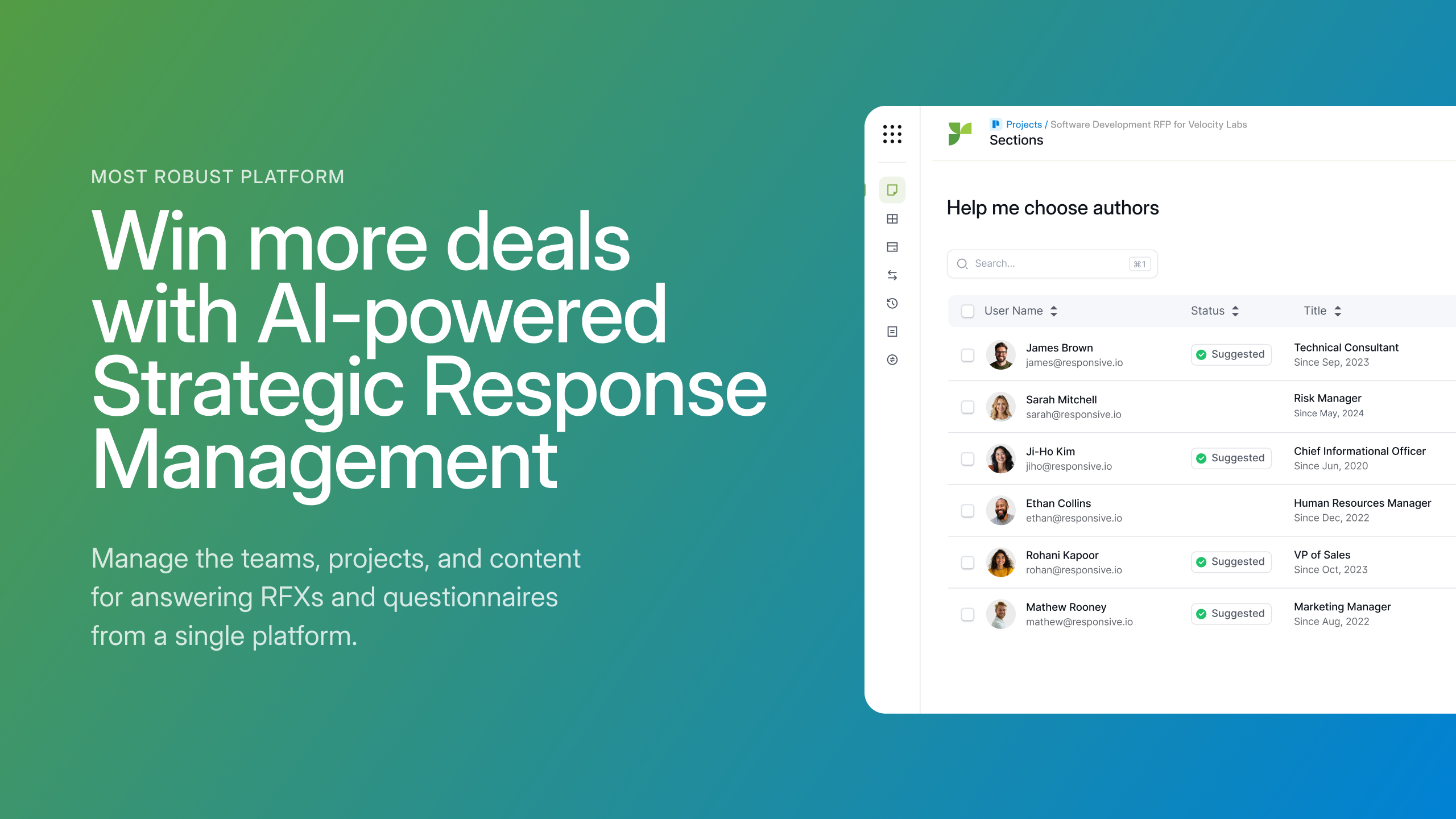
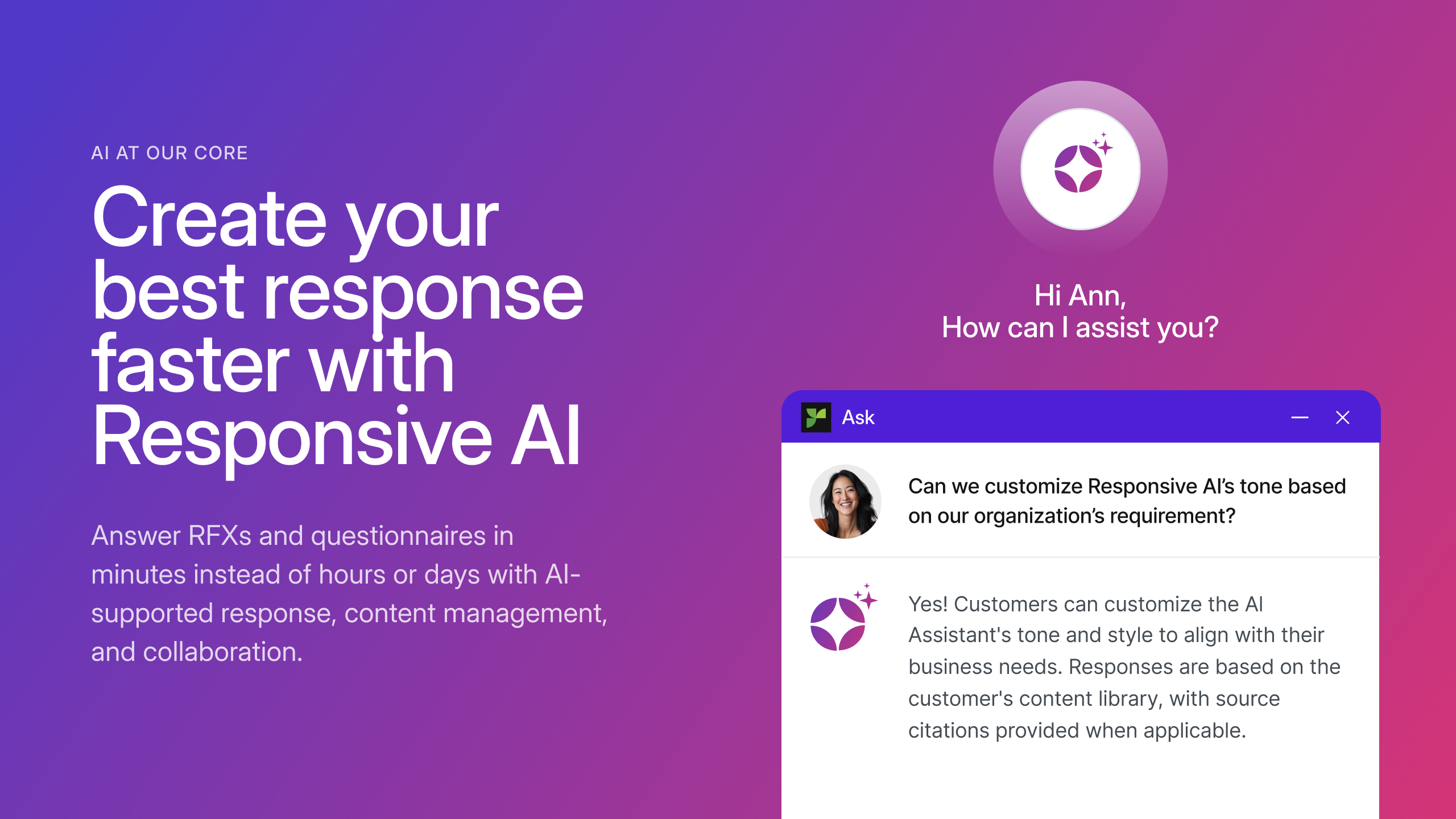
Responsive (formerly RFPIO), headquartered in Beaverton, offers their proposal management and automation software, featuring import and export, proposal knowledgebase and answer library, evaluation intake forms, and project management tools (e.g. Gantt chart) associated to proposal tracking.
Read&Write is a solid, long-lasting tool that I have relied on for my students for many years. It is especially strong at supporting students with reading challenges. It is less appropriate for students with more complex needs who have non-standard speech or are using head or eye control. It will continue to be a tool that I encourage many students to use.
Litera Desktop has many functions, but it is still a user-friendly program. Very easy to implement and easy to train. We send a variety of documents to clients and other legal professionals electronically. Litera will clean and scrub documents so that there is no hidden metadata when the documents are transferred. This keeps not only our clients and their files safe, but it keeps our email programs safe and clean as well.
1. RFPIO is perfect for searching for specific information when you are responding to an RFP. Search engine is powerful. We narrow our search using several customized filters and know we are getting a thorough search. 2. Excel responses work very well in RFPIO. 3. Typical RFPs that are formatted in Word are challenging to run via RFPIO. We struggle with this. 4. We have yet to master the template.
I would like to use the practice reading aloud tool more, but the kids that I work with have a hard time understanding the concept. I think that, while there are a lot of tools available, sometimes they are hard for younger students to understand.
The hover to read function is nice as well, but my students struggle with the fact that if you move the mouse once it starts reading it will start all over in a new area. It's not as smooth as I would like it to be.
Reporting and Analytics is basic, you can purchase advanced analytics though
It would have been nice to have a set structure in mind or a example/case study to structure our responses in the most appropriate way, but we are working through that with their stellar support team
I'm just really impressed with the software and the access it gives to learners who are used to coming up against barriers in education. It's a quick-fix for a learner - something they can access usefully and productively with very little training. I also love that learners can access Read&Write on their devices at home - that really is a game changer.
This tool has been fantastic as we have revamped our RFP process. We are much faster and far more efficient.Our win rate is up, but I am not 100% sure this is the cause, but I love to see it. The customer support and training are also fantastic. Thumbs up!
I am giving this an 9. Not a perfect score because working on PDFs is better but not yet as easy as I need for it to be. Working with many students who have executive function challenges, I need a smooth simplistic access method. We are not quite there yet for writing on PDFs. Overall the toolbar on Read&Write is super easy to access and I love that the suite includes several tools on the toolbar providing a solution to many accessibility challenges.
I gave Workshare Compare such a high rating because I don't think I could do my job without it. It has just become so integral to my workflow, that if I were to ever change jobs I think I would have to insist my new employer to me a license. It is fast and just works 99% of the time. It is very rare that it gives me errors, and when it does it's likely because the underlying document is corrupted, not because of any issues with Workshare Compare.
The support team at Texthelp is excellent. They're all super helpful and open to feedback and new ideas. Still, more importantly, they are ultimately fully committed to aligning with us and ensuring they help us provide the best education possible. Furthermore, they're open to new features and always communicate this incredibly well.
The team at RFPIO is extremely responsive. If I email our account manager or report a bug, I usually hear back within two hours. Additionally, they are quick to make software adjustments based on customer requests and needs. We had a really complicated Excel sheet that their team ended up having to upload for me because of the amount of manual work I was doing. Based on that, they updated the software within two release cycles to make the process more automated, so that future Excel uploads would be more streamlined. I have also had several suggestions implemented rather quickly, and they don't hesitate to reach out for clarification when needed.
It took a solid 2 weeks for R&W to work on our students chromebooks even after reaching out to tech support. The toolbar was greyed out and not accessible to students. Took a long time before tech support helped us solve this problem.
We are still learning how to use Equatio. I am not a mathematician and therefore I am finding understanding it a bit more difficult. Once I understand how to use it I will be able to cascade it down. My hope is that it will be as useful as Read & Write
The interaction that can be done within this software is very different from the others. One of the most important is that it is dedicated to quickly and easily summarize the work of comparing files, without having to work a lot to do it. Also, it is a program that helps to discover the direct opinion among the users of these documents.
I was not involved in the process of selecting RFP360 for our firm, so I am largely unfamiliar with competitors. I am, however, quite pleased with RFP360 as a user, and am confident that my colleagues who were responsible for making the decision were thorough and discerning.
Library Health Dashboard is helpful in reducing time to clean up content but could use additional improvement by showing more granular data instead of a global assessment like good, poor, moderate.
ROI is reduced for us because of additional cost for using AI
Overall, Responsive has significantly improved our proposal process.