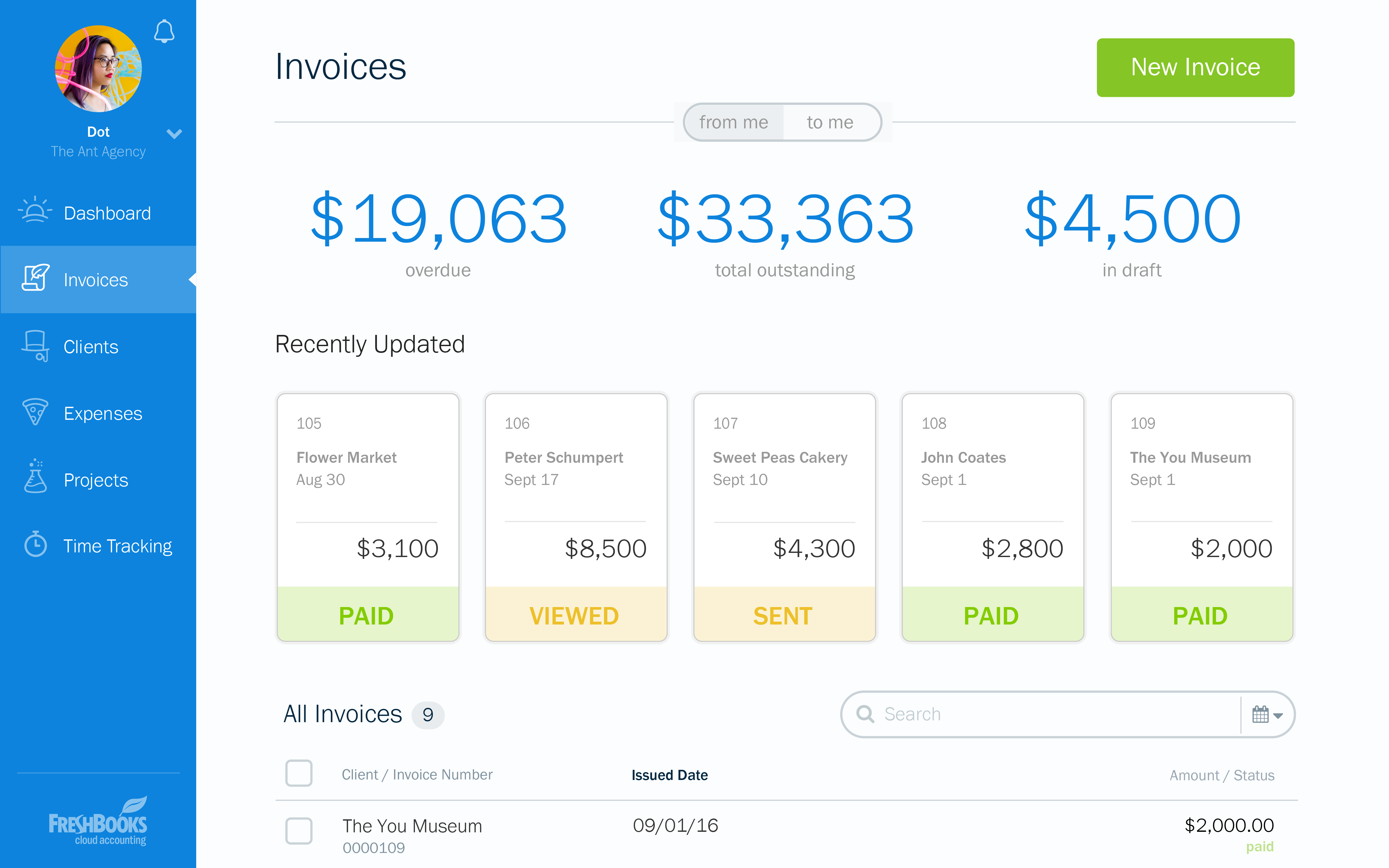
FreshBooks is an accounting service for small businesses. The solution enables users to send and manage invoices, track billable time and collect online payments. The vendor’s value proposition this that their solution provides a straightforward service that simplifies the billing process.
$21
per month
Xero
Score 8.3 out of 10
N/A
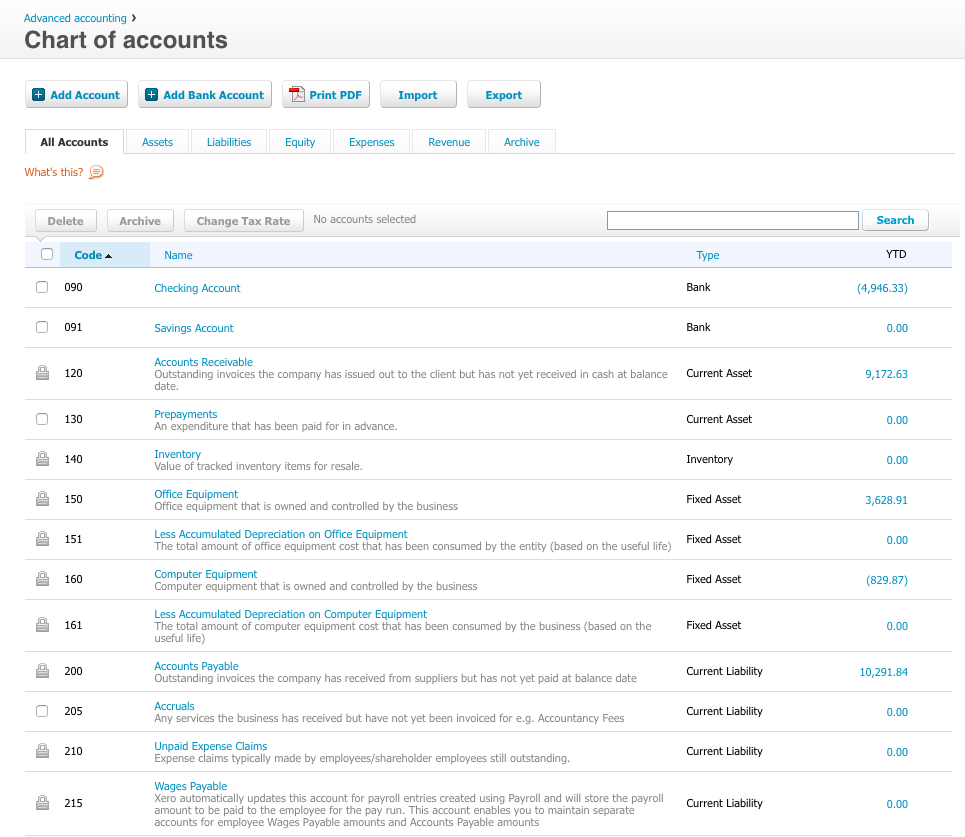
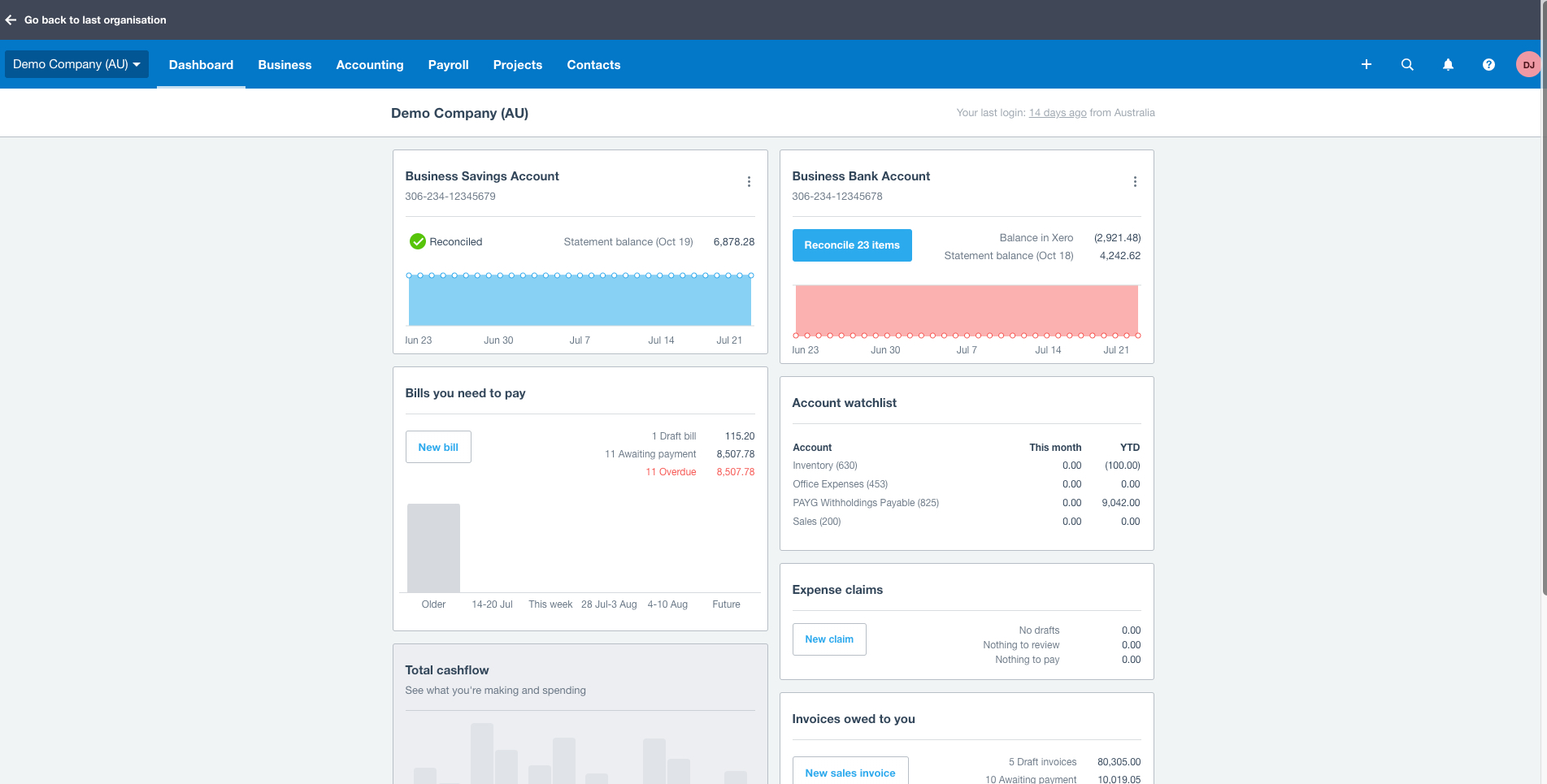
Xero is an online accounting software product for small businesses and personal finance. Its features beyond general ledger and double-bookkeeping include quotable invoicing, bank reconciliation, purchase order and expense management, and tax management. Third party apps can extend its features further.
$13
per month
Zoho Books
Score 9.1 out of 10
N/A
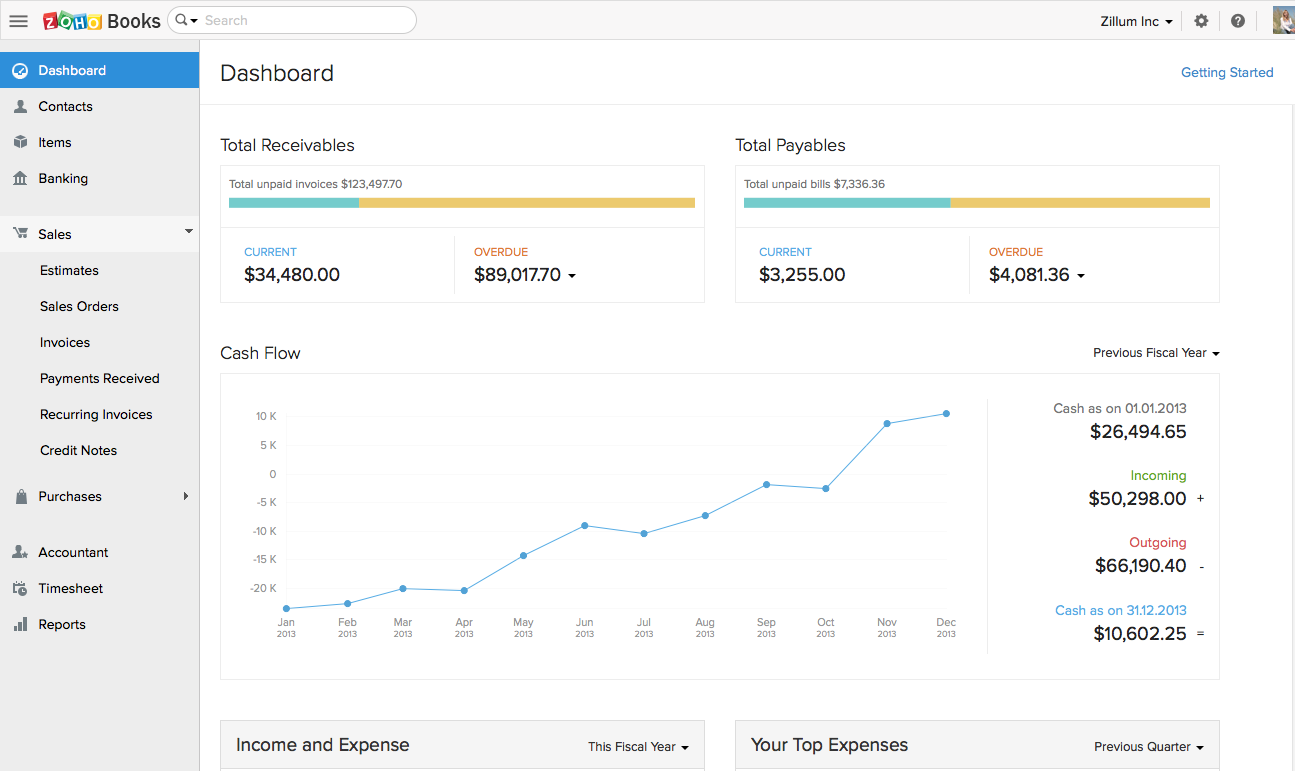
Zoho Books is an accounting solution that is designed to help small businesses manage their finances. This solution includes dashboards and a wide variety of reports. Business users can automate tasks and set up custom workflows.
Zoho offers a 14 day free trial.
$20
per month
Pricing
FreshBooks
Xero
Zoho Books
Editions & Modules
Lite
$21
per month
Plus
$38
per month
Premium
$65
per month
Select
Custom Pricing
Early
$13
per month
Growing
$37
per month
Established
$70
per month
Free
$0
For businesses with turnover <50K USD per annum
Standard
$20
per month per org
Professional
$50
per month per org
Premium
$70
per month per org
Offerings
Pricing Offerings
FreshBooks
Xero
Zoho Books
Free Trial
Yes
Yes
Yes
Free/Freemium Version
Yes
No
Yes
Premium Consulting/Integration Services
No
No
No
Entry-level Setup Fee
No setup fee
No setup fee
No setup fee
Additional Details
10% discount for annual pricing.
Prices in table are in USD and just apply to the US - other markets & prices are listed below:
Canada - Starter $18 CAD/month, Standard $45 CAD/month, Premium 5 $58 CAD/month
UK - Starter £14/month, Standard £28/month, Premium £36/month
AU - Starter $29 AUD/month, Standard $59 AUD/month, Premium 5 $76 AUD/month
NZ - Starter $31 NZD/month, Standard $66 NZD/month, Premium $84 NZD/month
Zoho Books is available for both monthly and yearly plans. Users who sign up for the annual plan get a discount.
Freshbooks is an extra cost when used with Xero (or even QuickBooks) and I wouldn't suggest it. Freshbooks needs to find a pivot as they are known as invoicing software, but every other platform (that does more) has that feature built in. Time tracking was a good move, now they …
QuickBooks Online and Xero are the most obvious comps to FreshBooks. FreshBooks pricing is based on the number of billable clients while QuickBooks Online will charge additional for additional features regardless of number of billable clients. Xero has additional functionality …
I actually switched from a FreshBooks and QuickBooks Online combination to using Harvest and Xero at the request of my bookkeeper. It seems like FreshBooks and QuickBooks Online are both market leaders in their space. Harvest is more focused on time tracking than being an …
Don't get me wrong — I like Xero for accounting purposes. But Xero's invoicing isn't great. There's too many features I depend on that FreshBooks has that Xero just does not. I need to be able to take deposits, send automatic reminders, and create an extremely user-friendly …
I really liked Wave Apps for a bit. It had some limitations, but I really like how easy it was to use and intuitive. Great pricing too. So I would recommend that over Freshbooks at this point for someone who is just getting started. Quickbooks is great for accounting. Super …
FreshBooks is an invoicing software that wants to do accounting. Xero is an accounting software that wants to do billing. Both are pretty solid at their core functionality, and weak on the other. However, it's a shorter step for Xero to add interest and recurring CC billing, so …
FreshBooks does very well in comparison, especially since it is free software for Barclays bank users. Sage software is much worse than FreshBooks. However, Xero and QuickBooks, the market leaders, are still ahead with usability, additional features, reporting, and connection …
We do not consider other options since our client wants the implementation of this platform in order to use it in the two countries where it has operations.
At the moment, full integration was not possible and we still share the information with a Mexican system to complete …
FreshBooks is easy to implement and the onboarding process is straightforward. It has great user interface to navigate and any user can easily start using it. It also offers customization of the modules/reports. Most importantly invoice tracking is a great module. It is offered …
We switched off of FreshBooks to Xero. It is somewhat apples to oranges, in that FreshBooks is not a general ledger nor does it claim to be (at least at the time 2 years ago). Our business grew though and having a general ledger with reconcillation features like Xero was …
QuickBooks was my grandmother's bookkeeping software. Nothing was automated and it forced me to know good accounting practices. That's what I pay my accountant for. Xero is intuitive and also limited on what you can do on each screen. If I'm ever confused, I send a support …
Zoho Books - fairly easy to use in terms of expenses and invoices. However, reporting is basic. The Sales tax report itself isn't user friendly are requires you to work out the different taxes in order to do the return. Pastel (desktop) - there is little integration and …
Xero ranks highly among the competitors, however multi-level reporting is better done in QuickBooks. More price sensitive, micro-businesses can find decent cheaper or free alternatives. Those wanting integration with other apps like cashflow management, inventory, reporting …
Each of the products I listed had their own list of drawbacks, but the one thing they all had in common, which was right on top of that list of drawbacks, was ease of use. I struggled to get myself accustomed to each system and struggled, but when it came to getting a client to …
In my opinion, the main competitor to Xero is QuickBooks but I migrated from QuickBooks to Xero because I was looking for an accounting software with an interface easier to use.
Verified User
Employee
Chose Xero
Xero is really basic and our team can easily adapt with it rather than using other some other non-user friendly apps. We could focus on the work itself rather than having problems with learning its complexity. Xero is very user-friendly and also gives tutorial which is great! …
Xero stands out as the industry leader in terms of ease of use, functionality, integration possibilities, usability, and reporting functionality. Having extensive experience with various accounting software as a business owner and mentor, Xero consistently proves to be my top …
Xero has enterprise capabilities but can be used for small businesses. Coming from a large enterprise, I had a certain way of looking at the business that I was used to. Xero met that whereas the other products didn't - they appealed directly to small businesses with a …
Ignoring pricing, Xero is among the best options available. It has the most complete feature set along with Quickbooks. It is more user-friendly compared to most of its competitors. It has well-designed mobile apps that can actually do something in contrast with most …
We really liked Xero because it was incredibly affordable when compared to the other solutions that we evaluated. There are some things that need to be improved but overall it's a really enjoyable online accounting solution. I'm happy with my experience of Xero and I know there …
Xero hits our "maximum point" on the curves of simplicity, usability, and feature set. In my opinion it is by far the best in class, and the only reason it hasn't taken over Quickbooks entirely is that industry-standard products, no matter how inferior, are difficult to …
Previously exclusively a desktop QuickBooks "shop". Hate the version control issues and need to collect and transfer data files to get source documents. Auto bank downloads clunky and not as intuitive as Xero bank recon features. Few clients use FreshBooks - nice customer …
Xero is the best. Xero thinks about the accountants and supports that role very well. Xero "makes sense" to average business owners and also is very powerful tool for the accountants. They have built the product right and keep improving it with every release they do. We picked …
Four years ago, Xero was the market leader. I had written an article on cloud accounting and compared all of the offerings. I had concerns as Xero was from New Zealand and preferred to use a UK company. However, Xero had more flexibility via its APIs and was, at that time, …
Verified User
C-Level Executive
Chose Xero
Quicken is really old, that's what I used to use and I like it but there is no bank feed support. QuickBooks is incredibly bloated. Freshbooks is just for invoicing (we still use it for that).
Xero was chosen by the client simply because it integrates with FreshBooks. I prefer QuickBooks for its ease of use, but it doesn't integrate with FreshBooks. The bank reconciliation feature of Xero is very similar to QuickBooks which is a benefit. The reporting feature in …
I have written several reviews comparing Quickbooks/Freshbooks/Xero. In many categories they offer very similar features. What sets them apart and will continue to set them apart in the long run is their approach to the market. Quickbooks has a closed ecosystem approach, while …
I believe it is way easier to use, has more robust features, seamless integration with other Zoho apps like CRM, Projects, etc. is super useful and has saved a lot of time. Streamlining this process has been easy, and the end result is better reporting, improved decision making …
I recommend FreshBooks to anyone running a service-based business that needs invoicing, time reporting, and accounting tools. FB is adept in all three of these scenarios and isn't overly complicated like similar accounting packages I have used. I love how I can write estimates and proposals, manage the business development process from the software, and quickly convert prospects to invoiced clients.
I am a massage and physical therapist. We are not a fancy business but business admin can take a lot of time and effort. Xero came recommended to me by colleagues in the sector. You raise invoices, you get paid. and you pay your bills. These are all daily scenarios for most businesses and Xero does this particularly well. Since my accountant can query my records directly, this greatly saves on bookkeeping time when it is time to do the company returns.
If using other cloud applications and you wish to create Zoho Books transactions via APIs, Zoho Books is great. The overall UI and flow of the application are great. If you need a detailed job cost accounting solution and robust reporting there is some room for improvement here.
Invoicing - FreshBooks basically ensures our accountants spend less time on invoices via its automated invoicing system, which sends invoices to our customers and clients alike and also send them regular reminders for them to pay up their bills.
Collecting business insights - FreshBooks enable our company analysts measure our business performances via data reports provided by FreshBooks' intuitive dashboard. Allowing us do a comparative analysis of key business metrics of a current month against past months and determine if the business is growing.
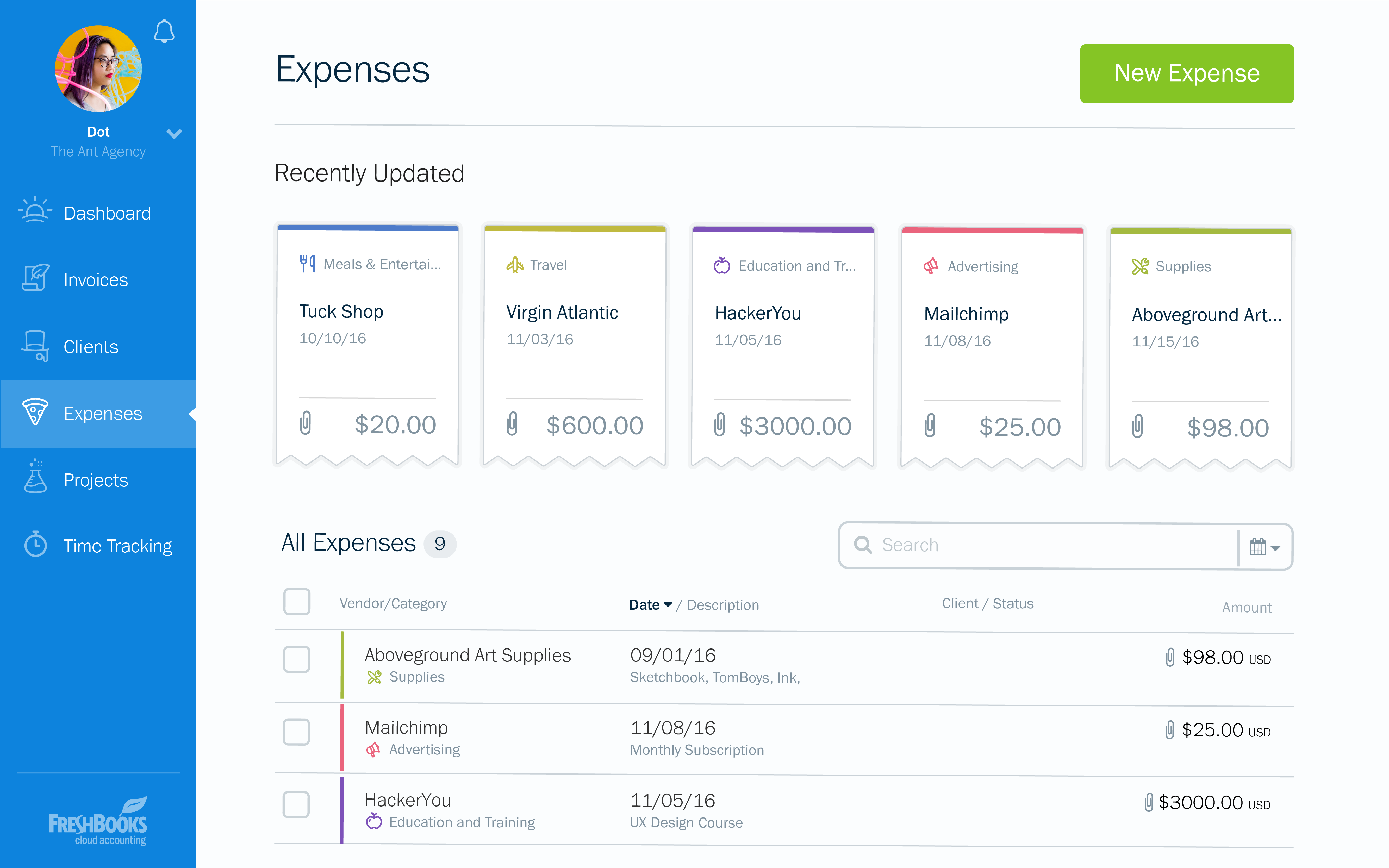
Expense tracker - We have recently embraced FreshBooks as an expense tracker for teams at our company branch. Thusfar, FreshBooks has performed very well, making our expense management a perfect operation; ensuring teams do not exceed their planned budget and also eliminating the need for tracking expenses on excel spreadsheets.
Repeating invoices (most of my business is monthly recurring invoices) - it does these very well.
Reporting - particularly being able to dig into the different lines of the P&L statement.
Tracking categories - I assign a category to every line of every invoice so it's easy to see how much has been sold of each type of service every month and year, and compare them to previous periods.
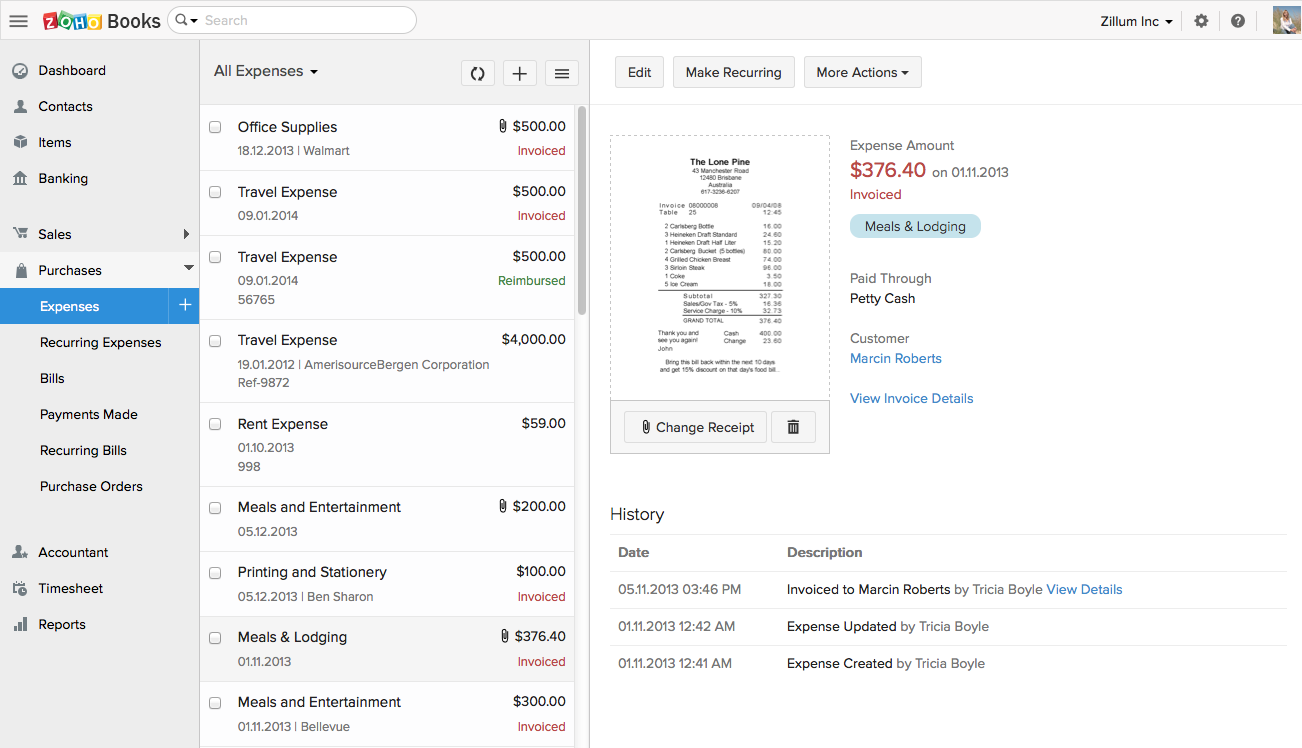
Zoho Books invoicing and receipting features are second to none. We find it easy to quickly invoice clients and add items to their bills and also for our own receipting internally.
The accounting features are great for our accounting team to be able to see where we are financially and how the business is doing.
The ability to add contacts and run a mini CRM channel with clients within Zoho is invaluable. Since we use this in conjunction with our other CRM channels, it helps to have a centralized place to follow up and see through a sales funnel.
Zoho Books allows us to take payments from clients around the globe a feature we didn't have when we used another accounting system.
The pricing for Zoho Books is fairly reasonable for an SME organization which is a great for us as it pays itself back many times over every month.
I can brand invoices with my business logo, but I might like to change colours of the invoices themselves to match the rest of my business documents. That isn't a major point at all, but it's something that I'd like to see.
Freshbooks doesn't remember the categories that similar expenses were previously assigned to. It would be nice if Freshbooks would suggest a category for an already saved vendor, to ensure the consistency of expense reporting.
The home page of a Freshbooks account has a great graph display of expenses and income, but it only shows the last 6 months. This is still very useful, but I'd like to be able to see this kind of graph for different periods of time.
Having different email addresses for different parts of a customer's business (eg invoices and statements to different places)
Easily seeing the text of emails that have been sent through Xero
More easily archiving old pay items. Our HR software updates rates when awards are updated which means a lot of old pay rates are in the system and they have multiple clicks to archive each one. Clicking the ones to archive in bulk and then just click archive for all would be much more efficient.
Zoho Books is only available in Texas and California. There is no integration allowed for paying employee expenses. The absolute worst aspect is the fact that if you make even the slightest error in data input there is no backing up. You cannot undo an error.
The system does not allow change once implemented, so you must get every one of your beginning balances perfect. The practice of Journal Entries is cumbersome. When reconciling, Zoho Books has adopted a number of required steps that significantly overcomplicate reconciliation using practices that are not consistent with general accounting principles in the US.
On the customer side, you must look in two places to see the beginning balance and the current receivables that might exist for current invoicing.
The way the system works, you must avoid having much trust with the balances depicted. So far, it appears that Zoho Books uses what we called in school "that new math."
It would be terrifying to rely on this bookkeeping system to support an IRS Audit. The system violates too many fundamental accounting principles.
The software is used by so few people that there is concern that we might never find a skilled bookkeeper.
At the current needs of our business, FreshBooks suits us perfectly - it allows online access by our accountant to the system for GST purposes, easy input of expenses and tracking of Profit and Loss statements. FreshBooks customer service is great as well - very understanding and accommodating.
In addition to the matters covered in this review, my reason for renewing this product is that Xero's functionality and the constant updates that the company provides, makes the software even more business friendly. The software therefore builds a brand loyalty among customers.
FreshBooks is very easy to use even for novices. If you're looking for an online accounting software that is full of features, has great aesthetics and is user-friendly, then this is definitely the software for you. I've been using it for several years now and despite being tempted to switch by other vendors, I like the feel of FreshBooks and it's mobile features.
As a standalone software, it allows users to fulfill most of the basic functions (e.g. transaction input and report generation) simply and conveniently. It also allows for multiple APIs to help augment various tasks that accounting-adjacent (e.g. claims processing). The cloud based model and portability to mobile devices allows tasks to be carried out in a more convenient way.
Customization is the biggest struggle for us and most of the time we need to involve a tech person. The chat support is a great feature and very helpful. It would be great to be able to customize and create invoices and correspondence (templates) such are reminders in multiple languages within one organization. The currency (USD) would be the same. We have clients in different countries that don't speak English but pay in USD.
We have been actively using and 100% Xero based for our ecommerce accounting practice for over 4 years. There has on been one real outage for more than 5 minutes. Xero was open and transparent about the outage, what they were doing to resolve the issue, and provided 15 minute updates. Showing how they care about their customers and partners. Plus, showing that their customers care too, were understanding, and went surfing or in our case took a nap. Couldn't run our business without Xero as a partner.
On a good day, things worked but after upgrades, things began to slow and or not work at all at times. I coined the moving circle while I waited as the "Xero Wheel of Death". Sometimes it never stopped and force quitting was necessary.
I think the support level for FreshBooks is on par with a 6 because the folks behind this application do a fairly good job at providing support for their customer base. I still don't think they are at an elite level when it comes to supporting but are getting there although too slow in my opinion.
Always respond and keep issues open until you are satisfied with the result. Generally good responses, in the past, I had some support responses that were really basic and really annoying. They type where "have your tried restarting your computer" style of answers. Well, of course, I went through all the basics before contacting them. Duh, but I suppose not everyone does. Otherwise, it would be a 10. The last year has shown a marked improvement in the support responses however.
The support team feels very disjointed. We have filtered through a number of "lead" contacts and are frequently spammed by other Zoho members. Once getting an appropriate support contact on the phone - the team is very helpful, it just takes a lot of hoop jumping to get there. We actually unsubscribed from their support package as we were not getting the value we were looking for.
All of Xero's training is online and available for anyone (business owner or accountants) to learn and become experts in their system. There is a range of content from product training to real world webinars from their partners. Xero is beautiful accounting software and their training is the same.
If it can be done, time the implementation near a new fiscal year so you can start clean. Otherwise, you have to go back and do historical data from the beginning of the fiscal year, which can be brain draining.
FreshBooks does very well in comparison, especially since it is free software for Barclays bank users. Sage software is much worse than FreshBooks. However, Xero and QuickBooks, the market leaders, are still ahead with usability, additional features, reporting, and connection with third-party software providers. We chose FreshBooks as it does everything we require from this type of software.
Each of the products I listed had their own list of drawbacks, but the one thing they all had in common, which was right on top of that list of drawbacks, was ease of use. I struggled to get myself accustomed to each system and struggled, but when it came to getting a client to even try and use it was when the true struggle started. Just found it easier to make use of Xero from the very beginning.
We had a lot of problems with Exact Online, support-wise and price-wise. So Zoho Books wins on every point there. While Exact offers way more options, it tends to be really slow... and complex. Again Zoho Books wins. If you want an easy-to-use tool and not pay a lot of money, or if you are a small administration office with a few clients, this tool will be perfect for you.
I have yet to fully stress test the product given the size of the company where I am using it. I am sure as we scale to more customers, more vendors and more reporting requirements, I will have a better understanding of what it is capable of in terms of bandwidth and processing
In reality, we do not implement all of its use at the moment in order to determine an adequate ROI.
In our approach to the use of the system, it seems to us a considerable time saving by achieving the integration of the Mexican subsidiary with its parent located in the US.
Financial reports meet the necessary USGAAP requirements.
Xero is a basic accounting system that performs basic accounting tasks easily and accurately. For that, it provides a positive impact on our day to day accounting operations.
Because of Xero's basic structure, I feel it lacks some of the sophistication that some users want and need. The ability to create unique custom reports would enhance the impact Xero would have on meeting business objectives by providing current and useful accounting information.
In my opinion, Xero's lack of focus on their customers - their users - is a real issue with me. In my opinion, those of us that are in the trenches that work with the system on a daily basis have to deal with the shortcomings of the system with the knowledge that Xero support refuses to address the operational issues that make their user's lives difficult. I feel if Xero would focus on truly making their software better from a users point of view, it has the potential to be a great system.
Integration: Zoho Books offers out of the box integrations to extend the functionality and connect with the applications you love like MailChimp, Microsoft Outlook, PandaDoc, and Quickbooks, etc.
Flexibility makes Zoho Books great!
Since I can use forecast reports, I can create customizable sales forecast data from the dashboard to accurately measure revenue forecasts and establish sales quotas.