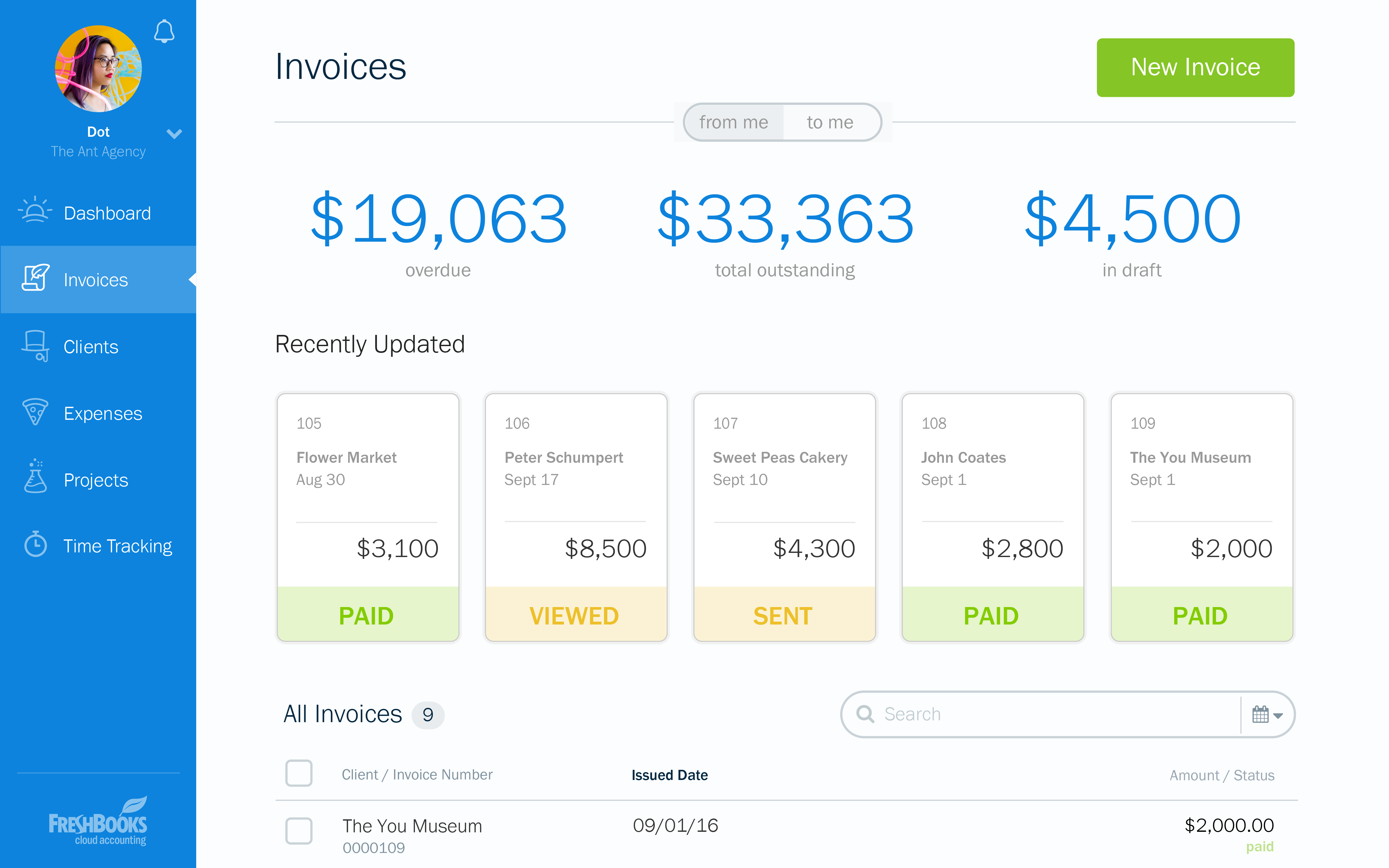
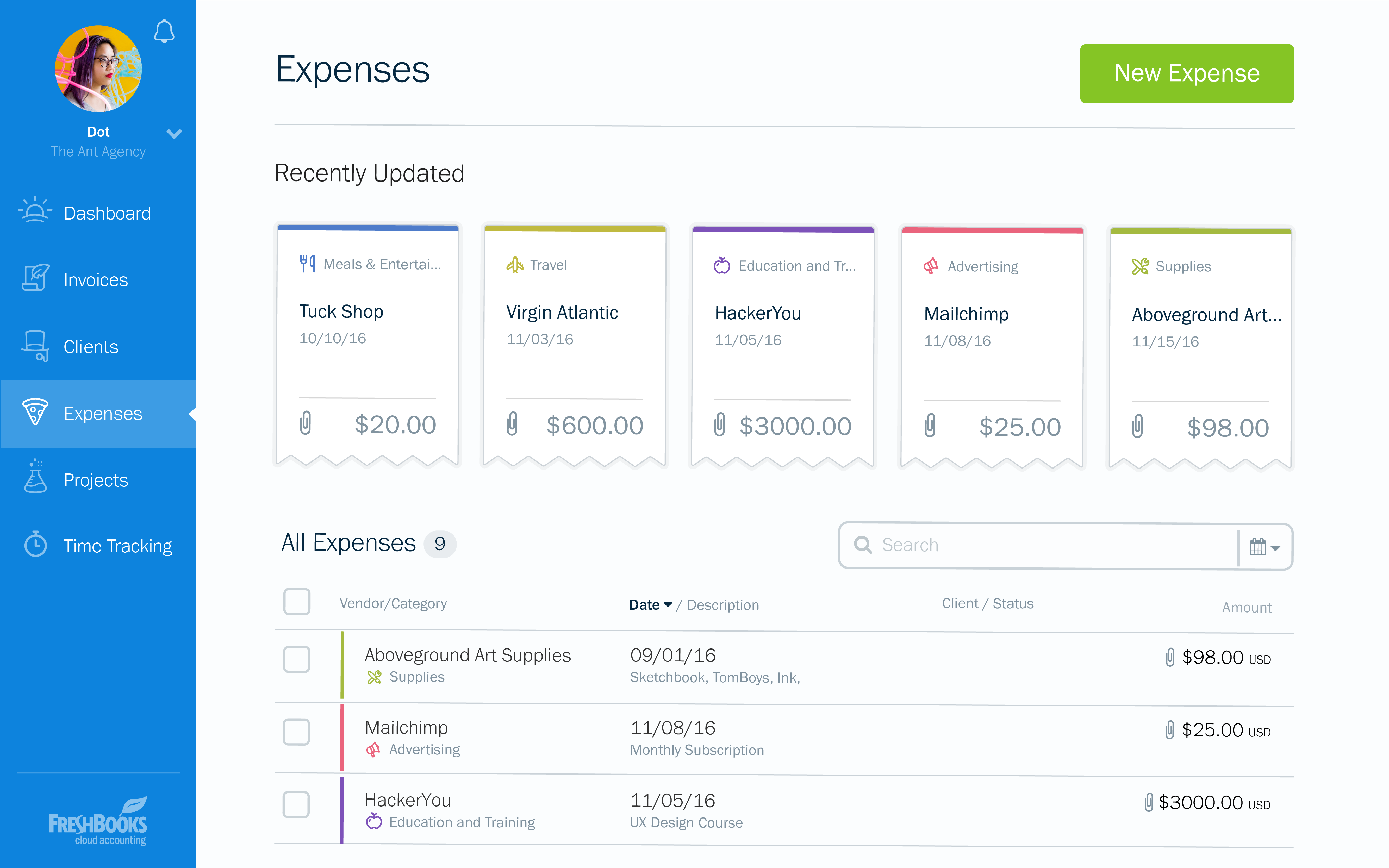
FreshBooks is an accounting service for small businesses. The solution enables users to send and manage invoices, track billable time and collect online payments. The vendor’s value proposition this that their solution provides a straightforward service that simplifies the billing process.
$21
per month
Zoho Billing
Score 8.3 out of 10
N/A
Zoho Billing (formerly Zoho Subscriptions) is a one stop recurring billing and
subscription management solution. Zoho Billing automates the entire
recurring billing process and takes users to the market in few minutes.
This solution enables users to:
Create subscription billing pricing plans, add coupons and
add-ons to suit their business needs. Run in-depth subscription metrics and assess the
health of their business in no time. Zoho Subscriptions is…
$20
per month per organization
Zoho Books
Score 9.1 out of 10
N/A
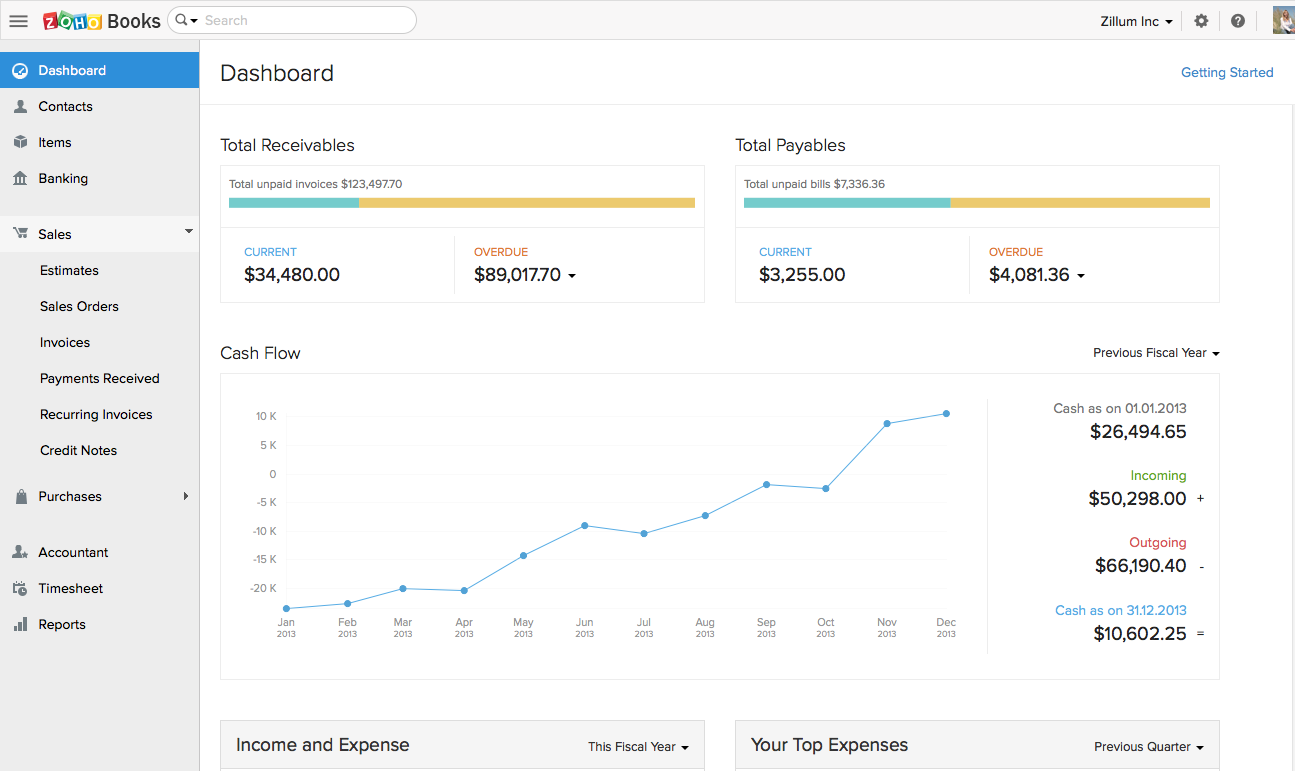
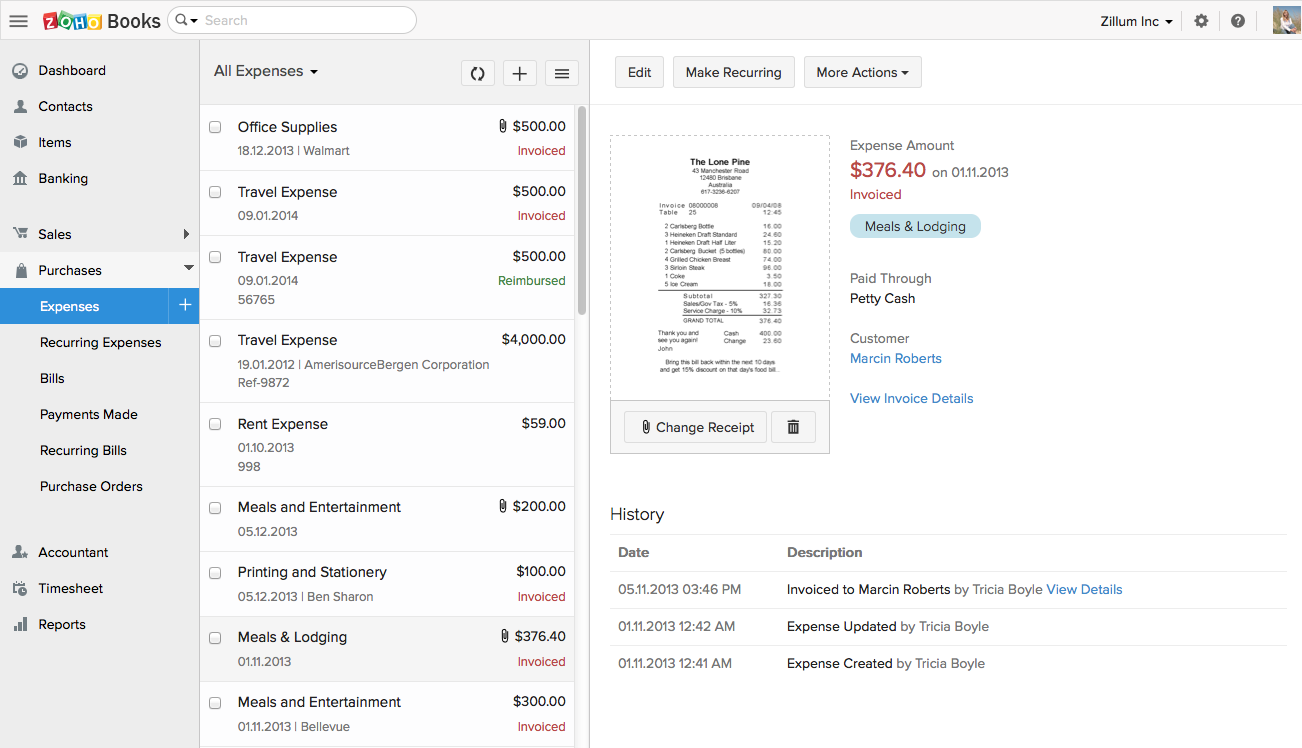
Zoho Books is an accounting solution that is designed to help small businesses manage their finances. This solution includes dashboards and a wide variety of reports. Business users can automate tasks and set up custom workflows.
Zoho offers a 14 day free trial.
$20
per month
Pricing
FreshBooks
Zoho Billing
Zoho Books
Editions & Modules
Lite
$21
per month
Plus
$38
per month
Premium
$65
per month
Select
Custom Pricing
Standard
$20
per month per organization
Professional
$50
per month per organization
Premium
$100
per month per organization
Elite
$300
per month per organization
Free
$0
For businesses with turnover <50K USD per annum
Standard
$20
per month per org
Professional
$50
per month per org
Premium
$70
per month per org
Offerings
Pricing Offerings
FreshBooks
Zoho Billing
Zoho Books
Free Trial
Yes
Yes
Yes
Free/Freemium Version
Yes
No
Yes
Premium Consulting/Integration Services
No
No
No
Entry-level Setup Fee
No setup fee
$49 per month
No setup fee
Additional Details
10% discount for annual pricing.
25% discount available for annual plans and pricing.
Zoho Books is available for both monthly and yearly plans. Users who sign up for the annual plan get a discount.
More Pricing Information
Community Pulse
FreshBooks
Zoho Billing
Zoho Books
Considered Multiple Products
FreshBooks
Verified User
Engineer
Chose FreshBooks
FreshBooks is easy to implement and the onboarding process is straightforward. It has great user interface to navigate and any user can easily start using it. It also offers customization of the modules/reports. Most importantly invoice tracking is a great module. It is offered …
A Member of PR Department, Social Media Platform Responsible
Chose FreshBooks
I love that I can truly give an estimate on the spot and afterward transform it into a receipt. I can begin working with my customer instantly. It is similarly wonderful that I can do it anywhere and it incorporates with Stripe, which collects numerous monetary forms so we can …
I recommend FreshBooks to anyone running a service-based business that needs invoicing, time reporting, and accounting tools. FB is adept in all three of these scenarios and isn't overly complicated like similar accounting packages I have used. I love how I can write estimates and proposals, manage the business development process from the software, and quickly convert prospects to invoiced clients.
[Zoho Subscriptions is great] for startup agencies or businesses that charge monthly subscriptions of some kind. For most other [softwares,] you are paying at least $100 per month just to have the software. Zoho [Subscriptions] gives you the chance to take advantage of starting at [zero dollars,] which keeps your cost down until you understand the software before you have to upgrade. I feel like you can easily bootstrap your startup business to keep costs down. As you [are] moving forward, and are bringing in several thousand per month in revenue, it can scale up without costing a lot. [The subscriptions] [...] [start] to cost more, [...] if you have one time payments; you then need additional software from Zoho [Subscriptions] to handle the needs, and it starts adding up to typical [back- end] management software, with multiple log in points which start to drain your time budget. [At] that point, I ended up looking for a more all in one software that manages both contacts, one time and recurring invoices, reminders, etc. By the time our revenue exceeded [$5,000] per month[,] I [needed] to save time and looked for other options. [However,] I have other friends who still use it and they are generating $10k or more per month.
If using other cloud applications and you wish to create Zoho Books transactions via APIs, Zoho Books is great. The overall UI and flow of the application are great. If you need a detailed job cost accounting solution and robust reporting there is some room for improvement here.
Invoicing - FreshBooks basically ensures our accountants spend less time on invoices via its automated invoicing system, which sends invoices to our customers and clients alike and also send them regular reminders for them to pay up their bills.
Collecting business insights - FreshBooks enable our company analysts measure our business performances via data reports provided by FreshBooks' intuitive dashboard. Allowing us do a comparative analysis of key business metrics of a current month against past months and determine if the business is growing.
Expense tracker - We have recently embraced FreshBooks as an expense tracker for teams at our company branch. Thusfar, FreshBooks has performed very well, making our expense management a perfect operation; ensuring teams do not exceed their planned budget and also eliminating the need for tracking expenses on excel spreadsheets.
Zoho Books invoicing and receipting features are second to none. We find it easy to quickly invoice clients and add items to their bills and also for our own receipting internally.
The accounting features are great for our accounting team to be able to see where we are financially and how the business is doing.
The ability to add contacts and run a mini CRM channel with clients within Zoho is invaluable. Since we use this in conjunction with our other CRM channels, it helps to have a centralized place to follow up and see through a sales funnel.
Zoho Books allows us to take payments from clients around the globe a feature we didn't have when we used another accounting system.
The pricing for Zoho Books is fairly reasonable for an SME organization which is a great for us as it pays itself back many times over every month.
I can brand invoices with my business logo, but I might like to change colours of the invoices themselves to match the rest of my business documents. That isn't a major point at all, but it's something that I'd like to see.
Freshbooks doesn't remember the categories that similar expenses were previously assigned to. It would be nice if Freshbooks would suggest a category for an already saved vendor, to ensure the consistency of expense reporting.
The home page of a Freshbooks account has a great graph display of expenses and income, but it only shows the last 6 months. This is still very useful, but I'd like to be able to see this kind of graph for different periods of time.
Declined payments, there wasn't a big alarm that went off automatically when a payment was declined. I have set up different notifications when this happens in the future though.
Zoho Books is only available in Texas and California. There is no integration allowed for paying employee expenses. The absolute worst aspect is the fact that if you make even the slightest error in data input there is no backing up. You cannot undo an error.
The system does not allow change once implemented, so you must get every one of your beginning balances perfect. The practice of Journal Entries is cumbersome. When reconciling, Zoho Books has adopted a number of required steps that significantly overcomplicate reconciliation using practices that are not consistent with general accounting principles in the US.
On the customer side, you must look in two places to see the beginning balance and the current receivables that might exist for current invoicing.
The way the system works, you must avoid having much trust with the balances depicted. So far, it appears that Zoho Books uses what we called in school "that new math."
It would be terrifying to rely on this bookkeeping system to support an IRS Audit. The system violates too many fundamental accounting principles.
The software is used by so few people that there is concern that we might never find a skilled bookkeeper.
At the current needs of our business, FreshBooks suits us perfectly - it allows online access by our accountant to the system for GST purposes, easy input of expenses and tracking of Profit and Loss statements. FreshBooks customer service is great as well - very understanding and accommodating.
FreshBooks is very easy to use even for novices. If you're looking for an online accounting software that is full of features, has great aesthetics and is user-friendly, then this is definitely the software for you. I've been using it for several years now and despite being tempted to switch by other vendors, I like the feel of FreshBooks and it's mobile features.
Zoho Billing covers our subscription and invoicing needs well and fits nicely into our Zoho setup, but its broken GA4 integration is a real limitation for our use case.
Customization is the biggest struggle for us and most of the time we need to involve a tech person. The chat support is a great feature and very helpful. It would be great to be able to customize and create invoices and correspondence (templates) such are reminders in multiple languages within one organization. The currency (USD) would be the same. We have clients in different countries that don't speak English but pay in USD.
I think the support level for FreshBooks is on par with a 6 because the folks behind this application do a fairly good job at providing support for their customer base. I still don't think they are at an elite level when it comes to supporting but are getting there although too slow in my opinion.
The support team feels very disjointed. We have filtered through a number of "lead" contacts and are frequently spammed by other Zoho members. Once getting an appropriate support contact on the phone - the team is very helpful, it just takes a lot of hoop jumping to get there. We actually unsubscribed from their support package as we were not getting the value we were looking for.
FreshBooks does very well in comparison, especially since it is free software for Barclays bank users. Sage software is much worse than FreshBooks. However, Xero and QuickBooks, the market leaders, are still ahead with usability, additional features, reporting, and connection with third-party software providers. We chose FreshBooks as it does everything we require from this type of software.
Zoho [Subscriptions] is a lot easier to set up recurring payments and notifications than [Stripe] or [PayPal] alone. They offer notification reminders that will help manage clients, versus setting up an API [..] communication system [to] your own with the others. Clients have an easier time changing credit cards around in Zoho [Subscriptions,] whereas in Stripe and Paypal, you have a lot more manual work.
Thryv is [an] all in one [package] for both one time and recurring payments, which I prefer over Zoho [Subscriptions], without having to create new client files in each system; [Thryv] [...] also has notification options which is a time saver. Thryv can also send test email review requests after a trigger or an [invoice] has been paid, whereas you would have to create an API integration with another service to do so in Zoho [Subscriptions]. Overall, Zoho [Subscriptions] is a great system, for most of my personal clients logging into different systems for different needs. [In] addition to subscriptions, [this] is the downfall, but it [is] still a great option for many businesses.
We had a lot of problems with Exact Online, support-wise and price-wise. So Zoho Books wins on every point there. While Exact offers way more options, it tends to be really slow... and complex. Again Zoho Books wins. If you want an easy-to-use tool and not pay a lot of money, or if you are a small administration office with a few clients, this tool will be perfect for you.
In reality, we do not implement all of its use at the moment in order to determine an adequate ROI.
In our approach to the use of the system, it seems to us a considerable time saving by achieving the integration of the Mexican subsidiary with its parent located in the US.
Financial reports meet the necessary USGAAP requirements.
Integration: Zoho Books offers out of the box integrations to extend the functionality and connect with the applications you love like MailChimp, Microsoft Outlook, PandaDoc, and Quickbooks, etc.
Flexibility makes Zoho Books great!
Since I can use forecast reports, I can create customizable sales forecast data from the dashboard to accurately measure revenue forecasts and establish sales quotas.