Freshservice is a cloud-based service desk and IT service management (ITSM) solution that currently serves more than 10,000 SMB, mid-market, and enterprise customers worldwide.
$29
per month per agent
ManageEngine Endpoint Central
Score 9.0 out of 10
N/A
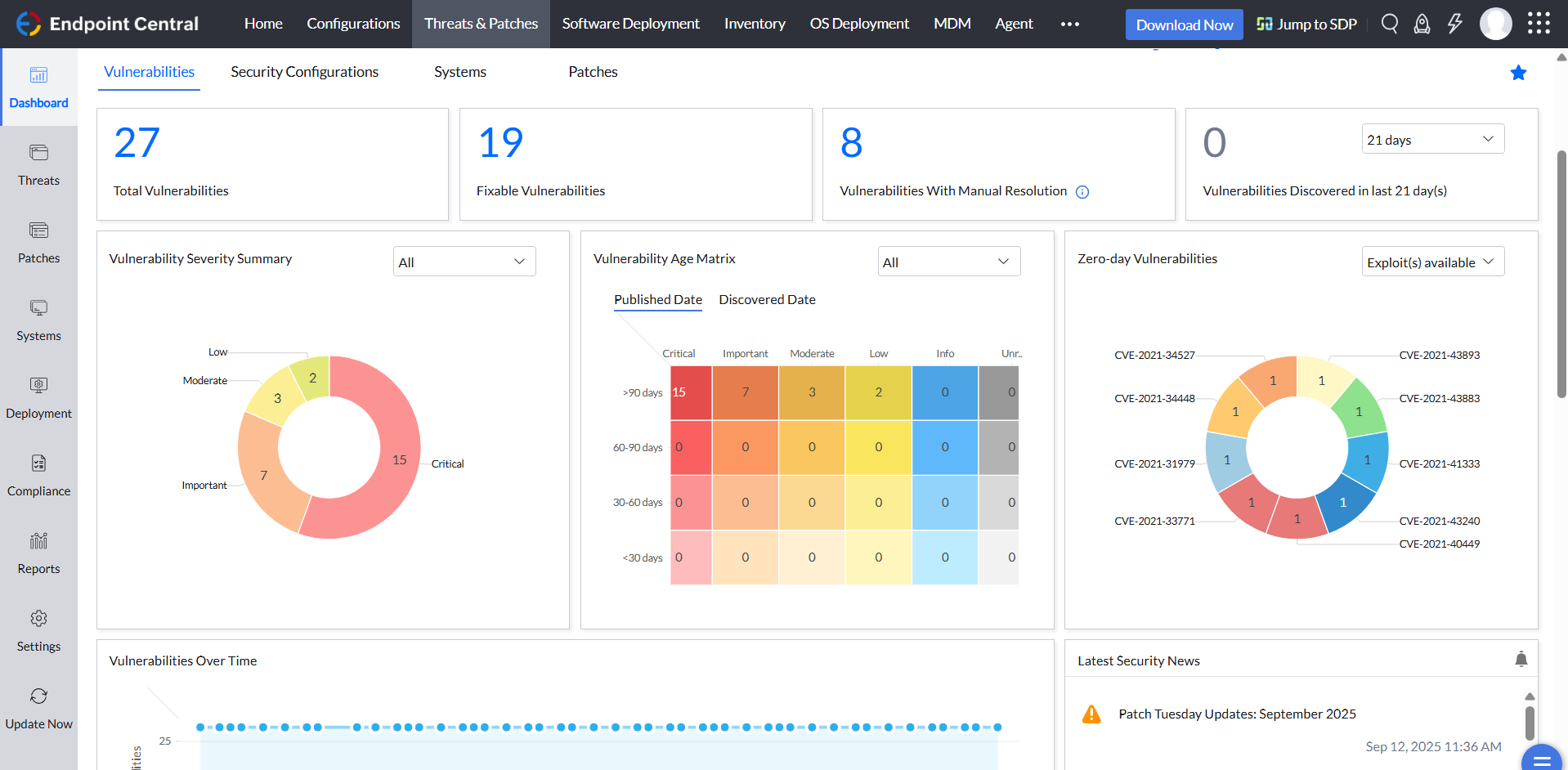
Desktop Central from ManageEngine is a client desktop management with patching, remote control, and configuration.
Customization of FreshService was so much easier than ChangeGear. Creating forms for end-users was difficult and didn't always work the way we wanted. The nail in the coffin was when we had a support call set up, and the IT Director was on the phone waiting, but no one joined …
Freshservice simply meshed much better with our employee activities. Many of the others required a lot more painful integration and constant use in order to work, we have a mix of new and old users and needed a product that was flexible with the management style that we used, …
While some of these other Windows MDM solutions had some small improvements for something ManageEngine Endpoint Central does not have, I still find that ManageEngine Endpoint Central still has the biggest library, if you will, for functionality.
Verified User
Administrator
Chose ManageEngine Endpoint Central
We chose ManageEngine Endpoint Central primarily on cost and usability. The support from the account managers at ManageEngine Endpoint Central has also been fantastic. NinjaOne came out a lot more expensive and in terms of usability was not as well received by our Agents when …
Freshservice is well suited for companies looking to implement ticketing / case management across the organization, but only if IT will be using it. Otherwise, I'd recommend Freshdesk. IT departments that don't function in the ITIL style of incident, request, change, and project management may find it overkill if they are only looking for a simple Help Desk solution.
For small businesses, it is also free, which, for what it offers, is really helpful. It works better than similar products, such as SCCM, both within and outside the internal network. I do not see scenarios in which it could be less appropriate.
We set alerts when a devices gets low on disk space. That is automatic and creates a ticket in ME SDP. We are then able to Add space to a VM Desktop, and then go thru ManageEngine Endpoint Central to extend the drives so the entire process can be done without interruption to the end user.
Using the patch scans we can easily see what patches have been installed for all manufacturers not just Microsoft, without having to physically go to the device. It also allows us to choose which patches we want to push out and automate the process so we can be hands off, freeing up out time for other things.
Remote access to devices. This allows us to remotely make changes, not just via remote control but also make registry changes and clean up space without going to the device and without interruption to the end user.
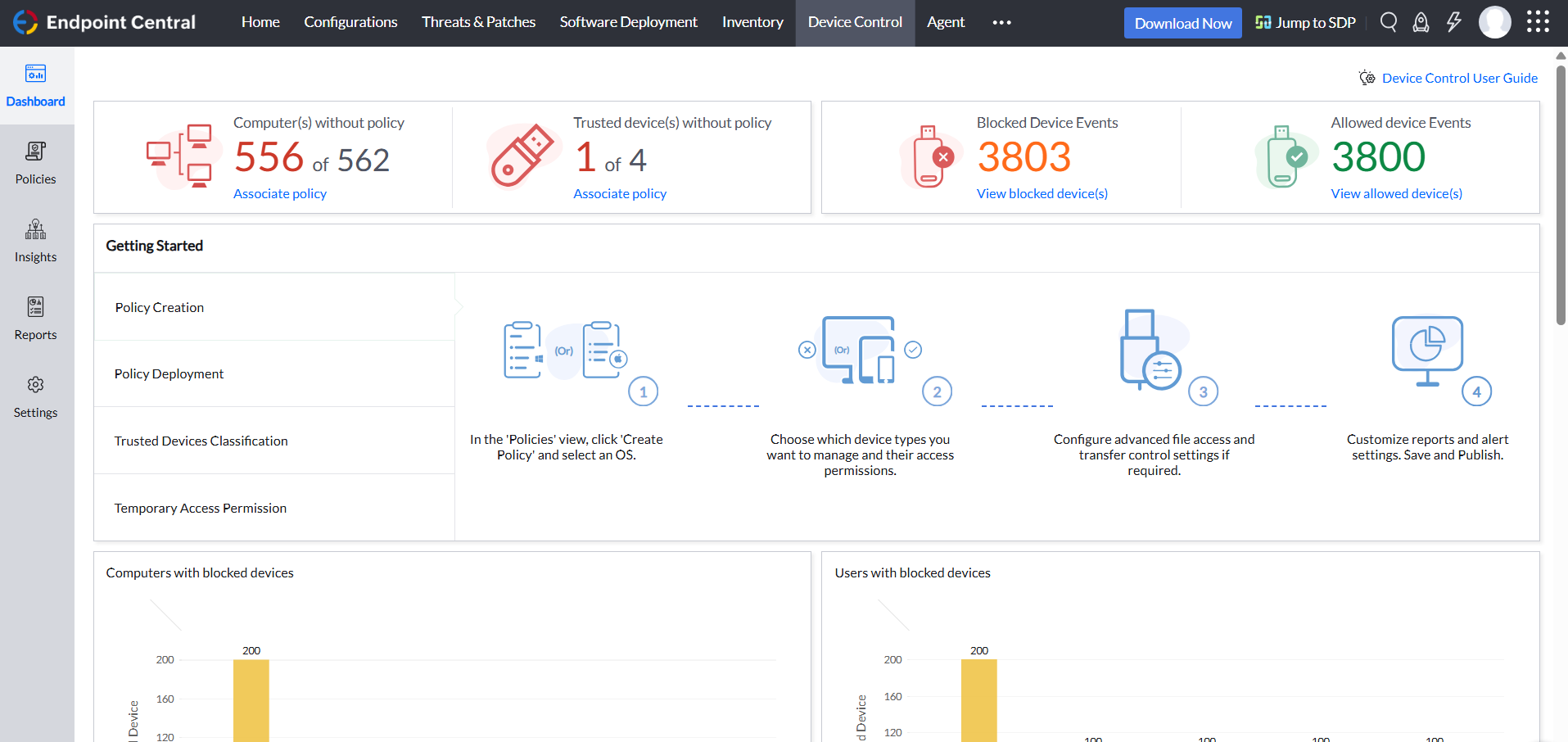
Alerts. We have set up to get email alerts when new hardware is plugged into any computers. This lets us know if someone is bringing in un-authorized equipment (thumb drives, hubs, etc) to better manage what is/is not on our network.
To have more options on what to do with the emails that arrive in the support mailbox (which goes to Freshservice), Setting some special rules or detailed filtering is not possible.
Non 3rd party tools to connect to Intune are missing. Additionally, the third-party tool available in the store is not satisfactory. It would be nice to have native support for importing devices from our Azure cloud.
The contract requires you to prolong your contract end-date by two years instead of just one year, which to us is a bit aggressive.
We are pretty invested in Freshservice right now and have integrated it pretty heavily into our environment, so it would be hard to move away from it. For the most part, we are happy with Freshservice and the ease of use it gives us in managing tickets through the system. The only complaint we've had is customer service.
ManageEngine is considered an excellent product due to its comprehensive suite of solutions for IT management, with ManageEngine Endpoint Central specifically excelling in endpoint management. The platform stands out for its user-friendly interface, robust features, and versatility in addressing diverse IT needs. It offers organizations a centralized solution for endpoint security, patch management, software deployment, and asset management
The UI design of Freshservice is simple and intuitive. You don't have to be a technical expert to navigate your way into the different pages/modules available. There are no buttons that are hidden in plain sight. Even our HR team required little to no help when they started using Freshservice.
Not using WNS to communicate with the endpoint console is a big plus. We now use Workspace One, and WNS can be really annoying at times. After deployment, it cleans itself, which is important for us because our current solution leaves the package on the computer and requires maintenance. The remotely script command is a lifesaver.
In our 3 years of using Freshservice, we've experienced several outages in the first 2 years. There were times where it only took minutes or hours but there are also times where it took a few days. Each time, Freshservice remained transparent and constantly communicated their progress. We haven't had one in the past year which indicates Freshservice have improved their servers.
Pages load quickly but internet connectivity can also play a big role. Integrations doesn't affect the performance but internet connectivity may be a big factor. As a company with most employees working from home, different network providers from different areas/countries can have different experiences. Search load time needs improvement.
Support from OEM is decent but needs improvement. Sometimes OEM also needs to understand the criticality of the customer and help as an Ad-hoc, which is somewhat lacking at Feshservice. Although the normal support team is well-equipped and helps according to the matrix, if something critical for the partner or customer requires immediate attention, it still goes through the L1-L2-L3 levels, which wastes a lot of time.
The immediate chat support is great and very helpful. However, if you need escalated support or have a deeper need that the chat tool can't help with, you will experience significant wait times and slow responses. The time zone difference becomes painful to the point of often just giving up.
Their documentation is pretty good, but only available in English. This makes it difficult for some of our users to understand. There are also some basic video courses available.
Creating the correct groups for the stakeholders and enabling the right notifications are one of the most important aspect of the implementation. Creating Change templates will also help in the long run and it's a good practice to create one, if applicable.
It seems that the services offered with the purchase change from what is covered to what is an additional cost. Somethings I thought we had ended up requiring an additional purchase if we wanted to continue using the feature.
Easy setup and a lot of customization which can be made. They offer the full ITSM tool for 75$ per agent and all the PRO are included in the package, which makes it easy to calculate and use. There are only a few add-ins that you need to pay for, based on the number of agents or the number of executions.
I was not a part of the initial selection process, but I understand the issue was related to cost per endpoint. As a user of the other solutions I would say that the other solutions do have other strengths that ManageEngine is missing. The remote access tools are superior but at the end of the day you get what you pay for.
Freshservice allows flexibility with contract terms and pricing model. Monthly and annual payments are allowed. The unit pricing needs a bit of improvement. It would be great if they offer unit pricing per capability instead of one pricing for all the capabilities. Small businesses have different use cases and not every agent needs all the modules available.
We were able to scale easily across multiple departments. As our company keeps growing, we have not needed to change anything in terms of scaling since we started using Freshservice. There were no changes to the admin and end-user experience from when we were a 1,000-employee company vs to our current head count of 2,000+.