Glip was a conversation platform to plan, share and organize work. Glip featured text and video chat at its core, with file sharing, collaborative task management, shared calendars, and automatic version control. Glip was acquired by RingCentral in 2015 and is no longer available standalone, though its features are included in RingCentral MVP.
$11.99
Per User Per Month
Teams Manager
Score8 out of 10
Mid-Size Companies (51-1,000 employees)
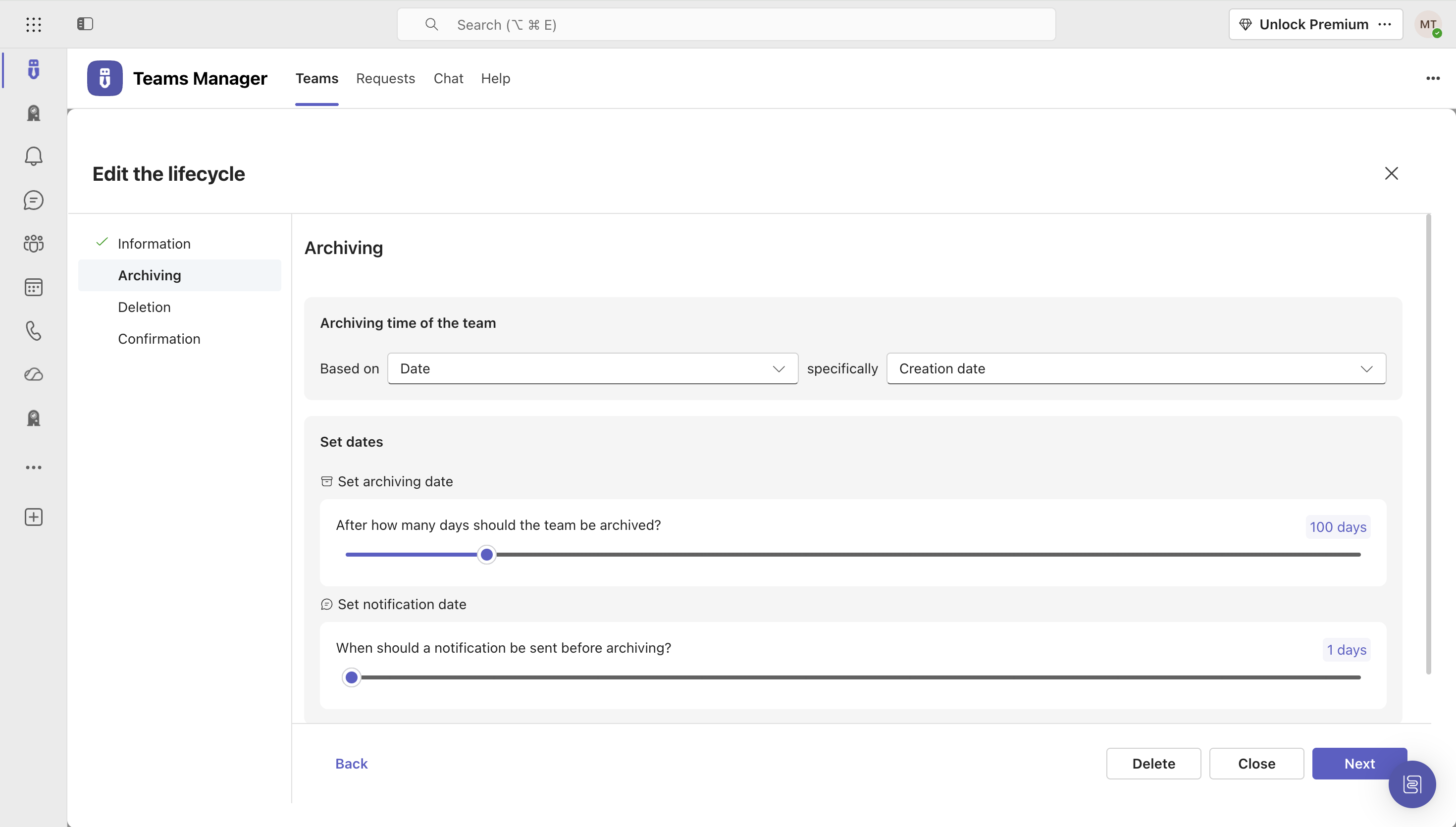
IT administrators can keep control of their Microsoft 365 environment with Teams Manager. Teams Manager is used to prevent the uncontrolled creation of Teams and Groups and automate governance processes. Key Features: • Governance Dashboard and Reports – provides an overview of the M365 environment (inactive or ownerless teams, teams with guests etc.) • Provisioning of new teams & SharePoint sites – with channels,…
$1.60
per year
Pricing
Glip (discontinued)
Teams Manager
Editions & Modules
Pro
$11.99
Per User Per Month
Extra Large (4,000+ users)
$1.60
per year per user
Small (up to 249 users)
1,599
per year per installation
Medium (up to 999 users)
4,049
per year per installation
Large (up to 4000 users)
6,499
per year per installation
Offerings
Pricing Offerings
Glip (discontinued)
Teams Manager
Free Trial
Yes
Yes
Free/Freemium Version
Yes
No
Premium Consulting/Integration Services
No
Yes
Entry-level Setup Fee
No setup fee
Optional
Additional Details
—
Prices are starting prices. Not listed here are the different support and service packages.
Glip should definitely be on your shortlist for a team collaboration tool. Glip has a lower cost and contains all the features found in competitive tools such as Microsoft Teams and Webex Teams. Glip is also scalable and robust enough for large enterprises and is great to coordinate and document large projects with hundreds of tasks and hundreds of resources. Glip, MS, and Webex Teams are excellent for an individual to create and receive task assignments and document and complete those tasks but these tools do not replace enterprise project management software and tools. Glip, MS Teams, and Webex Teams quickly become complicated and disorganized and it becomes easy to drown in all the sea of data unless you work diligently and continually at organizing your workspace.
A de minimis incentive was given to thank the reviewer for their time. The incentive was not used to bias or drive a particular response, nor was the incentive contingent on a positive endorsement. More Info
It's well suited if you or your organization performs tasks incorporating other Microsoft programs such as OneNote or Planner. Teams Manager allows for easy management of that software usage; if you do not use any of those, I'm not sure if there is much advantage in using it to manage workflow.
A de minimis incentive was given to thank the reviewer for their time. The incentive was not used to bias or drive a particular response, nor was the incentive contingent on a positive endorsement. More Info
A de minimis incentive was given to thank the reviewer for their time. The incentive was not used to bias or drive a particular response, nor was the incentive contingent on a positive endorsement. More Info
A de minimis incentive was given to thank the reviewer for their time. The incentive was not used to bias or drive a particular response, nor was the incentive contingent on a positive endorsement. More Info
A de minimis incentive was given to thank the reviewer for their time. The incentive was not used to bias or drive a particular response, nor was the incentive contingent on a positive endorsement. More Info
user interface can be enhanced to seperate the color coding for different channels
It would be great to receive notifications in Outlook for Shifts and be able to approve/deny requests and schedule changes there while it's synced with the Outlook calendar.
A de minimis incentive was given to thank the reviewer for their time. The incentive was not used to bias or drive a particular response, nor was the incentive contingent on a positive endorsement. More Info
Glip has saved us so much time that my team could no longer live without it. I don't know what we would do. All of us used it constantly all day every day. It is one of the best tools in my arsenal!
A de minimis incentive was given to thank the reviewer for their time. The incentive was not used to bias or drive a particular response, nor was the incentive contingent on a positive endorsement. More Info
It is a well-designed and polished application on Teams. Most of its issues stem from Teams UI and UX, which could be improved further. However, if you can fit the team manager to your needs, it can become a very powerful tool to manage data flow.
A de minimis incentive was given to thank the reviewer for their time. The incentive was not used to bias or drive a particular response, nor was the incentive contingent on a positive endorsement. More Info
We have a free account so I understand why we are not at the top of the list. But we have had issues before that took forever for them to get back to us. Once I had to make a Twitter account just to tweet at them about the issue and they finally got back to me. After several weeks. And the issue was something we just had to wait out for a few more days. Normally you have to submit a ticket through their support page and maybe they will get back to you and maybe not. We had one issue where the standard user on the iMac was getting popups every few minutes about installing a helper tool. The only way to fix this was to delete and reinstall Glip as an admin user. This was frustrating because it took time to do this for me as the IT person, and after reaching out to a few times, I was finally given an answer two years after I had asked about it! Finally some devs reach out to me on Glip and told me to just put the app in the user folder instead of the app folder which is managed by the admin account. They said it should be fixed now and I believe it is.
A de minimis incentive was given to thank the reviewer for their time. The incentive was not used to bias or drive a particular response, nor was the incentive contingent on a positive endorsement. More Info
Zoom, Slack, and Wunderlist are all great applications. They do a good job at one core focus. If your team is already familiar with these applications and satisfied with them, you can stick with them. I found Slack confusing and difficult to learn, as did others when onboarding. Zoom and Wunderlist both have a solid user interface and do their jobs well -- not many complaints from them. I just valued simplicity and ease of adoption, which made us look at Glip as one app to do it all.
A de minimis incentive was given to thank the reviewer for their time. The incentive was not used to bias or drive a particular response, nor was the incentive contingent on a positive endorsement. More Info
We still use it for our one-off situations, but mostly stick to Teams as it is much more user-friendly and allows better sharing capabilities through virtual meetings. Skype is not as easily customized, so it's a no-brainer to use Microsoft Teams and Team Manager for all of our instant messaging and virtual meeting needs.
A de minimis incentive was given to thank the reviewer for their time. The incentive was not used to bias or drive a particular response, nor was the incentive contingent on a positive endorsement. More Info
Because Glip was free, it helped us save money on our chat app. While not a crucial part of the business, the costs of software for your company add up and it was nice that, in this case, it did not add to our expenses.
This isn't really Glip directly, but we used it because we were using RingCentral Meetings for video conferencing with clients, and unfortunately RingCentral Meetings was a bit difficult to use. This was often the client doing things wrong, but it was annoying to have frequent audio feedback, etc. So if that is part of your reason to use Glip, check out if you have any problems there first.
A de minimis incentive was given to thank the reviewer for their time. The incentive was not used to bias or drive a particular response, nor was the incentive contingent on a positive endorsement. More Info
A de minimis incentive was given to thank the reviewer for their time. The incentive was not used to bias or drive a particular response, nor was the incentive contingent on a positive endorsement. More Info