Google Trends is a search engine optimization software solution offered by .
N/A
Sendspark
Score10 out of 10
N/A
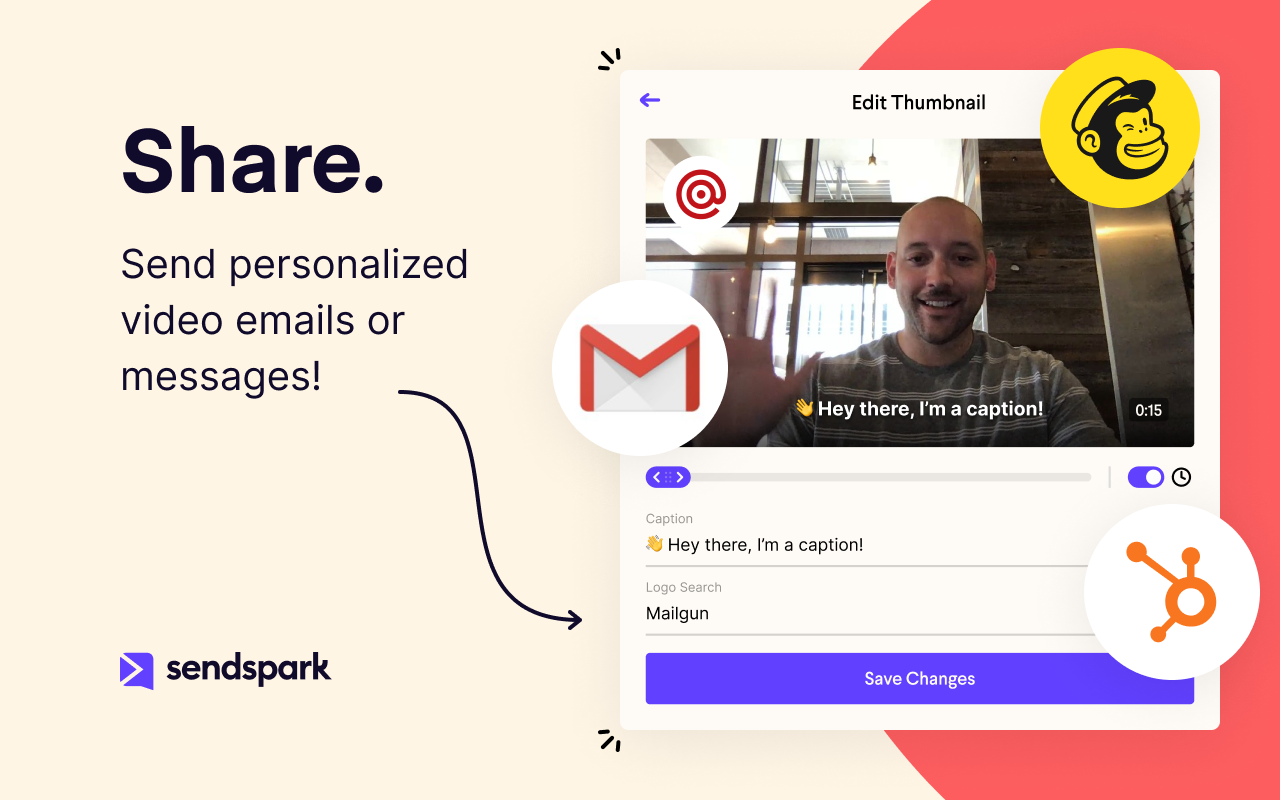
Sendspark helps businesses connect to customers with personalized video messages. Whether the user is an individual, manager, or enterprise, Sendspark can be used to create polished videos for demand generation, sales, or customer success. Videos can be shared in Gmail, LinkedIn, or email marketing platforms — wherever communication with customers is happening — to drive higher engagement.
Google Trends is great for research and planning, to analyse keyword demand and associated costs. It really does help plan to capture consumer demand. It can be a little tricky to use, as the UX design isn't brilliant, so you'll need to learn how to navigate the website.
A de minimis incentive was given to thank the reviewer for their time. The incentive was not used to bias or drive a particular response, nor was the incentive contingent on a positive endorsement. More Info
In my experience, Sendspark is particularly well-suited for sales and marketing professionals who need to create and send personalized videos at scale. The platform makes it easy to quickly record and share videos, which can be a great way to stand out in a crowded market and provide a more engaging and personal experience for clients. Additionally, the branding and marketing features of Sendspark are handy for maintaining a consistent and professional image. On the other hand, I think Sendspark may be less appropriate for organizations that require more robust collaboration and video editing features. The platform is designed for simplicity and speed, so it may not be the best choice for users who need more advanced editing tools or the ability to work on videos with multiple users simultaneously. Additionally, the limited customization options for video themes may not be suitable for users who need more flexibility in terms of design and layout. Other video recording and sharing platforms may be a better fit in these cases.
I love how Google Trends presents the popularity of a specific query by location. For example, my product may be more popular or more "searched" in a specific state or city. This helps a lot for direct mail campaigns or any sort of in-person marketing efforts like events or pop-ups. You could use the information from Google Trends to decide what locations will be more receptive of your product/industry or you could see where people have little to no interest and build a brand awareness campaign focusing on those areas.
Another great feature within Google Trends is that it shows "Related Queries", which are basically suggestions of better keywords or phrases to incorporate into your content. If you search for data on a keyword you're using that's too broad (your content won't stand out among other web pages) or too narrow (not many potential customers are searching that keyword or phrase), Google Trends will suggest a related keyword or phrase that is more appropriate or trending at the moment. You could go back and incorporate these phrases into your content so that it's more likely to be found on search engines.
Within the Google Trends "Related Topics" section, you can choose whether you want to see topics that are "Top" or "Rising". I like this feature because looking at a "Rising" topic can help you create content that's more likely to be seen - especially if you're a beginner. Most topics that are in the "Top" category can have thousands of web pages that you're competing against and you can feel like your content is drowning. But the topics in the "rising" category can be great for newer sites that haven't developed authority online yet. You can write on one of these topics and be one of the first sites to create content on that topic, which gives you a head start over other sites.
Google Trends "Categories" is also a great feature. If you don't have any content ideas for your website, you can easily find inspiration by selecting a category that's relevant to your industry. The top keywords or topics will come up and you can create content on those topics to increase your number of web visitors. For example, if you work in the fashion industry and you don't have content ideas, you can have Google Trends generate data for the "Beauty & Fitness" or "Shopping" categories to see what's trending. Google will tell you if a specific brand, person, or event is trending and you could write an article based on one of those trends. Since people are searching for that topic, your content will be seen. This is a great way to create timely content even if you're new to an industry or simply haven't kept up with it.
A de minimis incentive was given to thank the reviewer for their time. The incentive was not used to bias or drive a particular response, nor was the incentive contingent on a positive endorsement. More Info
It would be nice to have breadcrumbs available so that I can go backward in a particular search. One I click a topic and then click the related terms two or three times, I find that I'm so far down the rabbit hole that the "Back" button in my browser is a really inconvenient way to find my way back to a certain stage of my search. If there were breadcrumbs I could jump directly back to a particular stage and chase another rabbit from there.
It's easy to get lost searching in here for an extended period of time. I would be nice to be able to print a report of my whole session when I have finished.
It would be nice to have a Top Tends board of job searches or other information related to jobs that are currently popular Google searches.
A de minimis incentive was given to thank the reviewer for their time. The incentive was not used to bias or drive a particular response, nor was the incentive contingent on a positive endorsement. More Info
Because with such a contribution it is possible to reach customers much better than with many other expensive tools. It is comparatively cheaper to do marketing with emails. So you should make your email campaigns as effective as possible. What really works with Sendspark. I think Sendspark will implement many more things. Which is why I am currently convinced to continue using Sendspark.
Google Trends is very easy to use. you just search for a certain keyword or phrase, and it tells you how often that keyword or phrase is searched, where in the world it is searched, and over the last decade, how often it is per year.
A de minimis incentive was given to thank the reviewer for their time. The incentive was not used to bias or drive a particular response, nor was the incentive contingent on a positive endorsement. More Info
Acutally we didnt have had any problems so far. Everything works since we use it. The Servers are fast, and creating videos is a breeze. The Dashboard works properly and we can work very Smooth with Sendspark so far.
Support is very fast. I actually get Support between 8-24 Hours which is Important for us. The website tend to slow down sometimes, but will not affect the overall usage. I think they have a good Server Plan, which runs smooth. Until now we didnt had any serious problems with saving our Video Files or Uploading.
I haven't needed to use any support for Google Trends. However, I've used Google's support in general and it's a hit or miss. Usually, there's a long wait or they don't understand my problem. They are the only ones that can help, so sometimes I feel stuck. They prioritize paying customers for sure.
A de minimis incentive was given to thank the reviewer for their time. The incentive was not used to bias or drive a particular response, nor was the incentive contingent on a positive endorsement. More Info
Google Trends is a great place to start in the content curation, content research, blog post writing, and resource page creation process. It is not, however, a place to do serious SEO optimization. Tools like Moz, or Analytics SEO would be a better place to go after you do initial research on Google Trends to dial in your keywords, and optimize content for search engines.
A de minimis incentive was given to thank the reviewer for their time. The incentive was not used to bias or drive a particular response, nor was the incentive contingent on a positive endorsement. More Info
Loom provides all basic features of screen recording software but because they are established now, they sometimes fail to work on customer feedback while Sendspark is always innovative e.g one of the life-saving features is a link to share with customers to record their testimonials which other software are not doing.
I think there is a lot of space for scaling. But for a Company like us there is plenty enough of capabilites to use Sendspark without any lack of performance issues. Maybe Sendspark could be limited for very Big Companys. But since they are a Startup, maybe they will grow and dive us to a better overall experience.
A de minimis incentive was given to thank the reviewer for their time. The incentive was not used to bias or drive a particular response, nor was the incentive contingent on a positive endorsement. More Info
A member of my sales team went 10 for 10 on receiving replies from outreach prospects when leading with a Sendspark video message.
Received a PO for $109K on the last day of the quarter after messaging a customer with a polite and earnest Sendspark video to get the PO that day.
Supported a team member closing a sale by creating a Sendspark demo/explanation video of "this is how it would work" for the owner of a prospect company.