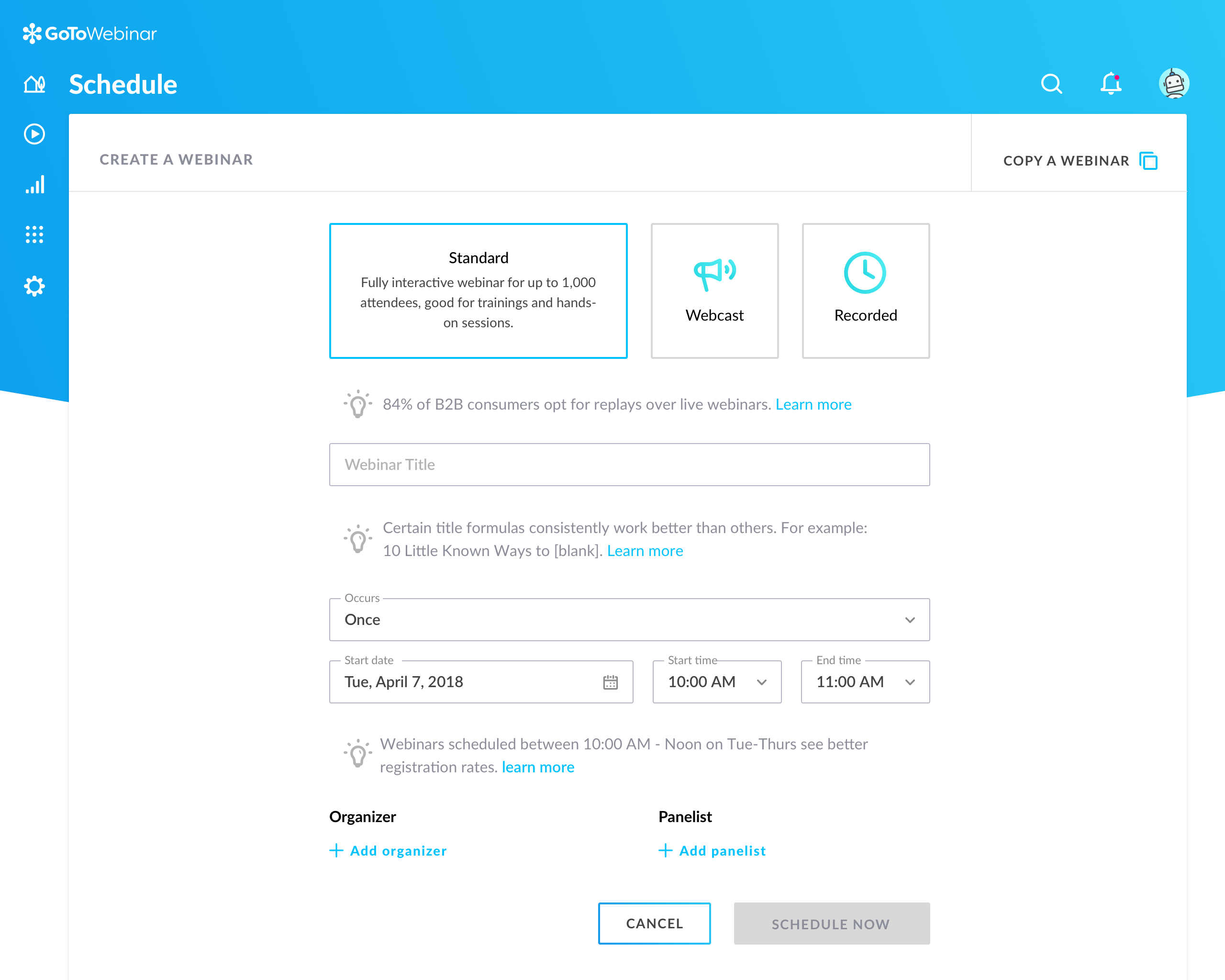
GoToWebinar is GoTo’s webinar and online conferencing solution, and offers features like audience polling and Q&A, flexible scheduling experiences, and webinar templates. It offers CRM integrations and reporting & analytics tools to help engage clients’ audiences.
$49
per month per organizer
M‑Files
Score8.9 out of 10
N/A
M-Files delivers Context-First Document Management with a metadata-driven architecture that improves productivity across the document lifecycle. By linking documents to the people, processes, clients, and projects that give them meaning, M-Files creates a unified environment that strengthens governance.
It is great for big events like training or product demos. It's good for marketing webinars with features like polls and Q&A. It's not ideal for small, casual meetings. It can be too expensive for some businesses. For smaller events, other tools might be better.
M‑Files is great for companies with multiple locations. Drive letters can become cumbersome to use and collaborate with colleagues and M‑Files fills that gap. The check out/check in system is great and allows only one editor at a time. This can be good and bad depending on the situation.
A de minimis incentive was given to thank the reviewer for their time. The incentive was not used to bias or drive a particular response, nor was the incentive contingent on a positive endorsement. More Info
A de minimis incentive was given to thank the reviewer for their time. The incentive was not used to bias or drive a particular response, nor was the incentive contingent on a positive endorsement. TR verified that a representative sample of customers was invited. More Info
Reliable: Our M-Files system has only gone down one time (for a very short period of time) at the beginning of the two years that we have been with M-Files. Our previous vendor's system had so many downtimes that our IT Department had to assign an associate to work with me for sending out notifications to associates etc. With our last vendor, one day I came to work and only 60 of the 260 consent for surgery forms were available to our end users although they were visible to me as the Administrator but weren't showing up for the end-users!
Our M-Files system was created for us. It was created by working with developers to only have on our system what we required, and I must say, there were so many extra features that M-Files offered in our program that weren't available with our previous vendor. As mentioned previously, we can have two policies or forms visible to the end-user so one can be listed as "draft" or "training only" so our end users can read and use for training as we get ready to roll out a new medical record system. I can also preload policies and leave them in the working stage until they are approved and go back and publish them the day they are approved. The list goes on with so many great features.
Our end users would say the greatest asset of this product is the search function. It's amazing how fast it is. There are many ways to search out a form or policy which makes it a true asset for our associates.
A de minimis incentive was given to thank the reviewer for their time. The incentive was not used to bias or drive a particular response, nor was the incentive contingent on a positive endorsement. More Info
Can't schedule recurring webinars twice per week or every other week--must manually add or delete instances.
Can't schedule recurring webinars more than 'x' number of instances (less than a year's worth).
If you want a recurring webinar to continue past the last instance (in order to keep the same link), your only option is to manually add future instances before the last one occurs. If the last instance occurs, the webinar (and corresponding link) are archived with no recourse and you must recreate it from scratch and update every bit of external collateral with a new link. So I have to have reminders on my calendar every 6 months to go in and add additional dates for all my recurring webinars in order to keep my links active.
Canceling/changing seats is a huge pain.
The default 'join' screen is app-based rather than web based, so registrants often have to download GTW. I have a lot of clients whose computers are locked down from unapproved apps and have missed the webinar because the ability to join on the web is very unintuitive.
A de minimis incentive was given to thank the reviewer for their time. The incentive was not used to bias or drive a particular response, nor was the incentive contingent on a positive endorsement. TR verified that a representative sample of customers was invited. More Info
If you are new to Electronic Document Management, this can be a really difficult product to roll out. Since it is infinitely versatile, there are infinite ways to configure it wrong. I highly recommend the M-Files admin training offered by M-Files as it will set you in the right direction.
Many options are paid add-ons. So while you are not paying for what you don't need, many great features will come at a cost.
If you don't have a technical person on staff, this will be tricky to maintain. Not impossible. If your processes do not change, once setup it will be fine.
A de minimis incentive was given to thank the reviewer for their time. The incentive was not used to bias or drive a particular response, nor was the incentive contingent on a positive endorsement. More Info
Our largest issue with GoTo have been the limitations on recording and using recordings to host a webinar, and the biggest of those is the ability to record. We have had most of our webinars recorded successfully, but when it failed to save, it failed in a big way. Their customer service team was there to help, but they were unable to truly fix the problem. There are, of course, other providers, but as we are still seeing where hosted webinars fit in our marketing strategy, cost is an important factor. Since our company already uses GoToMeeting, it makes more sense for us to stay with the entire suite of products, especially while we are testing the strategy as a whole.
M-files meets our almost all needs, we dont have other option to replace m-files. it saves lots, like Hardware because of Vault Feature means we can create many vaults (mini-servers) in m-files in other solutions we need more hardware for more installations.
A de minimis incentive was given to thank the reviewer for their time. The incentive was not used to bias or drive a particular response, nor was the incentive contingent on a positive endorsement. TR verified that a representative sample of customers was invited. More Info
This is very easy to set up, configure, onboard, and use. The features can be explored without much ado. In-webinar and post-webinar features are also used seamlessly. Any new person can self-train in minutes and be hands-on. I love the overall usability of this tool.
A de minimis incentive was given to thank the reviewer for their time. The incentive was not used to bias or drive a particular response, nor was the incentive contingent on a positive endorsement. TR verified that a representative sample of customers was invited. More Info
It is a powerful system that can locate content fast and effectively. The system takes quite some time to setup initially. It can be hard for M-Files support to know how businesses operate and how they want to use the system in a way that works for them. The customization makes it great for companies to cater to their own needs. Once the system is set up in a way that makes sense for the business, the user experience is positive. There is room for improvement in the notifications, workflow, and support areas.
A de minimis incentive was given to thank the reviewer for their time. The incentive was not used to bias or drive a particular response, nor was the incentive contingent on a positive endorsement. More Info
I rated GoTo Webinar a 9 out of 10 for availability because it generally performs reliably, with minimal application errors or unplanned outages. The platform’s high uptime ensures that it’s usually accessible when needed, supporting a seamless experience for scheduling and conducting webinars. While occasional minor issues may arise, they are infrequent and typically well-managed, contributing to a strong overall rating for availability.
A de minimis incentive was given to thank the reviewer for their time. The incentive was not used to bias or drive a particular response, nor was the incentive contingent on a positive endorsement. More Info
A de minimis incentive was given to thank the reviewer for their time. The incentive was not used to bias or drive a particular response, nor was the incentive contingent on a positive endorsement. More Info
I rated GoTo Webinar an 8 out of 10 for performance due to its generally robust capabilities. Pages load quickly, and reports are generated efficiently, even for complex data sets. The platform’s integration with other systems typically doesn’t introduce significant latency or performance issues. However, during peak usage times or when handling very large data volumes, there can be occasional slowdowns. Despite these instances, GoTo Webinar consistently provides strong performance and reliability in its core functions.
A de minimis incentive was given to thank the reviewer for their time. The incentive was not used to bias or drive a particular response, nor was the incentive contingent on a positive endorsement. More Info
I noticed some lagging with the integration with Microsoft Office but not so much that I would not use it. It has gotten better with updates. to be fair the issues were when Office 2013 first came out.
A de minimis incentive was given to thank the reviewer for their time. The incentive was not used to bias or drive a particular response, nor was the incentive contingent on a positive endorsement. More Info
I was always able to get someone on the phone when I needed to. They were very thorough and ensuring my questions were answered. And if I was asking for a solution or request that they didn't offer, they told me so I could at least stop trying to search for it.
A de minimis incentive was given to thank the reviewer for their time. The incentive was not used to bias or drive a particular response, nor was the incentive contingent on a positive endorsement. More Info
Usually when I need help from them I got support and it was very good and focused to solve my problem. I didn't have so many problems, but when used it worked. I just would like to have a support in my native language, but I can understand that sometimes is hard for the companies.
A de minimis incentive was given to thank the reviewer for their time. The incentive was not used to bias or drive a particular response, nor was the incentive contingent on a positive endorsement. More Info
A de minimis incentive was given to thank the reviewer for their time. The incentive was not used to bias or drive a particular response, nor was the incentive contingent on a positive endorsement. More Info
A de minimis incentive was given to thank the reviewer for their time. The incentive was not used to bias or drive a particular response, nor was the incentive contingent on a positive endorsement. More Info
I didn't participate in the implementation nor did my company. As far as I know we have an IT office running alla these projects and we just use the final products for our educational purposes. I also didn't notice implementation at any level while using the desktop interface, but would immediately recognize it, if so.
A de minimis incentive was given to thank the reviewer for their time. The incentive was not used to bias or drive a particular response, nor was the incentive contingent on a positive endorsement. More Info
The key insight is that the most important thing is to have a open mind. The application is easy to use, but if you have a company with different views and it is not aligned could be a huge problem. So the company transformation is required together with the application. Ensure to use as much as possible the capabilities of the application helps to have best ROI.
A de minimis incentive was given to thank the reviewer for their time. The incentive was not used to bias or drive a particular response, nor was the incentive contingent on a positive endorsement. More Info
GoToWebinar has a user-friendly interface and intuitive controls. When comparing it with other platforms, assess how easily you can navigate through features, set up events, and engage with participants. Connection stability, audio and video quality seem pretty much ok. Interactive polls, Q&A sessions, recording options are also working fine and provide to the user experience
A de minimis incentive was given to thank the reviewer for their time. The incentive was not used to bias or drive a particular response, nor was the incentive contingent on a positive endorsement. TR verified that a representative sample of customers was invited. More Info
The customization ability seemed to be a level above and easy to navigate and available options are constantly being reinvented. We have used OnBase for years and now desire to move away from this option for a number of reasons.
A de minimis incentive was given to thank the reviewer for their time. The incentive was not used to bias or drive a particular response, nor was the incentive contingent on a positive endorsement. More Info
I rated GoTo Webinar an 8 out of 10 for scalability because it effectively supports deployment across multiple departments and sites with its flexible features. It allows for easy management of large-scale webinars and integration with various systems, accommodating a growing number of users and sessions. However, some users might find limitations in advanced customization or specific integration needs as their requirements become more complex. Overall, its robust capabilities and adaptability make it a strong choice for scalable webinar solutions.
A de minimis incentive was given to thank the reviewer for their time. The incentive was not used to bias or drive a particular response, nor was the incentive contingent on a positive endorsement. More Info
A de minimis incentive was given to thank the reviewer for their time. The incentive was not used to bias or drive a particular response, nor was the incentive contingent on a positive endorsement. More Info
M-Files allows us to track important milestones and expiration dates. We are now able to easily track revisions to contracts with community partners and record comments and history in one place.
We are able to track all contracts that come through our District and to create monthly reports to present to our Board.
A de minimis incentive was given to thank the reviewer for their time. The incentive was not used to bias or drive a particular response, nor was the incentive contingent on a positive endorsement. More Info