TrustRadius: an HG Insights company

Save this comparison

Save this comparison

Add Product

Recommended Comparisons

    Overview
    ProductRatingMost Used ByProduct SummaryStarting Price

    Exclaimer

    Score8.8 out of 10
    N/AExclaimer is a provider of email signature solutions, operating with the goal of empowering businesses to u

    $0.90

    per month (billed annually) per user

    gSignature

    N/A
    Mid-Size Companies (51-1,000 employees)
    gSignature helps businesses create professional email signatures for employees. It integrates with Google Workspace to automatically populate user information like names, titles, and contact details. Email signatures can be designed with logos, banners, disclaimers, and social media links. gSignature also offers features for managing large teams, including user acceptance of pre-installed signatures, CSV import/export for employee data, and scheduled signature updates for employees. This…

    $1

    per month per user

    Pricing
    ExclaimergSignature
    Editions & Modules
    Starter
    $0.90
    per month (billed annually) per user
    Standard
    $1.45
    per month (billed annually) per user
    Pro
    $1.75
    per month (billed annually) per user
    Premium Plan
    $1
    per month per user
    Offerings
    Pricing Offerings
    ExclaimergSignature
    Free Trial
    YesYes
    Free/Freemium Version
    NoNo
    Premium Consulting/Integration Services
    YesNo
    Entry-level Setup FeeNo setup feeNo setup fee
    Additional DetailsLicensing is based on the number of active mailboxes Exclaimer adds email signatures to. Subscriptions are on a monthly or annual basis. Volume and charitable discounts are available. Minimum number of users is 10 per month.Premium package - Aligns employee data with the company's signature template. Supported by the automatic assignment of signatures for new hires in the company. Theconsole for central management of signatures is pay per use.
    More Pricing Information
    Community Pulse
    ExclaimergSignature
    Considered Both Products
    Exclaimer
    No answer on this topic
    gSignature
    No answer on this topic
    Key User Insights
    Would buy again
    97%
    Would buy again
    275 Answers
    No answers on this topic
    Delivers good value for the price
    99%
    Delivers good value for the price
    262 Answers
    No answers on this topic
    Happy with the feature set
    97%
    Happy with the feature set
    275 Answers
    No answers on this topic
    Lived up to sales and marketing promises
    97%
    Lived up to sales and marketing promises
    231 Answers
    No answers on this topic
    Implementation went as expected
    93%
    Implementation went as expected
    243 Answers
    No answers on this topic
    User Ratings
    ExclaimergSignature
    Likelihood to Recommend
    8.9
    (288 ratings)
    -
    (0 ratings)
    Likelihood to Renew
    9.0
    (17 ratings)
    -
    (0 ratings)
    Usability
    10.0
    (67 ratings)
    -
    (0 ratings)
    Availability
    9.1
    (2 ratings)
    -
    (0 ratings)
    Performance
    7.3
    (2 ratings)
    -
    (0 ratings)
    Support Rating
    10.0
    (19 ratings)
    -
    (0 ratings)
    Implementation Rating
    7.8
    (7 ratings)
    -
    (0 ratings)
    Configurability
    8.2
    (2 ratings)
    -
    (0 ratings)
    Contract Terms and Pricing Model
    9.1
    (2 ratings)
    -
    (0 ratings)
    Ease of integration
    9.1
    (1 ratings)
    -
    (0 ratings)
    Product Scalability
    9.1
    (2 ratings)
    -
    (0 ratings)
    Professional Services
    1.0
    (1 ratings)
    -
    (0 ratings)
    Vendor post-sale
    7.3
    (1 ratings)
    -
    (0 ratings)
    Vendor pre-sale
    1.0
    (2 ratings)
    -
    (0 ratings)
    User Testimonials
    ExclaimergSignature
    Likelihood to Recommend
    Exclaimer
    Exclaimer is highly beneficial for larger companies that have a range of business units and requirements around the look and feel of signatures. Smaller organisations are unlikely to need the same degree of customisation, so the requirement is diminished. Particularly as there is something of a cost premium and another platform to manage.
    Incentivized
    Read full review
    gSignature
    No answers on this topic
    Pros
    Exclaimer
    • Allows for easily customizing the templates for the signatures.
    • Allows uploading custom logos or banners to be applied in the different signatures
    • Allows assigning specific signatures to groups of users
    • Connects easily with all Google Suite email accounts within the organization
    Incentivized
    Read full review
    gSignature
    No answers on this topic
    Cons
    Exclaimer
    • A complete tutorial could be added to avoid common pitfalls (such as when to use 0 and when to use auto).
    • The email add-in seems quite clunky when getting going.
    • There is no way to self-serve user-specific changes (such as toggling on/off certain extras, such as direct dials, extensions, and job titles).
    Incentivized
    Read full review
    gSignature
    No answers on this topic
    Likelihood to Renew
    Exclaimer
    We are very happy with exclaimer it runs 99.9% of the time without any issues. It also very easy to use and maintain and the design team are happy to use it as its so user friendly. When compared to how much time we used to spend updating banners exclaimer saves us hours. This more than justifies the cost and when it comes to renew we wont be thinking twice about doing so
    Incentivized
    Read full review
    gSignature
    No answers on this topic
    Usability
    Exclaimer
    In the order that I recall the setup process: Signature templates need to be set up (attribute mapping to AD) Office 365 connector needs to be set up (global admin needed and exclaimer engineer for guidance) Signature policies need to be set up (who gets which signatures) Office membership groups need to be setup (who in the org will use exclaimer) Members need to be added to those groups (user membership) Agents need to be deployed on the end-user hosts (local agent)
    Incentivized
    Read full review
    gSignature
    No answers on this topic
    Reliability and Availability
    Exclaimer
    Never had any issues with availability during our outages.
    Incentivized
    Read full review
    gSignature
    No answers on this topic
    Performance
    Exclaimer
    I have to admit that there has been an odd occasion when the pages have taken a while to load. This is the exception rather than the rule.
    Incentivized
    Read full review
    gSignature
    No answers on this topic
    Support Rating
    Exclaimer
    I've only had one issue in 7 years where I needed to reach out to Exclaimer for support, but it was handled quickly and resolved my issue. No messing around to provide additional information. Just a quick solution to what I was facing which resolved the issue on the first go around.
    Incentivized
    Read full review
    gSignature
    No answers on this topic
    Implementation Rating
    Exclaimer
    Our implementation was relatively easy as we weren't cutting over from anything. We just got the software installed, set up the file share and got active directory set up. We got exsync on a scheduled task and it just worked. We built our templates and policies and it has always been relatively smooth.
    Incentivized
    Read full review
    gSignature
    No answers on this topic
    Alternatives Considered
    Exclaimer
    Exclaimer blows the doors off compared to Letsignit. Exclaimer is a little more expensive, but you get what you pay for. What you get is a much better user interface, real analytics instead of one crappy report you have to manually sort, and a much more robust campaign area. With Letsignit I was constantly getting messages that they were experiencing one problem or another, leading to service outages that impacted our users. Gotta love it when the CEO calls because he can't find his email signature. I've had no service interruptions with Exclaim and no email "excuses." That's the sort of thing that makes you lose confidence in a supplier quickly. Oh, and no communication/bills in French. I lived near the Canadian border, I get it, but you have customer databases, communicate appropriately.
    Incentivized
    Read full review
    gSignature
    No answers on this topic
    Contract Terms and Pricing Model
    Exclaimer
    Everything runs smoothly between us
    Incentivized
    Read full review
    gSignature
    No answers on this topic
    Scalability
    Exclaimer
    you can easily design more than one signature and spit it among the organisation
    Incentivized
    Read full review
    gSignature
    No answers on this topic
    Professional Services
    Exclaimer
    We used the Design Template service; this was a very pleasant experience and the design team we in constant communication with us to ensure the templates were designed exactly to our remit.
    Incentivized
    Read full review
    gSignature
    No answers on this topic
    Return on Investment
    Exclaimer
    • Uniform feel for all emails sent by the organisation.
    • Meets regulatory Compliance.
    • Ability to send out the right phone numbers for the right departments.
    • It is easy to onboard new staff with the correct details from day 1 (no setup is needed from the new starter).
    Incentivized
    Read full review
    gSignature
    No answers on this topic
    ScreenShots

    Exclaimer Screenshots

    Screenshot of how Exclaimer helps amplify every email with optimized email signatures for the whole organization.Screenshot of the Social Feeds feature. This can display the three latest social posts in an email signature, to strengthen connections and communities.Screenshot of where Exclaimer gives users the ability to automate and schedule signature updates. This helps to guarantee consistent, branded signatures on every email – even from mobile devices and Macs.Screenshot of the Exclaimer Cloud Outlook Add-in, which allows users to choose their email signature as they compose a message.Screenshot of where users can assign signatures to teams, departments, or entire organizations. This interface lets users tailor messages for specific recipients, fostering engagement through personalized approaches.

    gSignature Screenshots

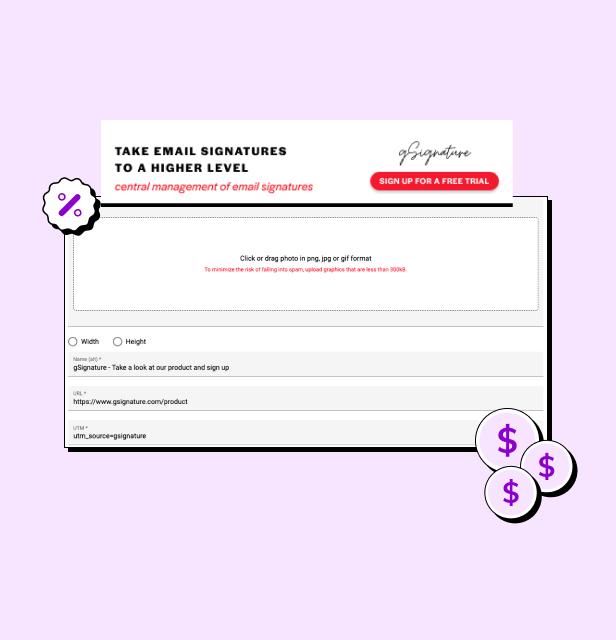
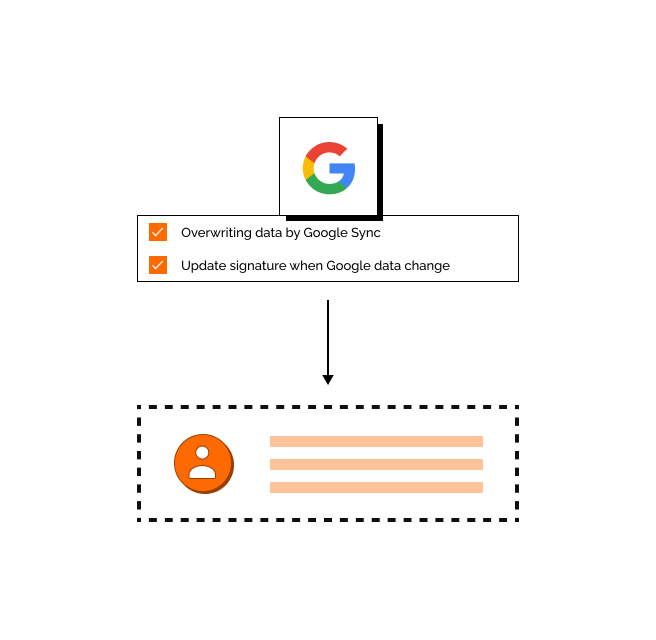
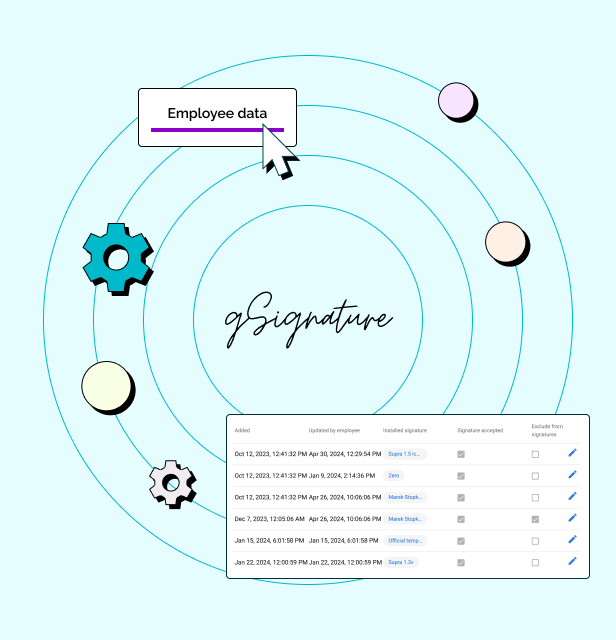
    Screenshot of an example email signatureScreenshot of the company footer, which can be used as a tool to support marketing goals.Screenshot of how changes made in the Google Workspace admin console are immediately visible in employee signatures. Each new position added to Google Workspace and its email address, will receive the default signature set by the administrator.Screenshot of how in the system, each employee receives a file with information that can be presented in the footer. If there is no complete data in Google Workspace then no problem - it can be imported in bulk from a CSV file. The IT administrator or authorized persons from other departments can manage employee data, as well as data representing the company's image.