Homebase in San Francisco offers restaurants, hotels, hospitals, and retailers their employee scheduling and time tracking tools with scheduling optimization and team messaging for coordinating shifts; service includes a free time tracking app.
$14
per month
When I Work
Score 7.2 out of 10
N/A
When I Work is a way for businesses to schedule, track time and attendance, and communicate with their hourly employees. The schedule and time clock is placed in every employee's pocket with When I Work's iOS and Android apps. It can be used to keep track of time off, employee availability, and manage shift swaps with a few clicks. When I Work integrates with payroll providers to streamline the process and avoid human error.
$2.50
per month per user
Workmate
Score 8.0 out of 10
Mid-Size Companies (51-1,000 employees)
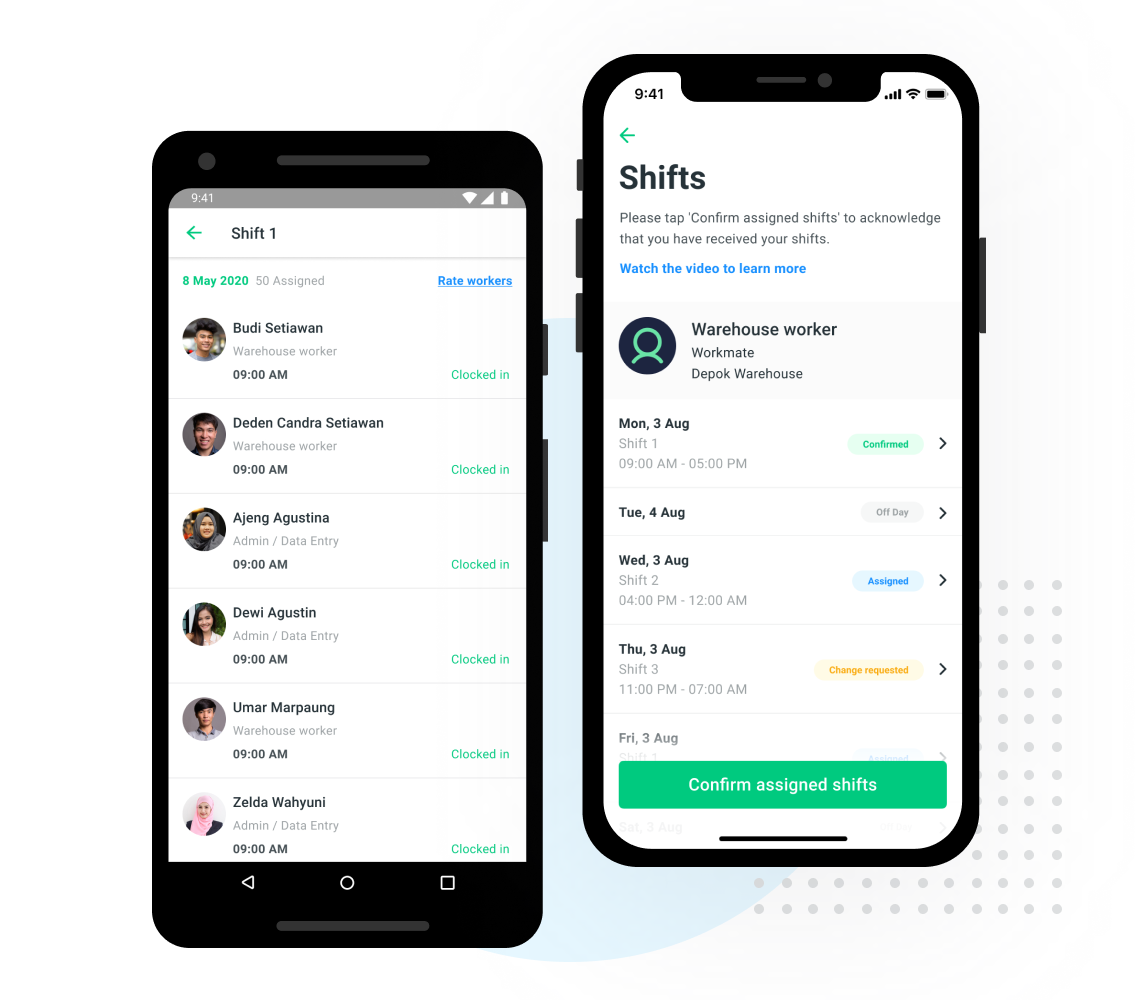
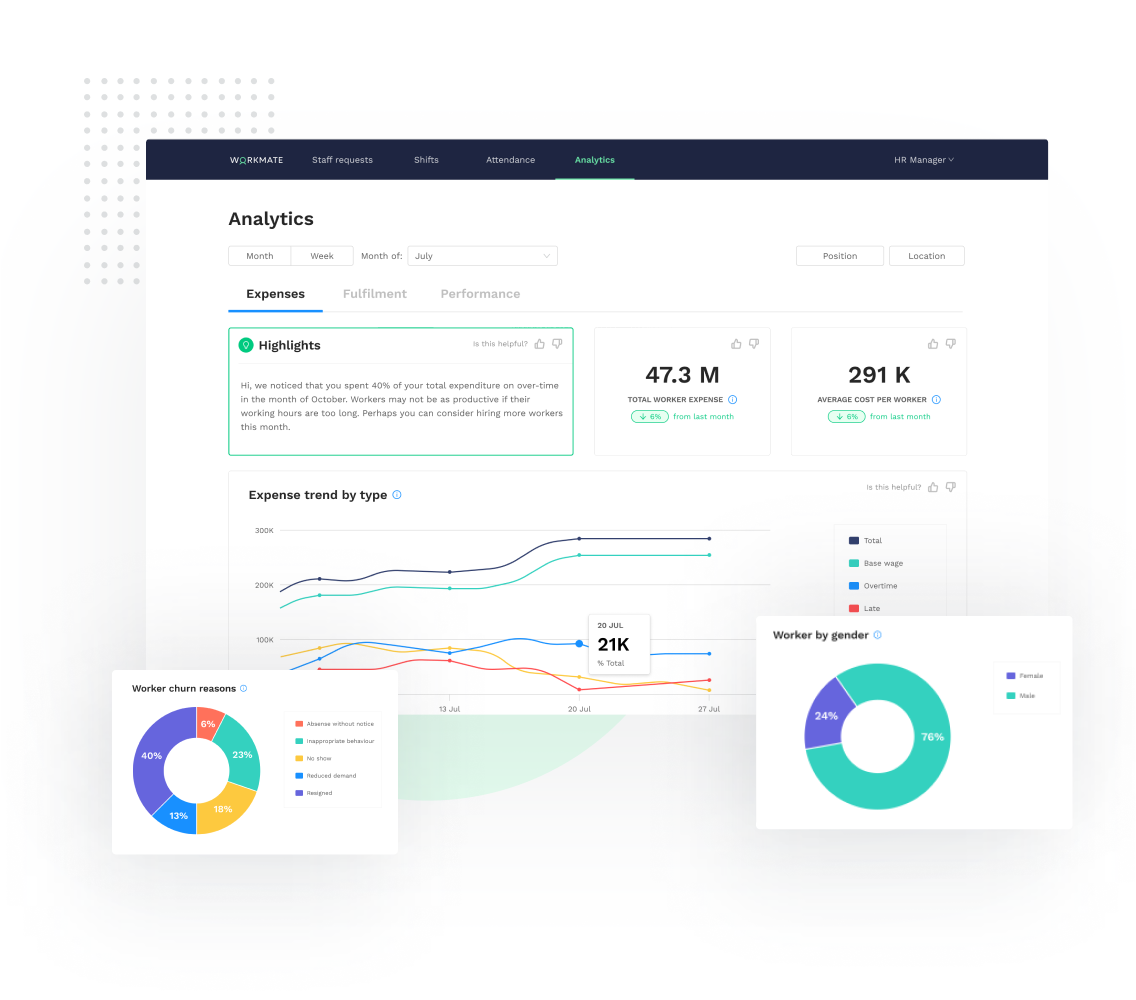
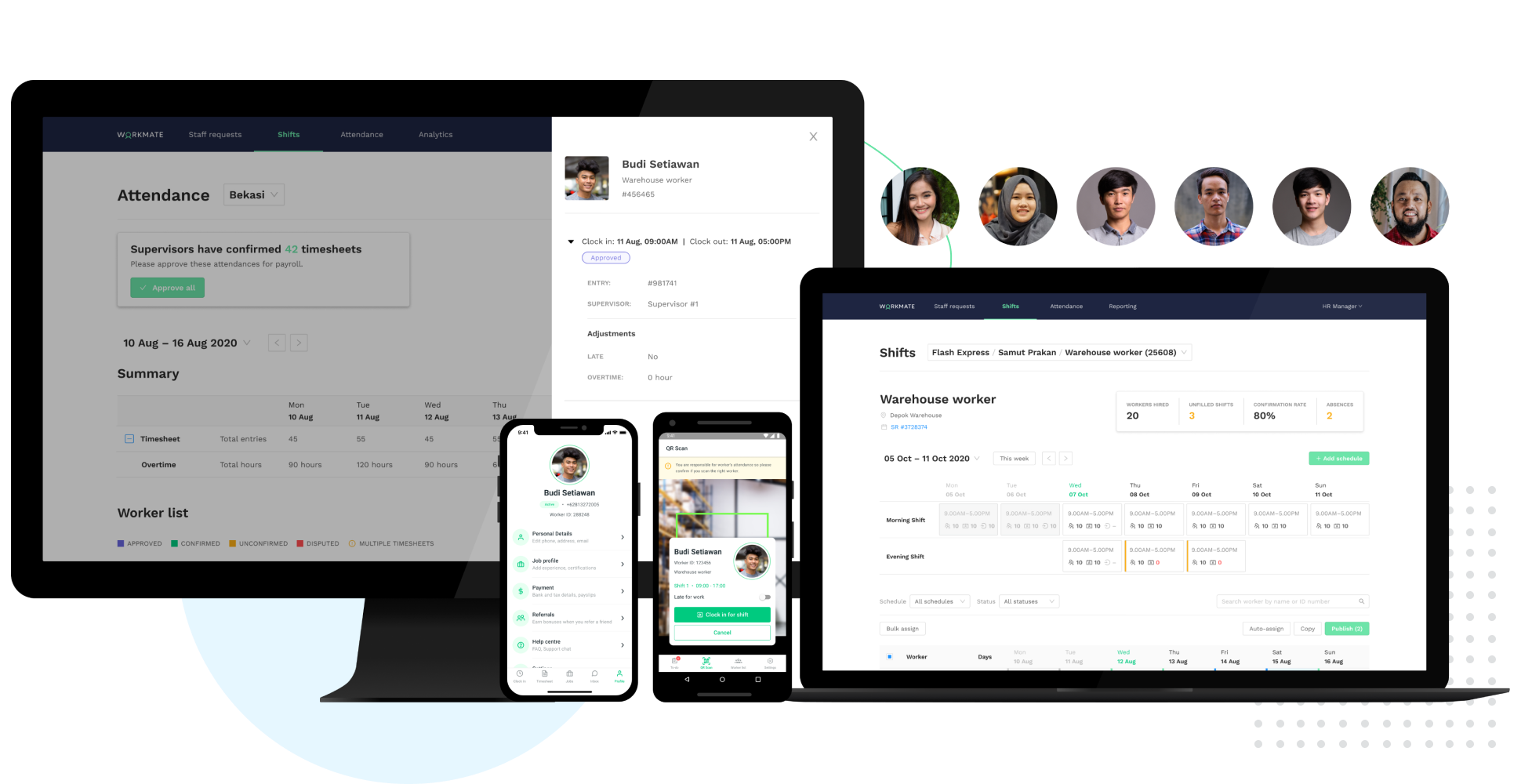
Workmate provides businesses an automated workforce management solution, with an integrated network of blue-collar workers on a data-driven hiring platform. Workmate aims to provide businesses with visibility into their entire workforce through automating hiring, onboarding, scheduling, attendance, and performance reporting processes in one seamless system, while leveraging a qualified network of 50,000+ pre-vetted workers to support recruitment needs. Using real-time performance data, Workmate…
N/A
Pricing
Homebase
When I Work
Workmate
Editions & Modules
Essentials
$14
per month
Plus
$35
per month
All-in-one
$70
per month
Basic
Free
Essentials
$2.50
per month per user
Essentials + Attendance
$4
per month per user
Pro
$5
per month per user
Pro + Attendance
$7
per month per user
Premium
$8
per month per user
Premium + Attendance
$10
per month per user
No answers on this topic
Offerings
Pricing Offerings
Homebase
When I Work
Workmate
Free Trial
Yes
Yes
No
Free/Freemium Version
Yes
No
No
Premium Consulting/Integration Services
No
No
No
Entry-level Setup Fee
No setup fee
No setup fee
No setup fee
Additional Details
—
—
—
More Pricing Information
Community Pulse
Homebase
When I Work
Workmate
Considered Multiple Products
Homebase
Verified User
Administrator
Chose Homebase
Homebase is simpler to use. Easier to navigate and is much cheaper than other alternatives! We had trouble when I worked as they were harder to reach our ROI. Deputy was too expensive and it was the reason we decided on Homebase! Employees also find it easy to use on their end!
Homebase is a very cost-effective program that does a good job tracking employee hours as well as what employees are working on. It is extremely easy to use and has a lot of self-service features, which give employees information at their fingertips. Homebase integrates well with our payroll provider.
I recommend When I Work to those companies that are looking for a way to manage work schedules and want to increase the productivity of all employees. This is an important platform that would bring excellent results to small, medium and large companies. This is a constant monitoring system which allows employees to complete their tasks in the indicated time, When I Work sends automated alerts when an employee is not complying with their tasks and this allows us to know exactly the productivity we are having in each one of the sectors. It is an excellent platform for planning and administration of working hours, it has a very easy-to-use UI that allows schedules to be easily managed. Without a doubt, When I Work would be a perfect implementation for any sector or company, since it has a lot of potential to collect exact data on compliance with working hours.
As a supervisor this software is a big help for us to be able to make a proper tracking of our task force, without interfering or being over the shoulder, the variety of options available is great, while I had no full control of the software by company regulations I was able to use it in specific for the managing of the shifts and performance of our teams.
When I Work allowed me to color-code each employee's schedule.
When I Work allowed me to show who was "off" during what time of day. This was essential for morale, as our event included 16-18 hour days, and I wanted to show that everyone had down time each day.
The messaging features in Homebase are not consistent across the platform. In the app you can mass message everyone, however using the website you cannot, at least not at the price point that we are using.
The roles for employees and how to navigate them can be confusing especially when trying to schedule one employee in two different departments.
The separation of departments is a bit rigid and makes it difficult for universal employees to be scheduled easily.
When pulling up the schedule on the app, it defaults to Tuesday when the screen is done loading.
If you pull up an individual's schedule it removes your default settings. For example, I have mine set to just my store, but if I need to see an employee's schedule it resets those defaults. You're always looking at the last schedule you pulled up.
Homebase is very easy to use. Not a lot of training or direction is needed to get it going. Easy feature to track employee hours. Able to use centrally located tablets for employees to clock in and out. A very cost-effective system that also saves time when processing payroll. Employees love its features.
Every time I contact When I Work staff with an issue, someone is there with a quick solution to my problem. I love the chat feature. I can continue to work on other things while the When I Work representative assists me.
The training came from one of our associates it was not directly from a Workmate employee, however, it was good enough to let us understand it, and the person who gave us the training was open to ask questions even after the training ended, however as it was really easy to use, we only contacted him for small details.
Homebase is simpler to use. Easier to navigate and is much cheaper than other alternatives! We had trouble when I worked as they were harder to reach our ROI. Deputy was too expensive and it was the reason we decided on Homebase! Employees also find it easy to use on their end!
When I Work seemed a bit easier to implement for our team and employees. When I Work had all the things we needed without a lot of the bells and whistles that we wouldn't really utilize. When I Work was also a bit more affordable for our budget. Overall, it was the better choice.
It was not my decision to use it, it was the software available for that current campaign in the company, being honest while both of them are excellent to work with, the design in OnShift is more user friendly, most of my colleagues were in agreement with that, as for Workmate, it was really helpful but some times we were confused by the user interface, it wasn't very negative but it really gets on your nerves.
Homebase has made the day to day management of employees easier, freeing up time for management to work on other things that help secure customer satisfaction.
It has also made payroll easier since it's implementation and allowed for fewer mistakes than the previous manual method, leading to less monetary mistakes and happier employees.
Homebase has made monitoring hours and overtime, as well as completion of internship and volunteer hours, much easier to monitor, leading to less confusion and more satisfied volunteers, interns, and payroll managers