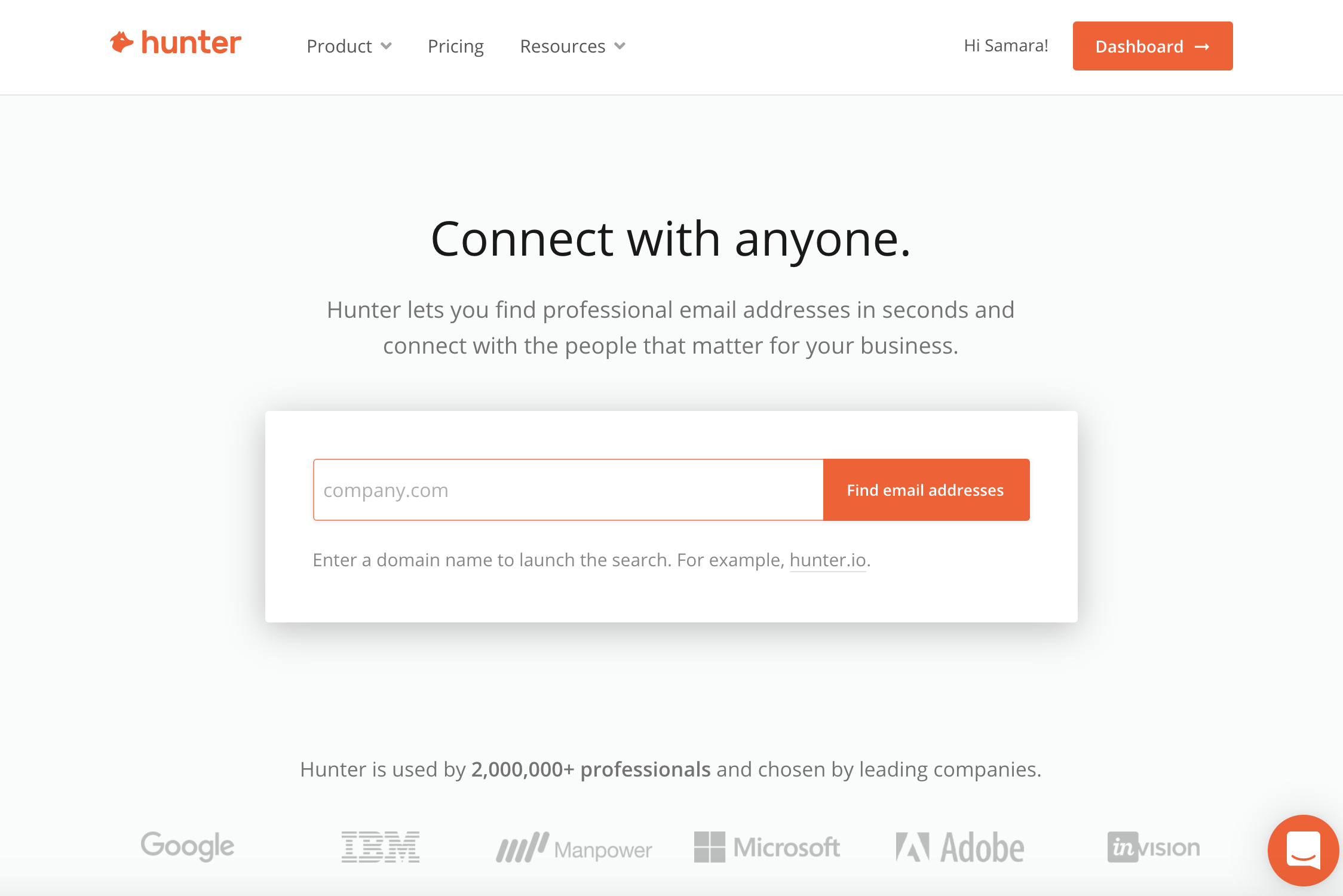
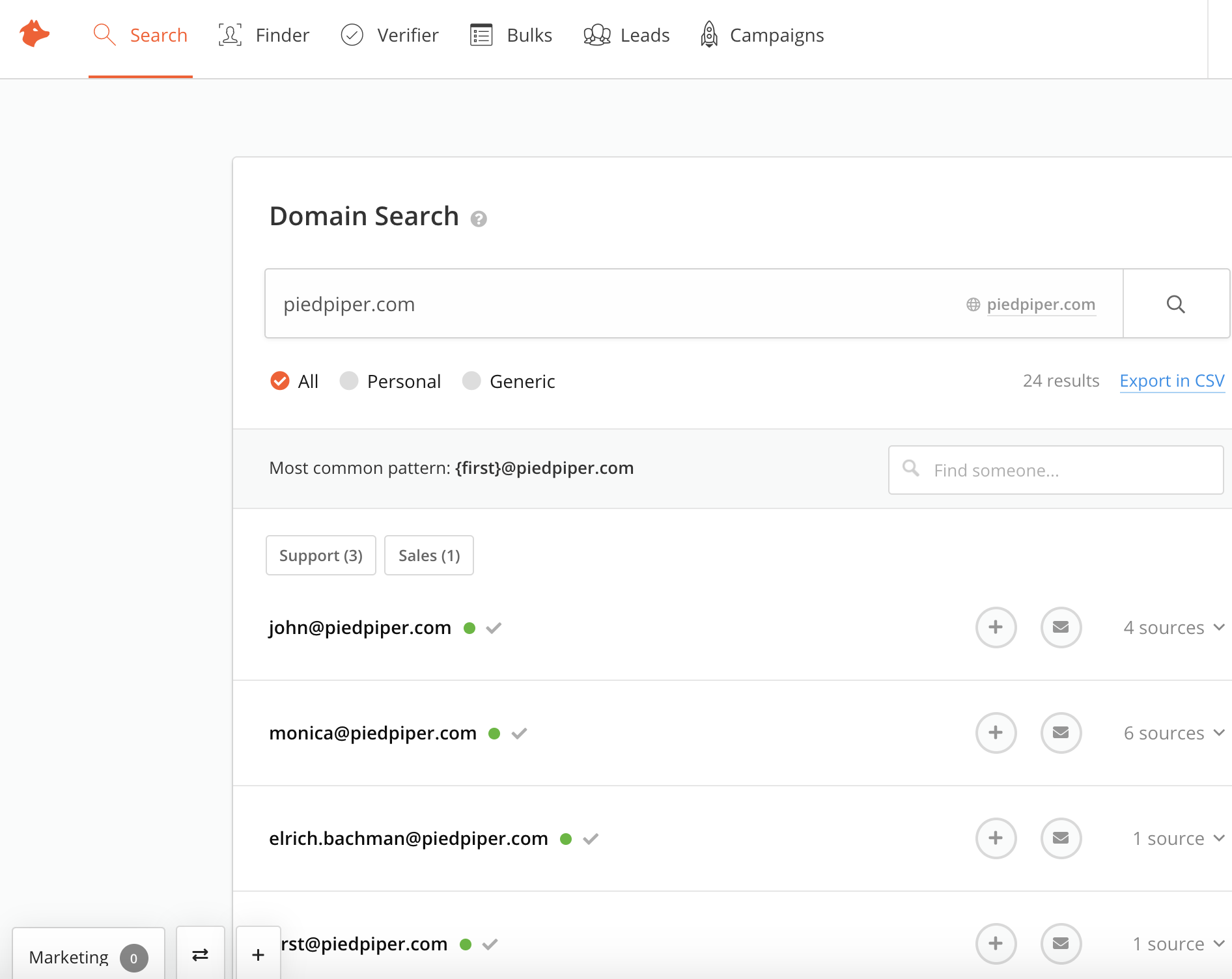
Hunter is a cloud-based email search solution that helps businesses find and verify professional email addresses from domains, companies or a specific professional on the web.
$0
per month
Informatica Cloud Data Quality
Score 6.8 out of 10
N/A
The vendor states that Informatica Data Quality empowers companies to take a holistic approach to managing data quality across the entire organization, and that with Informatica Data Quality, users are able to ensure the success of data-driven digital transformation initiatives and projects across users, types, and scale, while also automating mission-critical tasks.
N/A
VoilaNorbert
Score 5.0 out of 10
N/A
VoilaNorbert from the company of the same name is an email verification service featuring data enrichment.
It is more reliable than 80% of the other apps available in the market in terms of generating email address. Some tools like snov.io and others which were not available to on search bar are used for the same, but their result quality is very poor. Even the paid version of such …
The scenario we most commonly use Hunter for is to quickly find and retrieve contact email information. Phone numbers are an added bonus, but they tend to only be available for contacts in the US. SDRs have the extension in order to confirm or to help them "guess" as to what a contact's email address might be. This speeds up our prospecting time considerably. Where Hunter falls short is not being flexible where companies have more than one email format.
For effective data collaboration, systematic verification of customer information, and address, among others, Informatica Data Quality is a fruitful application to consider. Besides, Informatica Data Quality controls quality through a cleansing process, giving the company a professional outline of candid data profiling and reputable analytics. Finally, Informatica Data Quality allows the simplistic navigation of content, with a dashboard that supports predictability.
VoilaNorbert is great for sales people trying to find email addresses but we use it mainly in a PR capacity. It's best suited in our workflow if you know the site and the person you are reaching out to. In terms of scenarios where it is less appropriate, if you are looking to find related people or related sites to the one you are reaching out to, I haven't explored that functionality.
The matching algorithms in IDQ are very powerful if you understand the different types that they offer (e.g., Hamming Distance, Jaro, Bigram, etc..). We had to play around with it to see which best suit our own needs of identifying and eliminating duplicate customers. Setting up the whole process (e.g., creating the KeyGenerator Transformation, setting up the matching threshold, etc..) can be somewhat time consuming and a challenge if you don't first standardize your data.
The integration with PowerCenter is great if you have both. You can either import your mappings directly to PowerCenter or to an XML file. The only downside is that some of the transformations are unique to IDQ, so you are not really able to edit them once in PowerCenter.
The standardizer transformation was key in helping us standardize our customer data (e.g., names, addresses, etc..). It was helpful due to having create a reference table containing the standardized value and the associated unstandardized values. What was great was that if you used Informatica Analyst, a business analyst could login and correct any of the values.
Hunter is only as valuable as the information it is able to scrape from the internet. If a company has not listed any email addresses online, then Hunter is not going to be able to find it.
Sometimes Hunter is only able to identify non-personal-specific email addresses (ex: info @, support@, etc.). This makes it difficult to identify personnel emails
Sometimes companies will have different email domains that Hunter is not able to correlate. For example, when searching for an email address at Lead.com, Hunter is not able to point to ParentCompany.com email addresses that would be more useful.
As pointed out earlier, due all the robust features IDQ has, our use f the product is successful and stable. IDQ is being used in multiple sources (from CRM application and in batch mode). As this is an iterative process, we are looking to improve our system efficiency using IDQ.
I think the features are good, but it makes my brain hurt (and feel overtaxed) when I have to jump between searching by name and domain and then searching via a specific email to verify. I wish I could do all of that from one landing page, one über search bar.
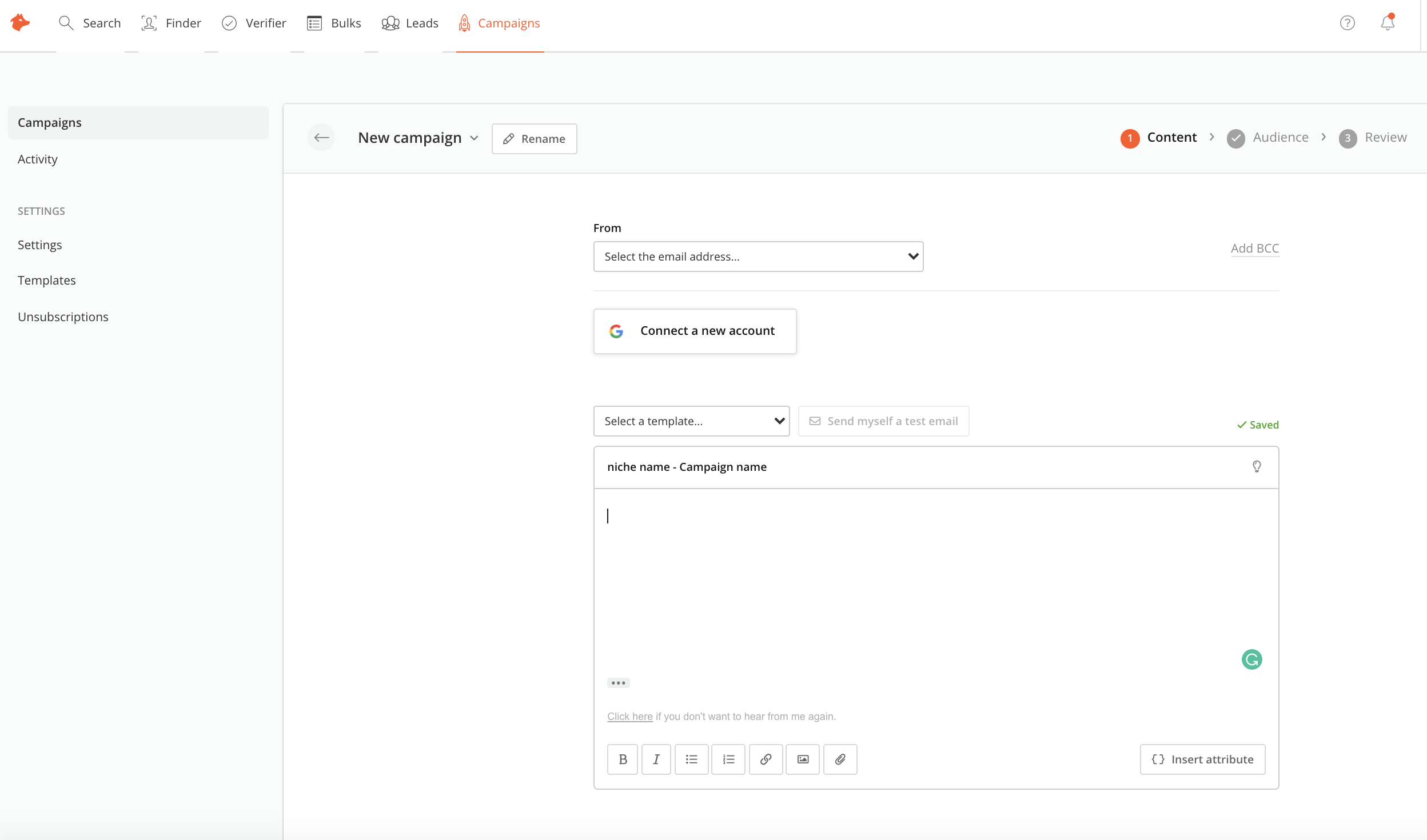
Hunter is a good all in one solution, which hasnt always been the case as it used to be a daa only solution. However, other tools like lemlist as slightly more user friendly and make it so simple to build and launch multi-channel campaigns , and do this slightly better than Hunter.
IDQ is used by a department at my organisation to ensure and enhance the data quality. The usage was started with address standardization and now it had been brought to altogether a next level of quality check where it fixes duplicates, junk characters, standardize the names, streets, product descriptions. In the past we had issues mainly with duplicate customers and products and this were affecting the sales projection and estimates.
It is more reliable than 80% of the other apps available in the market in terms of generating email address. Some tools like snov.io and others which were not available to on search bar are used for the same, but their result quality is very poor. Even the paid version of such tools are not reliable.