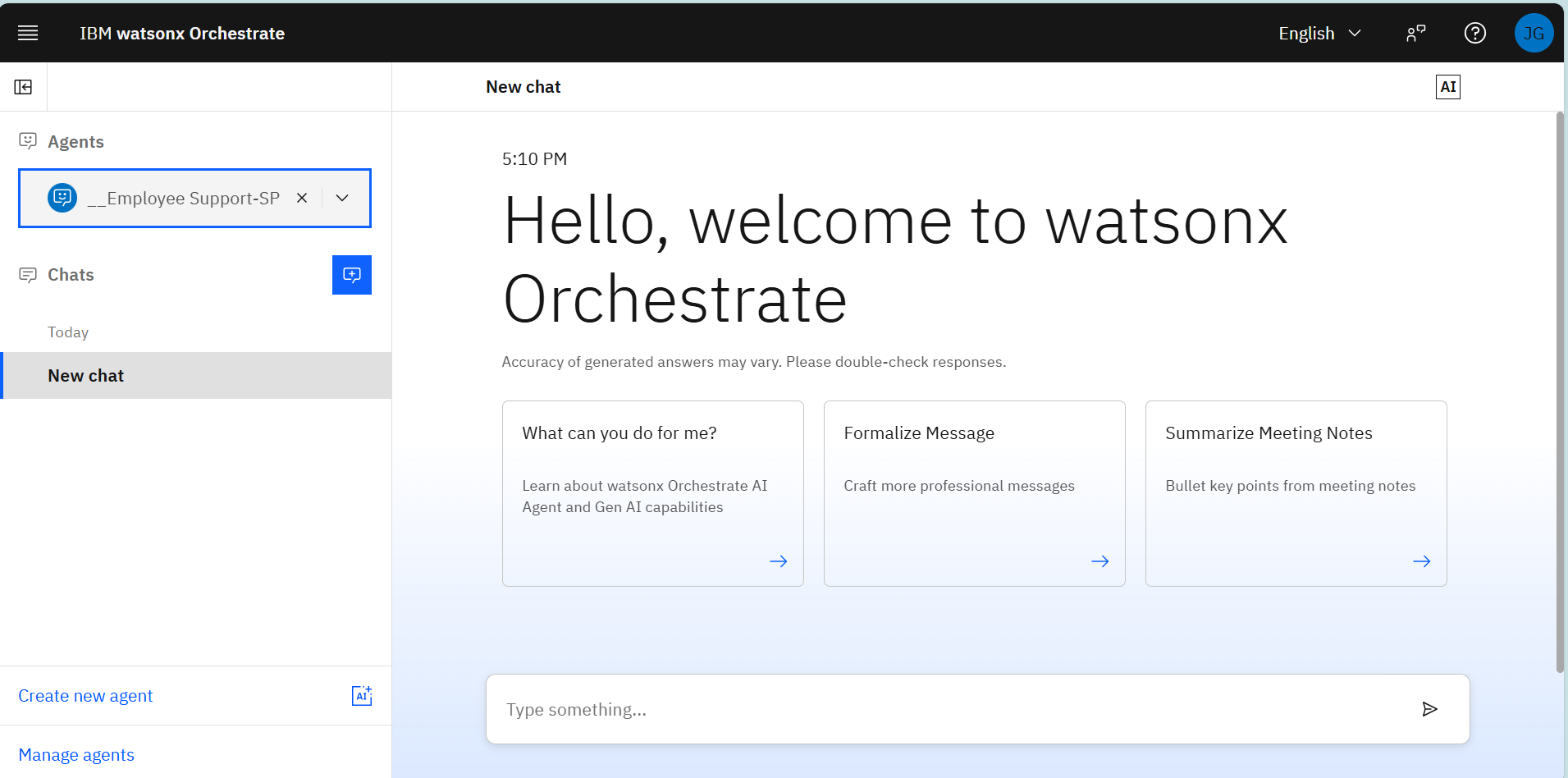
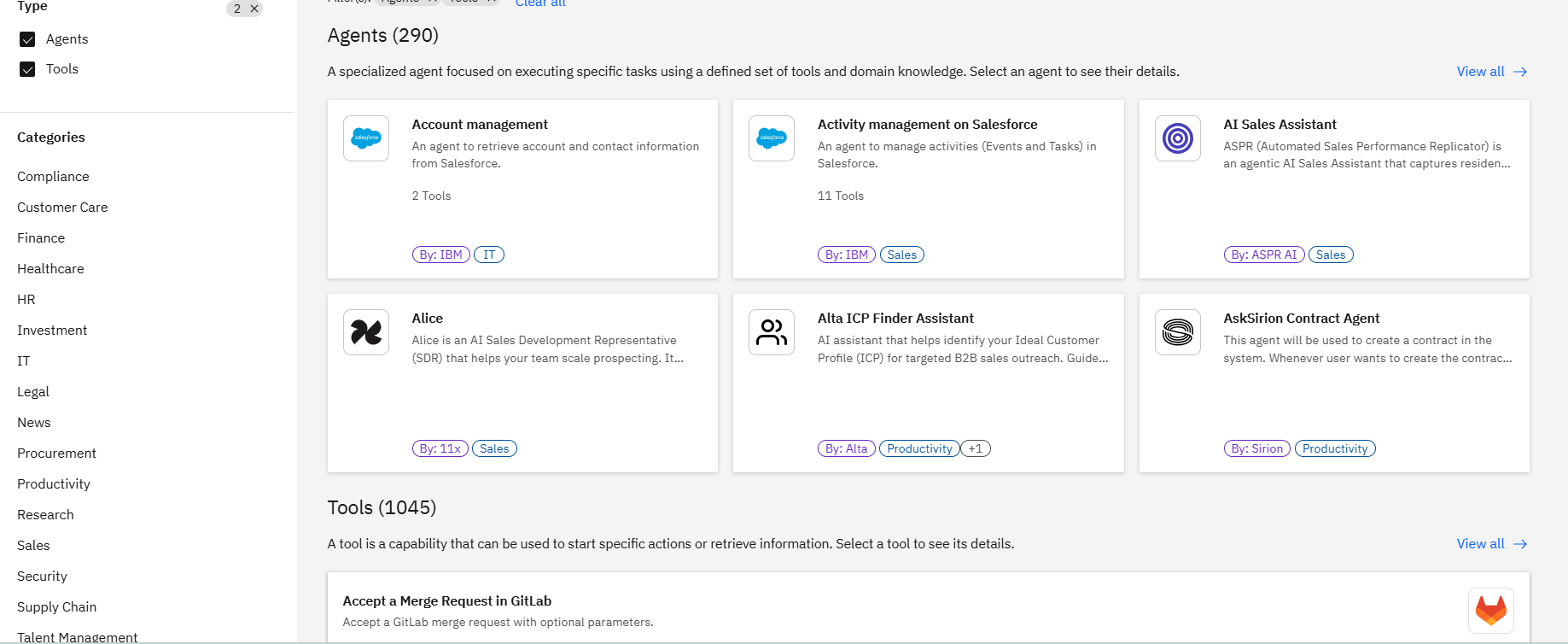
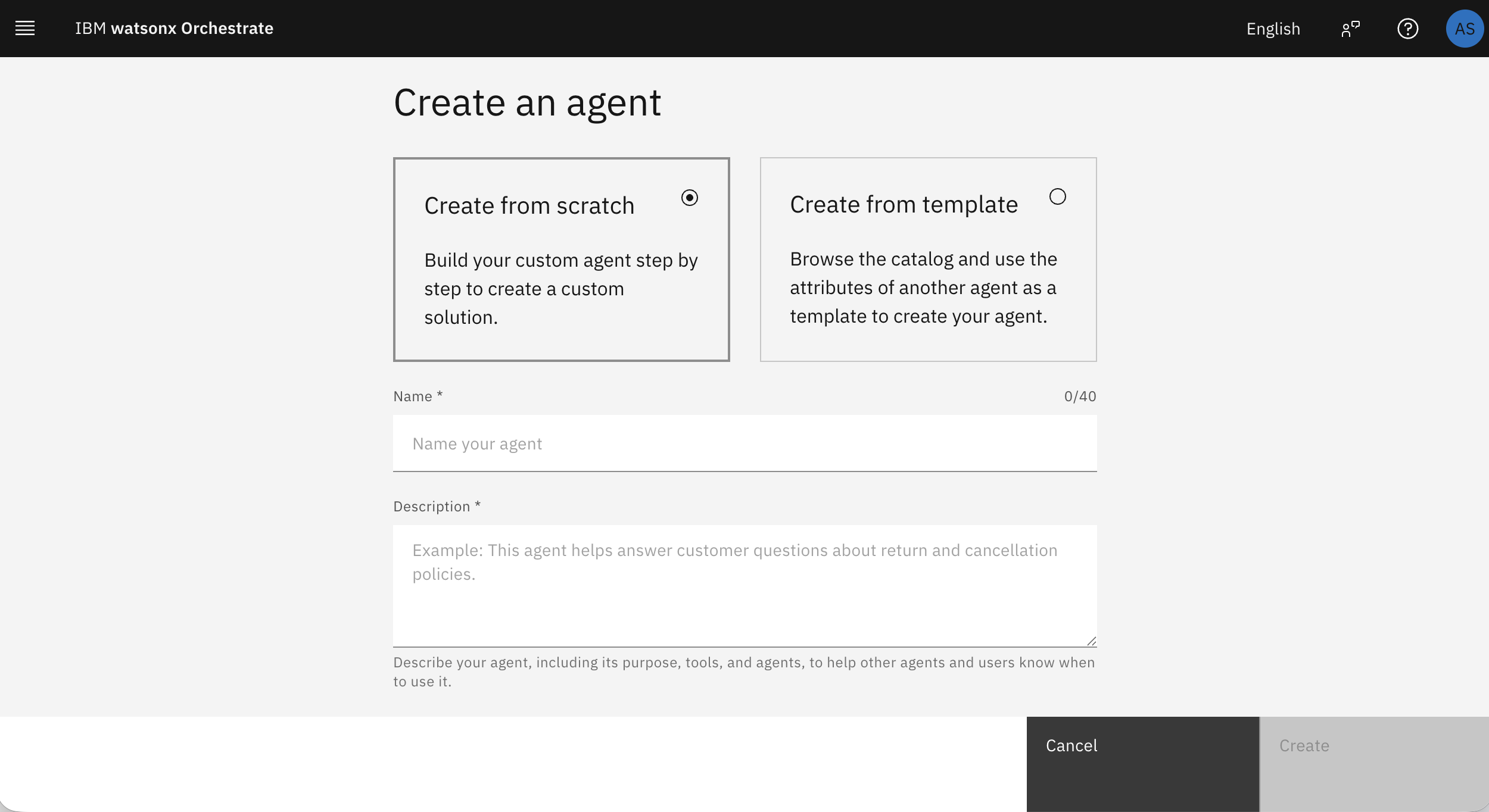
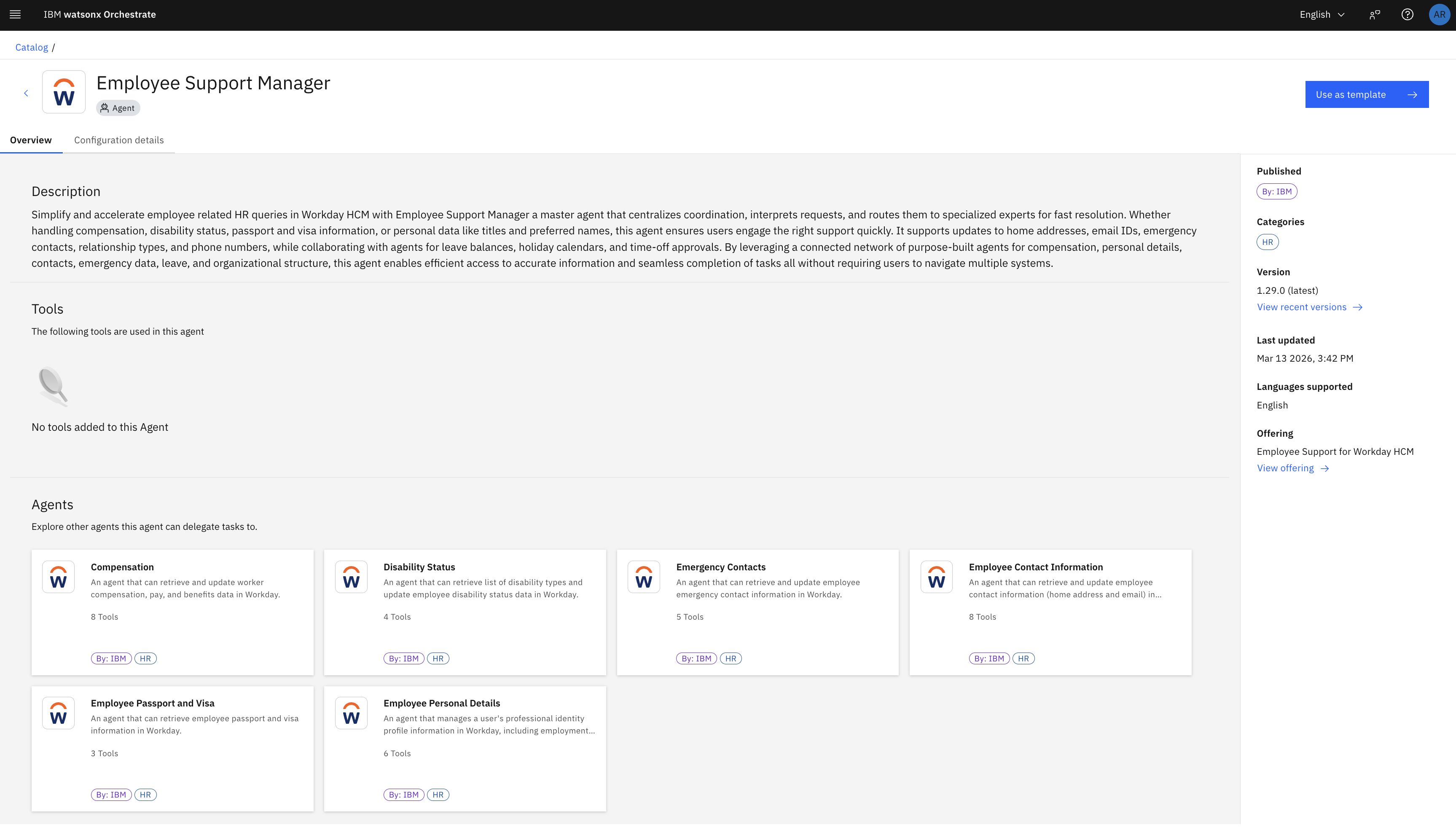
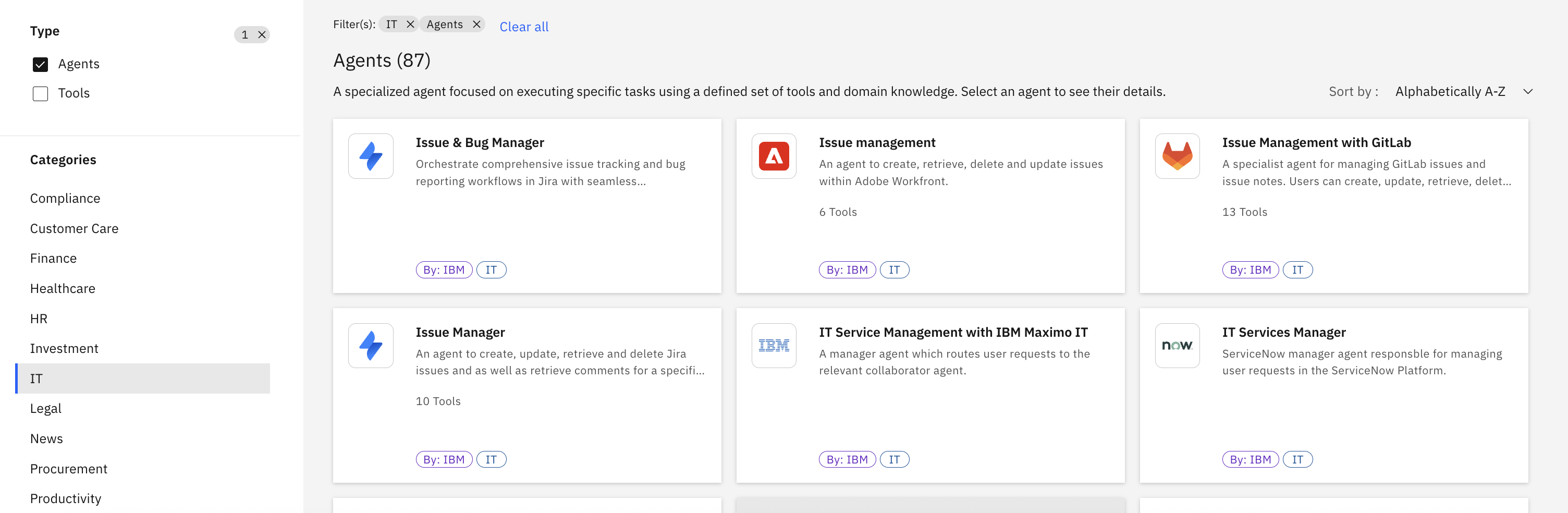
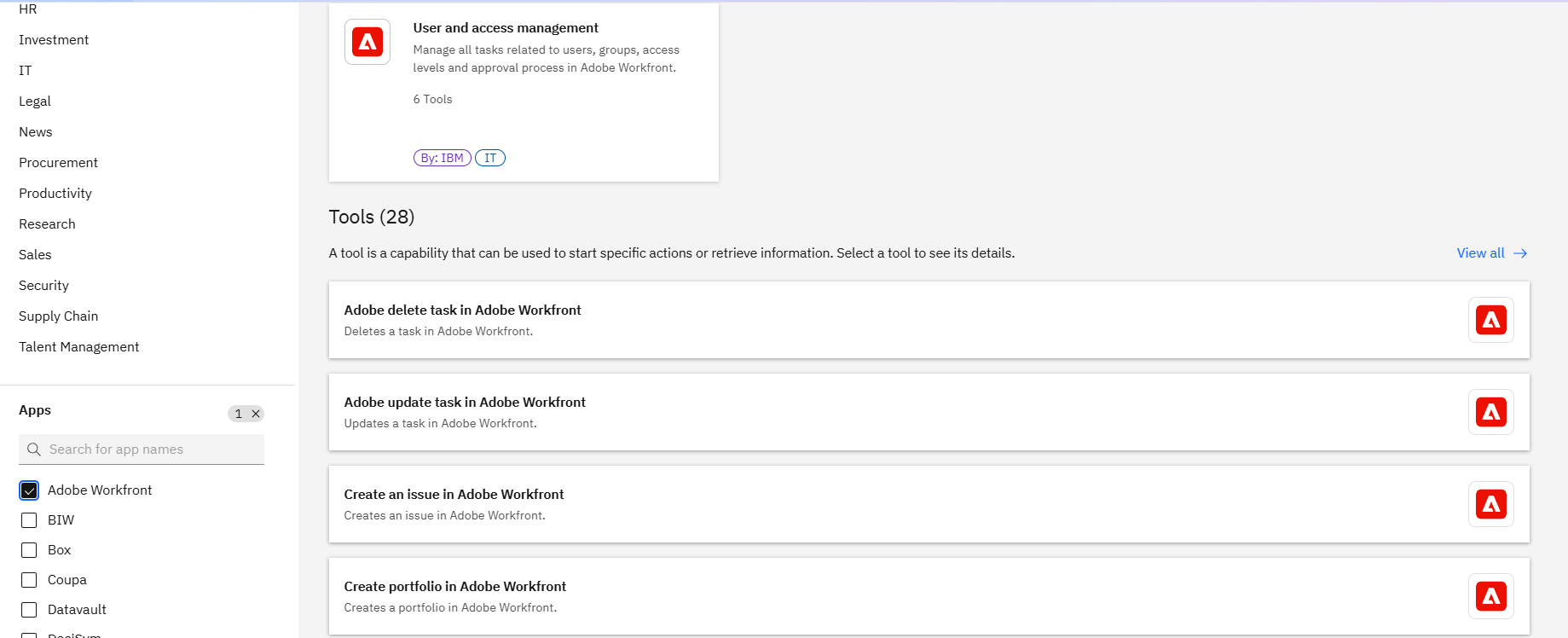
IBM® watsonx™ Orchestrate® leverages AI to automate complex workflows. The solution helps build, deploy, and manage AI assistants and agents. It offers a catalogue of pre-built agents and tools, low-code agent builder, multi-agent collaboration capabilities, and integrations with enterprise apps.
$530
per month
ServiceNow IT Service Management
Score 8.2 out of 10
N/A
Built on the ServiceNow Now Platform, the IT Service Management bundle provides an agent workspace with knowledge management, and modules supporting issue tracking and problem resolution, change, release and configuration management.
N/A
Pricing
IBM watsonx Orchestrate
ServiceNow IT Service Management
Editions & Modules
Essential
$500
per month per subscription
Essentials
$500
per month Per subscription
Standard
Enterprise
Standard
Enterprise
per month Per subscription
ITSM Standard
Custom Quote
ITSM Pro
Custom Quote
ITSM Enterprise
Custom Quote
Offerings
Pricing Offerings
IBM watsonx Orchestrate
ServiceNow IT Service Management
Free Trial
Yes
No
Free/Freemium Version
No
No
Premium Consulting/Integration Services
Yes
No
Entry-level Setup Fee
Optional
No setup fee
Additional Details
IBM watsonx Orchestrate can be deployed and run on IBM Cloud, AWS, or on-premises. Prices shown are indicative, may vary by country, exclude any applicable taxes and duties, and are subject to product offering availability in a locale.
ITSM Pro and ITSM Enterprise also are available with optional "Plus" add-ons. These include AI Agents, an AI Agent Studio, and other features that augment the capabilities of the platform using AI Virtual Agents to automate tasks.
In our case, it is well-suited for workday integration, which allows us to automate the entire workflow. However, we are still working on the O9 platform integration, which we feel is less appropriate, and integrating the workflow into the platform.
It is well suited for medium to large companies that require a tool to allow users to create IT requests, have a self-service portal, track the completion of such requests and have access to KPIs to understand the satisaction level of the requestors. It is not the best tool if you want to have a heavy personalized IT Service Management tool to cater to all your needs or when you want to have an easy way to search for past tickets using specific keywords.
New and improved natural language processing yielding better results helps the assistants understand the intention behind the query.
Preserves context of communication, allowing the customers to establish inquiries on the website and continue on the mobile app without having extra informational input.
Intelligent conversations mean that complex paths that are branched based on the user's inputs allow for a much more natural flow of the conversation than fixed scripts.
I think that it needs to be able to integrate better with the knowledge catalogs. It currently provides a default database, which isn't quite large enough for enterprise use. We can connect that then to an external source, but it'd be nice if we could able just to instantiate one straight away.
Finding requests that I opened and have since been completed by the assigned group/individual is very difficult to accomplish unless I've written down the request numbers somewhere.
Requests that I opened and are subsequently closed, often continue to appear in the list of "My Open Requests" giving the appearance that they were not completed when in fact they were.
It may exist, but if it does I haven't found it yet, which makes it less than intuitive, but I would like to see the ability to recall a request in ServiceNow.
I believe our firewall rule change request for is a custom form, but it has a serious drawback. If I submit such a request and need to make a correction to it before it is approved, there isn't anyway for me to do so. The request has to first be rejected with the creation of a sub-task in order to edit it before it is resubmitted for approval.
Currently we are using to develop chatbots based on client provided flow what kind chatbot required for client either button or free text chatbots. we will decided accordingly flow and develop chatbot using IBM Watson. We will integrated custom components if required which is not present in library. Action flow and dialog flow we are currently in chatbot.
To be completely honest setting up a new ticketing system can be a pain in the ass. Once you have it setup and customized the way you want it, you don't want to switch unless you're unhappy with the product. Unless future releases and updates really muck the system up, I wouldn't change.
With the growing use of AI and chatbots, it's very easy to use, and the conversational language makes it easier than keyword searches in a document. The contextual language processing is impressive. It's easy to integrate into our internal portal. The use of this tool would depend on each company's security and data sensitivity.
It has helped us a lot, and after some training and getting to know the product, we are quite comfortable with it and feel much more capable of understanding what's going on in our IT environment. The only reason it doesn't get a perfect score from me is that there is a learning curve for both end users and IT admins using ServiceNow. Once you customize the UI and remove unnecessary fields. You are left with a very clean product that does what it needs to and does it well.
To develop chatbots based on client provided flow what kind chatbot required for client either button or free text chatbots. we will decided accordingly flow and develop chatbot using IBM Watson. We will integrated custom components if required which is not present in library. IBM Watson library anyone can easily learn and develop chatbots.
We've rarely had to engage support, but they've always been prompt in responding and very attentive. Support experiences have been extremely positive (but we're mostly happy that we just don't have any cause to routinely need support in the first place!).
I would give it this rating because we have had no major issues with the support for ServiceNow after we implemented it at our organization. They seem to respond promptly and efficiently if we ever do need to open a support case with them about an issue we are having.
To type in what should be a text box, you have to click an empty cell, a tiny text box pop up opens with a check box and an X. You the. Type in the text box and have to click the check mark. If you have a bunch of fields to fill out, doing this is very annoying. Absolutely know thought went in to this. I'm sure somebody in marketing thought it was a good idea. It wasn't.
Without exception, every client I have worked with has been very happy with their resulting product. While this is partly due to my work, I must point out that the platform is the winning decision, not the implementer.
Make has more community of workflows to follow that have been redeveloped and are available for download. Selecting WxO is based on our trust level with IBM and the propositions of the Granite model being less biased, more business trained, and the ecosystem allowing for expansion with Assistant and Discovery.
We used to use Jira to handle service tickets but it's way too robust for something this straightforward. Due to the nature of Jira, you needed to already have a lot of documentation and knowledge about who should be assigned the ticket, so the lift of creating a ticket was time consuming.
From past 3+ years I am using IBM Watson in our current project easily can implement and manage and monitor user how their using. Is there and update also just update dialog is just enough to change no need to touch any other templates. Multiple language will support, and action and dialog speak recognize chatbot we can create as per client requirement. Overall, as of now good experience with IBM Watson.
By automating tasks that would otherwise require human intervention, organizations may achieve cost savings in terms of labor, especially for handling large volumes of routine inquiries.
Virtual assistants can handle a large number of simultaneous interactions, making them scalable to accommodate growing customer bases and increasing workloads without a linear increase in staffing.
We don't currently have a CMDB, so we are leveraging ServiceNow to build one using their ITSM and ITOM tools. This is a huge gap for us as a company and it will be a big win once this is in place.
The core help desk functions are comparable to most other tools on the market, but SN does a great job of integrating that data with other modules like Problem, Change and Event Management to provide a truly integrated solution.
The tool is expensive, so you will need to try to do as much as you can with the platform. We currently use other systems for HAM and SAM but will be including these in our ServiceNow instance in the future to help maximize our ROI.