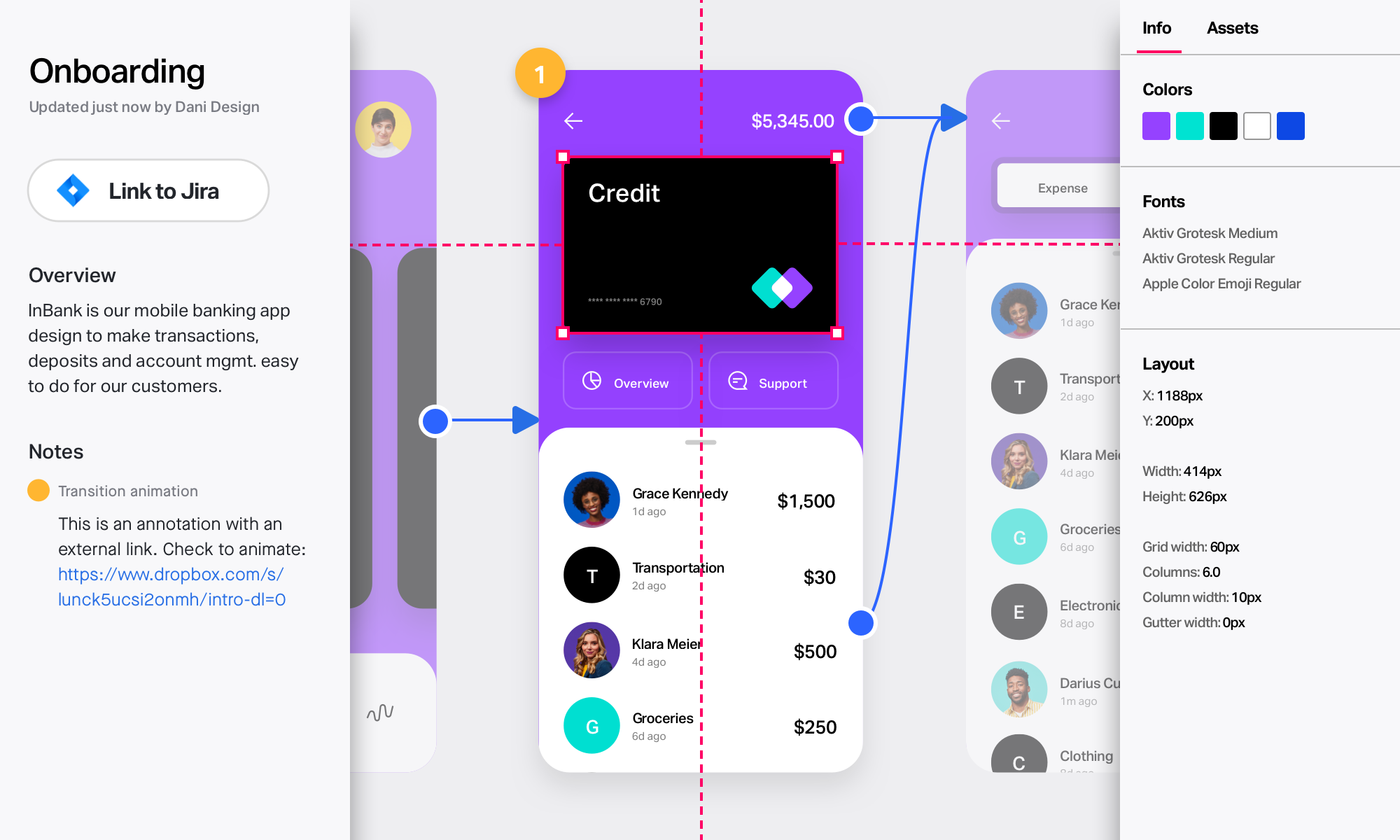
InVision is a collaborative design and prototyping platform with features such as freehand drafting mode and interactive mockups, collaboration, idea management, user testing, and integration with Slack and other collaboration tools. According to the vendor, 1 million designers are using the free version.
$0
MindManager
Score 8.2 out of 10
N/A
MindManager is a mind mapping and project management tool that aims to boost users’ productivity. It is designed to facilitate a wide range of project types, and includes cross-platform functionality and 3rd party integrations.
$105
per year
SmartDraw
Score 8.3 out of 10
N/A
SmartDraw is a diagramming and flow chart building tool from SmartDraw Software in San Diego, California.
$131.40
per year (for a single user on an individual plan)
InVision is well suited for design reviews and immersing yourself in the experience of an app-to-be. As a Product Manager, it's difficult to take abstract concepts, user pain points, and business needs, and produce a vision for an app without a visual aid to communicate a vision. InVIsion offers PMs, designers, and developers the opportunity to sketch a vision, communicate about it with inline commenting, and shareable with other stakeholders.
It is well suited for a quick prototype of product/development planning to show relationships amongst the APIs used. This helps developers understand the impact of the product changes and identifies the need to update integration components to avoid erroneous deployments. I have not personally experienced a less appropriate scenario at the moment.
I believe SmartDraw is a great tool for small- to mid-sized organizations for simplifying the production and management of org charts. We've also had the PMO experiment with the use of some of their flow charts as well. If an organization has an HCM with the capability of producing (good!) org charts, that is likely the best option... but many that I have used in my 30-year HR career don't. So there is definitely a need for SmartDraw in the market!
There should be some more functionality in the Notes window, such as a "Paste Special " Icon in the notes area to maintain format control.
Although I create many of my own Web export templates, an add-on for web export design would be great, as I regularly create Interactive Electronic Technical Publications (IETP) in HTML export format.
The ability to sync Map shortcuts between devices would also be welcome. I use MM on three devices, and I have to add or amend the Map list individually. My maps are on OneDrive, so using them should not be that hard if they are cloud-based.
I feel the main issues of the old Mindjet seem to be gone with the Corel purchase. With the huge advance of sharing via browser HTML even 1 user can affect many. And, actually, using MM kind of forced my rigid brain to rethink how I categorize and classify information/projects.
The idea of paying $69USD for an annual cost is more than fair and a great model for Corel/Mindjet to keep rolling out improvements!
Easy for prototyping, sharing for comments and review changes with version. lags a bit when the design is heavy and large design models learning curve is shorter so saves time with new stakeholders responsiveness could be better and auto modeling can be introduced Not much advance features that can be used
MindManager is very intuitive. The user interface is not cluttered and the ribbon icons are easy to understand. Several excellent "how-to" videos are available on the MindManager site as well as on YouTube. MindManager starts quickly and the user interface is very responsive. Launching other programs from MindManager such as Excel is very fast and issue free. The browsing feature is lightning fast. The drag-and-drop capability is also very fast and reliable.
I rated 8 because its simple to use and easy to create network topologies quickly. I liked the drag and drop option which makes designing the network topology and flow chart easier. In general its does what it needs to.
The application is quick and responsive. We are able to produce mindmaps and reports with ease. The program is not complicated at all and integrates well with software and programs like Microsoft Outlook and Teams, which we truly appreciate.
I didn't need to contact InVision support, as I've never needed it. They have an intuitive UI, and most of the questions are answered in their help portal or in tutorials online. Since many people use it, there a great resources available on for example YouTube. No problems so far with InVision.
I have called technical support a few times. During the COVID Crisis, I called a few times repeatedly due to a rush request. The technical support guy called me back in minutes. He somehow knew that I had called repeatedly and wanted to make sure my issue was resolved immediately
They are always very helpful, we get computers every two years and I have to call them to move the license from one computer to another and they do it with a smile in their voice!
There is a wide range of online training through webinars led by expert users. They are particularly useful for explaining how to use new features and using MindManager 'in the real world' for projects, tasks etc.
We only tested out using Adobe XD for similar uses and found it to be more challenging to fit within our processes. It didn't have as robust a set of capabilities as InVision and wasn't as easy to use enterprise wide. I recall also having issues with working with Sketch.
MindManager stands out for its wide range of export options, customization and how they have enriched the format over time. As a constantly evolving tool, and having tried others, I consider it superior for the abovementioned reasons. Its cross-platform nature has been decisive, and although there are many alternatives in the form of web applications or the like, MindManager presents itself as a more complete and robust option.
We have used Corel Draw and Adobe Acrobat. Both of those tools were good when they came out but the abilities of SmartDraw far outweigh both those tools. Corel Draw was also more complex to operate and do tasks, as was Adobe Acrobat in which some basic tasks took additional steps to complete.
InVision helps our team better and more professionally portray the value and the work we do as designers, leading to more company buy-in in supporting and funding our work. In the past, we would create PowerPoints with screenshots to portray a user workflow that we would share out to stakeholders. Once we began to use this app, where stakeholders could click through and comment as though they were “real” users, stakeholders began to better understand our work, designs, and workflows. This has led to more productive conversations that, in turn, lead to more effective end products that have more consistently served our business goals in tangible ways.
InVision helps us save production time, effort, and cost, as we are able to solve design issues early in the process by having clickable prototypes to show to internal stakeholders and external users. It’s, understandably, difficult for people to provide effective feedback on screenshots. Using the clickable prototypes we created in InVision, we are able to get more effective feedback to solve user workflow issues before we spend time and money developing problematic designs (and later having to redesign them).
It’s easier to market designs to potential buyers with clickable prototypes than with screenshots. With these prototypes, we’ve been able to sell more digital products before product release dates, which has helped to secure many contracts and new business relationships that continue to this day.
For a single person business presentation it is a plus.
Project difficulty is well assessed using the map.
Giving away a paper version of a map is a positive gesture. People like the map, the look, and what it says, and it may also be a way to promote MindManager to them.
Keep the PDF or JPEG saving capabilities for small customers like me. It's important.
SmartDraw has provided good return for our internal purposes. Using it to understand an organization's structure and inner workings has been valuable. On the client side, creating steps and businesses processes has also been a big plus. It has helped decrease confusing reporting structures and has provided a detailed map for individuals to understand where they fit within their organization.
Unfortunately, SmartDraw has been somewhat inefficient with some of the more complex projects on our plate and has really deterred certain employees from even wanting to use it.