JAGGAER is a procure-to-pay provider in the higher education and government sectors. JAGGAER eProcurement and strategic sourcing customers gain access to suppliers on a scalable, customizable platform. The JAGGAER SaaS-based, source-to-settle solution provides unparalleled visibility, insights and recommendations to procurement leaders and suppliers. The result is a fluid supply chain driven by spend analysis, contract management, and an accounts payable solutions.
N/A
Teams Manager
Score8 out of 10
Mid-Size Companies (51-1,000 employees)
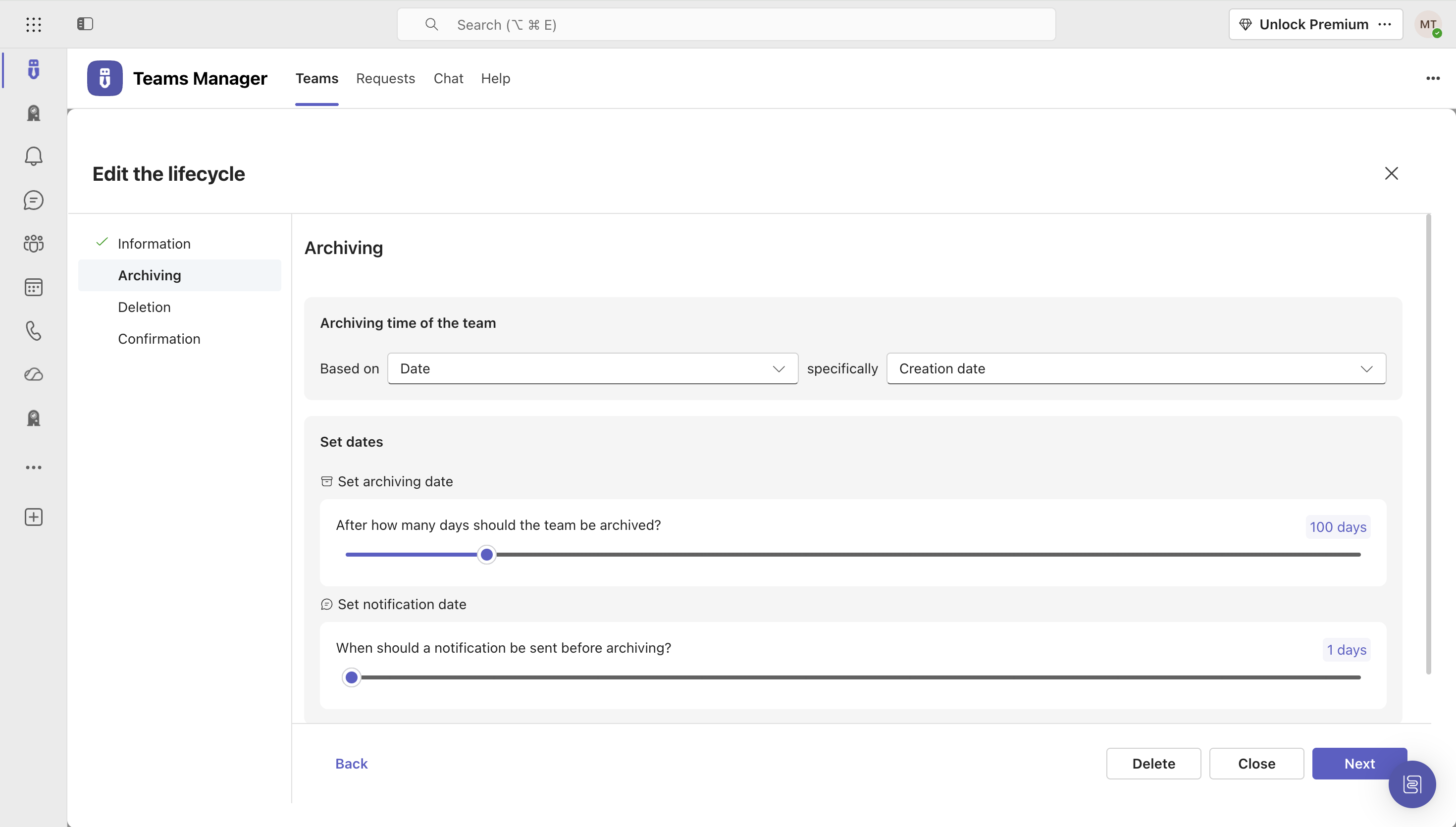
IT administrators can keep control of their Microsoft 365 environment with Teams Manager. Teams Manager is used to prevent the uncontrolled creation of Teams and Groups and automate governance processes. Key Features: • Governance Dashboard and Reports – provides an overview of the M365 environment (inactive or ownerless teams, teams with guests etc.) • Provisioning of new teams & SharePoint sites – with channels,…
$1.60
per year
Pricing
JAGGAER
Teams Manager
Editions & Modules
No answers on this topic
Extra Large (4,000+ users)
$1.60
per year per user
Small (up to 249 users)
1,599
per year per installation
Medium (up to 999 users)
4,049
per year per installation
Large (up to 4000 users)
6,499
per year per installation
Offerings
Pricing Offerings
JAGGAER
Teams Manager
Free Trial
No
Yes
Free/Freemium Version
No
No
Premium Consulting/Integration Services
No
Yes
Entry-level Setup Fee
No setup fee
Optional
Additional Details
—
Prices are starting prices. Not listed here are the different support and service packages.
As a purchasing app, it is excellent. I cannot speak to its usefulness in the AP area. it may be less useful in a different environment, such as manufacturing. For research and healthcare use, it is excellent. Also, we use Banner as our ERP. SciQuest is well versed with integrating with Banner. Users with a different ERP may experience less pleasant results.
A de minimis incentive was given to thank the reviewer for their time. The incentive was not used to bias or drive a particular response, nor was the incentive contingent on a positive endorsement. More Info
It's well suited if you or your organization performs tasks incorporating other Microsoft programs such as OneNote or Planner. Teams Manager allows for easy management of that software usage; if you do not use any of those, I'm not sure if there is much advantage in using it to manage workflow.
A de minimis incentive was given to thank the reviewer for their time. The incentive was not used to bias or drive a particular response, nor was the incentive contingent on a positive endorsement. More Info
Source to settle: Although we did not purchase all the new applications in the suite SciQuest made, what we did use, worked and worked nicely. With SciQuest you can get a turn-key system.
I love the way SciQuest rolls out changes, measuring customer feedback, and rolling out major changes 3 times a year. Like clockwork you know what to expect ahead of time, deciding whether or not you need a particular enhancement (if optional), having plenty of time to make adjustments in business processes if needed, and/or user-base announcements.
I was always astonished to see both clients and potential clients come to the conferences. SciQuest would allow the "mixing" of clients and potential clients, apparently unafraid of any negative commentaries the potential clients might get. That has always been impressive to me as a techie myself.
A de minimis incentive was given to thank the reviewer for their time. The incentive was not used to bias or drive a particular response, nor was the incentive contingent on a positive endorsement. More Info
A de minimis incentive was given to thank the reviewer for their time. The incentive was not used to bias or drive a particular response, nor was the incentive contingent on a positive endorsement. More Info
Their existing pricing model for the number of Suppliers onboarded or removed has been a little disappointing as there are times when suppliers do have to be switched out.
They have greatly helped in making UNSPSC updating easier, but I would like to be able to get an extract with a delta that would make it easier for us to update our ERP as this information needs to be stored on both sides.
user interface can be enhanced to seperate the color coding for different channels
It would be great to receive notifications in Outlook for Shifts and be able to approve/deny requests and schedule changes there while it's synced with the Outlook calendar.
A de minimis incentive was given to thank the reviewer for their time. The incentive was not used to bias or drive a particular response, nor was the incentive contingent on a positive endorsement. More Info
Simplified and user friendly system that has been implemented across our entire institute and with all of our vendors. We really like this program and it works well for us. Changing to another program would be a significant time investment and hassle
There is a 3 month learning curve and then the features are easy to use. My AP team processes 400 invoices daily through the system. The things to watch for are vendor billing mistakes (no/incorrect PO number, information discrepancies) and buyer purchase request inconsistencies. Those are part of AP anyway so maybe it is what it is. The Sciquest AP software performs as designed some improvements needed. In our system I have documented a list of 60 improvements that could increase throughput up to 50%. Those improvements include making the AP records GUI format more customized for AP purposes, and improving the QC tolerance functionality, which can be laborious to sync (Match).
It is a well-designed and polished application on Teams. Most of its issues stem from Teams UI and UX, which could be improved further. However, if you can fit the team manager to your needs, it can become a very powerful tool to manage data flow.
A de minimis incentive was given to thank the reviewer for their time. The incentive was not used to bias or drive a particular response, nor was the incentive contingent on a positive endorsement. More Info
They have had only a couple of very quick occasions where they were down for 1-2 minutes. One time they had a problem adding attachments. Very Reliable!
Having used SciQuest for over five years and having their competitors, SciQuest offers the best user experience and integration between vendors and ERP.
They usually respond to medium-to-low priority issues very quickly, and high priority issues almost instantly. Their support team is knowledgeable and responsive. Their Supplier Enablement team is very good and is a feature that most of their competitors don't have. The company makes a serious effort to maintain good relationships with their customers.
A de minimis incentive was given to thank the reviewer for their time. The incentive was not used to bias or drive a particular response, nor was the incentive contingent on a positive endorsement. More Info
We had an internal project manager who was well versed in PMI methodologies. I think the implementation would have gone far less successfully, or may even have failed entirely, without her. She was able to do all the things a project manager is supposed to do, and in an ordered and organized manner.
A de minimis incentive was given to thank the reviewer for their time. The incentive was not used to bias or drive a particular response, nor was the incentive contingent on a positive endorsement. More Info
Again, our SciQuest system integrates with Banner. Banner does have a way to create, approve and report on POs. However, the SciQuest product is so much more user friendly, so the learning curve is very steep. Also, SciQuest gives us a lot more detail in our reporting and PO history, which is helpful when trying to remember what happened 6 month ago
A de minimis incentive was given to thank the reviewer for their time. The incentive was not used to bias or drive a particular response, nor was the incentive contingent on a positive endorsement. More Info
We still use it for our one-off situations, but mostly stick to Teams as it is much more user-friendly and allows better sharing capabilities through virtual meetings. Skype is not as easily customized, so it's a no-brainer to use Microsoft Teams and Team Manager for all of our instant messaging and virtual meeting needs.
A de minimis incentive was given to thank the reviewer for their time. The incentive was not used to bias or drive a particular response, nor was the incentive contingent on a positive endorsement. More Info
Highly reliable remotely hosted PTP solution that interfaces with our remote OCR vendor and with university sited operational servers. Twice a year over the last 3 years a SciQuest/OCR system file handling or network problem occurs that gets fixed within a day.
Customers seem to be fine with selecting requisition items and having them pushed back via carts to a legacy system.
Converting one's legacy ERP system to a SaaS solution may prove to be too much of an overhaul in regards to converting to a new set of rules which do not fit exactly with current business processes. The inability to enhance in great detail is also a drawback for customers coming from a highly modifiable system.
A de minimis incentive was given to thank the reviewer for their time. The incentive was not used to bias or drive a particular response, nor was the incentive contingent on a positive endorsement. More Info
A de minimis incentive was given to thank the reviewer for their time. The incentive was not used to bias or drive a particular response, nor was the incentive contingent on a positive endorsement. More Info