Upland Kapost helps you create and distribute meaningful content to support the buyer journey for B2B companies.
$1
per month
SEO PowerSuite
Score9 out of 10
N/A
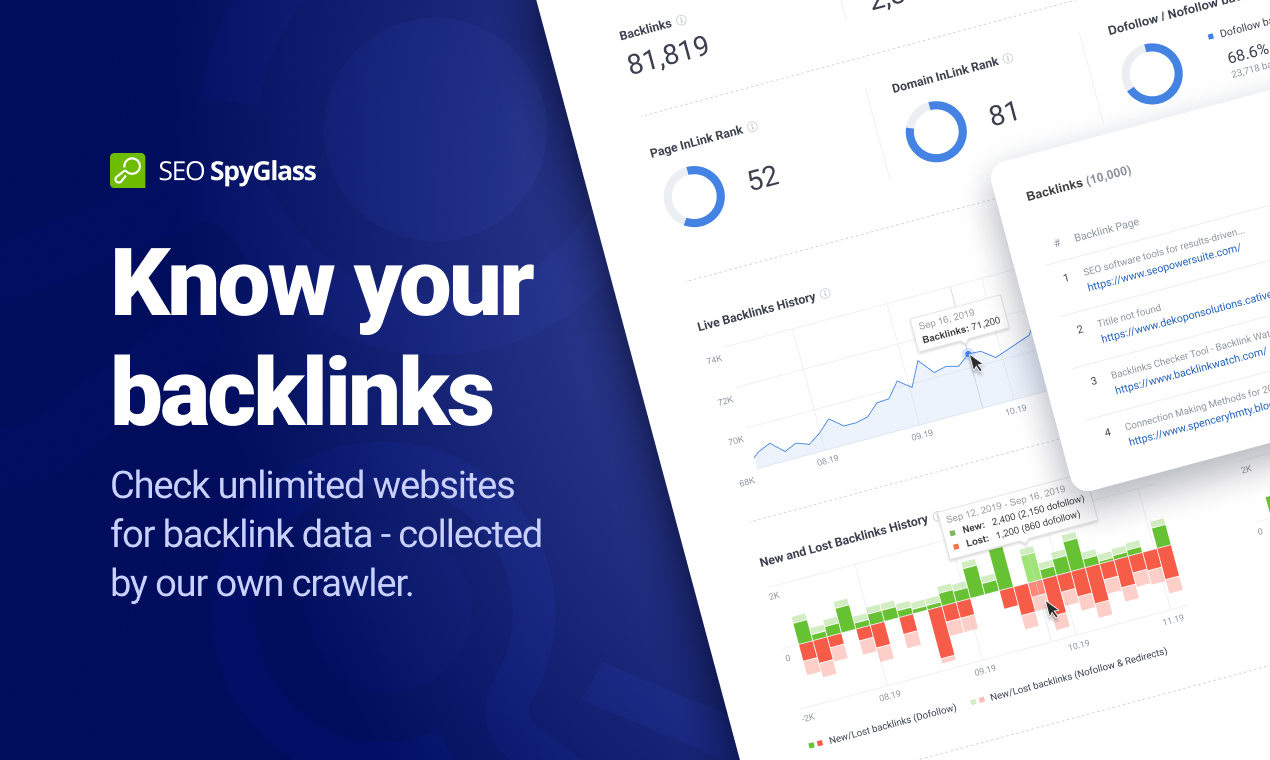
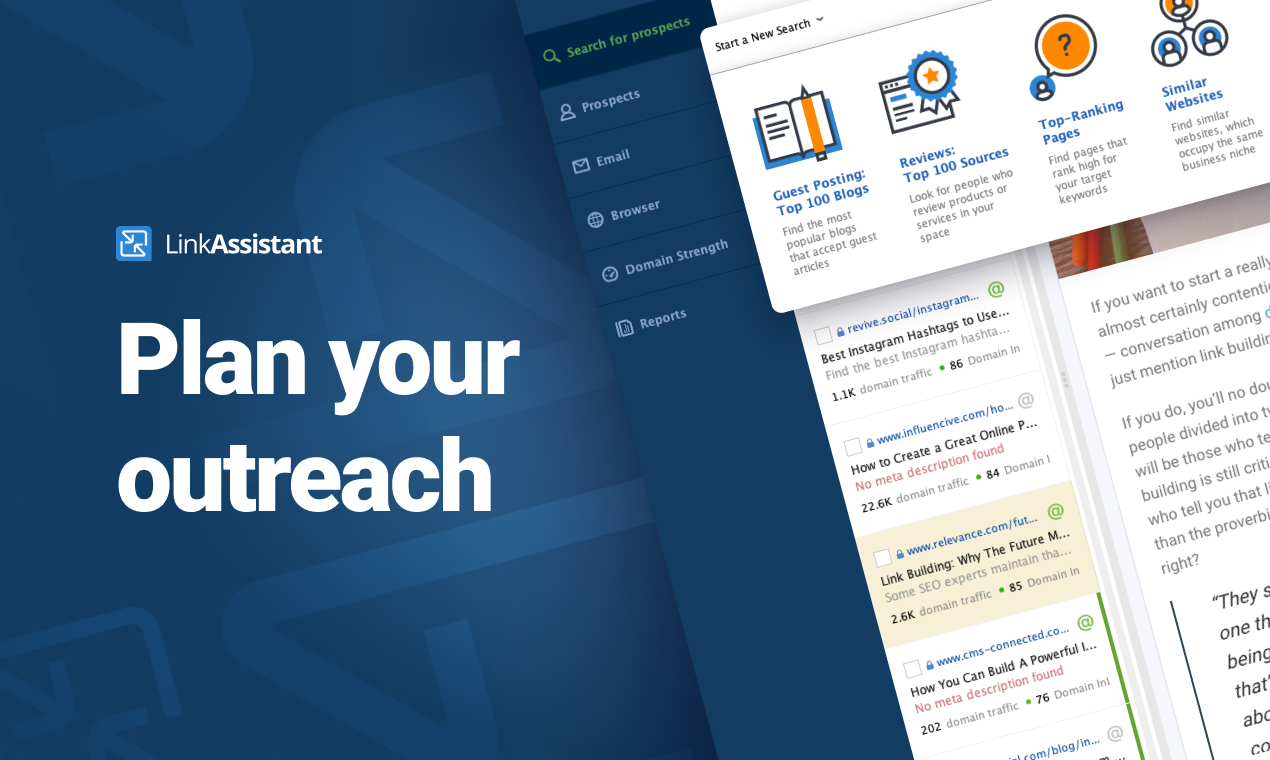
SEO PowerSuite is a SEO software tookit that includes 4 applications - Rank Tracker, WebSite Auditor, SEO SpyGlass, and LinkAssistant. Each application helps website owners and SEOs focus on a specific aspect of search engine optimization. With Rank Tracker, the user can set up rank monitoring, analyze competitors, look for new keyword ideas and organize them in relevant keyword groups. WebSite Auditor helps to run sitewide audits for technical issues, as well as get actionable recommendation…
Kapost has potential to be a great asset in small and large orgs. If you're not producing a great deal of content, or coordinating across a large team, there's still tremendous value, but it scales as your org scales because it makes it easier to coordinate and manage large teams and large content archives.
A de minimis incentive was given to thank the reviewer for their time. The incentive was not used to bias or drive a particular response, nor was the incentive contingent on a positive endorsement. More Info
After starting your online business, you have to use SEO PowerSuite to start up. You want to know where you have to go in terms of SEO journey, what keywords you need to use, who your competition is and which locations are the most important to you. Also, you need to know the power of your website, how well it performs now and how it can be improved. If you just want to start blogging for fun, about stuff that interests you and only you, you might find this program a bit over the top. It has way too many features to "just" see how many visitors you get on your website. A simple plugin will probably do the job.
Filtering: If you make the most out of your custom details and custom fields, you can gain newfound access to materials that may have long been lost in the ether. It's really easy for us, for instance, to see all of our videos at once. Or everything targeting a certain buying stage. Or you can keyword search to see everything on one topic.
Workflows: It's really nice to lay out "who sees what when" in a digital way, because everyone involved on an asset can easily see what stage things are at. You can also set deadlines to tasks, which seems a bit more firm than a casual email, because you can visually see how meeting your deadline fits within the whole timeline.
Calendars: The calendar feature is nice for us because we have a blog, so we can see when everything is (supposed) to go live. It's easy to see when I, as a copy editor, should be expecting work, so I can align my day accordingly. Way better than the old-fashioned "mental note" system.
A de minimis incentive was given to thank the reviewer for their time. The incentive was not used to bias or drive a particular response, nor was the incentive contingent on a positive endorsement. More Info
A de minimis incentive was given to thank the reviewer for their time. The incentive was not used to bias or drive a particular response, nor was the incentive contingent on a positive endorsement. More Info
Social media distribution needs improvement. Specifically a calendar for planned Tweets and a better way to schedule multiple shares of the same content.
System performance is somewhat slow.
Should be an easier way to make changes, like adding custom fields or publication destinations, to all content types, rather than one at a time.
The software is not strong with processing large amounts of data. So, it is really good for small and medium size businesses, but can be cumbersome for large projects.
Due to large number of settings it takes time to learn it.
Need to purchase proxies or captcha solution. I think those can be provides as part of the package already.
We are using some other systems that might have replaced Kapost, but none of them had the workflow functionality we were looking for. So, we're sticking with Kapost for now.
I gave SEO PowerSuite a two because our company did not renew our subscription. The pricing was too complicated and having multiple platforms made it more difficult to use. We dropped our subscription to SEO PowerSuite and implemented Moz. Moz gave us a full view of all of the metrics we were looking for on one web-based platform. Plus, the pricing model was simple so it was easier to get senior management to cosign on.
The calendar view is a great feature and so are the custom views. It is relatively easy to see a clear view of what content the user is responsible for and then the due dates associated to it. The ability to create and update workflows for the team is easy to navigate and keeps us on track.
A de minimis incentive was given to thank the reviewer for their time. The incentive was not used to bias or drive a particular response, nor was the incentive contingent on a positive endorsement. More Info
Overall, the documentation makes SEO PowerSuite easy to use; however, if someone was just starting off, it will take a bit of a higher learning curve as there are a lot of tools to work with. Starting off can be overwhelming, but once you get the hang of it, it's fairly intuitive
A de minimis incentive was given to thank the reviewer for their time. The incentive was not used to bias or drive a particular response, nor was the incentive contingent on a positive endorsement. More Info
The reputation of the product matches up to its reputation as one of the leaders in the space. I love that you can share and access content at your fingertips from anywhere. The downside is that it does not have the prettiest interface but you can get over this with its functionality.
A de minimis incentive was given to thank the reviewer for their time. The incentive was not used to bias or drive a particular response, nor was the incentive contingent on a positive endorsement. More Info
I have had several interactions with support at SEO PowerSuite. Each time I have been quite pleased with the response. I have interacted with billing and tools support and have found them to both be on top of things. they follow up well and they get the issue resolved in a timely manner. I have no complaints here.
A de minimis incentive was given to thank the reviewer for their time. The incentive was not used to bias or drive a particular response, nor was the incentive contingent on a positive endorsement. More Info
SEO Powersuite has a lot of training videos online, combined with some live streaming tutorials. Also, they have a guide that comes with their software to outline the basics of your SEO workflow. This will get you on the right track right from the start. Their guides and tutorials are easy to follow and detail every possible option you have when doing work with SEO Powersuite. Even if you want to switch to different software, the courses are easy to implement in all other tools too! Very recommended if you want to get started in the SEO world, or want to expand your knowledge.
Workfront has a lot of great features, but Kapost was the right tool for what we needed at the time. With a team of our size, we had to make sure we weren't biting off more than we could chew and the project never got off the ground. We had to be thoughtful with how we rolled it out.
A de minimis incentive was given to thank the reviewer for their time. The incentive was not used to bias or drive a particular response, nor was the incentive contingent on a positive endorsement. More Info
It works in combination with all of them, the closest would be a combination of Ahrefs, Majestic, and Screaming Frog. However, where this tool steps up its game, is when you integrate it with Google Search Console and then tie them both into Google Data Studio. When you get this right, you can show your client how much money they would need to spend on PPC to get the same 'value' of traffic. This changes the way they look at optimization, now the cost of a term in PPC is also used as a reason to optimize the customer journey.
A de minimis incentive was given to thank the reviewer for their time. The incentive was not used to bias or drive a particular response, nor was the incentive contingent on a positive endorsement. More Info
SEO PowerSuite is a one-time payment SEO software which shortens the time it takes for you to optimize websites in terms of SEO, content, visibility and conversions which can improve your ROI if used wisely.
Can be used on multiple platforms and scales nicely. An Enterprise license allows multiple people to run the software, and it's easy to set up. It's updated regularly which means zero maintenance.
BuzzBundle and LinkAssistant can increase your brands reach, potentially increasing the number of prospects and leads.
A de minimis incentive was given to thank the reviewer for their time. The incentive was not used to bias or drive a particular response, nor was the incentive contingent on a positive endorsement. More Info