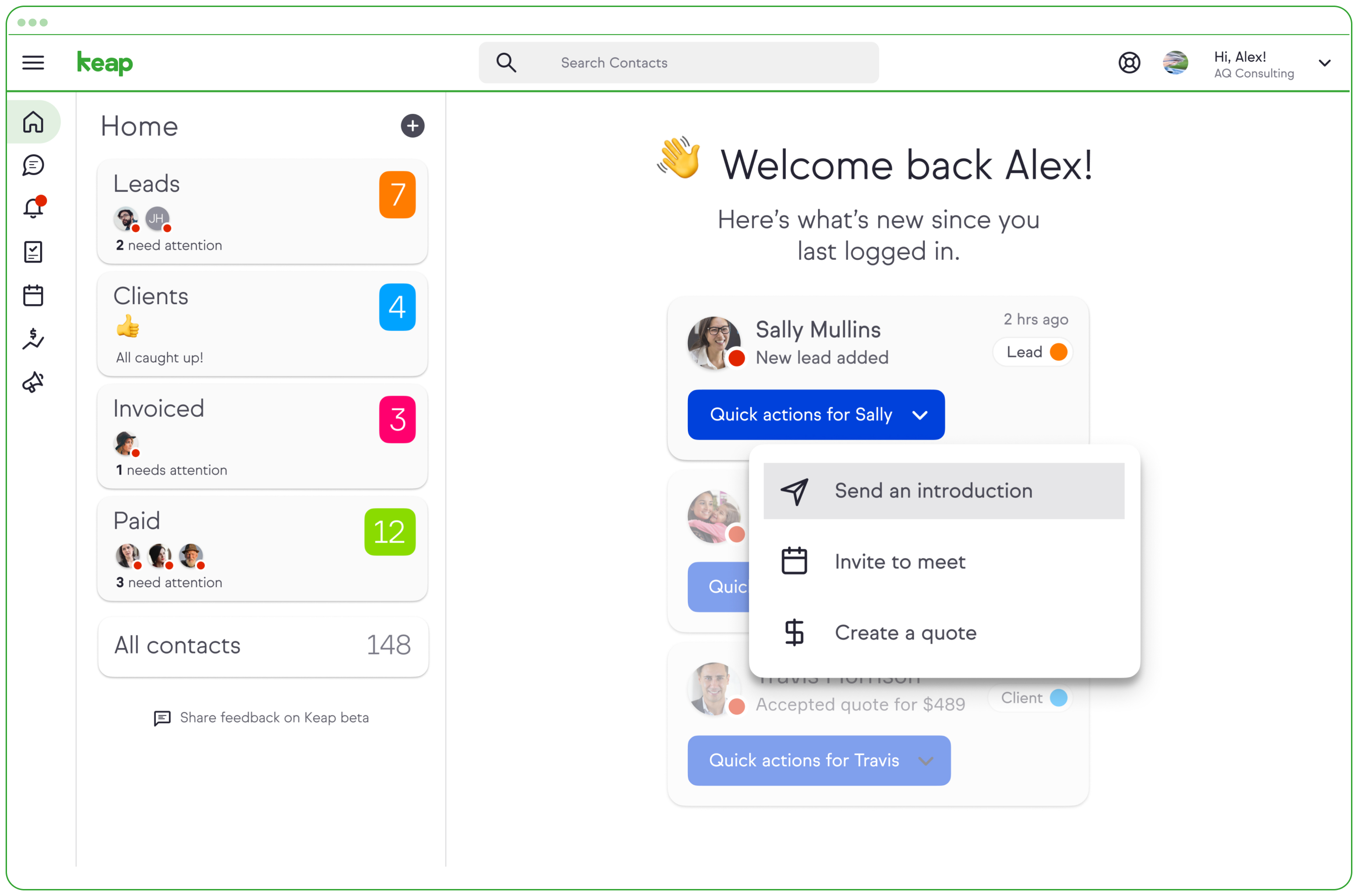
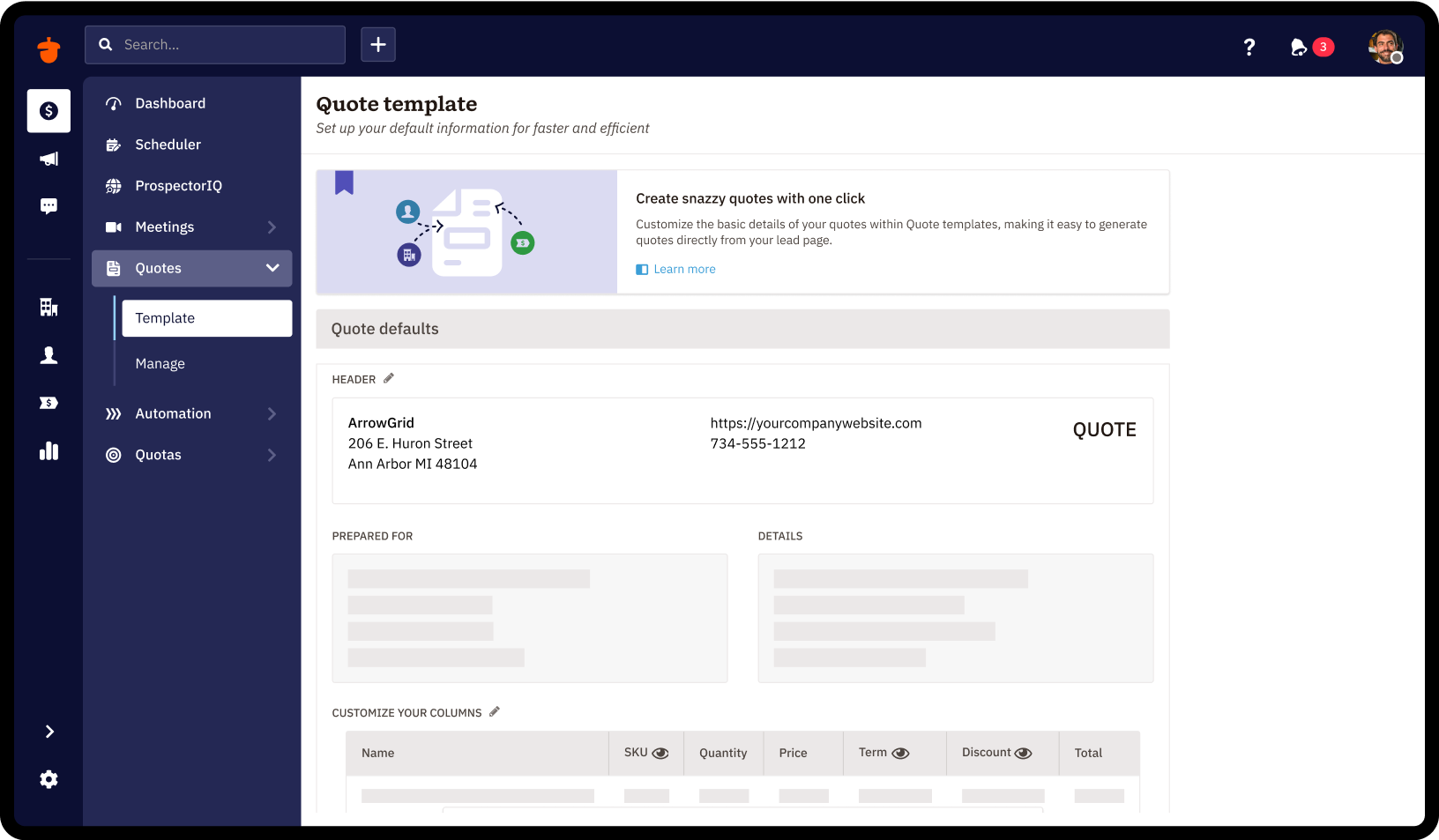
Keap is a small business-focused, comprehensive sales and marketing platform which combines basic contact management, CRM, marketing automation, and e-commerce capabilities into a single, subscription-based SaaS product.
$199
per month
Nutshell
Score9.2 out of 10
N/A
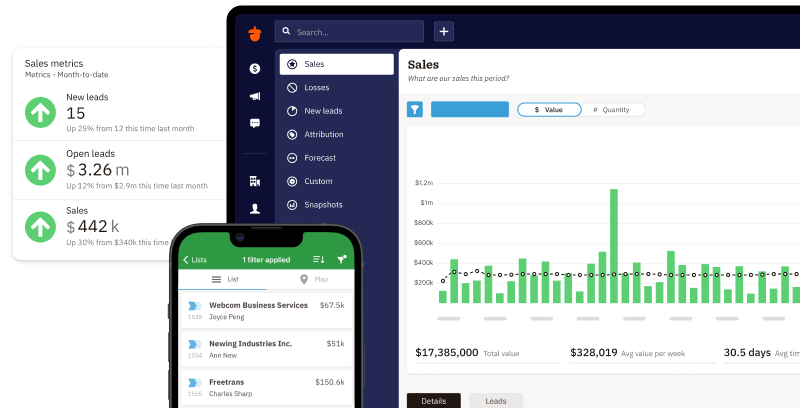
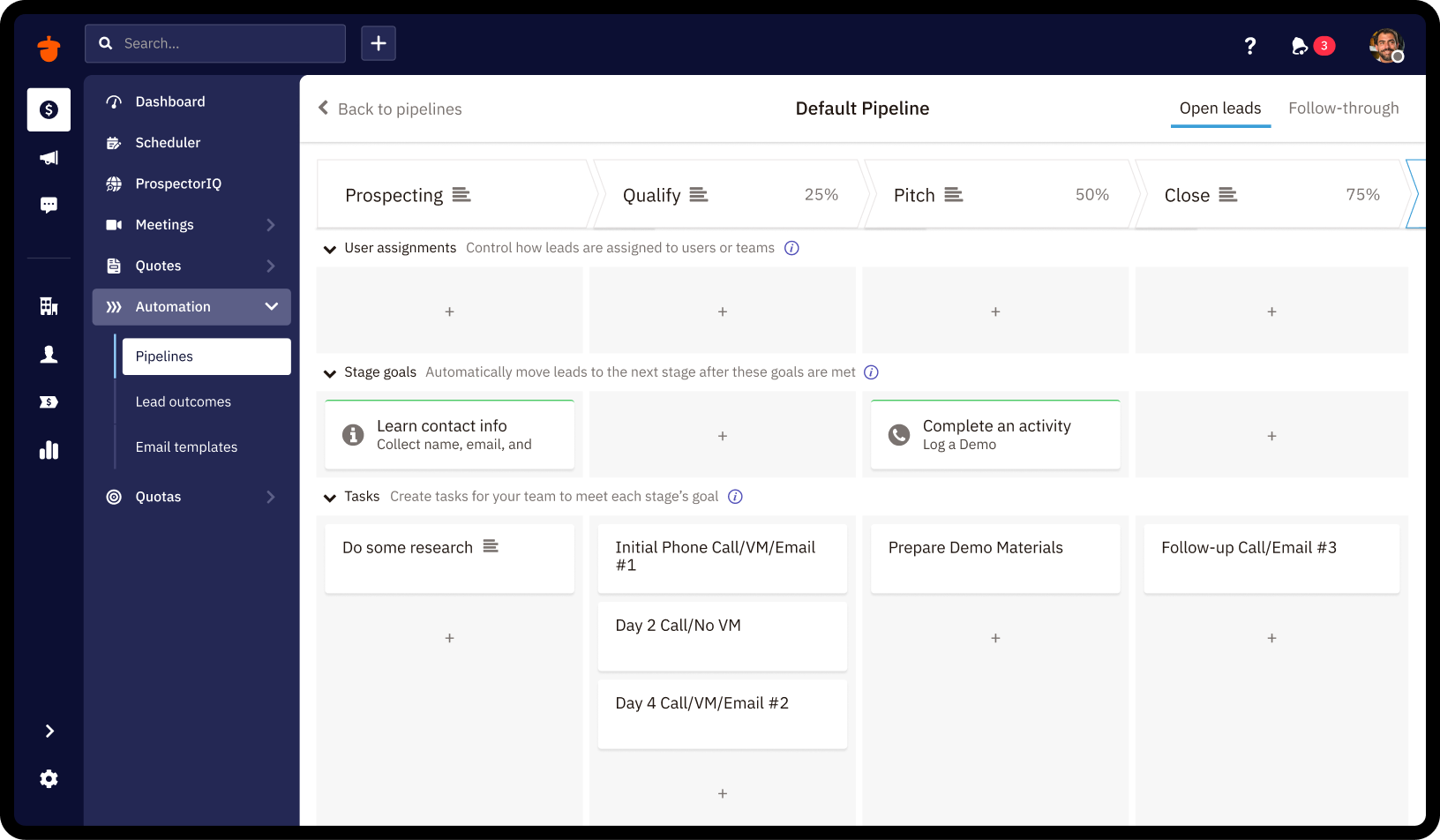
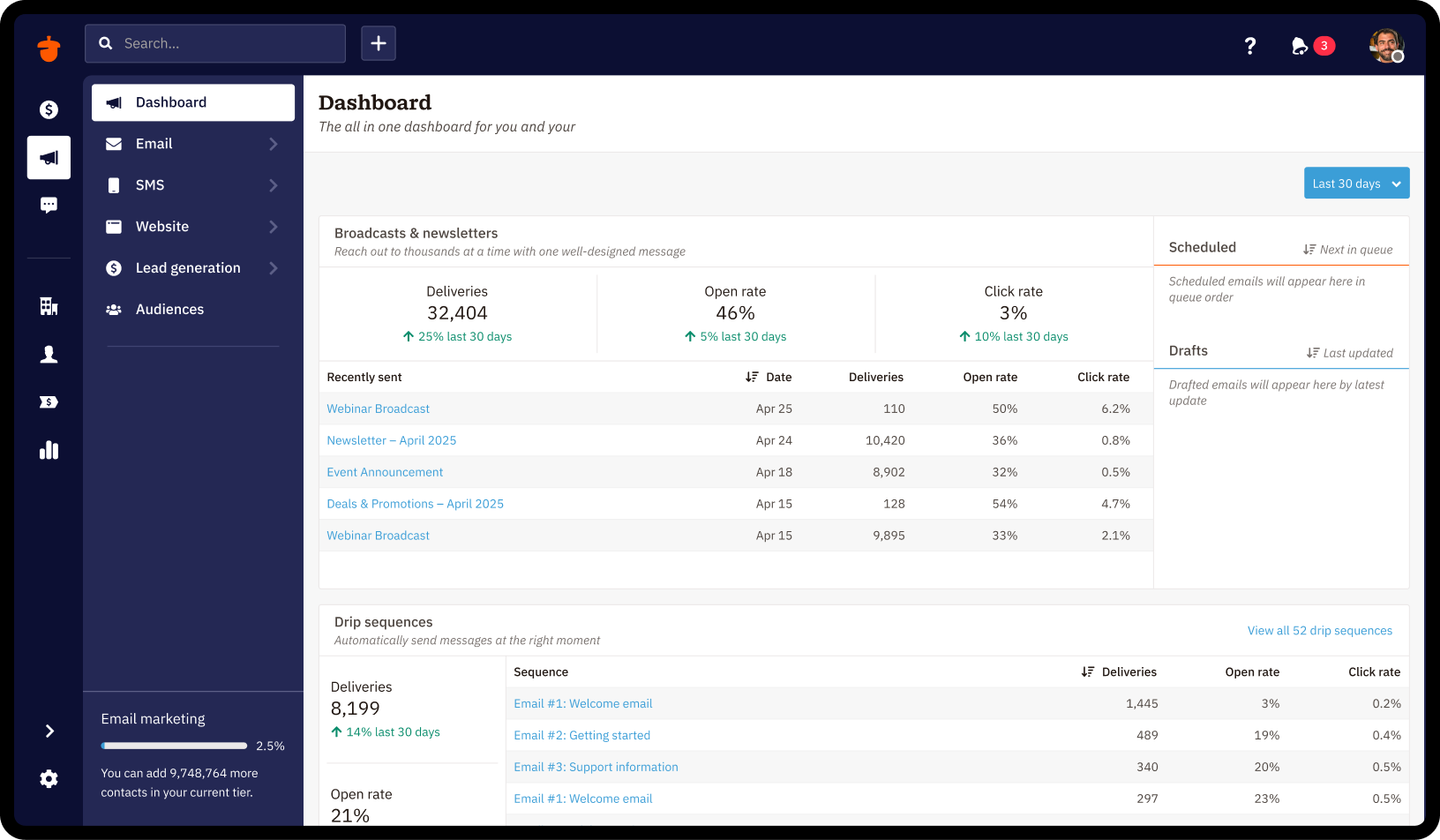
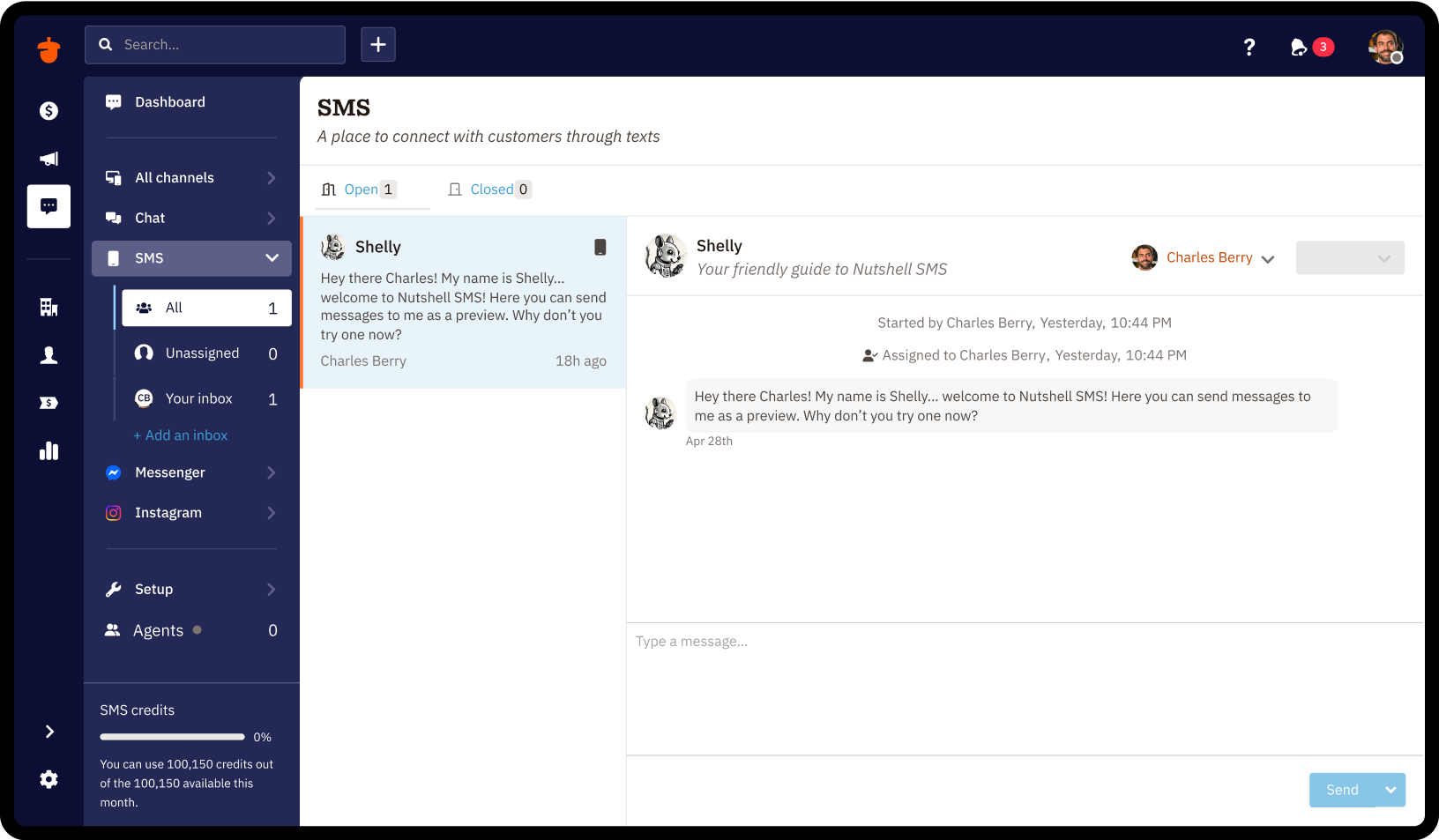
Nutshell offers a CRM with contact management, calendar sync, click-to-call, and collaboration features.
$19
per month per user
Pricing
Keap
Nutshell
Editions & Modules
Pro
$199.00
per month
Max
$289.00
per month
Max Classic
Contact Us
per year
Foundation
$19
per month per user
Growth
$32
per month per user
Pro
$49
per month per user
Business
$67
per month per user
Enterprise
$89
per month per user
Offerings
Pricing Offerings
Keap
Nutshell
Free Trial
Yes
Yes
Free/Freemium Version
No
No
Premium Consulting/Integration Services
Yes
Yes
Entry-level Setup Fee
Optional
No setup fee
Additional Details
All plans with 1 user and 500 contacts. The price is $30.00 for each additional user.
Keap is very good at contact management and automation creation but weaker at email campaign creation. I was particularly interested in a function where when manually entering a new contact, you are then able to email that contact using a premade HTML template. It will currently not do this. There is a workaround, but it is unnecessarily ponderous.
A de minimis incentive was given to thank the reviewer for their time. The incentive was not used to bias or drive a particular response, nor was the incentive contingent on a positive endorsement. More Info
This can be used for different industries, healthcare, IT, retail or any company with a customer service line, big or small. if i had to ask, i would say "Do you have any type of filing system that you use?" "anything where you are keeping track of personal/ business information." Do you need access to information on a day to day basis? If they do , then this can be used , especially if you need to keep track of the numbers; we like how we can see if are things going up or down.
A de minimis incentive was given to thank the reviewer for their time. The incentive was not used to bias or drive a particular response, nor was the incentive contingent on a positive endorsement. More Info
A de minimis incentive was given to thank the reviewer for their time. The incentive was not used to bias or drive a particular response, nor was the incentive contingent on a positive endorsement. More Info
More articles and videos on how to use the various functions of Keap
Having representatives designated to certain regions or companies for a point of contact when help is needed
More options when building the emails. While the click and drop options can be a plus, they can also be negative because you are limited to image and text sizing and positions
A de minimis incentive was given to thank the reviewer for their time. The incentive was not used to bias or drive a particular response, nor was the incentive contingent on a positive endorsement. More Info
We have invested a lot into Infusionsoft and are using it to automate our processes and marketing. Changing CRMs would have a HUGE cost for us and based on our evaluations, the grass isn't greener elsewhere. Infusiosoft fits most of our needs and is slowly getting better each year. Their support is great and we will continue to use them until something much better comes around or our company outgrows a small business CRM.
This is perfect for a small business / Home based business with SaaS. Nutshell constantly adds new features and the price is much better than more robust software like Salesforce.
A de minimis incentive was given to thank the reviewer for their time. The incentive was not used to bias or drive a particular response, nor was the incentive contingent on a positive endorsement. More Info
You do need to spend some time on-boarding and implementing the software in order to have full functionality. We were lucky - we had colleagues at the university with experience with Keap and then hired an intern familiar with the software to get us set up and ready to use it. We've had some functionality issues with it along the way and that has frustrated myself and the other uses in our department.
A de minimis incentive was given to thank the reviewer for their time. The incentive was not used to bias or drive a particular response, nor was the incentive contingent on a positive endorsement. TR verified that a representative sample of customers was invited. More Info
Extremely easy to use and they help you throughout the process. I find it not challenging, an effective utility to help us prioritize and engage efficiently at a reasonable price point. We enjoy working with the team there and they're easy to access. I've already recommended it to two colleagues
A de minimis incentive was given to thank the reviewer for their time. The incentive was not used to bias or drive a particular response, nor was the incentive contingent on a positive endorsement. TR verified that a representative sample of customers was invited. More Info
OMG, it's all in one and that compromises everything, fundamentally. If you want a race car, invest in a race car. If you want a dune buggy, get that. If you want a boat that floats, go for it.
Generally, very responsive support for even our more complicated issues. We do have some open issues that we need resolutions on and that I understand are complicated and will take longer to resolve but the open issues are significantly impacting to our business.
A de minimis incentive was given to thank the reviewer for their time. The incentive was not used to bias or drive a particular response, nor was the incentive contingent on a positive endorsement. TR verified that a representative sample of customers was invited. More Info
Nutshell's support team has always been great and they tend to go above and beyond. They are polite, friendly, personable and great listeners. They are also great about sending follow up emails too.
A de minimis incentive was given to thank the reviewer for their time. The incentive was not used to bias or drive a particular response, nor was the incentive contingent on a positive endorsement. More Info
I have been to a number of in-person training sessions over the years with Keap and all of them have been FANTASTIC. They really put a lot of time and effort into these sessions. Staff and facilitators go out of their way to ensure that participants are getting what they need.
A de minimis incentive was given to thank the reviewer for their time. The incentive was not used to bias or drive a particular response, nor was the incentive contingent on a positive endorsement. More Info
The results of training online are often based on how people learn. The training was great but with feature updates, you just have to get in there sometimes and do it! The training definitely lays a firm enough foundation for you to be successful even if its can't be updated with every feature update.
Don't let the fear of implementing a new software solution keep you from unleashing the power of automation that Infusionsoft provides. With the right implementation partner, the process can not only be smooth and painless, it can actually help you get a better understanding for how your current communication process can be improved upon.
A de minimis incentive was given to thank the reviewer for their time. The incentive was not used to bias or drive a particular response, nor was the incentive contingent on a positive endorsement. More Info
Keap is fast. The learning curve is shorter and they have an academy for learning with videos quite extensive that explain a lot of different scenarios, specially when you need to customize scenarios of automations and segments. Is cheaper if you consider that this services CRM + Mailing don´t come often in one package and the realiability to send mails is quite good.
A de minimis incentive was given to thank the reviewer for their time. The incentive was not used to bias or drive a particular response, nor was the incentive contingent on a positive endorsement. More Info
When I first started with BCI, they were using ACT!. It was hard to navigate and there were a lot of spots for duplicate information that made it hard to know if you were in the right spot or not. Then if you had trouble, you would spend 3 hours on the phone with customer service and often they would not even be able to find a solution. I would not recommend ACT! to anyone. Since getting nutshell, I have learned a bit about Cosential and I know that it is more catered to the construction industry and can help with proposal creation, so I think that may be something we consider in the not-too-near future.
A de minimis incentive was given to thank the reviewer for their time. The incentive was not used to bias or drive a particular response, nor was the incentive contingent on a positive endorsement. More Info
You get a lot of features included, but you don't need to use them all at once to start seeing an effect. When you are ready to use them, they are there. It also scales without costing too much money.
Automation has allowed us to be more engaged and invested in our customers by reminding us about birthdays and other important events in their lives so that we can celebrate with them.
We lacked the manpower to sell and distribute orders online before setting up the payments and automation features. We now collect $5k+ a week in lost sales through online ordering.
List cleaning functionality and engagment settings have allowed us to run a 40-50% email open rate that allows us to create an engaged community around local events and opportunities as well as sales and special offerings.
A de minimis incentive was given to thank the reviewer for their time. The incentive was not used to bias or drive a particular response, nor was the incentive contingent on a positive endorsement. More Info
Nutshell CRM has had a major impact on ROI. The last program we used cost more and had fewer features and accessibility.
One negative impact is its email functions. As stated before in this review I need to be able to send large attachments and pics through email and Nutshell is very limited when it comes to that.
A de minimis incentive was given to thank the reviewer for their time. The incentive was not used to bias or drive a particular response, nor was the incentive contingent on a positive endorsement. More Info