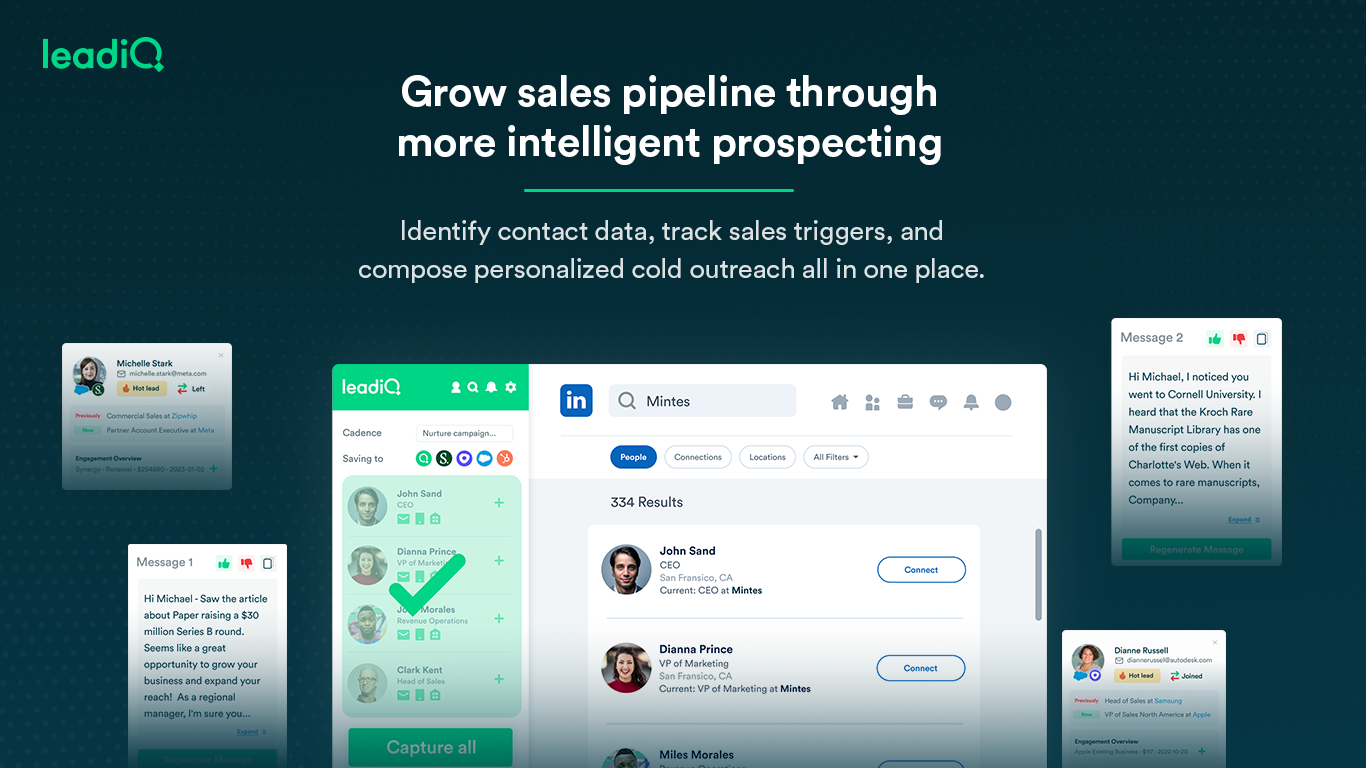
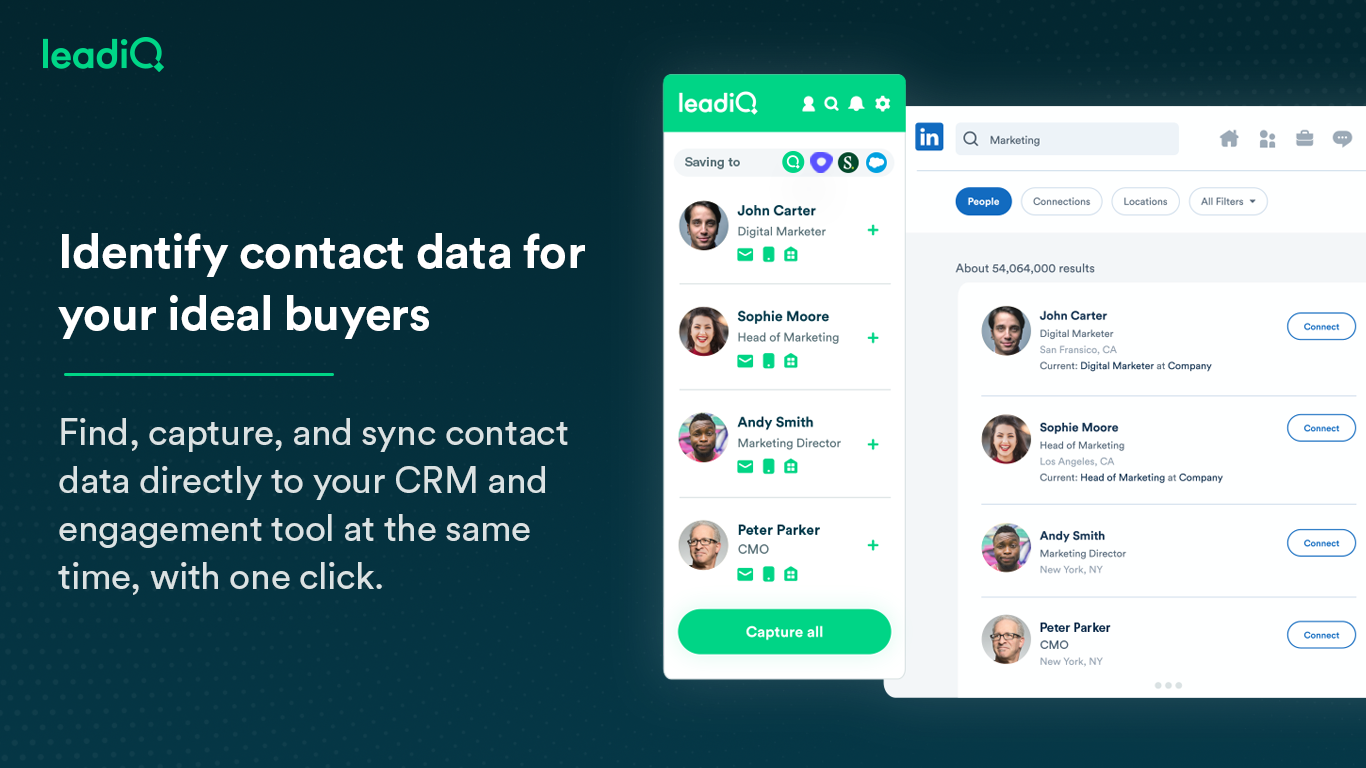
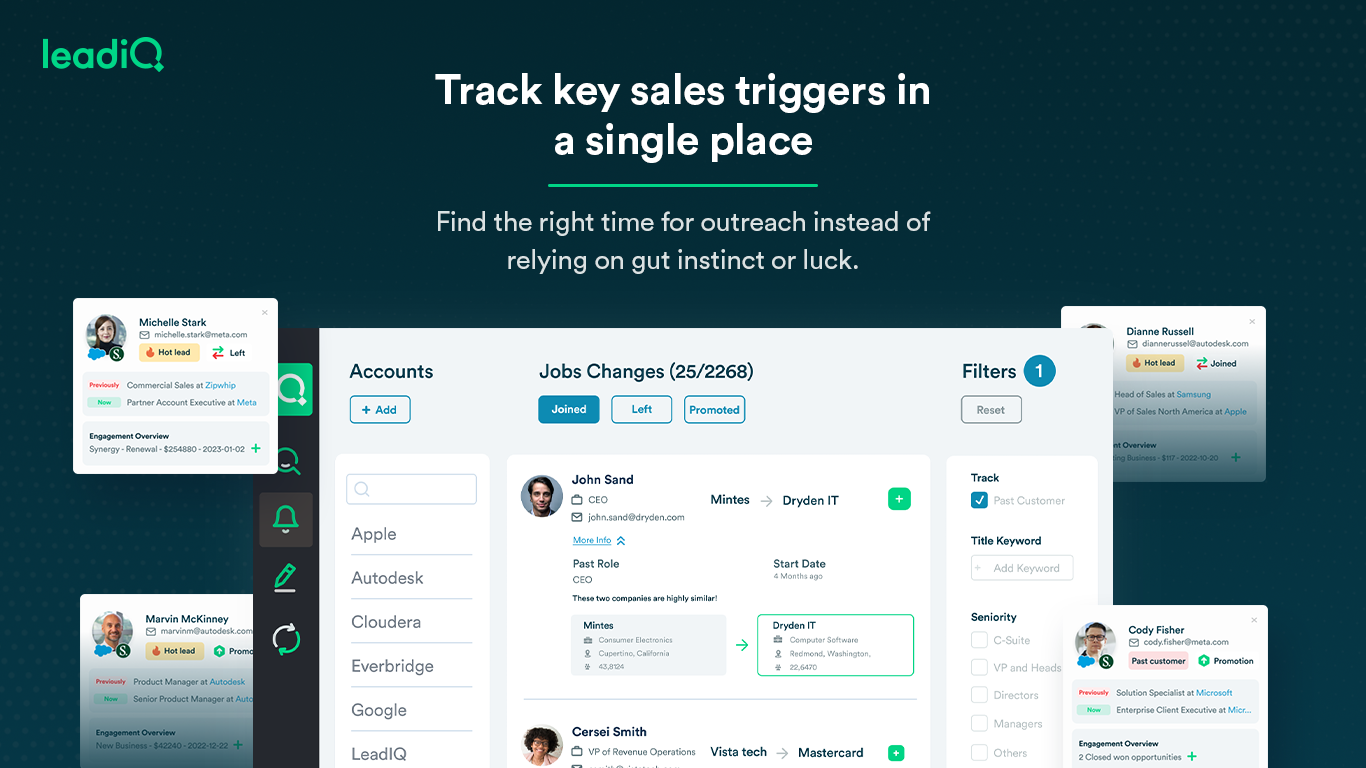
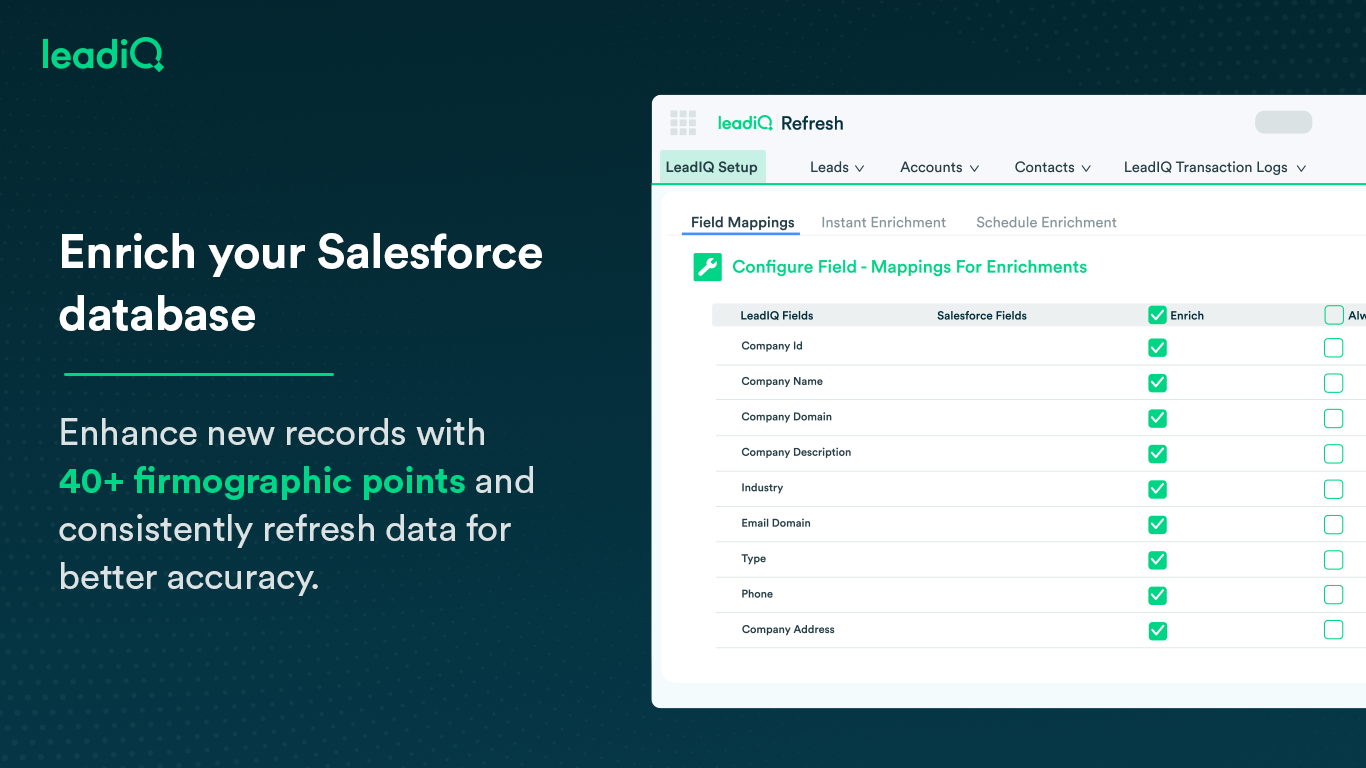
LeadIQ is a prospecting platform that helps outbound sales teams build pipeline through contact data, a AI cold email writing assistant, contact and account tracking for job changes, and CRM enrichment, all integrated into sales tools used daily.
$0
per month per user
RocketDocs
Score5.2 out of 10
N/A
RocketDocs is an integrated sales enablement platform that helps clients of all sizes and industries. The platform of solutions helps companies create and respond to RFPs, RFIs, and questionnaires, as well as assemble and configure proposals, contracts, and sales collateral.
I think LeadIQ is a great tool. It helps me with prospecting, writing emails, finding information about prospects, etc. I use it daily when writing emails and trying to find people to reach out to. It works well with CRM integration, and most of the time, the extension and scribe functions are working. Sometimes, the numbers are not accurate.
A de minimis incentive was given to thank the reviewer for their time. The incentive was not used to bias or drive a particular response, nor was the incentive contingent on a positive endorsement. More Info
Do you need consistency of messaging across multiple countries/products/divisions/languages? Do you want to be able to tailor content access per team/division/country? Do you want to be able to report on/track use by user, document, searches, compliance, etc.? If so, PMAPS is the most versatile proposal management tool I've come across so far.
Capturing contact and lead information: Name, Designation, Phone Numbers, Work Email Address, Company board line number - almost every single data point one needs in lead or demand generation. The checkmark for verified information is a cherry on the cake.
LeadIQ integrates with LinkedIn Sales Navigator, Salesforce, and even SalesLoft pretty well. A simple click of a button from LSN can import the lead into Salesforce. A boon for any Outbound sales team. Additionally, capturing multiple contacts in a single go as well as importing them into a cadence is a time--saver.
It's also a community. Since users can suggest changes to make lead information more accurate as well as the option to request more information on a particular lead.
A de minimis incentive was given to thank the reviewer for their time. The incentive was not used to bias or drive a particular response, nor was the incentive contingent on a positive endorsement. TR verified that a representative sample of customers was invited. More Info
Searching for boilerplate material--PMAPS allows you to search by keywords, as well as filter by categories (e.g., implementation, training, company information, etc.) I set up all the categories, subcategories, audience types, etc. We used to spend a significant amount of time searching for previously written information, but now we can find it within seconds. I only use it to search for information stored within PMAPS, but you can also set it up to point at other places to search for information as well.
Manage proposals--PMAPS has a dashboard that lists all of the proposals I'm working on as well as key information that I want to have available for each of them. You can decide what information you want to show on your dashboard (I use mine to show due date, production date, review date, salesperson for proposal, etc.) It is very convenient to have all of that information available at a glance. PMAPS also has a built-in calendar that will show you key dates for all of your proposals.
Generate custom documents--PMAPS allows you to set up templates that you can use to generate documents. You can set up forms that allow yourself or other users to specify what information should be included in that document, and then PMAPS will generate the document based on how users respond to the questions (e.g., what references to include, what products to list, etc.).
Word Replacement--PMAPS allows you to set up codes that will automatically be replaced with the correct term when you generate the proposal. For example, in our boilerplate information, any place where I would want the final proposal to say the prospect's name, I use the code <>. Those codes are automatically replaced with the prospect's name for that proposal when either I generate a document or when I simply select the icon that searches for and replaces codes.
Easily edit boilerplate documents--PMAPS allows you to easily edit boilerplate information. You can select a document one at a time, or you can select a whole bunch of documents at once (simply by doing a search and/or filter to limit the results to the documents you want to edit) and download them onto your computer, edit, and then re-upload.
Store material--PMAPS allows you to store Word, Excel, PowerPoint, and PDF documents.
Rocky start to using it - but good follow up with customer service.
It can create duplicates in salesforce sometimes which is a headache for some departments who require salesforce to be our pure data source.
Sometimes the numbers aren't correct for the right individual - it gets numbers from wrong people with the same name - this has only happened a couple of times, very rare.
A de minimis incentive was given to thank the reviewer for their time. The incentive was not used to bias or drive a particular response, nor was the incentive contingent on a positive endorsement. More Info
There are times when I'm having a problem and I call the general line and have to leave a message and then wait for someone to call me back. I'd like to be able to speak with a live person every time.
I'd like to see the program handle Excel documents with the ease that it handles a Word document.
We have been very happy with LeadIQ for the past several years. They have quality data at a fair price and that is the most important thing for us. Their product continues to grow and expand and they are great to work with from a customer experience point of view.
A de minimis incentive was given to thank the reviewer for their time. The incentive was not used to bias or drive a particular response, nor was the incentive contingent on a positive endorsement. More Info
I have been a PMAPS user for over 5 years. I started on their client/server version and renewed/upgraded this past year to their cloud version, WebPro. When you have a good product that delivers all the bells and whistles you need, there is no need to go searching anywhere else. We have a great partnership with the PMAPS staff and find them very resourceful and appreciative of our business
the data pool of contacts and lead info could be better compared to the other software competitors. The software is still quite easy to use and it has an extension which makes it easy to work side by side with either linkedin or salesforce. One item that doesn't work well which the rep showed us was pulling up the account page on salesforce and LeadIQ being able to pull up the company details based on the domain. That isn't working for us. Perhaps it's the industry we're in.
A de minimis incentive was given to thank the reviewer for their time. The incentive was not used to bias or drive a particular response, nor was the incentive contingent on a positive endorsement. More Info
I have yet to contact LeadIQ regarding support for the tool. Usability is pretty straight forward, and I was trained well to use the tool properly. I am giving the rating of a five since I can not say I have had contact with the support team.
A de minimis incentive was given to thank the reviewer for their time. The incentive was not used to bias or drive a particular response, nor was the incentive contingent on a positive endorsement. More Info
The user experience and design of the platform + the data health were far superior to UpLead and the other tools I demoed. I was also impressed by the pricing structure and the ability for me to pick and choose my plan or customize based on the sales team numbers and team capacity.
A de minimis incentive was given to thank the reviewer for their time. The incentive was not used to bias or drive a particular response, nor was the incentive contingent on a positive endorsement. More Info
I did the vendor analysis and narrowed my selection to Qvidian (which I had used before) and PMAPS (which I had not). I've never regretted my choice. In ease of use alone, PMAPS wins hands down. We're able to use PMAPS when collecting intelligence from our Subject Matter Experts in ways that weren't possible with other tools.
So far not a happy customer. We have had a few positive results but for the most part, all phone numbers are relatively inaccurate or they are personal numbers scraped from LinkedIn. When calling a personal number, people are surprised and find it intrusive.
We would not recommend this service until it invests more into correct corporate switchboard numbers at the bare minimum. Currently, these are often incorrect.
I don't have any actual ROI numbers readily available but I will say that compared to our last solution (a home-grown document repository), PMAPS has made every aspect of our business more efficient.
One of our primary goals in procuring a vendor to provide a better solution was our increased need to become more consistent in our messaging, more relevant as things change, and more efficient in getting our user's the answers they need quicker. We accomplished all three.