Lucid Visual Collaboration Suite vs. Progress MOVEit vs. SmartDraw

Overview
ProductRatingMost Used ByProduct SummaryStarting Price
Lucid Visual Collaboration Suite
Score 8.8 out of 10
N/A
The Lucid Visual Collaboration Suite empowers teams to ideate, plan, design, build, and launch game-changing solutions from a shared infinite canvas.
$0
per month
Progress MOVEit
Score 9.2 out of 10
Enterprise companies (1,001+ employees)
Progress MOVEit provides a Managed File Transfer (MFT) solution to securely exchange files between applications, internal teams, external customers and business partners. By centralizing file transfer operations, MOVEit improves visibility, control and governance across enterprise data movement. MOVEit supports policy-driven automation for recurring file transfers without requiring advanced programming, while reporting and audit logging provide documented visibility into…N/A
SmartDraw
Score 8.3 out of 10
N/A
SmartDraw is a diagramming and flow chart building tool from SmartDraw Software in San Diego, California.
$131.40
per year (for a single user on an individual plan)
Pricing
Lucid Visual Collaboration SuiteProgress MOVEitSmartDraw
Editions & Modules
Free
$0
Individual
$9
per month per user
Team
$10
per month per user (3 user minimum)
Enterprise
.
per year
No answers on this topic
Team
$119.40
per year per user (3 minimum)
Individual
$131.40
per year single user
Enterprise
Contact Sales
Offerings
Pricing Offerings
Lucid Visual Collaboration SuiteProgress MOVEitSmartDraw
Free Trial
YesYesYes
Free/Freemium Version
YesNoNo
Premium Consulting/Integration Services
YesYesNo
Entry-level Setup FeeOptionalOptionalNo setup fee
Additional Details
More Pricing Information
Community Pulse
Lucid Visual Collaboration SuiteProgress MOVEitSmartDraw
Considered Multiple Products
Lucid Visual Collaboration Suite
Chose Lucid Visual Collaboration Suite
SmartDraw's templates appeared to offer more selection and were slightly better. They offer desktop apps for Mac and Windows (if that's your thing). However, we feel that Lucidchart has better sharing and collaboration tools and we opted to go with this software over SmartDraw
Chose Lucid Visual Collaboration Suite
Is similar & cheaper.
Chose Lucid Visual Collaboration Suite
Lucidchart when compared to the competition is way ahead of them. It has a good number of features available in the free version and the other thing is that there is none to a little learning curve required to understand the product. It is fairly easy to use when we compare it …
Chose Lucid Visual Collaboration Suite
The real-time collaborative editing feature really likes our team compared to tools. We are able to view the most updated diagram at any given point in time without reaching out to other team members. The provided templates are very useful. Specifically, our team uses Cloud …
Progress MOVEit

No answer on this topic

SmartDraw
Chose SmartDraw
As noted in first question, SmartDraw has them beat in every category I can think of (except for price; but need to keep in mind the old adage "you get what you pay for"!). This product allows for VASTLY-improved uploading of data than the Lucidchart product, and customer …
Best Alternatives
Lucid Visual Collaboration SuiteProgress MOVEitSmartDraw
Small Businesses

No answers on this topic

DataMotion
DataMotion
Score 9.3 out of 10
OmniGraffle
OmniGraffle
Score 9.7 out of 10
Medium-sized Companies
Microsoft Visio
Microsoft Visio
Score 7.7 out of 10
DataMotion
DataMotion
Score 9.3 out of 10
OmniGraffle
OmniGraffle
Score 9.7 out of 10
Enterprises
Miro
Miro
Score 9.1 out of 10
Fortra's GoAnywhere MFT
Score 7.7 out of 10
OmniGraffle
OmniGraffle
Score 9.7 out of 10
All AlternativesView all alternativesView all alternativesView all alternatives
User Ratings
Lucid Visual Collaboration SuiteProgress MOVEitSmartDraw
Likelihood to Recommend
9.1
(1146 ratings)
9.0
(7 ratings)
2.8
(14 ratings)
Likelihood to Renew
9.1
(5 ratings)
-
(0 ratings)
-
(0 ratings)
Usability
8.9
(1116 ratings)
-
(0 ratings)
-
(0 ratings)
Availability
9.1
(1 ratings)
-
(0 ratings)
-
(0 ratings)
Performance
9.1
(1 ratings)
-
(0 ratings)
-
(0 ratings)
Support Rating
9.3
(884 ratings)
-
(0 ratings)
8.4
(2 ratings)
Implementation Rating
9.1
(1 ratings)
-
(0 ratings)
-
(0 ratings)
Configurability
9.1
(1 ratings)
-
(0 ratings)
-
(0 ratings)
Ease of integration
9.1
(1 ratings)
-
(0 ratings)
-
(0 ratings)
Product Scalability
9.1
(1 ratings)
-
(0 ratings)
-
(0 ratings)
Vendor post-sale
9.1
(1 ratings)
-
(0 ratings)
-
(0 ratings)
Vendor pre-sale
9.1
(1 ratings)
-
(0 ratings)
-
(0 ratings)
User Testimonials
Lucid Visual Collaboration SuiteProgress MOVEitSmartDraw
Likelihood to Recommend
Lucid Software
I personally think that Lucid Visual Collaboration Suite is the best visual collaboration software out there. I’ve used Canva, Apple Freeform, and Microsoft whiteboarding software, and none of them really measure up. If you want simple, easy, collaborative, and intuitive, then Lucid Visual Collaboration Suite is the best solution. At the same time, if you’re tight on budget, it’s probably not going to be a solution you can afford.
Read full review
Progress Software
MOVEit is actively used on a dedicated server to supply clients with SFTP transactions. Automation is configured easily and safely. We rely on MOVEit to provide the transmission of daily, weekly, and monthly files across many companies and businesses. MOVEit is recommended by my group for any SFTP needs etc.
Read full review
SmartDraw Software
I believe SmartDraw is a great tool for small- to mid-sized organizations for simplifying the production and management of org charts. We've also had the PMO experiment with the use of some of their flow charts as well. If an organization has an HCM with the capability of producing (good!) org charts, that is likely the best option... but many that I have used in my 30-year HR career don't. So there is definitely a need for SmartDraw in the market!
Read full review
Pros
Lucid Software
  • Large number of predefined charts, diagrams, flows
  • A great repository of various symbols and objects
  • The easiness of using and manipulating objects and shapes. There is a lot of auto-editing and adjusting which the software does for you which saves a lot of your time.
  • Easy way of duplicating shapes.
  • While working with the app everything feels organic and natural. You don't get the clunky/limited feeling which happens with some other similar apps.
Read full review
Progress Software
  • Dashboard provides good insight and quick access to troubled jobs
  • Being able to handle file transfer across various protocols securely
  • Ability to connect to various cloud sites and storage (SharePoint, Amazon S3)
  • Easy SSL certificate implementation of the web UI
  • Easy SSH with certificate implementation
  • Strong permissions configuration.
Read full review
SmartDraw Software
  • Provides examples to work off of--these are helpful when you don't know exactly where to start.
  • Provides a number of stylistic options without making things too complex, so you can be creative without getting overwhelmed.
  • Provides a wide variety of templates, meets a wide variety of needs.
Read full review
Cons
Lucid Software
  • I have used the templates before and those are nice! I would like to see more
  • The ONLY complaint I can come up with is that there has been several times that my screen will lock up and i have to fully refresh it, even when it is a fairly fresh load.
Read full review
Progress Software
  • Drag and dropping of files to attached to packages.
  • I believe there is room for improvement when it comes to setting up folder and group security.
  • A better mobile app is absolutely needed. The current app lacks in features.
Read full review
SmartDraw Software
  • A month-to-month plan would be ideal for users that don't have a need to create many projects
  • The sidebar navigation can be a little confusing with all of the tools listed.
  • Offering customizable plans with only the feature you need would simplify navigation
Read full review
Usability
Lucid Software
The usability of Lucid Visual Collaboration Suite is bar none and incomparable to any other tool used in the past. There is such a vast offering that covers all the needs of any user in industries far and wide. It is no doubt that this is a firm recommendation for anyone and everyone to utilize this tool for all their needs.
Read full review
Progress Software
No answers on this topic
SmartDraw Software
I rated 8 because its simple to use and easy to create network topologies quickly. I liked the drag and drop option which makes designing the network topology and flow chart easier. In general its does what it needs to.
Read full review
Support Rating
Lucid Software
I would rate the overall support for Lucidchart as a 9. The support provided is generally robust and responsive. Their help center, tutorials, and webinars offer extensive resources for users. The ticket-based support system is effective, providing timely resolutions to most issues. Moreover, they actively gather user feedback, demonstrating a commitment to continuous improvement
Read full review
Progress Software
No answers on this topic
SmartDraw Software
They are always very helpful, we get computers every two years and I have to call them to move the license from one computer to another and they do it with a smile in their voice!
Read full review
Alternatives Considered
Lucid Software
Lucidchart is well beyond Microsoft Visio and is constantly improving. Visio is pretty much stagnant and hasn't been improved for several years, Lucid is constantly adding new functionality like AI powered functions and tools. We have no reason to pay for Visio licenses when Lucid can provide so much more for less.
Read full review
Progress Software
We previously used Attunity MFT (Formerly Repliweb MFT); We were looking to move away from the platform becuase, while flexible, it was too flexible. The flexibility was gained by running scripts with each job to do what you want. So, not only did you have to define the job (Source and Destination), you had to have a fairly strong programming background. Tasks as simple as renaming files with a date stamp, required a script be written. MoveIt has many of these basic macros available for file name manipulations like various date pieces, times, file names, etc, and they're all well documented. Ex: [OrigName] = Original Filename (TestFile.pdf), [OnlyName] = Just the filename, no extension (TestFile), [OnlyExt] = Just the file extentions (.pdf). Pretty much every field within a job can use pre-defined Macros, which is a huge benefit. We also moved away from that platform because it had gone stale, it wasn't their "Core" product. The vendor supported it, but was not actively developing it or fixing bugs or anything. We went 2-3 years without even an update to the binary. MoveIt is one of Progress's "Core" products, so they are adding features / functionality and fixing bugs actively
Read full review
SmartDraw Software
We have used Corel Draw and Adobe Acrobat. Both of those tools were good when they came out but the abilities of SmartDraw far outweigh both those tools. Corel Draw was also more complex to operate and do tasks, as was Adobe Acrobat in which some basic tasks took additional steps to complete.
Read full review
Return on Investment
Lucid Software
  • It sure has. It has saved me a lot of time. Think of all the time I could have wasted trying to learn a program that does the same thing, whereas Lucidchart just does it with ease, learn as you go, and be a boss at it.
  • Lucidchart has increased productivity. My diagrams have helped co-workers find connectivity and helped them troubleshoot devices. This has saved time and increased productivity.
Read full review
Progress Software
  • It gave us the ability to exchange files with customers and vendors in a secure manner.
  • Given the sensitivity of our files exchange, MOVEit helped in gaining the trust of our customers that their data is safe.
  • Using its API, we were able to build a custom app that is adding even more features, specific to our needs, like empowering project managers with more permissions on their folders
Read full review
SmartDraw Software
  • SmartDraw has provided good return for our internal purposes. Using it to understand an organization's structure and inner workings has been valuable. On the client side, creating steps and businesses processes has also been a big plus. It has helped decrease confusing reporting structures and has provided a detailed map for individuals to understand where they fit within their organization.
  • Unfortunately, SmartDraw has been somewhat inefficient with some of the more complex projects on our plate and has really deterred certain employees from even wanting to use it.
Read full review
ScreenShots

Lucid Visual Collaboration Suite Screenshots

Screenshot of how Lucid helps teams to clarify complexity, align their insights.Screenshot of where information can be imported, exported, and shared whenever and wherever it is needed.Screenshot of how Lucidchart offers secure intelligent diagramming that is built for teams.

Progress MOVEit Screenshots

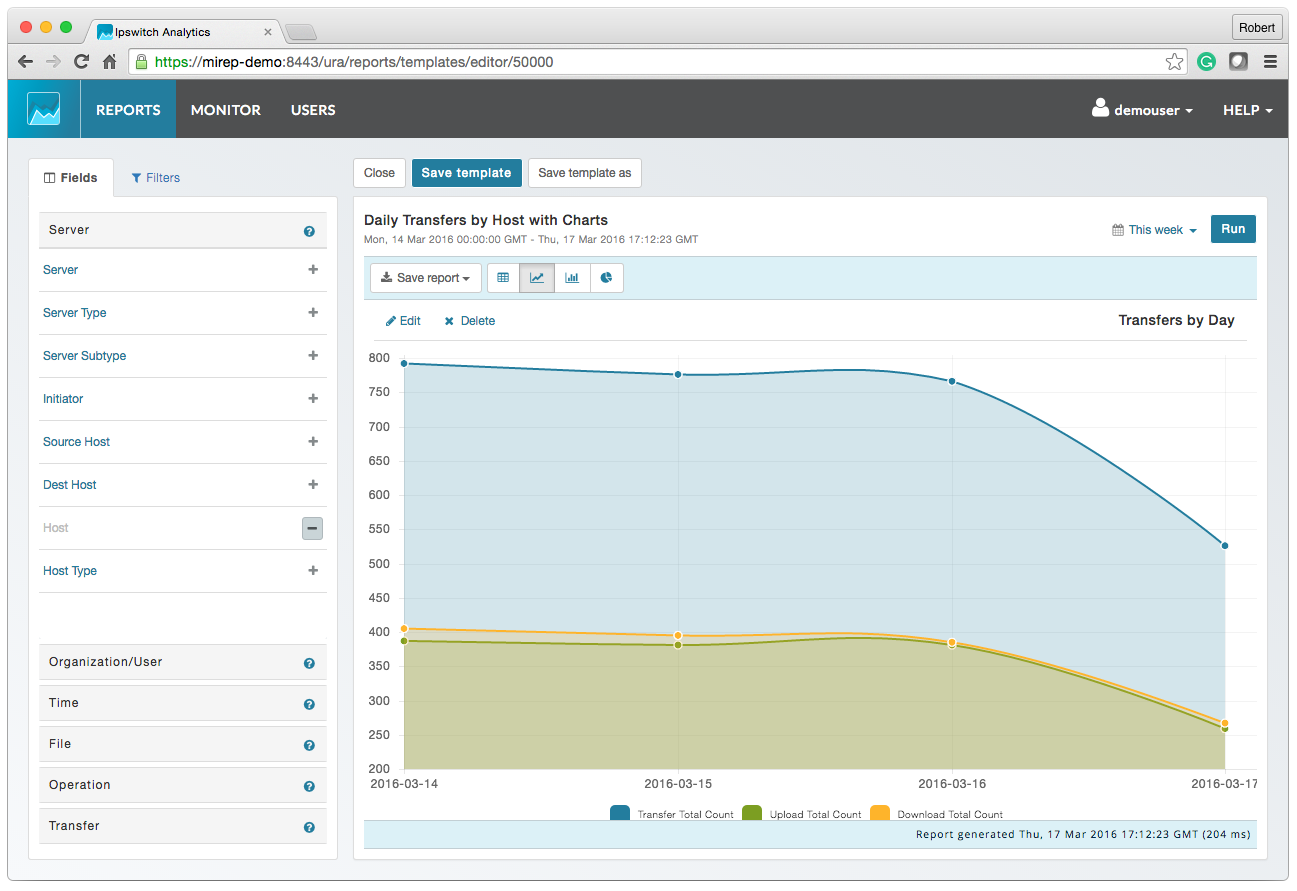
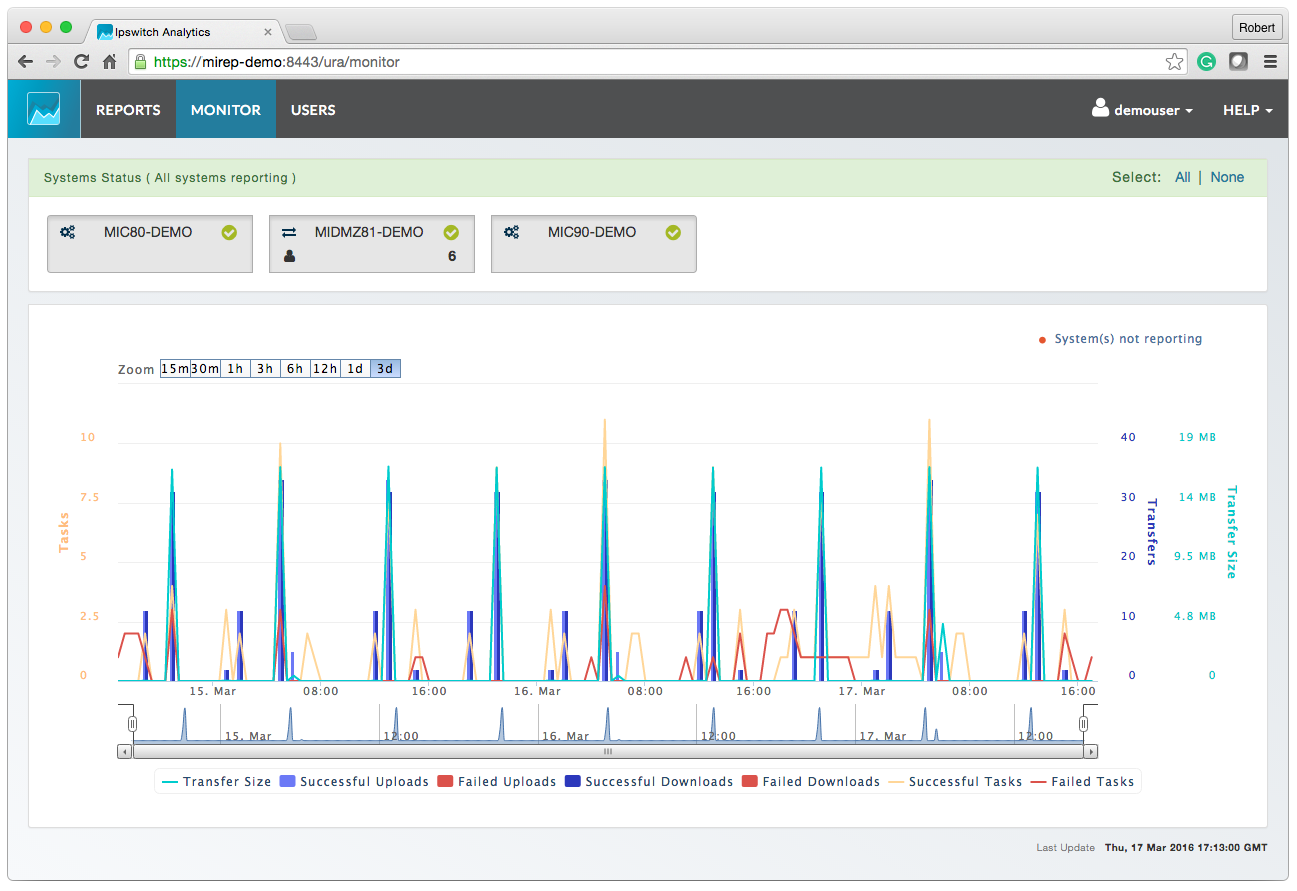
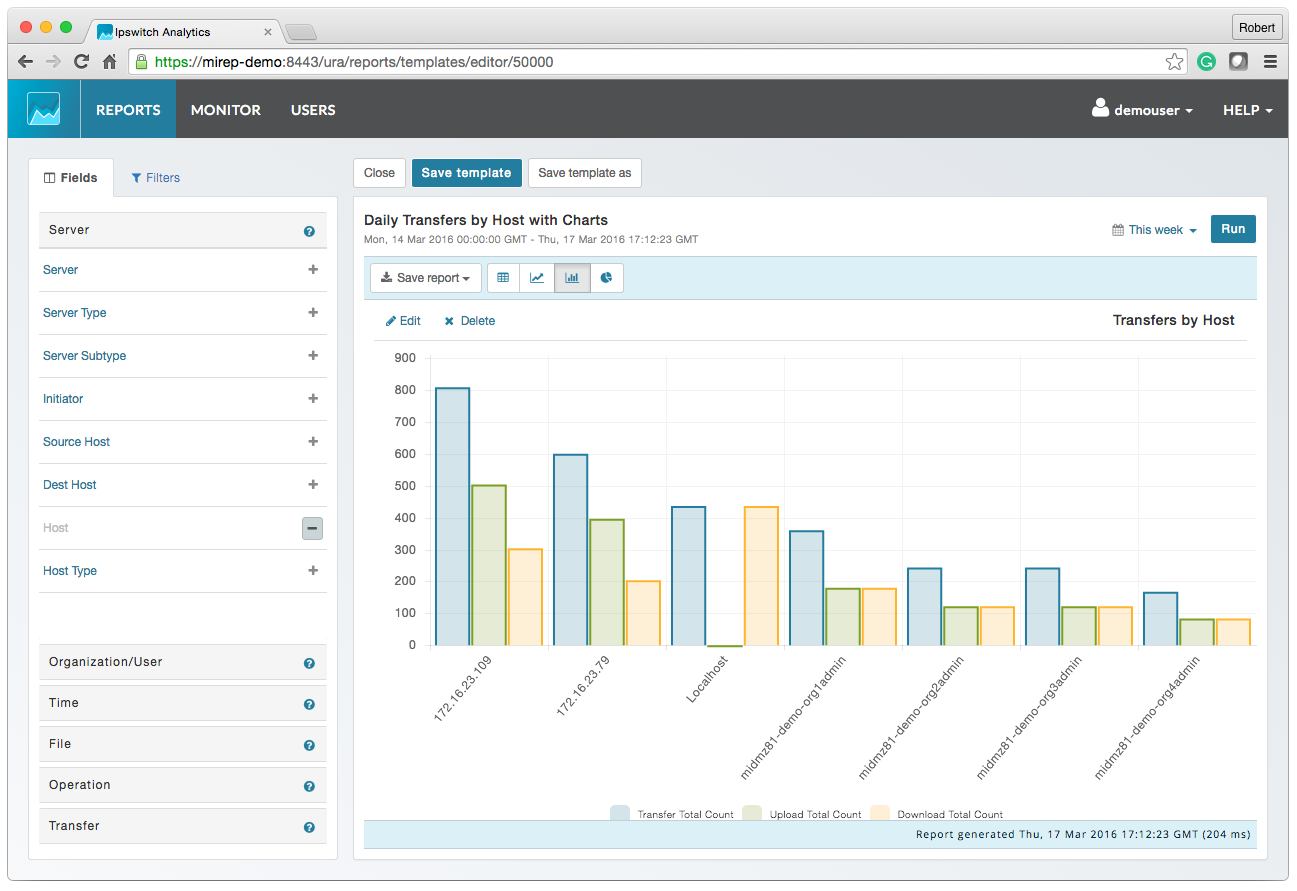
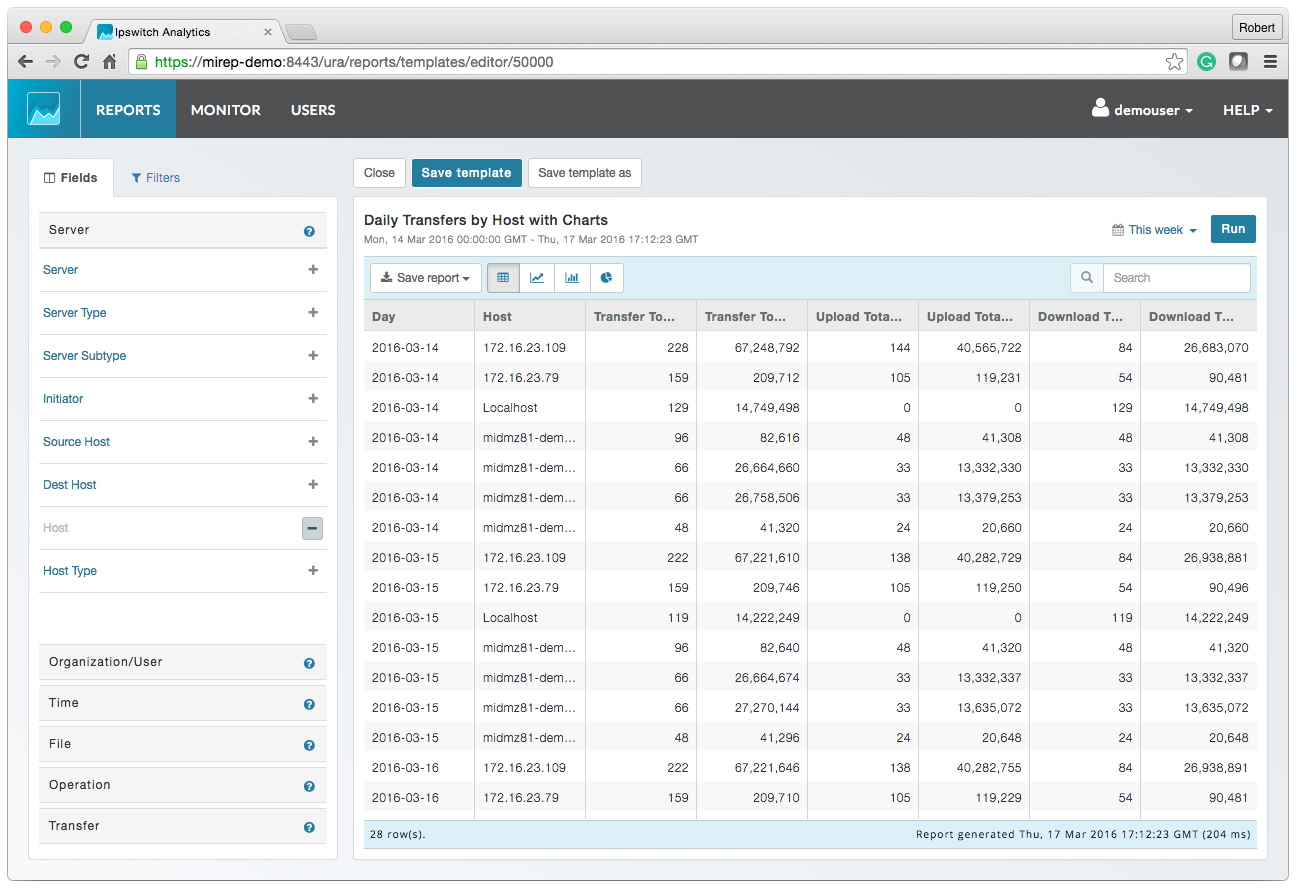
Screenshot of MOVEit AnalyticsScreenshot of MOVEit Automated ReportingScreenshot of MOVEit Data ConsolidationScreenshot of MOVEit AuditsScreenshot of MOVEit TransfersScreenshot of MOVEit Visibility and Control

SmartDraw Screenshots

Screenshot of where to create diagrams, including: flowcharts and swimlanes, organizational charts, mind maps, CAD drawings & floor plans, project charts, network diagrams, and wireframes & mockups.Screenshot of a workspace that combines brainstorming with technical diagrams. SmartDraw can be used to visualize processes, organizations, roadmaps, and even generate diagrams from data.Screenshot of SmartDraw's templates and tools used to make flowcharts, swimlanes, and process maps.Screenshot of the org chart tool, used to document organizational structure and work as a team to plan for growth or manage change. Data can be imported to generate a chart automatically.Screenshot of the CAD drawing and floor plan tools, used to design a home or optimize office space to improve traffic flow in a retail space.Screenshot of an example of the built-in templates for landscapes, gardens, backyards used to design outdoor spaces. Users can drag-and-drop flowers, shrubs, and other plants, or add sprinkler systems, lights, and walkways, and apply photo-realistic textures for a professional finish.