Lyssna (formerly UsabilityHub) is a user research platform used to test digital products with real users and gain insights into their audience. Its tools and features help Lyssna to optimize users' designs and create more engaging user-friendly experiences. Lyssna is a research platform, offering a broad range of testing features including: Five Second Testing - Used to quickly test the effectiveness of landing pages, messaging and designs by showing users a…
$0
per month (3 seats included)
Sogolytics
Score 8.5 out of 10
N/A
Sogolytics (formerly SoGoSurvey) is an online survey software solution that helps users create surveys quickly. The free package includes basic features for building surveys and the paid package includes advanced features.
N/A
Pricing
Lyssna
Sogolytics
Editions & Modules
Free
$0
3 seats included
Starter
$99
per month 5 seats included
Growth
$199
per month 15 seats included
Enterprise
Contact Sales
custom seats
No answers on this topic
Offerings
Pricing Offerings
Lyssna
Sogolytics
Free Trial
Yes
Yes
Free/Freemium Version
Yes
Yes
Premium Consulting/Integration Services
No
Yes
Entry-level Setup Fee
No setup fee
No setup fee
Additional Details
Discount available for annual plan. Panel responses are priced seperately.
UsabilityHub is well suited for remote unmoderated testing. Responses are captured very quickly and live updates allow the user to keep track of how the test is performing. The types of testing that make the most sense to use on UsabilityHub are preference test, first click test, navigational, and design surveys. It is less appropriate for one-on-one testing and lengthy questionnaires.
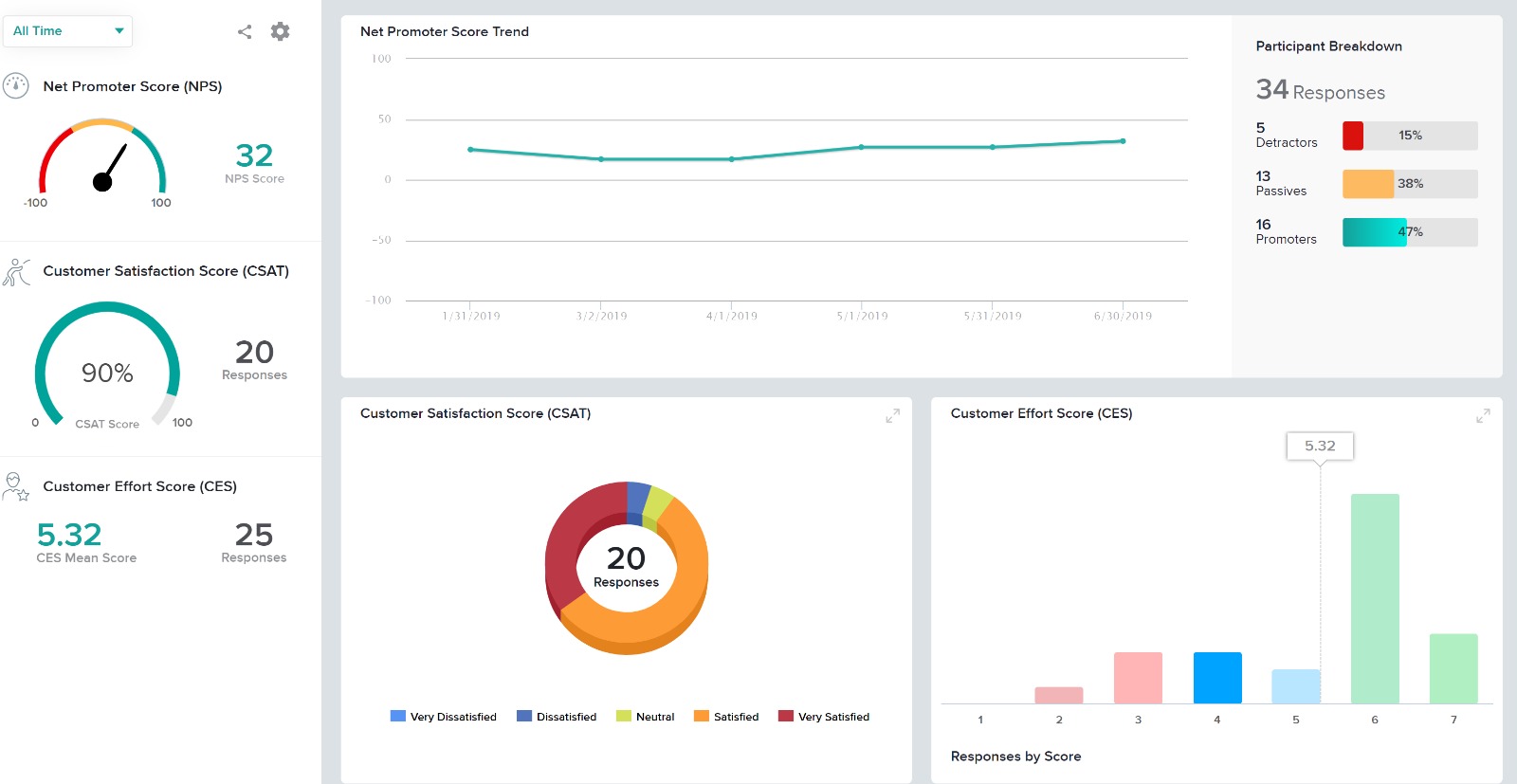
I think if you are surveying often to gather data, Sogolytics is a great product. If you are not seeking in-depth data, there are certainly more affordable options. As a non-profit, we find this to be a great tool for in-depth data and easy-to-use reports. The report feature is our main draw to this product; it is visually appealing, easy to share, and translates.
Add additional demographic sorting options for the audience to better meet the needs of B2B users - for example include industry type, functional area, etc.
Providing users the ability to follow along a specific question example (eg. placeholder text in questions that users can see what the answer might look like)
Better media management and implementation (eg. placing images/videos/gifs/etc. as standalone assets in the survey)
Making the images added into a survey responsive to the screen they are being viewed on (eg. any images added to a survey do not adjust to the size of the screen, consequently showing up very small on mobile/tablet view)
Exporting the survey to Word looks horrible - we'd love if the survey could be exported the way it looks when live into a similar-looking Word document or template
Due to its simplicity and design it is really easy to navigate. You can clearly understand which sections you have completed and which are still left to be done. It is also really easy to change ordering of content etc, which I have found hasn’t been an option in other tools which means it is a really lengthy task of rewriting all of the tasks or questions to get them in the correct order that is desired.
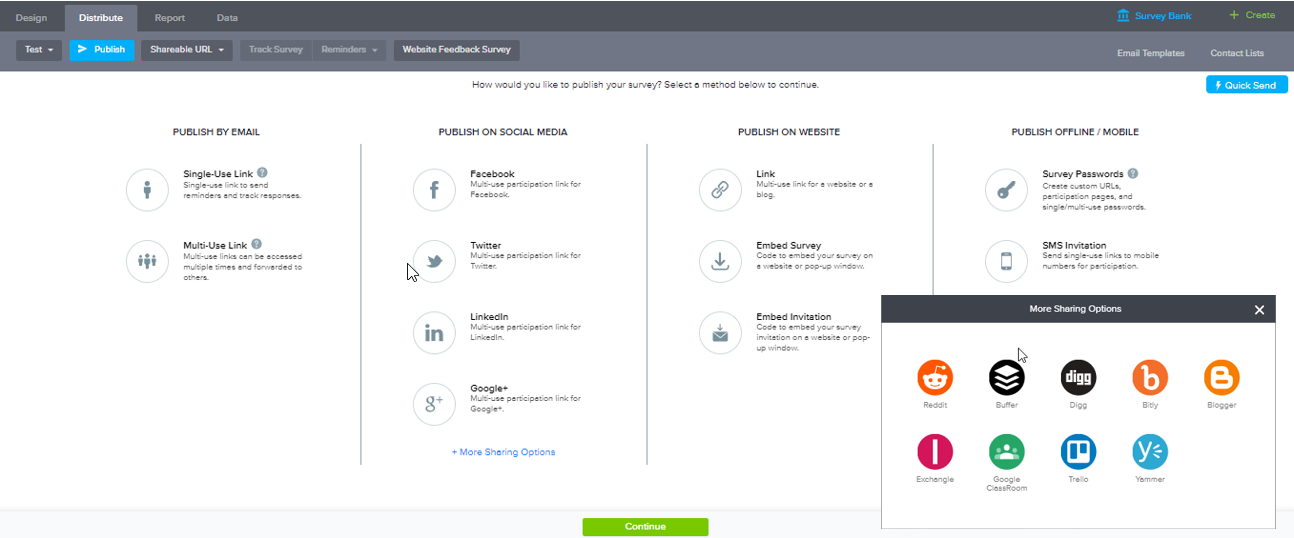
Everything on the platform is laid out logically and in a manner that even our less technical administrators can go onto the system and create/manage any surveys or feedback questionnaires. The options for distribution of these surveys are also simple and straight forward with all available choices showing. Our users don't need to know the ins and outs of the system to be able to use it.
I had an issue whereby I used a free trial that ended, locking me out of my account. I contacted their customer service to help with this issue, which they resolved in under half an hour. I was extremely impressed with their speed and quality of service, which led me to filling out this review!
UsabilityHub provides very fast, short responses to specific questions about a static image of a website. This is useful for checking what is most prominent on a page, what they would click on, what they see/read within the first 5 seconds of landing etc. WhatUsersDo is a broader tool, that records the screen and audio as a user navigates the website. You can set tasks and ask questions, but it much more about the user journey experience and their opinion, rather than testing a particular feature. Feedback also takes a bit longer. Hotjar is a combination of both, its a screen recording which helps you to see where users click and move to, but there is no audio or text feedback, just heatmaps/click maps for watching user behaviour.
In summary, Sogolytics has proven to be the perfect fit for our pre and post-test assessments. Its seamless integration, efficient data collection, and powerful reporting capabilities have significantly improved our ability to track and communicate the impact of our programs. We highly recommend Sogolytics to organizations looking for a reliable and user-friendly data management solution.
Members were very appreciative of the survey requesting their input on Capital Projects. Too many time, 1 - 2 staff members or Board members make decisions for the entire membership, which is not always the best approach.
Hoping for actionable areas to improve once the results of the Membership Satisfaction survey completes.