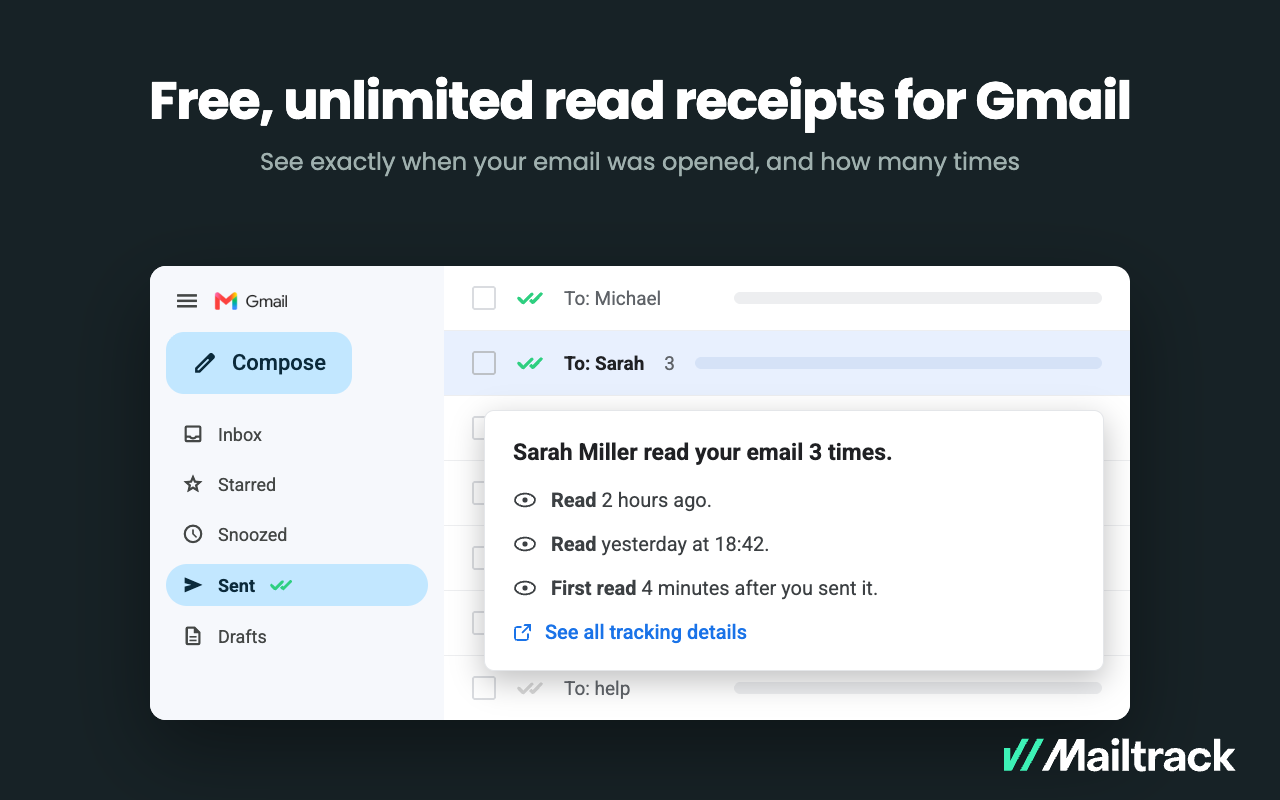
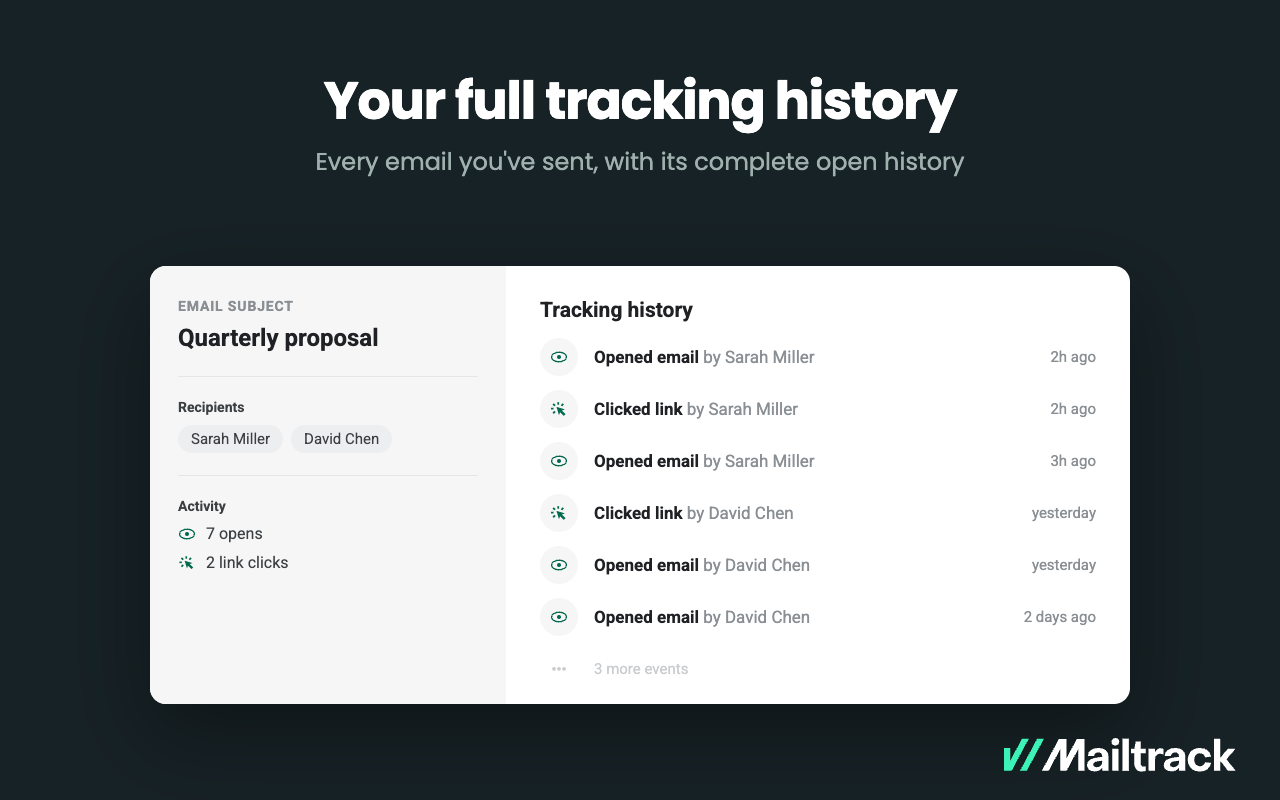
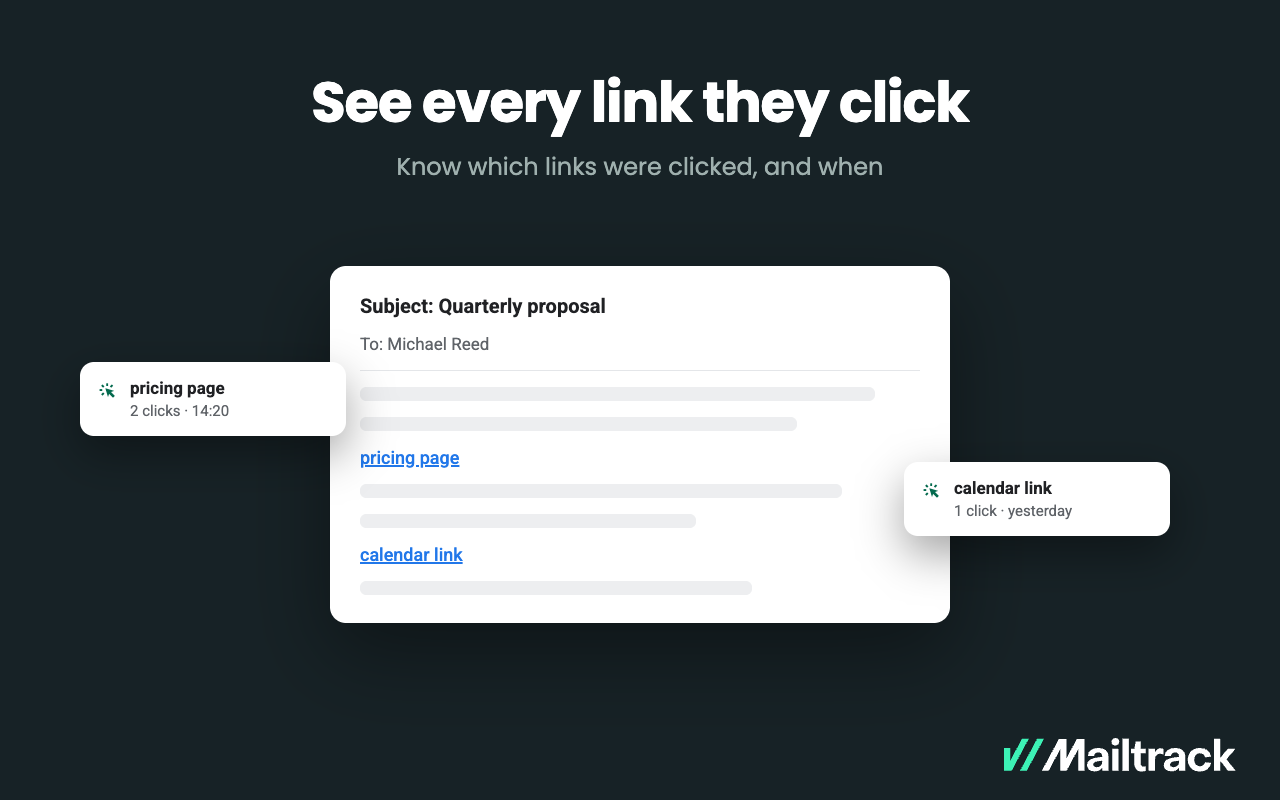
Mailtrack is an email-tracking extension for Gmail and part of Mailsuite. It adds delivery and read-status indicators to sent messages, showing when recipients open an email or click a tracked link without requiring users to leave Gmail. Key Capabilities Gmail read receipts: Mailtrack adds one or two checkmarks to sent messages. Grey checkmarks indicate delivery; green checkmarks indicate that the message was opened. Open and…
$2.99
per month per user
Reply
Score7.2 out of 10
Small Businesses (1-50 employees)
Reply.io helps sales teams book more meetings by automating outreach with smart AI. It finds leads, writes personalized messages, handles replies, and books meetings, so you can focus on closing deals. Reply.io's AI SDR learns the product, targets its potential users, and engages across email, LinkedIn, SMS, WhatsApp, and calls. Additionally it: Handles replies, books meetings, and works in multiple languages Has access to 1B+ leads with…
Mailtrack is great for tracking emails if you do not want to pay for larger more complicated tools that do the same thing. If you already love your system but just want to add some convenient read tracking, that's exactly what this is for. If you have a system that doesn't work well, I would take the time to evaluate alternatives that also include read tracking (Salesforce for example). This also applies if you're trying to use this for large outbound sales emails - there are a lot of applications that have email tracking built in (Outreach.io is a great example) so it may just be worth switching your whole system.
A de minimis incentive was given to thank the reviewer for their time. The incentive was not used to bias or drive a particular response, nor was the incentive contingent on a positive endorsement. More Info
Reply works best for structured outbound to a defined ICP, where reps personalize the opener, then let multi-step cadences run across email, calls, and LinkedIn with reply detection and CRM sync. It excels for time-sensitive triggers, event follow ups, closed-lost recycling, and A/B testing to standardize winning copy. It is less suited to bespoke enterprise pursuits that need deep research or legal signoff on every touch, or to untargeted high-volume blasts. In those cases, keep Reply for light structure and handle core outreach manually.
A de minimis incentive was given to thank the reviewer for their time. The incentive was not used to bias or drive a particular response, nor was the incentive contingent on a positive endorsement. More Info
A de minimis incentive was given to thank the reviewer for their time. The incentive was not used to bias or drive a particular response, nor was the incentive contingent on a positive endorsement. More Info
To automatically sync our data, and keep records up to date, it offers a variety of native CRM connections, seamless integration with other tools, a robust API, and the power of Zapier.
I'm impressed by it, because it includes all of the capabilities I needed, as well as multivariate testing and, most significantly, an excellent reporting system.
It offers an extensive set of features for efficient outbound and inbound marketing automation.
With reporting and lead qualifying, the automation component is pretty powerful.
A de minimis incentive was given to thank the reviewer for their time. The incentive was not used to bias or drive a particular response, nor was the incentive contingent on a positive endorsement. More Info
Syncing to other programs. You cannot interrelate Reply with other software in a simple way. Zapier is required and even then it’s not perfect.
Similar to syncing, there’s no way to export results of particular campaigns. This is awful. If I send out a campaign to a group, I’d like to export the results to enter into a CRM since I can’t sync the contacts. One of these features must be added ASAP.
Organization. While Reply itself is user-friendly, keeping campaigns and contacts and results organized is not. You cannot organize campaigns or file them away when they are done. Therefore you have to delete campaigns to stay organized and lose results, which you cannot even export.
A de minimis incentive was given to thank the reviewer for their time. The incentive was not used to bias or drive a particular response, nor was the incentive contingent on a positive endorsement. More Info
I would rate Mailtrack's overall usability as a ten out of ten. The reasons for this are actually quite simple. For now, only I have been using Mailtrack. However, looking at the rather easy to use characteristics Mailtrack has to offer, I would not hesitate to recommend it to the rest of my colleagues.
A de minimis incentive was given to thank the reviewer for their time. The incentive was not used to bias or drive a particular response, nor was the incentive contingent on a positive endorsement. More Info
Reply’s overall usability is strong. The interface is intuitive, and most features are easy to navigate without much training. Creating and managing sequences is straightforward, and the automation flow saves a lot of manual effort. Occasionally, the dashboard can feel a bit cluttered, and reporting could be more flexible. But overall, it’s a user-friendly tool that allows teams to get started quickly and operate efficiently day to day
A de minimis incentive was given to thank the reviewer for their time. The incentive was not used to bias or drive a particular response, nor was the incentive contingent on a positive endorsement. More Info
I didn't really need to use the customer support but the fact that they proactively make the installation process so easy by providing step by step instructions with videos and everything is kind of pro-active customer support that is needed. Good for them because at the end of the day, it's everyone's dream to use a product that they don't need support for.
I generally receive a reply in no time at all and found not only the support org. but the sales team to be extremely helpful. Additionally I found a great onboarding process with plenty of resources to consume.
There's a free tier. Obviously, there are other things to love, like notifications about your email being read, the fact that if an email hasn't been responded to in some time it gets bumped up. The fact that if other people have Mailtrack you will actually get notified who read your email. But the fact that there is a free tier is HUGE.
Reply is a very good and widely known platform. I find it to be a lot more sophisticated and composed. I believe this tool works great for both large and small companies, which makes it stand out. There are so many other tools that work great, but they are restricted to the type and size of certain companies. With Mailchimp the email chain automation was not up to the mark and we faced a lot of problems due to it. However, Reply has solved all those issues.
A de minimis incentive was given to thank the reviewer for their time. The incentive was not used to bias or drive a particular response, nor was the incentive contingent on a positive endorsement. More Info
I'm currently using the free version so my investment was time spent downloading the browser extension. I would say it's worth the investment because I can make more value through each email by finding the right time to send replies or know when is the exact time I should follow up.
Knowing when an email is read multiple times helps me know the importance of the content in my email.
The paid version allows Mailtrack to tell you which recipient read the email if there was more than 1.
Reply.io has been a lot more effective than MailChimp in terms of the follow-ups for the email chains. We use them to contact the people who said they wanted to do business with us and MailChimp's emails usually went to Promotions on Gmail. With Reply.io, we overcame this problem and the open rate improved 30%.
A de minimis incentive was given to thank the reviewer for their time. The incentive was not used to bias or drive a particular response, nor was the incentive contingent on a positive endorsement. More Info