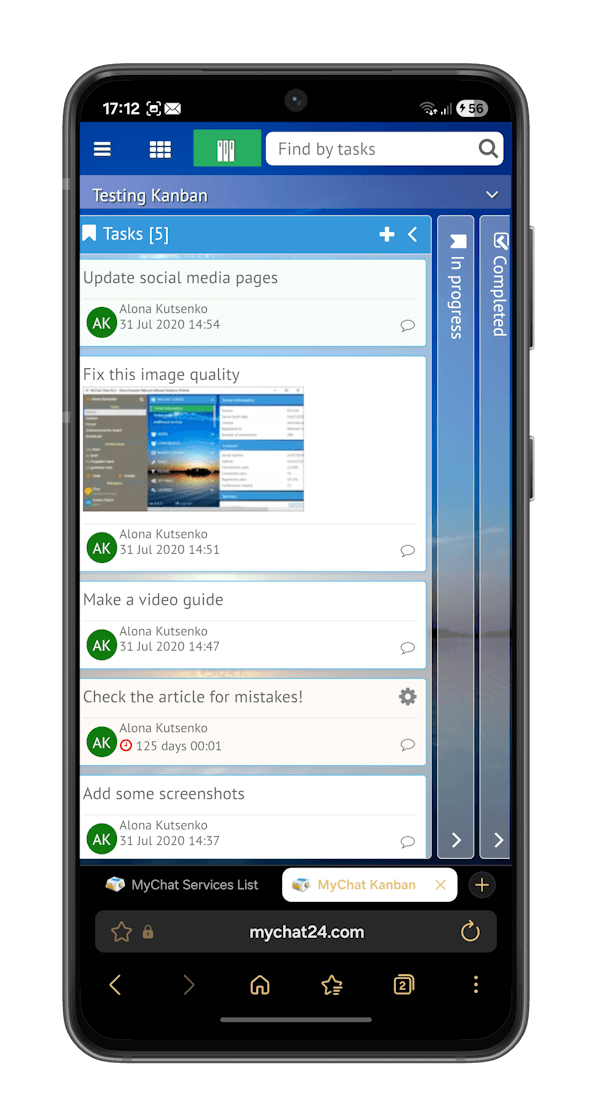
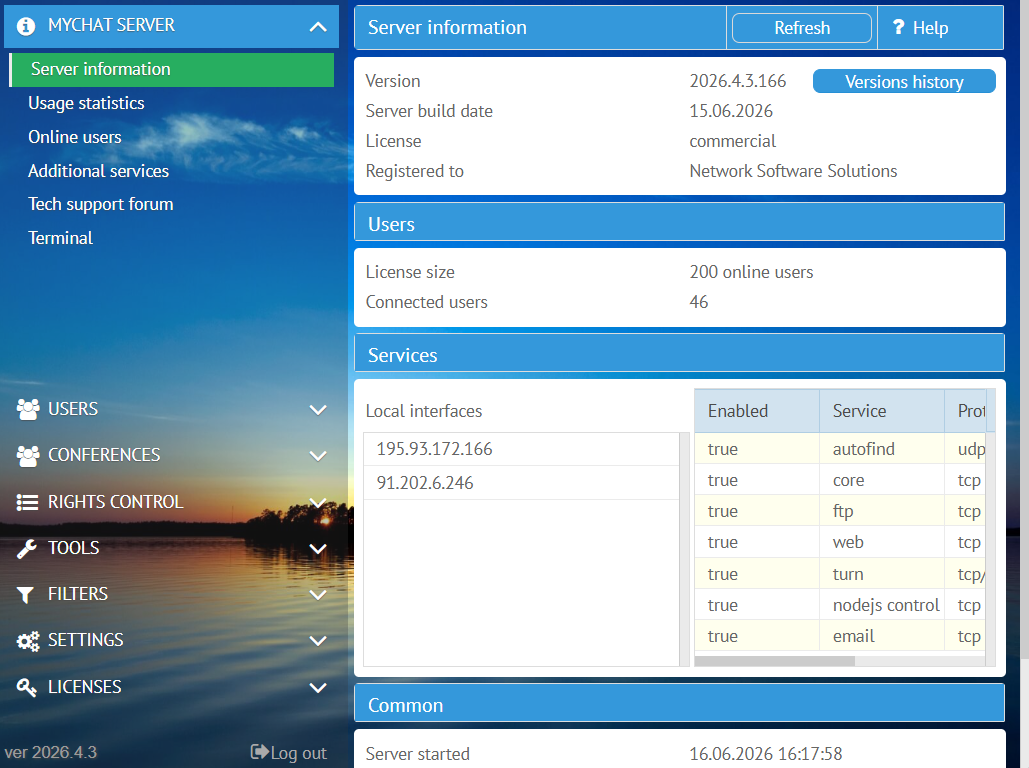
MyChat is a self-hosted instant messaging and collaboration platform engineered specifically for corporate networks. Operating across Local Area Networks (LAN) and the internet, MyChat serves as a centralized communication hub for organizations that prioritize absolute data privacy, strict regulatory compliance, and complete independence from third-party cloud ecosystems. Key Features On-Premise Deployment: Offers full infrastructure ownership, retaining all chat…
N/A
Webex App
Score 8.6 out of 10
N/A
The Webex App brings together Webex Calling, Meetings, and Messaging into a single application, fostering collaboration and unlocking more productive ways to work.
$0
user/month
Zoho Mail
Score 9.2 out of 10
N/A
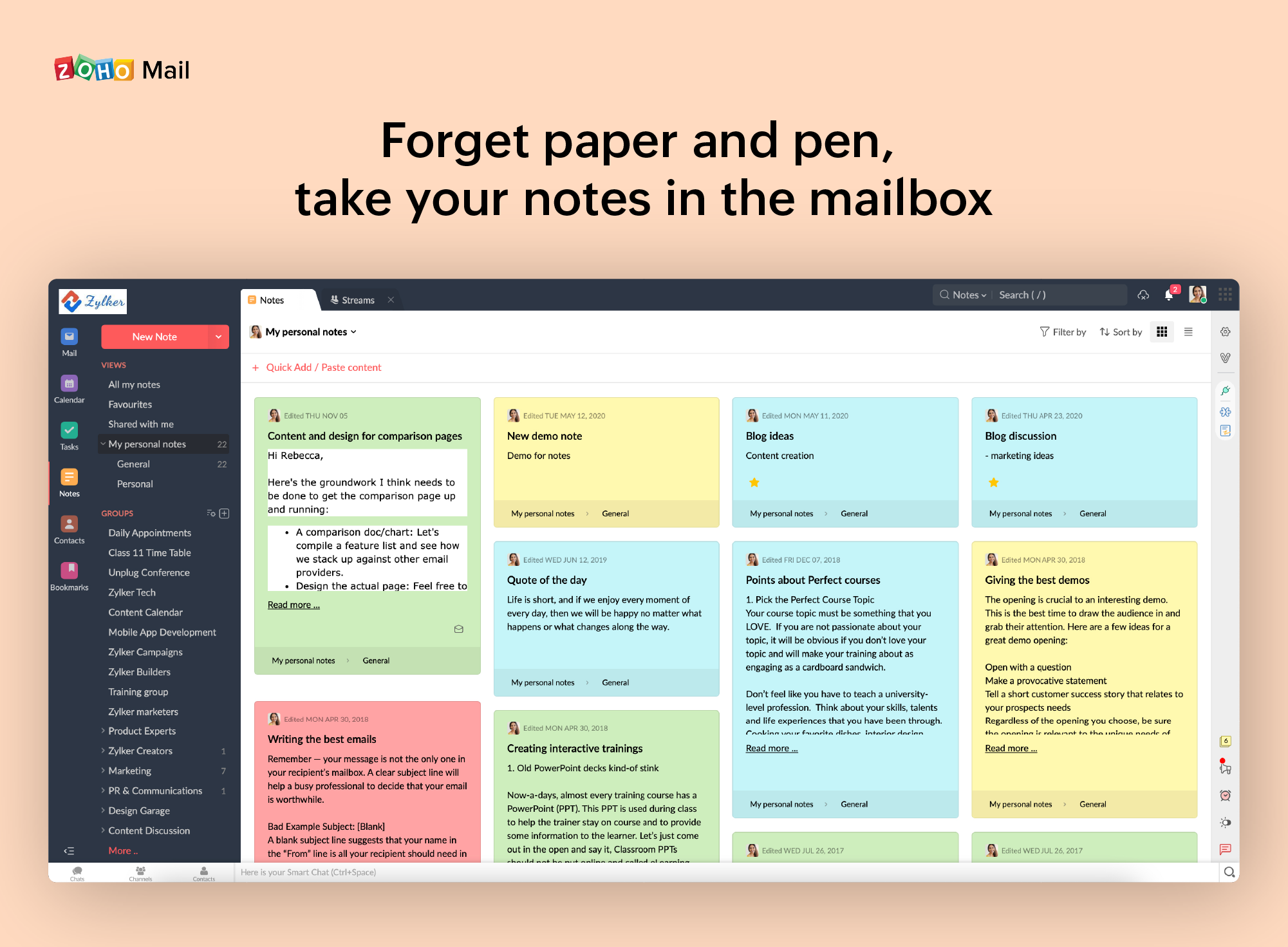
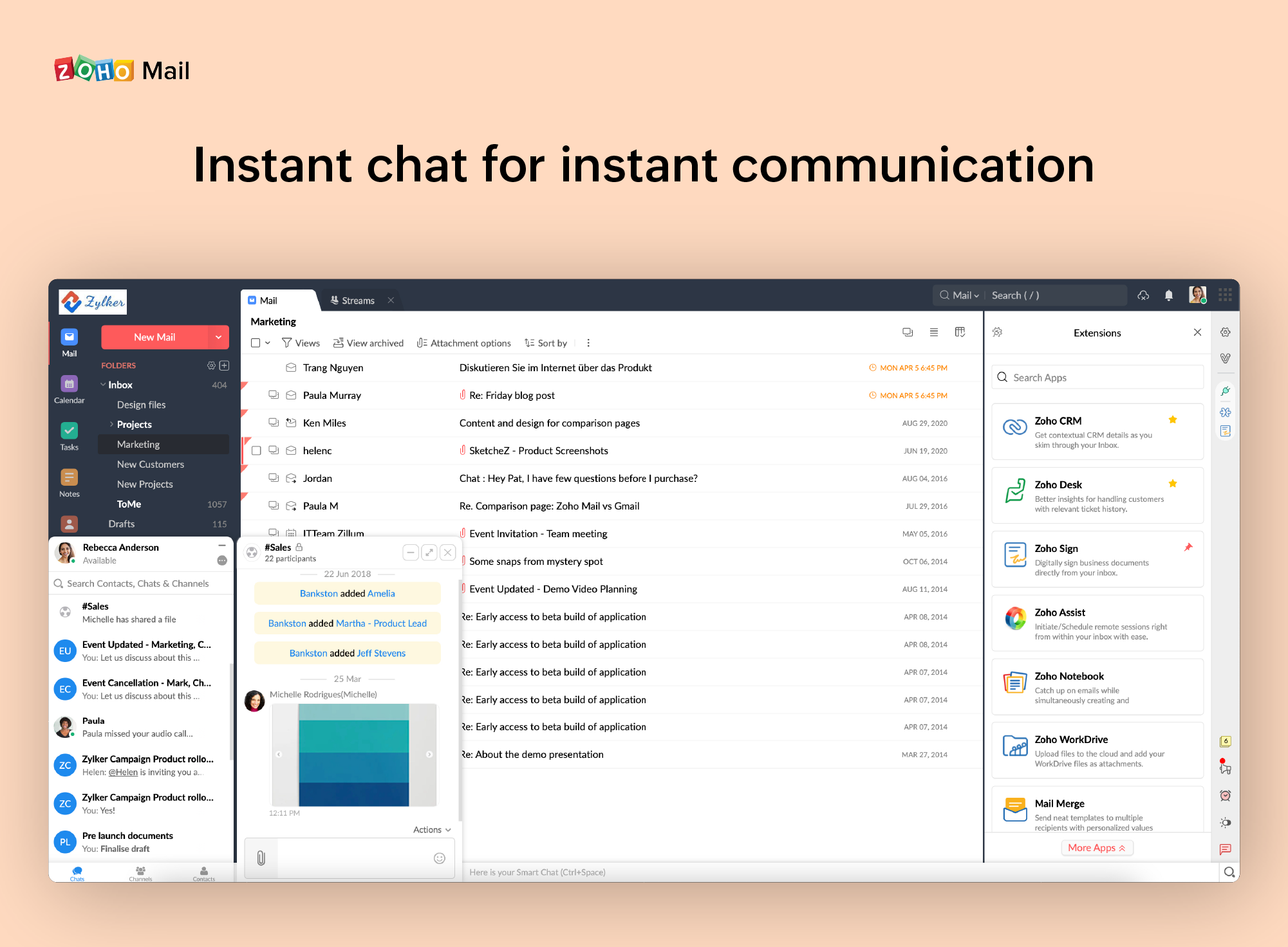
Zoho offers their business email suite, which includes Calendar, Tasks, Notes, and Contacts bundled with an inbox.
$1
per user/per month
Pricing
MyChat
Webex App
Zoho Mail
Editions & Modules
No answers on this topic
Basic Plan
$0.00
user/month
Meet Plan
$13.50
user/month
Meet + Call Plan
$25.00
user/month
Enterprise Plan
Contact Sales
Mail Lite
$1
per user/per month
Workplace
$3
per user/per month
Mail Premium
$4
per user/per month
Offerings
Pricing Offerings
MyChat
Webex App
Zoho Mail
Free Trial
No
Yes
Yes
Free/Freemium Version
Yes
Yes
Yes
Premium Consulting/Integration Services
No
No
No
Entry-level Setup Fee
No setup fee
Optional
No setup fee
Additional Details
A license entitles the use of a commercial version of MyChat for 1 year with updates and technical support during the period. After 1 year, a subscription with updates for up to 1 to 5 years (at a reduced price, usually is half the cost of the license) must be obtained, or the user must switch to a free version of MyChat — 20 online users and other limitations.
A server with an expired license turns into "read only" mode, you will be able to read the history, but you will not be able to send new messages. Renewing an expired license costs twice as much.
Much better integration with phones and video terminals. End-to-end encryption and ease of use. Many things are much easier and more intuitive to do in Cisco Webex. Convenient management of security policies for the entire organization. Easily join a meeting from any device or …
The Webex App is much more intuitive to use. It allows us to connect wirelessly to a video camera much faster, with just one click. Furthermore, its integrations are very beneficial for our daily work.
We do use Teams for internal communications, but for external communications with vendors, contractors, etc., Webex has way more features to have productive meeting sessions. And aside from Teams, it has the lowest per-user cost with a great option for a full bundle of $25. It …
During a meeting, I can pause screen sharing without needing to remove it. Voice cancellation is amazing in Webex, whereas Teams includes all noises. The organization of teams and groups, as well as calling and messaging, is way better. more widely used and can be accessed even …
Slack is nice, but Webex App pairs better with my Dell computer in my opinion. It is really easy to use. All of my peers seem to enjoy it as well. It is very easy to compare notes, share feedback, and plan out a sales process from the confines of my own home.
Webex app is being adopted in our manufacturing organization from decade and they are very habitual to use Webex rather than using other new app. Instant chat, file sharing, video calls or even setup meetings are so up to mark and simple that users across organization are using …
I enjoy how it Webex can be used solely for phone calls or clients. I do use teams as my main source of communication for staff. So it is nice to have separate apps for different areas of my work life. I do wish there was a way to tell who was active or online. This would help …
We found Googles offering to be a better fit for our company. Budget friendly, integrated quickly and easily with the CRM and far easier to sort and label emails when compared to Zoho Mail.
Zoho is free. Also, there is no need for a separate IT guy for creating mail, or if any issues come you don't have to find anyone anyone can check and fix all issues from their super admin panel. Zoho overview is much better than outlook and its appearance of getting mail popup …
Zoho mail is a more professional and corporate email client, it shows a better image to customers, in addition to allowing you to manage the users of your company. It has accessible and competitive prices.
• We were using MailsDaddy for little time since it does not have the adequate functionalities to address the business problems we have or improve the quality of collaborative work between departments.
• The main reason we decided to implement Zoho Mail. It is because this …
It can be useful for organizations which uses hybrid and work from home model. By using this application we can seamlessly connect with each and every person in the organization. Used to conduct meetings about progress of project and can be able to present our data to others by screensharing option.
If you don't have a huge budget and want something that works with minor quirks here and there then Zoho Mail is definitely something you should look into. For half the price of Google G Suite or Office account you get 5GB of storage per user and can send up to 25MB emails without restrictions. Great for small businesses in my opinion. I have had some issues with their spam filter, but we use SpamTitan and just shut off the one that comes with Zoho Mail. Zoho's spam filter isn't horrible but you should definitely use something in addition or instead of what comes with Zoho.
I really like that there is a free version in which a single user can be created. It is really useful because it allows you to evaluate each characteristic of the service without having to buy it.
I also really like the visual aspect of the inbox, which is partially customizable. Because you can make small changes such as changing the color, the language, and among other things.
When receiving an email with images that are not displayed automatically, you have to activate this function manually. It is a bit uncomfortable, I would prefer that it be activated automatically
The filter to search for information is not very accurate and unfriendly
The way to manage the storage capacity and to buy more space for the mail is not very friendly
We really like the flexibility of jabber. With the exception of a few quirks that we have found, we see a bright future with it. We depend on it daily and will continue to do so for several years to come. As our team grows, more users will be using it and more screen sharing will be done. It it an indispensable tool that we simply could not imagine going without. It makes communicating so much easier when time is of the essence.
Webex is quite usable, and it is, in fact very easy to use as well. You don't need a lot of documentation to learn how to use the app as it's mostly self-explanatory. The user interface is easy on the eyes, and people can see buttons without issues. Overall, WebEx's front-end design is great and I don't have much issue with it.
It is very easy to use and does all you need. It sends newsletters to their own folder. A notification folder for more important things. The Spam folder collect the right amount of spam emails
I would say every time I open it, it is there, there are times that our users have to sign out and back in to get it to work or even do a full exit as the app will disconnect from the controlling the desk phone, but some easy steps to sign-out or fully exit the app gets the user back up and running quickly.
On standalone it works fine, it used to consume a considerable amount of system resources in the past, but with updates and upgrades, this has improved quite a lot. As far as integrations with other systems, we have not come across any critical issues with the app.
The support team is quick in reverting to the issues faced, and it has multiple language support, which would be very helpful for some instances. Their expertise in resolving queries is instantaneous. Most of the common lags/issues in the application are identified and fixed with regular updates.
I have spoken with Zoho several times and their support is always friendly and helpful. I have always been asked for security pins and codes when seeking assistance which helps me to feel my accounts are secure and I have never had to wait on hold to speak with someone for more than 5 minutes. They always seem to have someone available to help. If you call asking for instructions on how to do something they gladly walk you through the process and if you just need something done and don't have time to do it yourself they will happily customize whatever you need without you having to spend all day with it.
I would rate the in-person training 9/10. The session was highly interactive, providing opportunities for real-time questions and hands-on experience, which made the learning process more engaging. The trainer was knowledgeable, addressing our specific needs and ensuring that all participants fully understood the material. The structured approach and practical exercises helped reinforce key concepts. However, allocating more time for hands-on practice and group discussions could have further improved the overall experience, making it even more effective.
Very easy to create. All operations are done without any problems with our business growth. All people like the experience including me as an instructor. The tools that WebEx App offers us are very complete for working in a virtual classroom, whether it is sharing the screen, the different display modes, the whiteboard, or even the scoring tools on the screen, it allows me to do my job as an instructor as if I was face to face with the participants.
There was quite a bit of back and forth with TAC and Cisco Reps to get it fully up and running but we did get there. Some of which had to do with documentation was not fully understandable. But with Cisco TAC we were able to get fully up and running.
Much better integration with phones and video terminals. End-to-end encryption and ease of use. Many things are much easier and more intuitive to do in Cisco Webex. Convenient management of security policies for the entire organization. Easily join a meeting from any device or browser. Support for additional features on local communication devices.
Zoho is free. Also, there is no need for a separate IT guy for creating mail, or if any issues come you don't have to find anyone anyone can check and fix all issues from their super admin panel. Zoho overview is much better than outlook and its appearance of getting mail popup and functionality is better than outlook. My friend suggested for this and also after using I have referred my friend
Once everything is in place on the back end getting Webex on a user's PC is now very easy and with single sign-on, users are able to sign in without having to remember another password. Just make sure you have all the user settings in CUCM, CUC set right, and that they have the needed licenses in Webex Control Hub.
Webex App has really helped in implementing virtual work or working from home, thereby increasing the productivity by saving the traveling time to office. So, it's hard to express it in some measurable matrix, but for sure it has increased the productivity and also, the better document sharing and presentation tools, helps the meeting to be very crisp and super productive.