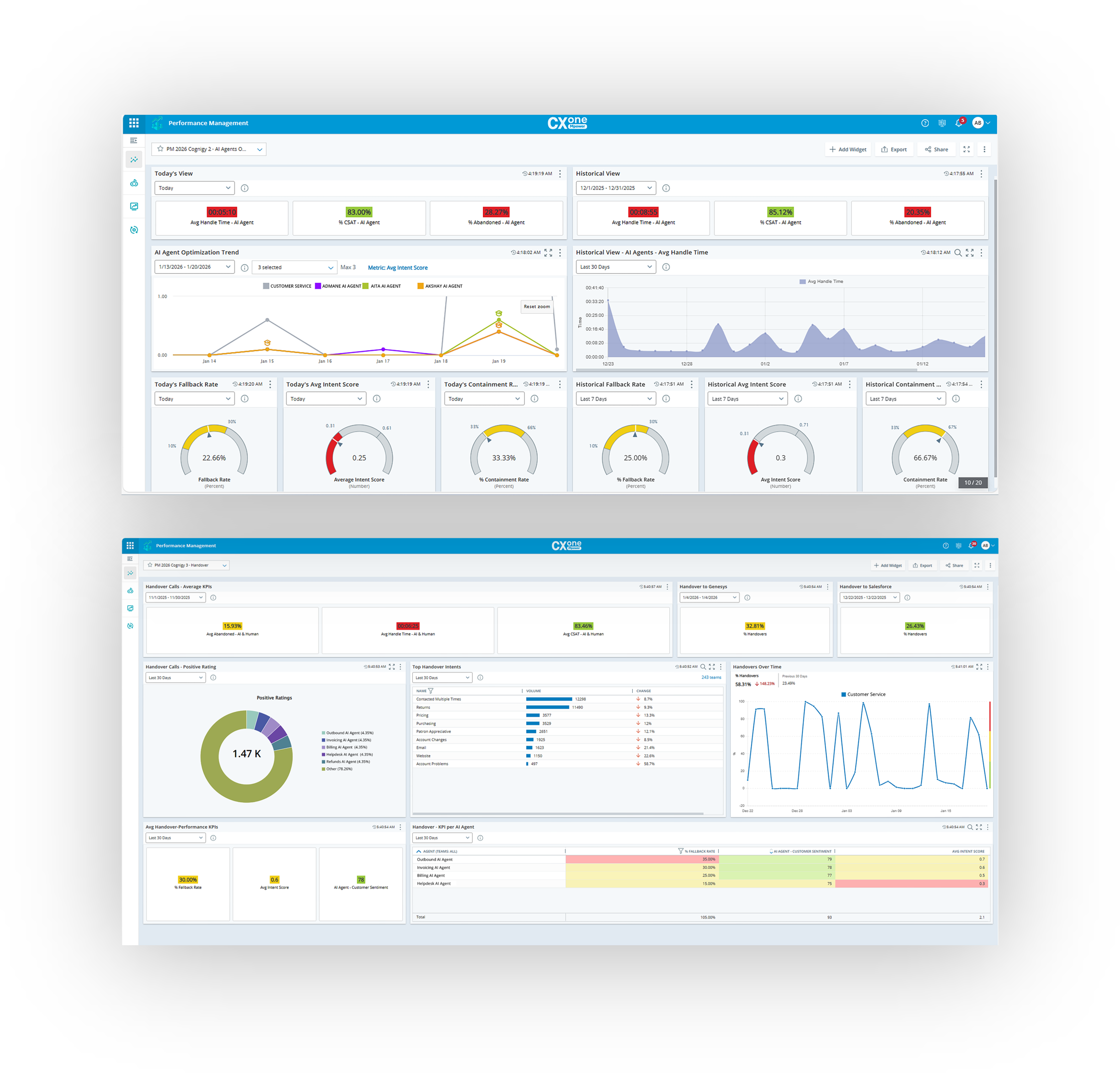
NICE CXone is a cloud-based contact center platform that manages customer interactions across multiple communication channels. It includes features such as automatic call distribution (ACD), interactive voice response (IVR), omnichannel routing, workforce optimization, feedback management, and interaction analytics.
$110
per month per user
Yesware
Score 8.3 out of 10
N/A
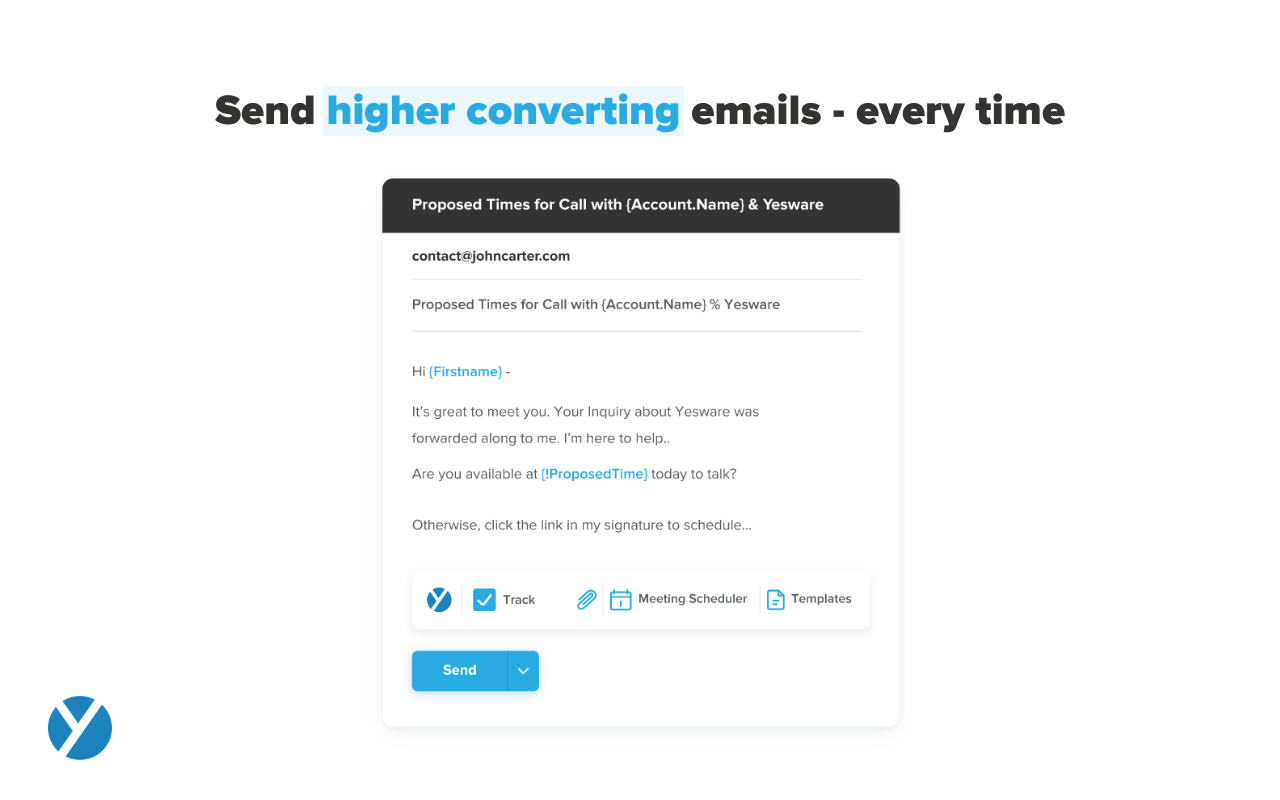
Yesware, from Vendasta since the October 2022 acquisition, is a service for salespeople that helps them close deals faster. An email service tracks email, templates responses and syncs to CRM.
$19
per month
Pricing
NiCE CXone
Yesware
Editions & Modules
CXone Omnichannel Agent
$110
per month per user
CXone Essential Suite
$135
per month per user
Cxone Core Suite
$169
per month per user
CXone Complete Suite
$209
per month per user
CXone Ultimate Suite
$249
per month per user
CXone Mpower Ultimate Suite
$249
per month per user
Pro
$19
per month
Premium
$45
per month
Enterprise
$85
per month
Offerings
Pricing Offerings
NiCE CXone
Yesware
Free Trial
Yes
Yes
Free/Freemium Version
No
Yes
Premium Consulting/Integration Services
No
Yes
Entry-level Setup Fee
No setup fee
No setup fee
Additional Details
—
Annual plans save up to 23%.
More Pricing Information
Community Pulse
NiCE CXone
Yesware
Features
NiCE CXone
Yesware
Contact Center Software
Comparison of Contact Center Software features of Product A and Product B
NiCE CXone
9.4
581 Ratings
11% above category average
Yesware
-
Ratings
Agent dashboard
9.3559 Ratings
00 Ratings
Validate callers
9.6471 Ratings
00 Ratings
Outbound response
9.5490 Ratings
00 Ratings
Call forwarding
9.4443 Ratings
00 Ratings
Click-to-call (CTC)
9.1403 Ratings
00 Ratings
Warm transfer
9.8531 Ratings
00 Ratings
Predictive dialing
9.6317 Ratings
00 Ratings
Interactive voice response
9.6376 Ratings
00 Ratings
REST APIs
9.3301 Ratings
00 Ratings
Call scripts
9.2322 Ratings
00 Ratings
Call tracking
9.5510 Ratings
00 Ratings
Multichannel integration
9.3364 Ratings
00 Ratings
CRM software integration
9.0365 Ratings
00 Ratings
Workforce Optimization (WFO)
Comparison of Workforce Optimization (WFO) features of Product A and Product B
NICE CXone Mpower offers a great suite of products and tools appropriate for contact centers. It is a one stop shop for all of the monitoring, scheduling, reporting, and quality tools a large or small contact center may need. It is very feature rich and has many components, some of which we haven't even grown to adopt yet but may in the near future.
It works for my company and my problems. If you need a Sales CRM you can go for higher-end products that will give you what Yesware gives along with other stuff. Wherein we had specific problems we wanted to solve. -We needed a solution for a smaller team within our bigger sales team. -We needed a solution to be easy to use point and click and did not require any setup. -We needed to have a better solution to YAMM.
Tracking open rates, link click rates, and reply rates. This allows us to compare different templates in order to see which allows for the most interactions and meetings set directly from email engagement.
Seeing exactly when someone opens an email and whether it is in their normal location. Also if they are opening on a mobile device versus a computer to be able to organize the set up of the email in a more beneficial way.
Being able to save Templates for Mail Merges to avoid the duplication of effort that other mass email systems utilize.
There can be changes in interface of the app, however it's still very good
I would appreciete detailed web page with all necessary information, but when I need anything, the customer support is very quick and provide all the information
The ability to unwrap iframe embeds on email (e.g. if I send a Vimeo link over email, have that video thumbnail show and link out to a video)
Removing recipients from a campaign. If my ruleset is to remove a contact from a sequence after he/she replies, sometimes a person will reply from another email and Yesware doesn't recognize it. (e.g. if I add jeff@amazon.com to my campaign and jeff.bezos@amazon.com replies to my thread, Yesware will still send an email to jeff@amazon.com unless he is manually removed)
Nice made it possible for employees to work from anywhere with access to the internet, it made it possible to extract data from contacts in a very thorough way. In addition, the meticaes can be fully customized and the day-to-day monitoring of the operation is more visible.With nice, contacts with clients abroad became easier.
I like the product, but due to the limitations I don't love it. I'm curious to revisit other options, particularly in lieu of Yesware's recent price increases (although I'm on a legacy plan). Some of my challenges to be browser related (I'm on an older computer) -- I'll have to see how things go when I receive my new computer. If the glitches (especially with regard to tracking accuracy and send later feature) go away, I'd be much more inclined to renew
The lack of written SOPs makes some features (WFM / Performance management) very difficult to use. The training provided by NICE is extensive, but it's hard to remember everything shared in the hour. We spend so much time on the platform just trying to figure out how to use the features; it would be much easier with written instructions and screenshots.
Yesware is easy to setup and get connected in existing systems. We were able to get started sending the day we puchased our subscription because of the addon for Gmail and easy connection to our CRM. It's also very easy to use in the day to day, kicking off campaigns and seeing their status to as about as easy as it gets. I have not concerns about usability
NICE inContact CXone is available when you need it. I have been using it for about a year and I have never suffered any issues that caused my not to have access to the product. If there are updates, they must be downloaded and install in the background because I do not see them
NICE inContact CXone performs very well even on old computers that are limited in resources. I use a older computer with limited memory and it seems to handle NICE inContact CXone very well in most cases. There will be times when it acts up for whatever reason bust over ninety percent of the time.
inContact only allows specific users to contact them for support. Even though I use the product daily and it accounts for a large amount of my workload, I still have to contact an authorized user to create an incident. These users are managers and their schedules are very busy. This can result in delays in incidents being opened and resolved.
Because it deserves this rating. The features and functionality provided are great. Our Sales team is very satisfied with this software as it integrates very well with our other software like Outlook, Salesforce, etc. Yesware provides great follow up with customers, which is essential for sales. Meeting scheduling is also flawless.
The In-person training was fine for a general overview. I think it would have been really helpful to have a review of pre-built reports and how to use them as tools.
I would rate 10, since the explanations were far enough to catch all the usabilities.I would rate 10, since the explanations were far enough to catch all the usabilities.I would rate 10, since the explanations were far enough to catch all the usabilities.I would rate 10, since the explanations were far enough to catch all the usabilities.
We love the use of our new tools. However, NICE staff turnover was frustrating. We lost ground each time a new team took over. Some people were good some were not as much. Some people did great training while others were not as helpful
When it comes to this specific situation (cell centers) NICE definitely has an ADP beat. The analytics, scheduling, and forecasts are extremely well-tailored for this situation. ADP has a more comprehensive solution in my opinion - I feel their UI and mobile app are also more user-friendly. But in terms of performance management functionality, NICE has a more robust system and is able to create additional metrics if we need them When I used ADP there were no custom options available.
All of these tools do what Yesware does, and more; but Yesware does the follow-up email portion best, in my experience. It is reasonably priced and is regularly adding new functionality to make it a sticky license for us to have. Yesware does not have predictive analytics or a particularly strong dialer solution, but it does provide team-wide and template efficacy tracking, and a basic dialer.
I rated 10, because Nice CX one is very much functional. You can simply acess it by website Nice, in any navigator, desktop, notebook or mobile, so you can in a fast way run on every departament of the company.
I think net positive ROI from generating meetings that lead to closed deals. Ultimately very difficult to quantify the ROI since it is essentially automating a lot of the manual prospecting done by BDRs/AEs - so ROI is likely higher than just that quantifiable number around deals closed.