Oracle Digital Assistant delivers an AI platform to create conversational experiences for business applications through text, chat, and voice interfaces.
$1,160
per month 200 hrs/month
Zoom AI Companion
Score 8.3 out of 10
N/A
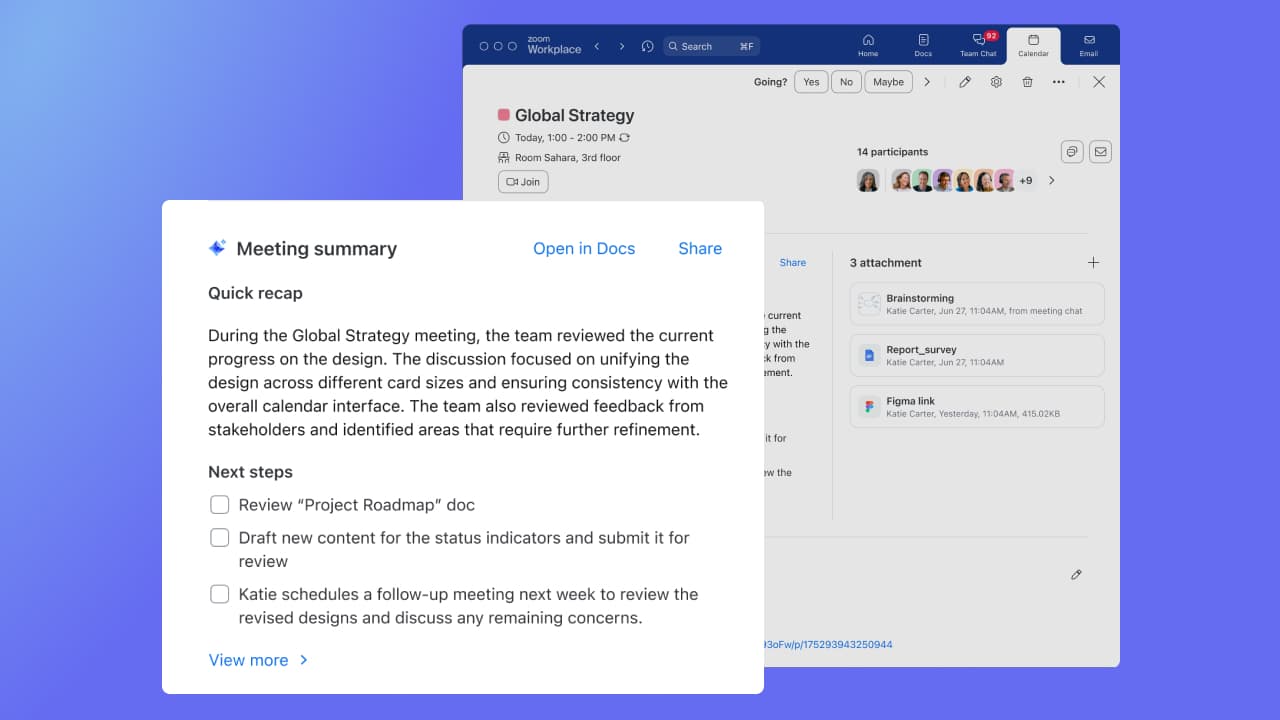
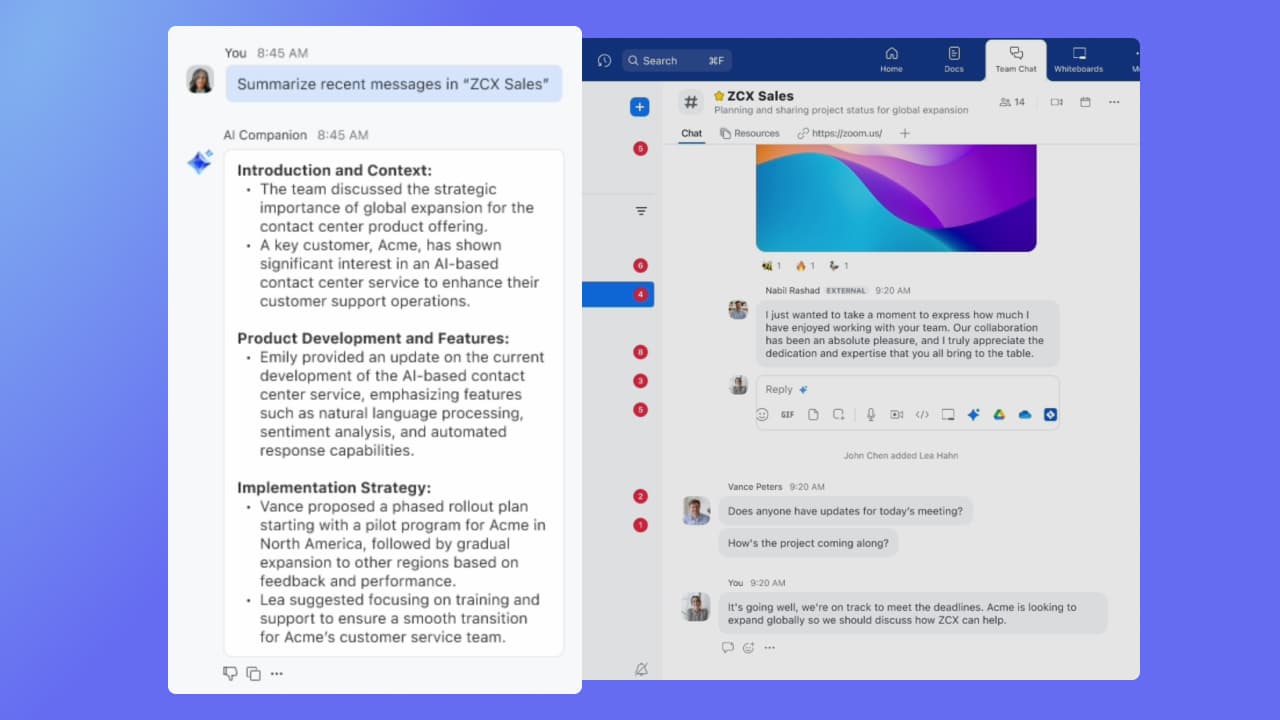
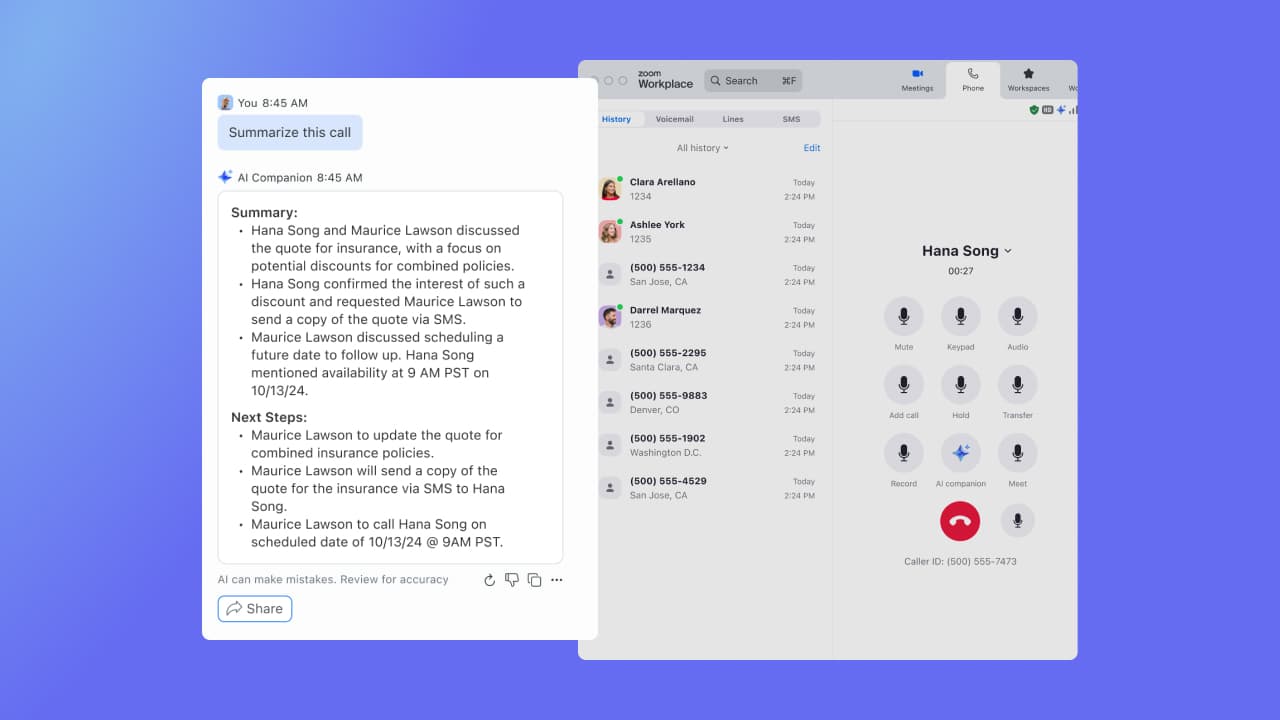
Zoom Custom AI Companion gives admins the ability to customize AI Companion outputs by accessing an organization’s internal data sources, as well as third-party applications within Zoom AI Studio for expanded knowledge, helping users drive decisions, actions, and complete tasks.
$10
per month per user
Pricing
Oracle Digital Assistant
Zoom AI Companion
Editions & Modules
No answers on this topic
Zoom AI Companion
$10
per month per user
Zoom Workplace Pro Bundle (includes AI Companion)
$16
per month per user
Zoom Workplace Business Bundle (includes AI Companion)
$21.99
per month per user
Offerings
Pricing Offerings
Oracle Digital Assistant
Zoom AI Companion
Free Trial
Yes
No
Free/Freemium Version
No
Yes
Premium Consulting/Integration Services
No
Yes
Entry-level Setup Fee
No setup fee
No setup fee
Additional Details
—
Discount available for annual billing of up to 21%.
As mentioned in pros and cons, it depends on the use cases. Most of the normal chatbot use cases can be handled by ODA. If you want to build a chatbot with menu style or conversation style (it is not straight forward but it can be done), ODA can be perfect. If use cases are to also include AI with emotional intelligence to make conversational more interactive and also be able to detect through AI engine automatically what a person would like to do or perform or ask, then ODA may not fit for it. If you also are looking for virtual agents through tighter IVR integration then ODA may not be right. There are a few limitations around the number of words in the text to voice feature.
If you have a colleague who is based in a remote location or is part of a remote team, Zoom is a vital collaboration tool for your day-to-day work. Zoom AI Companion is easier and more effective for working with a colleague at a remote location rather than making a call. You can share your non-verbal reactions through video, which brings a close experience to face-to-face interactions.
Although the whiteboard is nice, it's not as advanced as I'd like to be. For example, navigating it can sometimes be tricky, and it doesn't have nearly as many features as a tool like Miro.
The Zoom integration for Outlook has issues, it doesn't always sync
The React feature on Zoom calls doesn't always work and sometimes isn't visible
It's really easy to use - the AI icon is everywhere all over the place in the Zoom client so it's easy to be able to leverage AI whenever you need it, and similarly in the meeting it's easy to find and to use. I don't have complaints here that I can think of
I selected Oracle Digital Assistant against all other digital assistant platforms as this platform works like a charm with any Oracle application. It integrates well with Oracle Integration Cloud. The new beta version has an inbuilt conversation builder which can be used to build conversation without the YAML code.
Zoom has better compatibility compared to Teams at our institution. It also supports a wider array of codecs. We like using Zoom despite the fact that both Teams and Zoom are supported at an enterprise level at our academic institution. Zoom also seems to have better video and audio quality and lower drop rates.