PMAPS is a proposal management platform and is available as installed software or in a cloud-based version.
N/A
Qwilr
Score 8.3 out of 10
N/A
Qwilr is designed to change the way a business creates and shares documents on the web. This solution allows businesses to turn traditional documents into powerful and interactive webpages that look great on any device. The vendor says this in turn offers businesses access to analytics and other helpful tools when sharing quotes, proposals and presentations with clients.
$39
per month
Responsive
Score 8.9 out of 10
N/A
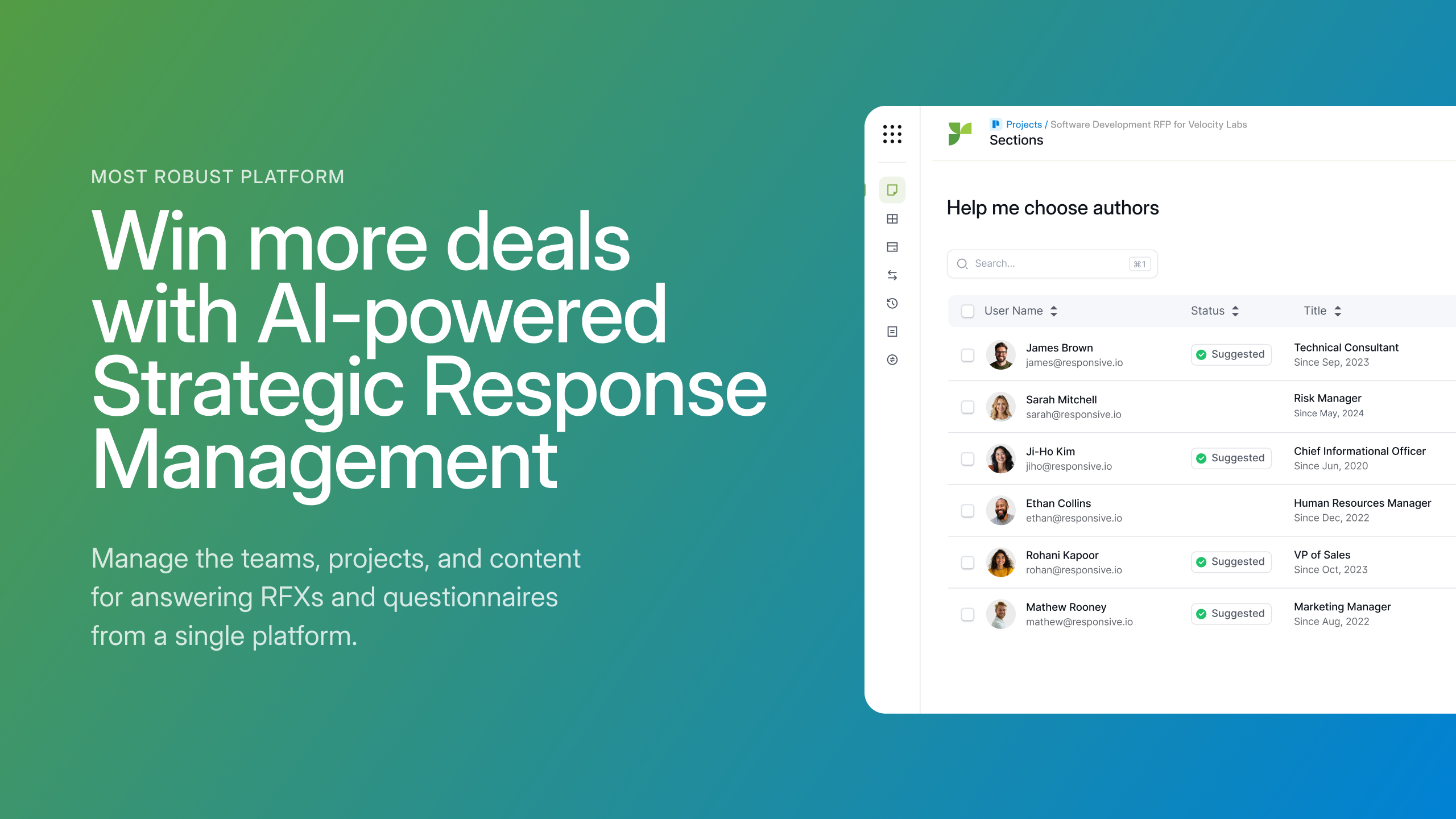
Responsive (formerly RFPIO), headquartered in Beaverton, offers their proposal management and automation software, featuring import and export, proposal knowledgebase and answer library, evaluation intake forms, and project management tools (e.g. Gantt chart) associated to proposal tracking.
N/A
Pricing
Proposal Management and Production System (PMAPS)
Qwilr
Responsive
Editions & Modules
No answers on this topic
Business
$39
per month per user
Enterprise
$590
per month 10 users
No answers on this topic
Offerings
Pricing Offerings
PMAPS
Qwilr
Responsive
Free Trial
No
Yes
No
Free/Freemium Version
No
Yes
No
Premium Consulting/Integration Services
No
No
Yes
Entry-level Setup Fee
No setup fee
No setup fee
No setup fee
Additional Details
—
Qwilr is a freemium product. Users upgrade to the Business or Enterprise plans for access to premium features, like advanced analytics, security and branding controls, get sales material accepted, e-signed and collect payments via Stripe.
Do you need consistency of messaging across multiple countries/products/divisions/languages? Do you want to be able to tailor content access per team/division/country? Do you want to be able to report on/track use by user, document, searches, compliance, etc.? If so, PMAPS is the most versatile proposal management tool I've come across so far.
It is great for presentations to customers and keeping them engaged in your presentation. Although it is great for creating a highly customizable presentation, some users may want even more control over font, font size and font color. Some of my colleagues have expressed some dissatisfaction with the formatting as well as saving any formatting changes that have made.
1. RFPIO is perfect for searching for specific information when you are responding to an RFP. Search engine is powerful. We narrow our search using several customized filters and know we are getting a thorough search. 2. Excel responses work very well in RFPIO. 3. Typical RFPs that are formatted in Word are challenging to run via RFPIO. We struggle with this. 4. We have yet to master the template.
Searching for boilerplate material--PMAPS allows you to search by keywords, as well as filter by categories (e.g., implementation, training, company information, etc.) I set up all the categories, subcategories, audience types, etc. We used to spend a significant amount of time searching for previously written information, but now we can find it within seconds. I only use it to search for information stored within PMAPS, but you can also set it up to point at other places to search for information as well.
Manage proposals--PMAPS has a dashboard that lists all of the proposals I'm working on as well as key information that I want to have available for each of them. You can decide what information you want to show on your dashboard (I use mine to show due date, production date, review date, salesperson for proposal, etc.) It is very convenient to have all of that information available at a glance. PMAPS also has a built-in calendar that will show you key dates for all of your proposals.
Generate custom documents--PMAPS allows you to set up templates that you can use to generate documents. You can set up forms that allow yourself or other users to specify what information should be included in that document, and then PMAPS will generate the document based on how users respond to the questions (e.g., what references to include, what products to list, etc.).
Word Replacement--PMAPS allows you to set up codes that will automatically be replaced with the correct term when you generate the proposal. For example, in our boilerplate information, any place where I would want the final proposal to say the prospect's name, I use the code <>. Those codes are automatically replaced with the prospect's name for that proposal when either I generate a document or when I simply select the icon that searches for and replaces codes.
Easily edit boilerplate documents--PMAPS allows you to easily edit boilerplate information. You can select a document one at a time, or you can select a whole bunch of documents at once (simply by doing a search and/or filter to limit the results to the documents you want to edit) and download them onto your computer, edit, and then re-upload.
Store material--PMAPS allows you to store Word, Excel, PowerPoint, and PDF documents.
There are times when I'm having a problem and I call the general line and have to leave a message and then wait for someone to call me back. I'd like to be able to speak with a live person every time.
I'd like to see the program handle Excel documents with the ease that it handles a Word document.
Reporting and Analytics is basic, you can purchase advanced analytics though
It would have been nice to have a set structure in mind or a example/case study to structure our responses in the most appropriate way, but we are working through that with their stellar support team
I have been a PMAPS user for over 5 years. I started on their client/server version and renewed/upgraded this past year to their cloud version, WebPro. When you have a good product that delivers all the bells and whistles you need, there is no need to go searching anywhere else. We have a great partnership with the PMAPS staff and find them very resourceful and appreciative of our business
This tool has been fantastic as we have revamped our RFP process. We are much faster and far more efficient.Our win rate is up, but I am not 100% sure this is the cause, but I love to see it. The customer support and training are also fantastic. Thumbs up!
Onboarding was very organized and simple. Our account manager made it easy for our team to learn the tool by organizing several group training sessions.
The team at RFPIO is extremely responsive. If I email our account manager or report a bug, I usually hear back within two hours. Additionally, they are quick to make software adjustments based on customer requests and needs. We had a really complicated Excel sheet that their team ended up having to upload for me because of the amount of manual work I was doing. Based on that, they updated the software within two release cycles to make the process more automated, so that future Excel uploads would be more streamlined. I have also had several suggestions implemented rather quickly, and they don't hesitate to reach out for clarification when needed.
I did the vendor analysis and narrowed my selection to Qvidian (which I had used before) and PMAPS (which I had not). I've never regretted my choice. In ease of use alone, PMAPS wins hands down. We're able to use PMAPS when collecting intelligence from our Subject Matter Experts in ways that weren't possible with other tools.
Qwilr was a really quick and easy setup, which I think is great for smaller teams that have simple sales processes and cycles. Once more complication is it will fall short in providing the level of control and detail that is needed for a larger sales team. The end product is very elegant but comes down to the needs of the organization.
I was not involved in the process of selecting RFP360 for our firm, so I am largely unfamiliar with competitors. I am, however, quite pleased with RFP360 as a user, and am confident that my colleagues who were responsible for making the decision were thorough and discerning.
I don't have any actual ROI numbers readily available but I will say that compared to our last solution (a home-grown document repository), PMAPS has made every aspect of our business more efficient.
One of our primary goals in procuring a vendor to provide a better solution was our increased need to become more consistent in our messaging, more relevant as things change, and more efficient in getting our user's the answers they need quicker. We accomplished all three.
Library Health Dashboard is helpful in reducing time to clean up content but could use additional improvement by showing more granular data instead of a global assessment like good, poor, moderate.
ROI is reduced for us because of additional cost for using AI
Overall, Responsive has significantly improved our proposal process.