Quickbase helps users tackle any project, no matter how complex. Quickbase helps customers see, connect and control complex projects. Whether it’s raising a skyscraper or coordinating vaccine rollouts, the no-code software platform allows business users to custom fit solutions to the way they work – using information from across the systems they already have.
$700
per month
Syncfusion Essential Studio
Score7.3 out of 10
N/A
Since 2002, Essential Studio® has supported the development of software applications across industries and economic sectors, in both public and private enterprises.
$0
with the Syncfusion Essential Studio Community License. It includes free access to all 1,600+ controls and is available to companies and individuals with less than $1 million USD in annual gross revenue and 5 or fewer developers.
Pricing
Quickbase
Syncfusion Essential Studio
Editions & Modules
Enterprise
Full Customizable
per month/billed annually
Business
Starting at $2,200
per month
Team
Started at $700
per month
1. Syncfusion Essential Studio Community License
$0
*The Syncfusion Essential Studio Community License includes free access to all 1,600+ controls and is available to companies and individuals with less than $1 million USD in annual gross revenue, 5 or fewer developers, and 10 or fewer total employees. Note: An entity or organization may not have ever received more than $3,000,000 USD in capital from an outside source, such as private equity or venture capital, in order to be eligible for the Community License.
2. Essential Studio UI Edition
Custom Quote
per year Packages to suit teams of all sizes
3. Essential Studio Document SDK
Custom Quote
per year Packages to suit teams of all sizes
5. Essential Studio Standalone Document SDKs
Custom Quote
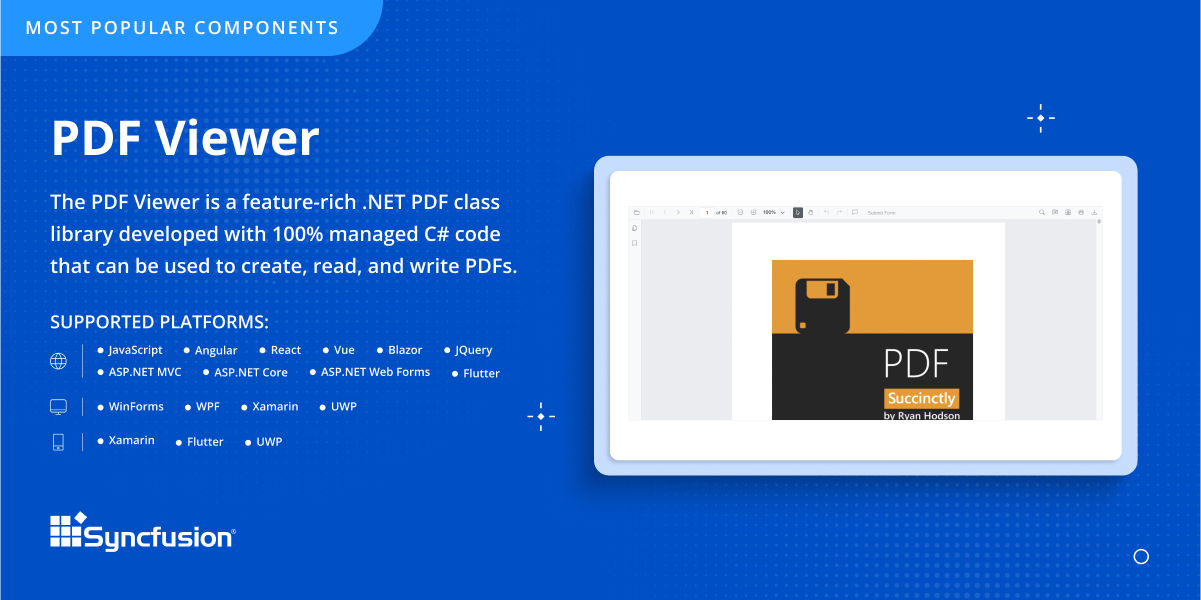
per year PDF Viewer SDK; DOCX Editor SDK; Spreadsheet Editor SDK
4. Essential Studio Standalone UI SDKs
Custom Quote
per year Grid SDK*; Chart SDK*; Schedular SDK; Gantt SDK; Rich Text Editor SDK; Diagram SDK; File Manager SDK*
Offerings
Pricing Offerings
Quickbase
Syncfusion Essential Studio
Free Trial
Yes
Yes
Free/Freemium Version
No
Yes
Premium Consulting/Integration Services
Yes
No
Entry-level Setup Fee
Optional
No setup fee
Additional Details
Quickbase offers three key plans, with feature distinction, simple and consistent entitlements, and a flexible licensing model, giving users the option of either user based or usage based licensing across all 3 plans.
*Grid SDK, Chart SDK, and File Manager SDK are also included as part of the Essential Studio UI Edition.
**The Syncfusion Essential Studio Community License includes free access to all 1,600+ controls and is available to companies and individuals with less than $1 million USD in annual gross revenue, 5 or fewer developers, and 10 or fewer total employees. Note: An entity or organization may not have ever received more than $3,000,000 USD in capital from an outside source, such as private equity or venture capital, in order to be eligible for the Community License.
More Pricing Information
Community Pulse
Quickbase
Syncfusion Essential Studio
Considered Both Products
Quickbase
Verified User
Chose Quickbase
Archer is a good vendor risk management tool that tracks workflow process. I believe with the right personnel and developer, QuickBase can help achieve the similar functionalities.
A de minimis incentive was given to thank the reviewer for their time. The incentive was not used to bias or drive a particular response, nor was the incentive contingent on a positive endorsement. More Info
Associate Director, Customer Service in Customer Service at Navistar Inc (Transportation/Trucking/Railroad, 10,001+ employees)
Chose Quickbase
We tried to use SharePoint for these types of activities but were stopped in our tracks when we could not go through our firewall to give suppliers access to the workflow.
A de minimis incentive was given to thank the reviewer for their time. The incentive was not used to bias or drive a particular response, nor was the incentive contingent on a positive endorsement. More Info
A de minimis incentive was given to thank the reviewer for their time. The incentive was not used to bias or drive a particular response, nor was the incentive contingent on a positive endorsement. More Info
A de minimis incentive was given to thank the reviewer for their time. The incentive was not used to bias or drive a particular response, nor was the incentive contingent on a positive endorsement. More Info
Associate - Senior Mechanical Engineer in Engineering at Beca (Mechanical or Industrial Engineering, 1001-5000 employees)
Chose Quickbase
After a 3 month evaluation period testing several other online solutions, QuickBase came out top.
In comparison:
Azure allows for massive flexibility, but also takes a considerable amount of effort. We use Azure successfully in our business for large scale highly customised …
A de minimis incentive was given to thank the reviewer for their time. The incentive was not used to bias or drive a particular response, nor was the incentive contingent on a positive endorsement. More Info
Aerospace Project Engineer in Sales at Dunmore (Plastics, 51-200 employees)
Chose Quickbase
AppSheet is great for turning a spreadsheet into a function app on the go, but not for manipulating and viewing data in any other format than the one you set. Microsoft Access is only available on computers; I needed something I could access on the go from my phone or tablet. …
A de minimis incentive was given to thank the reviewer for their time. The incentive was not used to bias or drive a particular response, nor was the incentive contingent on a positive endorsement. More Info
A de minimis incentive was given to thank the reviewer for their time. The incentive was not used to bias or drive a particular response, nor was the incentive contingent on a positive endorsement. More Info
A de minimis incentive was given to thank the reviewer for their time. The incentive was not used to bias or drive a particular response, nor was the incentive contingent on a positive endorsement. More Info
Verified User
Chose Quickbase
Quick creation, ease of use and administration, quick reporting.
A de minimis incentive was given to thank the reviewer for their time. The incentive was not used to bias or drive a particular response, nor was the incentive contingent on a positive endorsement. More Info
I no longer think that Quickbase is the way of the future. They do not fix major bugs in a timely manner, and are releasing basic functionality behind a paywall. I believe that Enterprise Level Tier should be given certain things, like SLAs on Support and up-time. However, as a low-code no-code platform the majority of the accounts, "builders", and users are not going to be able to justify the cost of an Enterprise Tier Plan, and won't be able to use the features that Quickbase continues to advertise.
A de minimis incentive was given to thank the reviewer for their time. The incentive was not used to bias or drive a particular response, nor was the incentive contingent on a positive endorsement. TR verified that a representative sample of customers was invited. More Info
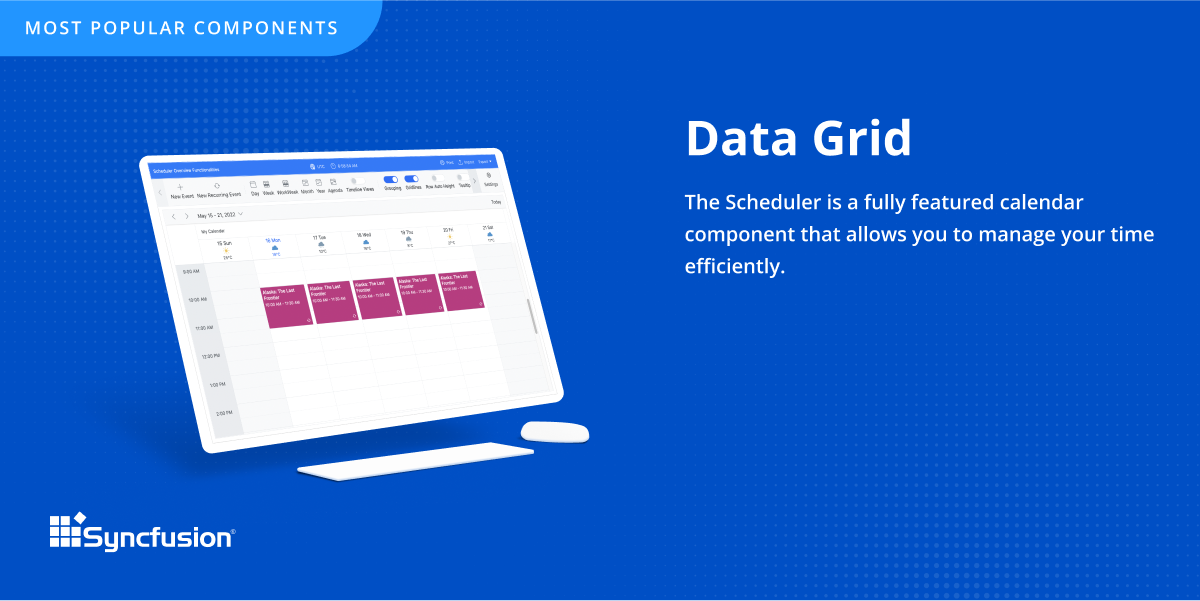
The datagrid is probably their most popular control I would think. It is so flexible and configurable. Most of mine are plain views in ASP.NET Core, but I have a whole bunch that are dynamically created at runtime in my controller. That is so powerful.
A de minimis incentive was given to thank the reviewer for their time. The incentive was not used to bias or drive a particular response, nor was the incentive contingent on a positive endorsement. TR verified that a representative sample of customers was invited. More Info
I'd like to see a link on email notices that take you directly into said notice. On an app that only has 1 or 2 email notices firing, there's no issue. However, we have some tools that are so complex that they have about 20 email notices firing at any given time based on the action users take. In this case, if we have to go in to modify a notice, we have to guess or scroll down the long list of notices to see which one we need to customize. It would be great if Quickbase had the URL of said notice somewhere at the footer of that notice so when Administrators click on it, it takes them into the exact notice they need to update.
When filling out or reviewing a lengthy form, I'd like to see the Save & close button, as well as a Save & next option at the bottom of the form rather than having to scroll back up to the top of those forms just to click on those choices.
A de minimis incentive was given to thank the reviewer for their time. The incentive was not used to bias or drive a particular response, nor was the incentive contingent on a positive endorsement. TR verified that a representative sample of customers was invited. More Info
Sometimes links point to dead addresses in the documentation.
Some components have a difficult learning curve but that is usually due to the complexity of the control.
Minor version changes introduce breaking changes, for example updating from 20.1.x to 20.2.x gives us licensing errors, which in my opinion is a kind of breaking change as it requires all users to update their licenses.
Theming with CSS variables is not possible. Access to Theme Studio code is not possible. So a fully custom solution is needed to make Syncfusion Essential Studio Enterprise Edition components themeable with CSS variables.
For our use-case of QuickBase, there really aren't any other products out there that can offer us the same out-of-the-box solutions they provide to us. We're also so integrated with it in our daily processes that to move away from it abruptly would cause mass chaos, so it's going to be renewed for at least the next several years.
A de minimis incentive was given to thank the reviewer for their time. The incentive was not used to bias or drive a particular response, nor was the incentive contingent on a positive endorsement. TR verified that a representative sample of customers was invited. More Info
It takes effort to include a new component library into existing software, especially in our case where we have 5 large applications that are written and maintained by about 100 developers. So changing such a core thing comes with a lot of effort. The other reason we will very likely renew our use of Syncfusion Essential Studio Enterprise Edition is that it works really well and has helped us to speed up the development process.
Quick Base has done everything we have asked it to do and then some. Our original goal was to have one system for CRM that encompassed both the sales process and the customer management. We have gone w-a-y beyond that with analytics, project management, system bug logging, and historical effort reporting.
A de minimis incentive was given to thank the reviewer for their time. The incentive was not used to bias or drive a particular response, nor was the incentive contingent on a positive endorsement. More Info
I would rate Syncfusion® Essential Studio® a 10 out of 10 for overall usability. The components are intuitive to implement, with clear APIs and consistent design patterns across the suite. This makes it easy for developers to get started quickly and reduces the learning curve even when working with new controls. In addition, the documentation and sample projects provide practical guidance that helps accelerate development. The built-in customization options also allow us to adapt the components to fit our branding and business requirements without excessive effort. Overall, the usability is one of the key reasons why Syncfusion has become an essential part of our development toolset.
Once we did get Quick Base configured and customized it was reliably available when we needed it. We may have had one or two occasions when the product was inaccessible but those were few. The greatest challenge with its availability was its difficulty with integrating with our systems.
A de minimis incentive was given to thank the reviewer for their time. The incentive was not used to bias or drive a particular response, nor was the incentive contingent on a positive endorsement. More Info
Some of our tables that hold over a million records are starting to perform poorly, with some summaries taking over 20 seconds to load. This may be an indication that it is best to archive old data when reaching large volumes like this.
A de minimis incentive was given to thank the reviewer for their time. The incentive was not used to bias or drive a particular response, nor was the incentive contingent on a positive endorsement. More Info
If you utilize the community, the support is amazing. Unfortunately, I find their actual support system a bit underwhelming. They don't seem to have a great process for interacting directly with an issue and often sweep significant issues under the rug by categorizing them as "Enhancement" ideas or legacy items.
Although I have decades of software development experience, I had never created a website from scratch before, and my html and css skills are not particularly strong. Between documentation and incredible dedication from the support team they helped me overcome all of my challenges. It's amazing that they typically create sample code for most of the issues that I submitted. On rare occasions where I uncovered a defect they kept me informed as to its status, and typically resolved it in a short-term release, and/or gave me a reasonable workaround. They hopped on zoom calls with me on multiple occasions when necessary.
Quick Base already is having a separate portal of providing training to customers and it is very easy to use and updates as per the new features added in to the application
I was not directly involved with the initial account implementation, only a bystander. For the app I directly implemented for my department only, I wish I had know to create an app diagram first. I don't remember if that was suggested. I think that would be a great help tip tool when a new app is created, to have a page with a check list of what is needed or how to get started. If you are a regular app builder, then you can bypass it or have the ability to turn it off in the app settings.
Well, there's a plethora of low-code tools out on the marketplace and, you know, there's a reason that we've decided to partner with QuickBase because it has all the right balance of the ability to integrate with the ability for a citizen developer to create apps successfully. So if you look at something like Zo Ho's low-code offering, for example, yes, there are some similarities there, but they're really dependent on all of their other licensed products to get you where you want to be, where with QuickBase you have the ability to truly create something custom.
A de minimis incentive was given to thank the reviewer for their time. The incentive was not used to bias or drive a particular response, nor was the incentive contingent on a positive endorsement. TR verified that a representative sample of customers was invited. More Info
Firstly, there is a free version for small businesses and it allows you to jump start without risk. I found one of the other products a bit short in the number of out-of-the-box supported events handlers for each control and, although you can manually add them, I feel more comfortable to just have them ready. After using the free version I just felt in love with Syncfusion Essential Studio Enterprise Edition controls and decided to stay with them; they have all I need and more. The usage of Syncfusion Essential Studio Enterprise Edition controls is straightforward and intuitive. Support is world-class even for the free version; you get answers in 24 hours at most. Also, the support team is ready to remotely connect to your project in case it is needed; we have had one situation like this, and the issue was solved.
It has evolved really well with our company, but there is a hard limit to the table size that has begun to affect us and not let us grow. The table size limit is set at 500 MB and we have had to jump through quite a few hoops to be able to get by.
A de minimis incentive was given to thank the reviewer for their time. The incentive was not used to bias or drive a particular response, nor was the incentive contingent on a positive endorsement. More Info
A de minimis incentive was given to thank the reviewer for their time. The incentive was not used to bias or drive a particular response, nor was the incentive contingent on a positive endorsement. TR verified that a representative sample of customers was invited. More Info
ROI is HUGE. Our company saved over 3.5 million in one year alone based on developments that year in Quickbase that saved time for many teams
Less user error - implementing automations and standardized workflows has led to less user error as was previously seen by maintaining spreadsheets or Smartsheets
First of all, I think the best positive impact is the reduce of time development. I do not know exactly how much time, but certainly, using the framework we save a lot of effort and time.
About negative impact, sometimes using the controls of the framewrok have a signifcant impact in the execution time and page load.
And of course, the use of Syncfusion Essential Studio Enterprise Edition has a significant impact of the learning of javascript and JQUERY.