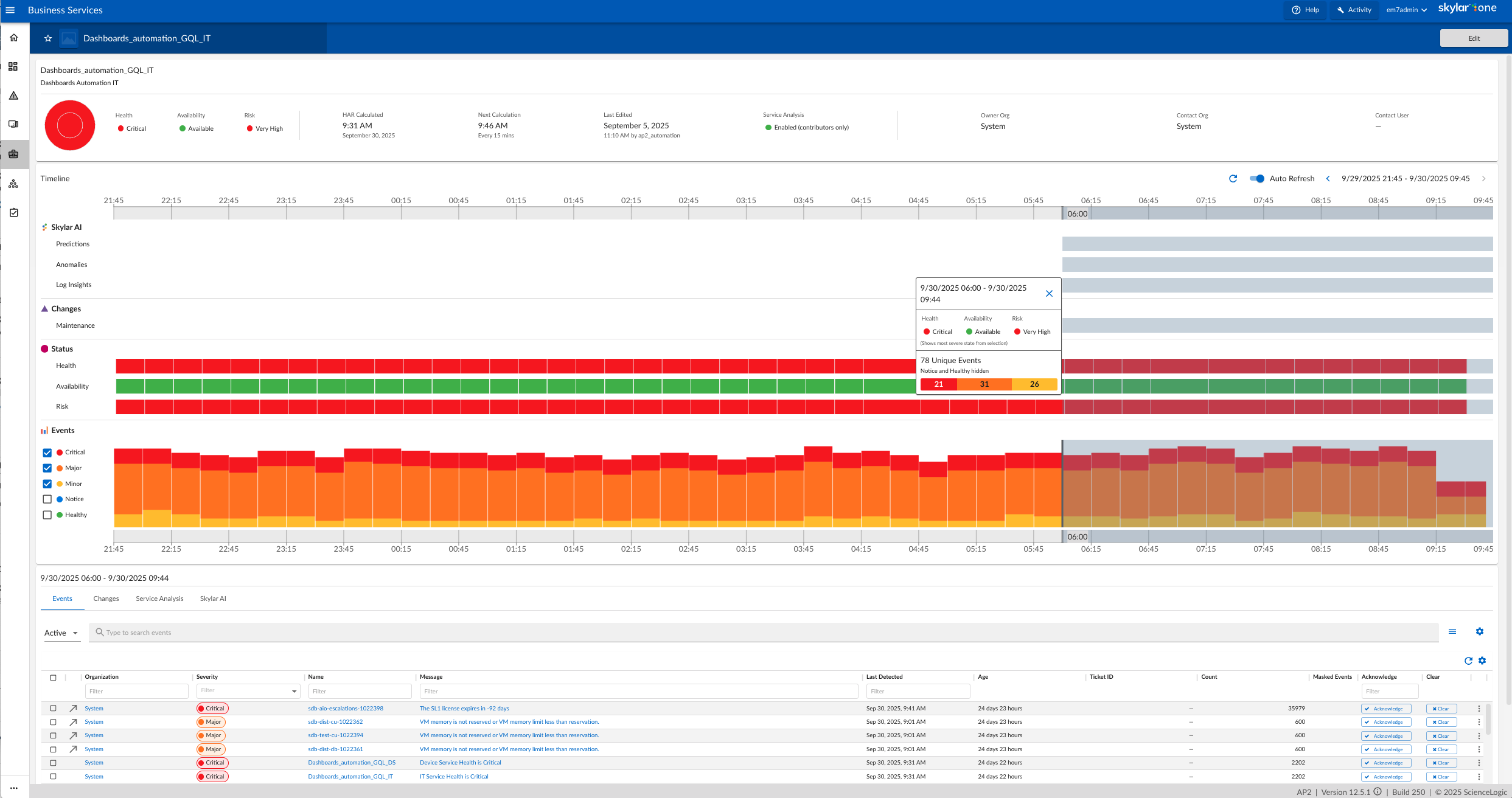
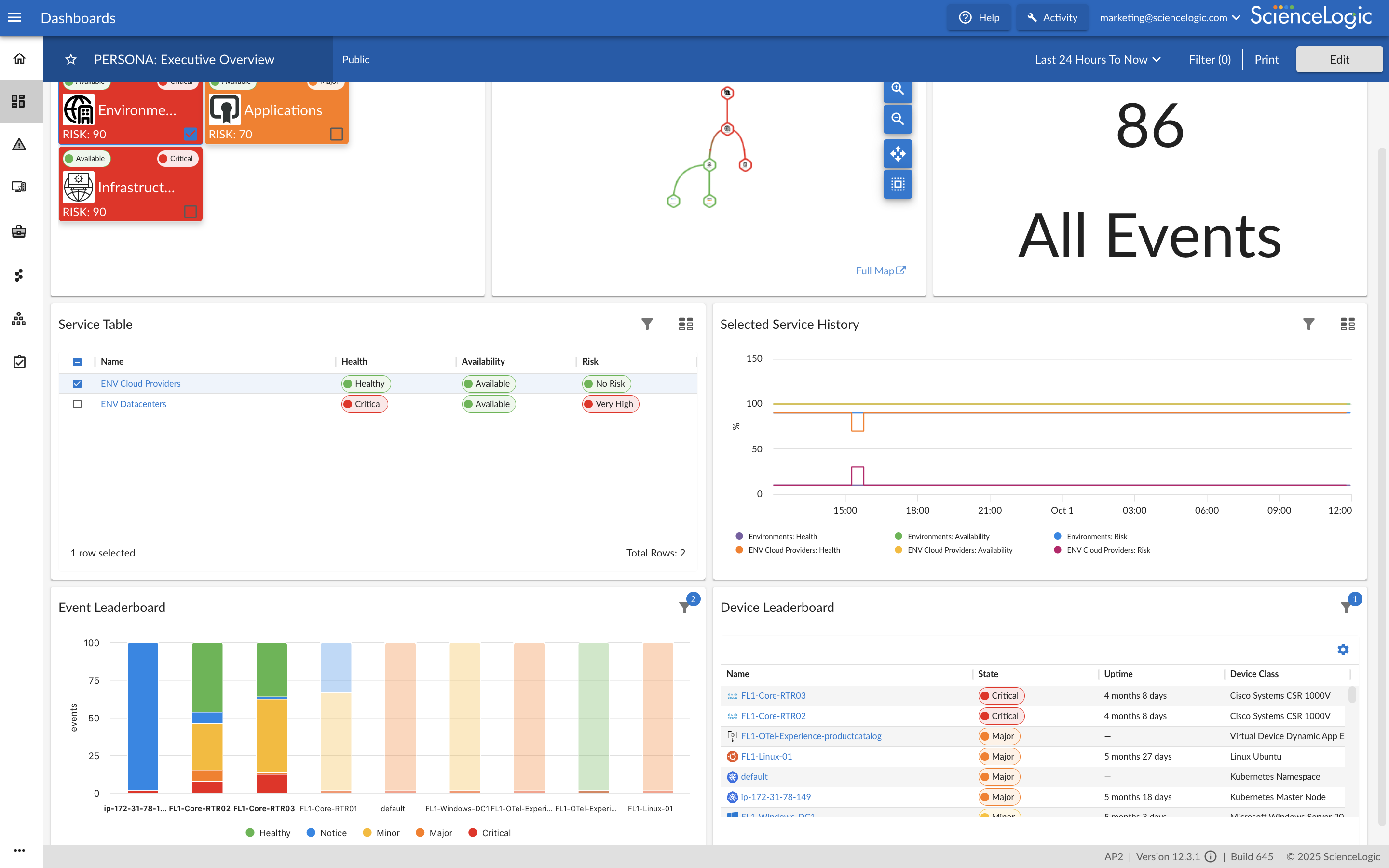
ScienceLogic provides a unified IT Operations platform designed to manage operational workflows using high-fidelity Telemetry Data and explainable automation.
The ScienceLogic AI Platform is deployable across On-Premises, Cloud, and Hybrid Environments. The platform consolidates monitoring tools to provide Observability and enables engineers to automate manual processes using Machine Learning capabilities.
The platform utilizes automation for Closed-Loop Remediation and provides insights…
N/A
ServiceNow IT Operations Management
Score8.4 out of 10
N/A
Built on the Now Platform, the ServiceNow IT Operations Management bundle is designed to help users gain visibility across infrastructure and apps, maintain service health, and optimize cloud delivery and spend.
N/A
Pricing
ScienceLogic AI Platform
ServiceNow IT Operations Management
Editions & Modules
No answers on this topic
No answers on this topic
Offerings
Pricing Offerings
ScienceLogic AI Platform
ServiceNow IT Operations Management
Free Trial
No
No
Free/Freemium Version
No
No
Premium Consulting/Integration Services
Yes
No
Entry-level Setup Fee
Required
No setup fee
Additional Details
ScienceLogic SL1 offers four tiers:
SL1 Advanced – Application Health, Automated Troubleshooting and Remediation Workflows
SL1 Base – Infrastructure Monitoring, Topology & Event Correlation
SL1 Premium – AI/ML-driven Analytics, Low-Code Automated Workflow Authoring
SL1 Standard – Infrastructure Monitoring – with Agents, Business Services, Incident Automation, CMDB Synchronization, Behavioral Correlation
From a capability perspective they stack up very similar but from a look and feel, ScienceLogic SL1 one is miles behind the curve on all three. We chose SL because we already had elements of the service in place on our infrastructure from our previous MSP so they were a …
A de minimis incentive was given to thank the reviewer for their time. The incentive was not used to bias or drive a particular response, nor was the incentive contingent on a positive endorsement. More Info
Automation & Tooling Engineer in Engineering at Auxilion (Information Technology & Services, 51-200 employees)
Chose ScienceLogic AI Platform
ScienceLogic SL1 has a greater understanding and maturity on what Infrastructure monitoring needs to be and has to include at a decent price point for what it offers compared to its competitors.
A de minimis incentive was given to thank the reviewer for their time. The incentive was not used to bias or drive a particular response, nor was the incentive contingent on a positive endorsement. More Info
Verified User
Chose ScienceLogic AI Platform
Here are some of PROs and what ScienceLogic does better than our current system: More Visibility ScienceLogic can monitor Video Conference core devices and end-points ScienceLogic can monitor Public and Private Cloud devices ScienceLogic can monitor Applications running on …
A de minimis incentive was given to thank the reviewer for their time. The incentive was not used to bias or drive a particular response, nor was the incentive contingent on a positive endorsement. More Info
Technical Support Director in Customer Service at TELUS (Telecommunications, 10,001+ employees)
Chose ServiceNow IT Operations Management
ServiceNow IT Operations Management is more flexible and easier to customize without altering core code. ServiceNow IT Operations Management enables more robust third-party integrations (e.g., Jira, Slack, ScienceLogic). ServiceNow IT Operations Management is easier to use and …
A de minimis incentive was given to thank the reviewer for their time. The incentive was not used to bias or drive a particular response, nor was the incentive contingent on a positive endorsement. More Info
For Windows, the issue is in higher resource consumption related to WinRM monitoring, which provides better options then the SNMP monitoring, which on the other hand is less resource intensive. The problem is also with support for OS with other than English language.
A de minimis incentive was given to thank the reviewer for their time. The incentive was not used to bias or drive a particular response, nor was the incentive contingent on a positive endorsement. TR verified that a representative sample of customers was invited. More Info
If you’re integrating with a CCaaS platform, don't just stop at "Ticket Sync." Focus on the Service Mapping. Knowing which technical components support which "Customer Journeys" is the biggest value-add you can provide to your customers' businesses. Trust me, they will know the value added.
A de minimis incentive was given to thank the reviewer for their time. The incentive was not used to bias or drive a particular response, nor was the incentive contingent on a positive endorsement. More Info
A de minimis incentive was given to thank the reviewer for their time. The incentive was not used to bias or drive a particular response, nor was the incentive contingent on a positive endorsement. More Info
A de minimis incentive was given to thank the reviewer for their time. The incentive was not used to bias or drive a particular response, nor was the incentive contingent on a positive endorsement. More Info
Dashboards are quite old and are of Iron age. Need to have AP2 dashboards only instead of AP1 and consistent new design across all functionalities.
Reporting is not improved since Y2020 and need to revamp completely. Need to integrate Dashboards and Reporting. PowerBI Like functionality to be given OOTB. Reports should be extracted in Excel, PDF, HTML and should be heavily automated.
Create and Open APIs for basic and advanced monitoring data extraction.
Topology based Event Correlation and Suppression should be improved drastically. Need to identify critical network interfaces based on Topology and monitor them. Basic customization of Dynamic App and/or Powerpack to exclude/include certain metrics/events to be permitted OOTB instead of customizations.
Integration with ServiceNow to be improved and to be taken to next level. Automation Powerpack should be made available OOTB as part of base product and to be priced attractively.
Take product to next level where we can monitor actual impacted IT or Business Service instead of metrics and events BSM and Topology map to be auto discovered and identify the network dependencies and alternate paths automatically instead of manual creation of BSM.
It is simply because of all the best possible autonomy solutions it is providing and getting better day by day. Using AI and Devops along with handy automation, The monitoring and Management of devices becomes much easier and the way it is growing in all the aspects is one the best reasons too. Evolution of the SL1 platform in the autonomy monitoring and management is quite appreciable.
A de minimis incentive was given to thank the reviewer for their time. The incentive was not used to bias or drive a particular response, nor was the incentive contingent on a positive endorsement. More Info
The core functions are there. The complexity is due to the complexity of the space. The score is based on comfort (I no longer notice the legacy UI) and the promise that I see in the 8.12 Unified UI (a vast improvement). It is also based on the fact that with 8.12, you can now do everything in the new UI but you still have the legacy UI as a fallback (which should now be unnecessary for new installations)
A de minimis incentive was given to thank the reviewer for their time. The incentive was not used to bias or drive a particular response, nor was the incentive contingent on a positive endorsement. TR verified that a representative sample of customers was invited. More Info
ServiceNow IT Operations Management assists your organization in actualizing proactive operations by anticipating issues before they affect users or the business, averting problems, streamlining workflows, and revolutionizing how your teams work together. ServiceNow IT Operations Management solutions offer actionable insights for your infrastructure, enabling you to utilize pre-built capabilities to accelerate value delivery and maintain 24/7 digital service operations across your entire IT environment.
A de minimis incentive was given to thank the reviewer for their time. The incentive was not used to bias or drive a particular response, nor was the incentive contingent on a positive endorsement. More Info
SL is always there and online when you need to get info from it. The only times when SL was not available in our own data center, was when network links from out side of the data center was down and those links were not in our controll. Having a central database and people accessing it all over the world, may put a bit of constarin on the performance of the dashboards when reports gets generated, but that is far and few n between.
A de minimis incentive was given to thank the reviewer for their time. The incentive was not used to bias or drive a particular response, nor was the incentive contingent on a positive endorsement. More Info
SceinceLogic SL1 architecture helps the platform to give a top-notch performance in every respect, Data collection to reporting happens very smoothly. With the new user interface pages load much faster. Individual appliances carrying the individual task ensure things are working without lag. Integration with ticketing tool(SNOW) is well managed by the ScienceLogic, no issue or much delay has been observed while interacting with an external tool.
A de minimis incentive was given to thank the reviewer for their time. The incentive was not used to bias or drive a particular response, nor was the incentive contingent on a positive endorsement. TR verified that a representative sample of customers was invited. More Info
So far, it's good as part of my overall experience, except for a couple of use cases. The support team is well knowledgeable, has technical sound, and is efficient. When support escalates to engineering, the issue gets stuck and takes months to resolve.
A de minimis incentive was given to thank the reviewer for their time. The incentive was not used to bias or drive a particular response, nor was the incentive contingent on a positive endorsement. TR verified that a representative sample of customers was invited. More Info
It was good, Do the online training first and understand it and you will get the most out of the in-person training that way. This also takes you to an advanced level which is very good and the training as been overhauled once again along with new product coming in such as Zebruim / Skylar, worth going through again if it a while back that you first did this.
A de minimis incentive was given to thank the reviewer for their time. The incentive was not used to bias or drive a particular response, nor was the incentive contingent on a positive endorsement. TR verified that a representative sample of customers was invited. More Info
There are a lot of educational materials and courses on the SL1 training site (Litmos university). However the recording quality is sometimes not very good - screen resolution is low. There is a lack of professional rather than user-oriented documents and there are mistakes in documentation and education is not well structured.
A de minimis incentive was given to thank the reviewer for their time. The incentive was not used to bias or drive a particular response, nor was the incentive contingent on a positive endorsement. TR verified that a representative sample of customers was invited. More Info
Implementation is smooth if we are to just support the out-of-the-box features available in ScienceLogic. For any custom requirement, having to go to SL1 Professional Services is the worst part of procuring this suite. And more often than not, SL1 Professional Services also ask to raise feature request. So, you subscribe to Professional Services to only hear back from them that "This feature is not supported and needs to have a separate feature request". At times frustrating.
A de minimis incentive was given to thank the reviewer for their time. The incentive was not used to bias or drive a particular response, nor was the incentive contingent on a positive endorsement. More Info
Science logic SL1 is so user friendly and it's really easy to navigate between function. I would recommend Sciene logic SL1 to all of them who are looking for really useful monitoring tool and expecting easy way of managing it.
A de minimis incentive was given to thank the reviewer for their time. The incentive was not used to bias or drive a particular response, nor was the incentive contingent on a positive endorsement. More Info
ServiceNow IT Operations Management is more flexible and easier to customize without altering core code. ServiceNow IT Operations Management enables more robust third-party integrations (e.g., Jira, Slack, ScienceLogic). ServiceNow IT Operations Management is easier to use and to implement. It is cloud-based and doesn't require "on-premise" infrastructure or solution.
A de minimis incentive was given to thank the reviewer for their time. The incentive was not used to bias or drive a particular response, nor was the incentive contingent on a positive endorsement. More Info
Our deployment model is vastly different from product expectations. Our global / internal monitoring foot print is 8 production stacks in dual data centers with 50% collection capacity allocated to each data center with minimal numbers of collection groups. General Collection is our default collection group. Special Collection is for monitoring our ASA and other hardware that cannot be polled by a large number of IP addresses, so this collection group is usually 2 collectors). Because most of our stacks are in different physical data centers, we cannot use the provided HA solution. We have to use the DR solution (DRBD + CNAMEs). We routinely test power in our data centers (yearly). Because we have to use DR, we have a hand-touch to flip nodes and change the DNS CNAME half of the times when there is an outage (by design). When the outage is planned, we do this ahead of the outage so that we don't care that the Secondary has dropped away from the Primary. Hopefully, we'll be able to find a way to meet our constraints and improve our resiliency and reduce our hand-touch in future releases. For now, this works for us and our complexity. (I hear that the HA option is sweet. I just can't consume that.)
A de minimis incentive was given to thank the reviewer for their time. The incentive was not used to bias or drive a particular response, nor was the incentive contingent on a positive endorsement. TR verified that a representative sample of customers was invited. More Info
Once a powerpack is developed and configured for a device for one customer, it is easy to deploy the same powerpack on a second customer estate and configure specifically for that customer without having to reinvent the powerpack. This saves time and therefore money.
Once the customer estate tuning is complete, the Operations team have come trust the alerts. This is especially true when transient or self-correcting alerts are automatically cleared without ops team involvement, but a record is still available for audit and debugging purposes. This saves time and therefore money.
When setup correctly, it provides good visibility into applications, devices and whole customer estates. This saves time and therefore money when issues arise.
A de minimis incentive was given to thank the reviewer for their time. The incentive was not used to bias or drive a particular response, nor was the incentive contingent on a positive endorsement. More Info
A de minimis incentive was given to thank the reviewer for their time. The incentive was not used to bias or drive a particular response, nor was the incentive contingent on a positive endorsement. More Info