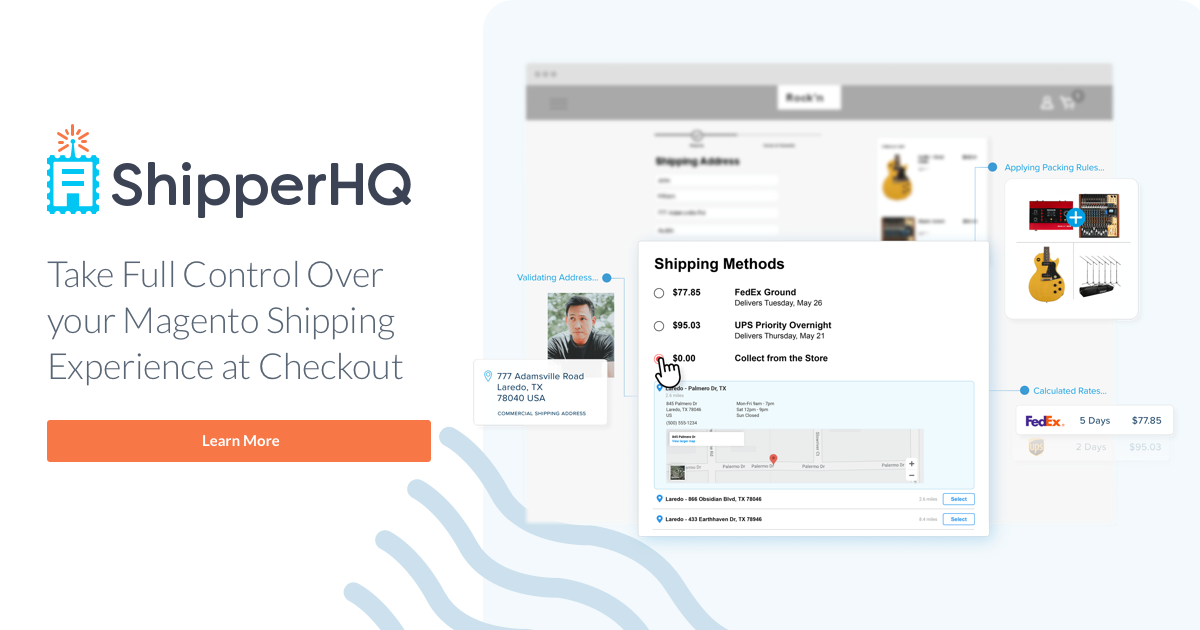
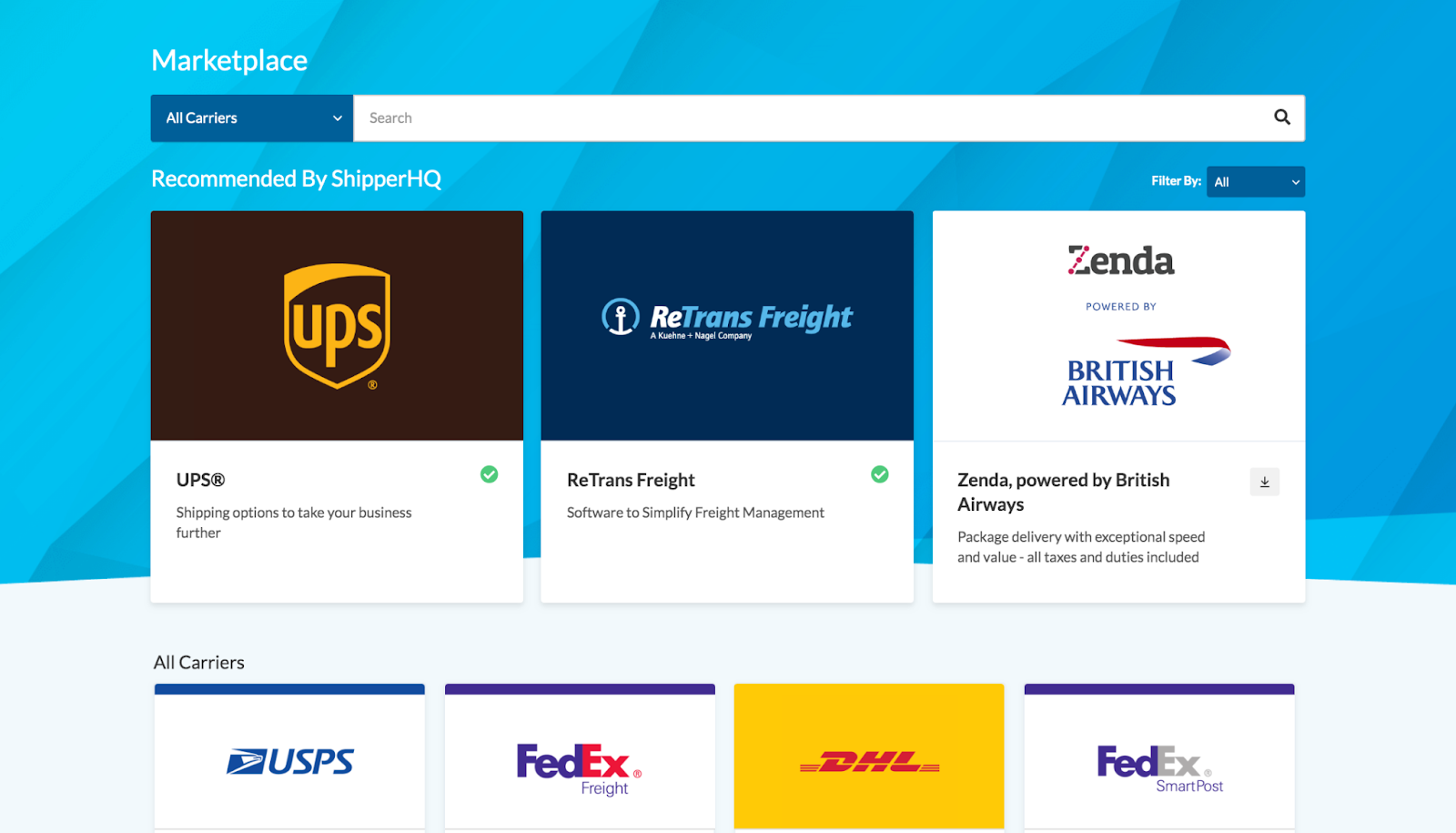
ShipperHQ is designed to streamline the shipping process for eCommerce businesses. This platform gives eCommerce businesses the power to set their own shipping rates and delivery options.
N/A
Webflow
Score8.5 out of 10
N/A
Webflow is a Website Experience Platform for modern marketing teams, used to visually build, manage, and optimize websites that offer both the consumer experience teams expect and enterprise-grade performance and scale.
$18
per month
Pricing
ShipperHQ
Webflow
Editions & Modules
Essentials Plan
Contact Vendor
month
Standard Plan
Contact Vendor
month
Pro Plan
Contact Vendor
month
Enterprise
Contact Vendor
month
Basic
$18
per month
CMS
$29
per month
Ecommerce - Standard
$42
per month
Business
$49
per month
Ecommerce - Plus
$84
per month
Ecommerce - Advanced
$235
per month
Offerings
Pricing Offerings
ShipperHQ
Webflow
Free Trial
Yes
Yes
Free/Freemium Version
No
Yes
Premium Consulting/Integration Services
Yes
No
Entry-level Setup Fee
$250 hour
No setup fee
Additional Details
—
Up to a 22% discount available for annual pricing.
ShipperHQ is almost too heavy-handed for our use case. We are only a single-origin shipper so we don't need the advanced functionality of multi-origin or drop-shipping. It is suited much better for organizations that have multiple origins or that use drop-ship facilities, or even a company managing multiple different eCommerce websites. We opted to go with it because of its great reviews, combined with less than stellar reviews of the competition.
A de minimis incentive was given to thank the reviewer for their time. The incentive was not used to bias or drive a particular response, nor was the incentive contingent on a positive endorsement. More Info
Since the purpose in my case is to build a small professional looking site to present project outcomes and other research, I can create custom fields and design experimentations. Webflow builds sites that are super professional, with many amazing templates that don't look cheap. Additionally, I can test responsive layouts. Apart from this, I used 1-2 static pages to illustrate key findings for example what a multilingual site could look like with screenshots without needing CMS in free version, which are all the valuable skills to acquire. Compared to WordPress, Webflow is expensive with limited free features, although it has really cool additional features that will make the site I build stand out.
A de minimis incentive was given to thank the reviewer for their time. The incentive was not used to bias or drive a particular response, nor was the incentive contingent on a positive endorsement. More Info
A de minimis incentive was given to thank the reviewer for their time. The incentive was not used to bias or drive a particular response, nor was the incentive contingent on a positive endorsement. More Info
Saves time- because I don't have to do double entry of content.
It saves money. I like that it is an all-in-one system, so I don't have to host elsewhere.
Flexibility - Webflow provides me with a lot of flexibility in my webpage design, allowing me to adjust pages as needed, depending on the content types.
A de minimis incentive was given to thank the reviewer for their time. The incentive was not used to bias or drive a particular response, nor was the incentive contingent on a positive endorsement. More Info
The user interface is a little tricky. It is not as easy to navigate as other shipping apps.
I wish that ShipperHQ had the functionality to print shipping labels and manage shipments. We currently have to use a different third-party app for shipment management.
I would also like to see the option for adding shipping rules if shipping management was integrated.
A de minimis incentive was given to thank the reviewer for their time. The incentive was not used to bias or drive a particular response, nor was the incentive contingent on a positive endorsement. More Info
Brand recognition is still behind WordPress, which can make it a challenging sell for clients looking to play it safe in their CMS decision.
The CMS is ideal for smaller datasets, but higher content sites introduce some minor challenges.
Alignment between designers and developers is key prior to implementation. The flexibility of the platform requires careful planning to avoid over-engineering.
A de minimis incentive was given to thank the reviewer for their time. The incentive was not used to bias or drive a particular response, nor was the incentive contingent on a positive endorsement. More Info
I give ShipperHQ a 10/10 because the software does exactly what it says, and has a rock-solid support team to help get everything set up. The features are pretty easy to use and implement.
A de minimis incentive was given to thank the reviewer for their time. The incentive was not used to bias or drive a particular response, nor was the incentive contingent on a positive endorsement. More Info
A de minimis incentive was given to thank the reviewer for their time. The incentive was not used to bias or drive a particular response, nor was the incentive contingent on a positive endorsement. More Info
I'm not giving a 10/10 because I did need a little hand-holding to get through the initial setup. Overall, it's not that difficult to use once you understand how to apply custom dimensional rules.
A de minimis incentive was given to thank the reviewer for their time. The incentive was not used to bias or drive a particular response, nor was the incentive contingent on a positive endorsement. More Info
Webflow is very easy for a beginner to get started with and achieve good results, but to achieve an expert level of understanding requires experience and some web development knowledge. HTML5, CSS3 and JavaScript knowledge aren't required to use Webflow, but an expert will know BEM class naming patterns, be able to create reusable elements and design systems, and add 3rd party integrations that require custom code.
A de minimis incentive was given to thank the reviewer for their time. The incentive was not used to bias or drive a particular response, nor was the incentive contingent on a positive endorsement. More Info
In my experience, their customer service is an absolute joke, I tried reaching out to them they took forever. I had to keep following up with them as if they never received it in the first place. It’s a new platform, so guidance is needed. Tried the university they offer, in my opinion, it is completely useless, I would just completely move on from this website.
In my opinion, it is horrible, the rendering takes forever. I have the newest MacBook and the platform will still lag and slow down on me. I’m not a developer, I am a designer which makes it worst because I am using the features they are providing not extra coding features. In my opinion, it is a horrible platform really, stay away.
A de minimis incentive was given to thank the reviewer for their time. The incentive was not used to bias or drive a particular response, nor was the incentive contingent on a positive endorsement. More Info
I haven't had to engage them from a support perspective; however, there is a considerable user community for tips/ideas/troubleshooting and the like. I believe the Pro plan supports additional resources but we didn't find that the cost justified the outcome. Overall the need for support has been relatively minor.
A de minimis incentive was given to thank the reviewer for their time. The incentive was not used to bias or drive a particular response, nor was the incentive contingent on a positive endorsement. More Info
USPS only allows you to use their services (obviously). It was sluggish and often offline. The shipsaver insurance saves us money. We had to guess shipping costs for items instead of entering their weights and sizes ahead of time. It integrates with our e-commerce site. Glad we have it now.
A de minimis incentive was given to thank the reviewer for their time. The incentive was not used to bias or drive a particular response, nor was the incentive contingent on a positive endorsement. More Info
A lot more design control and easier to create a custom site, and then also to scale that site going forward. There's a lot about WordPress I miss, though, when it comes to managing a blog—user permissions, SEO control, edit HTML version of posts.
A de minimis incentive was given to thank the reviewer for their time. The incentive was not used to bias or drive a particular response, nor was the incentive contingent on a positive endorsement. More Info
I feel it doesn’t perform the way it’s supposed to and it doesn’t have any beneficial factors to it. In my opinion, there is no reason to use a platform like this when Wix and Shopify, and WordPress exist. I believe Webflow is a platform that shouldn’t exist and it’s only popular because of the hype it received. I tried it and hate it completely.
ShipperHQ is reliable and requires little to no maintenance, which for a small crew like ours is invaluable.
ShipperHQ also offers the option to display either retail shipping rates or our discounted rates to our customers. This is handy because we can display those discounted rates, which results in higher conversion and fewer abandoned carts due to high shipping costs.
One negative, however, is that since ShipperHQ lacks the ability to manage shipments, we have had to use another third party app which increases overhead.
A de minimis incentive was given to thank the reviewer for their time. The incentive was not used to bias or drive a particular response, nor was the incentive contingent on a positive endorsement. More Info
A de minimis incentive was given to thank the reviewer for their time. The incentive was not used to bias or drive a particular response, nor was the incentive contingent on a positive endorsement. More Info