Teamwork.com is a project management platform built specifically for client work. The platform helps users deliver work on time and on budget, eliminate client chaos, and understand profitability. Teamwork.com’s customers track and manage their projects with a suite of integrated solutions such as helpdesk, collaboration, knowledge sharing and customer relationship management add-ons, enabling Teamwork.com to be the ‘one-stop shop’ solution for business owners. Teamwork.com…
$13.99
per month per user
Workzone
Score9.1 out of 10
N/A
Workzone is a web-based tool for project management and collaboration from Workzone in Norristown, PA, that contains a full array of the features needed for project management. It's hub is the project dashboard, which provides a platform for team communication and tracking tasks over time as they progress towards completion. An automated to-do list can be sent to each user. Alerts flag issues nearing a critical moment or events of which team members need be aware. Templates classify projects and…
Teamwork is awesome for teams who need a flexible tool that supports all types of projects. Since it supports kanban it makes visualizing the work to be done and the work in progress very easy. The Gantt chart support is decent and helps to understand how a team is doing when it comes to getting work done in a given time frame. Teamwork isn't a great option for companies that have a bunch of projects going simultaneously due to the way Teamwork structures their billing based on a number of active projects.
A de minimis incentive was given to thank the reviewer for their time. The incentive was not used to bias or drive a particular response, nor was the incentive contingent on a positive endorsement. TR verified that a representative sample of customers was invited. More Info
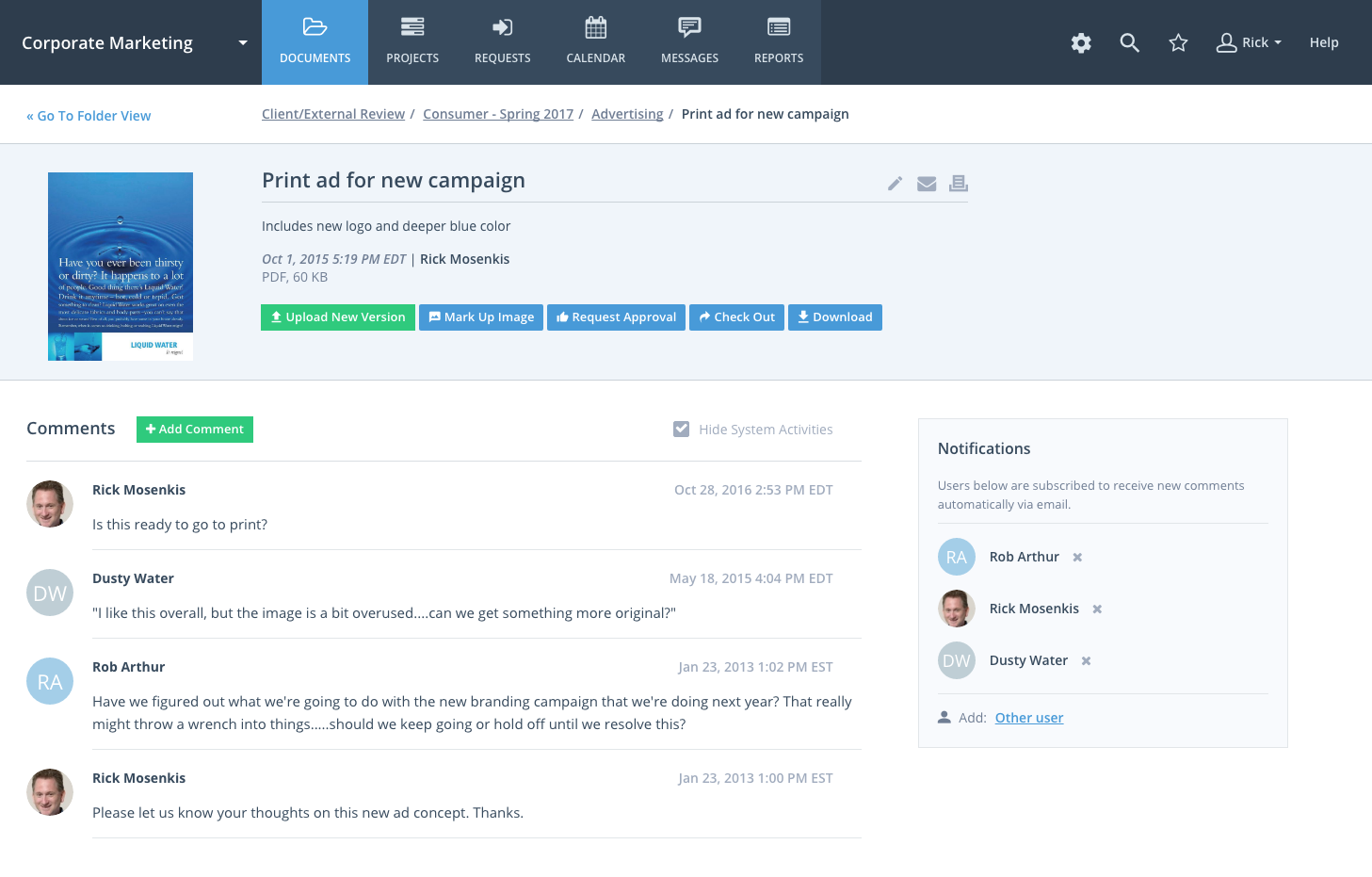
Workzone eliminates confusion and ensures that the team uses the latest version of files by organizing these files and adding version numbers as files are being revised. The team can share these files with other team members or with clients and even set file permissions to ensure individuals get access to those files that are only appropriate to them and avoid confidential information getting into the wrong hands. The system notifies the users of the progress of their tasks, comments or calendar events through alerts.
A de minimis incentive was given to thank the reviewer for their time. The incentive was not used to bias or drive a particular response, nor was the incentive contingent on a positive endorsement. More Info
A de minimis incentive was given to thank the reviewer for their time. The incentive was not used to bias or drive a particular response, nor was the incentive contingent on a positive endorsement. More Info
WorkZone is good at basic project management like scheduling and time management.
The software can be set to send you a daily email with the list of the tasks that you need to get done for that day.
Workzone allows the admin for the account to pick and choose which clients/projects can be seen by each person with an account, which allows each user to focus on the projects that they are involved in without being distracted by other things.
A de minimis incentive was given to thank the reviewer for their time. The incentive was not used to bias or drive a particular response, nor was the incentive contingent on a positive endorsement. More Info
Visualization needs to be improved, charts graphs are limited
Value stream mapping should be available to determine and prioritize the work.
Documentation should be available stepwise with export and printable facility.
It should be configurable like ERP with cross functionalities of different users, where users login, assign and approve the work, job or project details, where it should be collectively effected on a project.
Add many examples, little more AI, Machine learning required for suggestion and recommendation. It would be a plus point
A de minimis incentive was given to thank the reviewer for their time. The incentive was not used to bias or drive a particular response, nor was the incentive contingent on a positive endorsement. More Info
One of the reasons we left WorkZone was due to how videos/roughs were presented. While WorkZone does allow for a customizable and professional, clean looking interface; it did not offer everything we needed when it came to cross platform integration.
WorkZone was also a little more pricy compared to a few competitors. WorkZone is worth the price and we loved using it, but a competitor offered an added feature that WorkZone does not offer that tipped the scales.
There is no 'library'. As an AD Agency, we have worked on a lot of different spots for a lot of different clients. WorkZone did not offer a comprehensive library for us to upload content and use for presentations purposes. If WorkZone does add this feature later on down the road, it would be a great improvement and we would give serious thought about switching back.
We are already at an annual contract, and have been for the past 5 years; so far the system has delivered, and our personal is already trained in it. A major overhaul of our entire infrastructure (as in moving everything to a single, unified platform) might change the current continuity of Teamwork Projects on our organization, but that's not feasible in the near future.
A de minimis incentive was given to thank the reviewer for their time. The incentive was not used to bias or drive a particular response, nor was the incentive contingent on a positive endorsement. More Info
Because of time constraints, our team hasn't been able to fully implement and change our existing processes. If we can get our templates set up and maybe some better export options figured out, I think it'll be a no-brainer to renew, but until then it maybe be difficult to financially justify something we're only partially using.
I give it a 9 out of 10, because there is a bit of a learning curve when you first start using Teamwork Projects because there is a lot to learn & recognize where to find it. They do offer a good range of tools that can be applied to every project - So say you're working on an internal project and don't need Milestones or Billing, you can shut those modules off. This can help simplify the interface for beginners. Once you've had a few days in Teamwork Projects, I think it's a 10/10 usability. It's very easy to accomplish your tasks and keep track of what you're managing.
A de minimis incentive was given to thank the reviewer for their time. The incentive was not used to bias or drive a particular response, nor was the incentive contingent on a positive endorsement. More Info
WorkZone was very easy to learn, especially for the members of our team who were not as technology-savvy. WorkZone offered unlimited training as well, making it easy to transition new team members to the program, as we were a startup organization consistently adding new team members.
Throughout the use of the WorkZone software, we never had a issue with it being unavailable. This is important, considering we wanted to access our projects and see our progress at any moment. WorkZone was always available and made constant supervision of tasks and goals easy; no excuses for not checking in on the status of a project.
I have zero complaints about the performance of WorkZone; for our organization's needs, it was a perfect tool for keeping track of various responsibilities and tasks. We never experienced a lag or down-time when using the software, and the simple interface made things exactly that from our end...simple. WorkZone is a fantastic tool for work management that never fails to perform, in my experience.
We've been able to meet with the customer success team on multiple occasions to discuss the roadmap and learn about the company culture. Being based in Ireland, we occasionally have to wait until they wake up to get support requests handled in the states and larger conversations about big enhancement requests were politely collected but not followed up on
A de minimis incentive was given to thank the reviewer for their time. The incentive was not used to bias or drive a particular response, nor was the incentive contingent on a positive endorsement. More Info
The team at WorkZone is incredibly helpful and very willing to lend support when they can. Our team was constantly growing, and our new team members needed training every time someone cam on board. The WorkZone support staff was more than willing to ensure our new team members were completely comfortable using the software and set up for success.
The WorkZone trainers are wonderful! They offered us unlimited over-the-phone and online support, and the trainings were always informative. The WorkZone support team was willing to answer multiple questions and review sections of the training if need be. They were always accommodating, and trainings were scheduled very quickly for when our team needed them!
Implementation of WorkZone was very easy. We simply log into a portal online and begin to set up our projects. Access codes were sent very quickly to our team, so there was practically no delay once we signed the contract for our subscription. Training was scheduled quickly and was very helpful, especially as new team members joined our organization.
I spoke about this quite a bit before, but as far as usability goes, Microsoft Projects is totally useless for me, so I avoid it at all costs. Basecamp was just a task management app and had very small feature set beyond that. We had to rig it to do other things for us, but it failed at that. Asana was a very nice app to trial, but it lacked many of the features that we were looking for.
A de minimis incentive was given to thank the reviewer for their time. The incentive was not used to bias or drive a particular response, nor was the incentive contingent on a positive endorsement. More Info
I selected WorkZone based on several criteria: 1. It is web based 2. It has more robust reporting capabilities 3. the price was right 4. It was easy to use and easy to train people 5. Timelines are easy to update.
We are a small organization, so the need to expand our use of WorkZone was limited. I only rate it below a 10 simply because I do not have much experience with the scaleability of the product. From the previews and training sessions, it does seem that the software can easily be adjusted to accommodate a growing workload; something we may use in future, just not at this point in our organization's development.
Teamwork was a great starter into project management software. We were WAY more organized and efficient than we ever were with Trello boards and the PM software included with our accounting system.
Clients were mostly pleased with interacting with Teamwork, and appreciated the ability to track their comments and requests in one place.
Ultimately, we stopped using Teamwork after about 6 months because we need something more focused on web development projects specifically
A de minimis incentive was given to thank the reviewer for their time. The incentive was not used to bias or drive a particular response, nor was the incentive contingent on a positive endorsement. More Info
A de minimis incentive was given to thank the reviewer for their time. The incentive was not used to bias or drive a particular response, nor was the incentive contingent on a positive endorsement. More Info