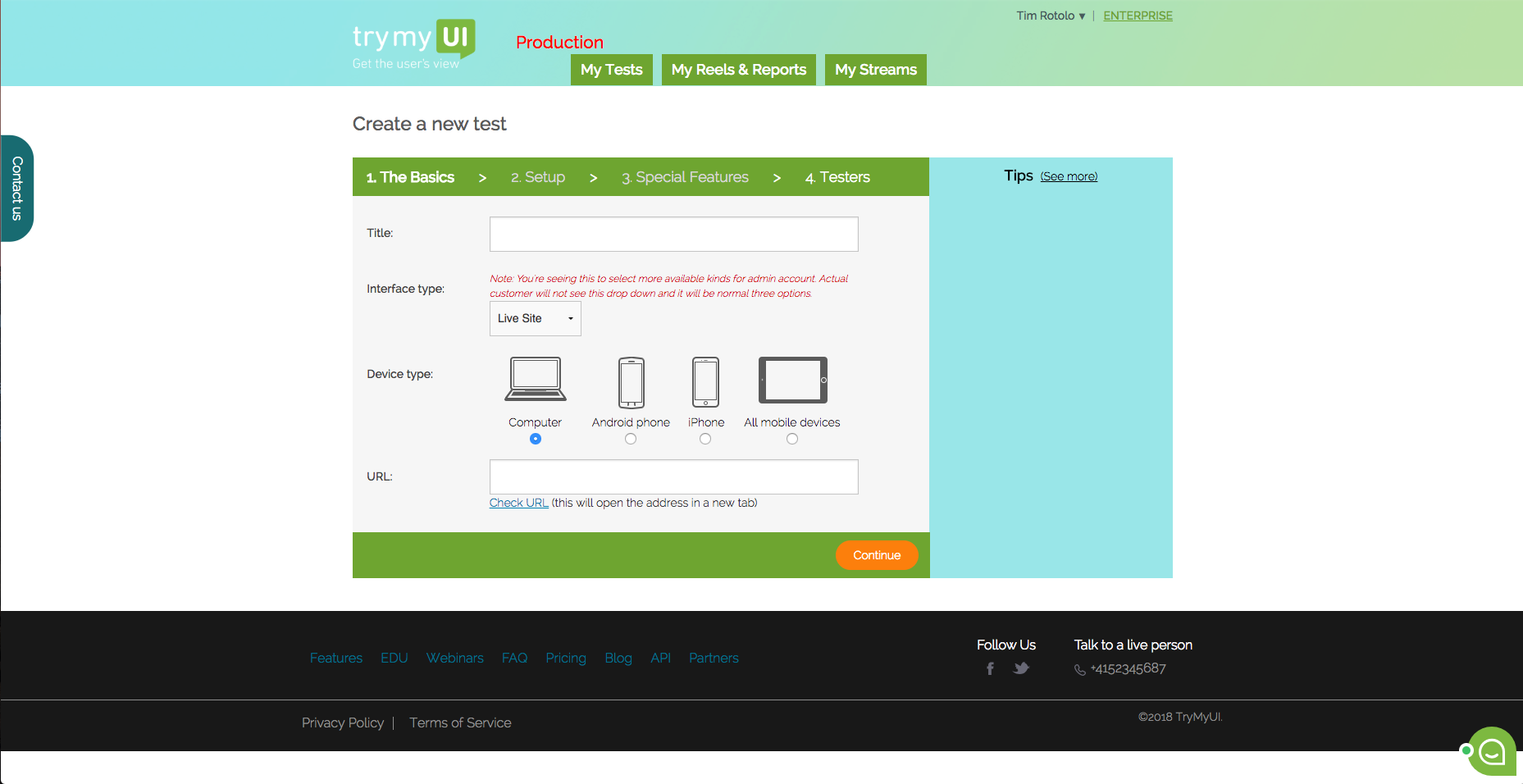
Trymata (formerly TryMyUI) is a remote usability testing platform that offers cross-platform services for testing and improving the user experience. The product allows the user to watch videos of real people using a website or app to see where (and why) users get frustrated, lost, or confused.
$299
10 test credits/2 seats
Usersnap
Score 7.5 out of 10
N/A
Collect in-product feedback, measure customer satisfaction and learn how you can improve. Get ratings, visitor's screen view and sentiment feedback from customers now.
$98
per month
UserTesting
Score 8.4 out of 10
N/A
UserTesting helps UX researchers, designers, product teams, and marketers gather actionable insights through research, testing, and feedback. With a network of real people ready to share their perspectives, UserTesting enables organizations to make customer-first decisions at scale.
UserTesting is probably the most polished with the largest tester pool, fastest turnaround, and great tools for both moderated and unmoderated tests. Userlytics is a solid alternative, especially for the budget-conscious. It supports usability testing on lots of devices, and …
UserTesting is by far superior to other competitors. The amount of features and non-limitations is much better than what the competitors have. It's also much more pleasing to look at. Perhaps it's because it is well organized in comparison. It still have some annoying quirks, …
UserTesting overall has way more testers in different languages and different markets compared to other alternatives. That's why we choose UserTesting although the pricing is a little bit higher than the alternatives.
Definitely a great tool that is way better than just recording web QA feedback in a Google Doc or via email. Everything goes straight into a queue and it is easy to tag what you are talking about with the tool. Leaves less room for misinterpretation and keeps a record of all feedback so nothing gets missed. Filtering within the feedback queue and search functionality to avoid duplicates would be helpful.
UserTesting has been great for moderated customer interviews/usability testing as well as for unmoderated testing of messaging, imagery, prototypes and live experiences. I would say that the scope of what you want needs to be limited, as the participants are only paid so much and tests are supposed to not exceed a certain amount of time. For customer interviews, I think it can be difficult to onboard customers to UserTesting if they have never used it before. If I set up interviews, I don't even have them use the UserTesting scheduling tool, I actually set up all the interviews with the customers myself through the tool (being mindful of time zones!). When we run the meeting, they really don't even know UserTesting is involved. Might be nice for UserTesting to allow the upload/connecting to of a Zoom interview and let it do the transcription/analysis from there.
When you go into the list of Usersnap feedback you have submitted, there isn't search functionality or filtering so that you can see the feedback of a certain type at a time, or see if you submitted that feedback already.
Sometimes there are restrictions around types of research that can be used for moderated user-testing with our own users.
For tests on relatively small areas of a website or app, the AI analysis seems rather overblown, like it's trying too hard to come up with something insightful when the test is actually about something quite small (e.g. structure of a mobile app menu).
It's difficult to invite our own users to unmoderated user-testing because they wouldn't know how the UserTesting interface works - this is particularly an issue for mobile research.
I'm very happy with my experience of the product and the level of service and learning resources they provide. If the service becomes more expensive than it currently is then we might not be able to justify additional cost - but this is theoretical. I would recommend UserTesting and would ideally renew our contract.
It's very good, I have used other tools in the past and this is by far the most intuitive and user friendly. Testament to this is the ease with which other non researchers who have been onboarded to the tool with our additional seat have found it easy to use
I am unsure how to rate the support of Usersnap as I did not contact support yet. The tool works well as is. The agency we work with that used the tool didn't need to contact Usersnap support as well. I'm sure the user support on the tool is adequate.
I have contacted UserTesting's customer service online, by email, or by phone a few times, and each time, I have encountered the same professionalism and expertise. Even in person during a work event, they were there, and it was the same experience.
From a technical perspective, the implementation was extremely smooth. Most of the change management / implementation hurdles were clearing use of the tool through our various security, legal, and information privacy teams. Once these concerns were addressed (UserTesting.com was very helpful in providing all the needed documentation), the implementation process was very simple and we were able to get going right away.
Prior to Usersnap we looked at and even tried to bring up Bugzilla, but it requires a lot of maintenance and customization in my opinion. We needed something that was ready to use out of the box, which Usersnap certainly was. The other problem with Bugzilla is that it's mostly for software development bugs, that is, bugs submitted by developers, not really end users. Yes, it can be used by end-users, but not as intuitively as Usersnap.
The quality of the participants: they usually have good feedback and act like "professional" users. Which is good when we want a few insights in a short amount of time. Also, the interface is good. I miss having more features, like a good transcription tool like we have in Condens