Adobe Captivate is an elearning authoring and course design tool (or LCMS). It supports mobile HTML5 content. Captivate’s users are commonly midsized businesses to enterprises. Adobe Captivate includes some prebuilt assets as well as customizable workflows.
$33.99
per month
Adobe Learning Manager
Score 8.6 out of 10
Mid-Size Companies (51-1,000 employees)
Adobe Learning Manager is a Learning Management System developed by Adobe Inc. that offers personalized learning at scale to employees, partners and customers alike. Compliant with GDPR guidelines, SOC2 TYPE 2 and FedRAMP Certifications, Adobe Learning Manager integrates with Adobe Experience Manager Sites, Adobe Commerce, Marketo Engage with out-of-the-box components and any other application through Open APIs, offering hybrid learning programs and detailed analytics.…
N/A
Auzmor Learn
Score 8.9 out of 10
Enterprise companies (1,001+ employees)
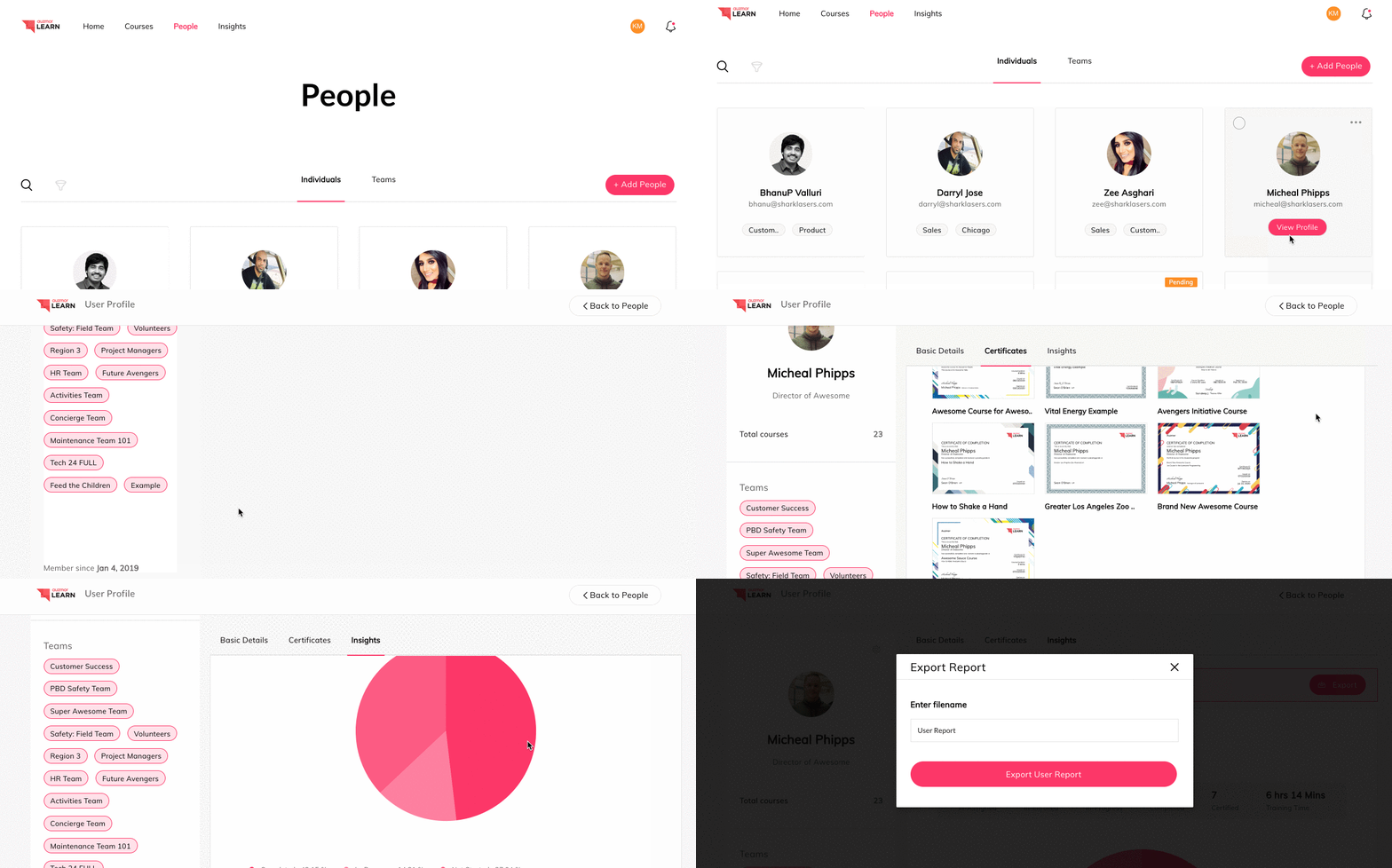
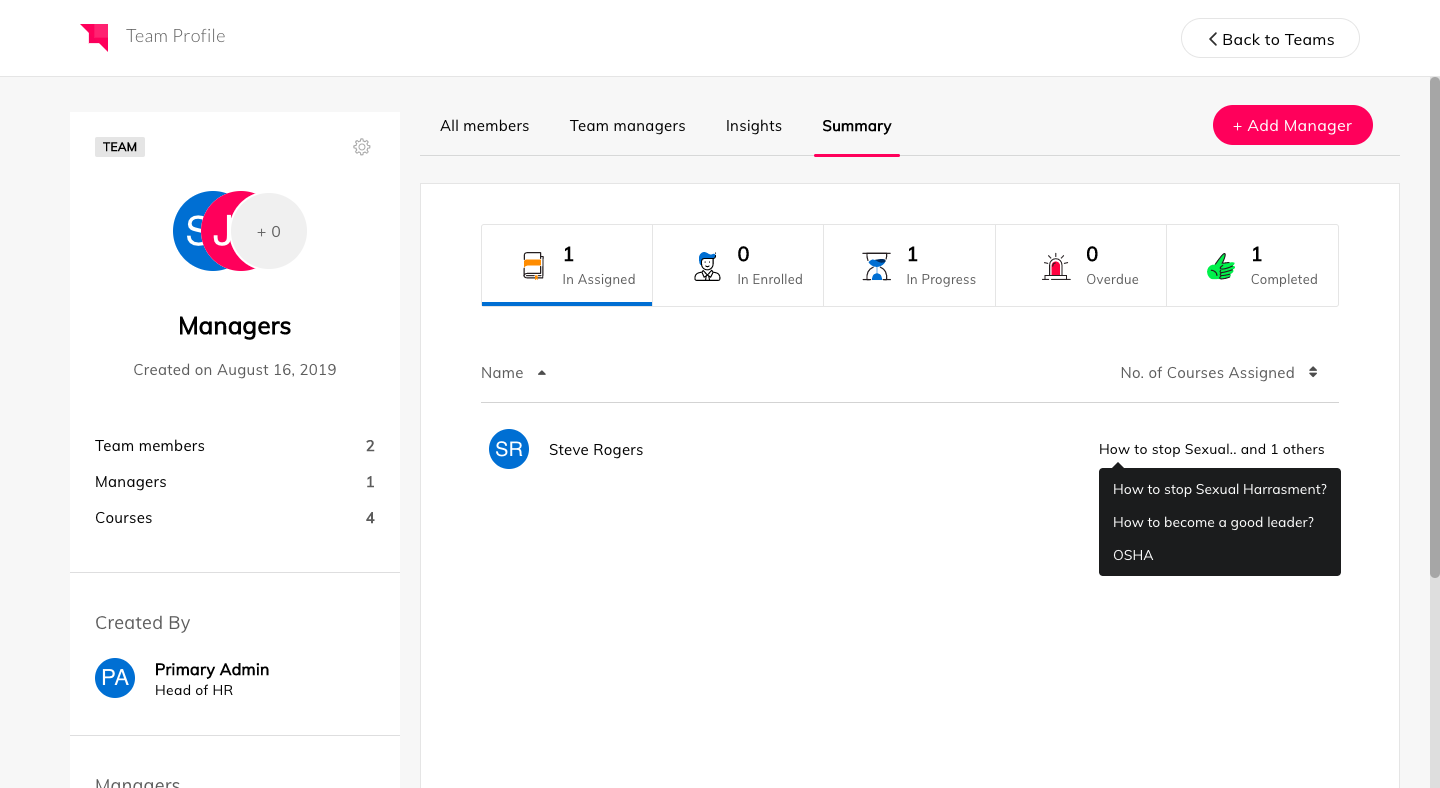
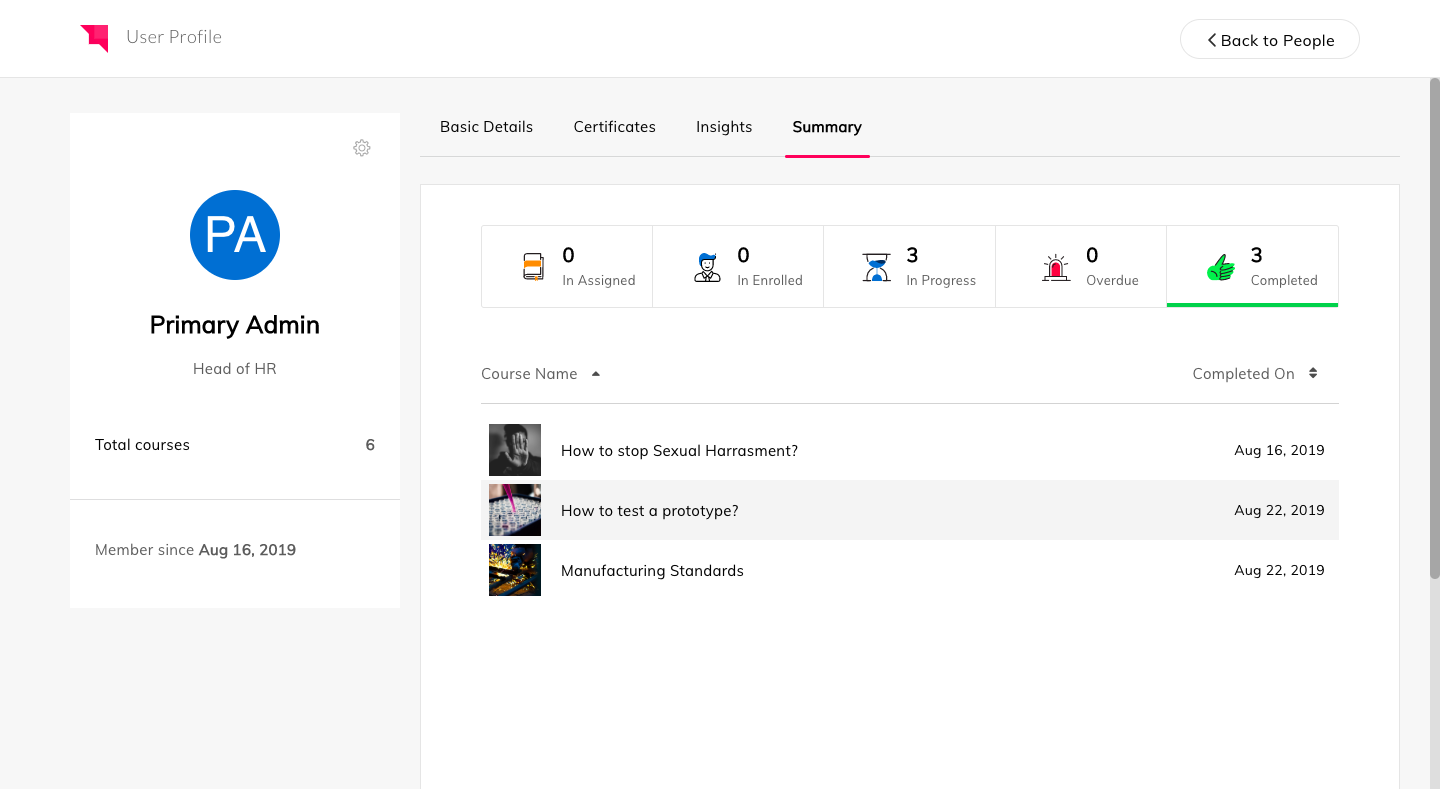
Auzmor headquartered in West Des Moines offers Auzmor Learn, a corporate LMS designed to make launching, tracking, and reporting for any type of training, in one centralized location, viewable on any device, with tools to track and encourage employee learning.
N/A
Pricing
Adobe Captivate
Adobe Learning Manager
Auzmor Learn
Editions & Modules
Subscription
$33.99
per month
Student & Teacher Edition
$399
one-time fee
Upgrade
$499
one-time fee
Pereptual License
1,299
one-time fee
No answers on this topic
No answers on this topic
Offerings
Pricing Offerings
Adobe Captivate
Adobe Learning Manager
Auzmor Learn
Free Trial
Yes
Yes
Yes
Free/Freemium Version
No
No
No
Premium Consulting/Integration Services
No
Yes
No
Entry-level Setup Fee
No setup fee
No setup fee
Required
Additional Details
—
—
There are a few different set up fees based off of number of users, any data migration etc. that needs to be done.
Captivate is SIGNIFICANTLY more user-friendly than Storyline or Flash. We found Storyline challenging and not as integrated as Captivate and Flash made it much harder to make edits to older content. While Storyline is viable we just don't feel it has the same capability or …
The process of researching various learning management systems was about a two year endeavor. We had a set of very specific features we needed and a strict budget. We found many great options along the way, but the deciding factors were ease of use for our learners and cost of …
We had a set of requirements we needed within 3 months timeline. We found many options, but the usability and learner experience in Auzmor Learn was good.
Captivate is well suited for instruction designers who want to build attractive, personalized, interactive, energetic lessons. It's also a good choice for someone who wants to build something innovative because Captivate gives the developer so much control over so many aspects.
But if someone wanted something built quickly, generically and didn't care about holding the viewer's attention, then Captivate might be an expensive tool. That person might be more satisfied with a cheaper and easier to learn authoring tool.
It's good if you have a good use case for that feed. I do know that you have to incorporate it in a process in isolation. It's not you don't realize the full value, so you have to incorporate it into an overall improvement process. I would say the pro cases are marketing optimization with respect to campaigns. And I would say that the areas it's not well suited is in distilling attribution. So if you were to take all of the improvements that it suggested, the numbers exceed revenue, which isn't real, but that's a hard problem to solve. Nobody's really solved that problem well. So distilling the attribution piece would be good. And it is well suited for marketing campaigns in the ideation phase of so
Auzmor Learn is well suited in allowing us to create content beyond just the normal PowerPoint presentations that are normally used. The content creation piece will allow us to have more interactive training available. Auzmor will also allow us to offer self-paced training instead of or to supplement live instructor led training. We will be able to manage and track both in Auzmor, which is a plus. It is also suited to provide both internal and external training for our needs.
Quickly adding in graphics, text, and interactive buttons.
Has extensive variables and branching for additional customization, beyond the competition.
Has 360 degree capability which competitors don't offer (I have not used this feature).
High degree of customization and personalization.
True responsive screen display on all devices, viewable as you are creating the training. This is different than some competitors - some just shrink the screen, but Adobe Captivate allows actually removing or moving or changing items at different screen sizes.
If you like Flash, it has Flash output, although it's going away in 2020. Personally, I think this is an outdated technology.
Many advanced capabilities. I chose this product due to the capabilities.
Comes with assets, templates, people, head shots, and full body—excellent.
Adobe Captivate is the authoring tool. It integrates with Adobe Captivate Prime - which I highly recommend if you want to truly take advantage of all of its features in reporting, administration, compliance, and social learning. (I didn't use Prime because you essentially need 100+ students to affordably use Prime.) If you look at my chart of what Captivate is capable of, I can't say that Captivate has a lot of the reporting features because they are part of Prime/SCORM, although, with Captivate's customization, you might be able to do most of them if you are up to it, but I did not.
Rich and engaging learning experiences that capture employees' attention.
Is multi-device capable so our teams can take classes where it's most convenient for them during the day, especially if they don't have an assigned static workstation?
Allows us to personalize compliance training based on where our employees are at in the organizational chart, competencies, and requirements.
Assessments can now easily be uploaded in bulk using a CSV template.
Successful assessment submission(s) from a learner will trigger a notification to their respective manager/instructor/admin who assigned the training to them.
We can create a lesson through video formats, documents, embedding links, YouTube & Vimeo.
It can create and track our live training both classroom and online.
The course is publicly accessible with public weblink.
Clunky interface, it takes a lot of extra clicks to get places compared to other Adobe apps and competitor's eLearning software.
Would be nice if it was part of creative cloud, or at least in the group of apps you can add through Creative Cloud.
More regular and meaningful updates. Compared to flagship apps like Photoshop, Illustrator, etc. Captivate is like the read headed step child. Competitors excel at providing regular updates with clear change documentation. How are we still using Captivate 2019 in 2022?
The interface feels like it is still stuck in the 90s, would be nice if it was more modern and better in-line with flagship adobe offerings.
Variables and associated menus are a nuisance to work with vs some of the clever drop down and content-sensitive options in Articulate Storyline.
There was some missing functionality that was raised to the Auzmor team, which they are very receptive of that feedback and work with you on providing a solution, work around or addressing it in a future release.
Being able to attach certain file types for training exercises was not supported.
There was some limitations on resizing some images and text boxes during course content creation.
Some of the whitelabeling and cutomization of the UI has some limitations.
We have hundreds of courses that were created in Adobe Captivate. It will take us a while to convert to Articulate. We'll need a license for another year and/or until Adobe comes out with a true update to the software.
Currently, our company uses this program and another competitor for our learning management software. We like the adaptability of this program and appreciate the customer service that Adobe provides, however the other program is starting to turn out to be a better value for our company as they improve their compatibility.
From a functionality standpoint the software continues to meet the requirements we had set for the LMS we chose to implement. The addition of new features has increased the likelihood we will continue to use Auzmor Learn. As long as the usability of the software meets the needs of our learners we would not have a reason to look at other options
Adobe Captivate does take some getting used to. There are features that are much more convoluted than they need to be, but overall it is a great product with a some excellent features. Being in a pretty small market, Adobe Captivate and Articulate Storyline dominate the space. They are not the same software, but allow for eLearning authoring. Each has their benefit and their downside, but, for me, Adobe Captivate edges out Storyline.
In general, the user experience in Adobe Learning Manager is very satisfactory. The layout of the interface, the structure and the order of the available functionalities make it very intuitive and usable. The adaptation to mobile devices is very convenient since most of the participants connect through these electronic devices.
Overall Auzmor Learn is very usable but there is always room for improvements in every program. Auzmor is very willing to continuously improve their product as well as ask me where I think they might improve or address a unique issue for me that ultimately improves the product for all Auzmor Learn users.
On a few occasions, I've logged in to issue a test to a staff member and my course would just spin. I've had to reschedule several test attempts due to this. In my opinion, the issue was not resolved by Adobe
The performance of Adobe Captivate Prime is also extremely good. The user interface is fast and easy to load. The complexity is not nearly as bad as some of the other programs on the market. Speed was not impacted.
It is difficult to get in touch with Adobe Captivate support. With a seemingly limited number of resources, mostly outsourced, getting in contact with someone to help troubleshoot an issue is challenging. Typically wait times are long, and the desired path to resolution is to use an existing knowledge base or a self-help guide. It is certainly not a user-friendly experience.
I think they have a competent, friendly and "resolving" team. I have only ever been met with a willingness to assist any and every query I have come across. Roy who is one of the technical people is amazing, and so is my Customer Success Manager, Hema! I do not know what I would do without them.
I have been working with Sandeep from Auzmor and others for over a year. Any time I have a question or issue, I can block time on his calendar and have a conversation about what I'm having issues with. Everybody I talk to from Auzmor listens. I've had several ideas that I believed would improve the admin and user experience on Auzmor. They listened and many times implemented those changes. Their customer service team is the best I've worked with. They are amazing people and they all deserve a raise!
I'm only aware of the problems Adobe Captivate had with SumTotal LMS and Upside LMS, requiring extensive contact with both internal and external support staff to fix the problems. We had no problems at all with Articulate.
Trial period was great, and It let me plenty of time to try the different feature of the platform. However, when we decided to move forward, the ADOBE team was slow and not reactive at all. Actually after 2 years, I am still waiting for answers which is quite unacceptable.
I think that Articulate360 is more user-friendly and has a cleaner, more updated look. If you can edit a PDF, then you can use Articulate 360. Adobe Captivate may be more challenging for the designer, but it has more features. We chose Adobe Captivate because we want the option to create interactive learning environments. Adobe Captivate plays well with the other Adobe design products including Photoshop, Illustrator, and Premier. Additionally, Adoe Captivate is highly compatible with Cornerstone, our preferred Learning Management Systems.
360 keeps up the Adobe learning manager. It even outclasses it in certain parts, but with a huge stalwart tech giant like Adobe, it is hard to keep up. Many of the features are present, but there's always that final touch missing. And it is always trying to play catchup.
The level of support we have received from Auzmor Learn has been fantastic. The amount of training that we received during the implementation process to the level of support we continue to receive is top tier. If we ever have any issues or questions, we know that a member from Auzmor Learn will be able to help us quickly and efficiently.
The product's overall scalability and flexibility is extremely good. I wish that the other products our company uses were this flexible! The product is easy to deploy across multiple departments and teams as needed.
Adobe Captivate has allowed our instructors to engage students in ways we never have before.
Instructors who have used Adobe Captivate in our organization have reported higher levels of engagement with their courses and their students, theoretically leading to improved assessment of student performance.