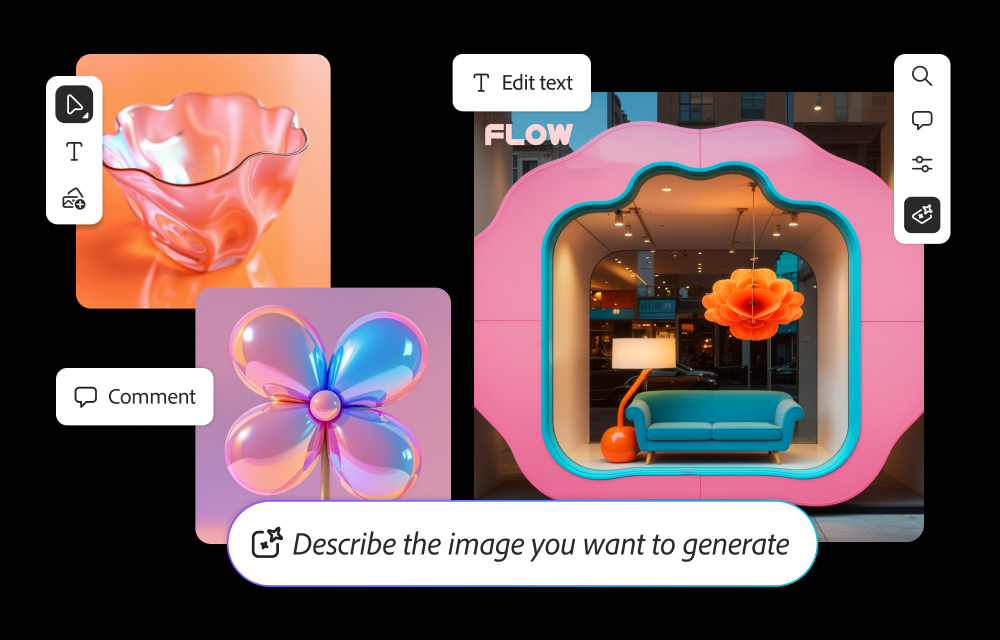
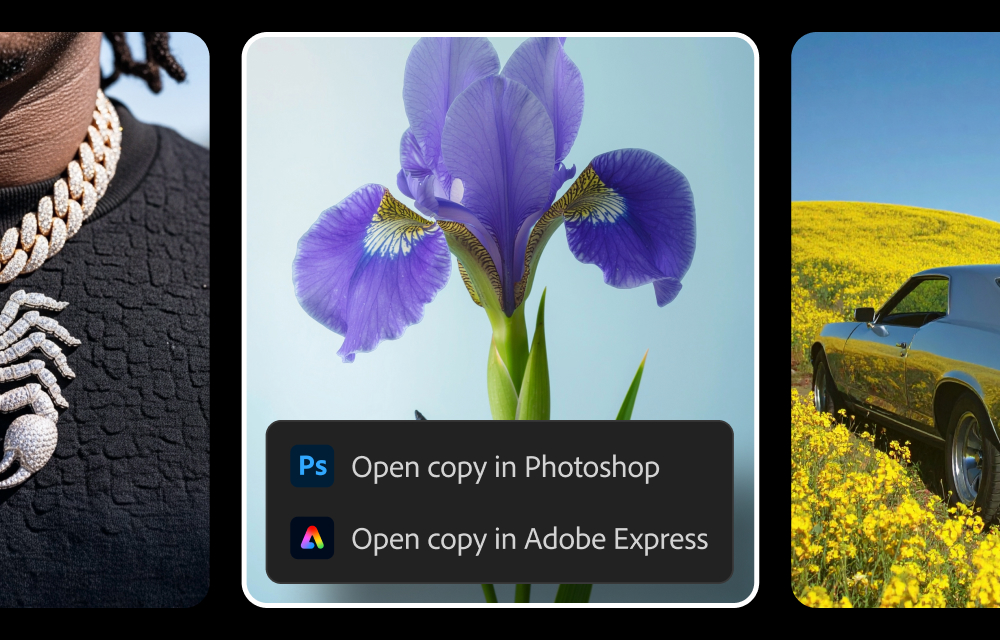
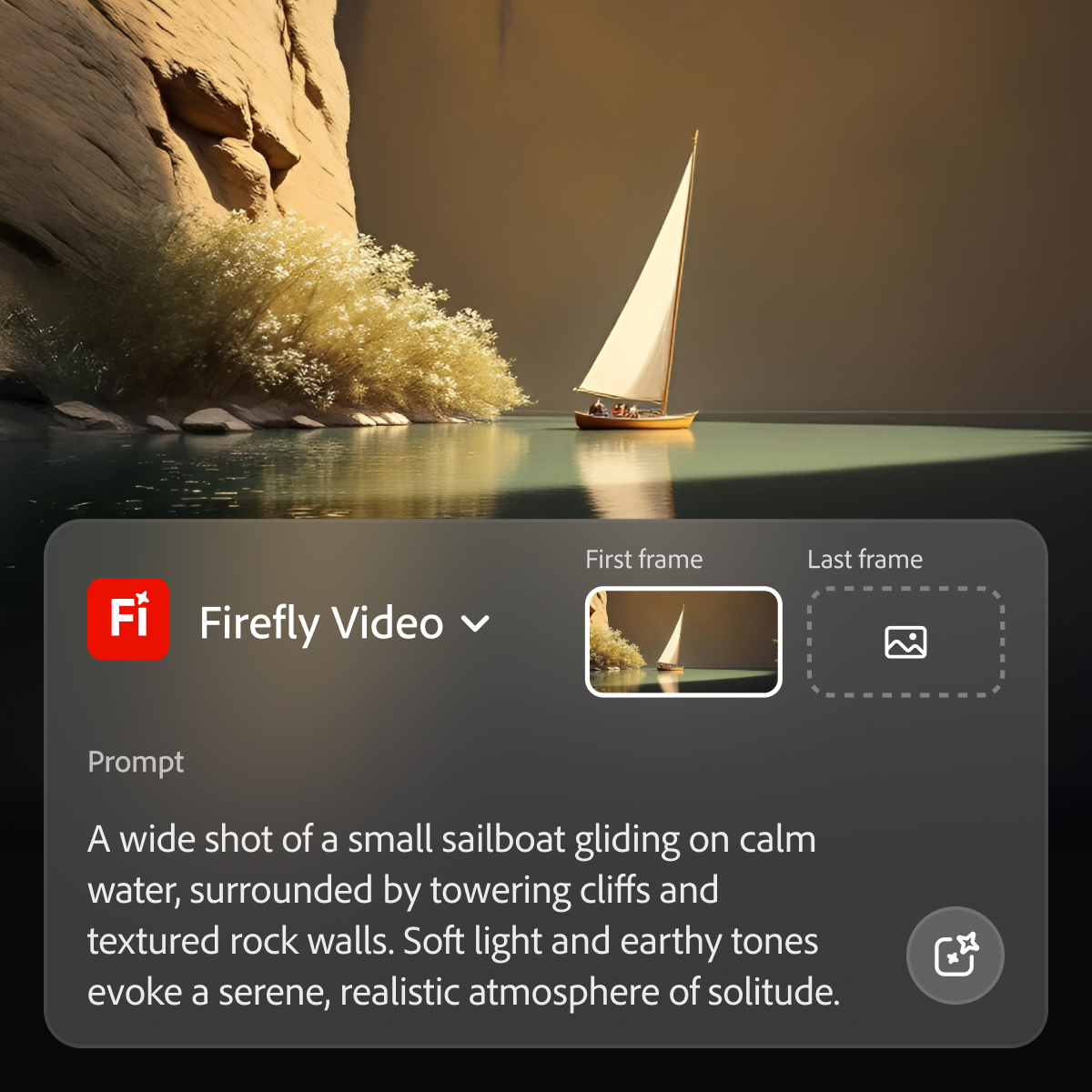
Adobe's Firefly models and services power generative AI features in Adobe creative apps, with features that can be used in Photoshop, Premiere Pro (beta), and the Firefly web app.
N/A
Frame.io
Score 9.0 out of 10
N/A
Frame.io is a video collaboration platform, supporting the video editing process by providing creative teams with time stamped comments, annotations and hashtags, and an accelerated sharing and approval process.
when I client askes for something specific that needs to be handled with high priority it will make take it easier for us to implement the correct way of what the client wants it will be easier with Adobe firefly and will always improve from time to come. excited for the future
The closest competition to Adobe Firefly is Google Gemini's Nano Banana model. While both present efficient way how to work with existing media using AI, Nano Banana excels in realism for images, while Adobe Firefly excels in contextual inpainting, video and sound editing. Both …
Midjourney was the first text to AI program I had experience with, and I've used it successfully for nearly three years. But with the availability of Adobe Firefly and its partner models, it became unnecessary to assume the additional expense. I do occasionally use AI …
The best thing about Adobe Firefly is that it is commercially safe. As an artist, knowing the artists whose work been used to train the AI is compensated, is really good. I also know that I’m not misusing other peoples art when I use Adobe Firefly. When using other AIs it’s …
Both are excellent at image creation and both have put great effort into developing their usability. I personally feel that Adobe Firefly had a more considered approach to launching by looking into the ethical side of what it was trained upon where there is a lot of criticism …
For image editing/creation, Adobe Firefly is a close second to Google Gemini. We use Gemini 2.5/3 Pro exclusively via the Firefly services and Adobe programs. As for analytics, we use other services for conversational AI assistants.
Because Adobe Firefly is a more ethical solution by using Adobe Stock assets, I believe it is better than other services. The quality of the images created in Adobe Firefly are also very high quality.
I think the access is a game changer. Especially with working at a larger organization and managing multiple creatives it’s easy to have one place to do it all. Also working together like you can with Adobe Firefly boards is pretty cool and seamless for ideation and production. …
While chatgpt produces images the visual interface of boards and seeing the progress your query is more engaging. This also allows to see where your query might have gone wrong and move back up the chain to start a different path
Box provides company-wide storage for our teams and remains our baseline file storage system; however, it is extremely limited for collaboration. Frame.io's review/comment system tags videos by timeline, making it invaluable for receiving client feedback and completing creative …
Frame.io is slightly different from the rest of the media management tools I've used. It being able to integrate directly into Premiere is a game changer. It makes it so much easier to collaborate on videos, organize footage, and know who's working on what projects at any given …
Frame.io's integration with other Adobe products makes it a great choice. Being able to mark up the files to show edits makes it a much better tool than some of the alternatives where you can only leave comments.
I don't think another product like Frame.io exists. When I first started to use it, I loved it. The download, syncing with premiere, versioning, all of the features are great. I just feel like you guys do too many updates that aren't necessary.
We utilize both Synthesia and Frame.io for different projects. Frame.io we use for editing actual video content that has been captured. Primary use is for customer training and education. We use Synthesia for short-form video production, primarily for software screen …
In my experience, I found that using Adobe Firefly was well suited for video editing in Premiere Pro due to its ability to help me streamline my editing process. For example, if the music track is shorter than the video track the Remix Tool helps to expand the music track (with cut points) to match the length of the video, and the result is always professional and polished. In addition, Adobe Firefly has also helped my video editing process when I was in need of better b-Roll. If the b-Roll I am using is subpar, all I need to do is give precise prompts of what I desire, or use the 'Image to Video' option along with a prompt to have Adobe Firefly create b-Roll footage. And I can keep tweaking the result via additional prompt directions. After I am satisfied, I can export the video and then import it into Adobe Premiere Pro. The entire process makes working on a team or as a freelance video editor quite productive.
Excellent for editing down raw video captures of educational webinars. Questions from the audience can sometimes be too case specific, and would not be a value-add to a posted recording, and sometimes the presenter needs a topic to be edited down for time as well. Frame.io is great for allowing teams to give their feedback on the video so that everyone has input on which portions are most valuable/should be removed.
Generative fill is a real time-saver, enabling us to modify images to suit our needs quickly and easily.
Text to image is an effective and fun tool to use, enabling us to create hard-to-find images for projects, or to create fantasy-like images that would otherwise require lots of manual effort to generate.
Firefly enables non-designers and artists to generate ideas, helping them to brief the design team in more detail.
When I mark a video private, it should disable the sharing link. We’ve run into issues where we’ve made a video private, thinking that it was no longer visible, but those with the link could still view it.
Mobile version is great, but sometimes I have to rotate my phone to get the full feature set, which is a little clunky sometimes.
Clearly, part of our Adobe Product utilization strategies provides enormous value to the team. Adobe has worked very well for me and my team. It and their products are leading edge, in my opinion. You always give credit where it is due. Applications and the levels of integration are very important to us as a Small Business looking for functionality and cutting cost.
It works well for our small team, but we’ve run into some friction as things scale. Getting external users set up with the right access can be a bit of a hassle, and the cost starts to add up as we bring on more people and projects. That said, it’s still a solid tool, it definitely speeds up our workflow and works seamlessly with Adobe products.
Easy to use on the web application, and its integration into Photoshop is super easy to utilize for my projects. I always get what I am looking for out of Firefly, and it's become an amazing tool to save me time on a heavy workload task.
I've used other video review systems, Frame was the only one I didn't question how they allowed you to review - I just started reviewing. It's that simple. It's easy to set up projects, invite collaborators, and then provide a final cut for download. It's naturally built for the kind of work that TV/Film & video production companies do.
When sharing videos for feedback, there are no noticeable performance issues with Frame.io. Everyone is able to complete their tasks without the program getting in the way.
I've only reached out to Frame.io a few times but they responded quickly and offered achievable solutions. The fact that I haven't had to reach out to them more is proof that the platform is easy to use, reliable, and can run on its own. The only issues we have had were related to uploading issues on our end.
As I have noted in previous answers, the integration of Adobe Firefly is already done for you. It is part of the Adobe Suite and works seamlessly with all other Adobe products. If you don't happen to use Adobe products, it works just like any other AI image creation tool in that you can save and download your creations to edit in whatever software tools you prefer.
Midjourney was the first text to AI program I had experience with, and I've used it successfully for nearly three years. But with the availability of Adobe Firefly and its partner models, it became unnecessary to assume the additional expense. I do occasionally use AI enhancement applications, such as Krea, to give some of my images a little extra "punch" when needed.
Box provides company-wide storage for our teams and remains our baseline file storage system; however, it is extremely limited for collaboration. Frame.io's review/comment system tags videos by timeline, making it invaluable for receiving client feedback and completing creative work faster and more efficiently.
Saved money on outsourcing creative needs for storyboards
Helped elevate our packaging innovation cycle with creative approaches to form in the packaging world
Helped speed up the creation of campaign pitch decks and has reduced the number of revisions needed by allowing for more accurate depictions of concept earlier in the process of pitching internally.