Adobe Illustrator CC is a vector-based graphic design software.
$20.99
per month
ConceptDraw DIAGRAM
Score 5.9 out of 10
N/A
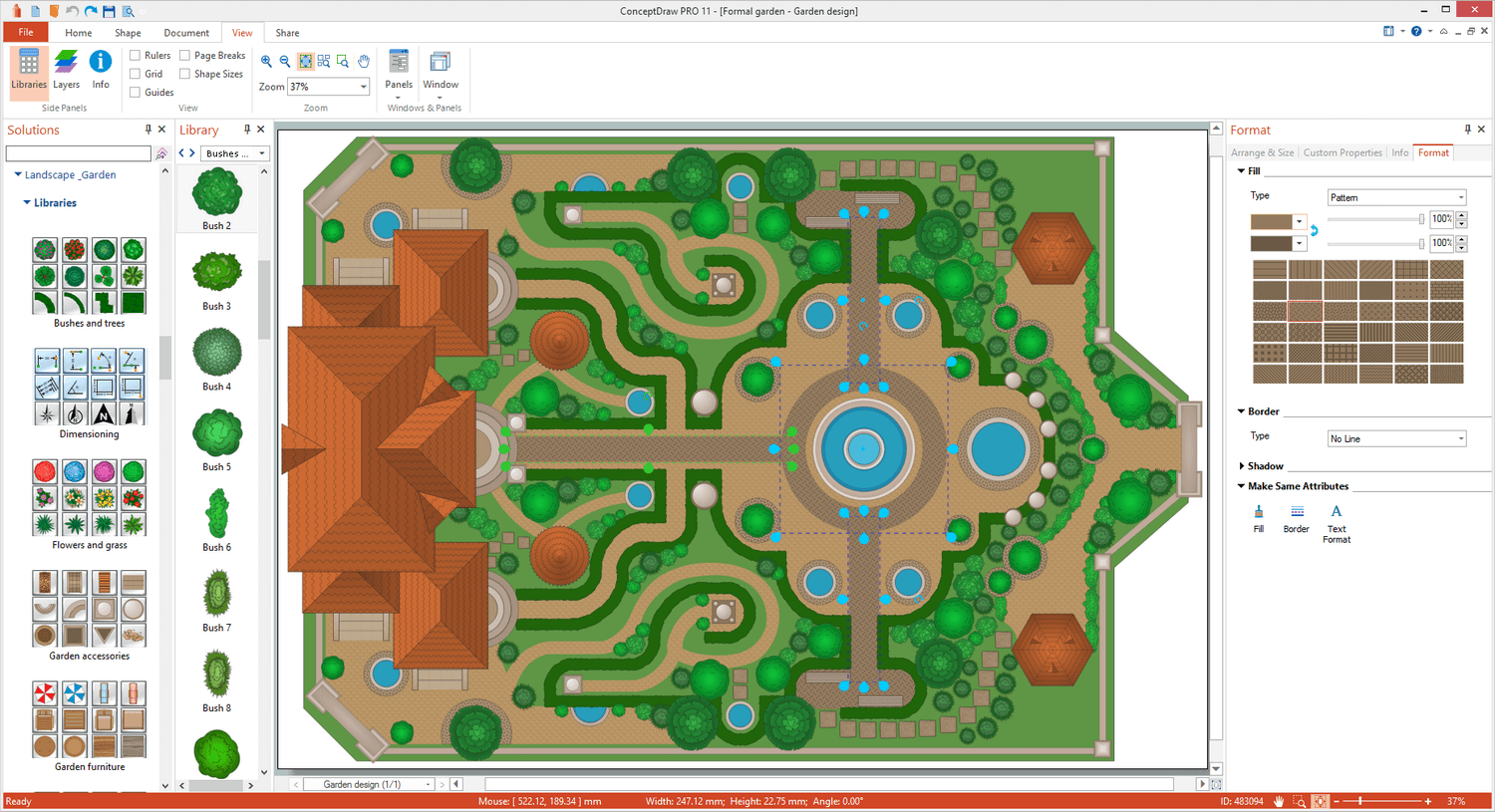
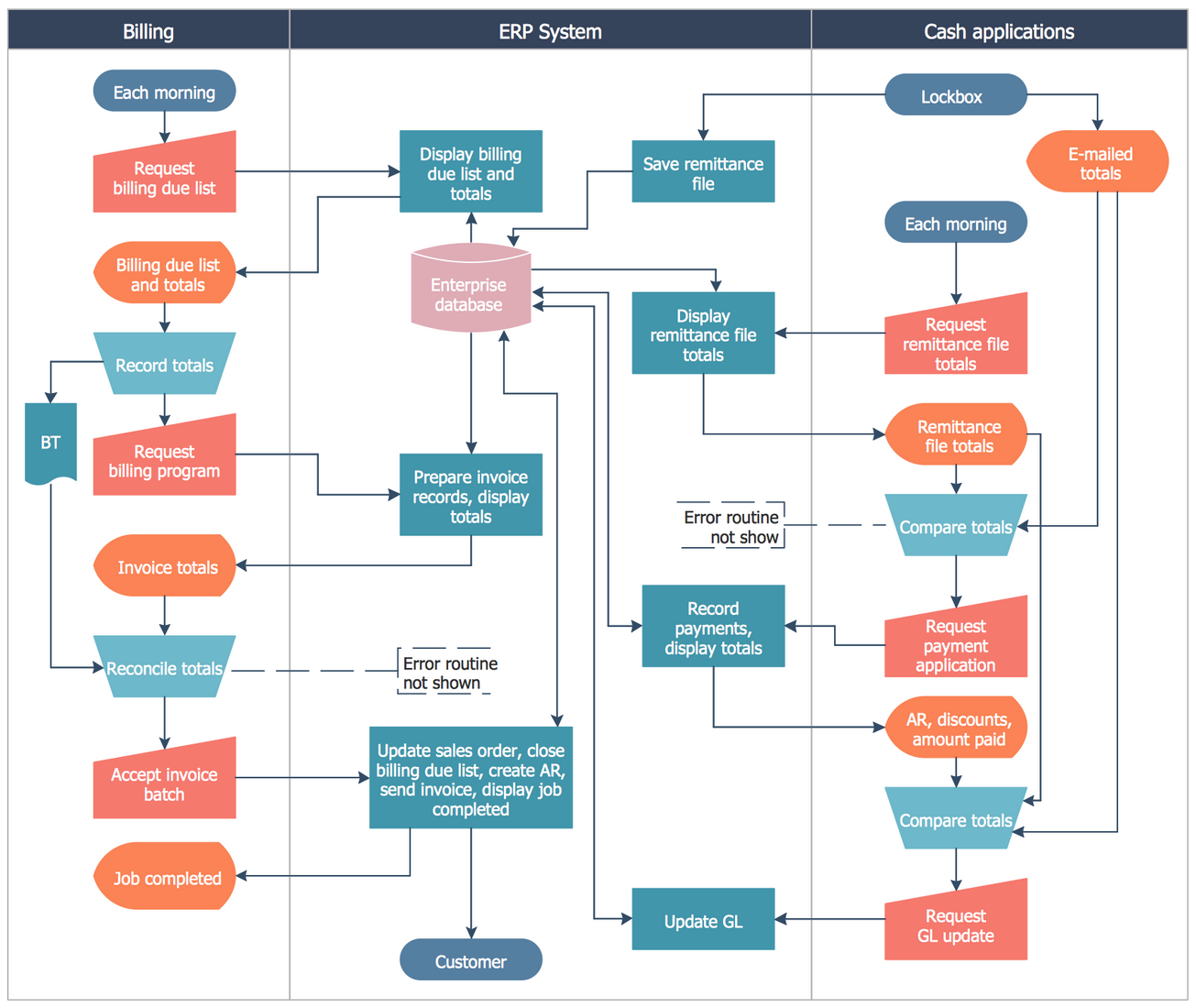
ConceptDraw DIAGRAM is an on-premise diagramming tool that, according to the vendor, allows users to create designs of any
complexity level either on Macintosh or Windows, regardless of the platform being used. Users can install the same license of ConceptDraw DIAGRAM on multiple computers. The vendor also offers a number of add-ons, called "solutions". The product comes with a number of built-in stencils and templates that cover different areas and fields such…
N/A
MindManager
Score 8.0 out of 10
N/A
MindManager is a mind mapping and project management tool that aims to boost users’ productivity. It is designed to facilitate a wide range of project types, and includes cross-platform functionality and 3rd party integrations.
$105
per year
Pricing
Adobe Illustrator CC
ConceptDraw DIAGRAM
MindManager
Editions & Modules
Yearly - Billed Monthly
$20.99
per month
Monthly
$31.49
per month
Yearly - Billed Upfront
$239.88
per year
No answers on this topic
MindManager for Microsoft Teams
$105
per year
Annual Subscription
$179
per year
Organizations
Contact sales team
Offerings
Pricing Offerings
Adobe Illustrator
ConceptDraw DIAGRAM
MindManager
Free Trial
No
Yes
Yes
Free/Freemium Version
No
No
No
Premium Consulting/Integration Services
No
No
Yes
Entry-level Setup Fee
No setup fee
No setup fee
No setup fee
Additional Details
—
Price varies for Individual, Commercial, Academic, Nonprofit and Government
I own several versions of the CorelDraw Suite, which is decent, but not the industry standard. Adobe Illustrator CC just feels like a quality, top-shelf application. Though expensive, it works well and has the features that we use to get things done. If you are weighing …
The main problem with Visio is the relatively high price and the incompatibility with Apple devices. If you're in this scenario, where price or OS is your problem, I highly recommend giving it a try with the ConceptDraw Diagram. Furthermore, the CDDiagram has the capability of …
It is different from other project management software because it is easy to use and can be used by just about anyone. With its intuitive interface, you can create mind maps and brainstorm up to four levels of notes and ideas. It has over 50 predefined shapes to capture your …
Features
Adobe Illustrator CC
ConceptDraw DIAGRAM
MindManager
Mind Mapping
Comparison of Mind Mapping features of Product A and Product B
It is the only tool that I use to create logos. It gives me the flexibility to create sharp text and marks and they can then be resized at will, color changes in a second and perfect way to export. I know that some people use Illustrator for document layout, it is not ideal. While I can easily create documents here, it really is InDesign that is the perfect tool.
Great for anything that you would use Microsoft Visio for. It is a great software and has a great team behind it. At the end of the day, it will do everything that you need it to and it looks like they are always expanding. I have been surprised by their product and plan to continue to use it in my nonprofit role. If you are hesitant, don't be, it is everything Visio is plus more.
It is well suited for a quick prototype of product/development planning to show relationships amongst the APIs used. This helps developers understand the impact of the product changes and identifies the need to update integration components to avoid erroneous deployments. I have not personally experienced a less appropriate scenario at the moment.
There should be some more functionality in the Notes window, such as a "Paste Special " Icon in the notes area to maintain format control.
Although I create many of my own Web export templates, an add-on for web export design would be great, as I regularly create Interactive Electronic Technical Publications (IETP) in HTML export format.
The ability to sync Map shortcuts between devices would also be welcome. I use MM on three devices, and I have to add or amend the Map list individually. My maps are on OneDrive, so using them should not be that hard if they are cloud-based.
While Adobe Illustrator CC is one of the only true design software out there, it really stands heads above the other products. It's clean UI and menu structure is easy to navigate.
I feel the main issues of the old Mindjet seem to be gone with the Corel purchase. With the huge advance of sharing via browser HTML even 1 user can affect many. And, actually, using MM kind of forced my rigid brain to rethink how I categorize and classify information/projects.
The idea of paying $69USD for an annual cost is more than fair and a great model for Corel/Mindjet to keep rolling out improvements!
There's a bit of a learning curve to this software vs other similar tools that can take some time to learn and get familiar with but the amount of functionality that Adobe Illustrator CC offers is quite large compared to simpler tools.
MindManager is very intuitive. The user interface is not cluttered and the ribbon icons are easy to understand. Several excellent "how-to" videos are available on the MindManager site as well as on YouTube. MindManager starts quickly and the user interface is very responsive. Launching other programs from MindManager such as Excel is very fast and issue free. The browsing feature is lightning fast. The drag-and-drop capability is also very fast and reliable.
The application is quick and responsive. We are able to produce mindmaps and reports with ease. The program is not complicated at all and integrates well with software and programs like Microsoft Outlook and Teams, which we truly appreciate.
I normally already know how to do whatever I'm trying out, but the documentation (as well as a simple Google search) makes any question quick to resolve. The Adobe boards themselves are a fantastic resource, especially for resolving questions between new programs and iterative releases.
I've never had any major problems with the ConceptDraw team. Actually, they update their software frequently. It's always small updates, but they're necessary to make sure it will work properly. I had a question one time and decided to send to them. The problem was solved in less than three hours, which I believe is a really good point to consider.
I have called technical support a few times. During the COVID Crisis, I called a few times repeatedly due to a rush request. The technical support guy called me back in minutes. He somehow knew that I had called repeatedly and wanted to make sure my issue was resolved immediately
There is a wide range of online training through webinars led by expert users. They are particularly useful for explaining how to use new features and using MindManager 'in the real world' for projects, tasks etc.
I chose Rhinoceros 3D because it is accurate to make drawings in it and it is better to make drawings in Rhinoceros 3D and then put them in Adobe Illustrator. But while printing or scaling it is much easier to put it in Adobe Illustrator. This makes the whole printing aspect of it much easier.
Cheaper, lower learning curve. Looked for something that would meet our needs and allow us to quickly diagram a database and process maps. I have been using this in place of Visio and the one-time purchase is much better than a Microsoft sub. Looking forward to using this software in the future and hoping to get a copy for college classes as well in Database Design.
MindManager stands out for its wide range of export options, customization and how they have enriched the format over time. As a constantly evolving tool, and having tried others, I consider it superior for the abovementioned reasons. Its cross-platform nature has been decisive, and although there are many alternatives in the form of web applications or the like, MindManager presents itself as a more complete and robust option.
For a single person business presentation it is a plus.
Project difficulty is well assessed using the map.
Giving away a paper version of a map is a positive gesture. People like the map, the look, and what it says, and it may also be a way to promote MindManager to them.
Keep the PDF or JPEG saving capabilities for small customers like me. It's important.