Adobe Learning Manager is a Learning Management System developed by Adobe Inc. that offers personalized learning at scale to employees, partners and customers alike. Compliant with GDPR guidelines, SOC2 TYPE 2 and FedRAMP Certifications, Adobe Learning Manager integrates with Adobe Experience Manager Sites, Adobe Commerce, Marketo Engage with out-of-the-box components and any other application through Open APIs, offering hybrid learning programs and detailed analytics.…
N/A
Canvas
Score 8.6 out of 10
N/A
Instructure is an educational software company based in Sandy, Utah. It is the developer of the Canvas learning management system, which is a comprehensive software package that competes with such systems as Blackboard Learning System, SumTotal and Saba.
N/A
TalentLMS
Score 8.5 out of 10
Mid-Size Companies (51-1,000 employees)
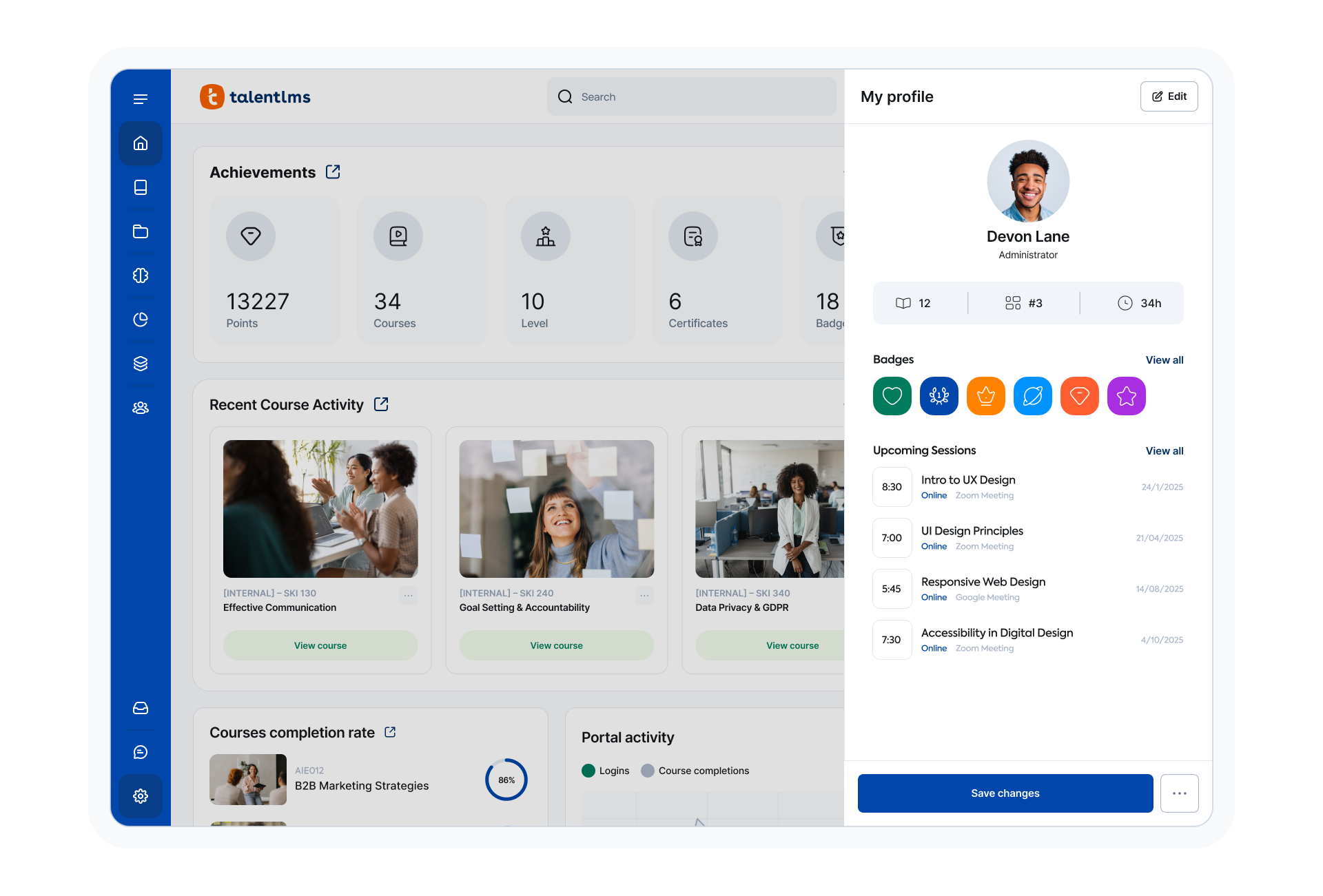
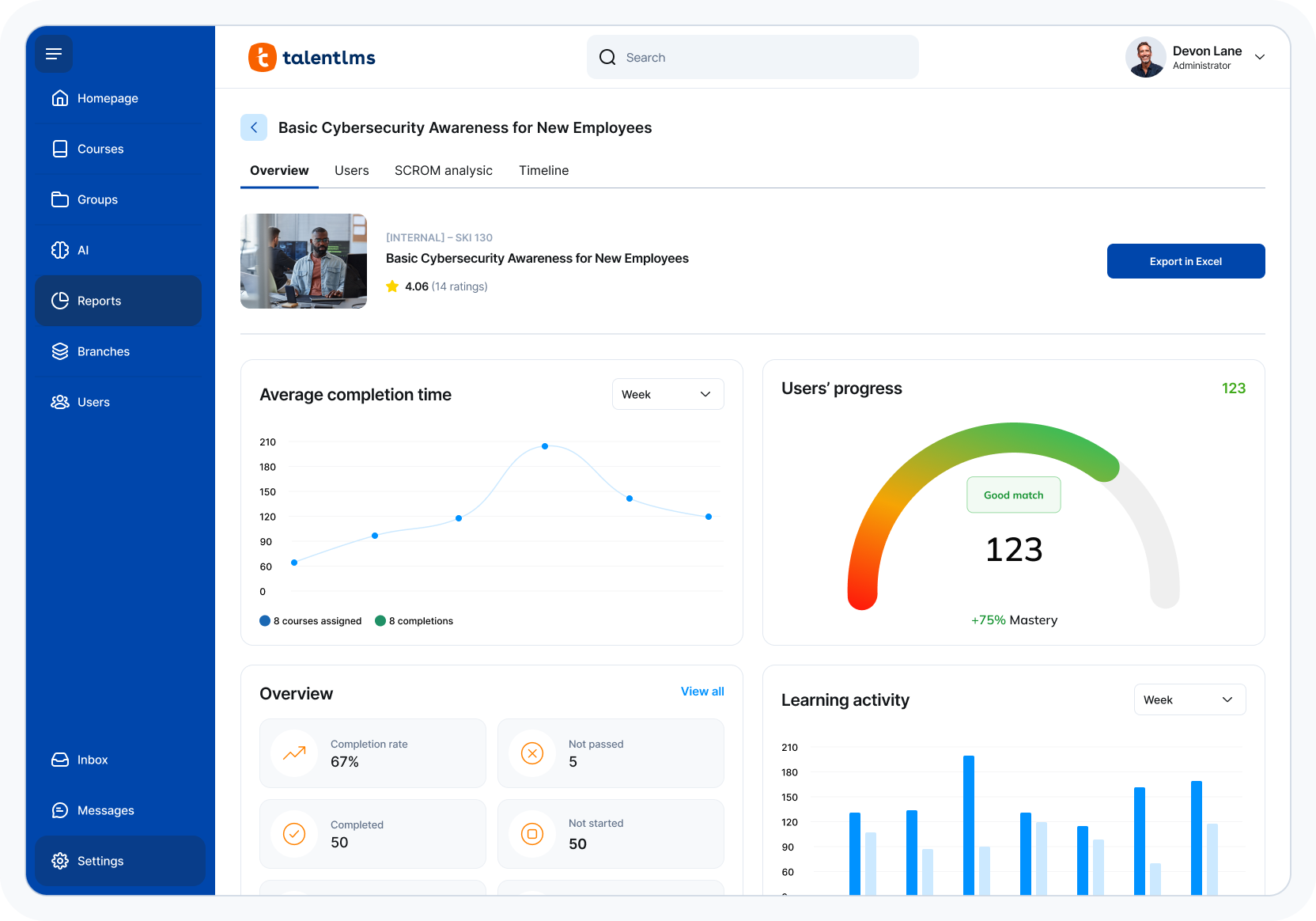
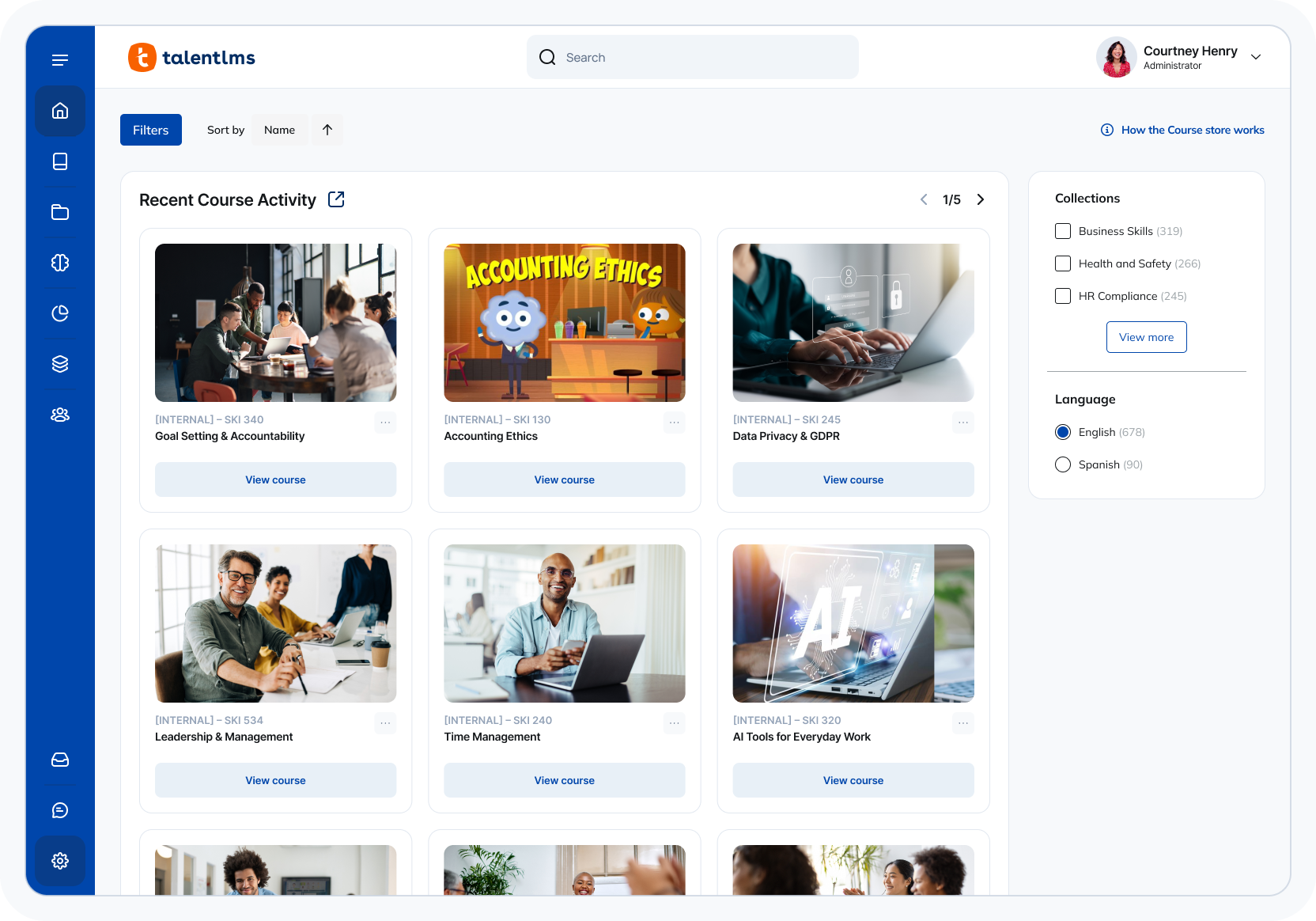
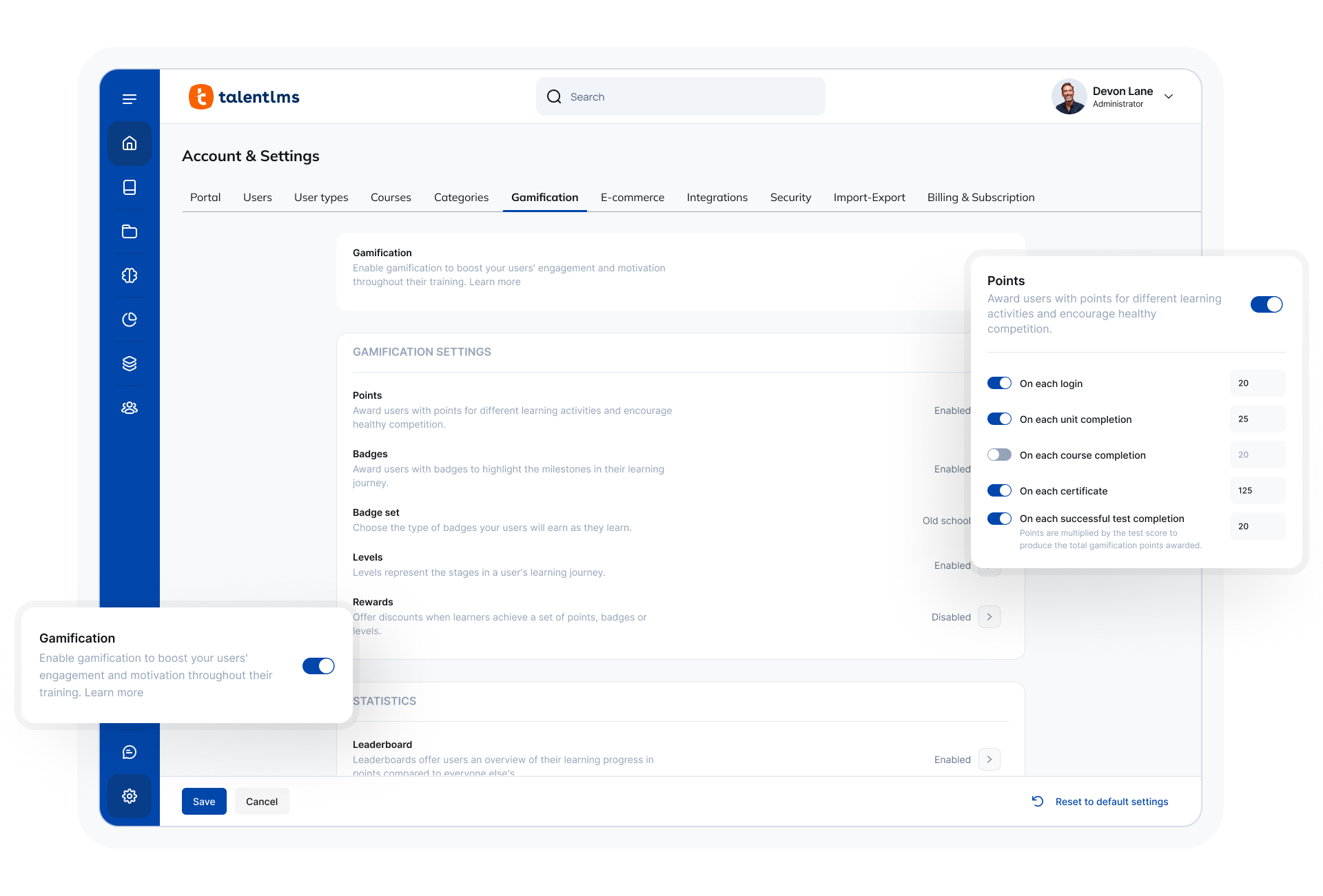
TalentLMS is an LMS built for training success, presented as fully customizable and easy to manage, so that teams embrace training while feeling right at home. It is used to provide the right training to any team and every use, while giving expert guidance and support every step of the way.
$149
per month 1-40 users
Pricing
Adobe Learning Manager
Canvas
TalentLMS
Editions & Modules
No answers on this topic
No answers on this topic
Core
$149
per month 1-40 users
Grow
$299
per month 1-70 users
Pro
$579
per month 1-100 users
Enterprise (Custom plan)
Custom
annual plan Starts at 1000 users
Offerings
Pricing Offerings
Adobe Learning Manager
Canvas
TalentLMS
Free Trial
Yes
Yes
No
Free/Freemium Version
No
Yes
Yes
Premium Consulting/Integration Services
No
No
No
Entry-level Setup Fee
No setup fee
No setup fee
No setup fee
Additional Details
—
Must contact vendor for pricing information.
Users can stay on the Forever Free plan and upgrade, or downgrade or cancel at any time. Higher volume plans available at additional cost. Discount available for annual billing, and for nonprofits.
In initial trailing the product we had experience with canvas LMS and Adobe Learning Manager stood out in terms of integration of the different connectors it was offering across the portfolio when trying to select the best and also making the learning easy for the internal …
I don't know that there's been another product. They were already using it like in beta or something when I started. So it predates my experience. I've been there for one year.
We have long used open source learning management platforms, such as Moodle. However, the "free" cost ends up being misleading, since the costs of installation, customization, and web hosting are often difficult to calculate. A SaaS scheme is more controllable and allows you to …
Adobe Learning Manager stacked up very well against the other major LMS system we had considered, which was Vision by Grace Hill. Adobe offered a more dynamic, visual learning experience that Grace Hill could not. Grace Hill, however, was less costly and did offer similar …
The user experience of Adobe Learning Manager is more complete. I have no experience with other LMS software. However, some colleagues have clarified to me that Adobe Learning Management provides a more inclusive experience compared to similar software. The graphical interface …
Adobe Learning Manager does provide an Intuitive user experience which is the most important thing for corporate learners. Centralized content management, sharing the content across groups, tracking the course progress, and the power of handling different types of course …
360 keeps up the Adobe learning manager. It even outclasses it in certain parts, but with a huge stalwart tech giant like Adobe, it is hard to keep up. Many of the features are present, but there's always that final touch missing. And it is always trying to play catchup.
One of my prior employers used SumTotal's LMS solution. It was extremely expensive to implement and required a great deal of customization. It was a lengthy implementation, and by comparison, Adobe Learning Manager was a breeze to set up and get up and running.
In a lot of ways, ALM has a very different feel from other LMS's, and has more of an internal training feel than a class feel. I would definitely recommend this for skills and compliance training, it is less well suited to a classroom feel. For a licensing course, it has its …
Adobe Learning Manager is more business focused than Canvas and Blackboard. It is also more user friendly than SuccessFactors and Cornerstone. iSpring is the only other LMS that is comparable.
Rippling is mostly an HRIS that now has an LMS component. It's truly meant for one-a-year compliance training as learners cannot return to the courses and review them unless they are re-assigned. It has good features like automatic enrollment, but it doesn't give us the ability …
I prefer Adobe Learning Manager to Cornerstone OnDemand as the latter is mostly focused on performance management and does not support the needs of small and medium businesses.
We considered Absorb LMS and Saba Cloud but found that Adobe Captivate Prime had better service and support but was also easier to integrate and deploy with our other services. The fact that we had a team member familiar with the platform also made it easy for us to pick Adobe …
This is much easier to use than Blackboard. Everything is easy to locate. The interface is clean and intuitive, which makes navigation smooth for both instructors and students. Assignments, grades, and messages are all centralized, reducing confusion. Setup is quick, and the …
Canvas is much more robust, has more features, and is more accessible. In canvas it can be specified to your specific organization and have its own domain which I do not think that Coursera can do. Coursera is good for sharing a single course or CEU but does not have the same …
Canvas is in the experience way better than Google Classroom. Canvas has a
more robust agenda system that also allows adding in new personal
deadlines. [Assignments] can be submitted past [the] deadline (if allowed),
Canvas is more secure, has a cleaner design, and has more features. For the features, they have in common canvas still stacks up against [Smart school] by going for the extra mile. Besidfor e that, [the] canvas looks a lot more [professional] than [Smart school]. I didn't make …
Canvas is a stronger platform. I used it as a teacher AND as a student in graduate school, and it is just the most put-together, professional version of a learning management system that I've used or seen. I do assume that Canvas is more expensive than its competitors, which …
Moodle is open source and it is free. So we can implement our own server with Moodle very easily. But it is not very customizable. When we need a new feature, it is very hard to change as we do not have the ability to change. Canvas has been great help in this because we can …
Canvas is a powerful learning management tool that combines so many key elements of an actual classroom and allows teachers to mirror their classroom environment into a virtual platform. It is simply amazing what can be done on Canvas. Grading systems/analysis, progress …
Canvas takes the better parts of both Skyward and Google Classroom and combines them to work pretty seamlessly - grading, assignments, attendance, document/file sharing - all integrated into one platform. In addition, the internal communication feature makes communication …
Canvas was far easier to use, more feature rich, and much better supported. Teachers and students prefer it to the other solutions we've evaluated or used in the past. Anything that kids can use with minimal instruction is a major win for schools.
How content is delivered using Moodle is not up to the mark when compared to Canvas. The user interface is clunky when compared to a much simple and easy to understand user interface that of Canvas. Configuring Moodle can be quite tedious if one comes from a non-IT background. …
I was not part of the team that selected Canvas, however, I used Blackboard as a student and very little as a staff member. Blackboard was especially difficult in navigating organizations or shared sites. I used it to organize mandatory training for students in one of my …
Canvas has some unique features that are superior to Google Classroom, but I prefer Google Classroom because of its ease of use. It does have some of the same problems as Canvas though in terms of assigning work to particular students.
I have not used any other platforms for this type of experience. I appreciated the thorough introduction that was offered to onboard onto the platform. It made it easy to use right off the bat.
Canvas surpasses Blackboard not only visually, but technically as well. It offers more customization options, as well as more features for students and teachers a like in regard to grading, notifications, and uploading files. It also seems to stream videos more successfully, …
Canvas is a pricey option, at least when compared to something open source like Moodle. Personally, I don't feel that Canvas has the same ability to customize as Moodle. However, the customer support from Canvas makes it stand out. With an open-source platform, it might be …
Canvas is more cost-effective when compared to Blackboard Learn. Canvas has lately worked on features improvement especially in the grade center, for example, moving columns around like an Excel sheet, a feature not found in Blackboard Learn.
The Canvas interface is easier for students to use and navigate. It is also cleaner so students enjoy using the tool more than Sakai. Canvas was easier for our IT department to implement. Training faculty on how to use Canvas was easier than Sakai. The analytics in Canvas are …
Canvas's ease of use and ease of administration were huge deciding factors in the decision to use Canvas as our preferred LMS. We found that on average Canvas took 1/3 the clicks to accomplish the same tasks as Blackboard, and the structure of data in Canvas is far superior to …
I believe Canvas out does all of these because of its robustness. It allows for more design opportunities including HTML and HTML5 and has many built-in features that are not offered by all of the other LMSs. Some of those features are discussions, assignments, pages, quizzes, …
Among all of the options that we evaluated TalentLMS presented the best value for the features that we required. In this tier of event management software tell him TalentLMS was one of the few that offered all the features that we needed at a reasonable price.
Out of the box, Talent is easier to use than Learn Dash, which can be quite convoluted to set up, as it requires the integration and configuration of multiple plugins. As a result, we spent a lot less time getting things set up in Talent than LearnDash. Talent was also much …
Docebo's pricing has increased significantly. For one of my customers, we had to leave this tool. I have to admit that Docebo's technical support was very limited compared to TalentLMS. In my opinion, they were also snobbish because we were small customers. So we were relieved …
TalentLMS fit exactly what we were looking for: a user friendly, affordable, customizable LMS. Others didn't allow for creating your own trainings. Or, if they did allow you to create a training, they were extremely expensive. We were not looking for a library of content, so …
TalentLMS is user friendly and simple to learn. It is a well functional tool for professional development. It is stable and allows us to offer courses for 3 different types of learners by utilizing 3 different branches. Canvas was more cumbersome.
Our purchasing committee found that TalentLMS offered the best balance between pricing, features and functionality, along with an intuitive, easy to use interface for setup and ongoing usage. We also found that their sliding subscription levels allowed us to affordably …
We did not try anything prior to using TalentLMS and it was so user friendly and has served it's purpose for our clinic, there was no need to look for another program.
In my opinion, TalentLMS is so much better, it is not even in the same realm of ALM. The ease of use of the interface. Creating Groups. Enrolling Group. Reports!!!!!!!!!
We had to evaluate several platforms, some local in our country and then Adobe and neither could accommodate our business processes. Therefore, we went to a less academic and more commercial-based LMS in order for our business process to work.
I must admit it's been a few years since I last tested Moodle and Docebo, so my current opinion might be biased. That being said, on a pure price-to-performance ratio, TalentLMS blows both out of the water.
Both are good, but the pricing and general value proposition of Talent LMS are better than Trainual in my opinion. Trainual is a bit more modern and cleaner looking from a user interface perspective, but it comes at a higher cost. Both platforms provide very similar features in …
TalentLMS stacks up against them all because It is a very effective & good LMS system. It is user-friendly structured. Everything is well arranged and the information can be obtained in various ways. I appreciate how I can compile graphs and reports on the use of customers and …
It's good if you have a good use case for that feed. I do know that you have to incorporate it in a process in isolation. It's not you don't realize the full value, so you have to incorporate it into an overall improvement process. I would say the pro cases are marketing optimization with respect to campaigns. And I would say that the areas it's not well suited is in distilling attribution. So if you were to take all of the improvements that it suggested, the numbers exceed revenue, which isn't real, but that's a hard problem to solve. Nobody's really solved that problem well. So distilling the attribution piece would be good. And it is well suited for marketing campaigns in the ideation phase of so
If you have a school you can let teachers easily create new deadlines which [automatically] get shown in the calendar. Teachers can also [temporarily] hide deadlines [until] they've given the explanation about the tasks. [Besides] that the teacher can also choose what should be uploaded, should it be a link, file, pdf, link,...
TalentLMS is user-friendly enough for someone new to LMS management can get a site up and running in a relatively quick manner. It is rather intuitive to operate. My needs have been a rather small scale of 400 learners and TalentLMS more than meets the need to produce a professional-looking and operational website to send customers and staff. The point here is that although I do not know how well it can be up-scaled, it certainly delivers for small to medium organizations to need to get content online
Rich and engaging learning experiences that capture employees' attention.
Is multi-device capable so our teams can take classes where it's most convenient for them during the day, especially if they don't have an assigned static workstation?
Allows us to personalize compliance training based on where our employees are at in the organizational chart, competencies, and requirements.
Learning management - Even as the educational landscape rapidly shifts due to current events, Canvas is a great LMS for providing a consistent learning environment for students.
Mobile accessibility - Students can access their courses on Canvas from a variety of devices, including their smartphones.
Rich content - Instructors have the ability to create dynamic and engaging content for their courses.
It should be easier to re-send someone their initial course assignment email notification. The notification engine is a little non-intuitive.
I was trying to add a user to our account the other day (not a user - an internal employee that I wanted to give access to our system) and I had trouble finding it
It wasn't user friendly enough for me. I had a difficult time navigating it and didn't want to waste too much time trying to figure it all out. If it were more clear cut and to the point I think it would be more worthwhile for someone like me.
Several factors contribute to my "10" rating. First, our university just made an enormous switch to Canvas, after we were with Blackboard for almost a decade. So garnering buy-in was critical, and not something we took lightly. After nearly 18 months (start to finish) of training faculty, educating stakeholders, and migrating courses, I am not looking to make a change again anytime soon. But I am happy with the result and the product overall and that is also demonstrated in my rating.
The ease of use, the robustness of the offering, and familiarity. It does everything we need and probably more. We likley don't utilize all the functionality it has as it does what we want it to without having to dig that deep into its tools. Their course library also has saved us some time in terms of saving time from creating some basic courses.
For shorter learning courses it is probably very capable and gets the job done very nicely. It can be engaging while keeping the users motivated with the gamification features. There are some technical challenges while doing longer courses. But they can be fixed with further updates to the platform and is a promising front.
The functions in Canvas are well integrated and consistent across the application, and mostly intuitive. Overall navigation and setup is streamlined through integrated features and navigation. The feedback we've gotten from our program participants is that it is easy to learn to use. It also integrates well with third party software like Google Docs and Blackboard Collaborate web conferencing software
The system is intuitive. It does not have a lot of features that are hidden behind secret menus or elsewhere. There are often multiple ways to get to the same place through different menus without having to go back to the home or root menu. It makes things pretty easy. Additionally, if there is something I can't figure out, there is documentation available to help with that.
On a few occasions, I've logged in to issue a test to a staff member and my course would just spin. I've had to reschedule several test attempts due to this. In my opinion, the issue was not resolved by Adobe
The performance of Adobe Captivate Prime is also extremely good. The user interface is fast and easy to load. The complexity is not nearly as bad as some of the other programs on the market. Speed was not impacted.
I think they have a competent, friendly and "resolving" team. I have only ever been met with a willingness to assist any and every query I have come across. Roy who is one of the technical people is amazing, and so is my Customer Success Manager, Hema! I do not know what I would do without them.
I do not personally use Canvas support since we have a central office that helps us. However, our central office always has the answers we need and are always able to solve our issues - so I would assume that get great support from the Canvas team on their end. They also offer great training, which uses materials directly from Canvas
The search feature alone is outstanding. When we needed technical assistance, it was provided with ease and clarity. Any representative we have worked with has been professional, knowledgeable, and good to work with, even if we were in different time zones or areas of the world.
Trial period was great, and It let me plenty of time to try the different feature of the platform. However, when we decided to move forward, the ADOBE team was slow and not reactive at all. Actually after 2 years, I am still waiting for answers which is quite unacceptable.
Once you purchase and sign the contract there is nothing to install or hardware to buy. You can almost immediately start using it and have courses up and going within weeks. We signed in December and had pilot courses online ready to go for the start of school in January
Implementation was relatively easy. When we set up a second branch, we needed a little help. But the support area is well-detailed. My clients had no experience with an LMS and their digital skills were limited. We had a long way to go. Nevertheless, it was relatively easy. It was rather quick!
We have long used open source learning management platforms, such as Moodle. However, the "free" cost ends up being misleading, since the costs of installation, customization, and web hosting are often difficult to calculate. A SaaS scheme is more controllable and allows you to forget about all the technical problems and focus on what is important: training
Canvas is in the experience way better than Google Classroom. Canvas has a more robust agenda system that also allows adding in new personal deadlines. [Assignments] can be submitted past [the] deadline (if allowed), this isn't allowed by Google [Classroom], If you're too late you can't submit anything anymore. In Classroom [assignments], presentations/theory, and [announcements] are all put in 1 feed instead which gets confusing way faster.
Out of the box, Talent is easier to use than Learn Dash, which can be quite convoluted to set up, as it requires the integration and configuration of multiple plugins. As a result, we spent a lot less time getting things set up in Talent than LearnDash. Talent was also much less expensive than Litmos.
The product's overall scalability and flexibility is extremely good. I wish that the other products our company uses were this flexible! The product is easy to deploy across multiple departments and teams as needed.
Teachers have consolidated their content onto one platform which has decreased reliance of students on so much support staff assistance to access content.
Canvas has helped make technology transitions more seamless for the school community.
Once teachers have set up their page, Canvas really takes care of it all- they have much more time to focus on content creation and synthesis rather than the actual learning management system.
We have dental practices across the United states; the TalentLMS platform helps us train out staff with one process. Standardization across 107 practice to track all of regulatory and compliance training needs.
Over the course of the last four years we have recruited internal faculty to help develop content and they find the TalentLMS platform very easy to author material.
Creating content ourselves saves a tremendous amount of money each year